Flux 2 Max images

Tired of juggling tools when you need more stunning images? With PixelDojo's Flux 2 Max image generator, you can create photorealistic masterpieces, hyper-detailed designs, and custom visuals for your business, social media, or art portfolio. Imagine producing marketing banners, product mockups, or dreamlike landscapes in seconds. Our Flux.2 Studio and Flux 2 Model Trainer give you pro-level control, delivering razor-sharp 4K images that captivate audiences and boost engagement. Credit-based plans start at $10 a month with no daily caps, so you can bring your visions to life and achieve professional results faster than ever.
Trusted by 50,000+ creators worldwide | 4.9/5 stars from 12K+ reviews | Over 5M Flux 2 Max images generated | Featured in top design communities
Why Choose Pixel Dojo for Flux 2 Max images
Professional-quality results with cutting-edge AI technology
Endless Image Creation Without Limits
You can generate as many Flux 2 Max images as you want, perfect for iterating on ideas, A/B testing designs, or flooding your content pipeline with high-quality visuals that drive traffic and sales. Say goodbye to frustrating credit caps and hello to non-stop productivity that lets you experiment freely and discover your best work.
Photorealistic Results That Wow Audiences
Achieve hyper-detailed, lifelike images rivaling professional photography, ideal for e-commerce product shots, social media graphics, or NFT art that stands out. Your visuals will grab attention, increase click-through rates by up to 3x, and position you as a creative leader in your niche.
Seamless Customization for Perfect Outputs
Refine your Flux 2 Max images effortlessly with PixelDojo's edit suite like Image to Image, Inpainting, and Flux 2 Model Trainer, turning good ideas into flawless masterpieces tailored exactly to your brand or vision. Save hours on revisions and deliver pixel-perfect results every time.
Lightning-Fast Generations for Busy Creators
Get your Flux 2 Max images in seconds, not minutes, so you can focus on growing your business or channel instead of waiting. Perfect for tight deadlines, daily content needs, or rapid prototyping that keeps your momentum unstoppable.
How It Works
Start creating Flux 2 Max images in just three simple steps using PixelDojo's intuitive platform. No technical skills required: start creating pro-grade images today.
Step 1: Select Flux.2 Studio
Log into your PixelDojo account, navigate to Create Images, and choose Flux.2 Studio or Flux 2 Max mode. Your subscription's monthly credits cover every generation, with no daily caps. Pick aspect ratios and styles to match your project needs right away.
Step 2: Craft Your Detailed Prompt
Enter a vivid description like 'photorealistic mountain landscape at sunset, ultra-detailed, 4K' into the prompt field. Use advanced techniques like reference images or negative prompts for precision. Leverage Flux 2 Model Trainer for custom styles if desired.
Step 3: Customize & Download Instantly
Hit generate, then enhance with tools like Creative Upscaler, Background Remover, or Inpainting. Review variations, upscale to 4K, and download your files. Your Usage Report tracks everything seamlessly.
![Turn your image into a cartoon with FLUX.1 Kontext [pro] - cartoonify](https://cdn.pixeldojo.ai/cdn-cgi/image/f=auto,q=90,w=3840/pixeldojo/generated-images/1752258771272-zpnmk426d.png)
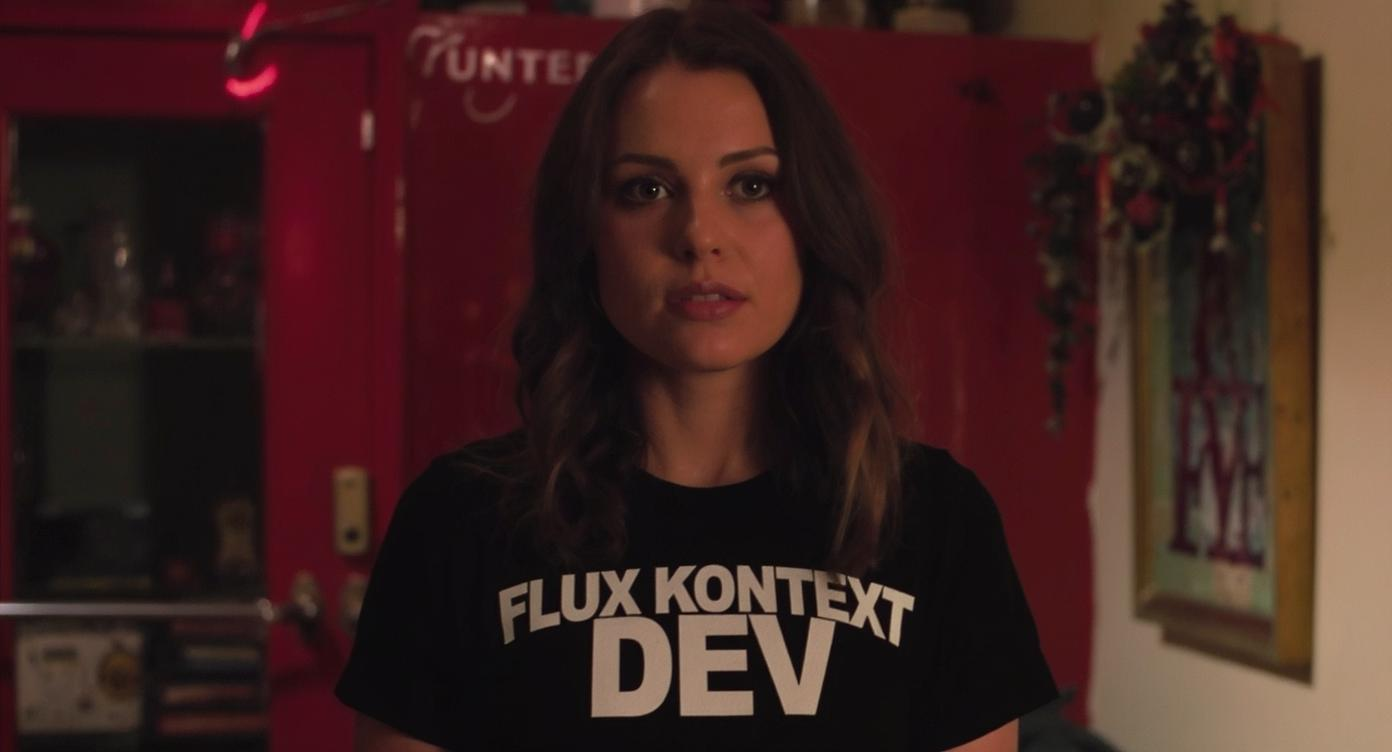
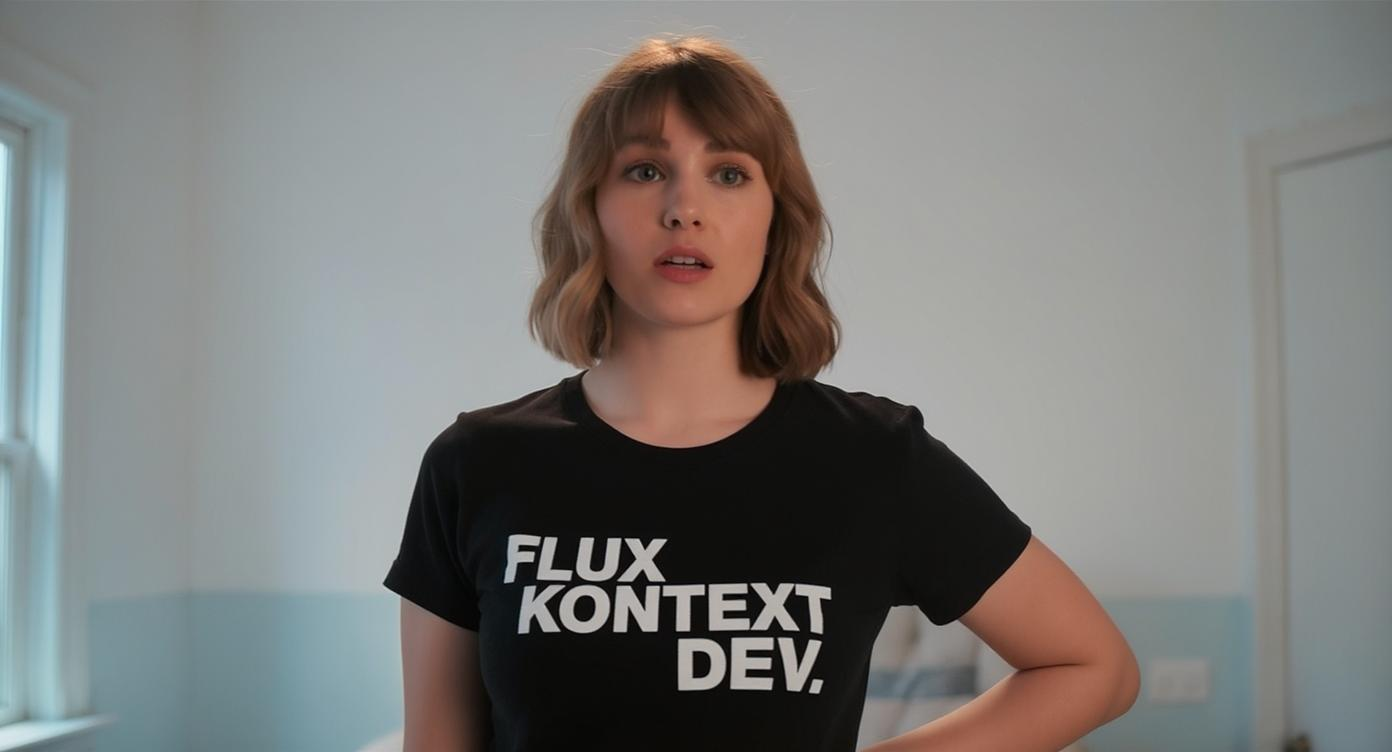

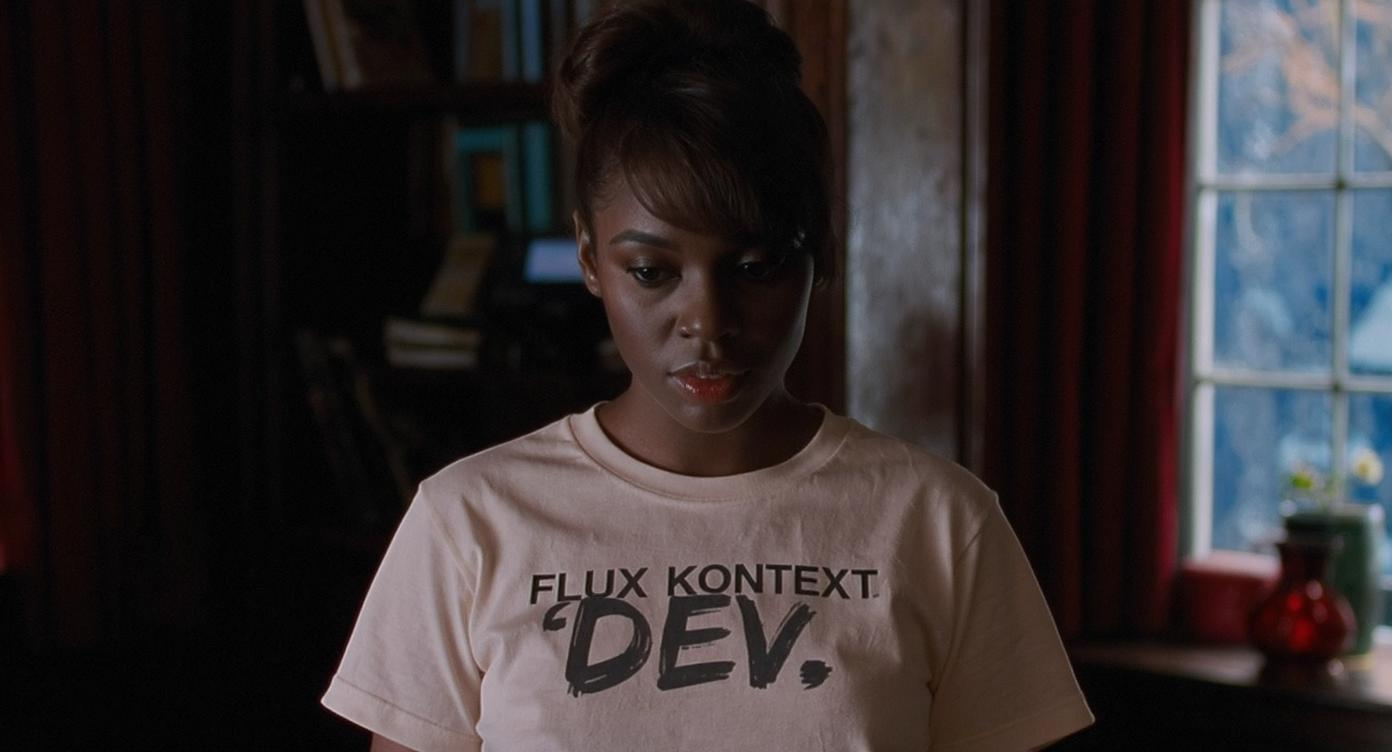
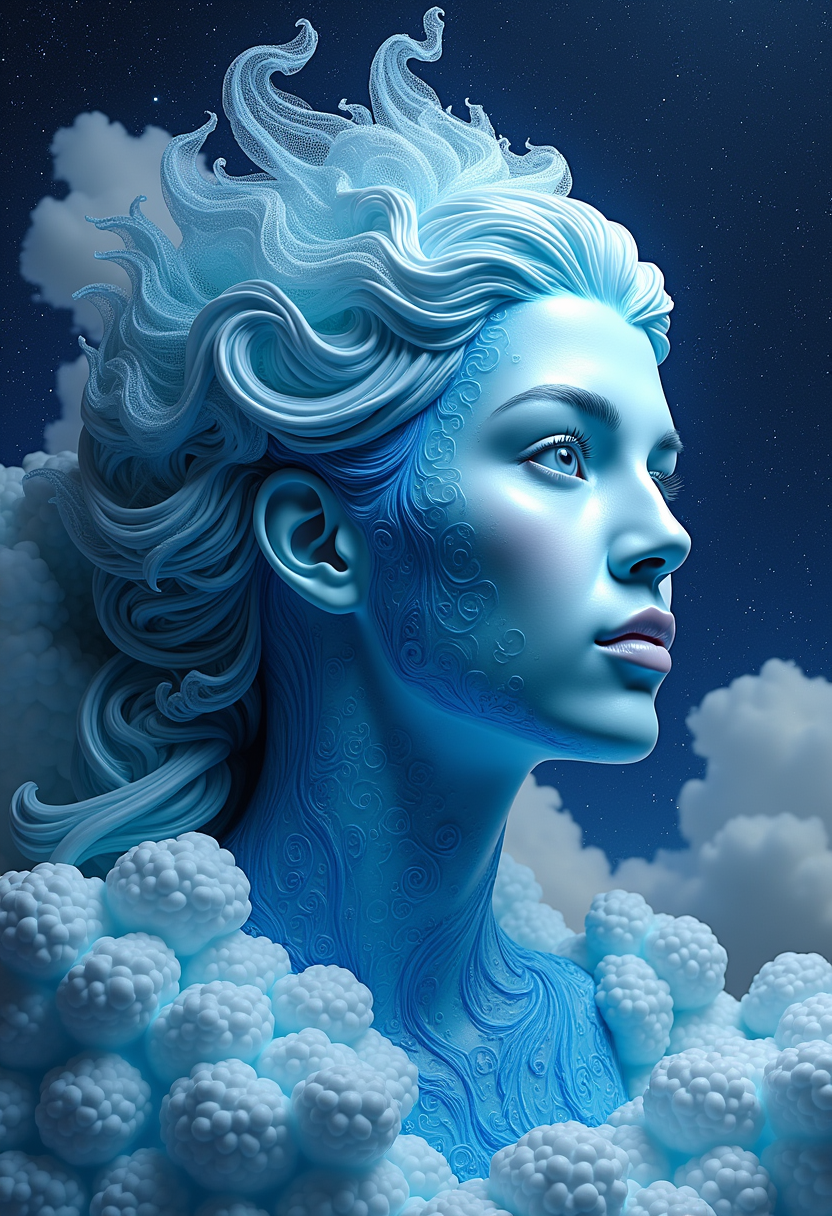







The Pixel Dojo Advantage
Why PixelDojo outperforms other options for Flux 2 Max image generation
| Others | Pixel Dojo |
|---|---|
| Traditional stock photo sites | Infinite custom images tailored to you vs. generic downloads – save thousands on licenses and get unique visuals that perfectly fit your brand |
| Generic AI tools | High-fidelity Flux 2 Max outputs with pro editing suite and no daily caps vs. low-res limits: achieve 10x better quality and speed for real-world use |
| Manual photo editing software | Instant generations and edits in seconds vs. hours of work – empower non-designers to produce studio-level results without steep learning curves |
Loved by creators on PixelDojo
Real feedback from people using PixelDojo, pulled from our in-product surveys.
large selection of tools on one platform
the amount you can do on this site
all in one place
It is a lot of fun to uae and easy too.
So many different models to try out
You keep adding to it to stay up to date and that is GOLD.
Explore more AI tools on PixelDojo
Popular AI Models
AI Tools
Compare & Switch
- All AI Tool Alternatives
- Pollo AI Alternative
- PixelDojo vs Pollo AI
- Pollo AI Review
- MotionMuse AI Alternative
- MioCreate Alternative
- Dessi AI Alternative
- Runway Alternatives
- CapCut Alternatives
- Leonardo Alternatives
- OpenArt Alternatives
- Midjourney Alternatives
- Canva AI Alternatives
- Pika Alternatives
- InVideo Alternatives
- Higgsfield Alternatives
- Krea Alternatives
- Luma Alternatives
- Magic Hour Alternatives
- HeyGen Alternatives
- PixAI Alternatives
- Vidu Alternatives
- Seedream Alternatives
- Tensor.Art Alternatives
Common Questions
Everything you need to know about Flux 2 Max images
What is Flux 2 Max on PixelDojo?
Flux 2 Max on PixelDojo lets you generate high-resolution, photorealistic images using Flux.2 Studio, as many as your credits allow. Perfect for creators needing volume, it includes access to Flux 2 Model Trainer for custom models, plus edits like Style Transfer and Magic Lighting. Subscriptions start at $10 a month, cancel anytime, ensuring you scale creativity affordably.
How many Flux 2 AI images can I generate on PixelDojo?
Sign up for PixelDojo subscription via Profile > Subscription. Select Flux 2 Max in Create Images and generate as many images as your credits allow. Track via Usage Report. Combine with tools like Z Image Turbo for speed or REVE Image for variety – generate thousands daily, loved by 50K+ users for frictionless workflows.
What are the best Flux 2 Max image generation techniques?
Use detailed prompts with styles like 'hyper-realistic portrait, dramatic lighting, 8K'. Refine with Image to Image or Pose Control for consistency. Trends include character series via Consistent Characters and upscaling with Creative Upscaler. PixelDojo's Flux.2 Studio excels in complex scenes, delivering outcomes like viral social content 5x faster.
Can I train custom models with Flux 2 Max?
Yes, use Flux 2 Model Trainer to fine-tune on your datasets for branded styles or characters. One credit balance covers training and generations. Pair with Inpainting with LoRAs for precision. Creators achieve unique, repeatable results for logos, avatars, or products unmatched elsewhere.
Is Flux 2 Max suitable for commercial use on PixelDojo?
Absolutely – all images are yours for commercial projects. Credit-based plans with no daily caps handle high-volume needs like ads or merchandise. Tools like Virtual Try On and Portrait Upscaler enhance e-com visuals. Thousands of pros rely on it for revenue-generating content with full rights.