magnificai AI Generator

Unlock the full potential of your images with PixelDojo's MagnificAI. Whether you're a photographer, designer, or content creator, our advanced AI tools empower you to upscale, enhance, and transform your visuals effortlessly. Achieve professional-quality results without the need for complex software or technical expertise.
Join over 10,000 satisfied creators who have transformed their visuals using PixelDojo's MagnificAI, rated 4.8/5 for its ease of use and stunning results.
Why Choose Pixel Dojo for magnificai
Professional-quality results with cutting-edge AI technology
Achieve High-Resolution Images
Upscale your images up to 16x without losing quality, making them suitable for large prints and detailed viewing.
Enhance Image Details
Add intricate textures and elements to your images, improving clarity and depth for a more professional look.
Customize with Ease
Use natural language prompts to guide the AI in enhancing your images, ensuring personalized and desired outcomes.
How It Works
Creating stunning AI-enhanced images with PixelDojo's MagnificAI is simple and intuitive. Follow these steps to transform your visuals:
Step 1: Upload Your Image
Select the image you wish to enhance and upload it to the MagnificAI platform.
Step 2: Set Your Preferences
Choose your desired upscaling factor (2x, 4x, 8x, or 16x) and adjust settings like creativity, HDR, resemblance, and fractality to tailor the enhancement to your needs.
Step 3: Generate and Download
Click 'Generate' to let the AI process your image. Once complete, download your enhanced, high-resolution image ready for use.




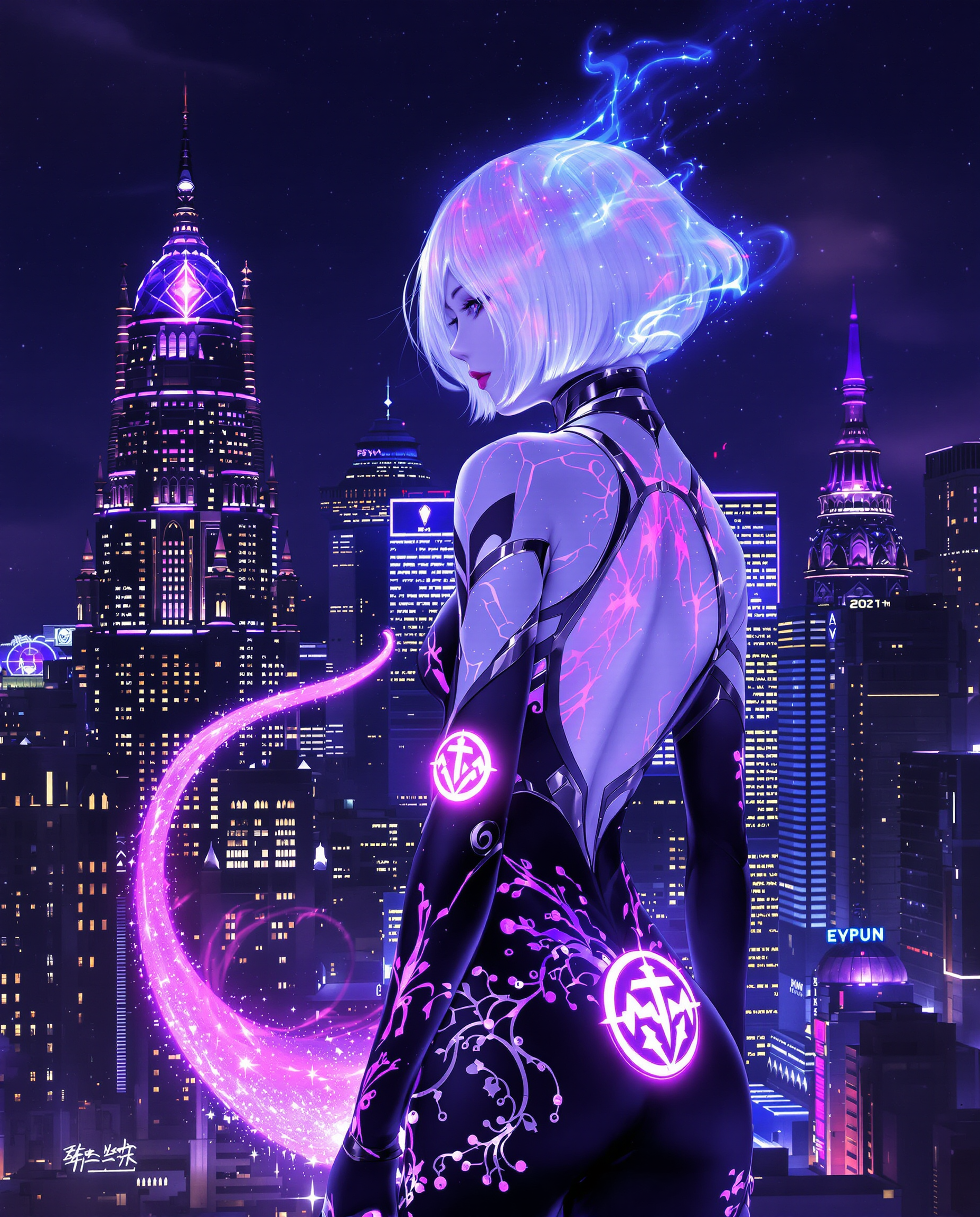


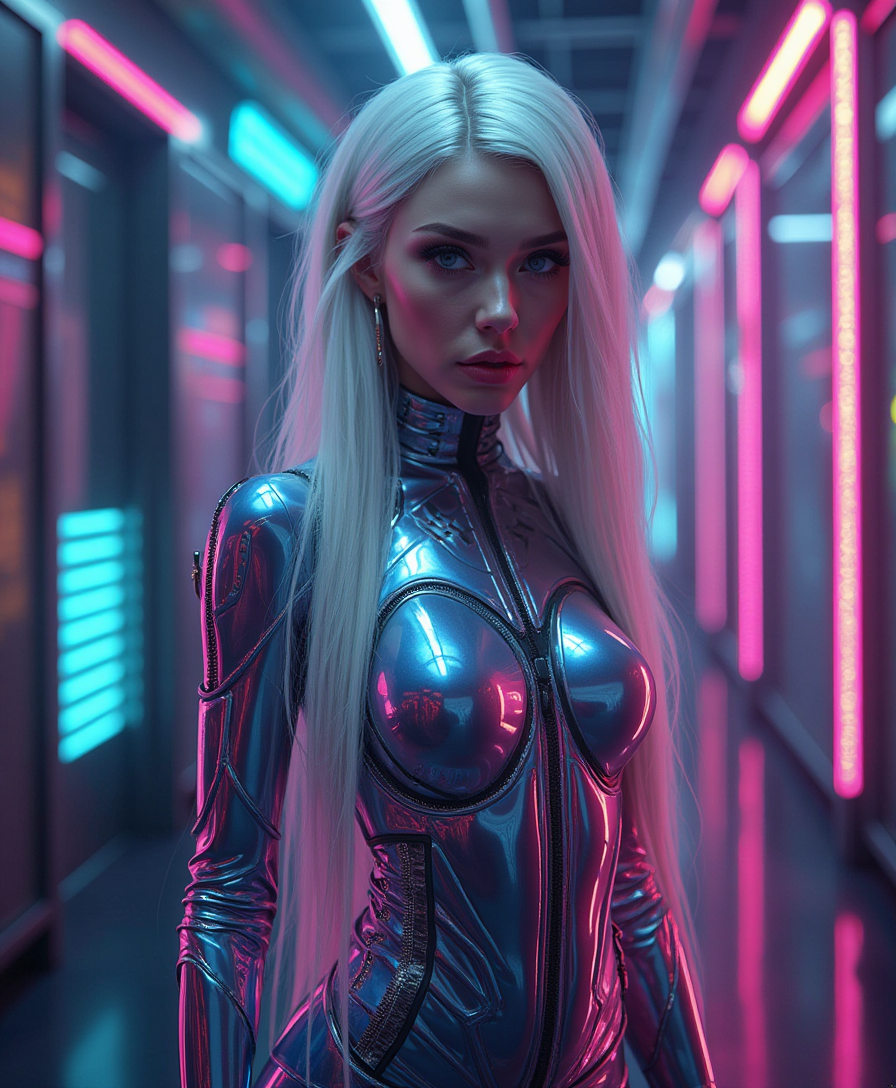
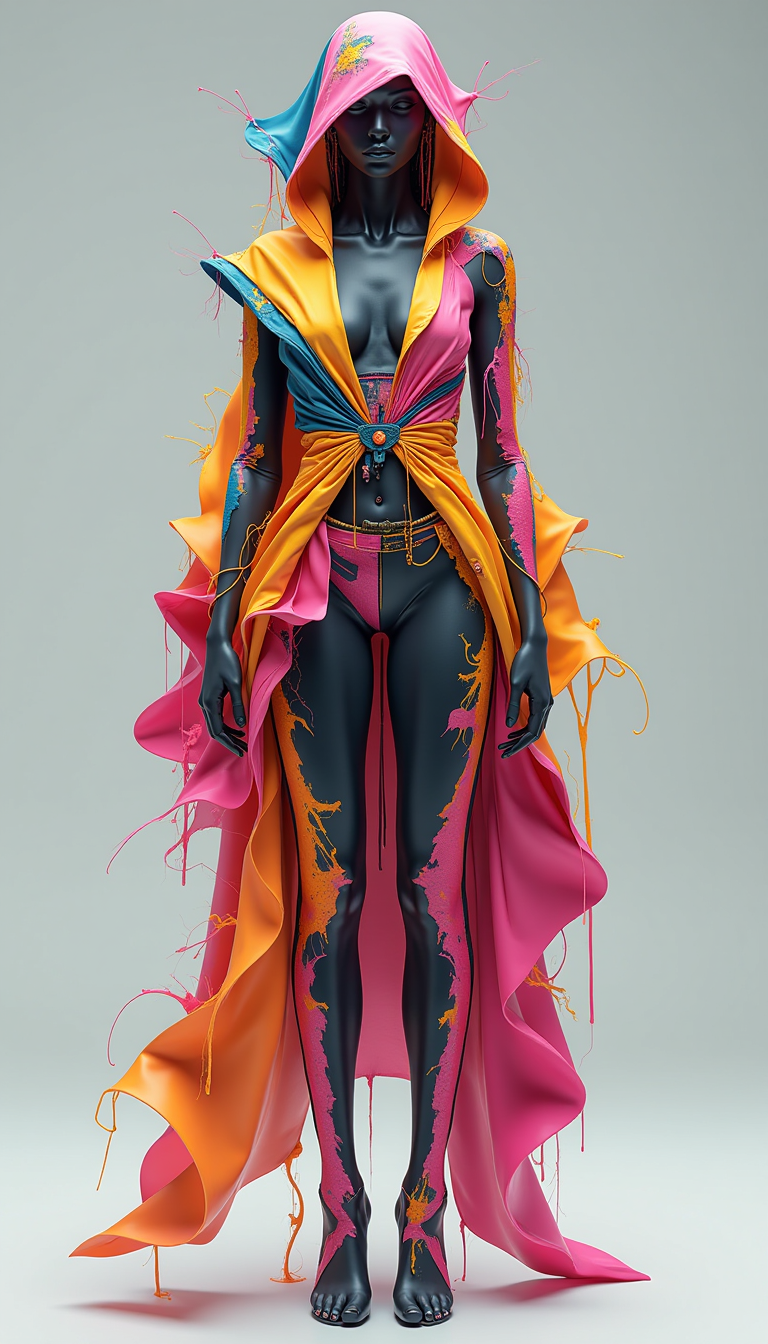
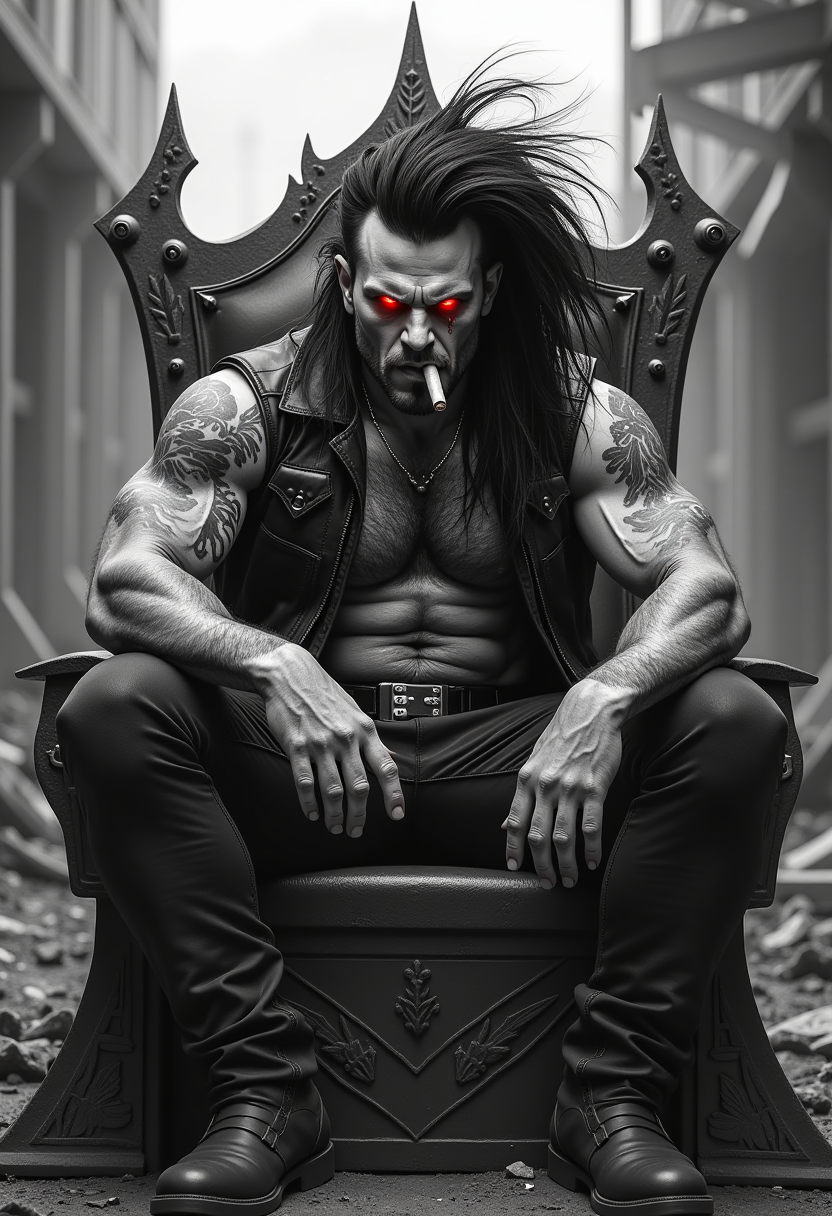
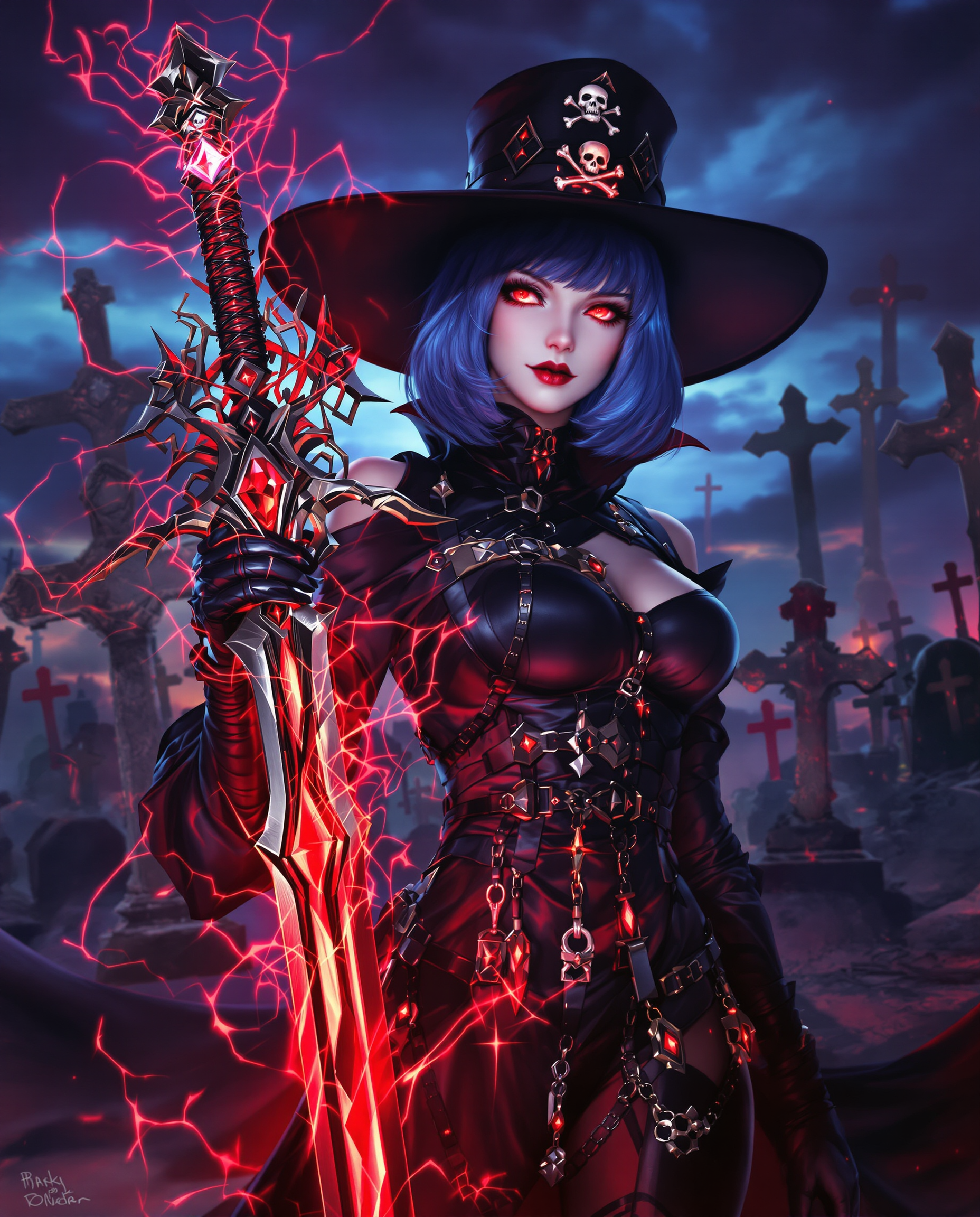

The Pixel Dojo Advantage
Why PixelDojo's MagnificAI stands out in AI image enhancement:
| Others | Pixel Dojo |
|---|---|
| Traditional Image Editing Software | Eliminate the steep learning curve and time-consuming processes; achieve professional results with minimal effort. |
| Generic AI Tools | Benefit from specialized upscaling and enhancement features tailored for high-resolution, detailed outputs. |
| Manual Photo Editing | Save hours of manual work; let AI handle the enhancement while you focus on creativity. |
Loved by creators on PixelDojo
Real feedback from people using PixelDojo, pulled from our in-product surveys.
Love how I can almost create anything
The Flux Pro Ultra is just amazing!
Very easy to use, and they have fast wan 2.2 video generation with custom loras available.
The overall quality of the site and it's amazing variety of tools. The continued updates of the UI. The unbelievable level of tech support.
THIS IS SO DOPE !
I have already recommended it to friends
Explore more AI tools on PixelDojo
AI Tools
Compare & Switch
- Best AI Image Generators
- Best AI Video Generators
- Midjourney Alternatives
- Civitai Alternatives
- Runway Alternatives
- Leonardo Alternatives
- Pika Alternatives
- Luma Alternatives
- Magnific Alternatives
- Veo Alternatives
- Flux Alternatives
- Freepik Alternatives
- Seedance Alternatives
- Seedream Alternatives
- Pixverse Alternatives
- GPT Image Alternatives
- Synthesia Alternatives
- Playground Alternatives
- NightCafe Alternatives
- Canva AI Alternatives
- ElevenLabs Alternatives
- ComfyUI Alternatives
- Fal Alternatives
- Replicate Alternatives
Common Questions
Everything you need to know about magnificai
How does PixelDojo's MagnificAI enhance image quality?
MagnificAI uses advanced AI algorithms to upscale images up to 16x, adding intricate details and textures to improve clarity and depth, resulting in high-resolution, professional-quality visuals.
Can I control the level of enhancement applied to my images?
Yes, MagnificAI offers adjustable settings such as creativity, HDR, resemblance, and fractality, allowing you to customize the enhancement process to achieve your desired outcome.
Is MagnificAI suitable for professional use?
Absolutely. MagnificAI is designed to meet the needs of professionals in photography, design, and content creation, providing high-quality enhancements suitable for commercial projects.
Do I need technical skills to use MagnificAI?
No, MagnificAI features an intuitive interface that requires no technical expertise. Simply upload your image, adjust settings as desired, and let the AI handle the rest.
What file formats does MagnificAI support?
MagnificAI supports common image formats such as JPEG, PNG, and TIFF, ensuring compatibility with your existing files.
Is there a free trial available for MagnificAI?
Yes, PixelDojo offers a free trial for MagnificAI, allowing you to experience its capabilities before committing to a subscription.