face swap online AI Generator
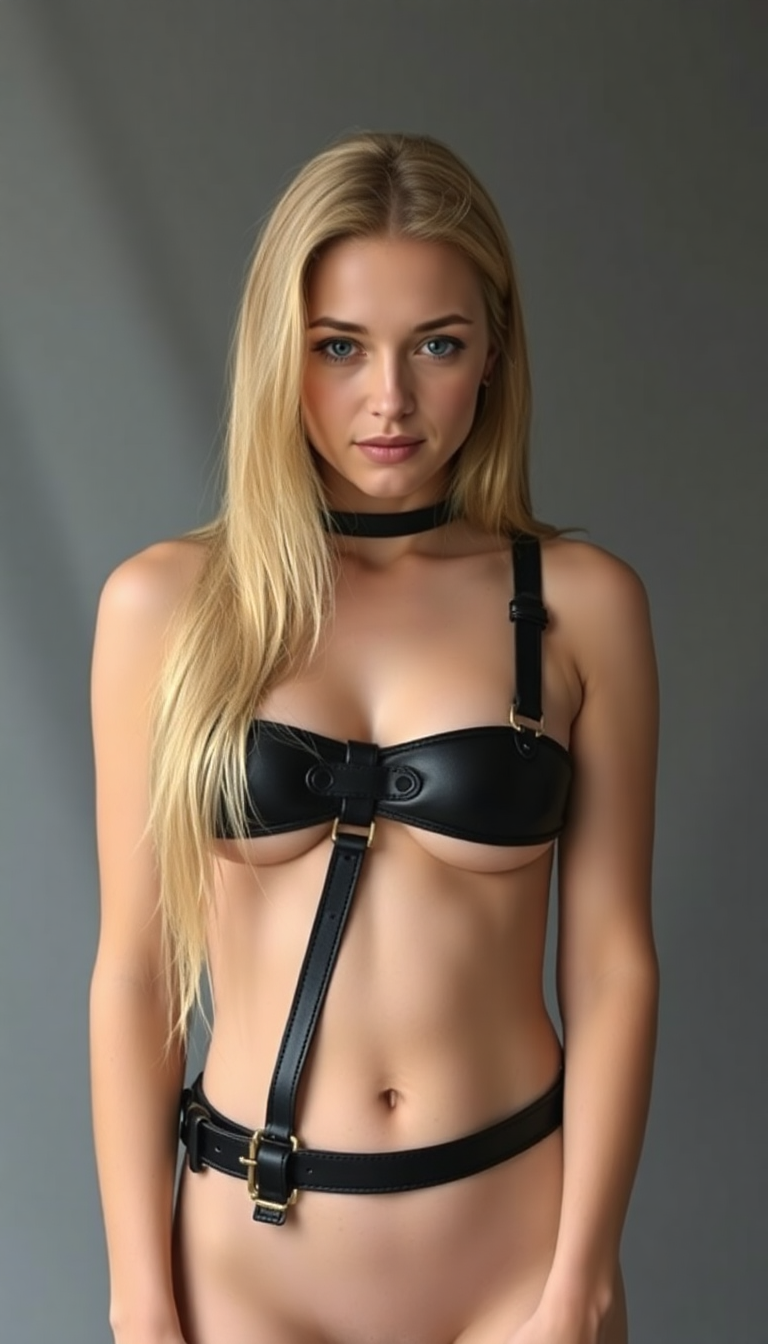
Generated on PixelDojo. Produced by PixelDojo's generation pipeline.
Imagine swapping faces in your photos instantly, creating hilarious memes, professional headshots, or even virtual makeovers without any editing expertise. With PixelDojo's AI-powered face swap online tool, you can achieve stunning, realistic results in seconds. Whether you're a content creator looking to engage your audience, a marketer crafting personalized campaigns, or just having fun with friends, our Face Swap feature lets you transform ordinary images into extraordinary creations. Powered by advanced AI like our Flux Creator and Stable Diffusion, you'll get seamless blends that look natural and professional. Start swapping faces online today and unleash your creativity – no downloads or complex software required.
Real image examples generated on PixelDojo
Every example below was produced on PixelDojo. Hover to see the prompt.
Black leather bdsm Harness
flux
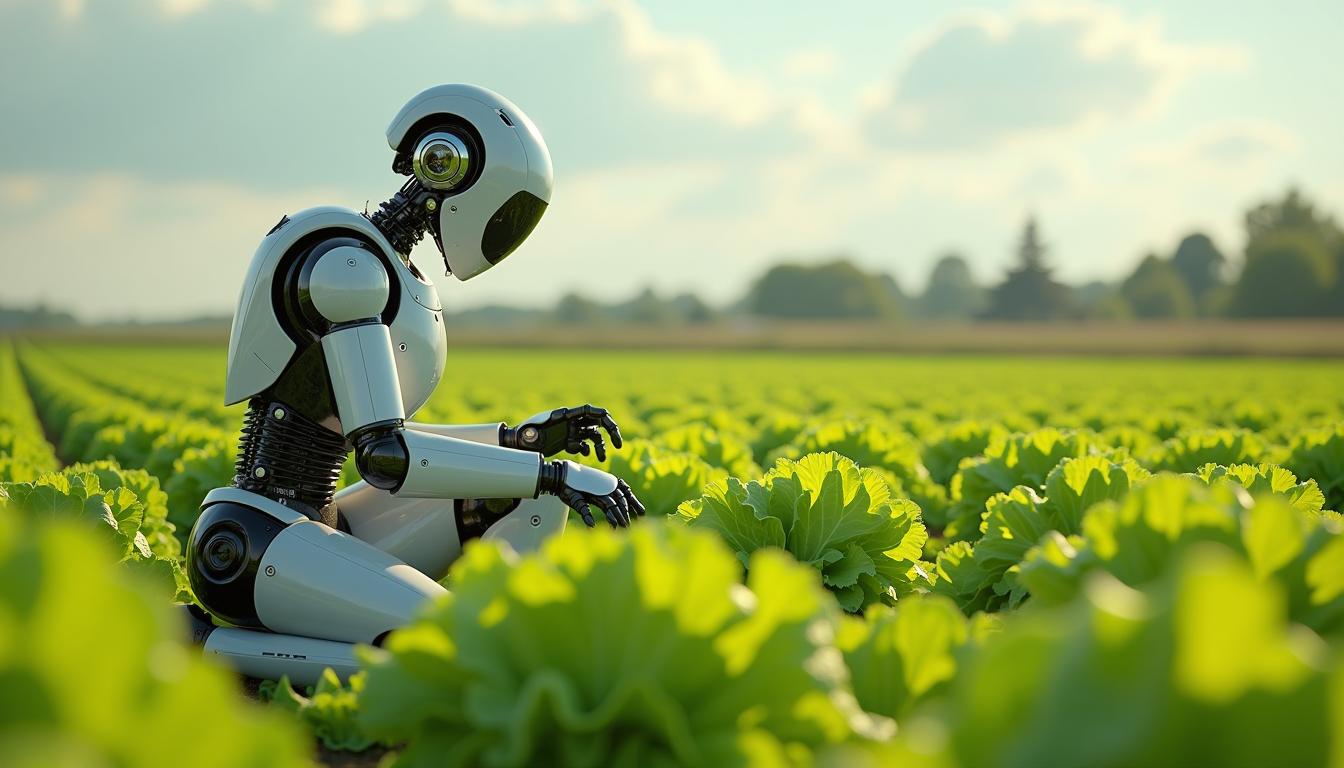
Create an image of a many lots 10 streampunk android robot on their knees picking lettuce
flux
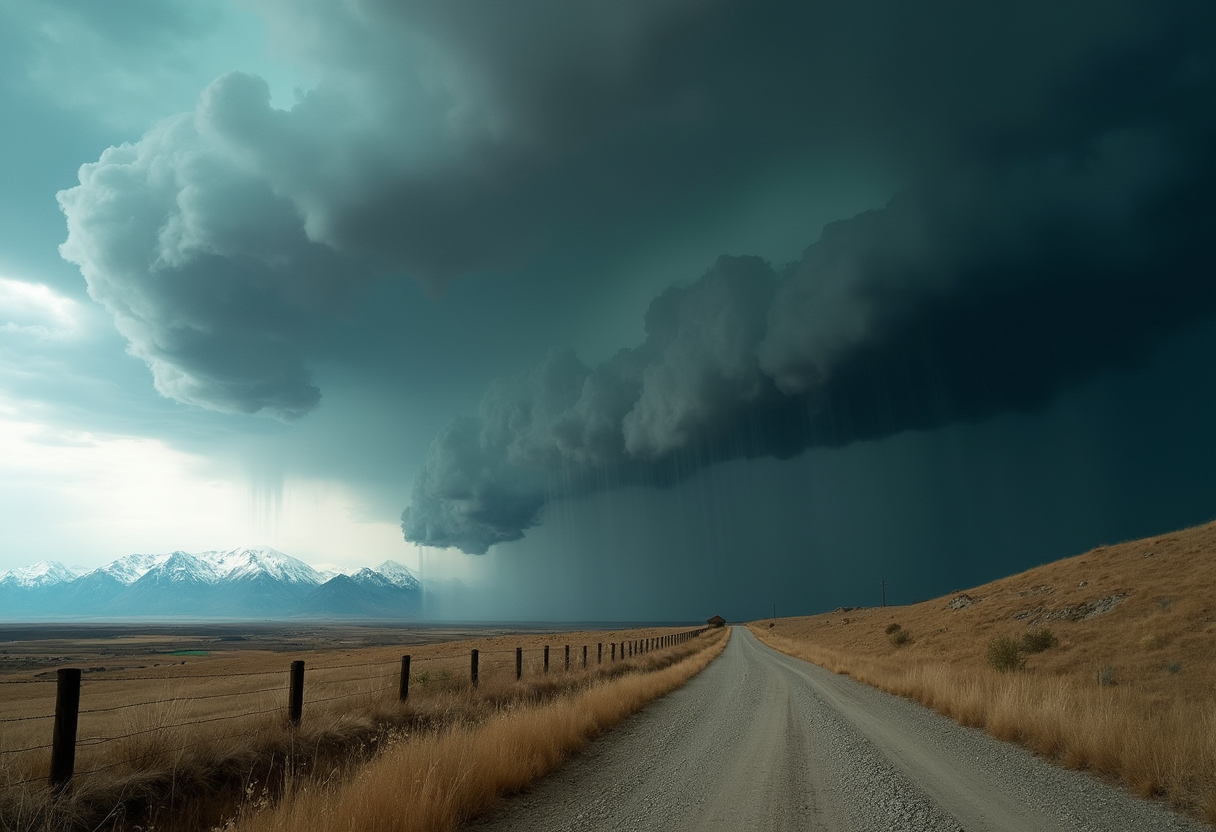
Create an expressionistic
flux
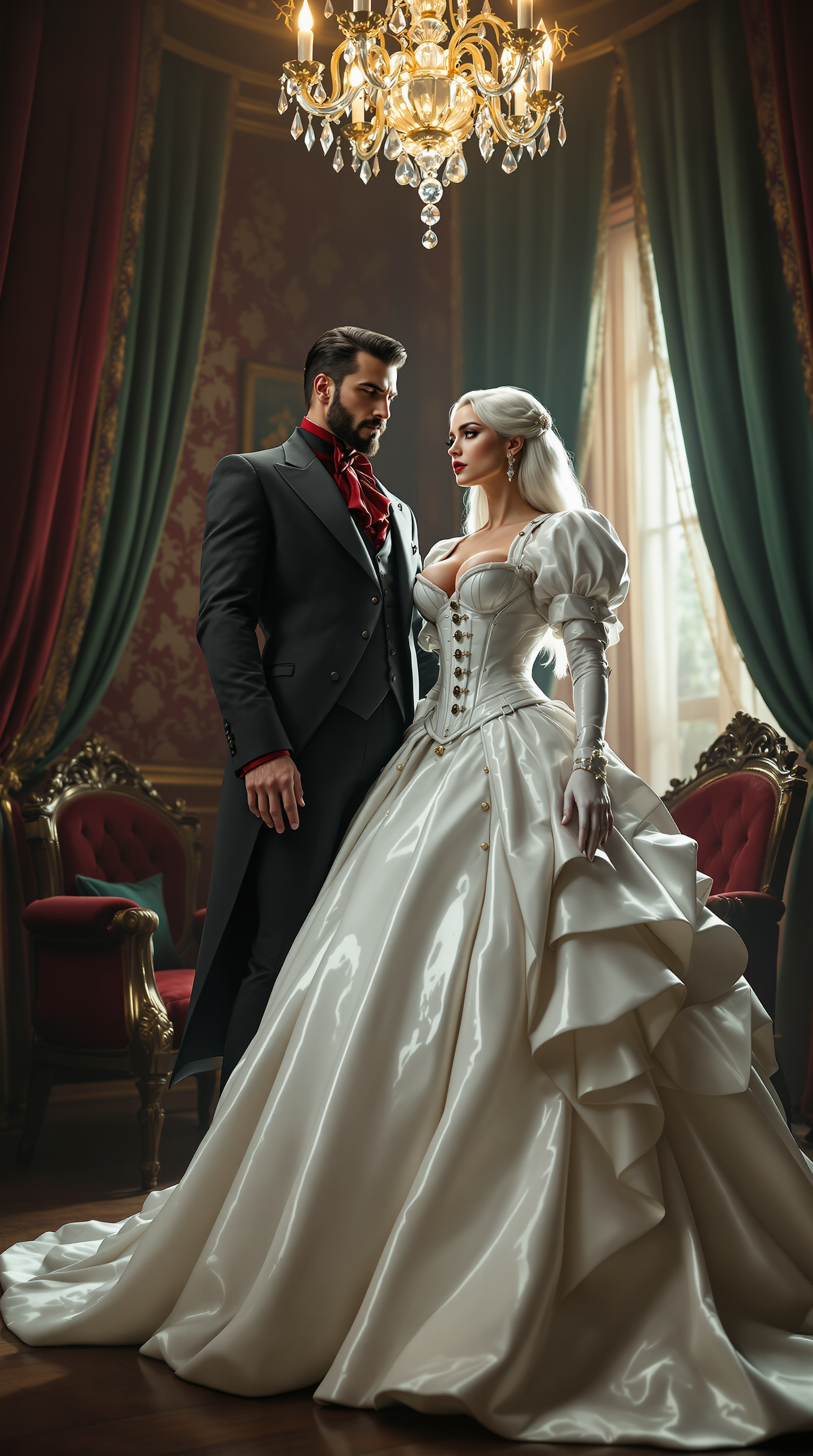
A breathtaking scene unfolds in an opulent Victorian parlour
flux
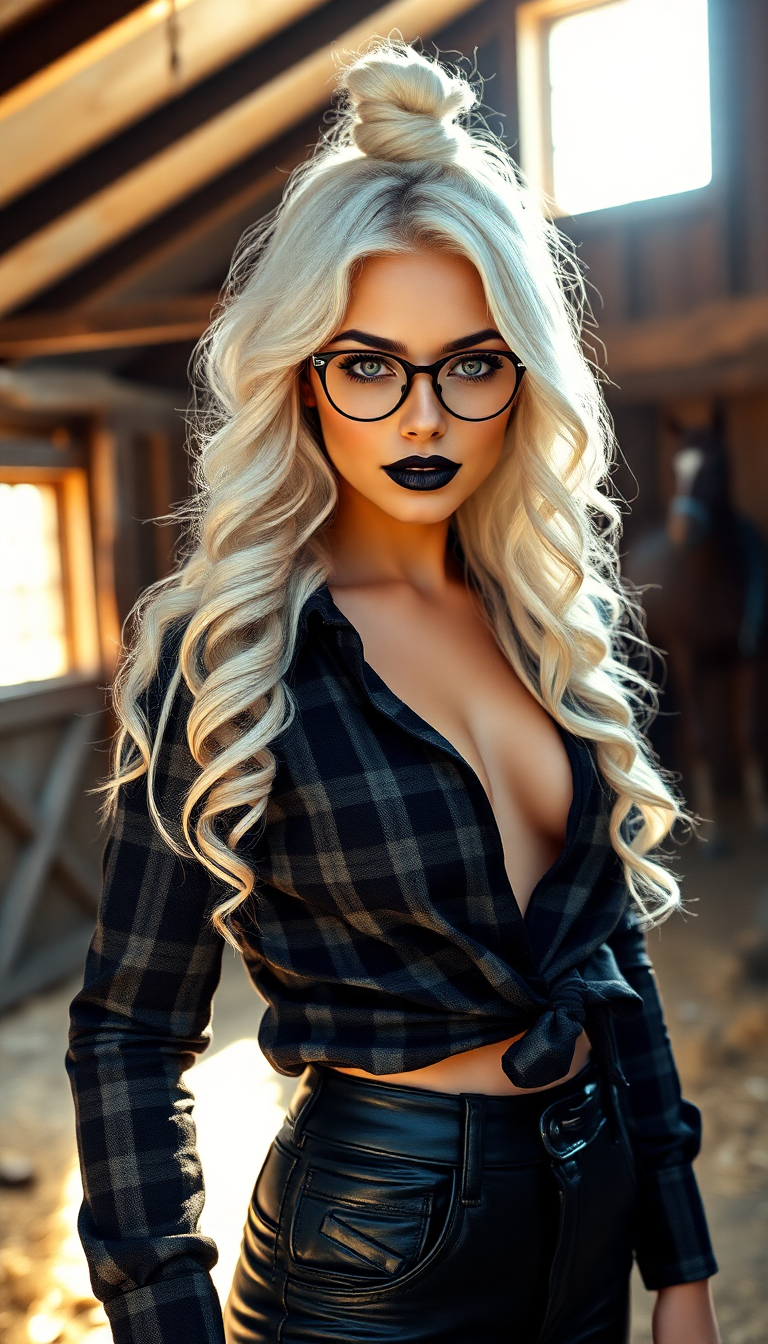
A breathtaking portrait of a striking 19-year-old woman
flux
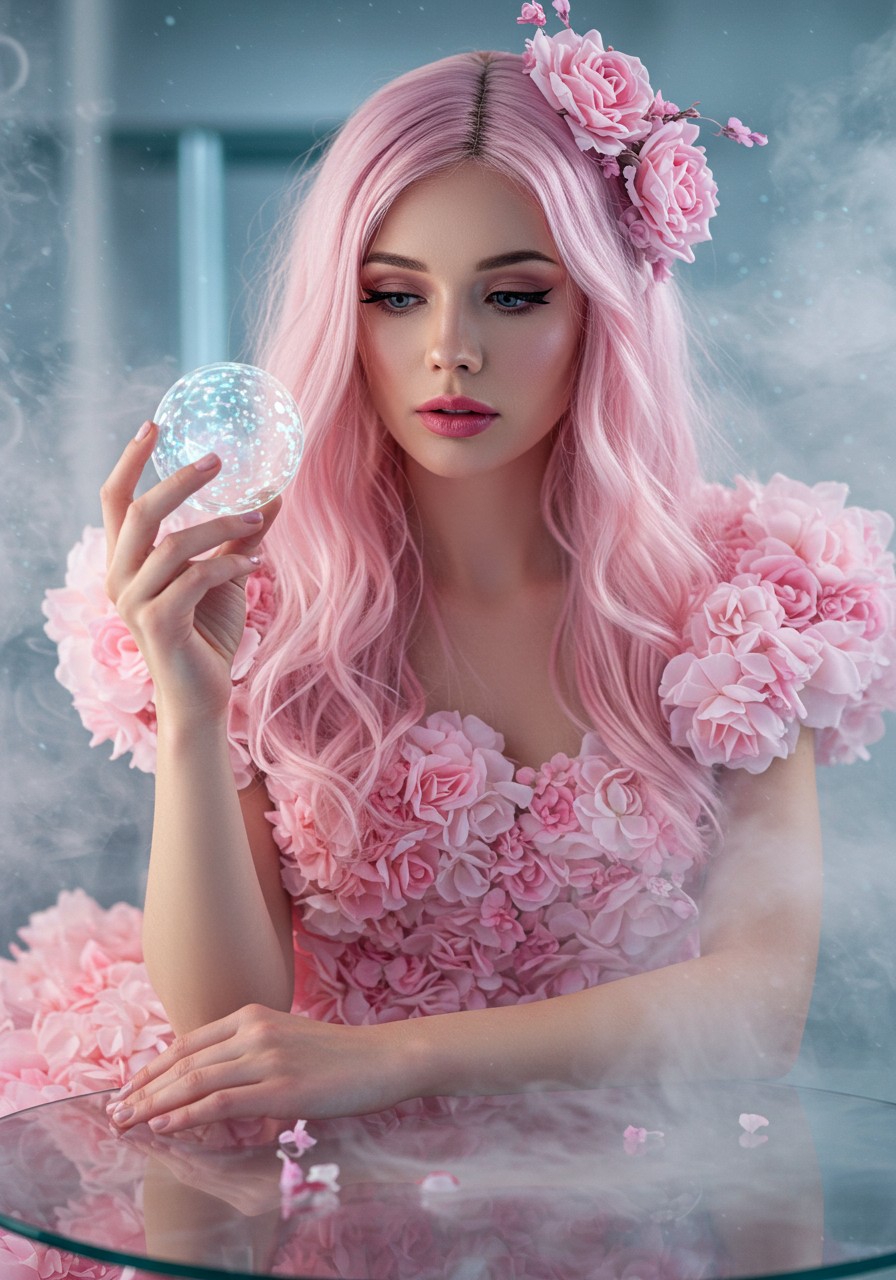
Close-up
imagen
Models you can run on PixelDojo for face swap online
Switch models without switching tools. Each one runs in the same PixelDojo studio.
What you can do with face swap online on PixelDojo
Direct Image Upload Swap
Creators upload source and target photos to our platform. We generate the face swap result.
Batch Face Swap Requests
We process multiple image pairs in a single session. Creators receive all outputs together.
Preview Generated Output
Creators view a preview of the swapped image. We produce the final file after confirmation.
High Resolution File Export
We deliver the completed face swap in high resolution. Creators download the image for their projects.
Join over 50,000 creators who've generated millions of face swaps. Rated 4.9/5 stars on Trustpilot with testimonials praising our realistic results and ease of use. As featured in top tech blogs for innovative AI tools.
Why Choose Pixel Dojo for face swap online
Professional-quality results with cutting-edge AI technology
Create Realistic Face Swaps Effortlessly
Achieve photorealistic face swaps that blend seamlessly, perfect for turning family photos into fun alternatives or professional portraits into customized assets, saving you hours of manual editing.
Boost Your Content Creation Speed
Generate engaging memes, social media posts, or marketing visuals in moments, helping you captivate audiences and grow your online presence without needing design skills.
Explore Endless Creative Possibilities
Experiment with virtual try-ons, character transformations, or historical recreations, opening up new ways to express ideas and tell stories that stand out.
How It Works
Creating face swaps online with PixelDojo is simple and intuitive. Using our dedicated Face Swap tool integrated with features like Face Enhancer and Inpainting with LoRAs, you can produce high-quality results quickly. Follow these steps to get started and achieve professional outcomes.
Step 1: Upload Your Images
Start by selecting our Face Swap tool from the Characters & Faces section. Upload the source image (the face you want to swap from) and the target image (where you want to place it). Our AI automatically detects faces for a smooth process.
Step 2: Customize the Swap
Adjust settings like blend strength or use Face Enhancer for better realism. Incorporate Inpainting with LoRAs for precise edits, or add Pose Control to match expressions perfectly. Hit generate to see your swapped face come to life.
Step 3: Refine and Download
Preview the result, make final tweaks with tools like Outpainting or Creative Upscaler, then download your high-res face swap. Share it directly or use in other PixelDojo features like Image to Video for dynamic content.
The Pixel Dojo Advantage
Why PixelDojo outperforms other options for face swap online image generation
| Others | Pixel Dojo |
|---|---|
| Traditional face swap apps | Unlike basic apps that produce blurry or unnatural results, PixelDojo delivers hyper-realistic swaps with AI tools like Face Enhancer, saving you time and ensuring professional quality every time. |
| Generic AI tools | While generic tools lack customization, PixelDojo offers integrated features like Inpainting with LoRAs and Pose Control, allowing you to achieve precise, creative outcomes tailored to your vision. |
| Manual photo editing | Skip the steep learning curve and expensive software of manual editing; PixelDojo automates the process, letting you create stunning face swaps in seconds without any prior skills. |
Loved by creators on PixelDojo
Real feedback from people using PixelDojo, pulled from our in-product surveys.
Awesome site with so many features
Love how I can almost create anything
The Flux Pro Ultra is just amazing!
Very easy to use, and they have fast wan 2.2 video generation with custom loras available.
The overall quality of the site and it's amazing variety of tools. The continued updates of the UI. The unbelievable level of tech support.
THIS IS SO DOPE !
Explore more AI tools on PixelDojo
AI Tools
Compare & Switch
- Best AI Image Generators
- Best AI Video Generators
- Midjourney Alternatives
- Civitai Alternatives
- Runway Alternatives
- Leonardo Alternatives
- Pika Alternatives
- Luma Alternatives
- Magnific Alternatives
- Veo Alternatives
- Flux Alternatives
- Freepik Alternatives
- Seedance Alternatives
- Seedream Alternatives
- Pixverse Alternatives
- GPT Image Alternatives
- Synthesia Alternatives
- Playground Alternatives
- NightCafe Alternatives
- Canva AI Alternatives
- ElevenLabs Alternatives
- ComfyUI Alternatives
- Fal Alternatives
- Replicate Alternatives
Common Questions
Everything you need to know about face swap online
How does face swap online work with AI on PixelDojo?
PixelDojo's Face Swap tool uses advanced AI to detect and blend faces seamlessly from your uploaded images. You can enhance results with Face Enhancer for realism or integrate with Consistent Characters for ongoing projects. This allows you to create fun, professional swaps without technical know-how, achieving outcomes like personalized avatars or edited photos in seconds.
Is there a free face swap online tool available?
Yes, PixelDojo offers a free tier for face swap online, letting you try our Face Swap feature with basic generations. Upgrade for unlimited access to premium tools like Virtual Try On and Infinite You, ensuring you can scale your creations as needed. Loved by thousands, it's risk-free with anytime cancellation.
What are the best techniques for realistic AI face swap online?
For realistic results, use PixelDojo's combination of Face Swap with Pose Control and Inpainting with LoRAs. These techniques, based on latest trends like diffusion models, ensure natural expressions and lighting matches. You'll achieve professional edits for memes, videos, or marketing, far surpassing basic swaps.
Can I use face swap online for video generation?
Absolutely! After creating a face swap with our image tools, convert it to video using PixelDojo's Image to Video or Kling v2.1. Add Lip Sync for talking characters, helping you produce dynamic content like personalized ads or fun clips effortlessly.
How to get started with free online face swap no sign up?
While PixelDojo requires a quick sign-up for personalized tracking, you can start swapping faces online immediately with our free trial. Access tools like Character Stylist for styled swaps, and enjoy 40+ AI features without commitment – cancel anytime.
What are current trends in AI face swap online for 2024?
In 2024, trends focus on hyper-realism and integration with 3D or video, like using AI for virtual try-ons or deepfake-style edits. PixelDojo leads with tools such as Flux Creator for high-fidelity swaps and Image to 3D for immersive results, enabling you to stay ahead in creative projects.