Multi-image input Wan AI
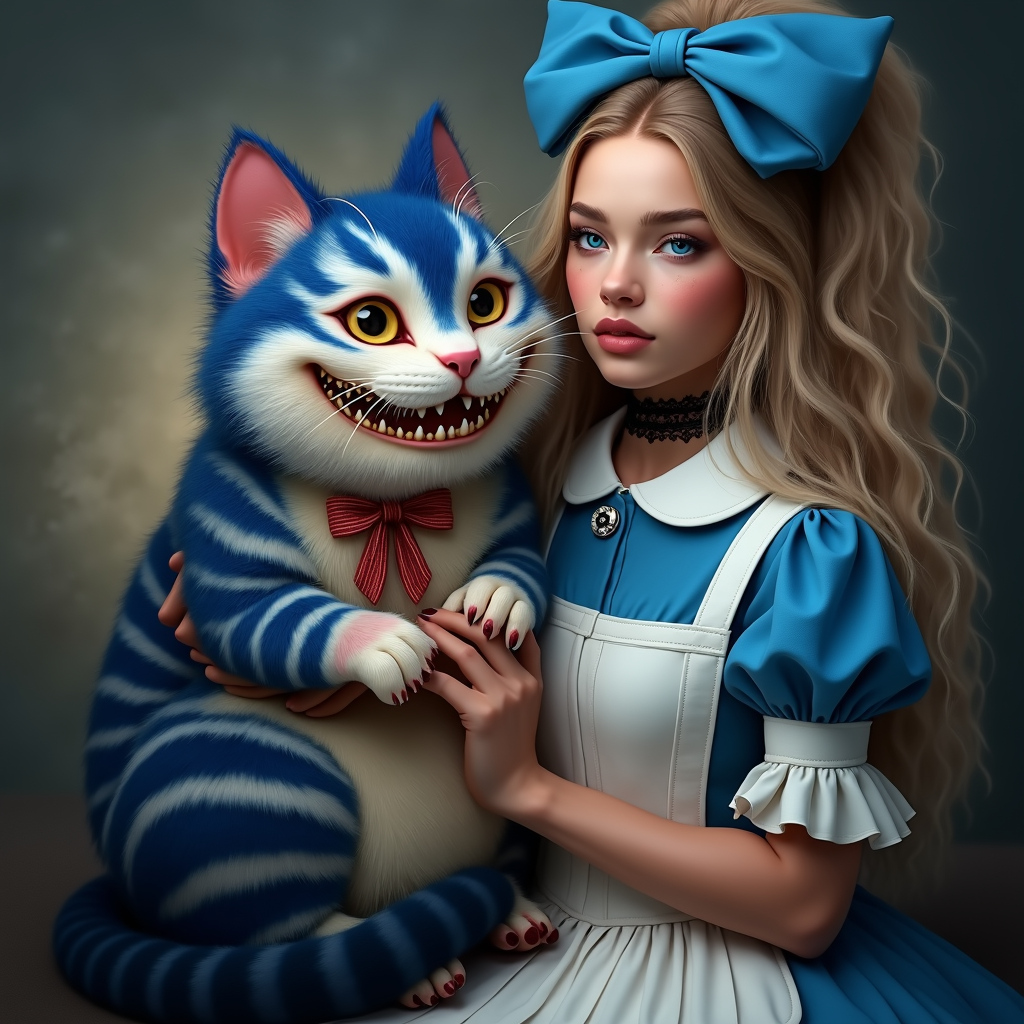
Unlock the power of combining multiple images into a single, cohesive masterpiece with Multi-Image Input Wan AI at PixelDojo. Whether you're a designer, marketer, or hobbyist, our advanced AI tools enable you to blend elements from various images seamlessly, achieving photorealistic results without the need for extensive editing skills.
Join over 50,000 creators who trust PixelDojo for AI image generation. Rated 4.9/5 stars on Product Hunt, with users praising our Multi-Image Input Wan AI for delivering images that boost engagement by up to 300%.
Why Choose Pixel Dojo for Multi-image input Wan AI
Professional-quality results with cutting-edge AI technology
Seamless Image Blending
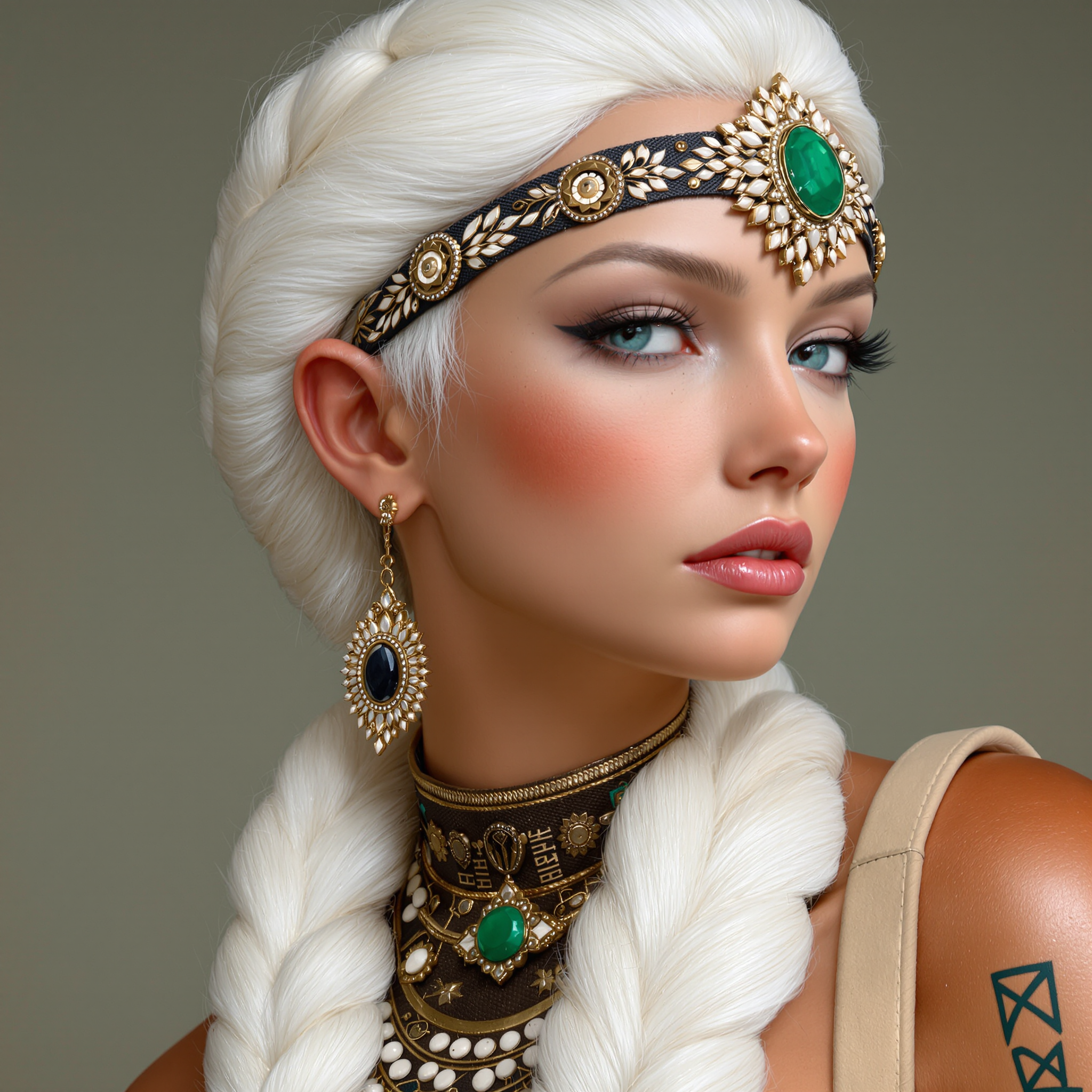
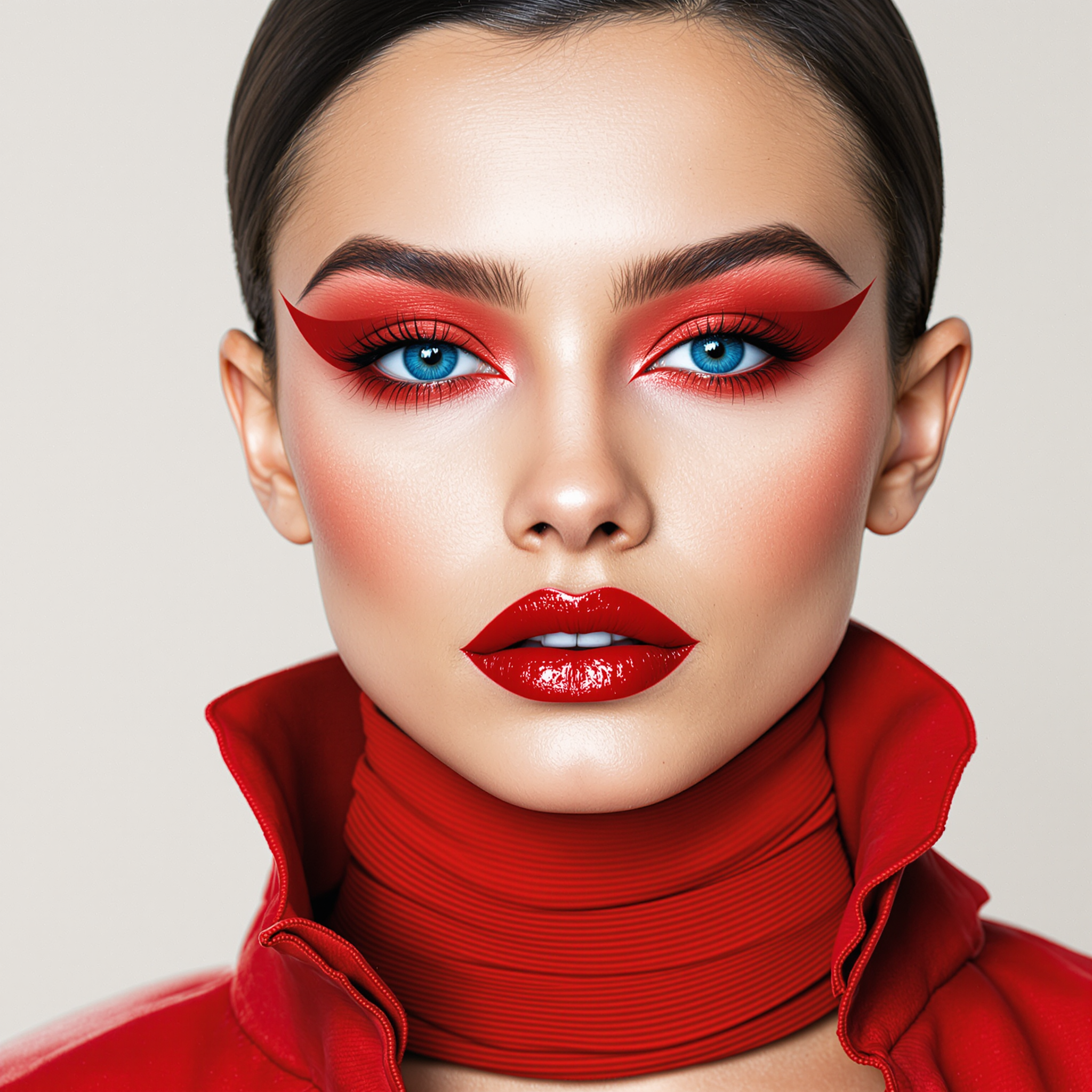
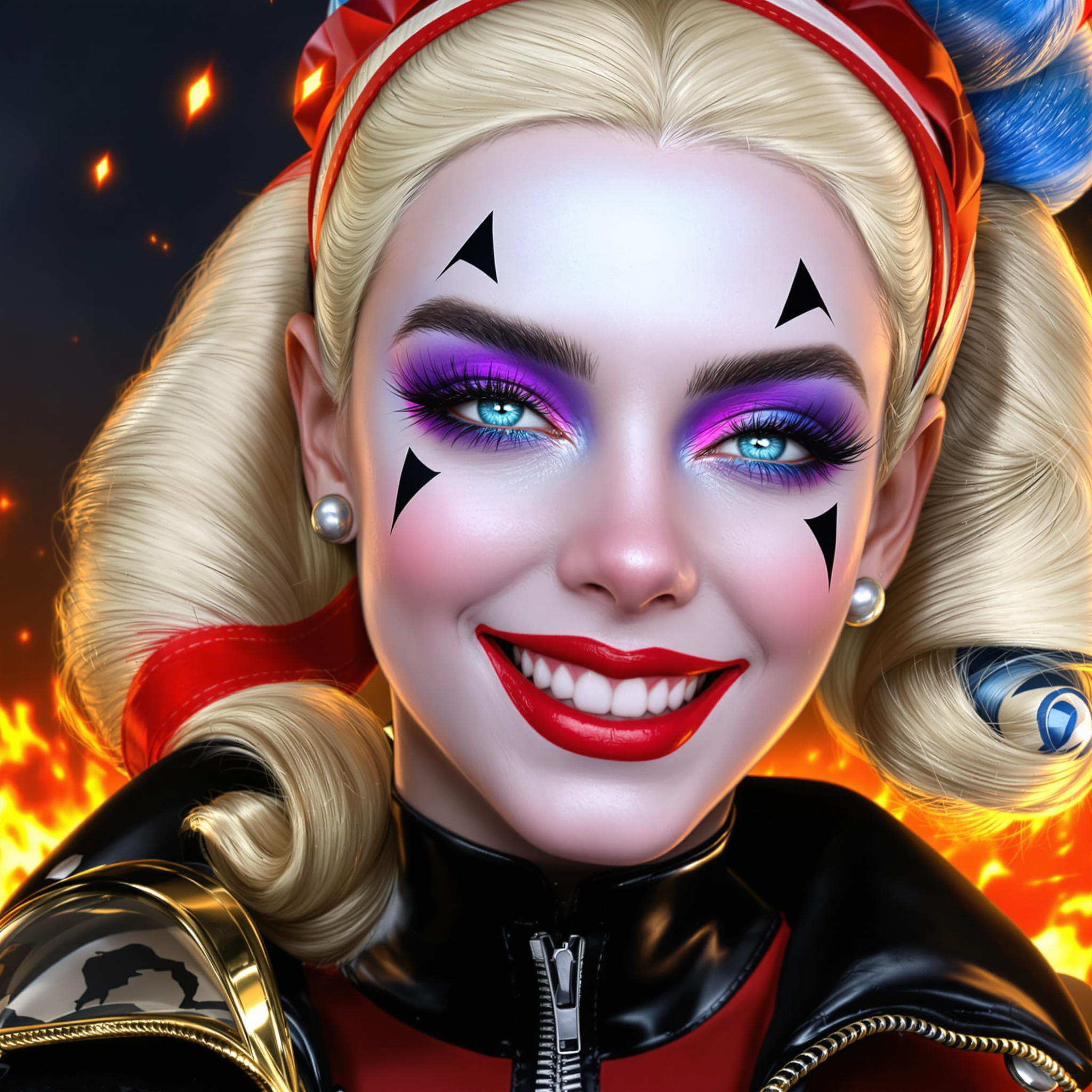
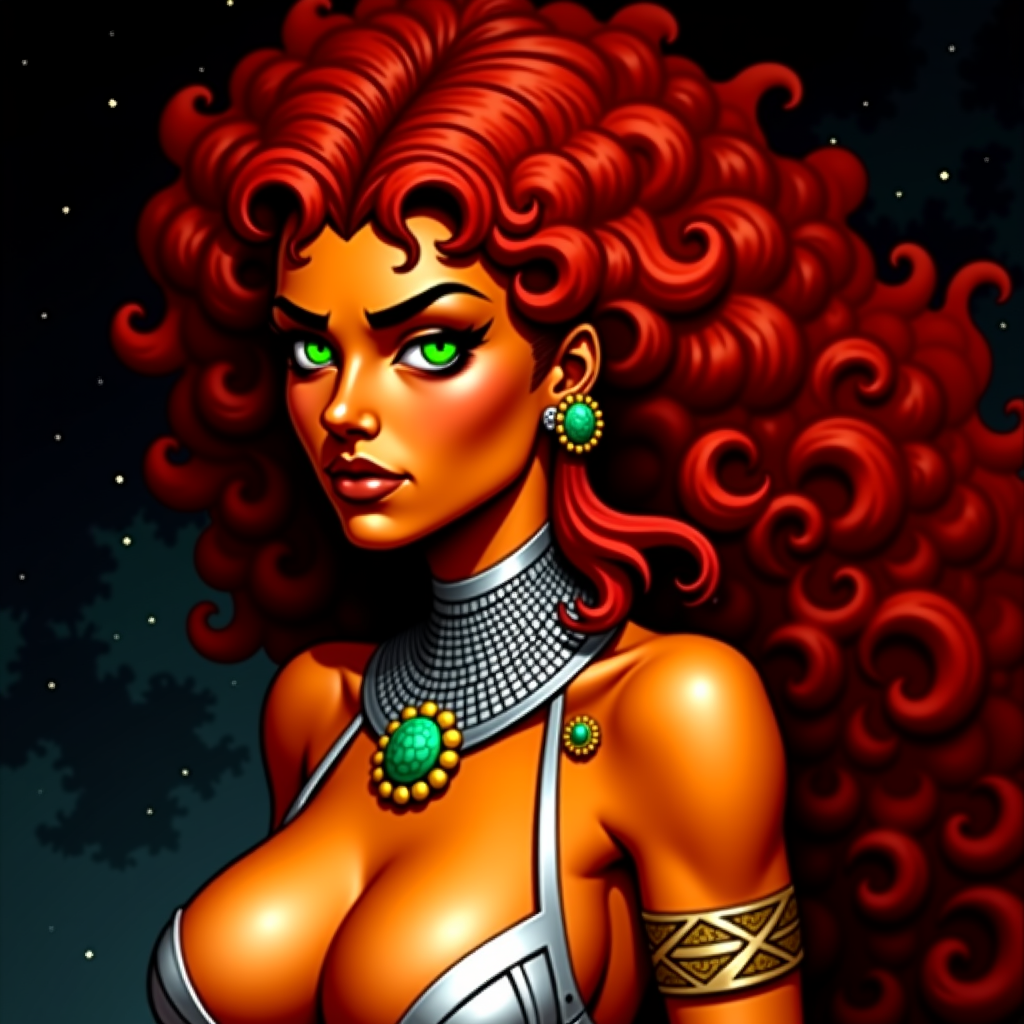
Combine elements from up to three reference images effortlessly, creating a unified and harmonious final image.
Photorealistic Results
Achieve high-quality, realistic images that maintain the integrity and details of the original inputs.
Time-Saving Automation
Reduce manual editing time by leveraging AI to handle complex image merging tasks efficiently.
How It Works
Creating stunning images with Multi-Image Input Wan AI is simple and intuitive. Follow these steps to bring your vision to life:
Step 1: Choose Your Tool
Navigate to the 'Create Images' section on PixelDojo and select 'WAN 2.6 Image' from the available AI tools.
Step 2: Upload Reference Images
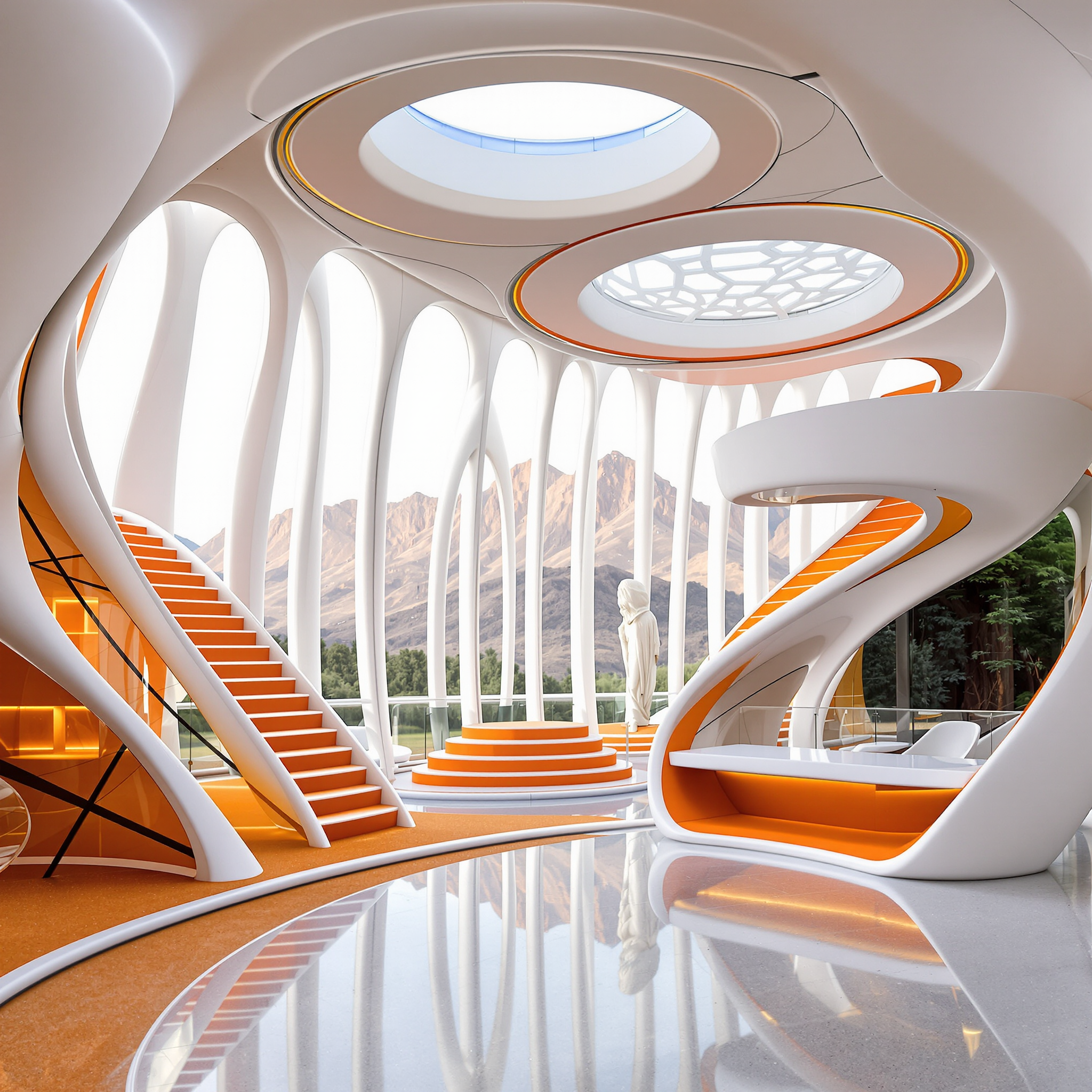
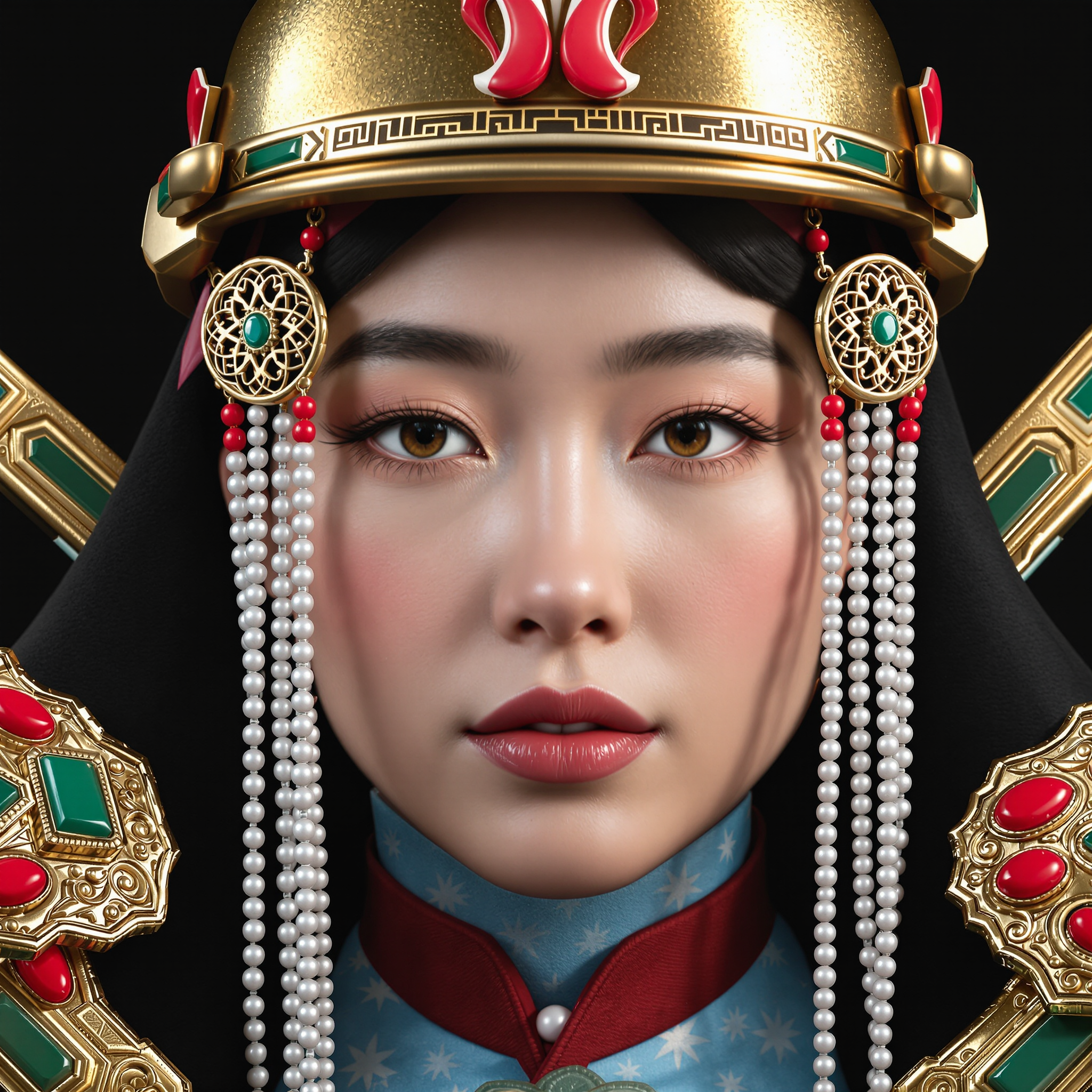
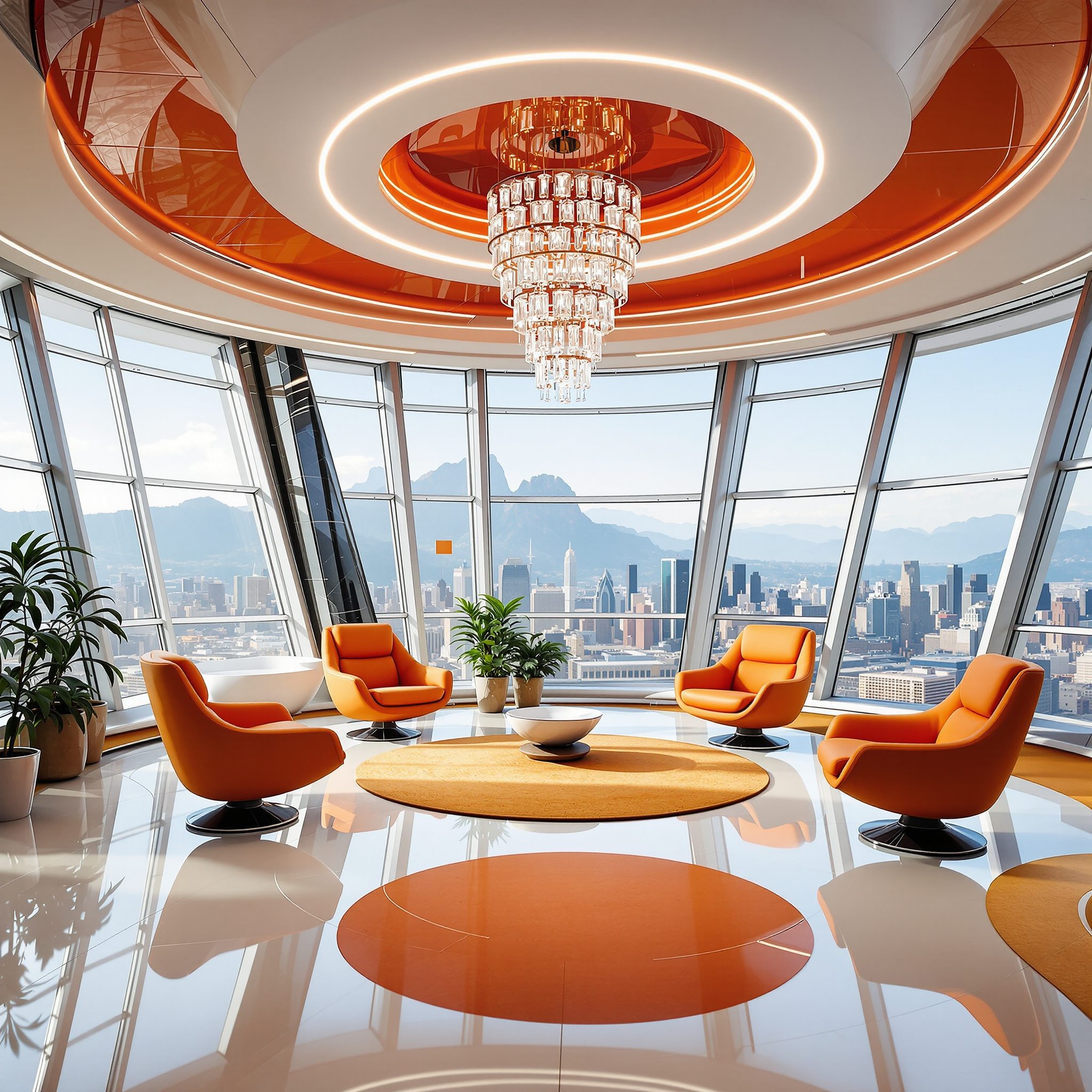
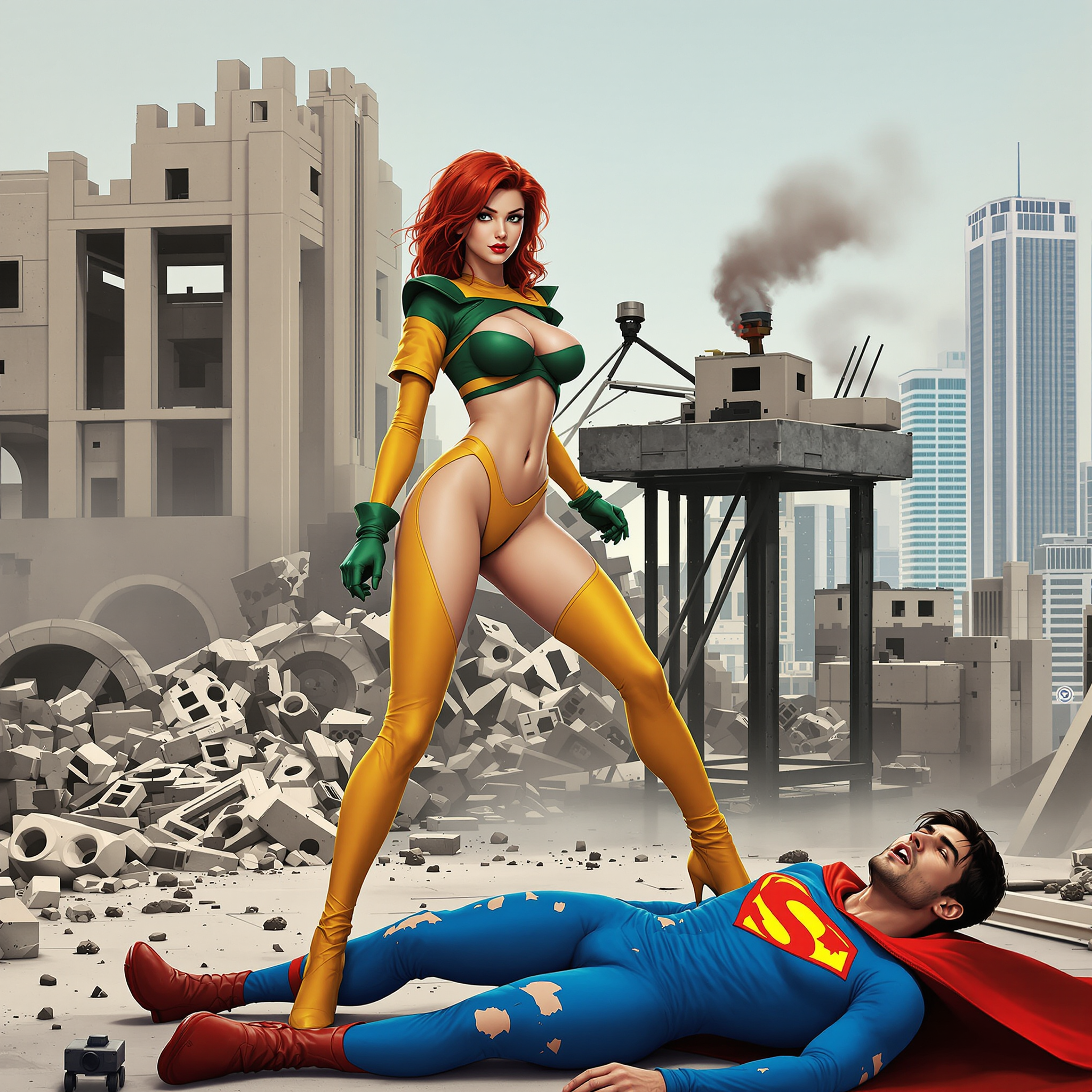
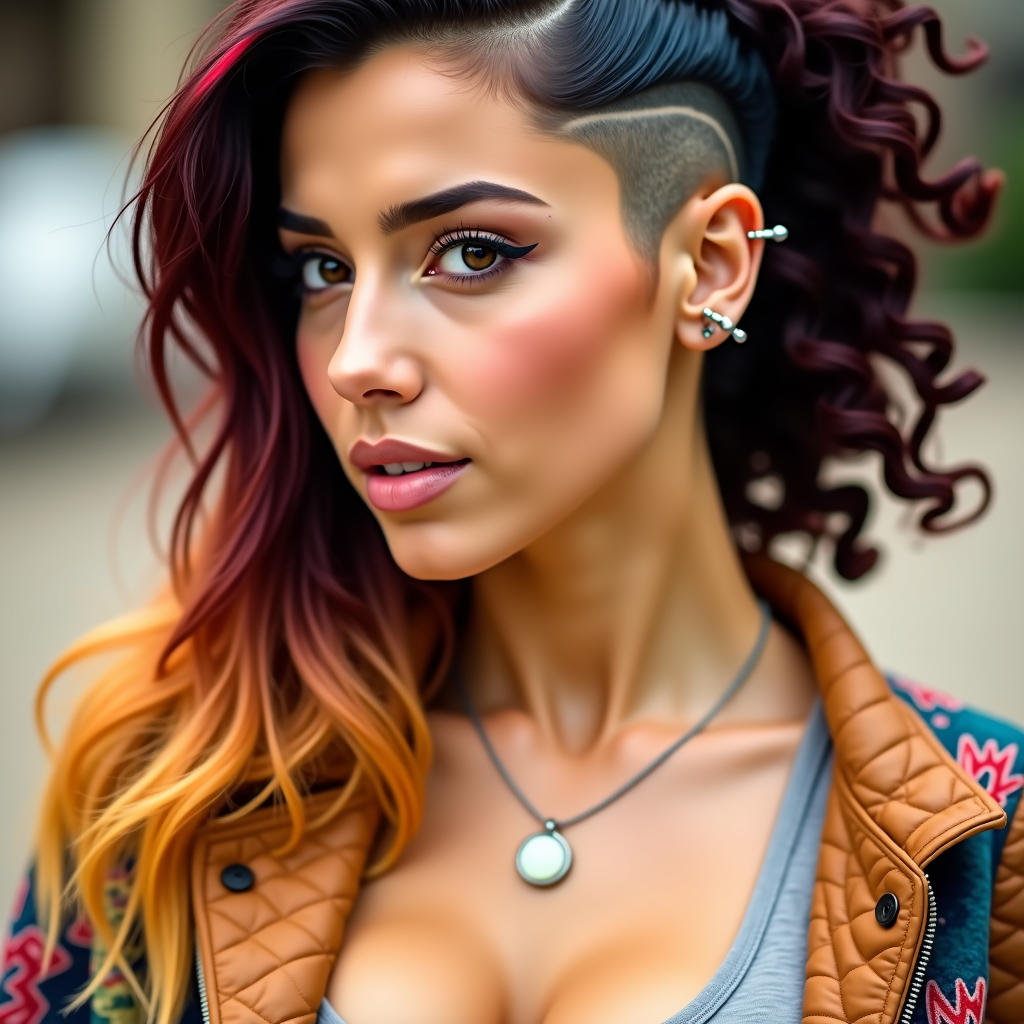
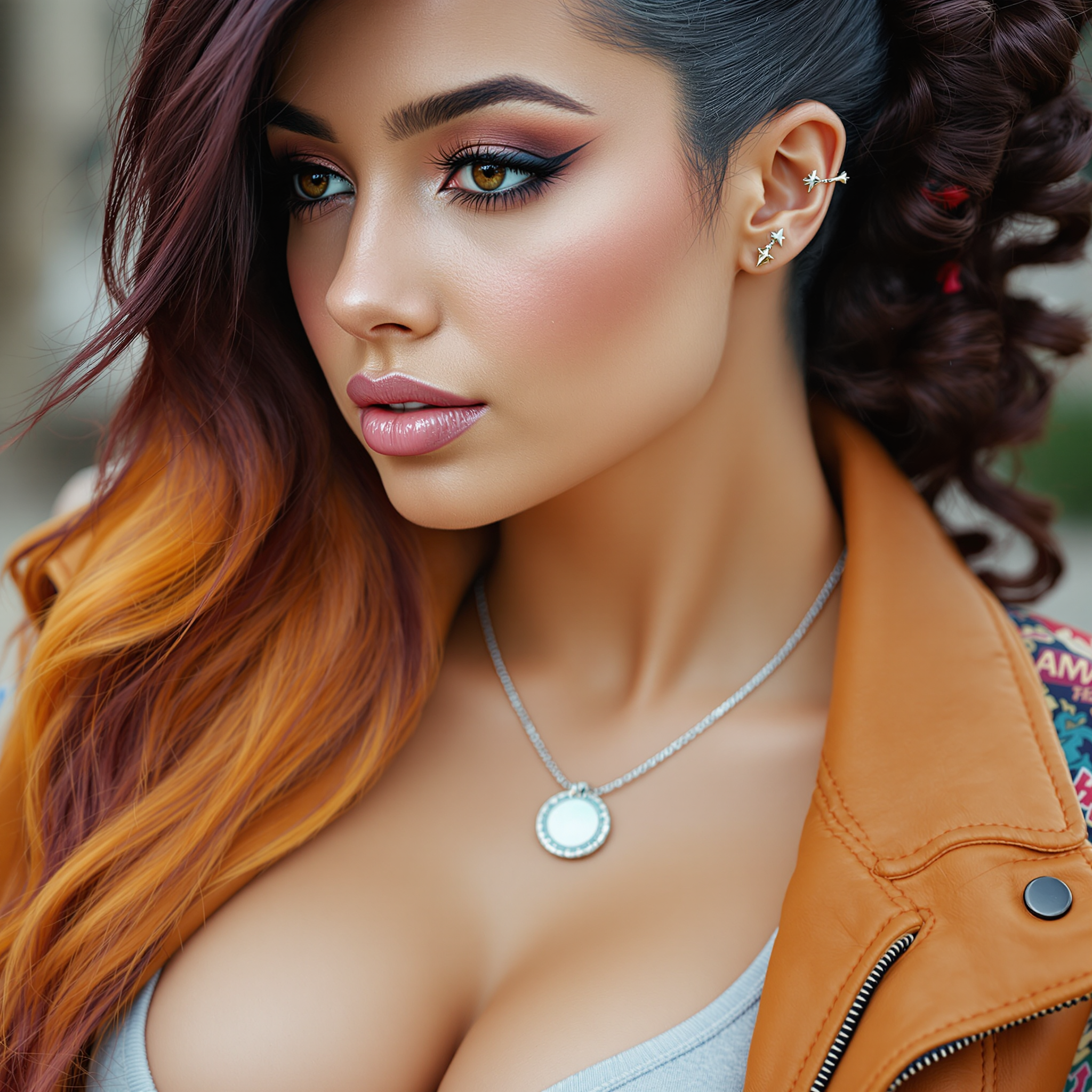
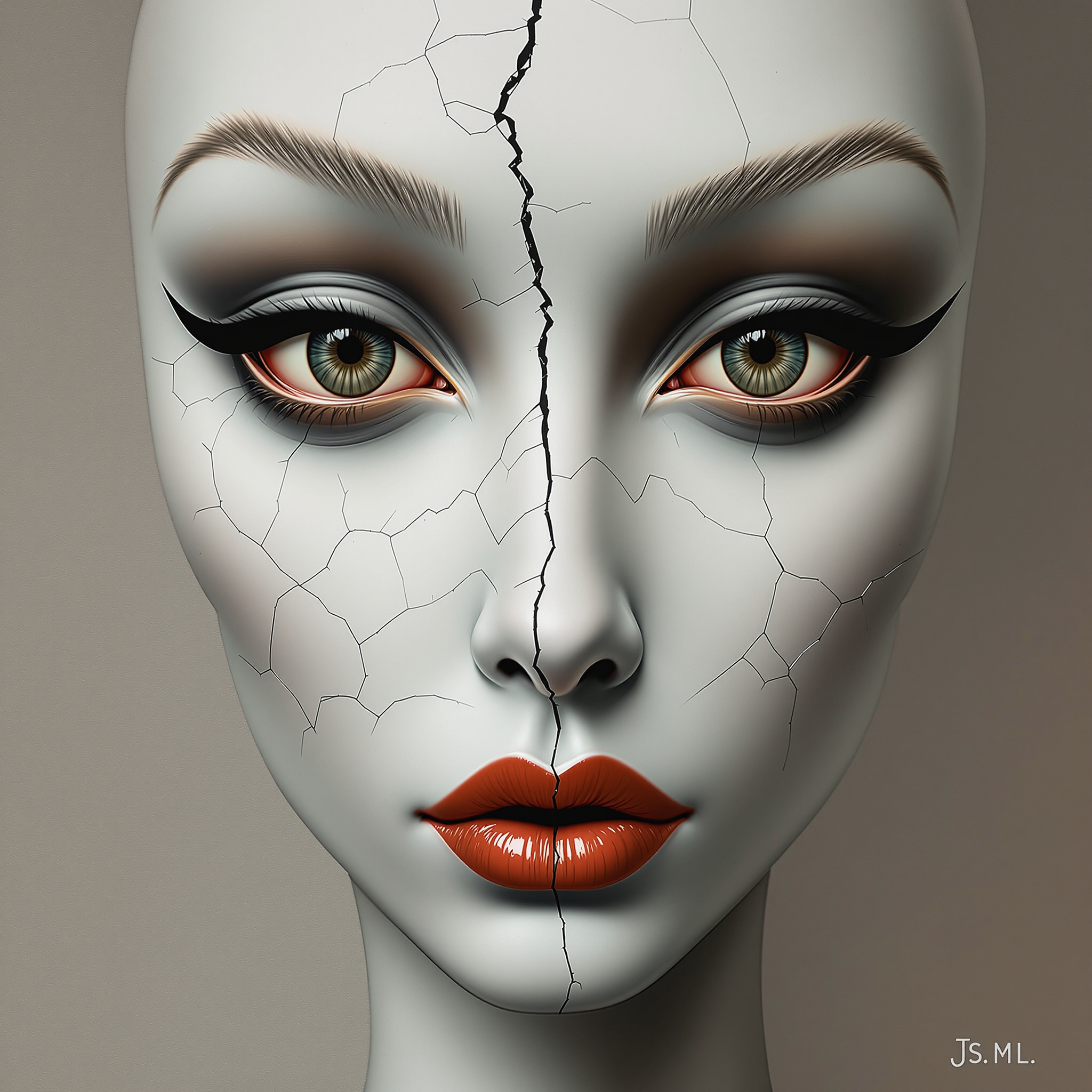
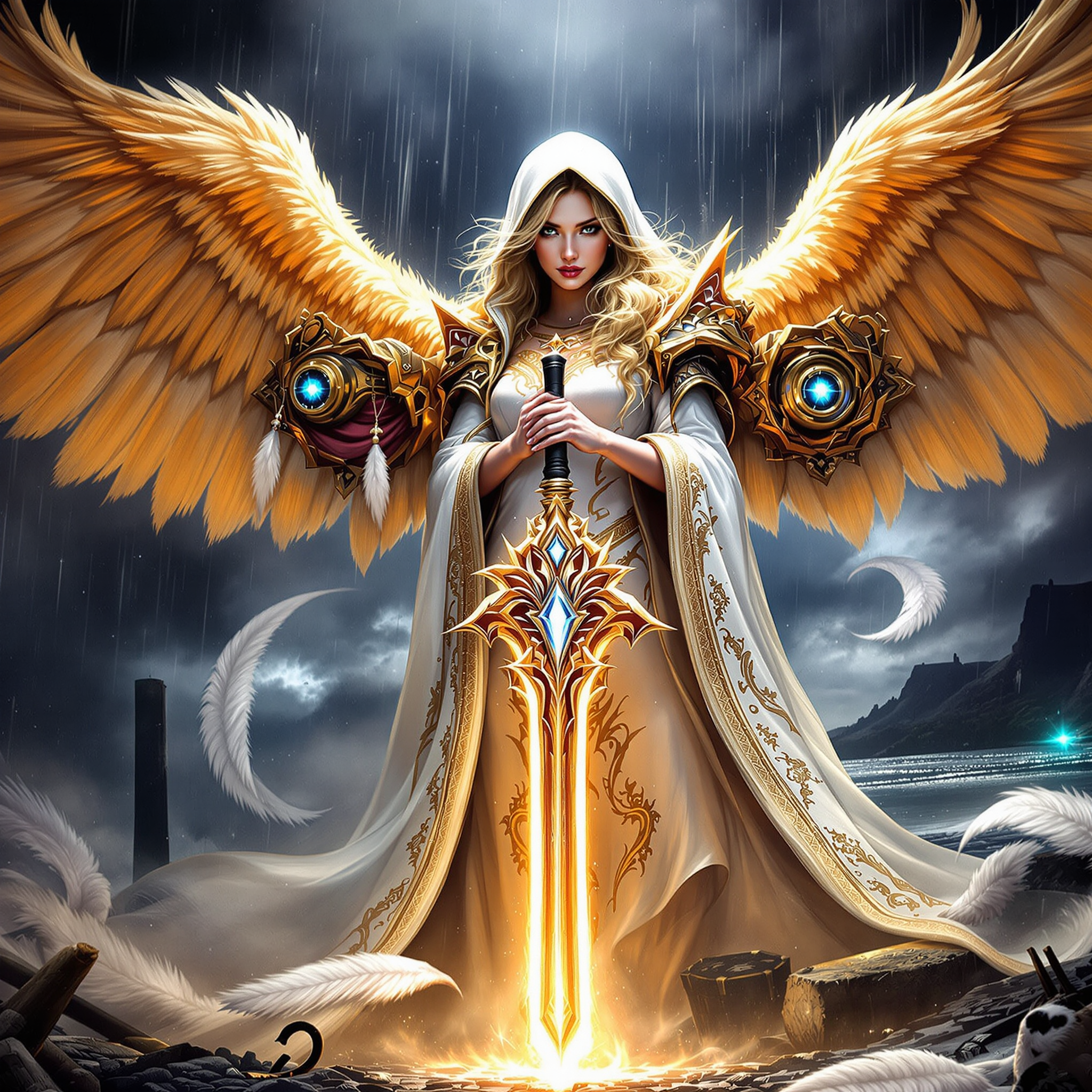
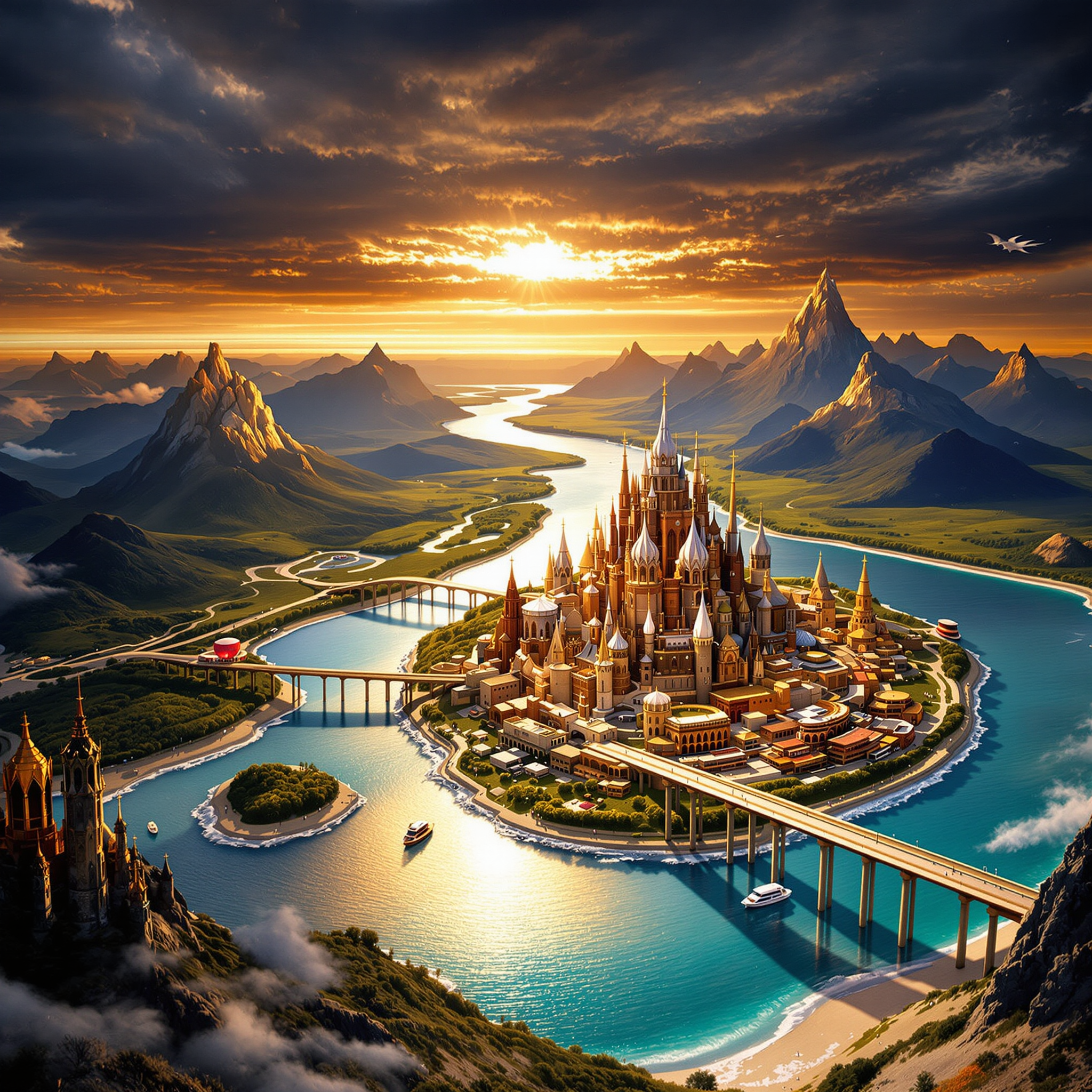
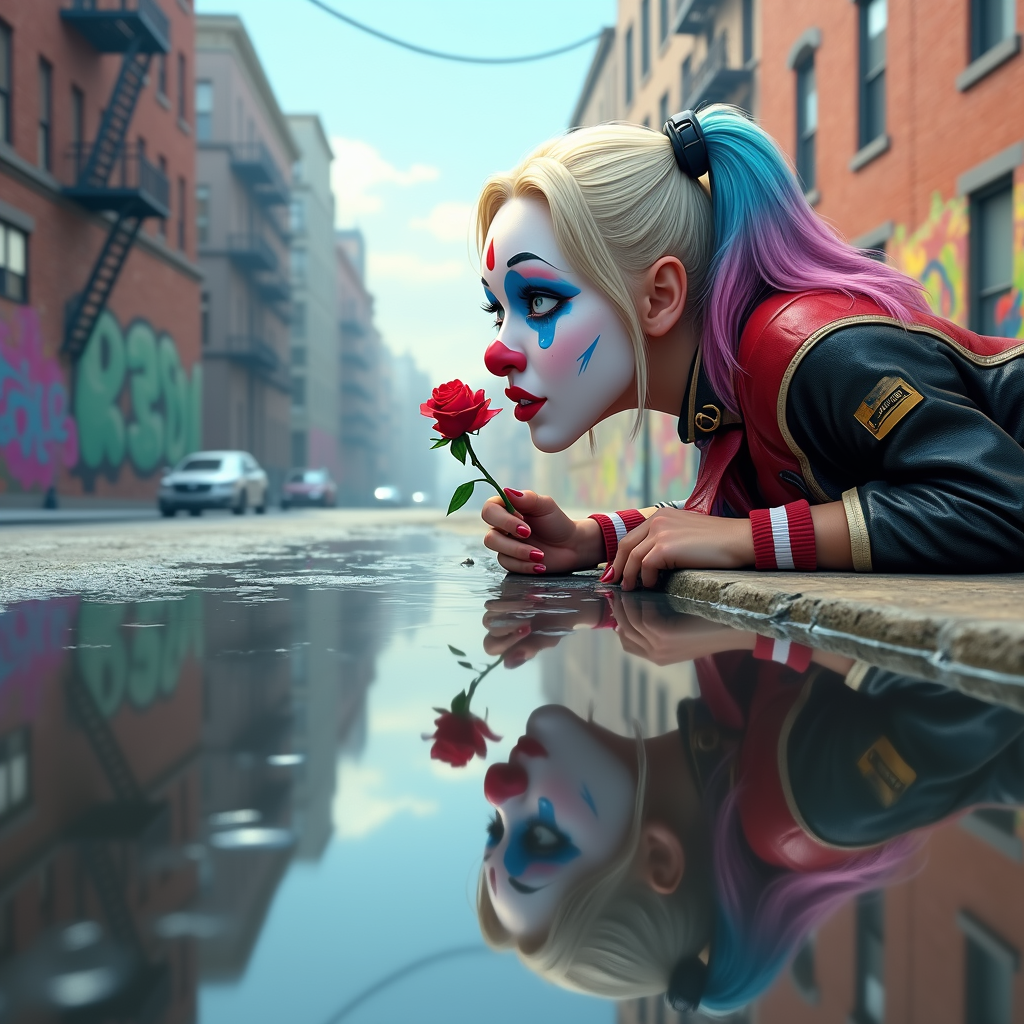
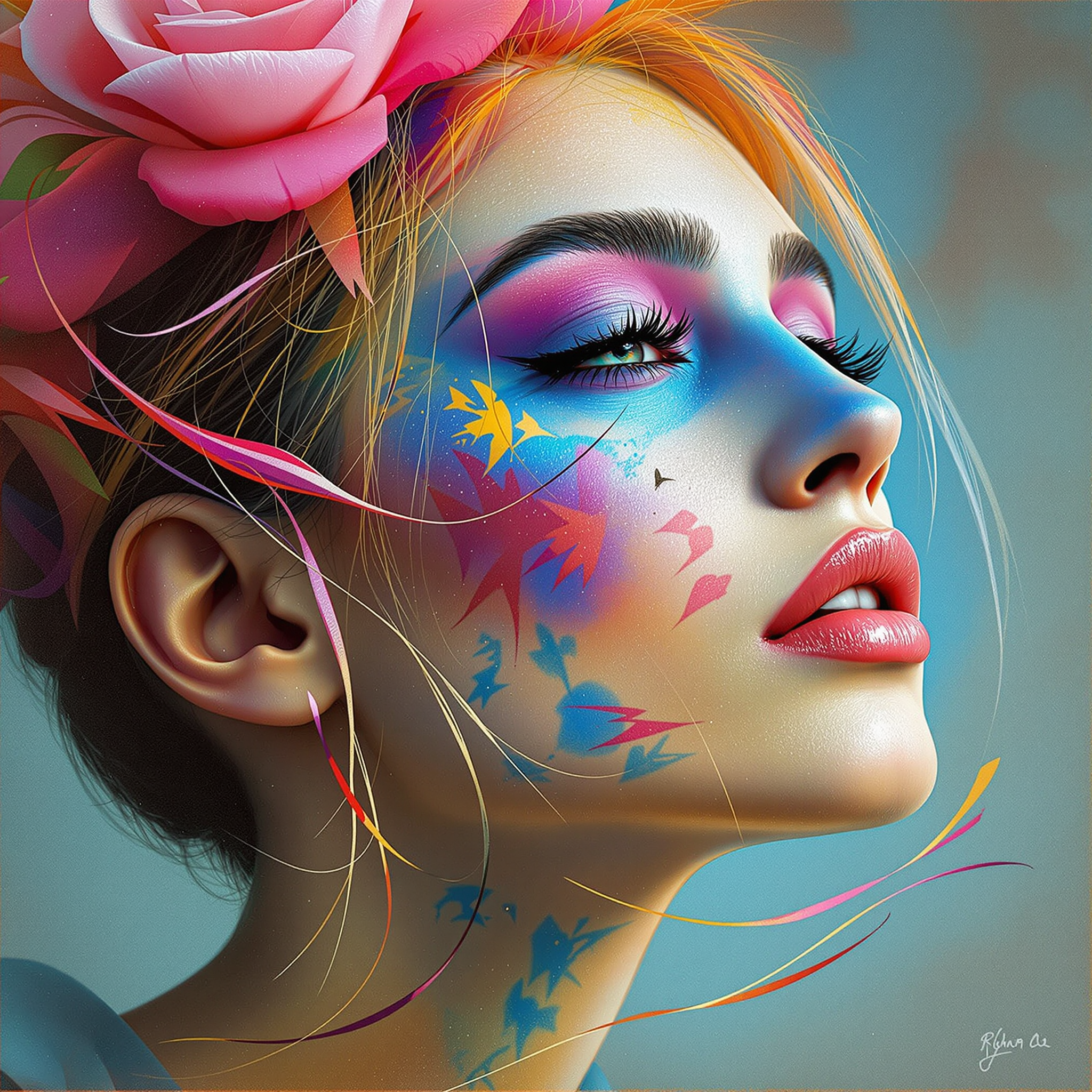
Upload up to three reference images that you wish to combine. Ensure each image is clear and relevant to your desired outcome.
Step 3: Enter Your Prompt
Provide a detailed text prompt describing how you want the images to be merged. Be specific about elements to include or emphasize.
The Pixel Dojo Advantage
Why PixelDojo outperforms other options for multi-image input AI image generation
| Others | Pixel Dojo |
|---|---|
| Traditional Photo Editing | Eliminates the need for manual blending and masking, saving hours of editing time. |
| Generic AI Tools | Offers specialized multi-image input capabilities, ensuring more accurate and cohesive results. |
| Stock Image Libraries | Empowers you to create unique images tailored to your specific needs, rather than relying on generic stock photos. |
Loved by creators on PixelDojo
Real feedback from people using PixelDojo, pulled from our in-product surveys.
Accurate results
Great site and so much fun to use!
very useful set of tools for image creation, upscaling and enhancement
ease of use, variety of tools, high quality trainings, and a well-maintained discord channel
Ease of use, friendliness and support of the owner, continued innovation.
it is an amazing site to create a pics and vids for those who don't have the hardware themselves
Explore more AI tools on PixelDojo
AI Tools
Compare & Switch
- Best AI Image Generators
- Best AI Video Generators
- Midjourney Alternatives
- Civitai Alternatives
- Runway Alternatives
- Leonardo Alternatives
- Pika Alternatives
- Luma Alternatives
- Magnific Alternatives
- Veo Alternatives
- Flux Alternatives
- Freepik Alternatives
- Seedance Alternatives
- Seedream Alternatives
- Pixverse Alternatives
- GPT Image Alternatives
- Synthesia Alternatives
- Playground Alternatives
- NightCafe Alternatives
- Canva AI Alternatives
- ElevenLabs Alternatives
- ComfyUI Alternatives
- Fal Alternatives
- Replicate Alternatives
Common Questions
Everything you need to know about Multi-image input Wan AI
How does Multi-Image Input Wan AI work?
Multi-Image Input Wan AI allows you to upload up to three reference images and provides a text prompt to guide the AI in merging them into a single, cohesive image. The AI analyzes the inputs and generates a photorealistic result based on your description.
What types of images can I combine using this tool?
You can combine various types of images, including portraits, landscapes, objects, and abstract designs. The key is to provide clear reference images and a detailed prompt to guide the AI effectively.
Do I need any prior experience in image editing to use this tool?
No prior experience is necessary. PixelDojo's interface is user-friendly, and the AI handles the complex merging process, making it accessible to beginners and professionals alike.
Can I edit the generated image further after using the AI tool?
Yes, once the AI generates the image, you can download it and use any image editing software to make additional adjustments or enhancements as needed.
Is there a limit to the number of images I can create?
PixelDojo offers various subscription plans to suit different needs. Depending on your plan, you may have a set number of credits per month, allowing you to generate multiple images. Check our pricing page for more details.
How long does it take to generate an image?
The generation time can vary based on the complexity of your prompt and the size of the reference images. However, most images are generated within a few minutes.