nano banana AI Generator

Generated on PixelDojo. Produced by PixelDojo's generation pipeline.
You can now turn any idea into a breathtaking photorealistic image, a consistent character for your entire story, or a marketing infographic with perfectly readable text—all in seconds and without cameras, models or design software. PixelDojo’s Nano Banana 2 delivers studio-quality results that look like they came from a professional photoshoot or illustration studio. Marketers create product mockups that actually sell. Storytellers keep the same hero looking identical across every scene and pose. Everyday creators transform simple selfies into cinematic masterpieces or restore old family photos with natural lighting and texture. You achieve these outcomes because Nano Banana 2 understands context, lighting, camera angles and real-world details, then PixelDojo surrounds it with complementary tools like Image to Image, Inpainting, Style Transfer, Change Camera Angle, Background Remover, Reality Polisher and Image Outpainting. Thousands of creators already generate millions of images this way. With 40+ cutting-edge AI tools in one place you start today and cancel anytime, so there is zero risk while you produce commercial-ready visuals that previously required expensive teams.
Real image examples generated on PixelDojo
Every example below was produced on PixelDojo. Hover to see the prompt.
A nano banana
google-gemini-image

A nano banana
google-gemini-image
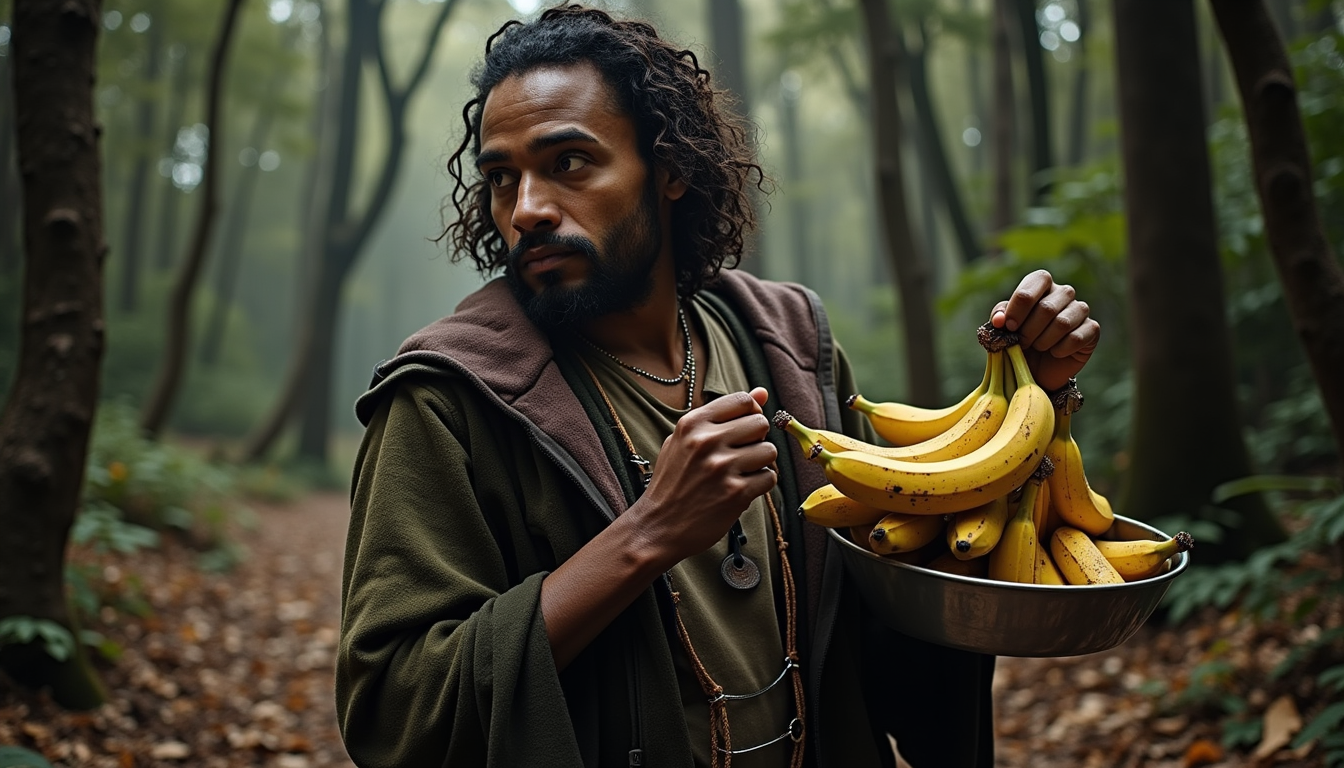
Holding bananas
flux
A nano banana
image-to-video
A macro close-up shot of a tiny yellow nano banana curved with stem upright
image-to-video

Masterpiece
creative-upscaler
Models you can run on PixelDojo for nano banana
Switch models without switching tools. Each one runs in the same PixelDojo studio.
What you can do with nano banana on PixelDojo
Prompt-Based Image Generation
We turn your text prompts into images with Nano Banana so you can draft concepts, characters, and scenes without starting from a blank canvas.
Iterate With Follow-Up Prompts
We let you refine a result by adjusting the prompt and generating new versions, which helps you compare options and lock in the look you want.
Control Size and Framing
We support common aspect ratios and resolutions so you can generate frames that fit social posts, thumbnails, storyboards, or print layouts.
Export Images You Can Use
We provide downloads of your generations so you can drop them into decks, mockups, and production files without extra conversion steps.
Loved by thousands of creators worldwide who generate millions of professional images every month. 40+ cutting-edge AI tools, commercial-use license included, cancel anytime.
Why Choose Pixel Dojo for nano banana
Professional-quality results with cutting-edge AI technology
Keep Characters Identical Across Every Scene
You generate the exact same face, body and clothing in new poses, outfits, lighting and environments without identity drift. Comic creators, animators and brand teams finally produce cohesive storyboards, character sheets and ad campaigns that look like they were shot with the same model. Pair Nano Banana 2 with PixelDojo’s Consistent Characters and Character Sheets tools for even tighter control, then extend the look into video with Kling Video or WAN Video Character Swap.
Render Perfectly Readable Text Every Time
You create infographics, product labels, posters, menus and social graphics where every letter, number and logo appears crisp and correctly spelled. No more garbled text that ruins professional work. Nano Banana 2’s advanced text rendering plus PixelDojo’s Image Analyzer and Reality Polisher let you produce print-ready marketing assets in one pass, then upscale them with P-Image Upscale or Magnific Upscaler for 4K output.
Blend, Edit and Expand Photos Like a Studio
You fuse multiple photos into one seamless composite, change camera angles, remove or replace objects, restyle lighting and outpaint scenes—all with simple language instead of layers and masks. Restorers bring old photos back to life, e-commerce sellers generate unlimited lifestyle shots, and designers experiment with Style Transfer and Magic Lighting in seconds. Finish with Background Remover and Image Outpainting so every image is ready for any platform.
How It Works
You create professional nano banana images on PixelDojo in three straightforward steps that anyone can follow. Nano Banana 2 handles the heavy lifting of photorealism, consistency and text while PixelDojo’s full editing suite lets you refine until the result matches your exact vision.
Step 1: Choose Your Tool
Log into PixelDojo and open the Generate Images section. Select Nano Banana 2 from the 40+ available models. This gives you the fastest, most versatile engine for high-fidelity generation with world knowledge and 4K output. If you already have photos to edit, start instead with Image to Image or upload multiple references for fusion. You can also jump straight to specialized tools like Consistent Characters or Ideogram Character when you need extra identity lock.
Step 2: Enter Your Prompt
Describe what you want in natural, detailed language as if briefing a photographer or art director. Include the subject, action, lighting (golden hour, dramatic rim light), camera (85mm lens, low angle, shallow depth of field), mood and any text that must appear. For consistency add “same character as the reference image” and upload one or more photos. Nano Banana 2 reasons through the request, so conversational follow-ups like “now change the jacket to leather and move her to a rainy street” work perfectly. You can also use PixelDojo’s Image Analyzer first to understand an existing photo before prompting.
Step 3: Customize & Download
Review the generated image. Use Inpainting to fix tiny details, Change Camera Angle for new viewpoints, Style Transfer or Magic Lighting for artistic looks, Background Remover for clean cut-outs and Image Outpainting to expand the canvas. Polish further with Reality Polisher then upscale using P-Image Upscale, Magnific Upscaler or Portrait Upscaler. When you need motion, send the still into Generate Videos tools such as Kling Video, WAN 2.7 Video or Seedance. Download the final high-resolution file with full commercial rights. Iterate as many times as you like—PixelDojo keeps everything in one workspace.
The Pixel Dojo Advantage
Why PixelDojo outperforms other options for nano banana image generation
| Others | Pixel Dojo |
|---|---|
| Traditional photography and illustration | You skip location scouting, model fees, lighting setups and days of shooting. Nano Banana 2 plus PixelDojo’s editing suite produces unlimited variations in minutes that look like they came from a real studio, complete with consistent characters and readable text. |
| Generic AI tools | You get a dedicated Nano Banana 2 engine plus 40+ specialized companions (Inpainting, Consistent Characters, Style Transfer, video extenders, upscalers) all in one account. Results stay more consistent, text stays readable, and you never leave the platform to finish the job. |
| Manual photo editing software | You replace hours of masking, cloning and color matching with simple language commands. PixelDojo’s Image to Image, Inpainting, Change Camera Angle and Reality Polisher deliver professional composites instantly, then you upscale and download ready-to-use files. |
Loved by creators on PixelDojo
Real feedback from people using PixelDojo, pulled from our in-product surveys.
Because it is awesome
exceptional quality and great overall design of platform and interface. very intuative. love the creative freedom.
Qwen image 2 is amazing!!
Creative freedom, range of tools and options.
I love the training feature
the quality is the best
Explore more AI tools on PixelDojo
AI Tools
Compare & Switch
- Best AI Image Generators
- Best AI Video Generators
- Midjourney Alternatives
- Civitai Alternatives
- Runway Alternatives
- Leonardo Alternatives
- Pika Alternatives
- Luma Alternatives
- Magnific Alternatives
- Veo Alternatives
- Flux Alternatives
- Freepik Alternatives
- Seedance Alternatives
- Seedream Alternatives
- Pixverse Alternatives
- GPT Image Alternatives
- Synthesia Alternatives
- Playground Alternatives
- NightCafe Alternatives
- Canva AI Alternatives
- ElevenLabs Alternatives
- ComfyUI Alternatives
- Fal Alternatives
- Replicate Alternatives
Common Questions
Everything you need to know about nano banana
How do I create nano banana images with consistent characters on PixelDojo?
Select Nano Banana 2 in Generate Images, upload one or more reference photos of your character, and write a prompt that includes “same person, same face, same clothing details.” PixelDojo’s Consistent Characters and Character Sheets tools lock identity even tighter across dozens of generations. You can then change pose, lighting or background with Inpainting or Change Camera Angle while the face stays identical. Thousands of comic artists and marketers already use this workflow to produce entire campaigns without hiring models.
Can Nano Banana 2 generate infographics and posters with readable text?
Yes. Nano Banana 2 is built for accurate, legible text rendering in any language. Simply describe the layout, headline, body copy and any logos in your prompt. PixelDojo then lets you refine with Image Analyzer and Reality Polisher so every letter stays sharp. After generation you can upscale with P-Image Upscale or Magnific Upscaler for print-ready 4K files. This combination replaces expensive graphic designers for menus, social ads, explainer graphics and product packaging.
What are the best prompting techniques for nano banana 2 photorealistic results?
Talk like a creative director instead of using keyword lists. Specify subject, action, lighting (golden hour, cinematic rim light), camera (85mm, f/1.8, low angle), film stock or texture, and mood. Use positive language (“empty rain-slicked street” rather than “no cars”). Upload reference images for fusion and stay in the same conversation to iterate (“now make the jacket leather and add neon reflections”). PixelDojo’s Nano Banana 2 plus Style Transfer and Magic Lighting tools turn these detailed briefs into studio-quality photographs in seconds.
How does PixelDojo let me edit existing photos with nano banana technology?
Upload any photo to Image to Image or Inpainting, then describe the change in plain language: remove the background, change the camera angle, restyle the lighting, or fuse a second photo. Nano Banana 2 understands context so the rest of the image stays intact. Follow up with Background Remover, Image Outpainting, Reality Polisher and Portrait Upscaler. You can even send the still into Kling Video or WAN Video Character Swap when you need motion. The entire process stays inside PixelDojo so you never export and re-import.
Is there a free way to try nano banana 2 image generation on PixelDojo?
Yes. You can start creating immediately with PixelDojo’s 40+ cutting-edge AI tools, including Nano Banana 2. There is no long-term commitment—cancel anytime. Thousands of creators already produce commercial work this way, so you can test product mockups, character sheets or infographics today and only keep the plan if the results exceed your expectations.
Can I turn nano banana stills into videos or 3D on PixelDojo?
Absolutely. After you generate or edit an image with Nano Banana 2, send it directly into Generate Videos tools such as Kling Video, WAN 2.7 Video, Seedance or Flux 3 Video to add motion while keeping character consistency. For 3D, use Rodin or Hunyuan 3D. You can also apply Face Swap, Virtual Try-On or Character Stylist first. Everything lives in one account so your visual universe stays coherent from still to video to 3D asset.