nano banana 2 features AI Generator

Generated on PixelDojo. Produced by PixelDojo's generation pipeline.
Imagine turning your creative ideas into professional, campaign-ready visuals in seconds without hiring a designer or spending hours in editing software. With PixelDojo's Nano Banana 2, you achieve exactly that: high-fidelity images featuring accurate real-world details, crisp multilingual text, and unwavering character consistency that make your marketing materials, storyboards, and infographics stand out. You no longer wait days for revisions or settle for generic results. Instead, you generate 4K-ready posters, localized ads, photorealistic product shots, and data visualizations grounded in current knowledge, all while iterating rapidly to match your exact vision. PixelDojo puts Nano Banana 2 alongside 40+ other cutting-edge tools so you can start with generation, then refine using inpainting or style transfer, upscale for print, or even extend into video. Thousands of creators already use this combination to produce assets that convert, tell stories, and look studio-polished. Whether you need social posts that pop, print materials that impress, or consistent branding across a full campaign, you get production-quality outcomes immediately. Cancel anytime if it does not fit, but most users stay because the results speak for themselves and the workflow saves both time and budget.
Real image examples generated on PixelDojo
Every example below was produced on PixelDojo. Hover to see the prompt.
A nano banana
google-gemini-image

A nano banana
google-gemini-image
A nano banana
image-to-video
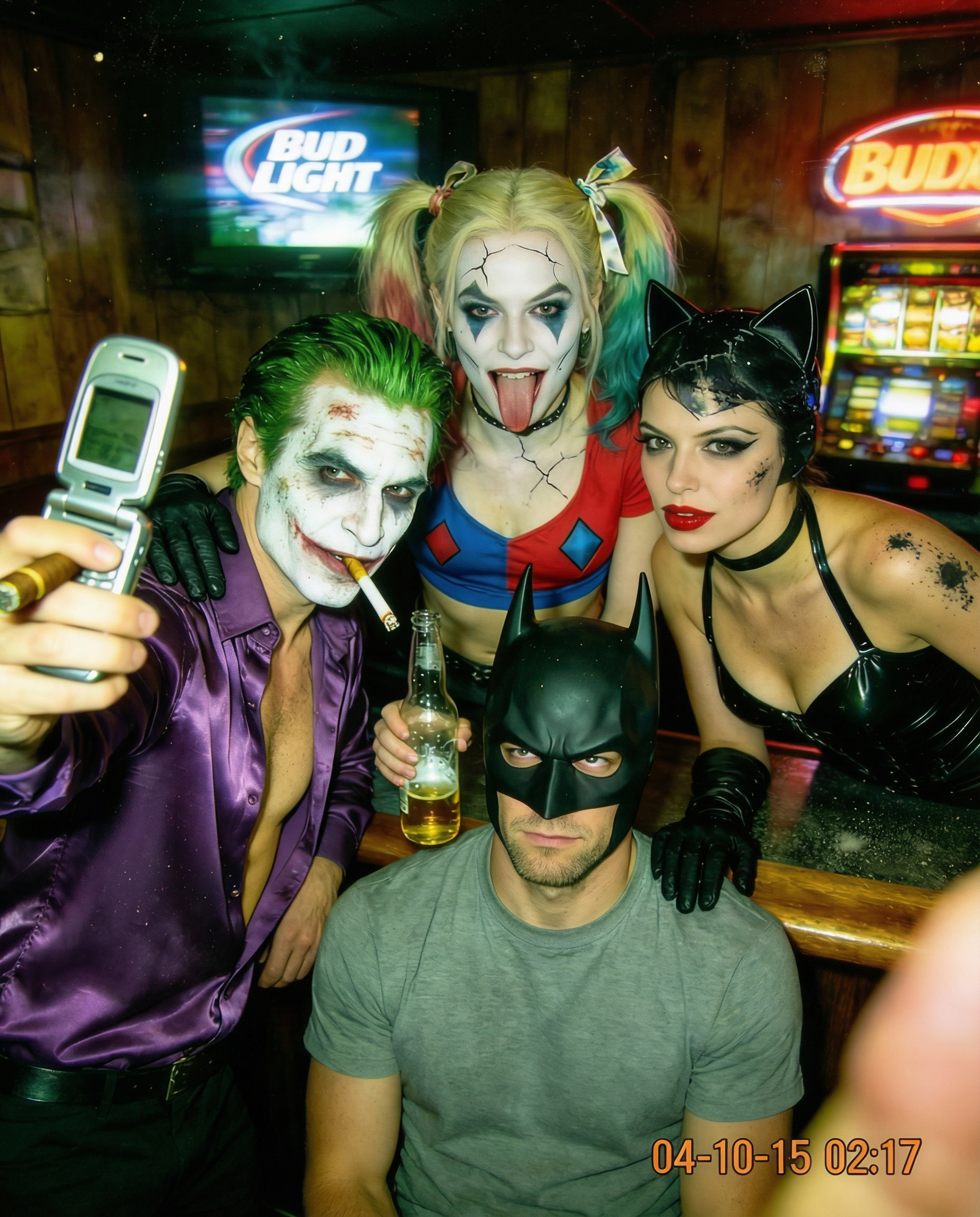
Realistic flash photography of four cosplayers in a bar
reality-polisher
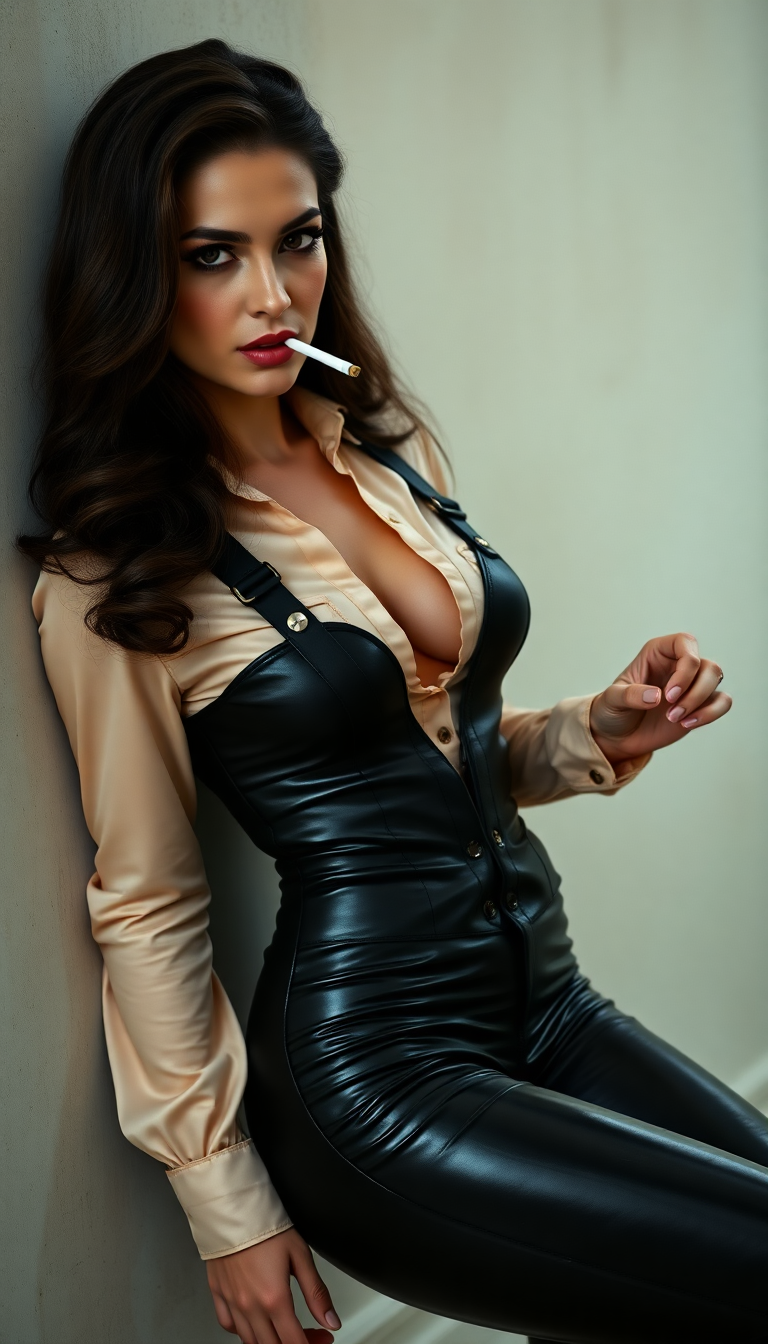
Luxurious dark brown hair
flux

I_face_neutral
flux
Models you can run on PixelDojo for nano banana 2 features
Switch models without switching tools. Each one runs in the same PixelDojo studio.
What you can do with nano banana 2 features on PixelDojo
Nano Banana 2 On PixelDojo
We host Nano Banana 2 for text to image generation so you can produce stills from prompts inside your PixelDojo workspace.
Prompt Driven Composition Control
We send your subject, layout, and style instructions to Nano Banana 2 so outputs stay aligned with what you asked for.
Iterate And Compare Takes
We keep generations in one place so you can rerun prompts, tweak details, and pick the frame that fits the brief.
Exports For Everyday Use
We let you download finished images in common formats so you can drop them into design, social, and client deliverables.
Loved by thousands of creators worldwide who generate millions of images monthly. PixelDojo users rate Nano Banana 2 workflows 4.9/5 for speed, text accuracy, and consistency when combined with tools like Flux.2 Studio and GPT Image 2.
Why Choose Pixel Dojo for nano banana 2 features
Professional-quality results with cutting-edge AI technology
Launch Marketing Campaigns with Flawless Text and Localization
You create posters, greeting cards, ads, and UI mockups where every letter renders perfectly readable in any language. Nano Banana 2 handles translation and localization inside the image so you produce global variants without rebuilding designs. Pair it with PixelDojo's Recraft V4.1 or Ideogram 4 for extra typography control, then apply Magic Lighting or Style Transfer to match your brand instantly. The outcome is professional assets that look expensive yet cost almost nothing and take minutes instead of days.
Tell Visual Stories with Unbreakable Character Consistency
You maintain the exact look of up to five characters and fourteen objects across an entire series of images. This lets you storyboard comics, product lines, or video pre-vis without characters morphing. Combine Nano Banana 2 with PixelDojo's Consistent Characters, Character Sheets, and Ideogram Character tools to lock identities, then swap scenes using Image to Image or Change Camera Angle. You finish cohesive narratives that feel like they came from a professional studio, ready for marketing or entertainment use.
Deliver Print and Social Assets at Any Size Instantly
You output everything from quick 512px drafts to razor-sharp 4K files in native aspect ratios including ultra-wide 8:1 banners or tall 1:8 stories. Nano Banana 2 gives vibrant lighting, rich textures, and sharp details out of the box. Follow up with PixelDojo's P-Image Upscale, Magnific Upscaler, or Clarity Pro for even higher quality, then use Background Remover or Reality Polisher for final polish. The result is platform-perfect visuals you can publish or print immediately, no extra software required.
How It Works
You create professional Nano Banana 2 images on PixelDojo in three straightforward steps that anyone can follow, then enhance them with the rest of our 40+ tools.
Step 1: Choose Your Tool
Sign in to PixelDojo and go to Generate Images. Select Nano Banana 2 for its unmatched speed and Pro-level quality. You can also mix it with GPT Image 2, Flux.2 Studio, Krea Image, or Seedream 5 depending on the look you want. Upload up to four reference images if you are editing an existing photo or matching a specific style. The interface shows you all options clearly so you start creating in seconds.
Step 2: Enter Your Prompt
Type a natural-language description of exactly what you need, such as a detailed infographic, photoreal still life, or character scene. Nano Banana 2 follows complex multi-layered instructions and pulls real-world knowledge for accuracy. Specify aspect ratio, resolution, and any text you want rendered. Add reference images for composition or identity lock. Generate one to four variations at once so you can pick the best immediately.
Step 3: Customize & Download
Review your results, then jump into Edit Images to use Inpainting, Style Transfer, Magic Lighting, or Background Remover. Upscale with P-Image Upscale or Magnific Upscaler if needed. For characters, apply Face Swap or Character Stylist. Download in the format you need or send straight to video tools like Kling Video. Everything stays inside PixelDojo so your workflow never breaks.
The Pixel Dojo Advantage
Why PixelDojo outperforms other options for Nano Banana 2 image generation
| Others | Pixel Dojo |
|---|---|
| Traditional design agencies and photography | You receive studio-quality 4K images with perfect text and consistent characters in seconds rather than waiting weeks and paying thousands. Unlimited free iterations using Nano Banana 2 plus Recraft V4.1 and ImagineArt let you perfect every asset before anyone else even starts the brief. |
| Generic single-model AI tools | You access Nano Banana 2 together with 40+ specialized generators, editors, upscalers, character tools, and even video and 3D options in one dashboard. Seamless hand-off from generation to Inpainting or Flux.1 Studio means you never export and re-import, saving hours on every project. |
| Manual photo editing and graphic software | You skip the steep learning curve and hours of masking. Simply describe the outcome you want and Nano Banana 2 plus Image Analyzer, Reality Polisher, and Style Transfer deliver polished, consistent results instantly. Non-designers produce professional work that previously required experts. |
Loved by creators on PixelDojo
Real feedback from people using PixelDojo, pulled from our in-product surveys.
Very eay to use, works well to train SDXL loras.
The amazing tools
Top notch quality and strong prompt adherence.
A well resourced sunscription with attention to updates.
Easy to use and there's lots of options.
super lora download
Explore more AI tools on PixelDojo
AI Tools
Compare & Switch
- Best AI Image Generators
- Best AI Video Generators
- Midjourney Alternatives
- Civitai Alternatives
- Runway Alternatives
- Leonardo Alternatives
- Pika Alternatives
- Luma Alternatives
- Magnific Alternatives
- Veo Alternatives
- Flux Alternatives
- Freepik Alternatives
- Seedance Alternatives
- Seedream Alternatives
- Pixverse Alternatives
- GPT Image Alternatives
- Synthesia Alternatives
- Playground Alternatives
- NightCafe Alternatives
- Canva AI Alternatives
- ElevenLabs Alternatives
- ComfyUI Alternatives
- Fal Alternatives
- Replicate Alternatives
Common Questions
Everything you need to know about nano banana 2 features
What are the latest Nano Banana 2 features available for AI image generation on PixelDojo?
Nano Banana 2 on PixelDojo delivers Pro-level visual quality at Flash speed, including real-time web-grounded world knowledge for accurate subjects and infographics, industry-leading text rendering with multilingual support and in-image translation, consistency for five characters and fourteen objects, native extreme aspect ratios such as 8:1 and 1:8, and resolutions from 512px through 4K. You also get stricter instruction following, richer textures, and vibrant lighting. PixelDojo lets you combine these with GPT Image 2, Flux.2 Studio, WAN 2.7, and Seedream 5 so every project uses the best model for the job, then refine everything with our full edit and upscale suite.
How does Nano Banana 2 improve text rendering and localization inside images?
You generate images where text appears crisp, correctly spelled, and perfectly placed, even in long paragraphs or multiple languages. Nano Banana 2 can translate and localize existing text within an image so one design becomes a full international campaign. On PixelDojo you further enhance typography using Ideogram 4 or Recraft V4.1, then apply Style Transfer or Magic Lighting to keep the rest of the visual on-brand. The result is marketing mockups and greeting cards that look professionally typeset without any extra software.
Can I maintain character consistency across multiple Nano Banana 2 images for campaigns?
Yes. Nano Banana 2 locks the appearance of up to five people and fourteen objects so they stay identical from image to image. You use this for storyboards, product catalogs, or social series. PixelDojo supercharges it with Consistent Characters, Character Sheets, Ideogram Character, Face Swap, and LoRA Face Swap. After generation you can still change camera angle or lighting without breaking identity, giving you a complete visual narrative ready for video tools like Kling Video or WAN 2.7 Video.
What aspect ratios and resolutions does Nano Banana 2 support on PixelDojo?
You choose from a full range including 1:1, 16:9, 9:16, 21:9, plus new ultra-wide 8:1 and 4:1 plus tall 1:8 and 1:4. Resolutions start at an efficient 512px for rapid iteration and go all the way to native 4K. PixelDojo adds one-click upscaling via P-Image Upscale, Magnific Upscaler, or Clarity Pro so even a 1K generation becomes print-ready. Auto-framing in image-to-image mode matches your uploaded reference automatically.
How do I combine Nano Banana 2 with other PixelDojo tools for better results?
Start with Nano Banana 2 for the base generation or edit, then send the image straight into Image to Image, Inpainting, Background Remover, or Reality Polisher. Use Character Stylist or Virtual Try-On for fashion and branding work. Upscale with any of our dedicated enhancers, analyze with Image Analyzer, or turn stills into video using Marketing Studio, VEO 3.1, or Seedance 2.5. Because everything lives in one platform you never lose quality or waste time on file transfers.
Is there any risk or commitment when trying Nano Banana 2 features on PixelDojo?
None. PixelDojo gives you 40+ cutting-edge AI tools including Nano Banana 2, loved by thousands of creators worldwide. You can cancel anytime with no questions asked. Start generating immediately, explore every feature, and only stay if the results and workflow exceed what you currently use. Most users find they replace multiple subscriptions and agencies with a single PixelDojo account.