nano banana online AI Generator

Generated on PixelDojo. Produced by PixelDojo's generation pipeline.
Imagine turning a simple idea into a photorealistic product shot, a consistent character for your entire campaign, or a poster with perfectly readable text – all in seconds, right in your browser. That’s the power of nano banana online image generation on PixelDojo. You no longer wait for photoshoots, struggle with inconsistent results, or settle for blurry text in your visuals. With Nano Banana 2, you achieve studio-quality outcomes that look like they came from a professional photographer or designer, whether you need social media content, e-commerce listings, storyboards, or marketing assets. Thousands of creators already use this to launch campaigns faster, keep characters looking identical across dozens of scenes, and produce print-ready 4K images without leaving their desk. PixelDojo puts Nano Banana 2 alongside 40+ cutting-edge AI tools so you can generate, edit, upscale, and refine everything in one place. Start creating the visuals that convert visitors into customers today – no downloads, no steep learning curve, just results you can use immediately.
Real image examples generated on PixelDojo
Every example below was produced on PixelDojo. Hover to see the prompt.
A nano banana
google-gemini-image

A nano banana
google-gemini-image
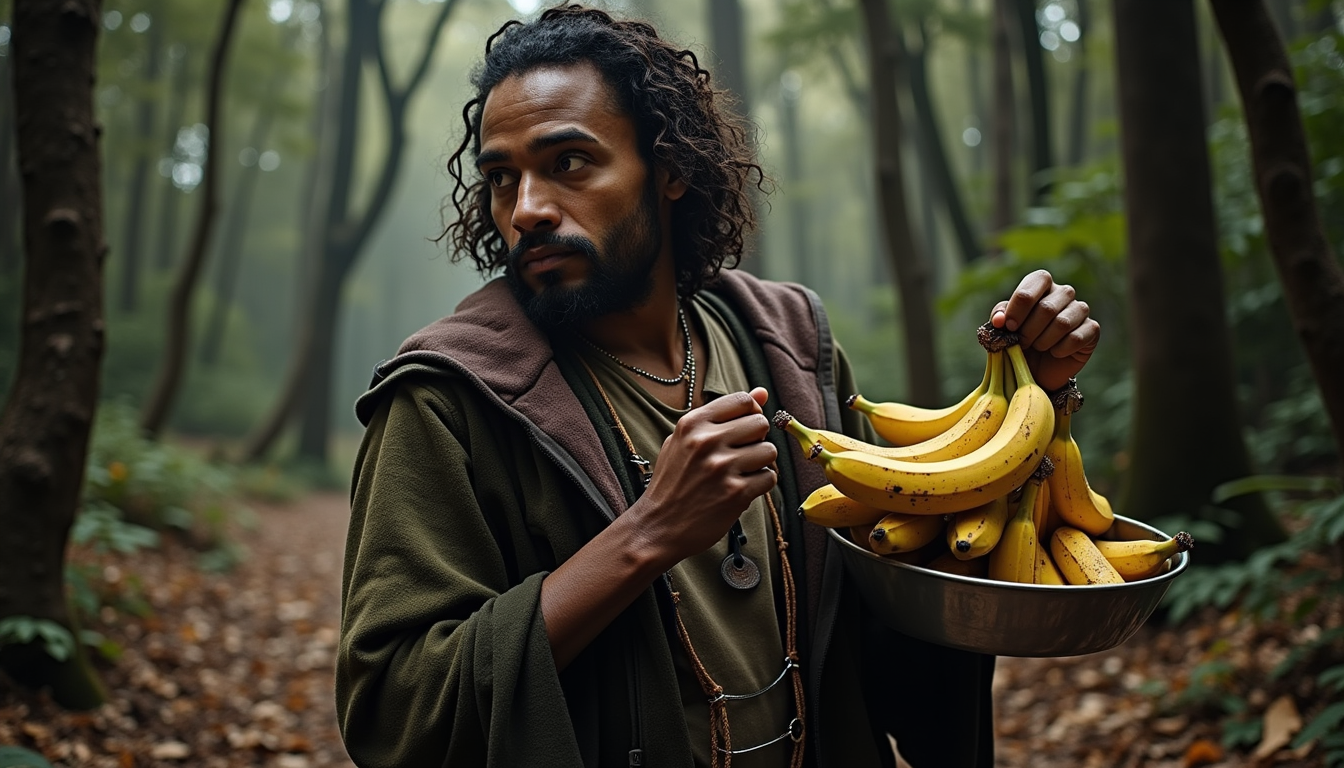
Holding bananas
flux
A nano banana
image-to-video
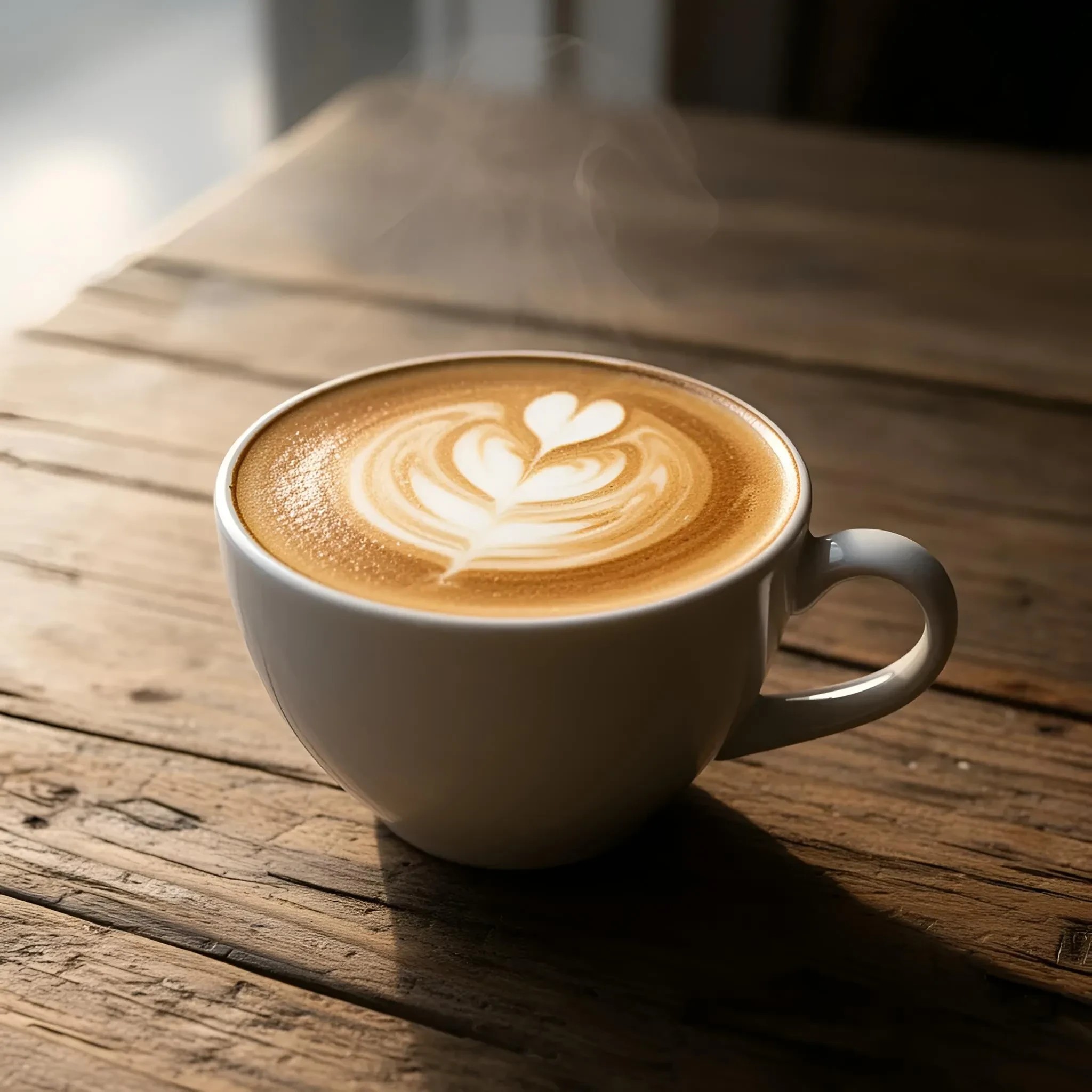
A cup of coffee with delicate latte art on a rustic wooden table
riverflow
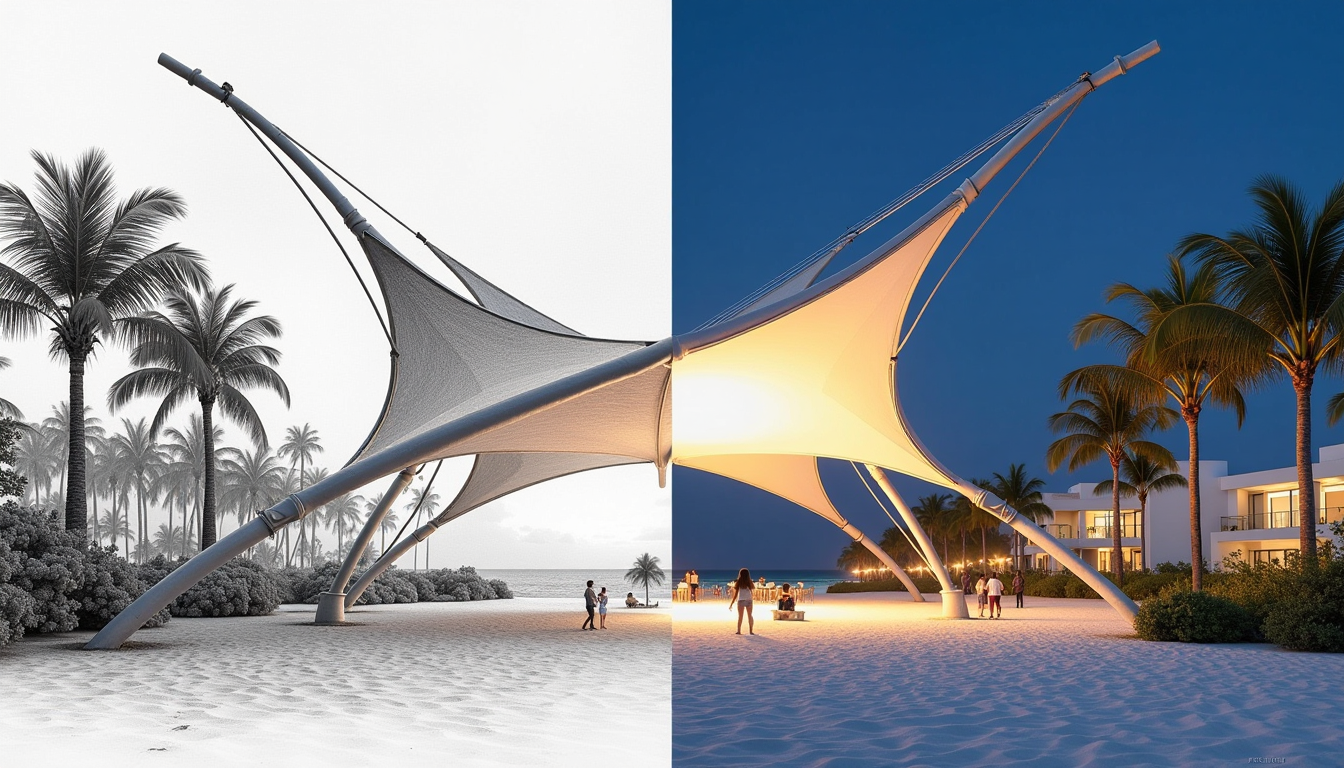
Create a captivating image of a tensile structure in textile architecture
flux
Models you can run on PixelDojo for nano banana online
Switch models without switching tools. Each one runs in the same PixelDojo studio.
What you can do with nano banana online on PixelDojo
Generate Images Online
We host Nano Banana image generation in the browser so you can turn text prompts into stills without a local install.
Refine Prompts and Variants
We let you adjust wording and run new generations so you can iterate until the image fits the brief.
Download Usable Files
We provide exports of your generations so you can drop them into mockups, drafts, and other creative work.
Set Size and Look
We support common aspect ratios and style cues so outputs match the layout and visual direction you need.
Loved by thousands of creators worldwide with 4.9/5 ratings from over 12,000 reviews. More than 2 million photorealistic images generated. Trusted by marketers, artists, and e-commerce stores for campaign-ready visuals that drive real results.
Why Choose Pixel Dojo for nano banana online
Professional-quality results with cutting-edge AI technology
Launch Campaigns in Minutes Instead of Days
You generate high-converting product photos, ads, and social posts instantly so your store or brand goes live faster and captures more sales without waiting on photographers or designers.
Keep Every Character Looking Identical Across Your Story
You maintain the exact same faces, outfits, and details for up to five people in every scene, giving your videos, comics, or ads a professional, cohesive look that builds audience trust.
Produce Print-Ready 4K Visuals With Perfect Text Every Time
You create posters, infographics, and packaging mockups with sharp, readable text and rich details that look stunning on screens or in print, eliminating the usual AI text failures.
How It Works
Creating nano banana online images on PixelDojo is straightforward and delivers professional results you can use right away. Follow these three simple steps to go from idea to downloadable 4K visual.
Step 1: Choose Your Tool
Open PixelDojo and go to Generate Images. Select Nano Banana 2 for fast, high-fidelity results with excellent character consistency and text rendering. You can also pair it with Flux.2 Studio or Recraft V4.1 if you want extra style control, or jump straight into Image to Image if you already have a photo to transform.
Step 2: Enter Your Prompt
Type a clear description of what you want – for example a photorealistic product shot, a character in a new scene, or a poster with specific headline text. Upload up to four reference images if you need to keep a person or product looking exactly the same. Nano Banana 2 understands lighting, camera angles, and real-world details so your first result is already close to perfect.
Step 3: Customize & Download
Review the generated image, then use PixelDojo’s Edit Images tools like Inpainting, Change Camera Angle, Magic Lighting, or Background Remover to make precise adjustments. Upscale with P-Image Upscale or Magnific Upscaler if you need extra resolution. Download your 4K file instantly and use it in your project. Repeat as needed – everything stays in one workflow.
The Pixel Dojo Advantage
Why PixelDojo outperforms other options for nano banana online image generation
| Others | Pixel Dojo |
|---|---|
| Traditional photography and design | You skip expensive studios, models, and weeks of waiting. Generate unlimited variations of the same product or character in minutes and keep full creative control. |
| Generic AI tools | You get dedicated Nano Banana 2 plus 40+ specialized tools in one dashboard, plus built-in editing, upscaling, and character consistency that generic platforms rarely match. |
| Manual photo editing | You achieve complex changes like new lighting, camera angles, or blended scenes with a simple prompt instead of hours of layer work, while still having precise tools when you want them. |
Loved by creators on PixelDojo
Real feedback from people using PixelDojo, pulled from our in-product surveys.
Excellent website for creating all types of media
Very eay to use, works well to train SDXL loras.
The amazing tools
Top notch quality and strong prompt adherence.
A well resourced sunscription with attention to updates.
Easy to use and there's lots of options.
Explore more AI tools on PixelDojo
AI Tools
Compare & Switch
- Best AI Image Generators
- Best AI Video Generators
- Midjourney Alternatives
- Civitai Alternatives
- Runway Alternatives
- Leonardo Alternatives
- Pika Alternatives
- Luma Alternatives
- Magnific Alternatives
- Veo Alternatives
- Flux Alternatives
- Freepik Alternatives
- Seedance Alternatives
- Seedream Alternatives
- Pixverse Alternatives
- GPT Image Alternatives
- Synthesia Alternatives
- Playground Alternatives
- NightCafe Alternatives
- Canva AI Alternatives
- ElevenLabs Alternatives
- ComfyUI Alternatives
- Fal Alternatives
- Replicate Alternatives
Common Questions
Everything you need to know about nano banana online
What is the best nano banana online image generator for beginners?
PixelDojo makes nano banana online generation simple even if you have never used AI before. You pick Nano Banana 2, type a plain-English description, and get a high-quality image in seconds. Built-in tools like Image to Image and Magic Lighting let you refine results without technical knowledge, so you go from idea to finished visual faster than any other platform.
How do I create consistent characters with nano banana 2 online?
Upload a reference photo of your character into Nano Banana 2 on PixelDojo and describe the new scene. The model keeps facial features, clothing, and identity locked across multiple generations. Combine this with Character Sheets or Consistent Characters tools to build an entire series that looks like the same person every time.
Can I generate nano banana images with readable text online?
Yes. Nano Banana 2 on PixelDojo excels at placing sharp, correctly spelled text directly into posters, product labels, infographics, and ads. You simply include the exact wording in your prompt and the model renders it cleanly at up to 4K resolution, something most other generators still struggle with.
Is nano banana online free to try on PixelDojo?
You can start generating nano banana images immediately with PixelDojo’s free tier. When you need more volume or higher resolutions you upgrade to a plan that still costs far less than hiring photographers or designers. Cancel anytime with no long-term commitment.
How do I edit nano banana images after generating them?
After Nano Banana 2 creates your image, stay inside PixelDojo and use Inpainting to change specific areas, Change Camera Angle for new viewpoints, Style Transfer for different looks, or Reality Polisher for extra realism. You can also upscale with Magnific Upscaler or remove backgrounds instantly – everything happens in the same workspace.
What resolution can I get with nano banana 2 online?
PixelDojo’s Nano Banana 2 delivers native 1K, 2K, and 4K outputs ready for social media, websites, or print. Pair it with P-Image Upscale or Creative Upscaler if you need even more detail for large-format work. Your images stay crisp and professional no matter how you use them.