nano banana pro 2k AI Generator

Generated on PixelDojo. Produced by PixelDojo's generation pipeline.
You want images that look like they came from a professional studio—sharp enough for print, detailed enough for large screens, and packed with readable text or consistent characters that stay true across every scene. That's exactly what you achieve with nano banana pro 2k image generation on PixelDojo. Instead of waiting days for photoshoots or wrestling with low-res outputs that fall apart when enlarged, you create 2048-pixel masterpieces in minutes. Your marketing posters pop with crisp typography. Your brand characters remain identical from hero shot to social carousel. Your product mockups feel tactile and real, ready for campaigns that convert. PixelDojo puts Nano Banana 2 at the center of this workflow, letting you generate native 2K results then refine them with Image to Image, Inpainting, Style Transfer, and P-Image Upscale. You skip the technical guesswork and focus on outcomes: more engagement, stronger branding, and assets that actually work in the real world. Thousands of creators already turn ideas into production-ready 2K files here because the process feels effortless and the results look expensive.
Real image examples generated on PixelDojo
Every example below was produced on PixelDojo. Hover to see the prompt.
A nano banana
google-gemini-image

A nano banana
google-gemini-image
A nano banana
image-to-video
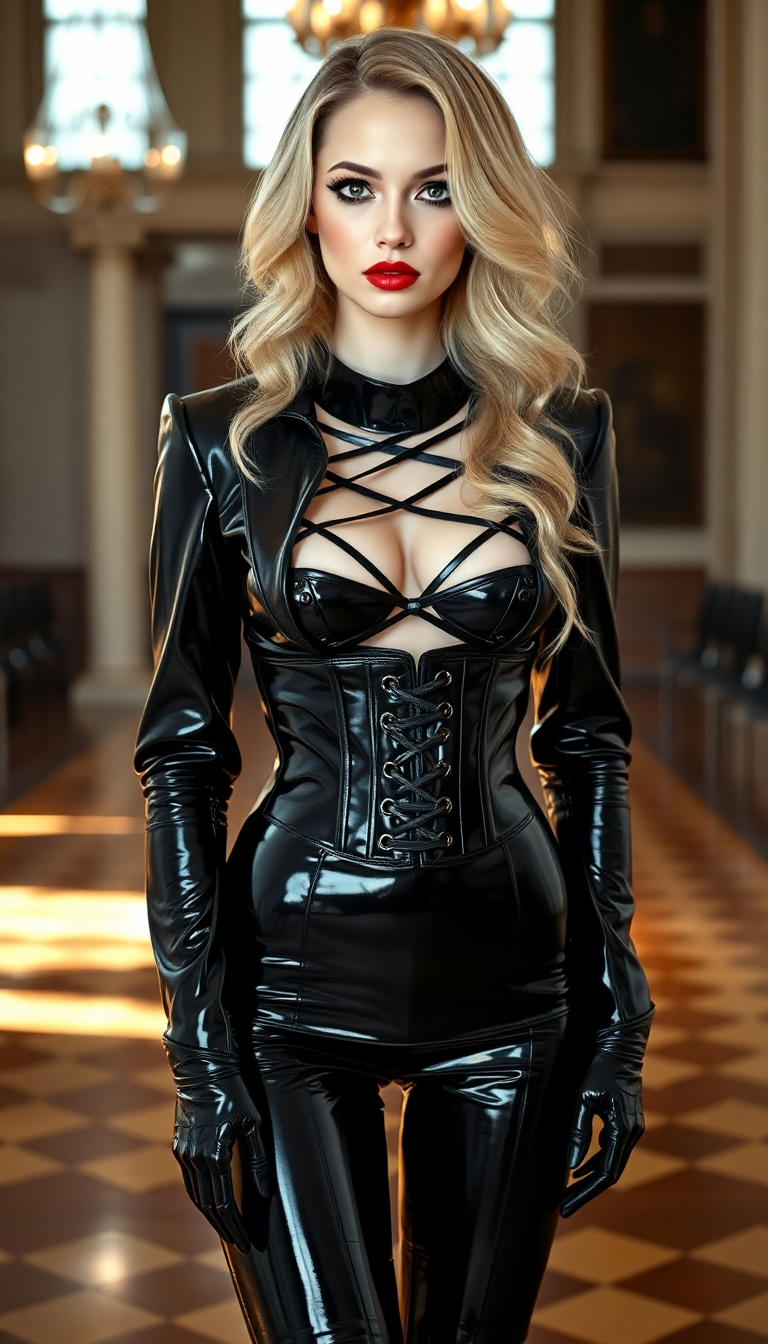
A striking 21-year-old woman with an athletic build and pale
flux
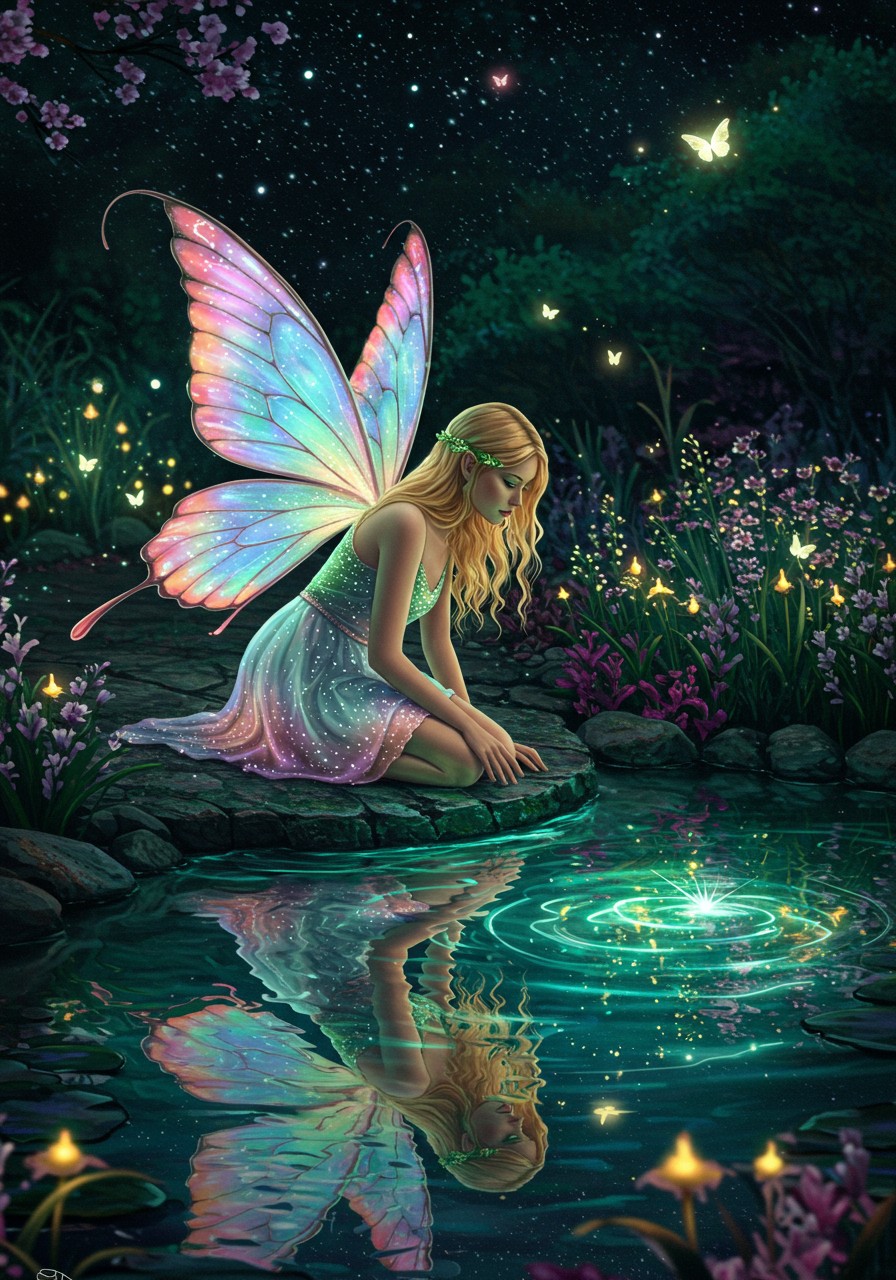
Photorealistic
imagen
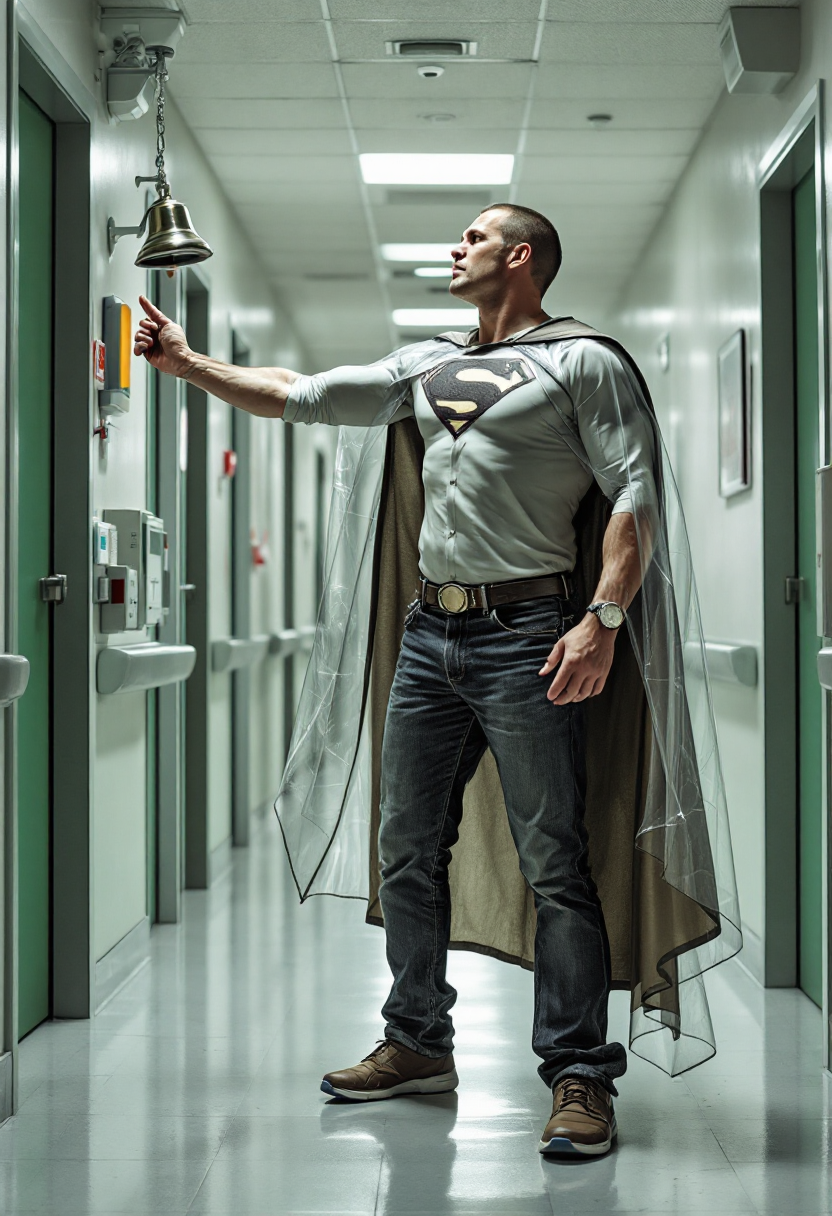
Create an image of a 55 year old 6
flux
Models you can run on PixelDojo for nano banana pro 2k
Switch models without switching tools. Each one runs in the same PixelDojo studio.
What you can do with nano banana pro 2k on PixelDojo
2K Still Generation
We generate Nano Banana Pro images at 2K so you can work with higher-resolution stills for mockups, posts, and print layouts.
Prompt to Image
You write the subject, style, and framing. We return matching images you can regenerate and refine without leaving PixelDojo.
Variations and Iteration
We keep your generations in one place so you can spawn variations, compare takes, and pick the frame that fits the brief.
Export for Creators
We let you download finished 2K outputs and reuse them in your design, video, or product workflows.
Loved by thousands of creators worldwide who generate professional 2K assets daily with PixelDojo's 40+ cutting-edge AI tools. Join them and cancel anytime.
Why Choose Pixel Dojo for nano banana pro 2k
Professional-quality results with cutting-edge AI technology
Print-Ready 2K Detail Without the Wait
You produce crisp 2048x2048 images that hold up on posters, websites, and packaging. Fine textures, skin pores, and fabric weaves stay sharp so your work looks commissioned, not generated.
Text That Actually Reads Perfectly
You add headlines, labels, and infographics that stay legible in multiple languages. Your posters and mockups communicate clearly instead of dissolving into gibberish.
Characters and Products That Stay Consistent
You lock faces, outfits, and products across entire series. Your brand story feels cohesive from the first 2K frame to the last without extra reshoots.
How It Works
You create nano banana pro 2k images on PixelDojo by combining Nano Banana 2 generation with powerful editing and enhancement tools. The process is conversational, fast, and built for real results.
Step 1: Choose Your Tool
Open Generate Images and select Nano Banana 2 for native 2K output. Pair it with Flux.2 Studio or GPT Image 2 when you want extra stylistic range. Upload up to several reference photos if you need character or product lock-in.
Step 2: Enter Your Prompt
Write naturally like a director: name the subject, action, lighting, camera body, lens, and film stock. Add “visible pores, not airbrushed” and specify 2K plus your aspect ratio. PixelDojo’s Nano Banana 2 understands the full scene instead of keyword lists.
Step 3: Customize & Download
Refine with Edit Images tools—Inpainting for local changes, Change Camera Angle, Style Transfer, or Magic Lighting. Enhance further with P-Image Upscale, Magnific Upscaler, or Clarity Pro if you need extra polish. Download your 2K file ready for any platform.
The Pixel Dojo Advantage
Why PixelDojo outperforms other options for nano banana pro 2k image generation
| Others | Pixel Dojo |
|---|---|
| Traditional studio photography | You skip location scouting, models, and lighting setups. Generate unlimited 2K variations in minutes at a fraction of the cost while keeping full creative control. |
| Generic AI tools | You access 40+ specialized models including Nano Banana 2 plus a complete editing suite, character consistency tools, and native 2K output instead of basic one-click generators. |
| Manual photo editing | You go from idea to finished 2K asset in one conversation instead of hours of masking, retouching, and compositing. Consistency happens automatically. |
Loved by creators on PixelDojo
Real feedback from people using PixelDojo, pulled from our in-product surveys.
es facil de comprender asi uno no sea programador
amazing web site
phenomenal site. would highly recommend
Amazing features, easy to use, privacy
the number of options, and especially the quick response to questions on Discord
Love you guys!!
Explore more AI tools on PixelDojo
AI Tools
Compare & Switch
- Best AI Image Generators
- Best AI Video Generators
- Midjourney Alternatives
- Civitai Alternatives
- Runway Alternatives
- Leonardo Alternatives
- Pika Alternatives
- Luma Alternatives
- Magnific Alternatives
- Veo Alternatives
- Flux Alternatives
- Freepik Alternatives
- Seedance Alternatives
- Seedream Alternatives
- Pixverse Alternatives
- GPT Image Alternatives
- Synthesia Alternatives
- Playground Alternatives
- NightCafe Alternatives
- Canva AI Alternatives
- ElevenLabs Alternatives
- ComfyUI Alternatives
- Fal Alternatives
- Replicate Alternatives
Common Questions
Everything you need to know about nano banana pro 2k
What is the fastest way to generate nano banana pro 2k images on PixelDojo?
Select Nano Banana 2 in Generate Images, write a natural-language prompt that includes camera, lighting, and texture details, then set 2K resolution. You receive a production-ready file in seconds and can immediately refine it with Inpainting or Style Transfer.
How do I get perfect text rendering in nano banana pro 2k images?
Put the exact words you want inside quotation marks and describe the font style. PixelDojo’s Nano Banana 2 plus later edits with Image Analyzer and Reality Polisher keep typography sharp and correctly spelled even at 2K.
Can I keep characters consistent across multiple nano banana pro 2k generations?
Yes. Use Consistent Characters or Character Sheets together with Nano Banana 2. Upload a few reference images once and every new 2K scene preserves faces, clothing, and products automatically.
Which PixelDojo tools complement nano banana pro 2k generation best?
Start with Nano Banana 2, then use Image to Image, Inpainting, Change Camera Angle, and Style Transfer for edits. Finish with P-Image Upscale, Magnific Upscaler, or Portrait Upscaler. For video, send your 2K stills into Kling Video or WAN 2.7 Video.
Is nano banana pro 2k generation free to try on PixelDojo?
You can start creating immediately with PixelDojo’s 40+ tools. Thousands of creators already use the platform daily and you can cancel anytime if it doesn’t fit your workflow.
How do I make nano banana pro 2k images look photorealistic instead of artificial?
Include specific camera bodies, lenses, film stocks, and phrases like “visible pores, not airbrushed” plus “natural catchlights.” PixelDojo’s Nano Banana 2 combined with Reality Polisher and Magic Lighting delivers the lived-in texture that sells.