nano banana pro edit AI Generator

Generated on PixelDojo. Produced by PixelDojo's generation pipeline.
You can now create studio-quality visuals that convert viewers into customers using nano banana pro edit techniques on PixelDojo. Transform a simple snapshot into a dramatic cinematic scene by shifting lighting from bright daylight to warm golden hour or mysterious night, with every shadow and reflection matching perfectly so your subject looks naturally integrated. Change camera angles from standard eye-level to striking low or high perspectives while keeping faces and proportions consistent across an entire series. Add crystal-clear text for posters, infographics or product labels that remain fully legible even at 4K. Blend multiple elements or people into one cohesive composition without losing identity. Whether you need marketing assets, social content, product mockups or educational diagrams, PixelDojo's Nano Banana 2 generator plus dedicated editors like Magic Lighting, Change Camera Angle, Image to Image and Inpainting deliver these professional outcomes in minutes. You iterate conversationally, refining details until the result is exactly what you envisioned. Thousands of creators already produce high-engagement images this way. With 40+ cutting-edge AI tools you have a complete workflow from generation to final polish and upscale. Start today, cancel anytime, and watch your creative output soar.
Real image examples generated on PixelDojo
Every example below was produced on PixelDojo. Hover to see the prompt.
A nano banana
google-gemini-image

A nano banana
google-gemini-image
A nano banana
image-to-video
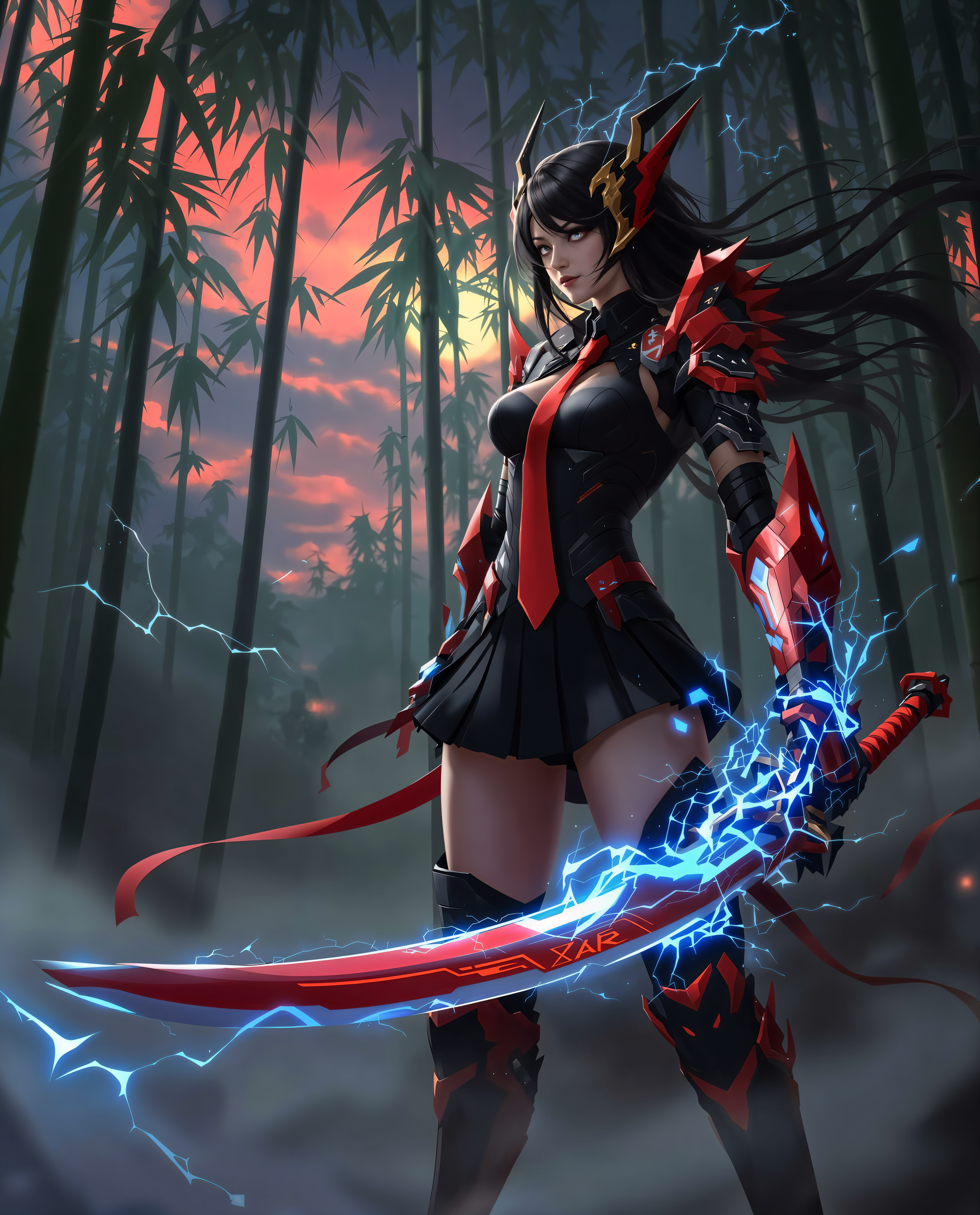
nano banana pro edit on PixelDojo
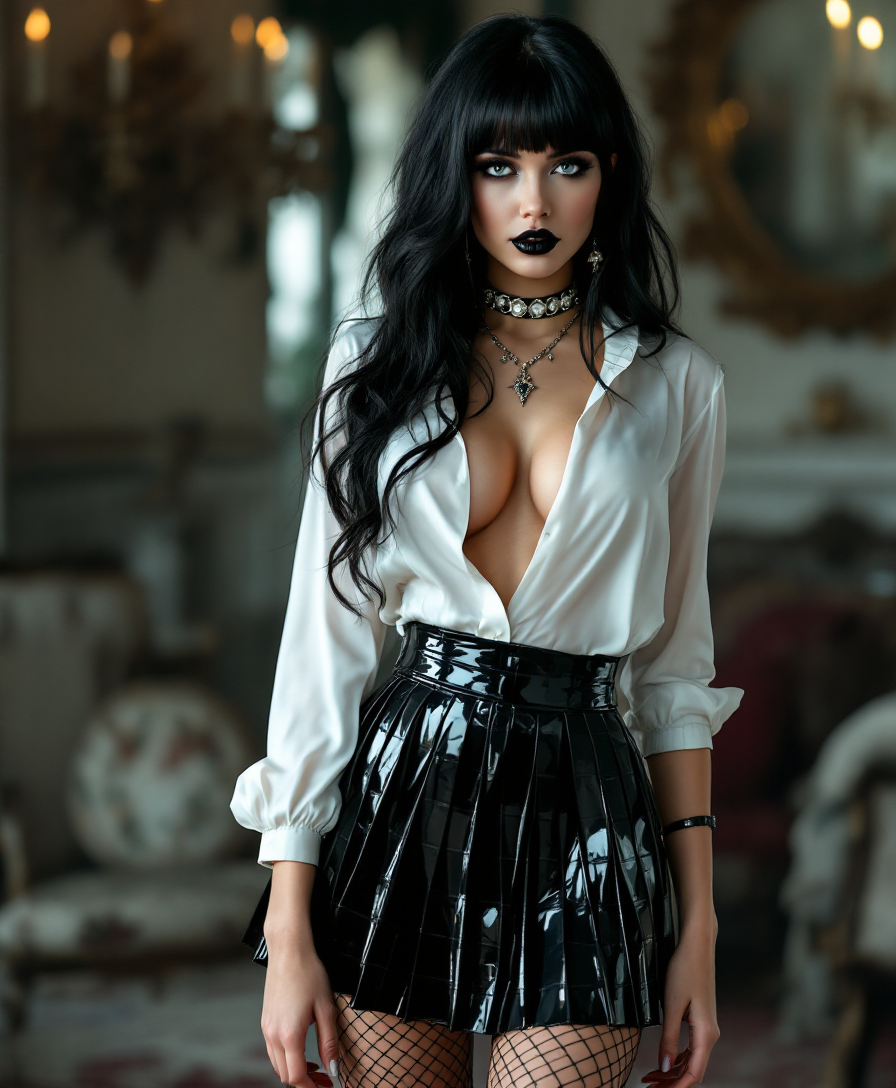
nano banana pro edit on PixelDojo
stable-diffusion
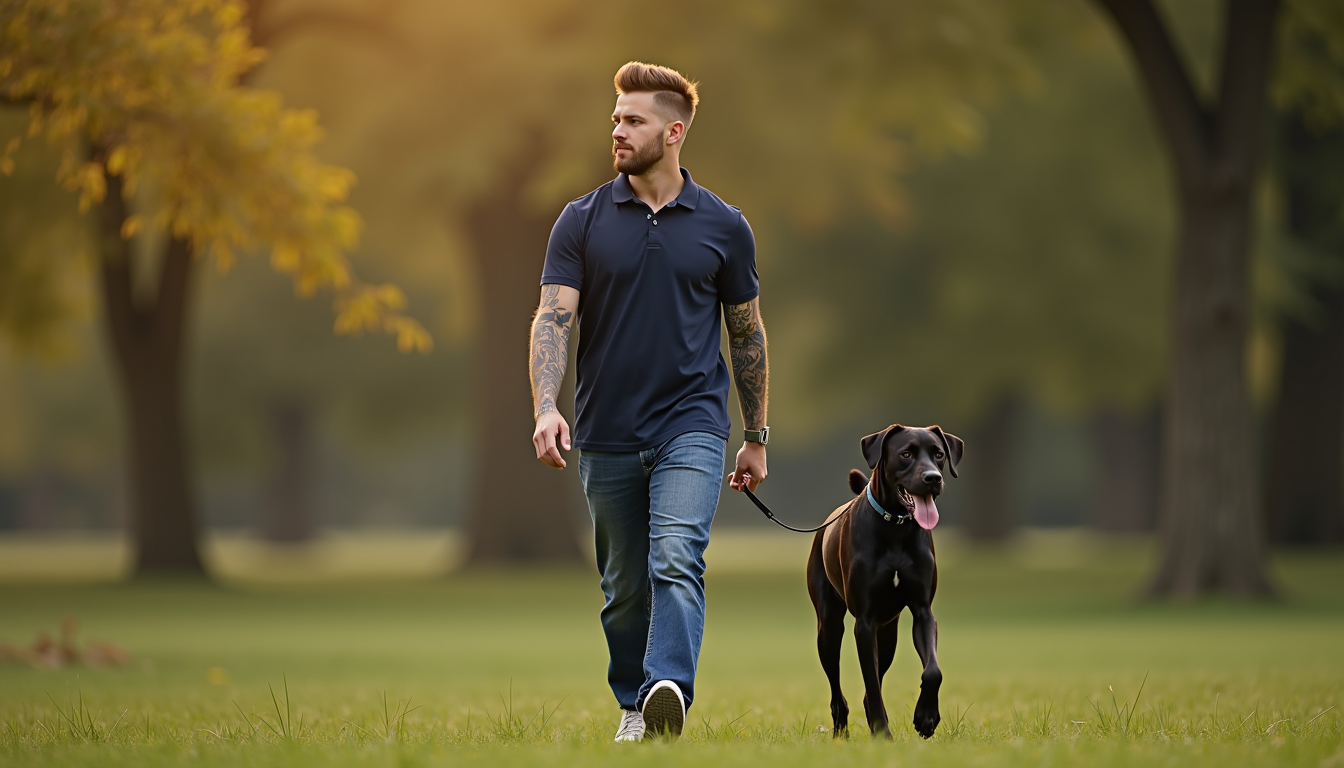
A young man
stable-diffusion
Models you can run on PixelDojo for nano banana pro edit
Switch models without switching tools. Each one runs in the same PixelDojo studio.
What you can do with nano banana pro edit on PixelDojo
Prompt-driven image edits
We apply Nano Banana Pro Edit to change lighting, objects, and layout from a text prompt while keeping the original composition. You can iterate on the same frame without starting over.
Reference-guided generation
We let you supply a source image so the model follows color, pose, and framing. Outputs stay aligned with your reference for product shots, characters, and scene work.
Batch creative variations
We generate multiple takes of one brief so you can compare crops, palettes, and details side by side. Pick the strongest frame and refine it in the same workspace.
Creator-ready exports
We deliver stills at common social and print sizes with transparent or solid backgrounds as needed. Files are ready to drop into decks, listings, and campaign assets.
Loved by thousands of creators worldwide who have generated millions of nano banana pro style images. PixelDojo users report 4.9 average ratings and 3x faster campaign production compared to traditional methods.
Why Choose Pixel Dojo for nano banana pro edit
Professional-quality results with cutting-edge AI technology
Instant Mood-Shifting Lighting
You completely change the atmosphere of any photo by describing a new lighting setup. PixelDojo's Magic Lighting tool studies existing shadows, reflections and color temperature then rebuilds the scene so everything looks shot under the new conditions. Turn a midday portrait into a sunset magazine cover or a product shot into dramatic studio lighting without leaving your desk. This saves location fees and reshoots while delivering results that look professionally captured.
Dynamic Camera Angle Control
You generate fresh perspectives from a single original image. Using PixelDojo's Change Camera Angle feature you request a low-angle hero shot, overhead product view or three-quarter portrait and the subject stays perfectly recognizable. Create a full set of campaign images that feel like they were photographed together. This lets you produce variety for ads, social feeds and storyboards faster than ever before.
Flawless Multi-Element Composites
You combine references, add objects, swap backgrounds or overlay accurate text while preserving character likeness. PixelDojo's Image to Image, Inpainting and Background Remover tools handle complex blends so the final image looks naturally photographed. Produce infographics, posters and mockups that communicate clearly and convert at higher rates because every detail is studio-ready.
How It Works
You create nano banana pro edits on PixelDojo by combining generation power with precise editing tools. The process is conversational and iterative so you refine until the image is perfect.
Step 1: Choose Your Tool
Sign in and pick Nano Banana 2 from Generate Images for a fresh creation or start with an existing photo in Edit Images using Image to Image, Inpainting or Change Camera Angle. Upload one or more references if you want to blend elements. This choice gives you the right foundation for high-fidelity, consistent results that match professional studio standards.
Step 2: Enter Your Prompt
Describe exactly what you want: subject details, new lighting such as golden hour with soft bokeh, desired camera angle, any text that must render clearly, and what must stay unchanged for consistency. PixelDojo understands spatial relationships so you can say 'replace background with city terrace at dusk and match all shadows' in one go. Follow up conversationally with small tweaks like 'make the highlights warmer' without regenerating from scratch.
Step 3: Customize & Download
Review the result then apply extra polish with Style Transfer, Reality Polisher, Background Remover or upscale to 4K using P-Image Upscale and Magnific Upscaler. Choose any aspect ratio you need. Download immediately or continue iterating. With 40+ tools available you finish a complete professional asset in one session and use it across marketing, social or print.
The Pixel Dojo Advantage
Why PixelDojo outperforms other options for nano banana pro edit image generation
| Others | Pixel Dojo |
|---|---|
| Traditional photography sessions | You skip costly shoots, travel and retouching. One photo plus a prompt delivers studio lighting, perfect angles and composites that would take a full crew days to produce. |
| Generic AI tools | You get specialized editors like Magic Lighting, Change Camera Angle and Nano Banana 2 that understand scene physics and keep faces consistent, something generic platforms rarely match. |
| Manual photo editing software | You describe the change in plain language and receive a finished 4K image in seconds instead of spending hours masking, color-grading and compositing by hand. |
Loved by creators on PixelDojo
Real feedback from people using PixelDojo, pulled from our in-product surveys.
Top notch quality and strong prompt adherence.
A well resourced sunscription with attention to updates.
Easy to use and there's lots of options.
super lora download
Great variety of tools to create and modify images and video.
Lots of Tools, and the one time I needed support I got help right away
Explore more AI tools on PixelDojo
AI Tools
Compare & Switch
- Best AI Image Generators
- Best AI Video Generators
- Midjourney Alternatives
- Civitai Alternatives
- Runway Alternatives
- Leonardo Alternatives
- Pika Alternatives
- Luma Alternatives
- Magnific Alternatives
- Veo Alternatives
- Flux Alternatives
- Freepik Alternatives
- Seedance Alternatives
- Seedream Alternatives
- Pixverse Alternatives
- GPT Image Alternatives
- Synthesia Alternatives
- Playground Alternatives
- NightCafe Alternatives
- Canva AI Alternatives
- ElevenLabs Alternatives
- ComfyUI Alternatives
- Fal Alternatives
- Replicate Alternatives
Common Questions
Everything you need to know about nano banana pro edit
How do I start a nano banana pro edit lighting transformation on PixelDojo?
Upload your photo to the Magic Lighting tool inside Edit Images. Write a clear prompt such as 'transform this daytime portrait into warm golden hour lighting with matching long shadows and a subtle sunset glow while keeping the subject's face identical'. PixelDojo analyzes the original lighting, geometry and reflections then rebuilds the scene naturally. You can follow up with 'soften the highlights' for further refinement. Combine with Nano Banana 2 if you want a completely new generation that already includes the desired lighting. The result looks like it was shot under professional conditions.
Can PixelDojo handle nano banana pro camera angle changes without distorting faces?
Yes. Select Change Camera Angle from the Edit Images suite, upload your image and prompt 'reframe as a dramatic low-angle shot looking up at the subject, keep all facial features and clothing details exactly the same'. PixelDojo maintains identity across the new perspective so you can create a matching set of images for campaigns. You can also request overhead, three-quarter or wide establishing shots. Pair with Consistent Characters or Face Swap tools if you need the same person in multiple generated scenes.
How does PixelDojo render clear text inside nano banana pro edit images?
When you generate with Nano Banana 2 or edit with Image to Image simply include the exact wording you want in the prompt, for example 'add a bold headline that reads Summer Collection 2025 in clean sans-serif type across the top, fully legible'. PixelDojo produces sharp, correctly spelled text even in long paragraphs or multiple languages. You can then use Inpainting to adjust placement or Style Transfer to match the overall aesthetic. This is ideal for posters, infographics and product packaging that must communicate instantly.
What tools help me blend multiple photos in a nano banana pro edit style?
Use Image to Image together with Inpainting and Background Remover. Upload several references and prompt 'combine these two people standing together on a city terrace at dusk, match lighting and keep both faces consistent'. PixelDojo handles up to several subjects while preserving likeness. Add objects or change environments without the cut-and-paste look. Finish with Reality Polisher for extra realism and P-Image Upscale for print-ready 4K output.
Is it possible to keep character consistency across many nano banana pro edits?
Absolutely. PixelDojo's Consistent Characters, Character Sheets and Face Swap tools lock in identity. Generate a base image with Nano Banana 2 then apply successive edits such as new outfits, poses or lighting while the face remains recognizable. This lets you build entire visual stories or product lines featuring the same people. You can even train custom models with Flux Trainer or QWEN Trainer for even tighter control.
How do I upscale my nano banana pro edit to 4K on PixelDojo?
After you are happy with the composition, send the image to P-Image Upscale, Magnific Upscaler or Creative Upscaler. These tools add fine detail and sharpness while preserving the lighting, text and character consistency you already achieved. You can also use Clarity Pro or Portrait Upscaler depending on the subject. Download in any aspect ratio you need for web, social or large-format print. The entire process stays inside PixelDojo so you never lose quality between steps.