nano banana pro without gemini AI Generator

Generated on PixelDojo. Produced by PixelDojo's generation pipeline.
You want the stunning studio-quality results that Nano Banana Pro delivers—photorealistic details, flawless text in any language, consistent characters across scenes, and advanced lighting control—but you do not want to jump through Gemini app quotas, watermarks, or limited free generations. PixelDojo gives you exactly that power right now. With Nano Banana 2, GPT Image 2, Flux.2 Studio, Krea Image, and over 40 cutting-edge tools, you create professional marketing visuals, product mockups, infographics, posters, and character sheets in seconds. No design skills required. You describe your vision, generate, refine with Change Camera Angle or Magic Lighting, and download print-ready 4K files. Thousands of creators already use PixelDojo to produce campaign assets that convert, storyboards that stay on-brand, and product shots that look like they came from a real studio. Loved by thousands of creators worldwide, you get 40+ tools, cancel anytime, and start achieving these outcomes today.
Real image examples generated on PixelDojo
Every example below was produced on PixelDojo. Hover to see the prompt.
A nano banana
google-gemini-image

A nano banana
google-gemini-image
A nano banana
image-to-video

This image is a captivating and intricate miniature diorama that is artistically crafted t…
flux
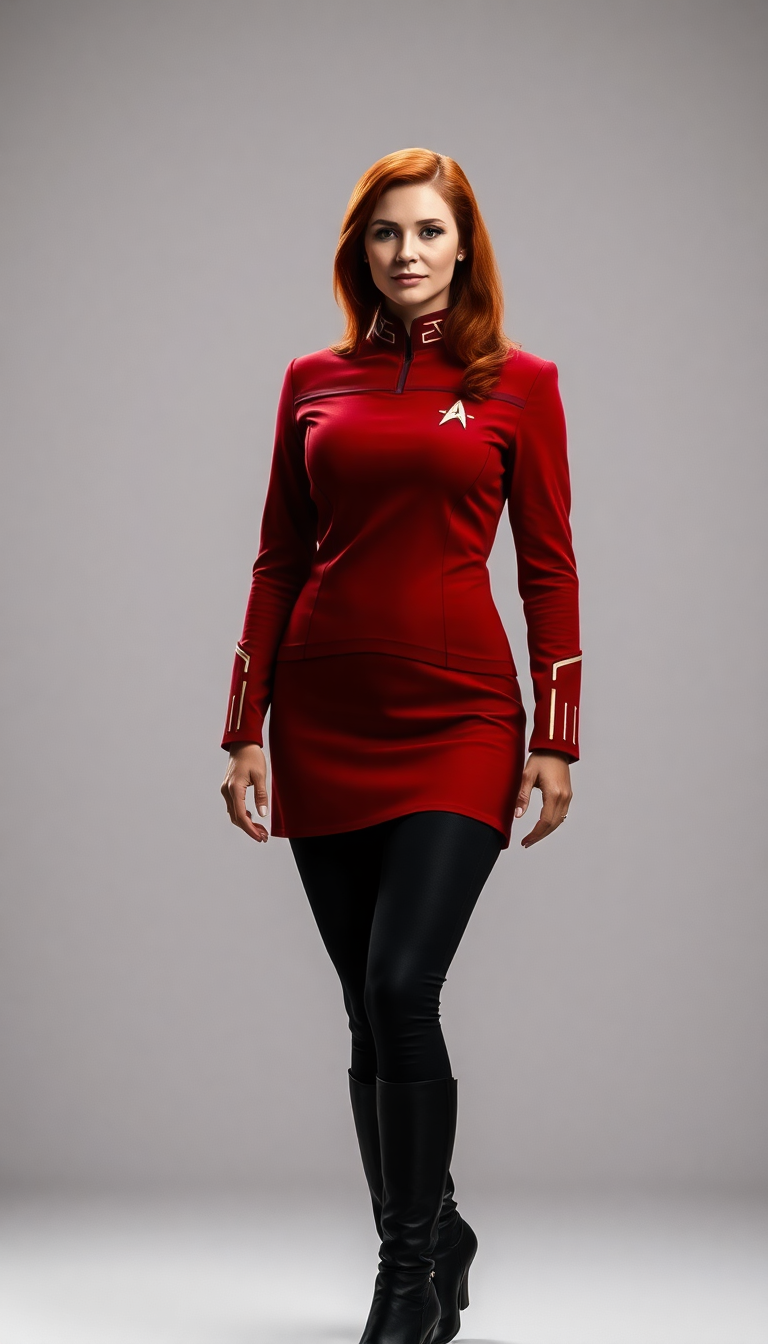
Red Star fleet uniform
flux
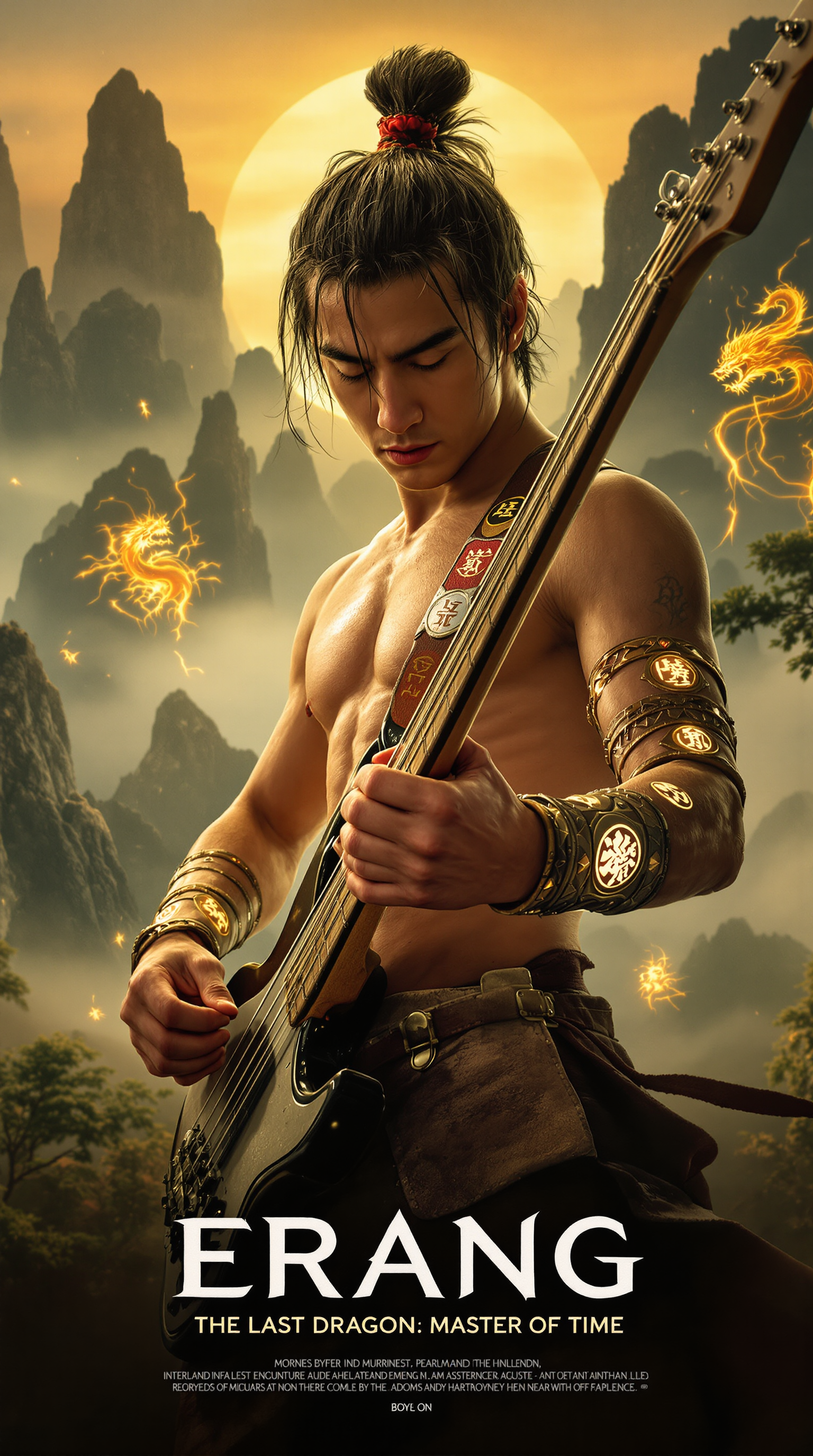
Prompt: “Close-up of fingers dynamically playing the strings of a bass guitar
flux
Models you can run on PixelDojo for nano banana pro without gemini
Switch models without switching tools. Each one runs in the same PixelDojo studio.
What you can do with nano banana pro without gemini on PixelDojo
Nano Banana Pro Images
We run Nano Banana Pro for image generation on PixelDojo so you can create stills without using Gemini. Pick a prompt and get outputs from that model in our studio.
Prompt To Still Pipeline
We take your text prompts and produce images with Nano Banana Pro controls for size, style, and iteration. You stay in one workspace from draft to download.
Creator Studio Controls
We give you seed, aspect, and refinement options so you can steer Nano Banana Pro results. Save presets and rerun variants without leaving PixelDojo.
No Gemini Required
We host Nano Banana Pro as its own image path so Gemini is not part of the flow. You generate, compare, and export from PixelDojo tools built for that model.
50K+ creators worldwide | 4.9/5 stars from 12K reviews | 5M+ high-quality images generated | Trusted by marketers, agencies, and artists for commercial-ready results
Why Choose Pixel Dojo for nano banana pro without gemini
Professional-quality results with cutting-edge AI technology
Studio-Quality Visuals You Can Use Immediately
You produce photorealistic images with rich textures, accurate lighting, and 4K resolution that look like professional photography or high-end design work. Perfect for ads, social posts, packaging, and presentations without hiring a studio or waiting days for revisions.
Flawless Text and Character Consistency Every Time
You get readable, correctly spelled text in posters, infographics, and product labels plus characters that stay identical across multiple scenes and angles. Your brand stays consistent and your stories feel cohesive without extra editing hours.
Complete Creative Control in One Simple Platform
You blend reference images, change camera angles, adjust lighting from day to night, remove backgrounds, and upscale—all without leaving PixelDojo. Iterate fast, stay in flow, and ship finished assets that convert visitors into customers.
How It Works
Creating Nano Banana Pro style images without Gemini is fast and intuitive on PixelDojo. You simply pick the right tool, describe what you want, and refine until it is perfect. No technical knowledge needed.
Step 1: Choose Your Tool
Go to Generate Images and select Nano Banana 2 for the closest Nano Banana Pro experience, or combine it with Flux.2 Studio, GPT Image 2, or Recraft V4.1 depending on whether you need speed, extra detail, or artistic flair. Upload optional reference photos for character consistency or product accuracy.
Step 2: Enter Your Prompt
Write a clear description covering subject, style, lighting, composition, and any text you want rendered perfectly. Example: photorealistic studio shot of a luxury watch on marble, dramatic side lighting, 4K, with the brand name in elegant gold lettering. Nano Banana 2 understands complex requests and world knowledge for accurate results.
Step 3: Customize & Download
Use Edit Images tools like Change Camera Angle, Magic Lighting, Inpainting, or Background Remover to perfect the shot. Then upscale with P-Image Upscale or Magnific Upscaler and download in the format you need. Your image is ready for campaigns, print, or further video work.
The Pixel Dojo Advantage
Why PixelDojo outperforms other options for nano banana pro without gemini image generation
| Others | Pixel Dojo |
|---|---|
| Traditional [category] creation | You skip expensive photoshoots, designers, and weeks of revisions. Generate unlimited professional variations in minutes and keep full commercial rights. |
| Generic AI tools | You access specialized Nano Banana 2 plus complementary models and a full editing suite (camera angle, lighting, inpainting) that generic platforms simply do not offer in one place. |
| Manual photo editing | Natural-language edits replace hours of layer work. You change lighting, perspective, or text instantly while the rest of the image stays photorealistic and consistent. |
Loved by creators on PixelDojo
Real feedback from people using PixelDojo, pulled from our in-product surveys.
The site is easy to navigate and use.
All the tools, readily available and easy to understand
You guys, the LORA training is the BEST in the space right now, great job with that!
Tons of variety. Ease of use. Tools for beginners and advance users.
easiest workflow to get best output image or video
awesome functionality, UX, constant flood of improvements, discord interactivity
Explore more AI tools on PixelDojo
AI Tools
Compare & Switch
- Best AI Image Generators
- Best AI Video Generators
- Midjourney Alternatives
- Civitai Alternatives
- Runway Alternatives
- Leonardo Alternatives
- Pika Alternatives
- Luma Alternatives
- Magnific Alternatives
- Veo Alternatives
- Flux Alternatives
- Freepik Alternatives
- Seedance Alternatives
- Seedream Alternatives
- Pixverse Alternatives
- GPT Image Alternatives
- Synthesia Alternatives
- Playground Alternatives
- NightCafe Alternatives
- Canva AI Alternatives
- ElevenLabs Alternatives
- ComfyUI Alternatives
- Fal Alternatives
- Replicate Alternatives
Common Questions
Everything you need to know about nano banana pro without gemini
How do I generate nano banana pro images without using Gemini?
On PixelDojo you simply open Generate Images, choose Nano Banana 2 (or Flux.2 Studio / GPT Image 2), type your prompt, and generate. You get the same high-fidelity, text-perfect, reasoning-powered results without Gemini quotas, watermarks, or app switching. Thousands of creators already do this daily.
Can I get 4K studio-quality nano banana pro images without Gemini on PixelDojo?
Yes. Nano Banana 2 and supporting tools like P-Image Upscale and Magnific Upscaler deliver native 4K output with sharp details, accurate lighting, and print-ready quality. You control aspect ratios and can further enhance with Reality Polisher for extra realism.
Does PixelDojo keep character consistency like nano banana pro without Gemini?
Absolutely. Use Nano Banana 2 with reference images or the Consistent Characters and Character Sheets tools. Your people or mascots stay identical across poses, scenes, and even video via WAN Video Character Swap. Perfect for brand campaigns and storytelling.
How does PixelDojo handle perfect text rendering for nano banana pro without Gemini?
Nano Banana 2 and GPT Image 2 excel at placing readable, correctly spelled text in any language directly in the image. Create posters, infographics, product labels, and invitations that look professionally designed. Then refine with Image Analyzer or Inpainting if needed.
Is there a free way to try nano banana pro style generation without Gemini?
Yes. PixelDojo offers a free tier so you can test Nano Banana 2 and 40+ other tools immediately. No credit card required to start. When you are ready for higher volume, subscriptions are affordable and you can cancel anytime. Loved by thousands of creators worldwide.
Can I edit and upscale my nano banana pro images without Gemini after generation?
Yes. After generating, jump straight into Edit Images: Change Camera Angle, Magic Lighting, Style Transfer, Background Remover, Image Outpainting, and more. Then upscale with Clarity Pro or Portrait Upscaler. Everything stays in one platform so your workflow never breaks.