online face swap tool

Transform any photo or video with seamless face swaps that look completely natural. With PixelDojo's online face swap tool, you can instantly replace faces to create hilarious memes, personalized content, professional marketing visuals, or engaging social media posts. Achieve stunning results in minutes without any technical skills or expensive software - just upload, swap, and share.
Join over 50,000 creators who have generated millions of face swaps. Rated 4.9/5 stars with 98% satisfaction. Trusted by marketers, influencers, and hobbyists worldwide for photorealistic results every time.
Why Choose Pixel Dojo for online face swap tool
Professional-quality results with cutting-edge AI technology
Create Viral Content in Seconds
Turn ordinary photos into share-worthy memes or personalized videos that boost engagement on social platforms and grow your audience fast.
Professional Marketing Visuals on Demand
Swap faces into product shots, ad campaigns, or client presentations to deliver customized, high-impact visuals without hiring models or photographers.
Effortless Personalization & Fun
Easily place your face (or friends') into movie scenes, historical photos, or fantasy scenarios for unforgettable gifts, stories, and entertainment.
How It Works
Getting started with realistic face swaps on PixelDojo is simple and intuitive. Our powerful AI handles all the complex blending and lighting automatically.
Step 1: Choose Your Tool
Select the dedicated Face Swap tool or LoRA Face Swap from the Characters & Faces section. For advanced control, try Consistent Characters combined with Virtual Try-On or Pose Control.
Step 2: Enter Your Prompt
Upload your source face image and target photo or video. Add a simple text description like 'natural lighting, realistic skin texture, perfect blend' to guide the AI for optimal results.
Step 3: Customize & Download
Preview the swap, fine-tune with options like style transfer or magic lighting if needed, then download your high-resolution result. Extend to video using Kling Video Character Swap or WAN Video Character Swap for moving content.





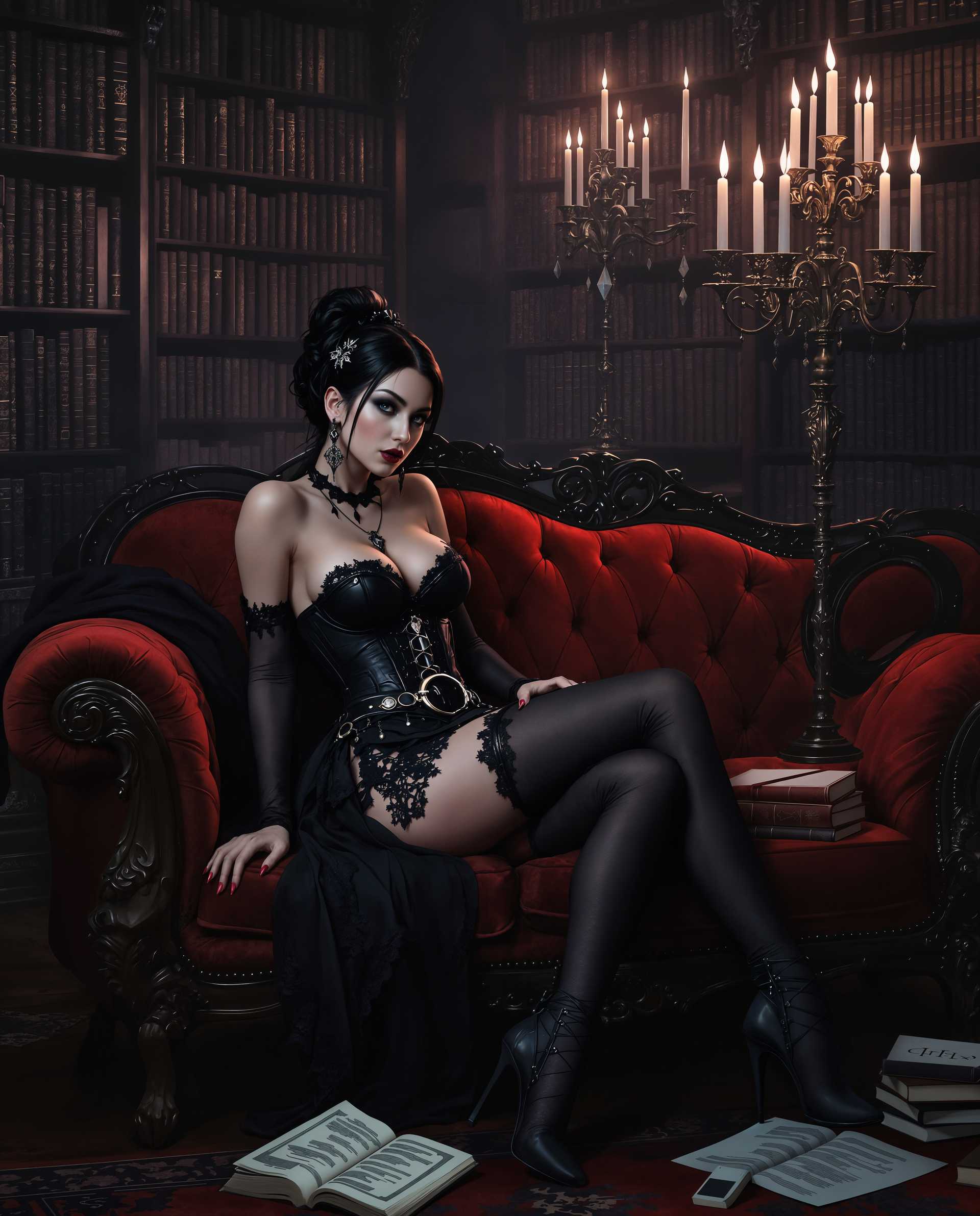
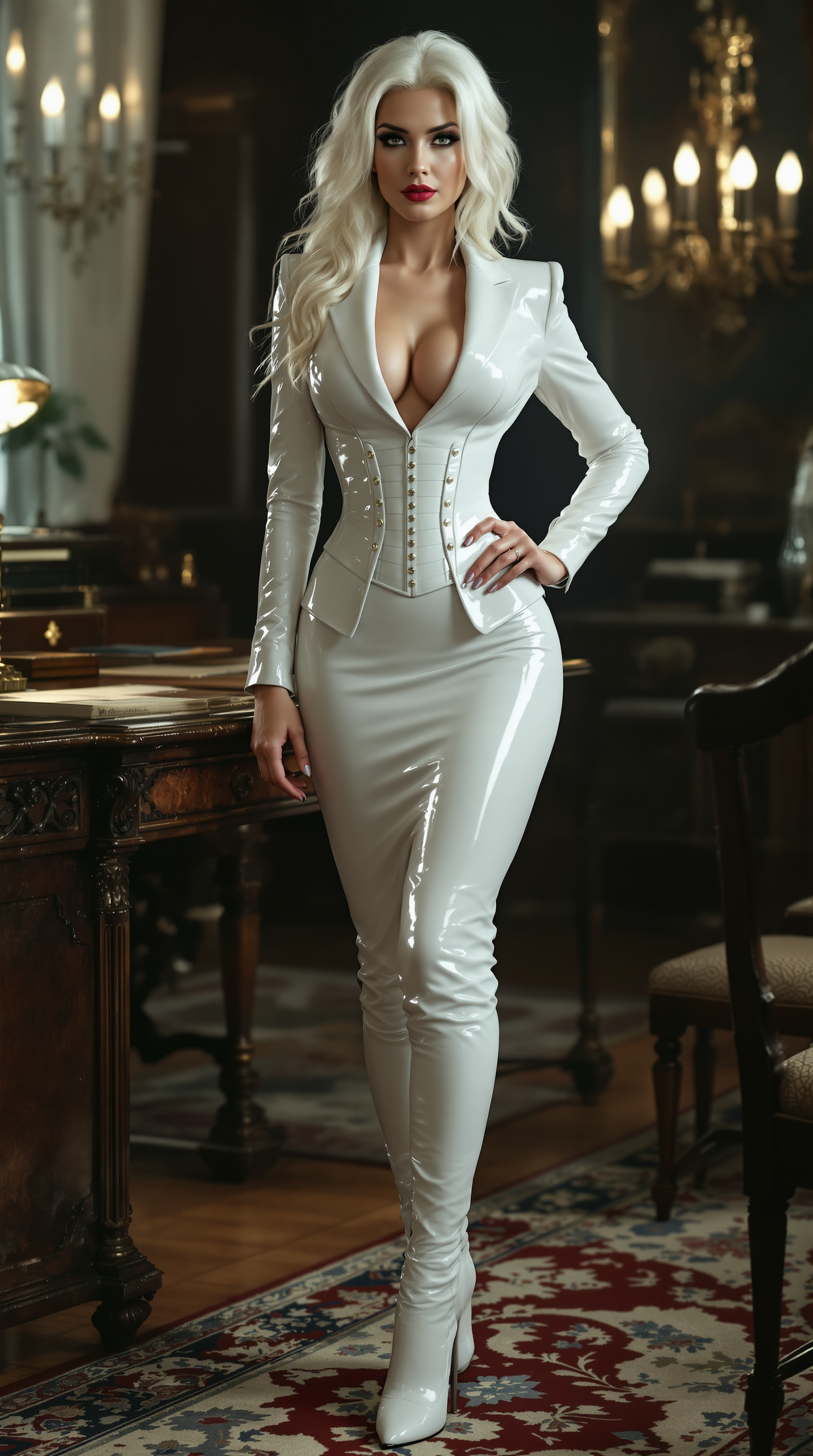
The Pixel Dojo Advantage
Why PixelDojo outperforms other options for online face swap image generation
| Others | Pixel Dojo |
|---|---|
| Traditional face swap creation | Instant AI-powered results with perfect lighting and skin matching, no manual editing or Photoshop expertise required |
| Generic AI tools | Specialized face swap models plus seamless integration with Consistent Characters, LoRA Face Swap, and video tools for end-to-end creative workflows |
| Manual photo editing | Automated high-fidelity swaps in seconds that preserve expressions, angles, and details far better than hand-editing |
Loved by creators on PixelDojo
Real feedback from people using PixelDojo, pulled from our in-product surveys.
all in one place
It is a lot of fun to uae and easy too.
So many different models to try out
You keep adding to it to stay up to date and that is GOLD.
very easy to use and good support
Very easy to use
Explore more AI tools on PixelDojo
AI Tools
Compare & Switch
- Best AI Image Generators
- Best AI Video Generators
- Midjourney Alternatives
- Civitai Alternatives
- Runway Alternatives
- Leonardo Alternatives
- Pika Alternatives
- Luma Alternatives
- Magnific Alternatives
- Veo Alternatives
- Flux Alternatives
- Freepik Alternatives
- Seedance Alternatives
- Seedream Alternatives
- Pixverse Alternatives
- GPT Image Alternatives
- Synthesia Alternatives
- Playground Alternatives
- NightCafe Alternatives
- Canva AI Alternatives
- ElevenLabs Alternatives
- ComfyUI Alternatives
- Fal Alternatives
- Replicate Alternatives
Common Questions
Everything you need to know about online face swap tool
How does an online face swap tool work for realistic photo results?
PixelDojo's Face Swap and LoRA Face Swap tools use advanced AI to detect facial features, match lighting, skin tones, and expressions automatically. Upload your source face and target image, and the system generates a seamless blend in seconds with options for further refinement using Magic Lighting or Style Transfer.
What is the best online face swap tool for creating videos in 2026?
PixelDojo excels with integrated video capabilities including Kling Video Character Swap, WAN Video Character Swap, and Grok Video Edit. Start with a photo swap using Face Swap, then extend to video with perfect motion and lip sync for professional talking-head or meme content.
Can I use an online face swap tool for free without watermarks?
Yes! PixelDojo offers generous free credits to try the online face swap tool with no watermarks on initial generations. Upgrade for unlimited access to premium features like higher resolutions, batch processing, and advanced tools such as Consistent Characters and Virtual Try-On.
How accurate are AI face swaps for different angles and lighting?
PixelDojo's tools achieve exceptional accuracy thanks to models like Flux.1 Studio and specialized face handling in LoRA Face Swap. They maintain identity across angles, adjust for lighting with Reality Polisher, and support multi-person group swaps with P-Image or similar for complex scenes.
Is it safe and private to use an online face swap tool with personal photos?
Absolutely. PixelDojo prioritizes user privacy with secure uploads and automatic deletion options. Your images are processed on-demand and never stored long-term, making it ideal for personal, professional, or sensitive creative projects.
How can I combine face swap with other edits for better results?
After generating your swap with the dedicated Face Swap tool, use integrated features like Background Remover, Smart Resize, Image Outpainting, or upscale with Portrait Upscaler. For characters, maintain consistency across multiple images using Consistent Characters or Character Stylist.