openai sora alternative
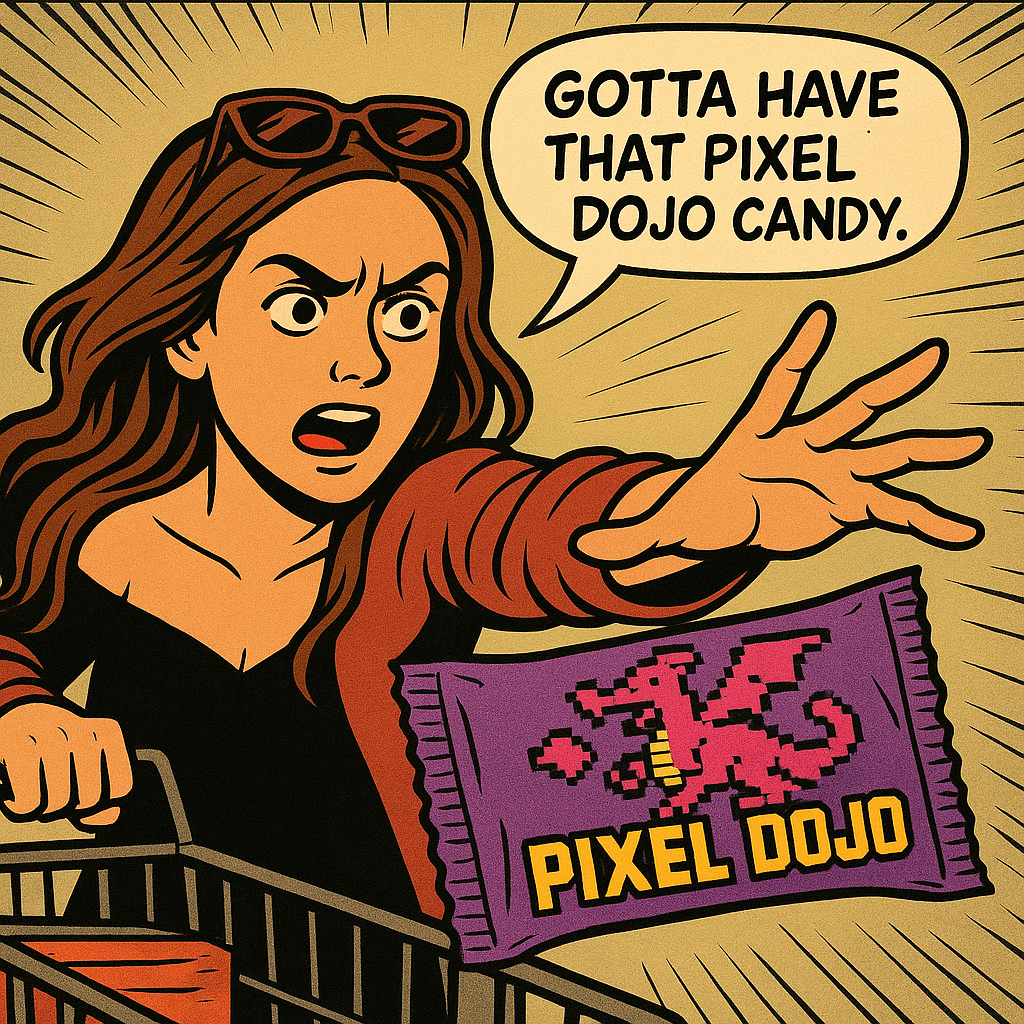
Generated on PixelDojo. Produced by PixelDojo's generation pipeline.
OpenAI Sora is gone, but your ability to create stunning cinematic videos and photorealistic images is stronger than ever with PixelDojo.ai as your complete openai sora alternative. You no longer wait for waitlists or deal with shutdowns. Instead, you generate Hollywood-quality clips featuring realistic motion, native synchronized audio, 4K resolution, and consistent characters in minutes from a simple prompt. Marketers launch full ad campaigns overnight. Filmmakers storyboard entire scenes without crews. Brands produce product videos that convert viewers into customers. You achieve these outcomes using PixelDojo’s dedicated video tools including VEO 3.1 for photorealistic cinematic footage with built-in sound, Kling Video for high-energy action and lip-sync, Seedance 2.5 and Seedance 2 for multi-shot storytelling, WAN 3.0 plus WAN 2.7 Video for flexible reference-to-video workflows, Grok Video, Hailuo 2.3, MiniMax H3, PixVerse V6, and Flux 3 Video. Pair them with image generators like Nano Banana 2, GPT Image 2, Flux.2 Studio, Krea Image, and Seedream 5 to create perfect stills first, then animate them. Editing tools such as Image to Image, Inpainting, Change Camera Angle, Style Transfer, Background Remover, P Video Animate, Runway Aleph, Grok Video Edit, Video Autocaption, and FLUX Video Upscale let you refine every frame. Character tools including Consistent Characters, Character Sheets, WAN Video Character Swap, Kling Video Character Swap, and Kling Avatar keep faces identical across every shot. The result is professional output you own completely, ready for social, ads, or film, all without leaving one dashboard. Thousands of creators already rely on these 40+ cutting-edge AI tools every day because they deliver the quality Sora promised and more, with the freedom to cancel anytime.
Real image examples generated on PixelDojo
Every example below was produced on PixelDojo. Hover to see the prompt.
Show me this woman in the cartoon image edited with OpenAI Image 1
openai-image-1
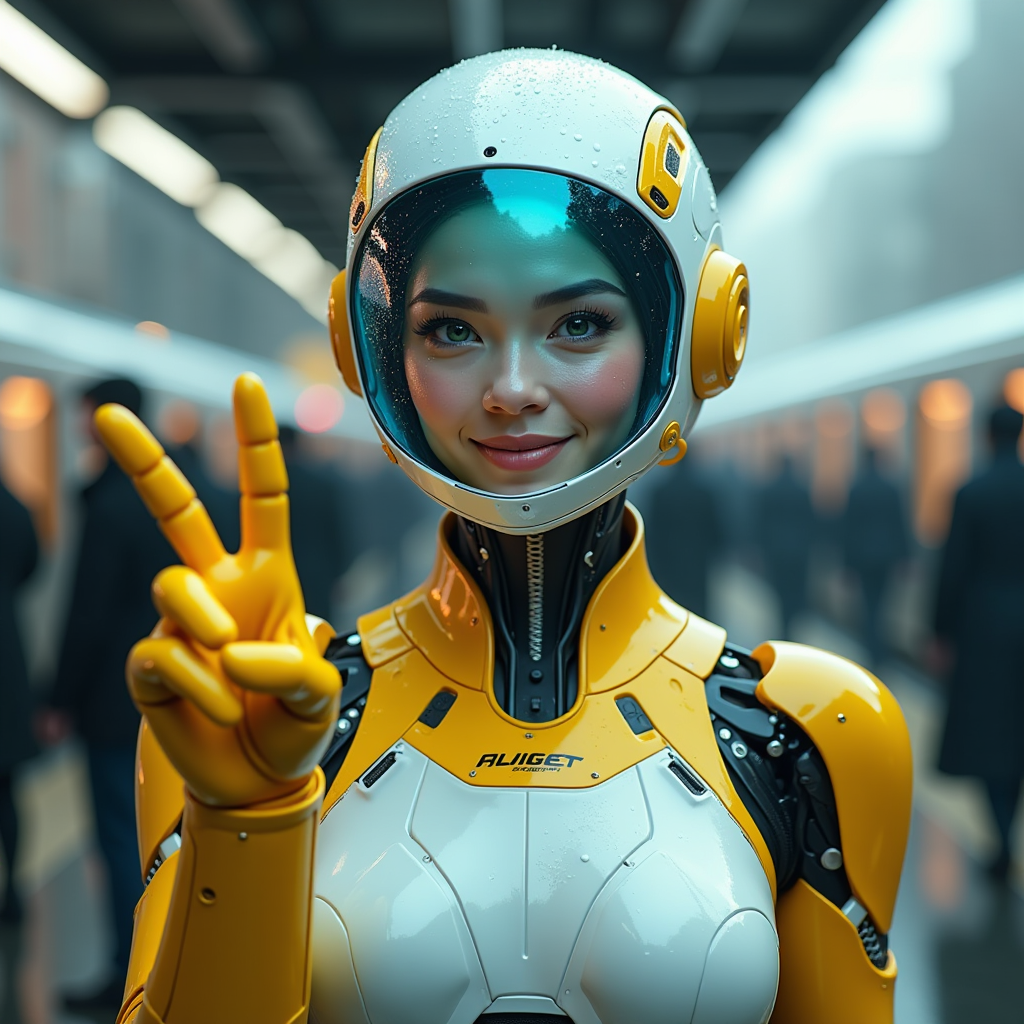
A hyper-realistic image of a female AI robot standing at a train station
flux
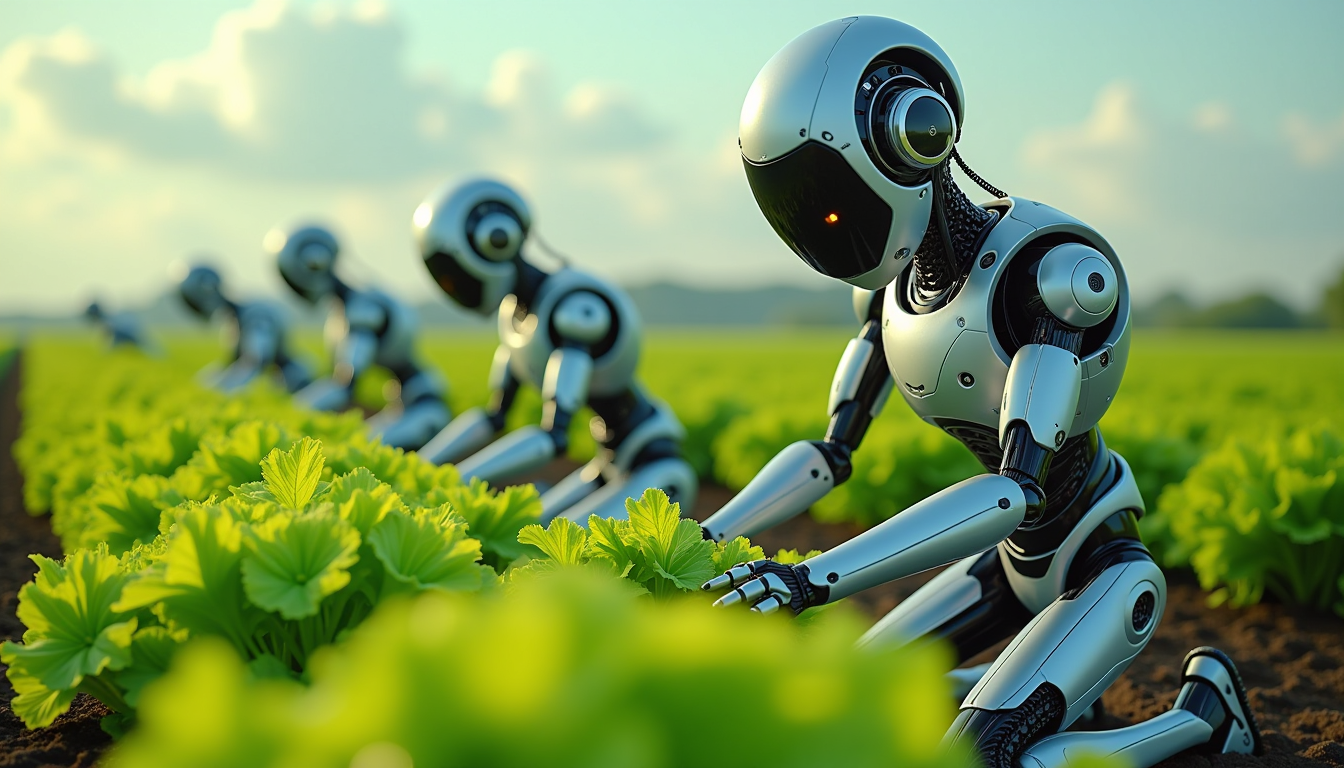
Create an image of a many lots 10 streampunk androids robots on their knees picking lettuc…
flux
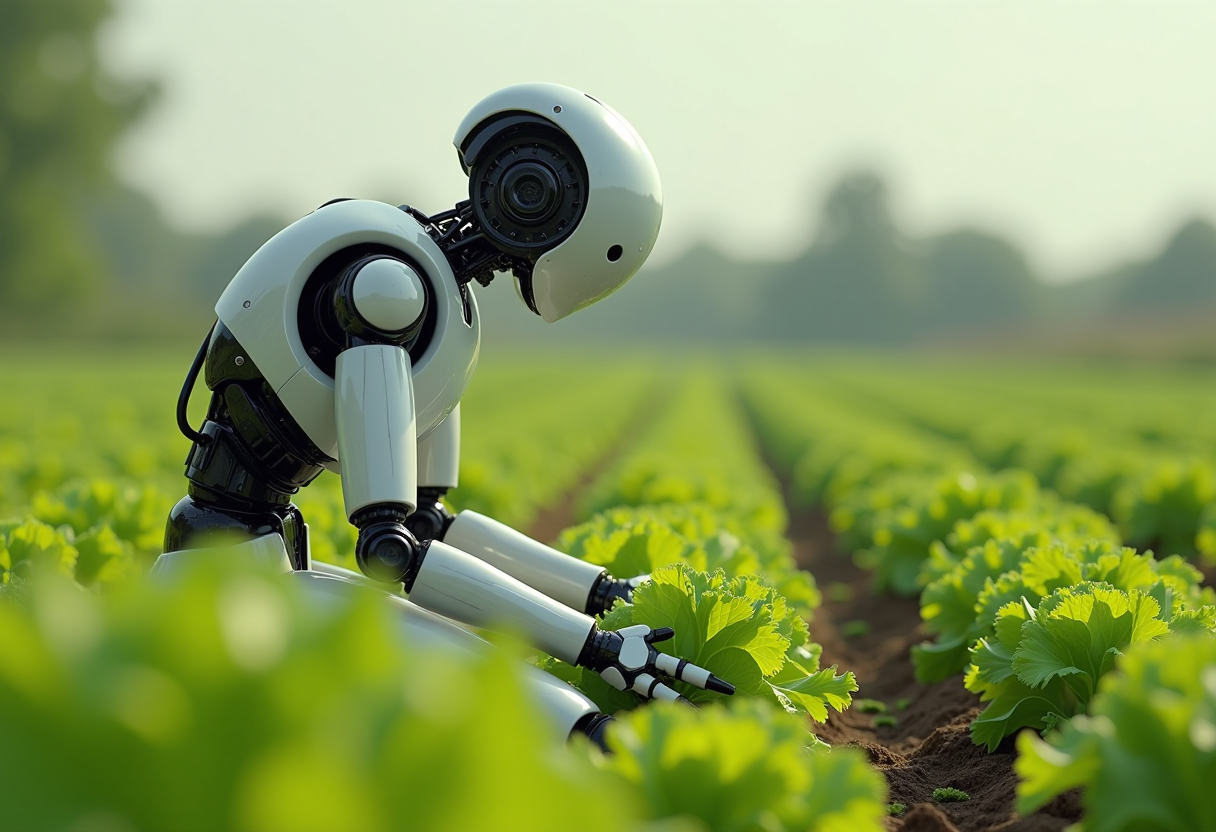
Create an image of a many streampunk android robot on their knees picking lettuce
flux
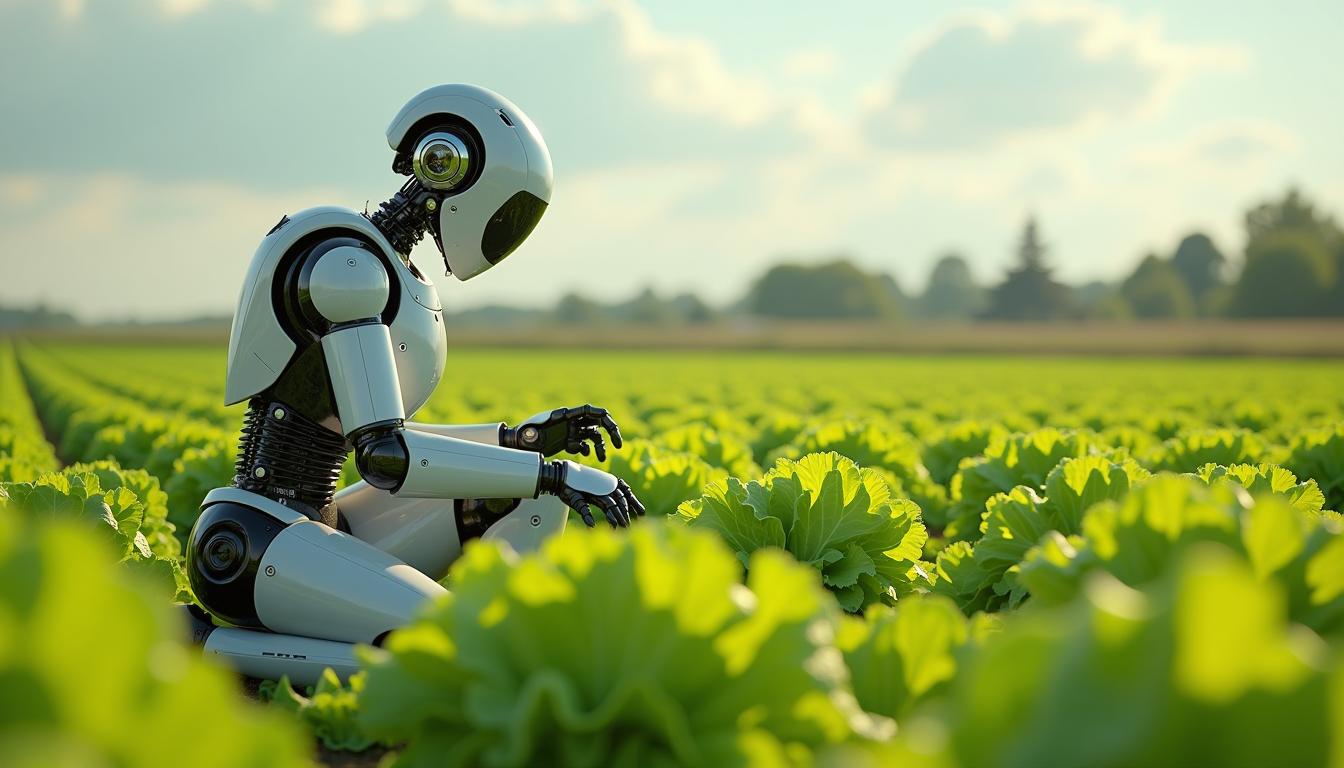
Create an image of a many lots 10 streampunk android robot on their knees picking lettuce
flux

openai sora alternative on PixelDojo
creative-upscaler
Models you can run on PixelDojo for openai sora alternative
Switch models without switching tools. Each one runs in the same PixelDojo studio.
What you can do with openai sora alternative on PixelDojo
Access Multiple Image Models
We give you several image generation models in one place so you can match style and quality to each brief.
Control Size And Composition
You set aspect ratio, resolution, and framing so stills fit posts, ads, and concept boards without extra cropping.
Refine Prompts And Seeds
We let you iterate on wording, style tags, and seeds so you can lock a look and produce consistent variants.
Download For Client Work
Export finished images for campaigns and client deliverables under the licensing we provide on PixelDojo.
Loved by thousands of creators worldwide who switched after Sora shutdown. 40+ cutting-edge AI tools delivering 4K videos with native audio and photorealistic images. Cancel anytime.
Why Choose Pixel Dojo for openai sora alternative
Professional-quality results with cutting-edge AI technology
Launch Cinematic Campaigns Overnight
You produce 4K videos complete with native audio, realistic physics, and multi-shot sequences using VEO 3.1, Kling Video, Seedance 2.5, and WAN 3.0. Turn a product idea into a full commercial or social series in the time it used to take to book a studio, then upscale and caption it for every platform.
Keep Characters Perfectly Consistent
You maintain identical faces, outfits, and styles across every video and image using Consistent Characters, Character Sheets, Ideogram Character, WAN Video Character Swap, Kling Video Character Swap, and Kling Avatar. Your brand mascot or spokesperson looks the same in every scene you generate.
Edit, Animate and Enhance in One Place
You start with stills from Flux.2 Studio or GPT Image 2, convert them to motion with P Video Animate or Image to Video tools, then refine lighting, camera angles, backgrounds, and resolution using Magic Lighting, Change Camera Angle, Reality Polisher, FLUX Video Upscale, and Video Reframe. Everything stays inside PixelDojo so you never lose quality or time.
How It Works
You create Sora-quality videos and images on PixelDojo in three simple steps using the exact tools built for cinematic results.
Step 1: Choose Your Tool
Select VEO 3.1 when you need photorealistic 4K footage with native audio, Kling Video for dynamic motion and lip-sync, Seedance 2.5 for multi-shot director control, or start with Flux.2 Studio or GPT Image 2 to generate a perfect still then animate it. The dashboard shows every option so you pick the model that matches your scene.
Step 2: Enter Your Prompt
Describe the exact scene you want: lighting, camera movement, character actions, duration, and audio cues. Example: “A confident entrepreneur walking through a modern glass office at golden hour, cinematic tracking shot, 4K, natural wind and city ambience, 8 seconds.” Add reference images for characters or style using the built-in upload so the model stays locked to your vision.
Step 3: Customize & Download
Preview the clip, then use Change Camera Angle, Style Transfer, Inpainting, Video Autocaption, Grok Video Edit, or FLUX Video Upscale to perfect every frame. Merge multiple clips, extract stills, or swap characters. Download in 4K ready for ads, social, or film. Repeat as many times as you need.
The Pixel Dojo Advantage
Why PixelDojo outperforms other options for openai sora alternative video and image generation
| Others | Pixel Dojo |
|---|---|
| Traditional video production | You skip location scouting, crews, equipment rental, and weeks of editing. Generate broadcast-ready 4K clips with audio using VEO 3.1 and Kling Video in minutes, then refine with built-in editors. |
| Generic AI tools | You access 40+ specialized models including Seedance 2.5, WAN 3.0, Flux.2 Studio, and character tools in one place instead of juggling multiple subscriptions and losing consistency between stills and motion. |
| Manual photo editing | You generate the perfect still with GPT Image 2 or Recraft V4.1 then instantly turn it into video with P Video Animate, add lighting and camera moves, and upscale without ever opening complex software. |
Loved by creators on PixelDojo
Real feedback from people using PixelDojo, pulled from our in-product surveys.
user friendly all in one thing
I really like the schedule of AI work performed!
The best tools for IA on the web !
The guy that operates the website is constantly updating it
I’ve been using PixelDojo for around 8 months now and it’s always worked wonderfully while constantly adding features.
The site is easy to navigate and use.
Explore more AI tools on PixelDojo
AI Tools
Compare & Switch
- Best AI Image Generators
- Best AI Video Generators
- Midjourney Alternatives
- Civitai Alternatives
- Runway Alternatives
- Leonardo Alternatives
- Pika Alternatives
- Luma Alternatives
- Magnific Alternatives
- Veo Alternatives
- Flux Alternatives
- Freepik Alternatives
- Seedance Alternatives
- Seedream Alternatives
- Pixverse Alternatives
- GPT Image Alternatives
- Synthesia Alternatives
- Playground Alternatives
- NightCafe Alternatives
- Canva AI Alternatives
- ElevenLabs Alternatives
- ComfyUI Alternatives
- Fal Alternatives
- Replicate Alternatives
Common Questions
Everything you need to know about openai sora alternative
What is the best OpenAI Sora alternative for cinematic AI video in 2026?
PixelDojo is the complete openai sora alternative because it gives you VEO 3.1 for 4K photorealism with native audio, Kling Video for high-motion physics and lip-sync, Seedance 2.5 for multi-shot control, WAN 3.0 for reference-to-video, plus image tools like Flux.2 Studio and GPT Image 2. You stay in one dashboard, keep characters consistent, edit, upscale, and download commercial-ready files. Thousands of creators already produce ads, films, and social content this way after Sora ended.
How do I generate Sora-like videos with PixelDojo tools?
Choose VEO 3.1 or Kling Video, write a detailed prompt that includes camera movement, lighting, duration, and audio, upload a character reference if needed, generate, then refine with Change Camera Angle, Video Autocaption, and FLUX Video Upscale. Start from a still created in Flux.2 Studio or Nano Banana 2 and animate it with P Video Animate for extra control. The entire workflow takes minutes and produces 4K output with sound.
Can PixelDojo keep characters consistent like Sora videos?
Yes. Use Consistent Characters and Character Sheets to lock a face and style, then apply WAN Video Character Swap or Kling Video Character Swap across every new clip. Kling Avatar and P Video Avatar let you generate talking-head versions. The same character appears identically in stills from Ideogram Character or Flux Pro Virtual Try-On and in motion, so your brand or story stays coherent.
Is PixelDojo a free OpenAI Sora alternative I can try today?
You can start creating immediately with PixelDojo’s 40+ cutting-edge AI tools. Generate videos and images, test VEO 3.1, Kling Video, Seedance, and image models, then decide. There is no long-term lock-in – cancel anytime. Thousands of creators use it daily because the quality and speed replace the need for Sora or expensive production.
Which image generation techniques work best as a Sora alternative starting point?
Create ultra-realistic stills first with Flux.2 Studio, GPT Image 2, Seedream 5, or Recraft V4.1, then feed them into P Video Animate, WAN Reference to Video, or Kling Video. Use Image to Image, Inpainting, and Style Transfer to perfect composition and lighting before animation. This still-to-motion pipeline gives you more control than generating video from text alone and produces cleaner 4K results.
How do I upscale and edit videos created as an OpenAI Sora alternative?
After generation, apply FLUX Video Upscale or Magnific Upscaler for resolution, use Runway Aleph, Grok Video Edit, Kling Video Edit, or Seedance 2.5 Video Edit for changes, add captions with Video Autocaption, reframe for social with Video Reframe, and merge clips. Reality Polisher and Magic Lighting fix any remaining issues. Everything stays lossless and ready for professional use.