p-image fast generator
Generated on PixelDojo. Produced by PixelDojo's generation pipeline.
Imagine turning your ideas into dozens of polished visuals in the time it takes to sip your coffee. With PixelDojo's P-Image fast generator you skip the wait and the high costs that usually come with AI image creation. You get photoreal landscapes, candid documentary portraits, crisp product shots and dreamy stylized illustrations delivered in under a second at only 0.1 credits each. That means you can explore 30 to 50 variations of a campaign concept, social post or product mockup for just a handful of credits. You stay in creative flow instead of watching a progress bar. Once you pick the strongest directions you can instantly upscale them with P-Image Upscale, polish lighting with Magic Lighting, or take hero shots even further in Flux.2 Studio or Seedream 4.5. Whether you are a marketer filling a content calendar, a designer building moodboards, or a developer feeding an API pipeline, P-Image lets you produce more, test more and ship faster than ever before. All of this lives inside one platform with 40+ cutting-edge tools so you never have to leave PixelDojo to finish the job.
Real image examples generated on PixelDojo
Every example below was produced on PixelDojo. Hover to see the prompt.
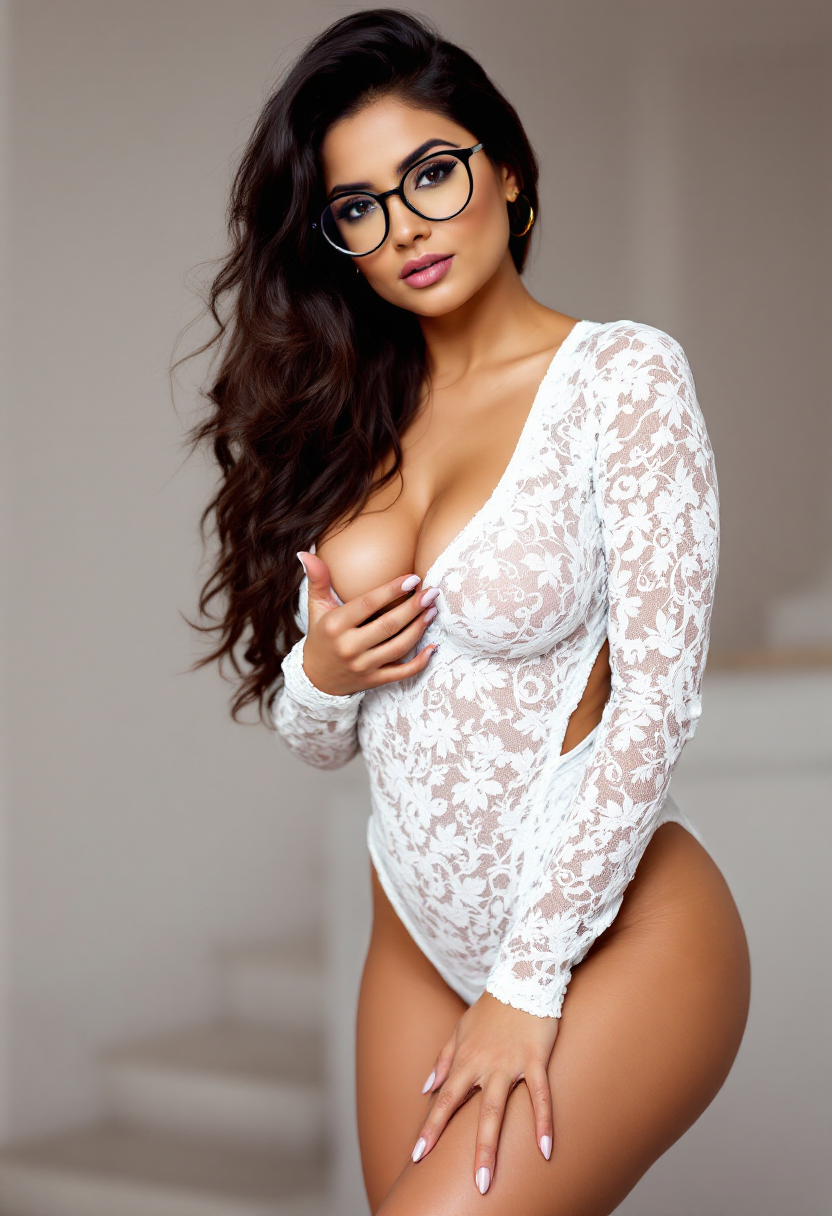
Sexy woman
flux
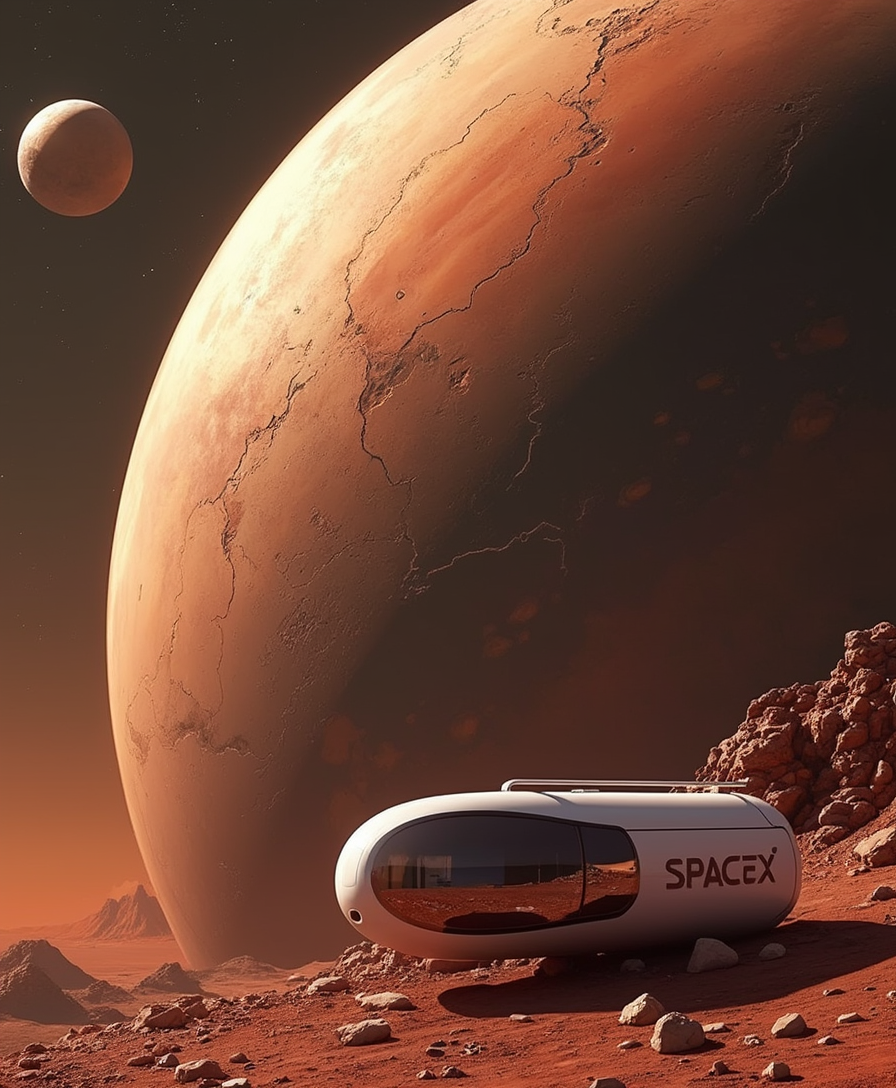
Logo in modern letters: "SpaceX"
flux

A collection of elegant
flux
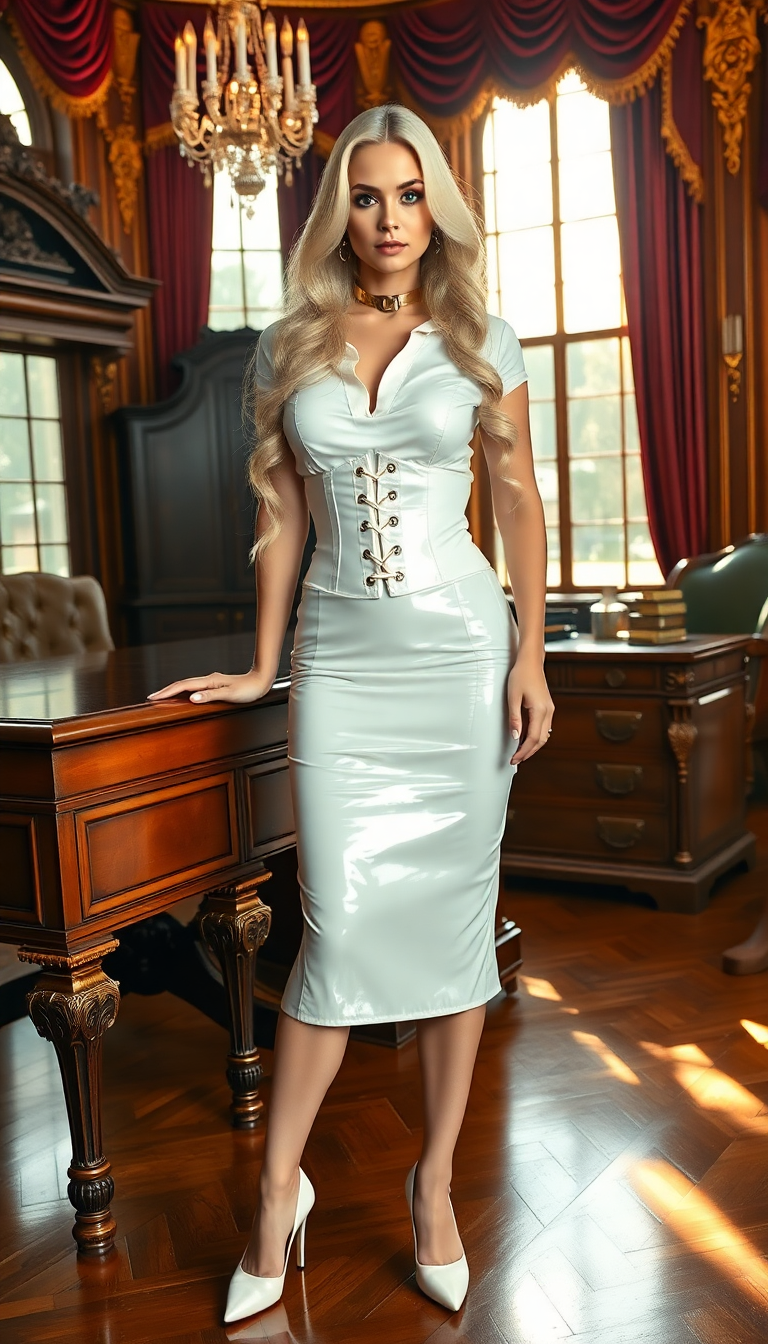
A striking portrait of a woman with pale blonde hair cascading down her back in long
flux

Masterpiece
creative-upscaler
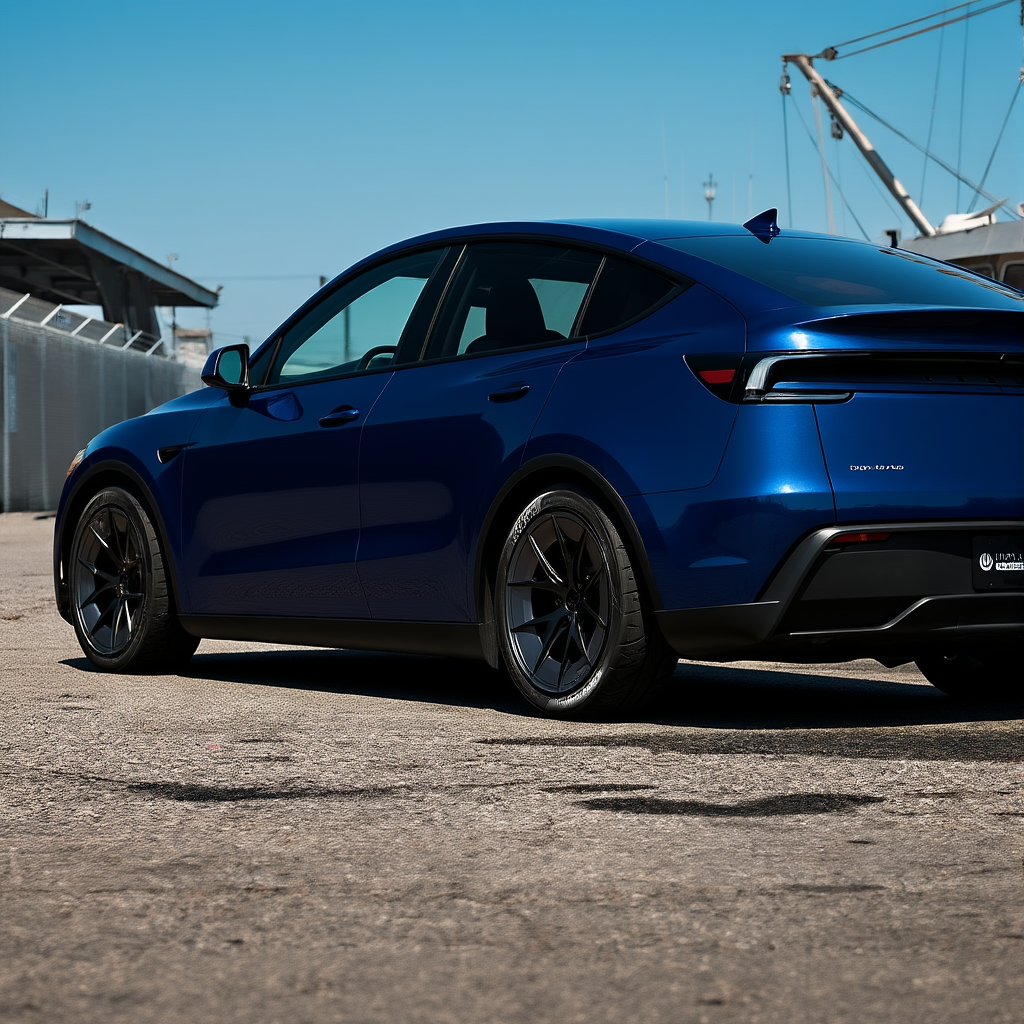
Make the car dark blue metallic edited with Flux Kontext Dev
flux-studio
Models you can run on PixelDojo for p-image fast generator
Switch models without switching tools. Each one runs in the same PixelDojo studio.
What you can do with p-image fast generator on PixelDojo
Fast Prompt to Image
We turn text prompts into images quickly so you can try ideas, adjust wording, and keep moving. Short wait times help you stay in a creative loop instead of sitting idle.
Multiple Model Choices
We offer several image models on one page so you can match style, detail, and subject to the job. Switch models without leaving the generator.
Batches and Variations
We generate multiple takes from one prompt so you can compare framing, lighting, and composition. Pick a direction, then refine that version.
Export Ready Files
We save outputs in common formats at practical sizes for drafts, posts, and mockups. Download what you need and continue in your usual tools.
Loved by thousands of creators worldwide who generate millions of images every month. PixelDojo's 40+ AI tools power everything from viral social posts to professional ad campaigns, with commercial-use licenses included and the freedom to cancel anytime.
Why Choose Pixel Dojo for p-image fast generator
Professional-quality results with cutting-edge AI technology
Generate Dozens of Concepts Without Burning Budget
You can moodboard an entire campaign or test 50 product angles for the cost of a single premium image elsewhere. P-Image's 0.1-credit price and sub-second speed let you iterate freely until the perfect direction appears, then you refine only the keepers.
Stay in Creative Flow with Real-Time Results
You type a prompt and see the image almost instantly. Atmospheric scenes, documentary portraits and macro product shots appear so fast that your workflow feels like a live conversation with the AI instead of a waiting game.
Produce Ready-to-Use Visuals for Any Channel
You walk away with social-ready squares, story-format portraits, banner dimensions or custom sizes that already match your specs. Pair P-Image with P-Image Ideogram when you need readable text, then finish with Background Remover or Image Outpainting.
How It Works
Creating with the P-Image fast generator is as simple as describing what you want. PixelDojo handles the rest so you can focus on results instead of settings.
Step 1: Choose Your Tool
Open PixelDojo and select P-Image from the Generate Images section. If your image needs crisp in-image text, switch to P-Image Ideogram. Both tools sit in the same studio so you can jump between them without losing your prompt.
Step 2: Enter Your Prompt
Describe your scene using atmospheric language, lighting and one clear focal element. Try 'cinematic wide shot of an arctic research station at twilight, aurora swirling overhead, single glowing window' or 'documentary portrait of a woman with vintage camera in a sunlit Parisian cafe'. P-Image automatically enhances the prompt for better results.
Step 3: Customize & Download
Pick one of seven aspect ratios or set custom dimensions from 256 to 2048 pixels. Generate, review, then send your favorite to P-Image Upscale for extra resolution, Reality Polisher for extra realism, or Flux.2 Studio for a hero-quality version. Download instantly with commercial rights included.
The Pixel Dojo Advantage
Why PixelDojo's P-Image fast generator outperforms other options for high-volume, low-cost image generation
| Others | Pixel Dojo |
|---|---|
| Traditional stock photo hunting | You generate exactly the scene, lighting and composition you need in seconds instead of scrolling through thousands of almost-right images and paying per download. |
| Generic AI tools | You get sub-second speed at 0.1 credits plus seamless hand-off to 40+ specialized tools like P-Image Upscale, Seedream 5 and Kling Image so you never hit a quality ceiling. |
| Manual photo editing | You skip hours of shooting, lighting setups and retouching. Type a prompt, generate variations, then use Inpainting or Style Transfer only on the shots you actually love. |
Loved by creators on PixelDojo
Real feedback from people using PixelDojo, pulled from our in-product surveys.
A "one-stop-shop" for creators! Thanks!!
Lots of different tools. It's easy to purchase more credits.
Amazing performance!
Excellent website for creating all types of media
Very eay to use, works well to train SDXL loras.
The amazing tools
Explore more AI tools on PixelDojo
AI Tools
Compare & Switch
- Best AI Image Generators
- Best AI Video Generators
- Midjourney Alternatives
- Civitai Alternatives
- Runway Alternatives
- Leonardo Alternatives
- Pika Alternatives
- Luma Alternatives
- Magnific Alternatives
- Veo Alternatives
- Flux Alternatives
- Freepik Alternatives
- Seedance Alternatives
- Seedream Alternatives
- Pixverse Alternatives
- GPT Image Alternatives
- Synthesia Alternatives
- Playground Alternatives
- NightCafe Alternatives
- Canva AI Alternatives
- ElevenLabs Alternatives
- ComfyUI Alternatives
- Fal Alternatives
- Replicate Alternatives
Common Questions
Everything you need to know about p-image fast generator
How fast is the P-Image fast generator compared to other PixelDojo image tools?
P-Image typically returns a finished image in under one second, making it the fastest option on the platform. You can generate 30-50 variations while other models are still processing a single frame, then send only the winners to slower premium tools like Flux.2 Studio or ImagineArt for extra fidelity.
What kinds of images work best with the cheap P-Image AI generator?
You get excellent results on photoreal landscapes, atmospheric scenes, documentary-style portraits, macro product photography and stylized illustrations. Atmospheric language such as twilight, aurora or warm window light produces especially strong output. For high-fashion editorial or complex multi-subject compositions you can iterate cheaply in P-Image then finish in Seedream 4.5 or Hunyuan Image 3.
Can I add readable text inside images with P-Image fast generator?
Standard P-Image handles simple text well, but for posters, packaging or signage you switch to P-Image Ideogram. Put the exact wording in quotes and it renders letters that stay sharp even at 0.1 credits. You can then upscale with P-Image Upscale or refine with Image to Image.
How do I get custom sizes from the P-Image fast generator for social media?
Choose one of the seven built-in aspect ratios or set aspect_ratio to custom and enter exact width and height between 256 and 2048 pixels. This lets you output Instagram 1080x1350, YouTube thumbnails or ad banners without extra cropping. Pair with Video Reframe later if you need to turn stills into clips.
Is there a way to batch generate many images cheaply with P-Image?
Yes. Because each image costs only 0.1 credits you can fire multiple prompts in quick succession or use the Developer API to run hundreds of jobs. Many creators moodboard an entire product line or content calendar this way, then use Character Sheets or Consistent Characters to keep people looking the same across the set.
What happens after I generate with P-Image fast generator if I need higher quality?
You keep the same prompt and send the image to P-Image Upscale for extra megapixels, Reality Polisher for more natural skin and textures, or jump to Flux.2 Studio, Qwen Image 2 or Recraft V4.1 for a completely new high-fidelity render. All tools share the same studio so your workflow never breaks.