photo generator ai
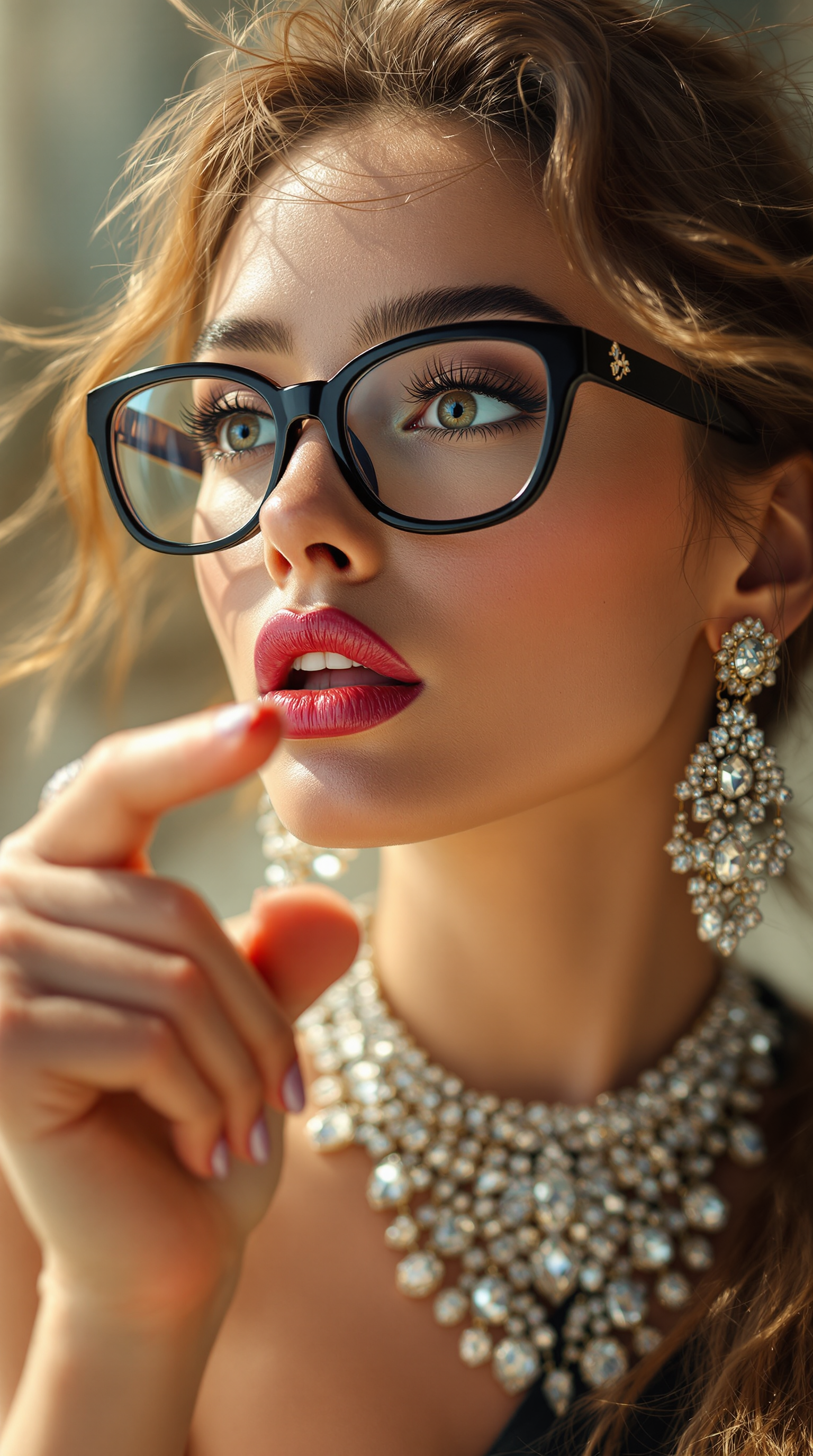
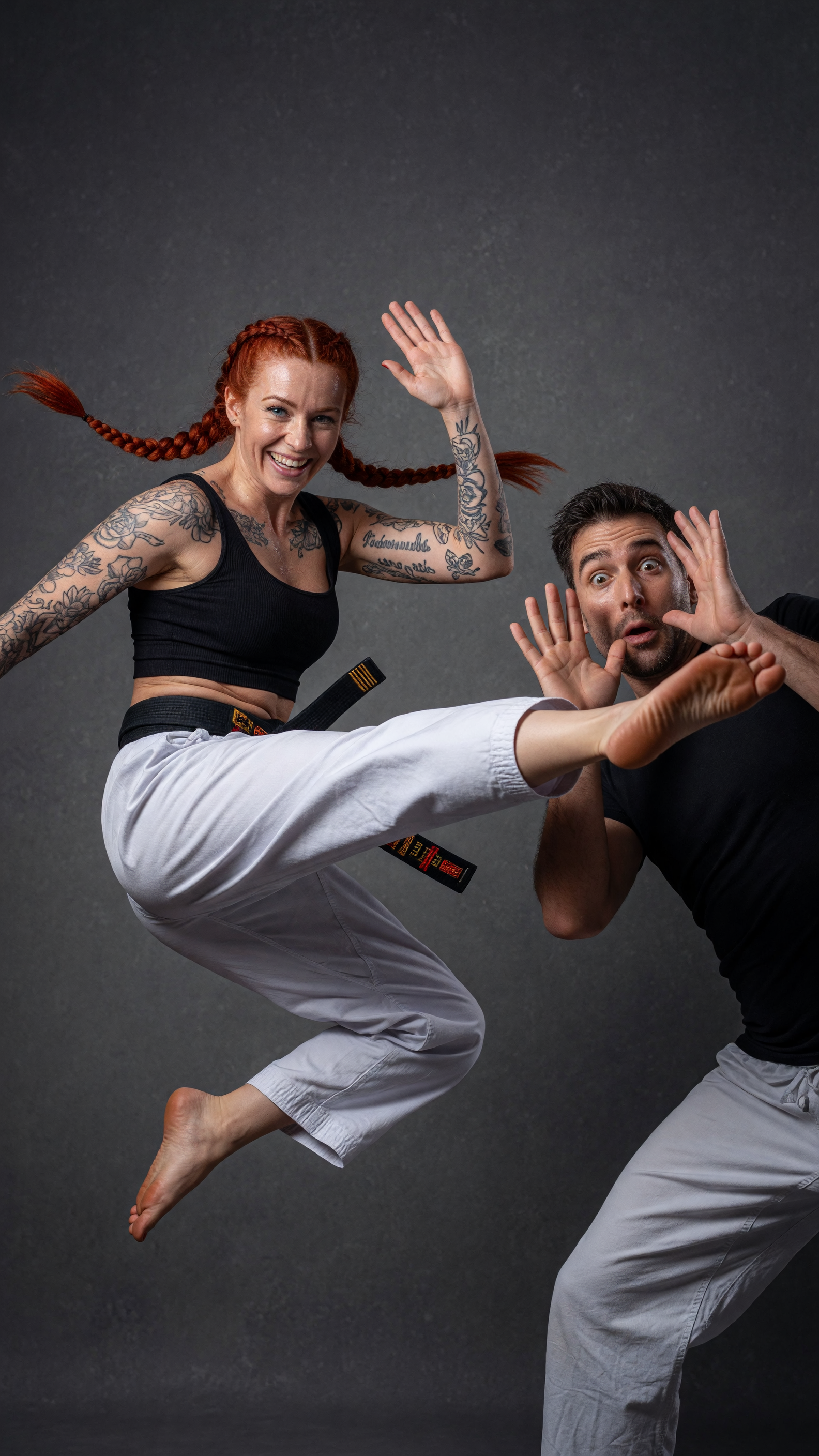
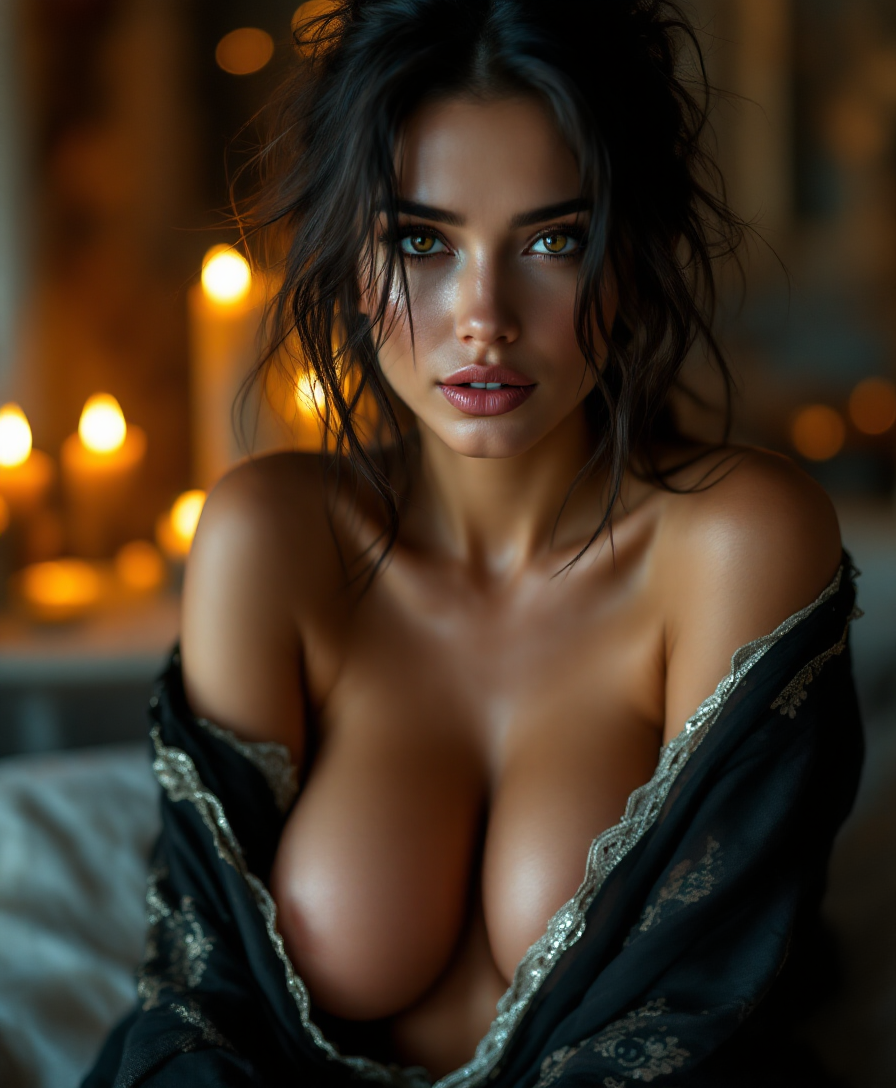
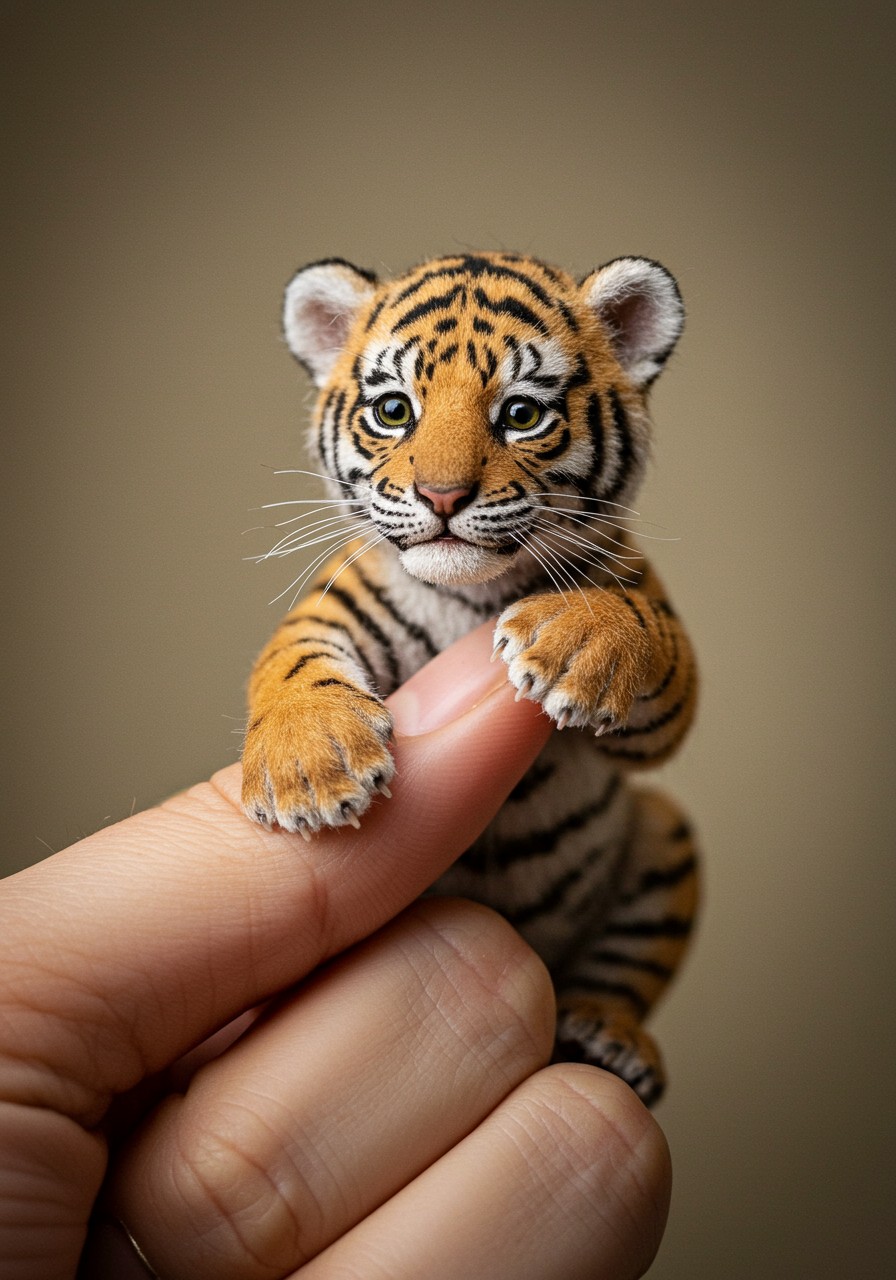
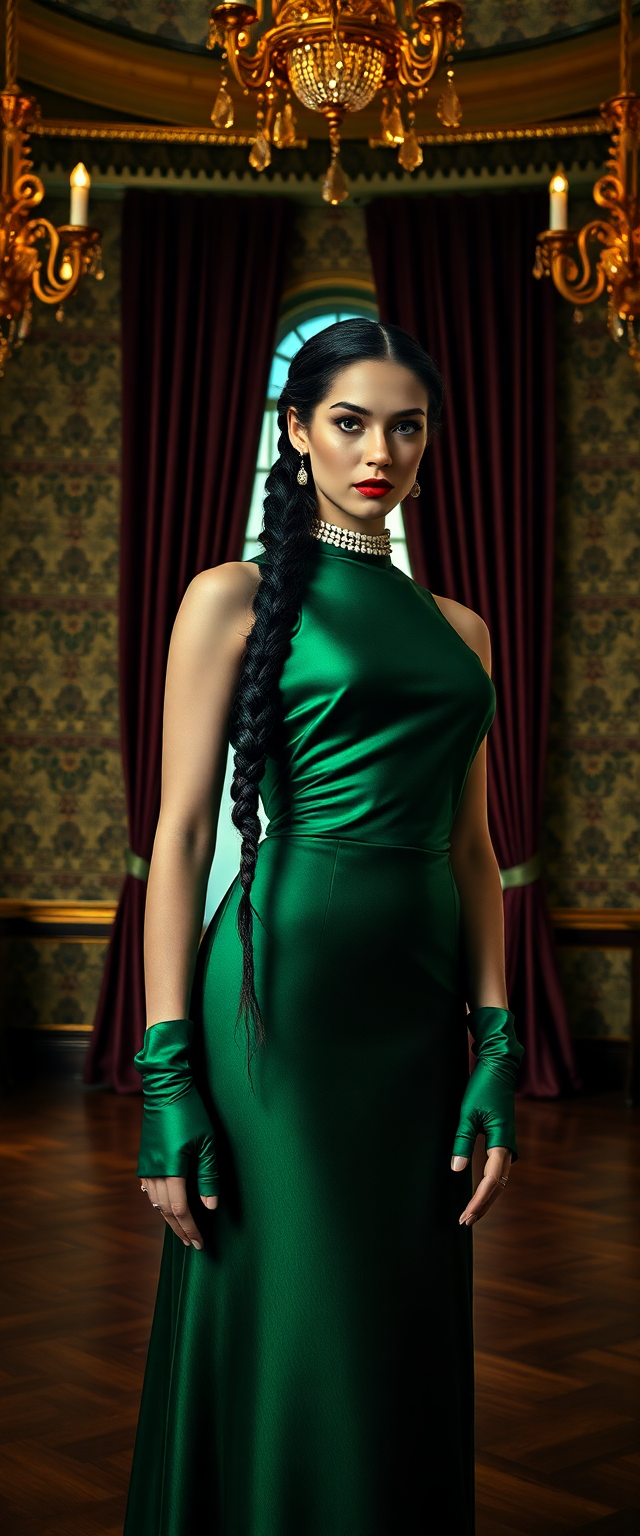
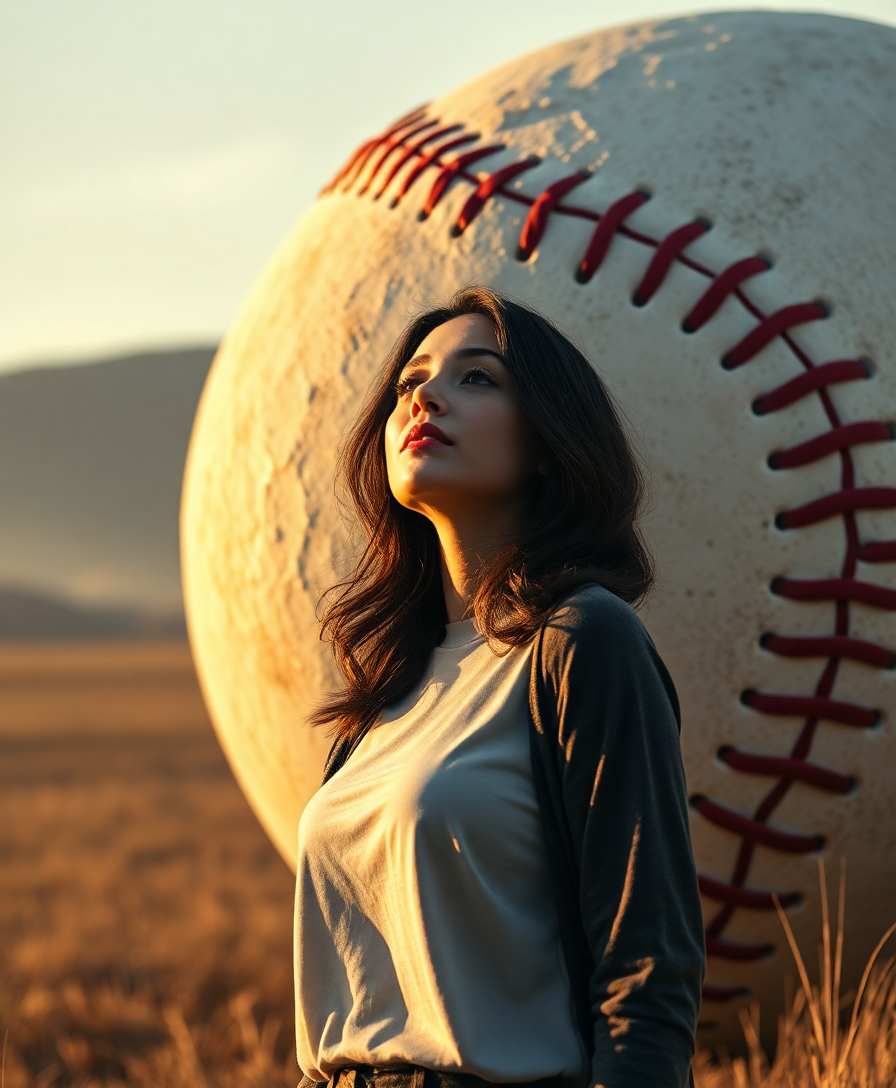
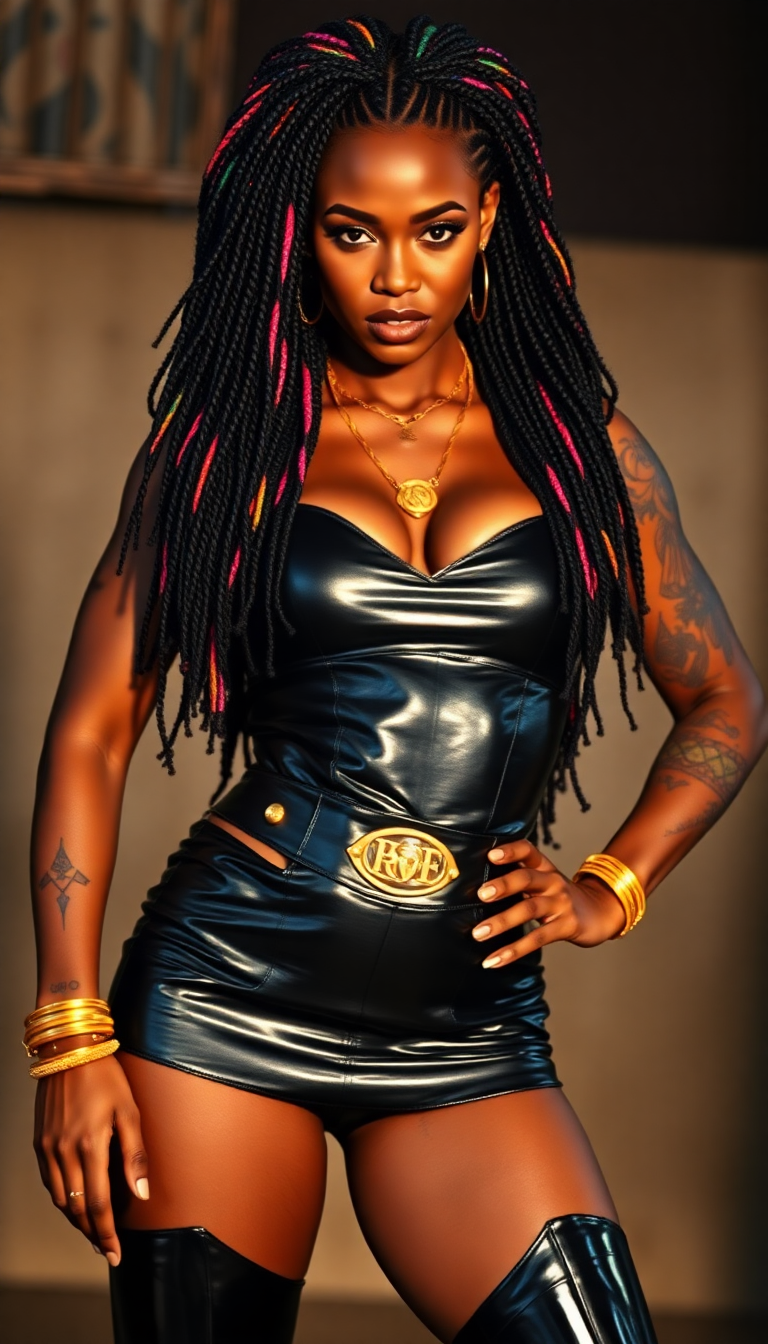
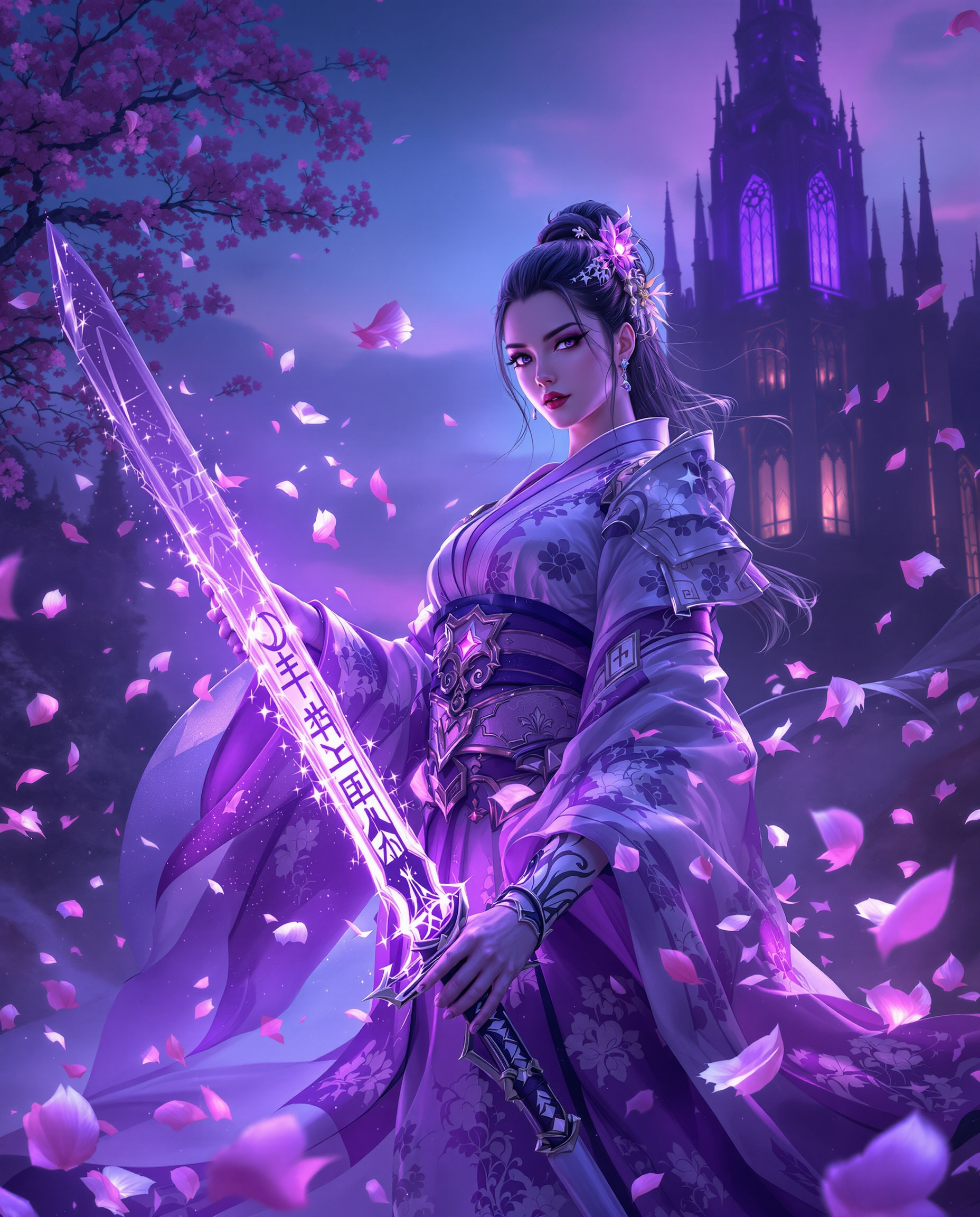
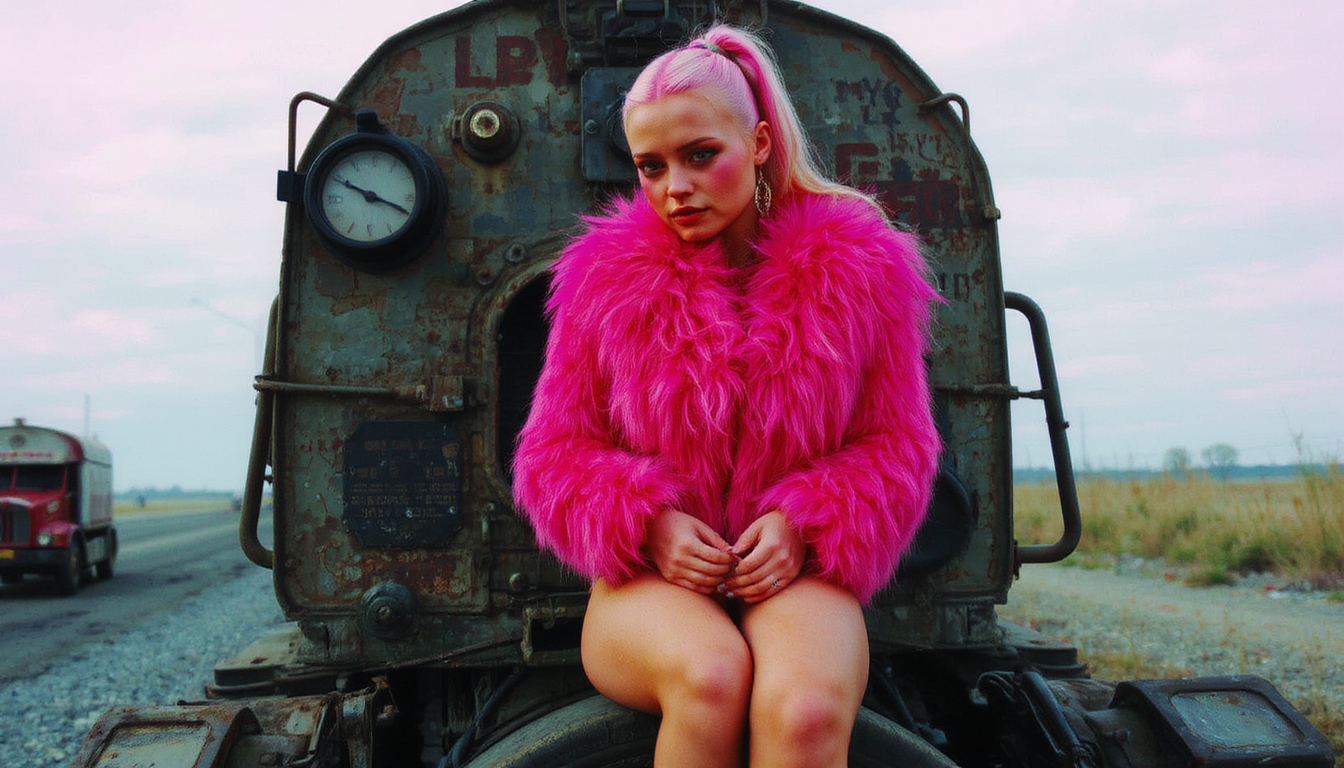
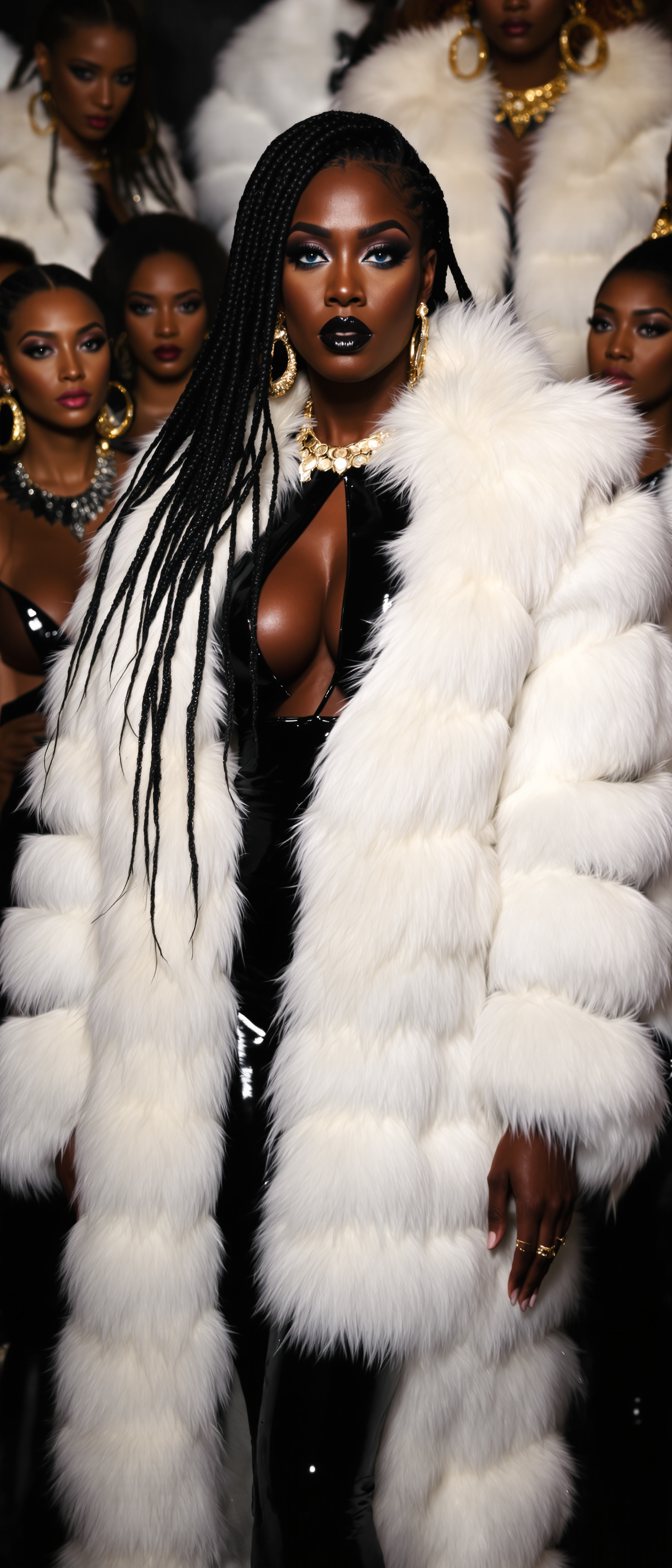
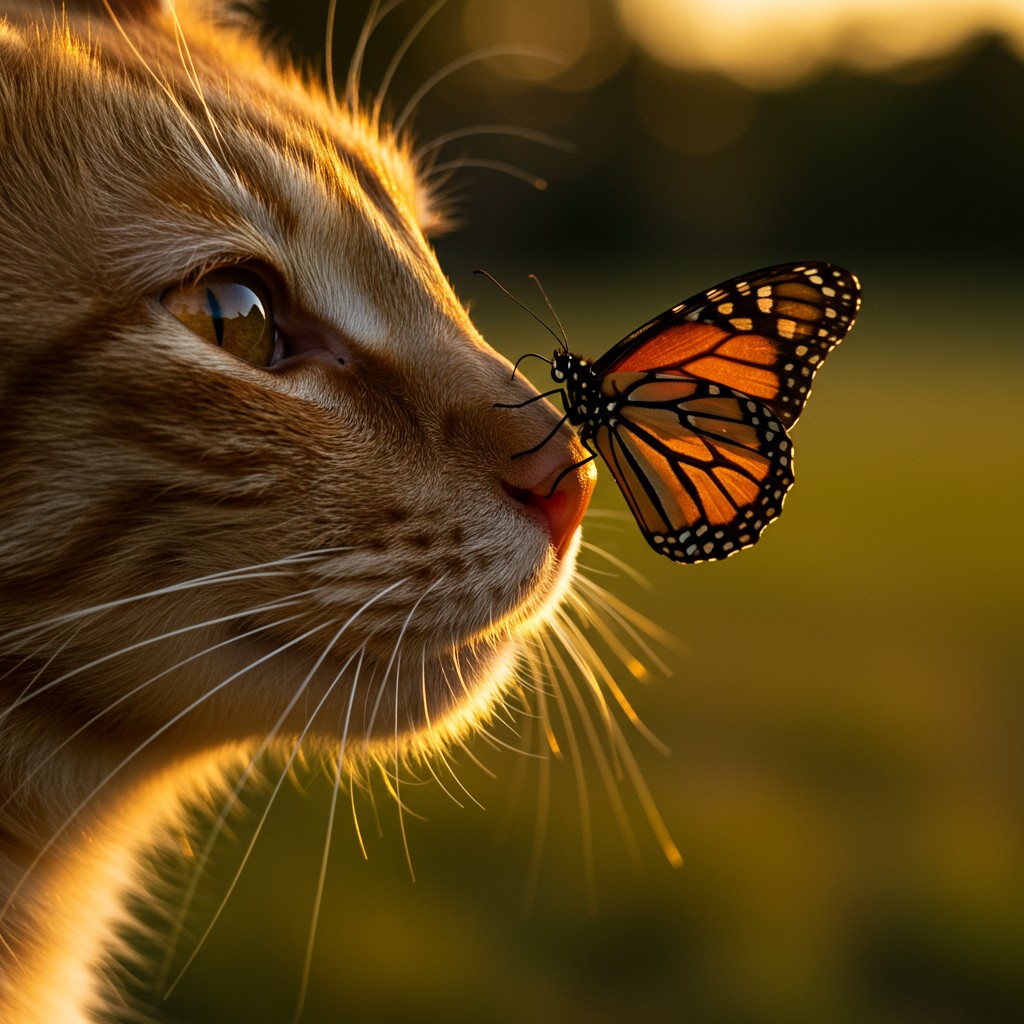
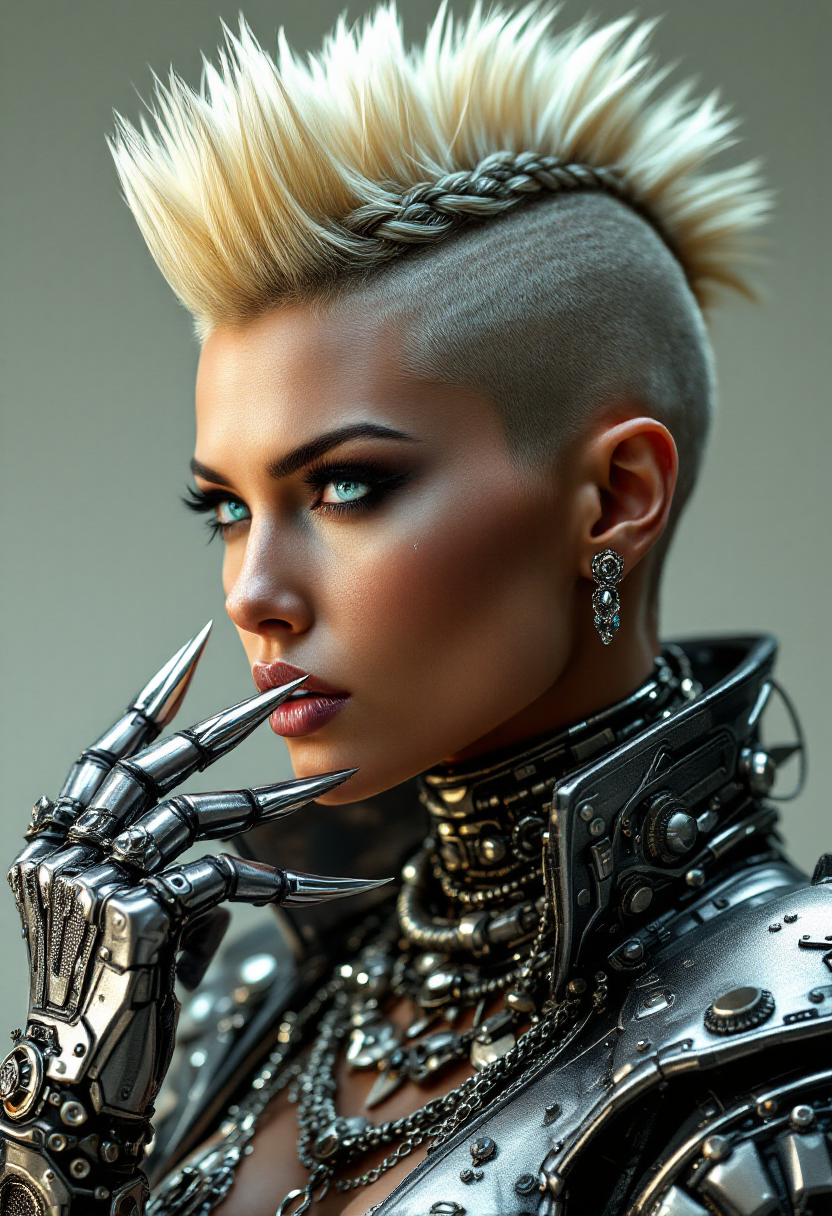
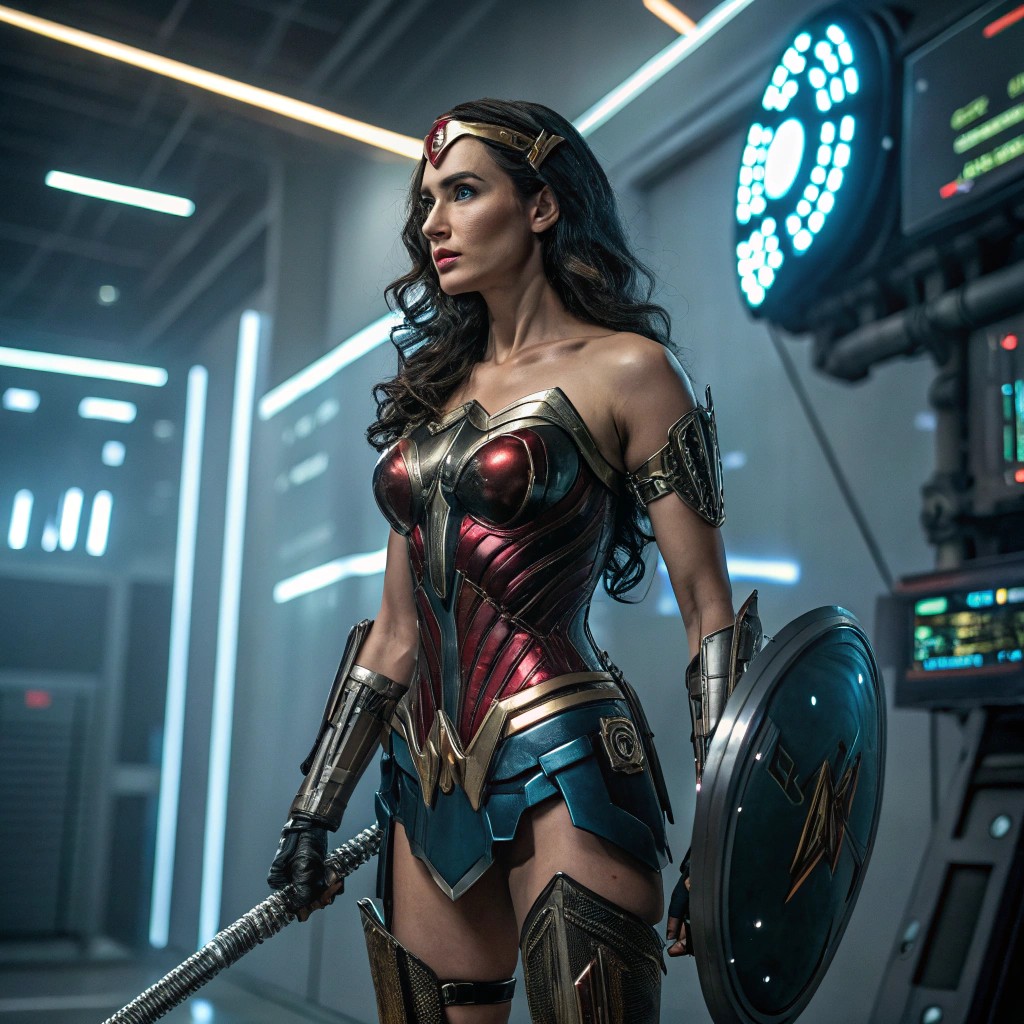
Imagine turning any idea into a breathtaking, lifelike photograph in seconds—no camera, no studio, no waiting for the perfect light. With PixelDojo's photo generator AI, you create professional-grade photorealistic images that look like they were shot by a top photographer. Whether you need product shots for your e-commerce store, stunning portraits for your personal brand, or lifestyle scenes for social media campaigns, you get exactly what you envision every time. Skip the expensive photoshoots and endless editing hours. Your audience sees polished, authentic visuals that build trust and drive engagement, all while you focus on growing your business or creative projects.
Over 75,000 creators have generated more than 3.2 million photorealistic images this month alone. PixelDojo holds a 4.9/5 rating from verified users who praise the unmatched realism and speed. Trusted by marketing teams, photographers, and entrepreneurs worldwide for commercial-ready results.
Why Choose Pixel Dojo for photo generator ai
Professional-quality results with cutting-edge AI technology
Professional Product Photos Without the Studio
Create hyper-realistic product images that showcase every detail, texture, and reflection. Place items in any lifestyle setting or clean white background instantly, saving thousands on traditional photography while boosting conversion rates on your store.
Consistent Characters for Your Brand Stories
Generate the same realistic person across dozens of scenes, outfits, and angles with perfect continuity. Build compelling visual narratives for social media series, ads, or client presentations that feel cohesive and professional.
Instant High-Quality Results for Any Project
From concept to polished photo in under 60 seconds. Perfect for time-sensitive campaigns, last-minute social posts, or rapid prototyping of visual ideas—delivering studio-quality output that elevates your work immediately.
How It Works
Creating photorealistic images with PixelDojo's photo generator AI is simple and intuitive. Follow these three steps to produce images that look completely real.
Step 1: Choose Your Tool
Select a specialized photo generator AI tool optimized for realism such as Nano Banana 2, Flux.2 Studio, GPT Image 2, or Ideogram 4. These deliver the highest photorealism with natural lighting, accurate skin tones, and detailed textures.
Step 2: Enter Your Prompt
Describe your desired photo in natural language. Be specific about lighting, angle, setting, and details like 'photorealistic close-up portrait of a smiling woman in natural window light, soft shadows, 8k detail, Canon EOS style'. The AI understands photography terms for authentic results.
Step 3: Customize & Download
Refine with editing tools like Image to Image for variations, Inpainting to fix details, Magic Lighting for mood adjustments, or Change Camera Angle. Then upscale with P-Image Upscale or Magnific Upscaler for print-ready quality and download your final photorealistic image.
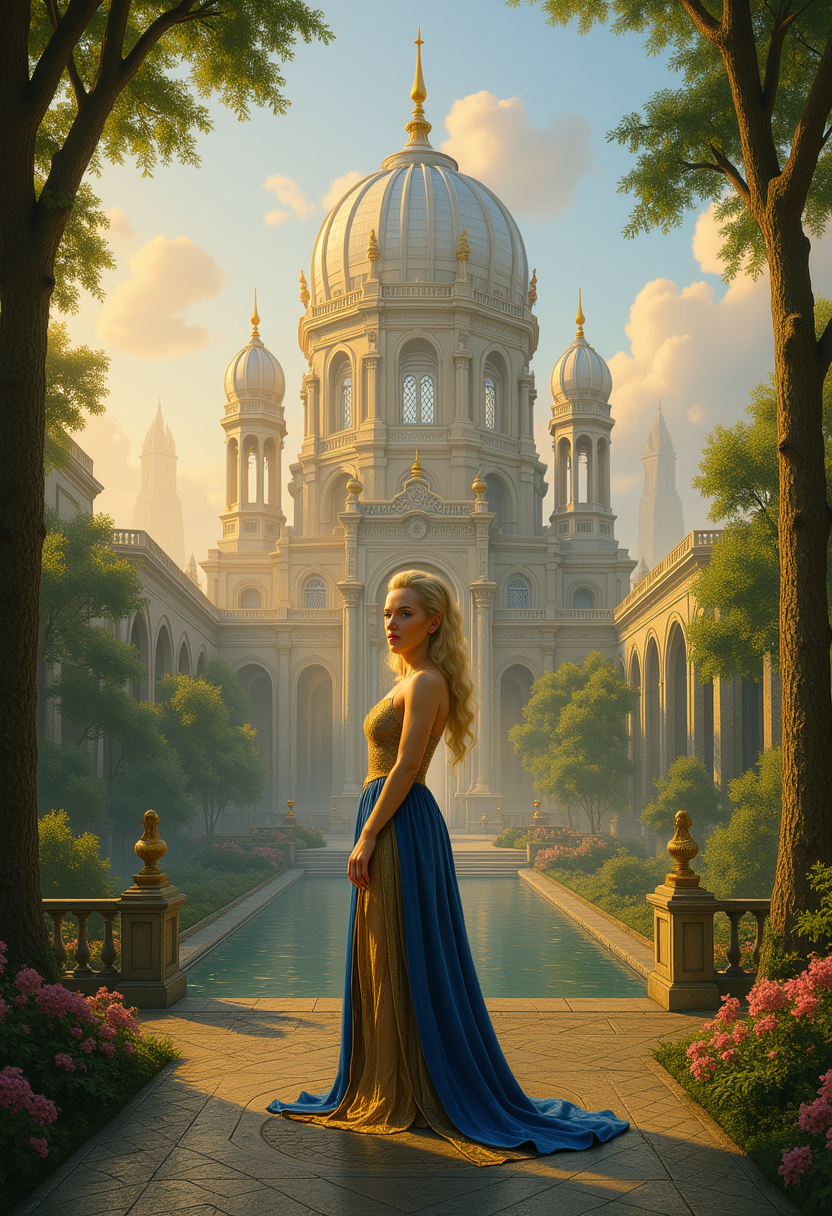
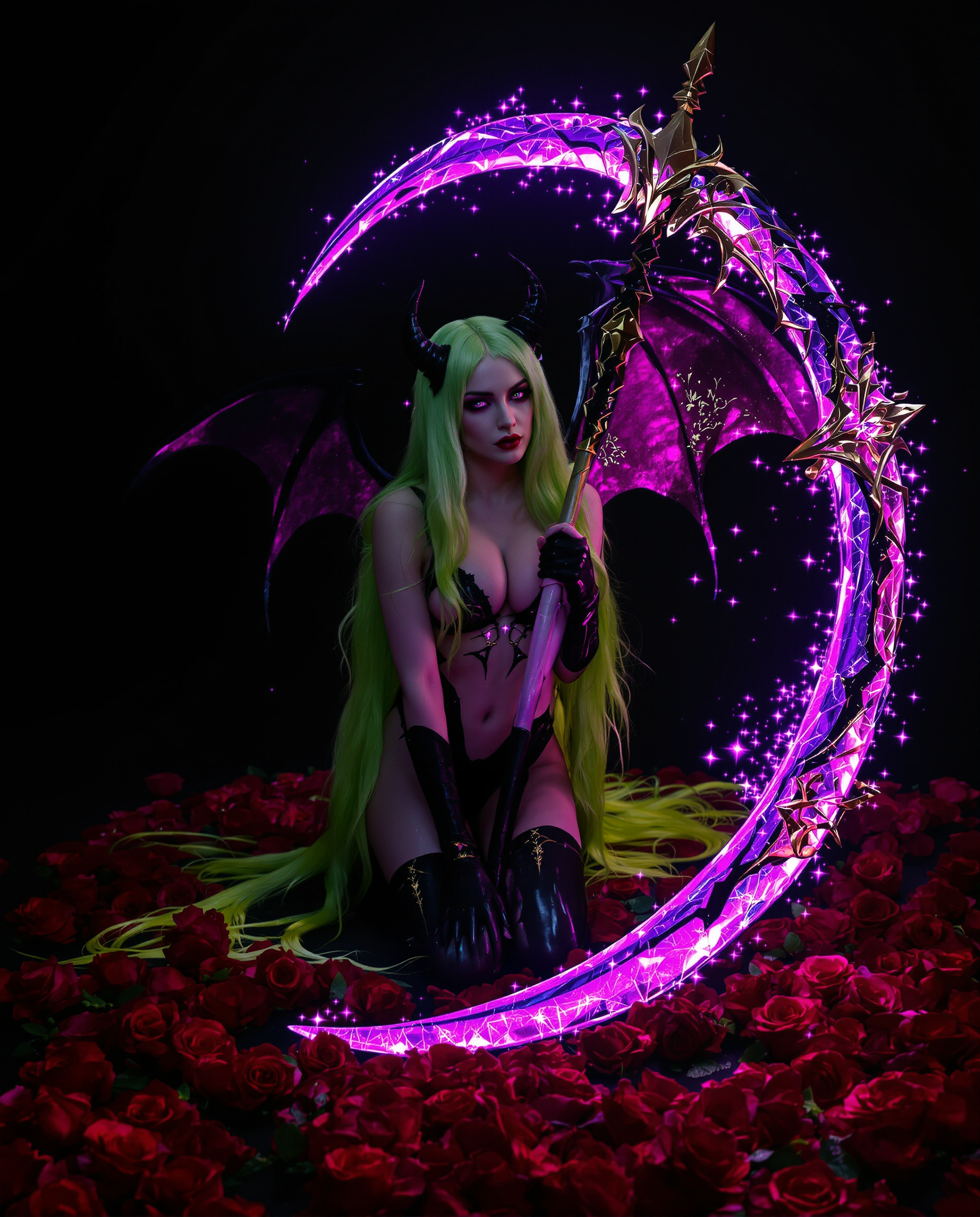
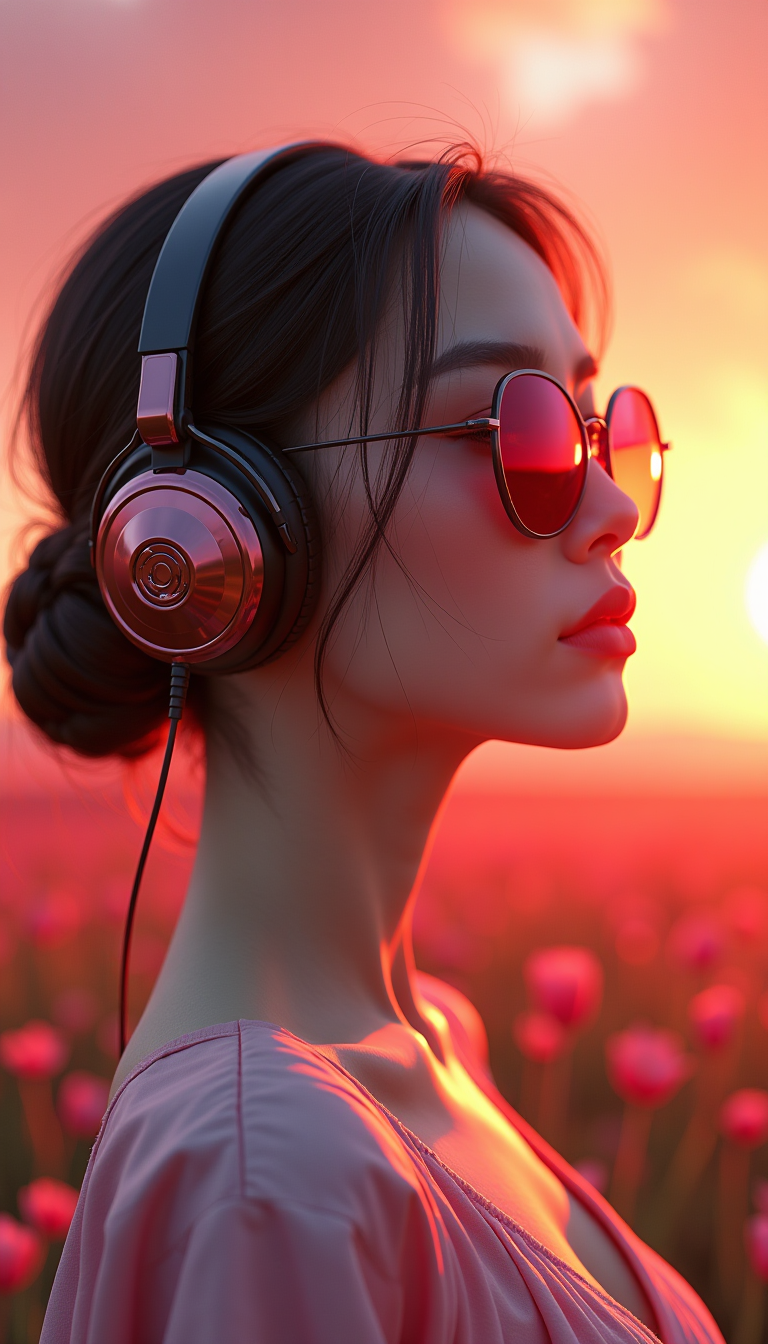
The Pixel Dojo Advantage
Why PixelDojo outperforms other options for photo generator ai image generation
| Others | Pixel Dojo |
|---|---|
| Traditional photo shoots | Produce identical professional results in seconds for a fraction of the cost—no scheduling, travel, models, or equipment needed |
| Generic AI tools | Access dozens of specialized photorealism-focused models like Flux.2 Studio and Nano Banana 2 with superior lighting, anatomy, and texture accuracy in one platform |
| Manual photo editing | AI handles complex realism, lighting, and composition automatically while you guide creative direction—hours of work reduced to minutes |
Loved by creators on PixelDojo
Real feedback from people using PixelDojo, pulled from our in-product surveys.
The Flux Pro Ultra is just amazing!
Very easy to use, and they have fast wan 2.2 video generation with custom loras available.
The overall quality of the site and it's amazing variety of tools. The continued updates of the UI. The unbelievable level of tech support.
THIS IS SO DOPE !
I have already recommended it to friends
All the tools, plus the guidance
Explore more AI tools on PixelDojo
AI Tools
Compare & Switch
- Best AI Image Generators
- Best AI Video Generators
- Midjourney Alternatives
- Civitai Alternatives
- Runway Alternatives
- Leonardo Alternatives
- Pika Alternatives
- Luma Alternatives
- Magnific Alternatives
- Veo Alternatives
- Flux Alternatives
- Freepik Alternatives
- Seedance Alternatives
- Seedream Alternatives
- Pixverse Alternatives
- GPT Image Alternatives
- Synthesia Alternatives
- Playground Alternatives
- NightCafe Alternatives
- Canva AI Alternatives
- ElevenLabs Alternatives
- ComfyUI Alternatives
- Fal Alternatives
- Replicate Alternatives
Common Questions
Everything you need to know about photo generator ai
How does a photo generator AI create realistic images that look like real photographs?
PixelDojo's photo generator AI combines advanced models including Nano Banana 2, Flux.2 Studio, and GPT Image 2 that excel at photorealism. These tools analyze millions of real photos to understand lighting, textures, shadows, and human features, then generate new images that match your description with incredible accuracy. You get natural skin pores, fabric details, and environmental reflections that fool even professional photographers.
What is the best photo generator AI for creating consistent characters across multiple images?
Use Consistent Characters and Character Sheets tools alongside Flux.2 Studio or Ideogram 4. Upload reference images of your character once, then generate new scenes while maintaining the exact same face, body, and style. Perfect for brand ambassadors, story series, or virtual influencers that need to appear identical in every photo.
Can I use PixelDojo's photo generator AI for commercial product photography?
Absolutely. Tools like Flux.2 Studio and Nano Banana 2 produce commercial-ready photorealistic product images with accurate reflections, shadows, and materials. Many users replace expensive photoshoots for e-commerce listings, catalogs, and ads. All generated images come with full commercial usage rights included in your subscription.
How fast can I generate a photorealistic photo with PixelDojo's AI photo generator?
Most images generate in 5-15 seconds using Nano Banana 2 or Grok Image. Full workflow including refinements with Inpainting or Magic Lighting and final upscale typically takes under one minute. This speed lets you iterate dozens of variations quickly until you achieve the perfect shot.
What kind of prompts work best for photorealistic results in a photo generator AI?
Include photography-specific details like camera model references ('Canon 5D style'), lighting ('golden hour sunlight'), lens effects ('shallow depth of field'), and technical terms ('8k resolution, sharp focus, natural skin texture'). PixelDojo's tools understand these cues and translate them into authentic photographic results every time.
Is PixelDojo's photo generator AI suitable for beginners with no photography experience?
Yes—completely beginner-friendly. Start with simple prompts and let the AI handle technical aspects like exposure and composition. Built-in editing tools such as Background Remover, Smart Resize, and Reality Polisher help perfect images without any design skills. Thousands of non-photographers create professional results on day one.