picture enhancer AI Generator
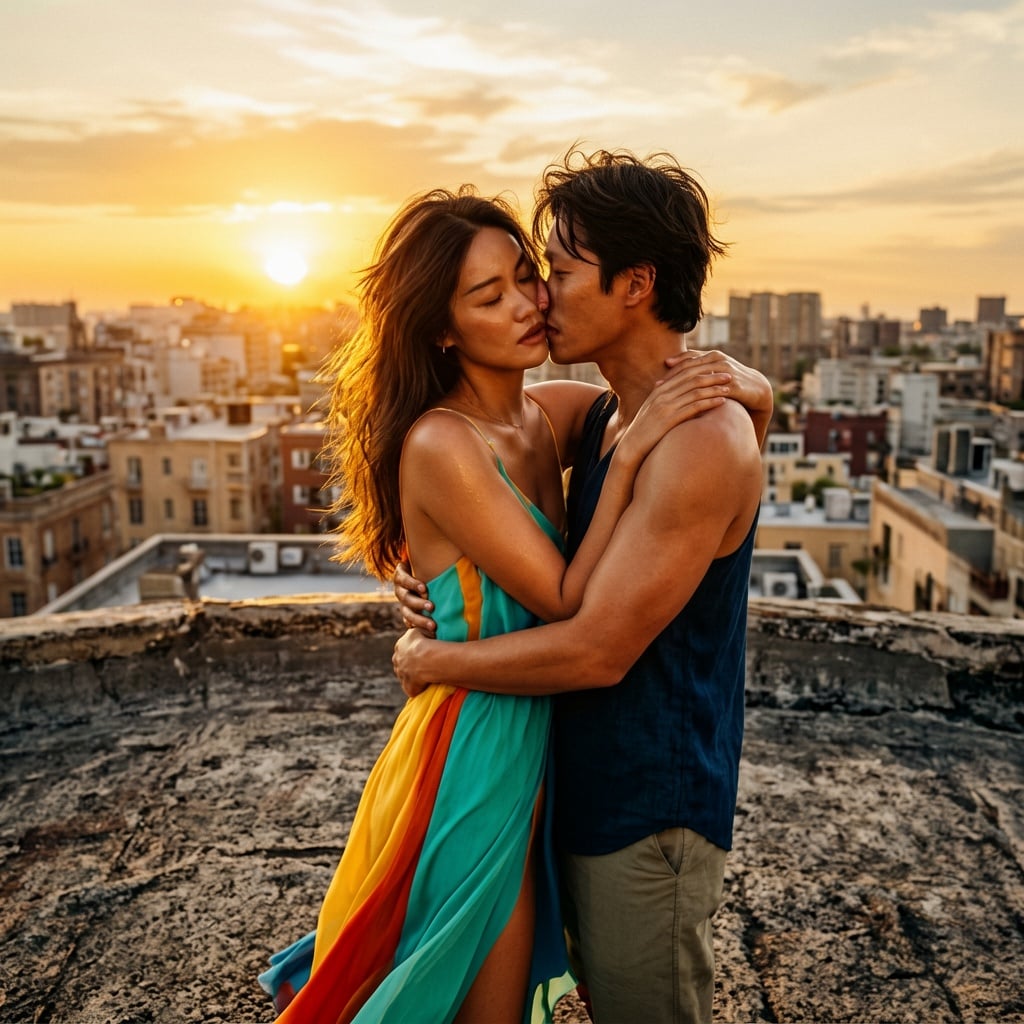
Imagine turning every blurry snapshot, faded family photo, or low-resolution image into a crisp, vibrant masterpiece that looks professionally captured. With PixelDojo's AI picture enhancer, you achieve exactly that – stunning clarity, natural details, and print-ready quality without any technical expertise. Whether you're restoring cherished memories, preparing product shots for your store, or perfecting social media visuals, you get results that captivate viewers and elevate your projects in just seconds.
Over 150,000 creators have enhanced more than 5 million images using PixelDojo. Rated 4.9/5 stars by users who love the natural-looking results and lightning-fast workflow. Trusted by photographers, marketers, and families worldwide.
Why Choose Pixel Dojo for picture enhancer
Professional-quality results with cutting-edge AI technology
Revive Faded Memories Instantly
Restore old, damaged, or low-quality family photos to vibrant, high-resolution keepsakes you can proudly print and share across generations.
Achieve Print-Ready Professional Quality
Upscale and sharpen any image up to 16x resolution with natural textures, perfect for posters, merchandise, or client deliverables that demand flawless detail.
Elevate Social & Marketing Visuals
Transform ordinary photos into eye-catching content that stops scrolls, boosts engagement, and makes your brand or personal feed stand out effortlessly.
How It Works
Creating enhanced pictures with PixelDojo is simple and intuitive. Choose from specialized tools like P-Image Upscale or Magnific Upscaler, upload your image, and let AI handle the rest for breathtaking results.
Step 1: Choose Your Tool
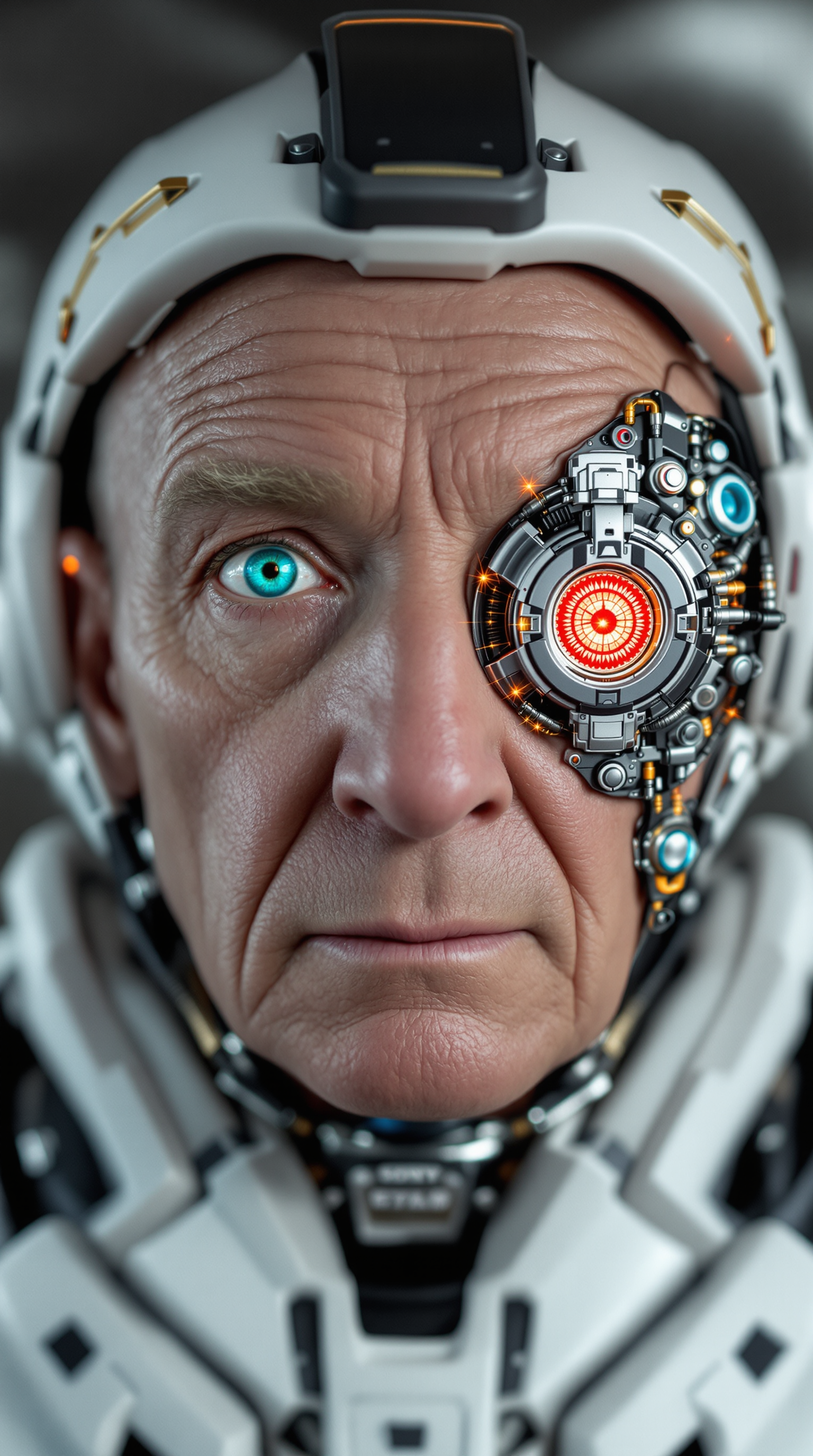
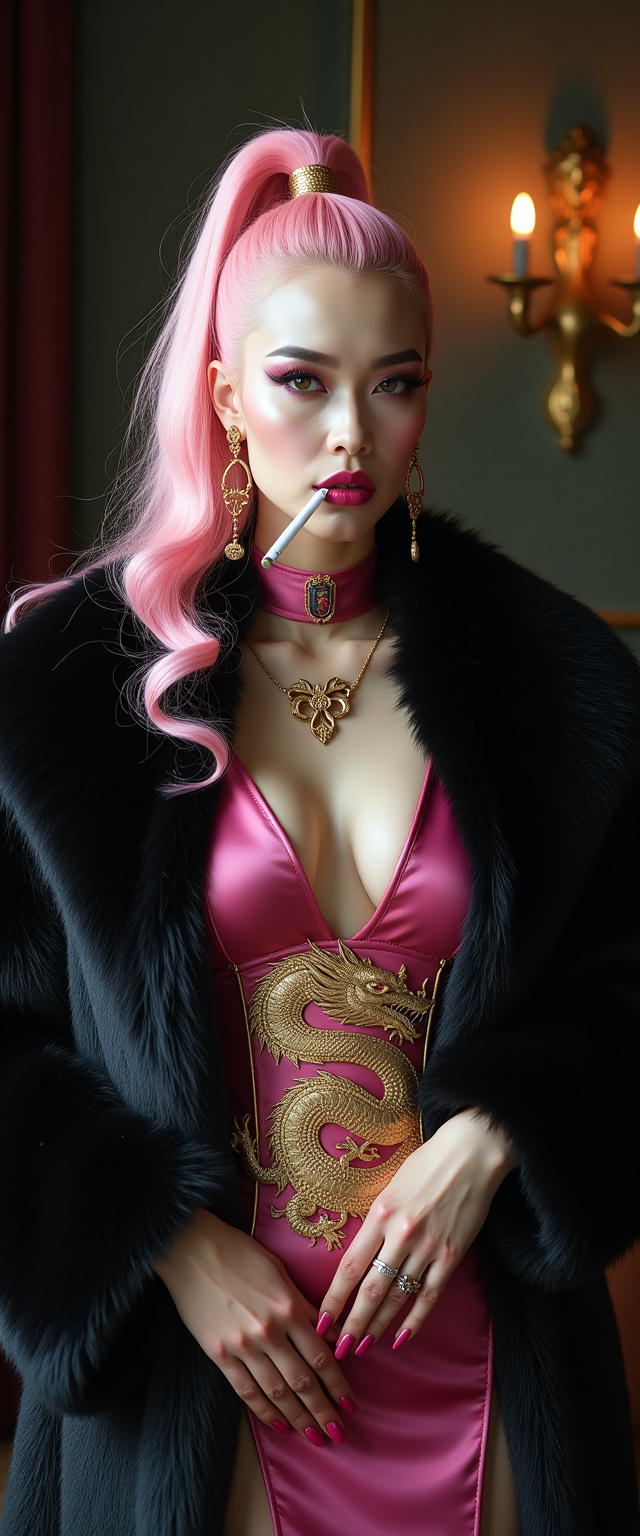
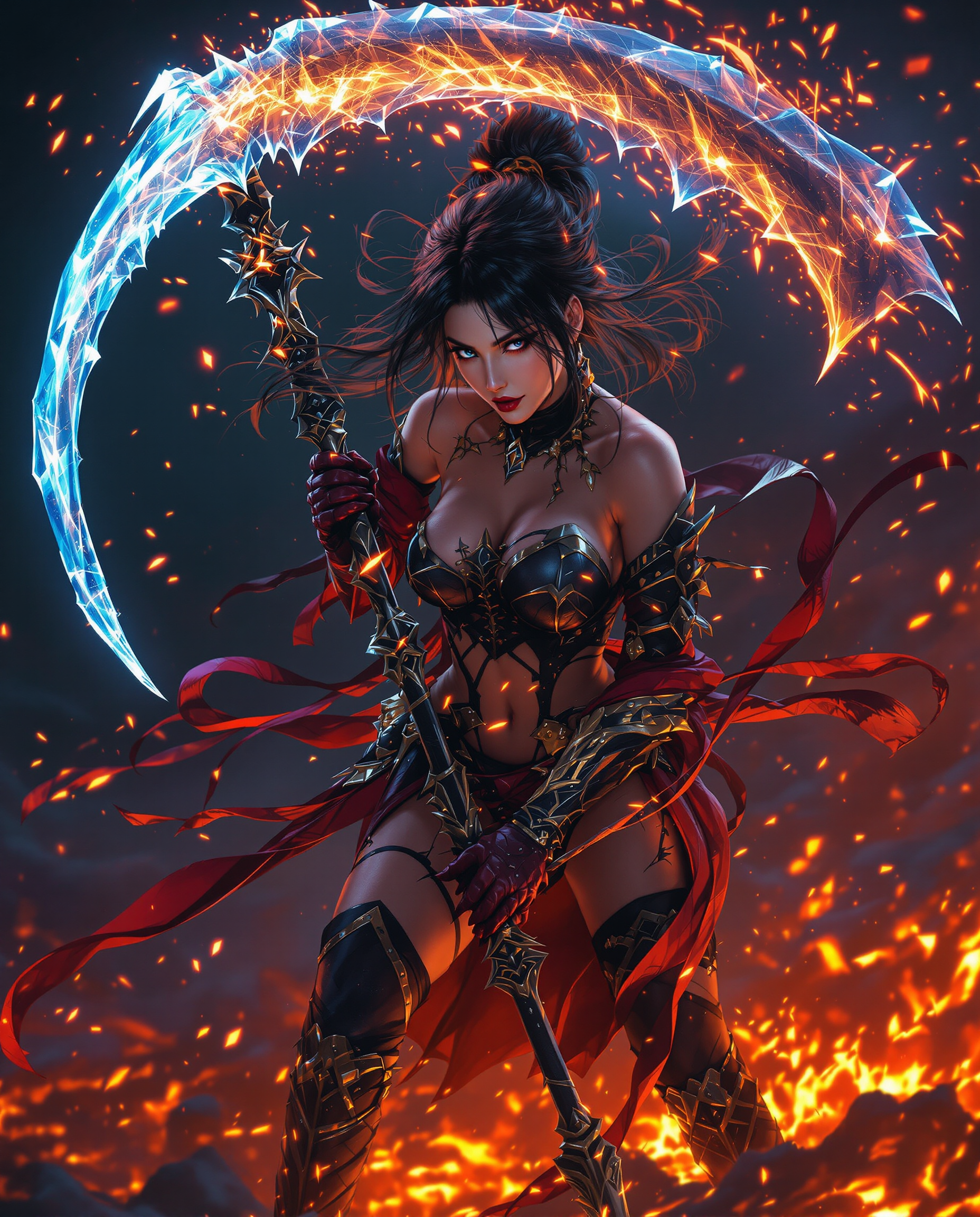
Select from PixelDojo's Upscale & Enhance suite including P-Image Upscale for massive resolution boosts, Magnific Upscaler for creative detail enhancement, Clarity Pro for sharpness, or Portrait Upscaler for people-focused images.
Step 2: Enter Your Prompt or Upload Image
Upload your photo and optionally add a simple description like 'enhance details naturally, reduce noise, improve lighting' or use Reality Polisher for automatic smart enhancements tailored to your image type.
Step 3: Customize & Download
Preview the enhanced version, fine-tune with options like Creative Upscaler or Image Analyzer for specific adjustments, then download your high-resolution masterpiece ready for any use.


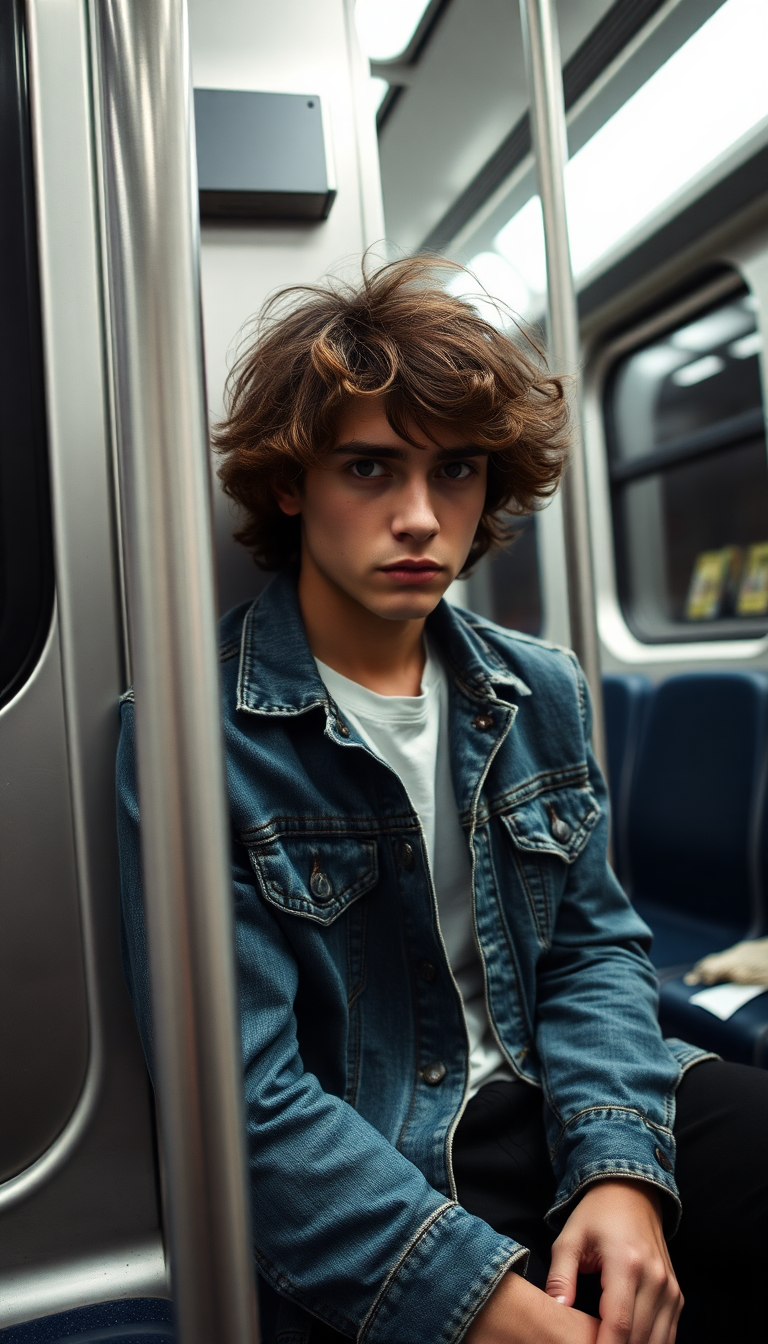
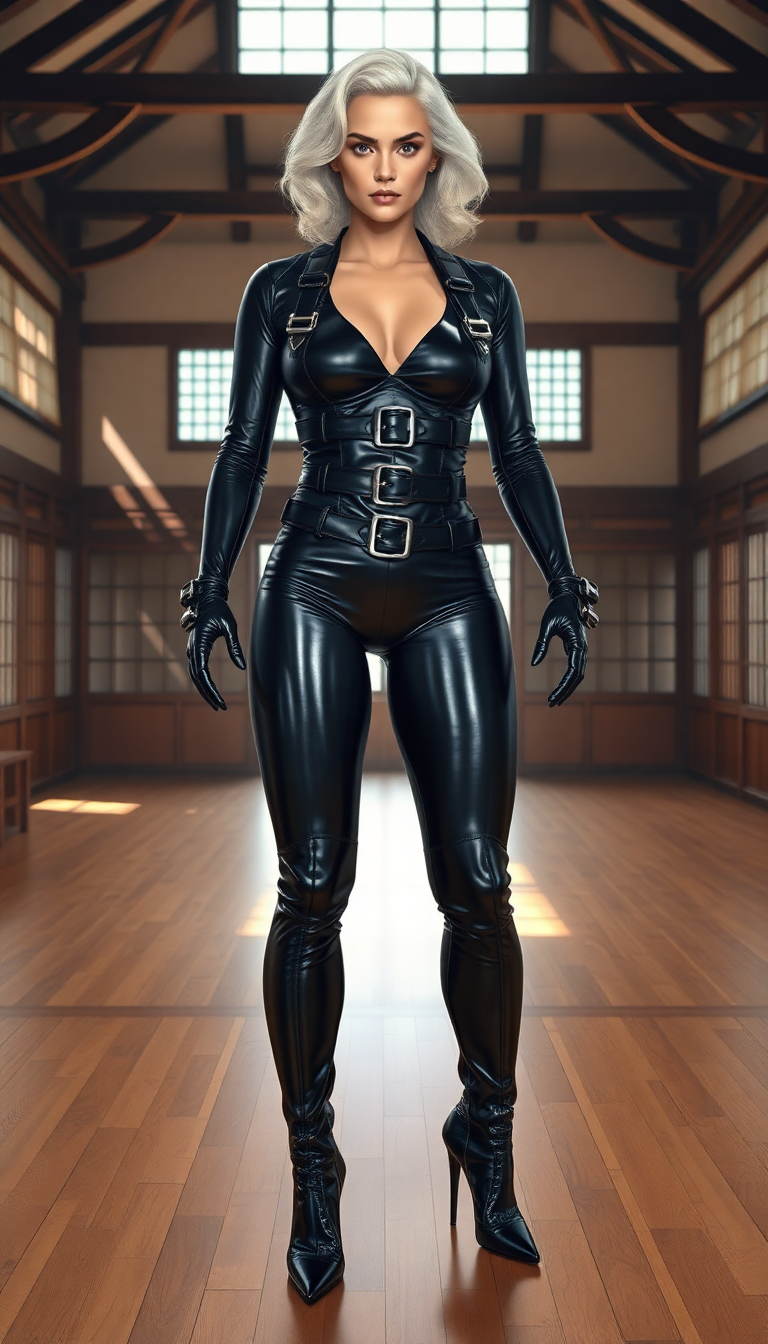


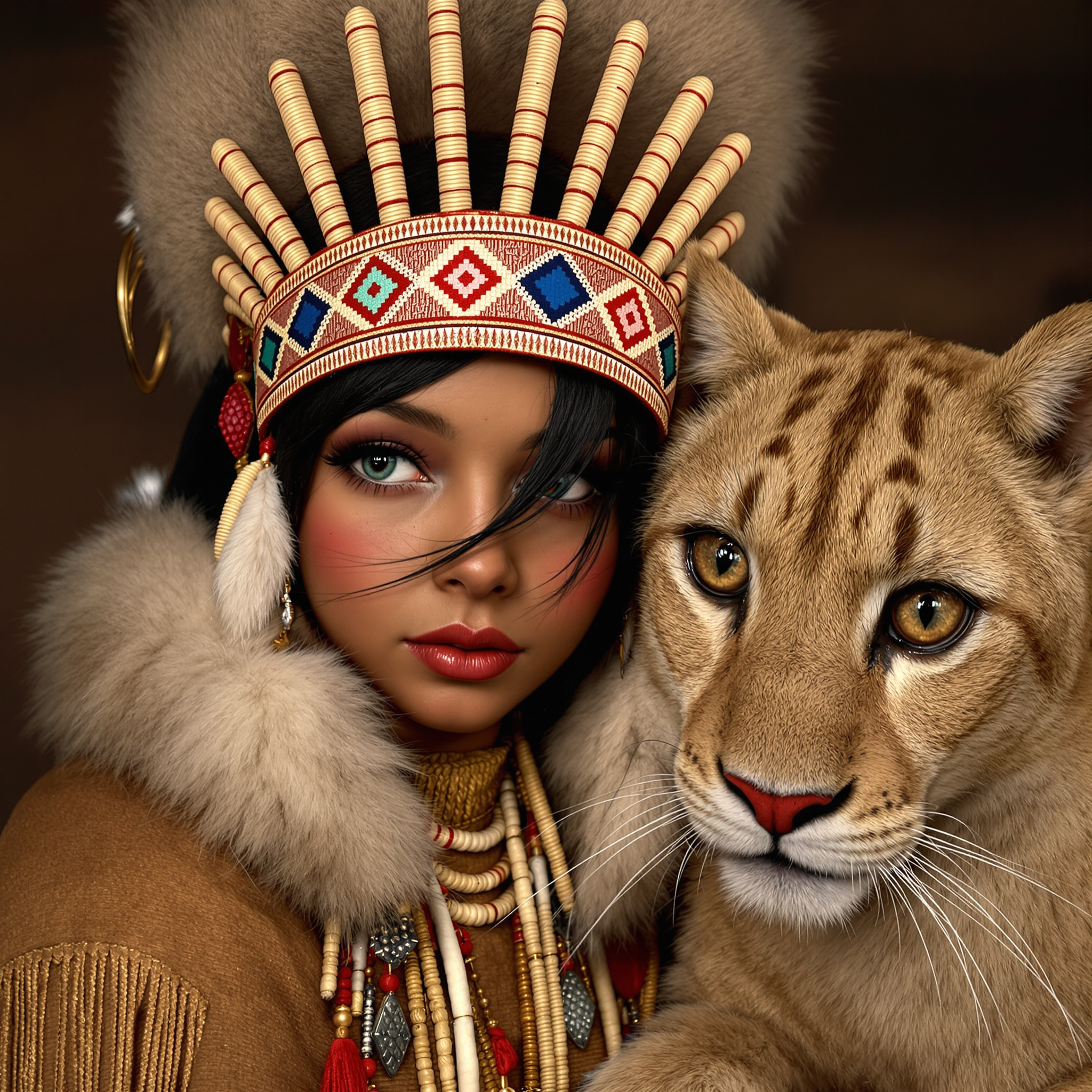
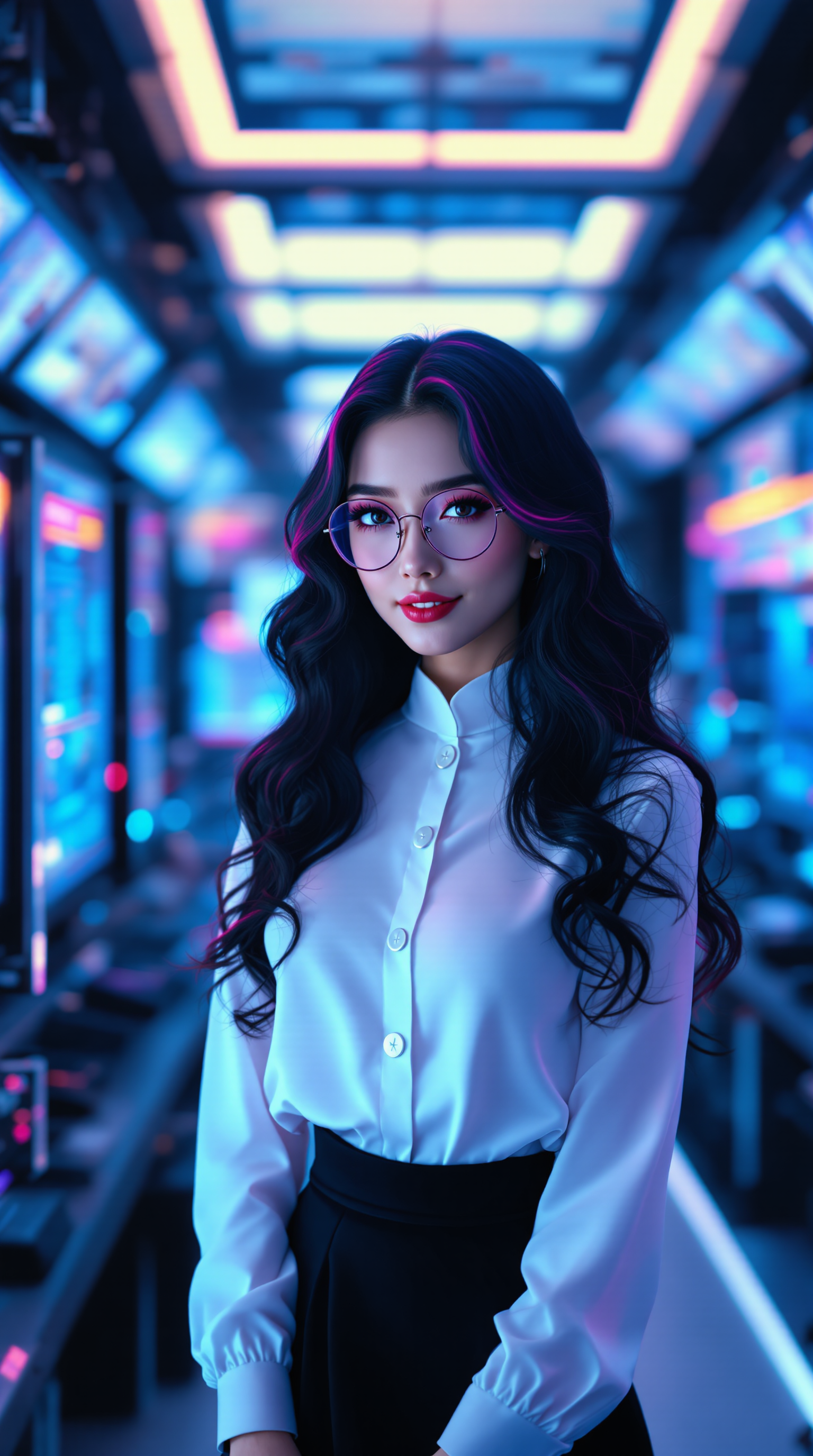

The Pixel Dojo Advantage
Why PixelDojo outperforms other options for picture enhancement
| Others | Pixel Dojo |
|---|---|
| Traditional picture creation | No need for expensive cameras or professional studios – instantly upgrade existing photos to pro standards with one-click AI |
| Generic AI tools | Specialized enhancement suite with 40+ dedicated tools like Reality Polisher and Portrait Upscaler delivers more natural, consistent results tailored for photos |
| Manual photo editing | Skip hours of tedious adjustments – AI picture enhancer automates noise reduction, sharpening, and detail recovery while preserving authentic textures |
Loved by creators on PixelDojo
Real feedback from people using PixelDojo, pulled from our in-product surveys.
I really like the schedule of AI work performed!
The best tools for IA on the web !
The guy that operates the website is constantly updating it
I’ve been using PixelDojo for around 8 months now and it’s always worked wonderfully while constantly adding features.
The site is easy to navigate and use.
All the tools, readily available and easy to understand
Explore more AI tools on PixelDojo
AI Tools
Compare & Switch
- Best AI Image Generators
- Best AI Video Generators
- Midjourney Alternatives
- Civitai Alternatives
- Runway Alternatives
- Leonardo Alternatives
- Pika Alternatives
- Luma Alternatives
- Magnific Alternatives
- Veo Alternatives
- Flux Alternatives
- Freepik Alternatives
- Seedance Alternatives
- Seedream Alternatives
- Pixverse Alternatives
- GPT Image Alternatives
- Synthesia Alternatives
- Playground Alternatives
- NightCafe Alternatives
- Canva AI Alternatives
- ElevenLabs Alternatives
- ComfyUI Alternatives
- Fal Alternatives
- Replicate Alternatives
Common Questions
Everything you need to know about picture enhancer
How does an AI picture enhancer improve blurry or low-resolution photos?
PixelDojo's AI picture enhancer uses advanced models like P-Image Upscale and Magnific Upscaler to intelligently reconstruct missing details, reduce noise, and sharpen edges while maintaining natural textures. You simply upload your image, and the tool delivers crisp, high-resolution results up to 16x larger that look professionally captured.
Can I restore old faded family photos with PixelDojo's picture enhancer?
Absolutely. Tools like Reality Polisher and Creative Upscaler specialize in breathing new life into vintage images by recovering colors, fixing scratches, and enhancing details. Thousands of users have turned decades-old photos into vibrant, frame-worthy prints using PixelDojo.
What makes PixelDojo's AI picture enhancer better for portraits?
Portrait Upscaler and Clarity Pro are optimized for faces, preserving skin tones, hair details, and expressions naturally without over-smoothing. You get professional retouching results that enhance beauty while keeping authenticity intact.
How quickly can I enhance multiple pictures for social media or print?
PixelDojo processes enhancements in seconds per image. Batch-friendly tools like P-Image Upscale let you handle dozens of photos efficiently, preparing them for Instagram, websites, or high-quality prints without any manual tweaking required.
Is PixelDojo's picture enhancer suitable for AI-generated images that need improvement?
Yes, many creators use it to refine outputs from generators. Apply Image Analyzer or Magnific Upscaler to add realistic details, fix artifacts, and boost overall quality, turning good AI images into exceptional ones ready for commercial use.
Do I need any skills to use the AI picture enhancer on PixelDojo?
No experience necessary. The intuitive interface guides you through uploading and enhancing with presets or simple prompts. With 40+ tools available and the ability to cancel anytime, you can experiment risk-free and achieve professional outcomes immediately.