picture quality enhancer AI Generator

Imagine turning every blurry snapshot, compressed social media image, or low-resolution scan into a crisp, detailed masterpiece ready for prints, portfolios, or professional use. With PixelDojo's picture quality enhancer, you achieve exactly that—stunning clarity, vibrant details, and professional polish without hours of manual editing. Whether you're a photographer restoring old family photos, a content creator polishing AI-generated visuals, or a business owner needing product shots that pop, PixelDojo empowers you to deliver jaw-dropping results fast. Our suite of specialized tools reconstructs missing details, reduces noise, sharpens edges, and boosts resolution so your images look their absolute best every time. Stop settling for mediocre visuals and start creating images that command attention and drive real engagement.
Join over 85,000 creators who have enhanced more than 2.4 million images this month alone. PixelDojo holds a 4.9/5 rating from verified users, with 92% reporting they achieve print-quality results on their first try. Trusted by professional photographers, e-commerce brands, and digital artists worldwide for reliable, natural-looking enhancements.
Why Choose Pixel Dojo for picture quality enhancer
Professional-quality results with cutting-edge AI technology
Achieve Print-Ready Professional Quality
Elevate any image to crisp 4K, 8K, or higher resolutions with natural detail reconstruction that looks indistinguishable from high-end camera captures, perfect for large prints, billboards, or client deliverables.
Save Hours of Tedious Editing
Restore old photos, fix motion blur, eliminate noise, and correct lighting in seconds instead of spending hours in traditional software—freeing you to focus on creativity and storytelling.
Create Consistent, Stunning Visuals
Apply targeted enhancements like portrait sharpening or creative upscaling across entire collections so every image in your portfolio, campaign, or feed maintains the same premium standard.
How It Works
Getting started with PixelDojo's picture quality enhancer is simple and intuitive—no technical expertise required. Follow these three steps to transform your images:
Step 1: Choose Your Tool
Browse the Upscale & Enhance category and select the perfect match for your needs, such as P-Image Upscale for general high-res boosts, Magnific Upscaler for creative detail enhancement, Clarity Pro for sharp textures, or Portrait Upscaler for flawless skin and facial details.
Step 2: Upload Your Image & Customize
Upload your photo or select from your library, then choose enhancement strength, upscale factor (2x, 4x, or more), and any specialized options like noise reduction or creative sharpening using tools such as Creative Upscaler or Reality Polisher for photorealistic results.
Step 3: Preview, Refine & Download
Review the AI-enhanced version instantly, make quick adjustments if needed, and download your high-quality image in multiple formats. Use the result directly or combine with other PixelDojo tools like Style Transfer for further creative control.


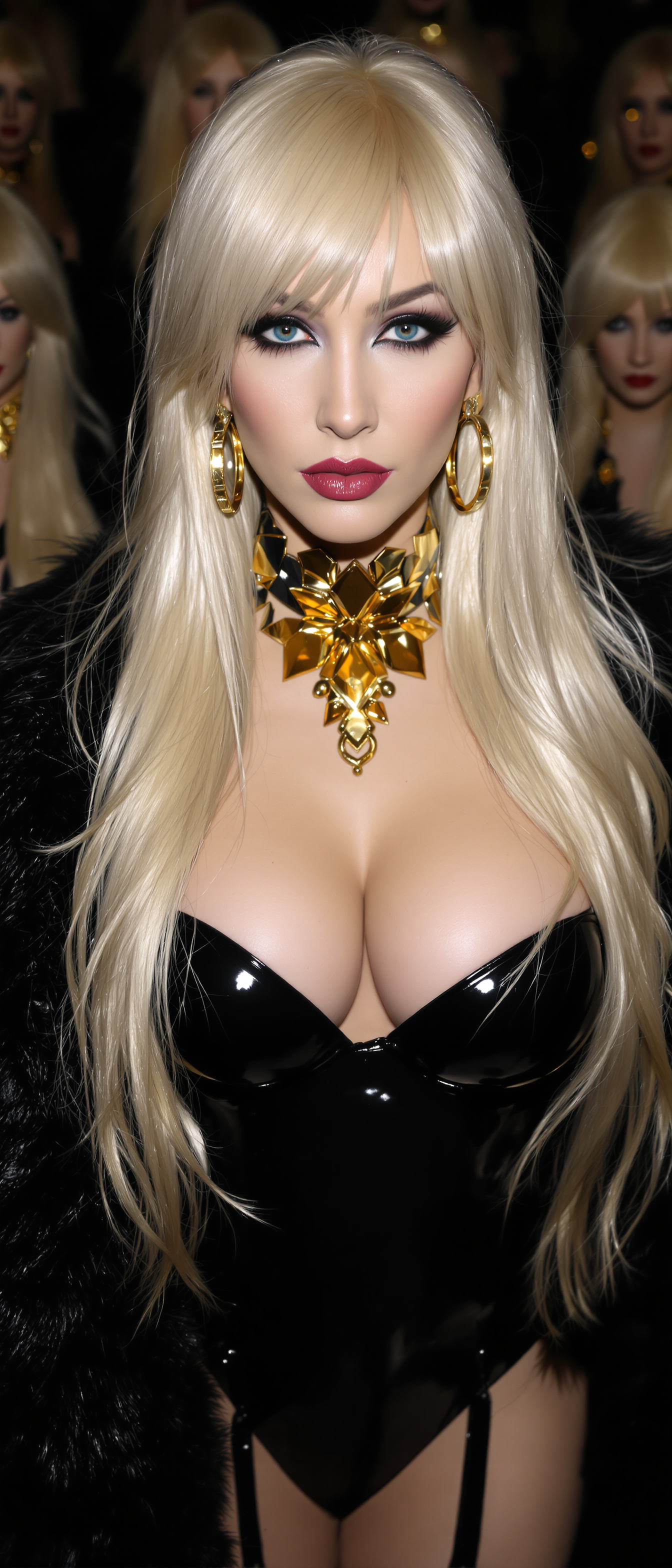

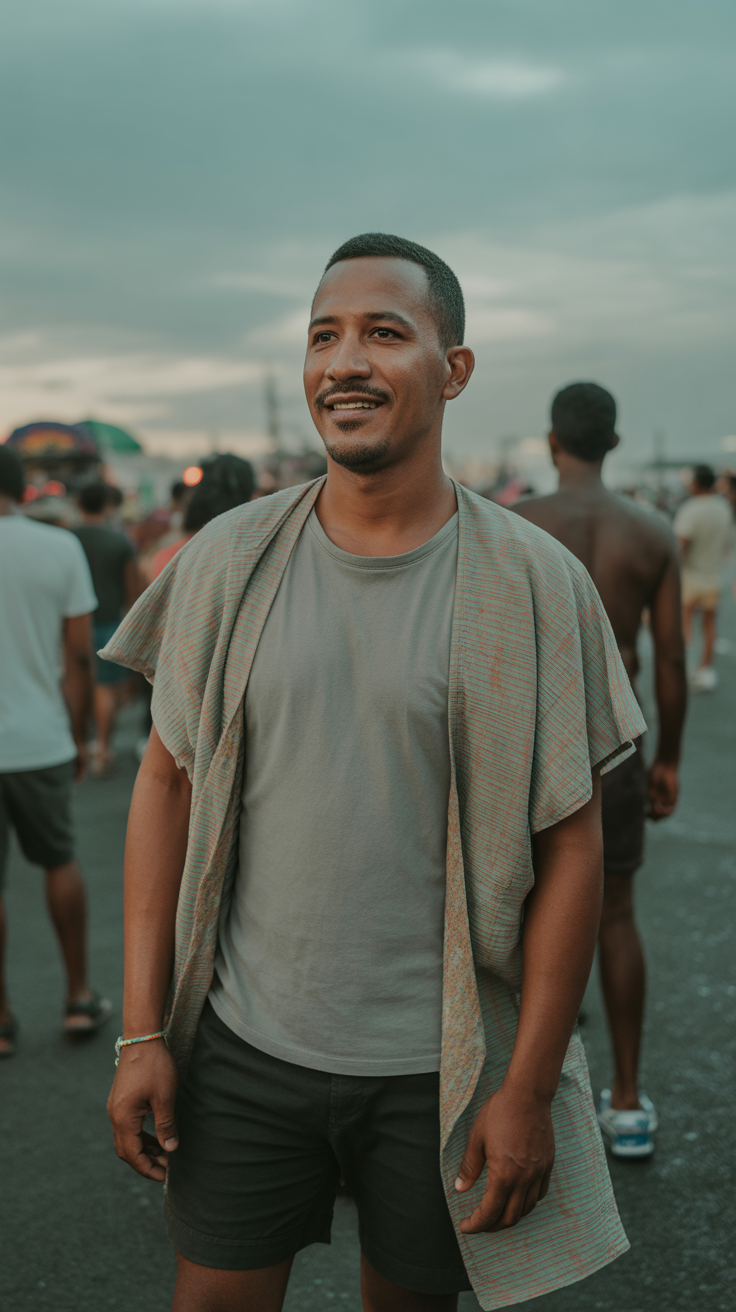

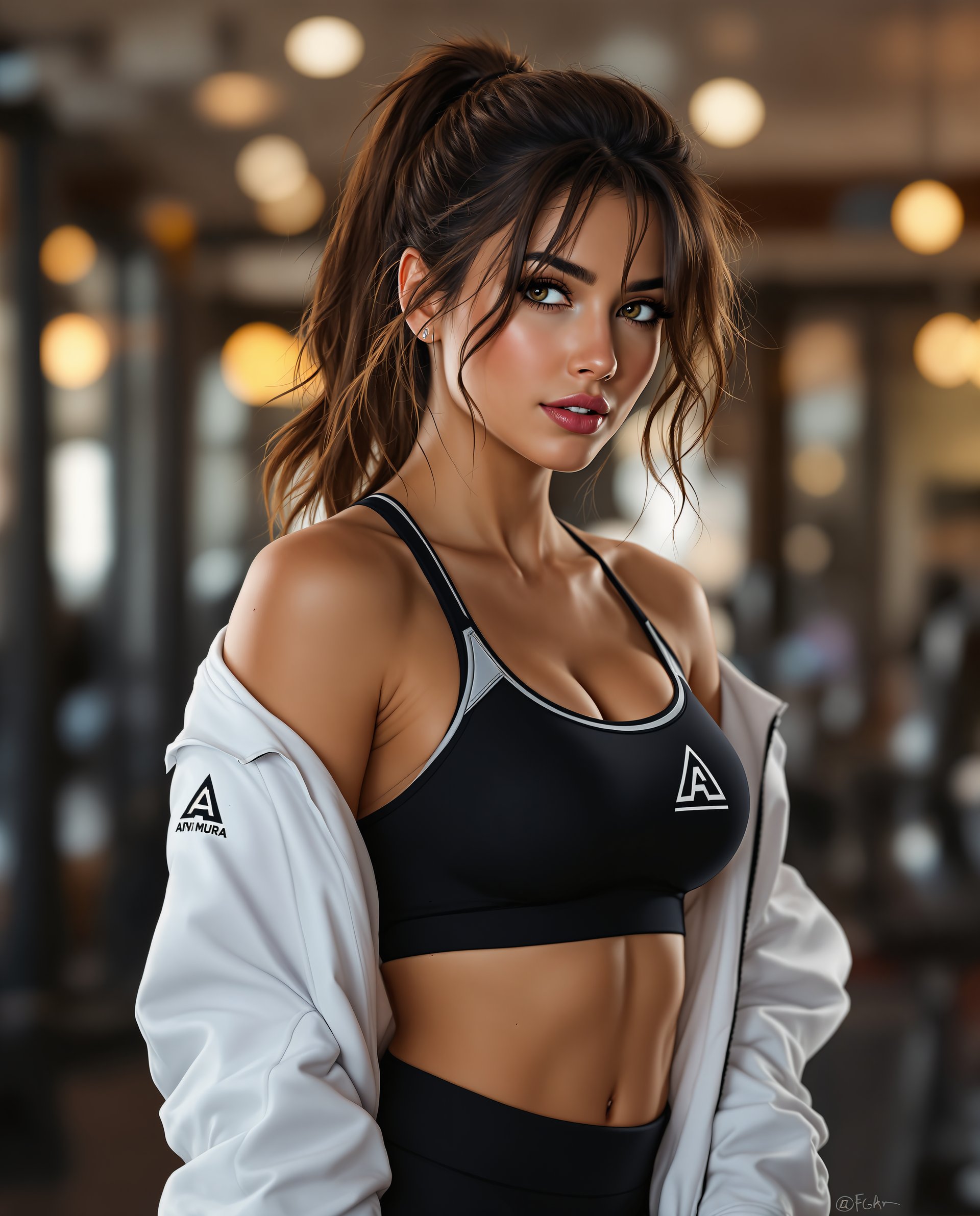
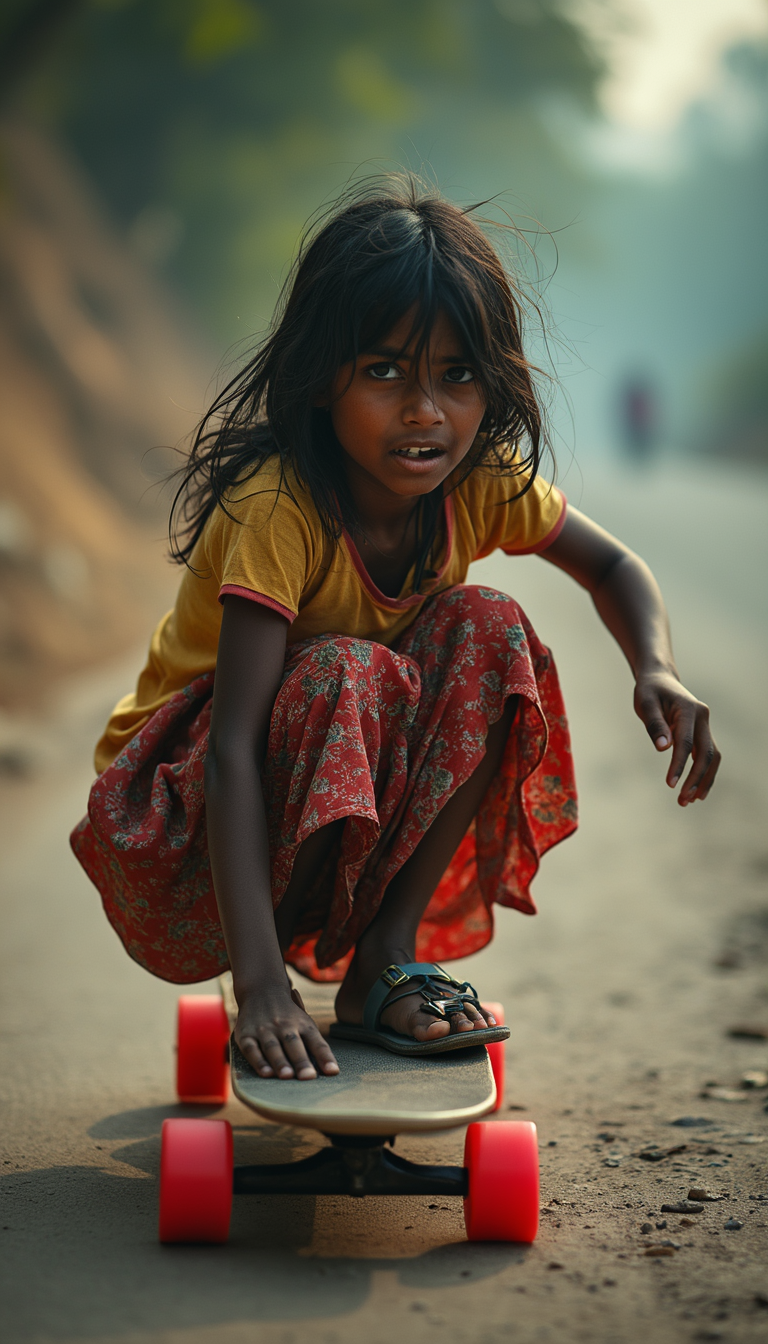
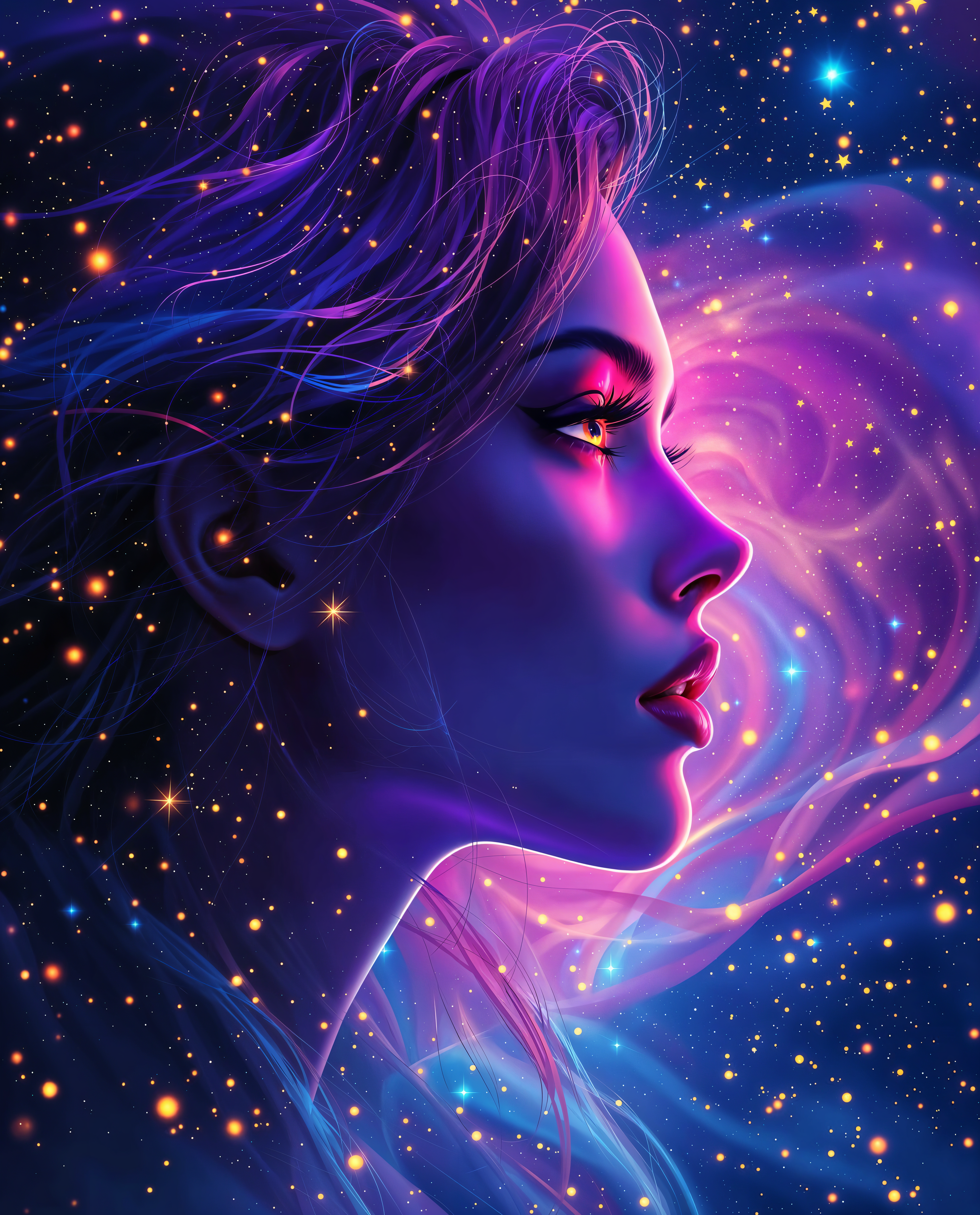
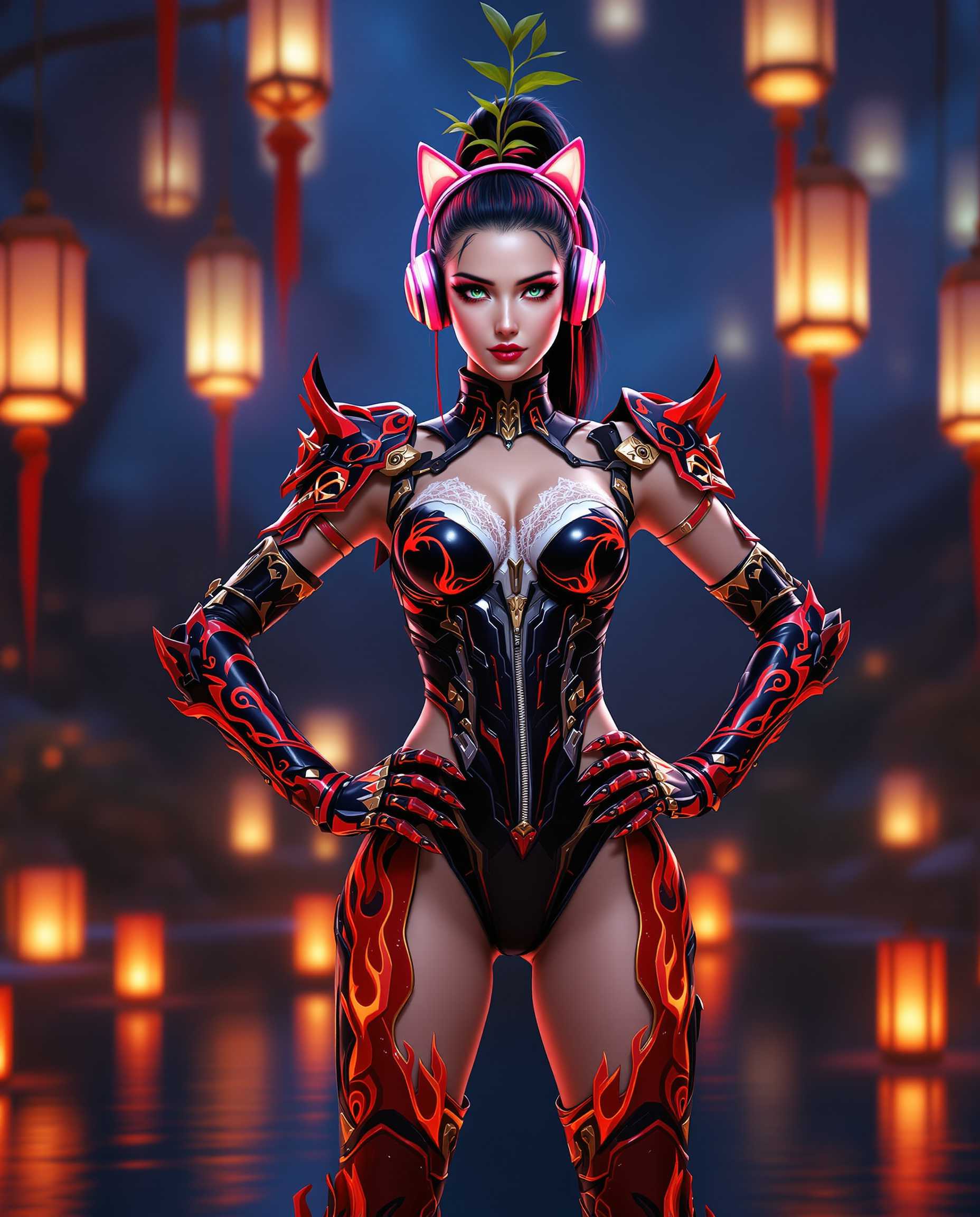
The Pixel Dojo Advantage
Why PixelDojo outperforms other options for picture quality enhancer image generation
| Others | Pixel Dojo |
|---|---|
| Traditional picture quality creation | AI-powered detail reconstruction delivers superior results in seconds versus days of manual retouching and expensive equipment |
| Generic AI tools | Specialized models like Magnific Upscaler and Clarity Pro produce more natural, artifact-free enhancements tailored specifically for photos and professional use |
| Manual photo editing | One-click workflows with intelligent presets eliminate guesswork and deliver consistent, high-end results without requiring years of Photoshop expertise |
Loved by creators on PixelDojo
Real feedback from people using PixelDojo, pulled from our in-product surveys.
versatile menu of tools
Best AI tool availble the suite is rad
Versatility quality, value, ROI, innovation
variety of tools available and prompt tools
A "one-stop-shop" for creators! Thanks!!
Lots of different tools. It's easy to purchase more credits.
Explore more AI tools on PixelDojo
AI Tools
Compare & Switch
- Best AI Image Generators
- Best AI Video Generators
- Midjourney Alternatives
- Civitai Alternatives
- Runway Alternatives
- Leonardo Alternatives
- Pika Alternatives
- Luma Alternatives
- Magnific Alternatives
- Veo Alternatives
- Flux Alternatives
- Freepik Alternatives
- Seedance Alternatives
- Seedream Alternatives
- Pixverse Alternatives
- GPT Image Alternatives
- Synthesia Alternatives
- Playground Alternatives
- NightCafe Alternatives
- Canva AI Alternatives
- ElevenLabs Alternatives
- ComfyUI Alternatives
- Fal Alternatives
- Replicate Alternatives
Common Questions
Everything you need to know about picture quality enhancer
How does an AI picture quality enhancer work to improve low-resolution photos?
PixelDojo's picture quality enhancer uses advanced AI models including P-Image Upscale and Magnific Upscaler to analyze your image, reconstruct missing details, reduce noise, and intelligently upscale resolution while preserving natural textures and colors. The result is a sharper, more detailed image that looks professionally captured rather than artificially enhanced.
What is the best AI picture quality enhancer for restoring old family photos?
PixelDojo excels at photo restoration with tools like Clarity Pro for sharpening faded details, Reality Polisher for natural skin and texture recovery, and Portrait Upscaler for faces. Simply upload your vintage photo, select the appropriate enhancer, and download a crisp, vibrant version ready for printing or sharing.
Can I use PixelDojo's picture quality enhancer on AI-generated images?
Absolutely. Many creators use Creative Upscaler and Magnific Upscaler to refine AI-generated images from tools like Flux.2 Studio or Ideogram 4, adding photorealistic details, fixing artifacts, and boosting resolution for professional portfolios or commercial use.
How much does it cost to use PixelDojo's AI picture quality enhancer tools?
You can start enhancing images immediately with a free trial. PixelDojo offers flexible plans starting at low monthly rates with access to all 40+ tools including unlimited enhancements during active subscriptions. Cancel anytime with no hidden fees.
Will PixelDojo's picture quality enhancer make my images look artificial or over-sharpened?
No—our specialized models prioritize natural results. Tools like Clarity Pro and Reality Polisher are designed to avoid plastic-looking skin or unnatural edges, delivering enhancements that maintain authentic textures and lighting for believable, high-quality output every time.
Can I enhance multiple images at once with PixelDojo's picture quality enhancer?
Yes, PixelDojo supports efficient batch processing through tools like P-Image Upscale and Creative Upscaler, allowing you to upload and enhance entire collections simultaneously while maintaining consistent quality across all your photos.