pixai alternative

Generated on PixelDojo. Produced by PixelDojo's generation pipeline.
You have brilliant original characters and epic anime scenes in your mind, but you need a platform that delivers perfect consistency, professional quality, and a complete creative pipeline from first sketch to finished video. PixelDojo stands as the powerful PixAI alternative built for creators like you who demand more than basic generation. With over 40 cutting-edge AI tools, you can generate high-quality anime images using models like PonyXL and Flux.2 Studio, lock in character identity with Consistent Characters and Character Sheets, train your own custom models via Flux Trainer or SDXL Trainer, refine every detail through Inpainting and Style Transfer, then bring everything to life with Kling Video or WAN 3.0. The result is a seamless workflow where your unique vision becomes reality faster, with greater control and no platform limitations. Thousands of creators already rely on PixelDojo to produce commercial-ready art, VTuber assets, story illustrations, and marketing visuals. You get cancel-anytime access to the full suite so you can start creating immediately and scale as your projects grow. Stop settling for fragmented tools and start achieving the consistent, cinematic anime results you deserve.
Real image examples generated on PixelDojo
Every example below was produced on PixelDojo. Hover to see the prompt.
Image of an ai painting a human and a human painting an ai
flux
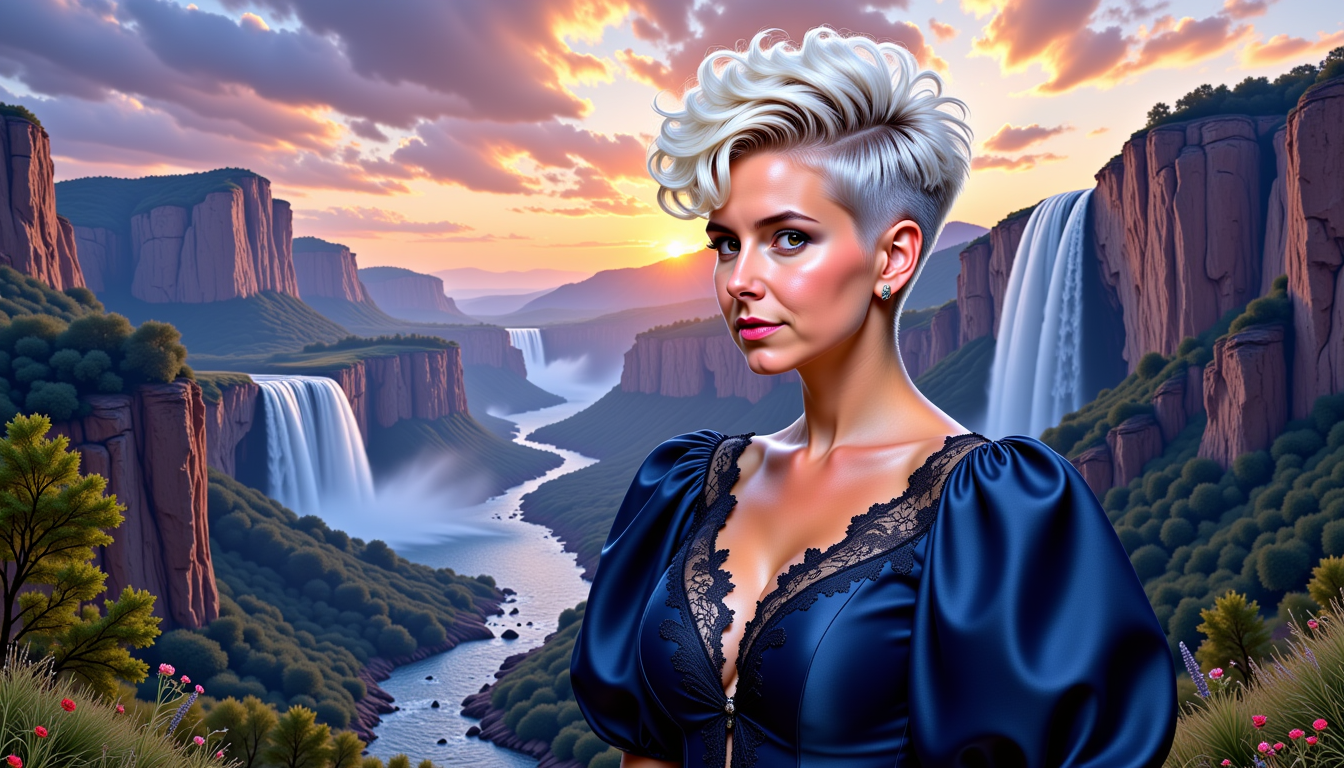
Pixie4-LoRA12
stable-diffusion
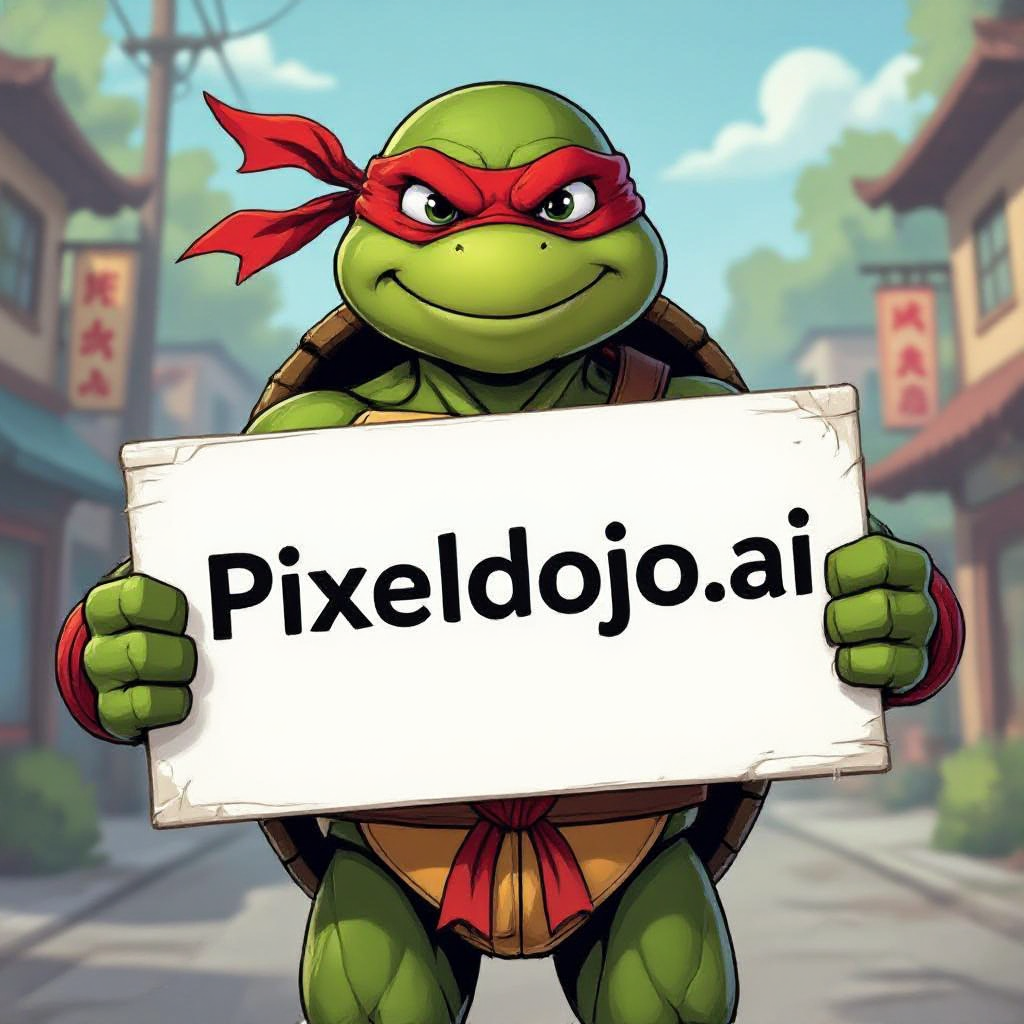
A ninja turtle holding a sign that reads "pixeldojo
hidream
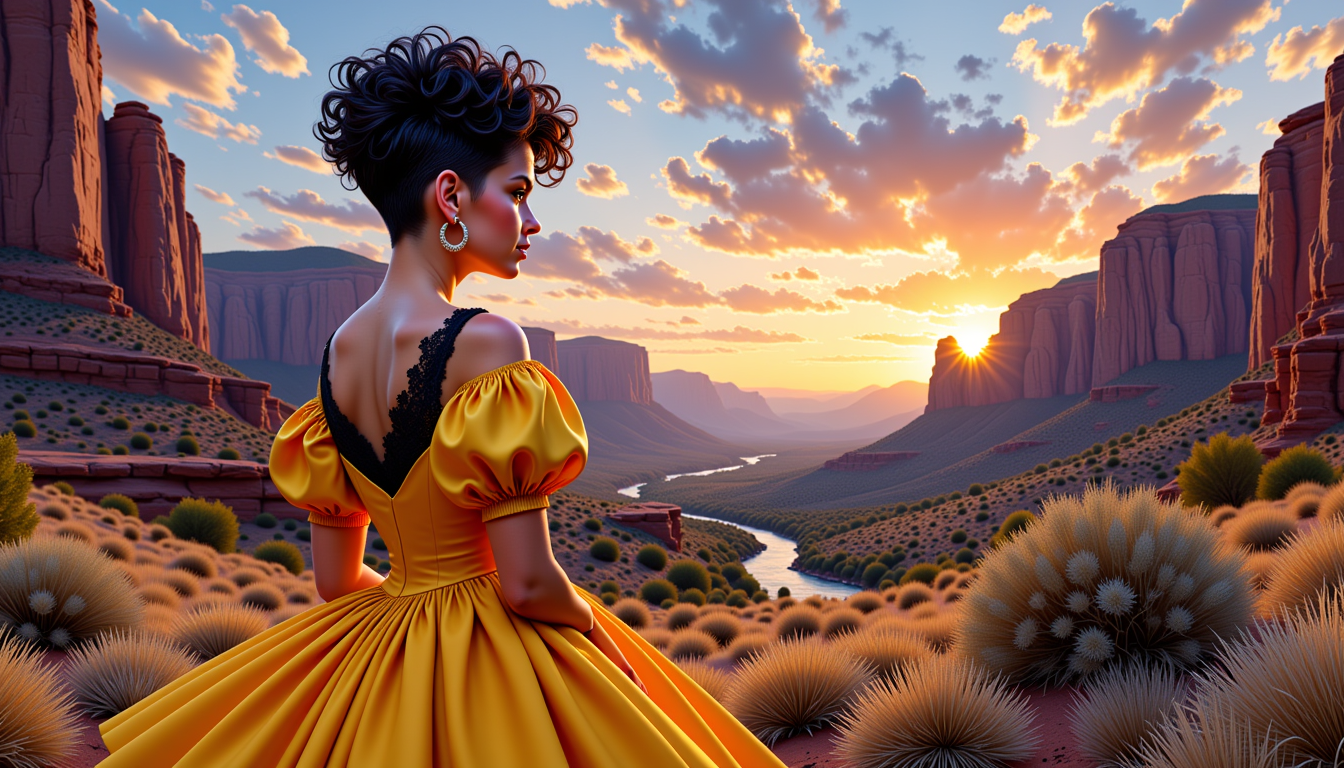
VS-LoRA-Zip2
stable-diffusion
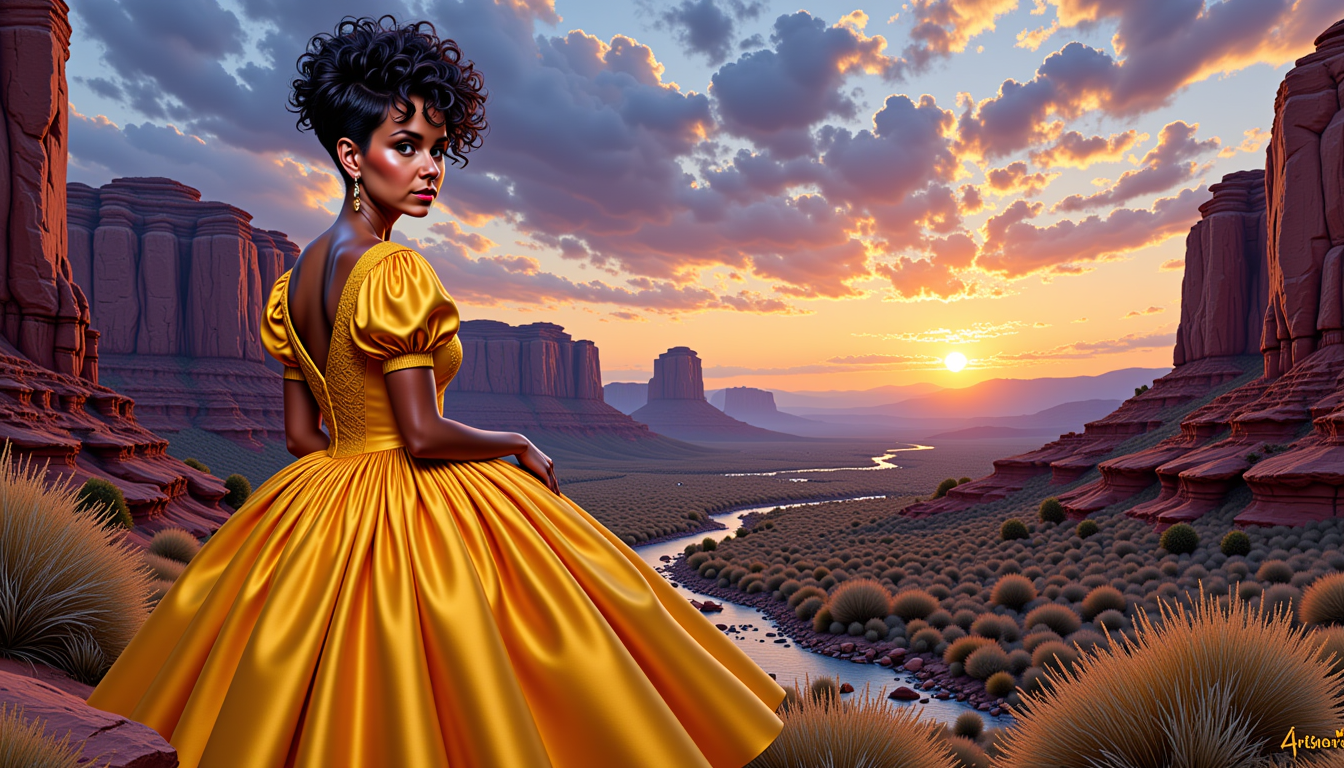
VS-LoRA-Zip2
stable-diffusion
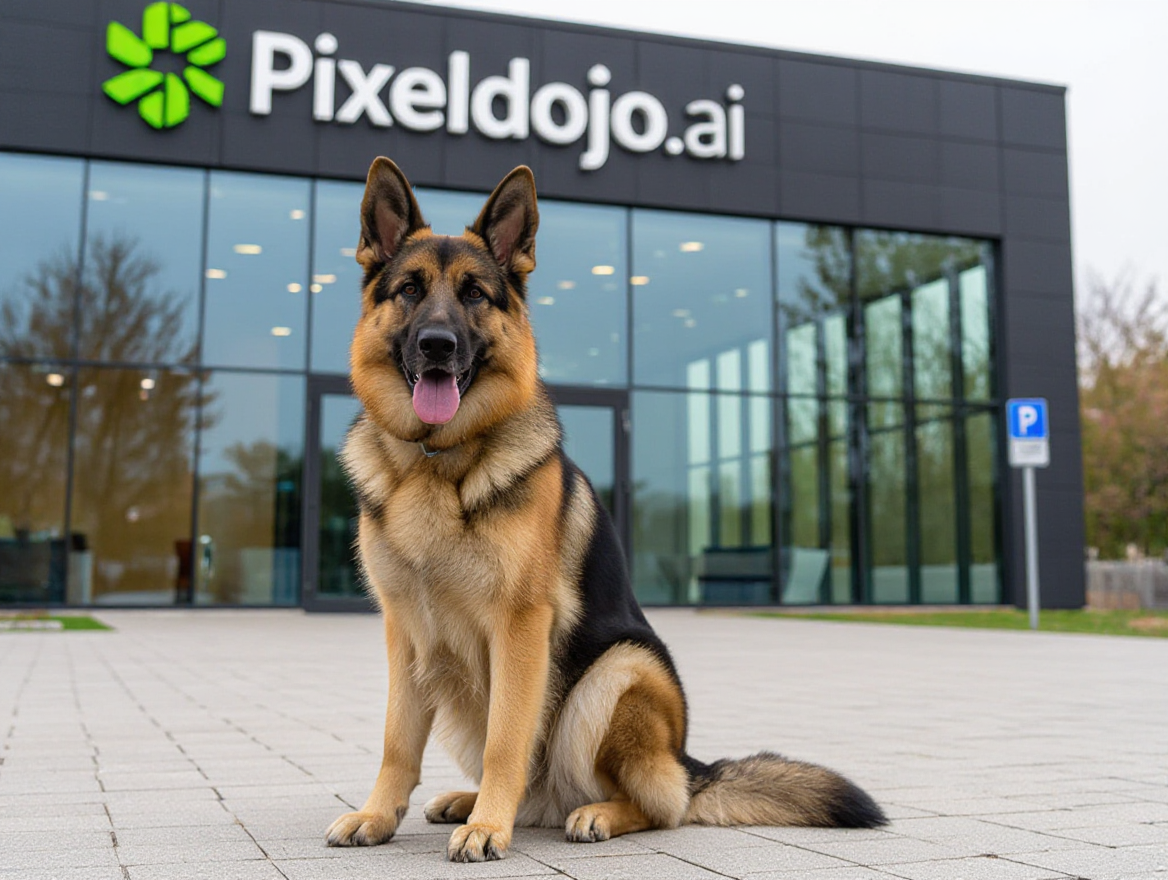
A german shepherd sitting in front of pixeldojo
hidream
Models you can run on PixelDojo for pixai alternative
Switch models without switching tools. Each one runs in the same PixelDojo studio.
What you can do with pixai alternative on PixelDojo
Multiple image models
We give you access to several image generation models in one workspace so you can switch styles without leaving the editor.
Character-consistent generations
We help you reuse character references and saved styles so sequential images stay aligned for comics, avatars, and series work.
Edit and upscale tools
We include inpainting, outpainting, and upscaling so you can refine a prompt result instead of starting over from scratch.
Creator-ready exports
We let you download high-resolution outputs and keep project history so you can iterate, batch, and ship assets for your own work.
Loved by thousands of creators worldwide who generate millions of images and videos monthly. 40+ cutting-edge AI tools in one platform, with cancel-anytime flexibility and proven results across anime, characters, and commercial work.
Why Choose Pixel Dojo for pixai alternative
Professional-quality results with cutting-edge AI technology
Lock In Perfect Character Consistency Across Every Project
You can finally keep the same original character looking identical from the first concept image through dozens of scenes, outfits, and even videos. PixelDojo’s Consistent Characters and Character Sheets tools combined with custom training on Flux Trainer or QWEN Trainer let you define facial features, body proportions, and signature style once, then reuse them endlessly. This means your VTuber, webcomic protagonist, or game hero stays instantly recognizable no matter the pose, lighting, or story beat, saving you weeks of rework and giving your audience a cohesive visual world they love.
Produce Complete Anime Stories from Image to Video in One Place
You move beyond static pictures and create full animated sequences, character introductions, and marketing clips without switching platforms. Start with PonyXL or Seedream 5 for stunning stills, then feed those into Kling Video, WAN 3.0, or Seedance 2.5 to generate motion that preserves every detail of your style. Add audio with Text to Speech or Seed Audio 1.0, upscale with Magnific Upscaler, and you have professional-grade content ready for social media, YouTube, or client delivery. This all-in-one power turns your ideas into finished stories faster than ever.
Train Custom Models and Edit with Studio-Level Precision
You gain the freedom to teach the AI your unique art style or original character exactly the way you want it. Use Flux Trainer, SDXL Trainer, or Z-Image Trainer to create personalized models that capture your line work, color palette, and personality. Then refine results with Image to Image, Inpainting, Change Camera Angle, Magic Lighting, and Reality Polisher so every frame looks exactly as you imagined. The combination of training plus advanced editing gives you professional control that generic generators simply cannot match.
How It Works
Creating professional anime art and consistent characters on PixelDojo is straightforward and designed around real creator workflows. You select the right tool, describe your vision, then refine and expand it into finished assets.
Step 1: Choose Your Tool
Begin in Generate Images by selecting PonyXL or Flux.2 Studio for authentic anime aesthetics, or jump to Characters & Faces and pick Consistent Characters or Character Sheets if you already have a design you want to lock in. For unique styles, head to Train Models and start a Flux Trainer or QWEN Trainer session with a handful of your reference images. The interface shows you exactly which models excel at character work so you pick the perfect starting point in seconds.
Step 2: Enter Your Prompt
Type a natural-language description of your character, scene, pose, lighting, and mood. Include details like hair color, expression, outfit, and background. PixelDojo’s models understand both simple sentences and detailed tags, so you can be as precise as you like. Generate a first batch, then use the built-in prompt suggestions or Image Analyzer to iterate quickly until the core look feels right.
Step 3: Customize & Download
Open Edit Images to apply Inpainting for small fixes, Style Transfer for new looks, or Image Outpainting to expand the canvas. Upscale with P-Image Upscale or Magnific Upscaler for print-ready resolution. When you are ready for motion, send the image to Generate Videos using WAN 2.7 Video or Kling Video. Download everything in high quality and reuse your trained model or character sheet for the next scene. The entire process stays inside one account so nothing is lost.
The Pixel Dojo Advantage
Why PixelDojo outperforms other options for pixai alternative image generation
| Others | Pixel Dojo |
|---|---|
| Traditional anime illustration by hand | You generate dozens of consistent character variations, full scenes, and even videos in minutes instead of spending days or weeks drawing each frame, while still keeping complete artistic control through custom training and precise editing tools. |
| Generic AI tools | You get a dedicated suite of 40+ specialized tools including PonyXL, custom trainers, Consistent Characters, video generation, 3D, and audio all under one roof, plus the ability to train your own models rather than being limited to a single generation style or workflow. |
| Manual photo editing software | You achieve professional results with AI-powered Inpainting, Style Transfer, Magic Lighting, Background Remover, and Reality Polisher that understand anime aesthetics, then instantly upscale and animate, eliminating hours of tedious layer work and masking. |
Loved by creators on PixelDojo
Real feedback from people using PixelDojo, pulled from our in-product surveys.
Versatility quality, value, ROI, innovation
variety of tools available and prompt tools
A "one-stop-shop" for creators! Thanks!!
Lots of different tools. It's easy to purchase more credits.
Amazing performance!
Excellent website for creating all types of media
Explore more AI tools on PixelDojo
AI Tools
Compare & Switch
- Best AI Image Generators
- Best AI Video Generators
- Midjourney Alternatives
- Civitai Alternatives
- Runway Alternatives
- Leonardo Alternatives
- Pika Alternatives
- Luma Alternatives
- Magnific Alternatives
- Veo Alternatives
- Flux Alternatives
- Freepik Alternatives
- Seedance Alternatives
- Seedream Alternatives
- Pixverse Alternatives
- GPT Image Alternatives
- Synthesia Alternatives
- Playground Alternatives
- NightCafe Alternatives
- Canva AI Alternatives
- ElevenLabs Alternatives
- ComfyUI Alternatives
- Fal Alternatives
- Replicate Alternatives
Common Questions
Everything you need to know about pixai alternative
What is the best PixAI alternative for generating consistent anime characters?
PixelDojo is the strongest PixAI alternative because it combines Consistent Characters, Character Sheets, Ideogram Character, and custom training with Flux Trainer or SDXL Trainer. You define your original character once and then generate new poses, outfits, and scenes while the face, proportions, and style stay locked. Add video tools like WAN Video Character Swap and you can even animate the same character without drift. This full pipeline gives you the consistency specialized platforms promise plus far more creative options.
How do I train custom models on PixelDojo as a PixAI alternative?
You use the dedicated Train Models section with Flux Trainer, QWEN Trainer, SDXL Trainer, or Flux 2 Trainer. Upload a small set of your own images, set the character or style you want the model to learn, and let PixelDojo handle the rest. Once trained, the model appears in your Generate Images library so you can apply it to any new prompt. This is how you create truly unique original characters and art styles that no public model can replicate, giving you a lasting competitive advantage.
Can PixelDojo generate videos from my anime images like a complete PixAI alternative?
Yes. After you create stills with PonyXL, Flux.2 Studio, or Seedream 5, you send them directly to Generate Videos tools including Kling Video, WAN 3.0, WAN 2.7 Video, Seedance 2.5, and PixVerse V6. These models preserve character identity, line work, and color while adding natural motion. You can also use WAN Reference to Video or P Video Animate for even tighter control. The result is a finished clip ready for social media or client work without ever leaving the platform.
Is PixelDojo beginner-friendly as a PixAI alternative for anime art?
Absolutely. The interface is designed so you can start generating in seconds by simply choosing a tool like PonyXL or Consistent Characters and typing a description. Advanced features such as custom training, Inpainting, and video generation are available when you are ready, but they are never required. Thousands of creators who began with no technical background now produce professional work daily. Plus you can cancel anytime, so there is zero risk in trying the full 40+ tool suite.
What editing tools does PixelDojo offer compared to other PixAI alternatives?
You have a complete Edit Images studio with Image to Image, Inpainting, Change Camera Angle, Style Transfer, Magic Lighting, Background Remover, Image Analyzer, Reality Polisher, and Image Outpainting. For video you get Runway Aleph, Grok Video Edit, Kling Video Edit, WAN 2.7 Video Edit, and Video Autocaption. These tools understand anime aesthetics so your refinements stay on-model. Combined with upscalers like Magnific Upscaler and Portrait Upscaler, you can take any generation from first draft to print-ready or broadcast-ready in a few clicks.
Does PixelDojo support commercial use and API access as a PixAI alternative?
Yes. All generated content is yours to use commercially. Developers can access the same models through the Developer API, generate API Keys, monitor API Usage, and Buy API Credits. You can even run ComfyUI workflows if you prefer node-based control. This makes PixelDojo suitable for both individual creators and teams building products, games, or marketing campaigns at any scale.