pixeldojo veo 3.1 AI Generator
Generated on PixelDojo. Produced by PixelDojo's generation pipeline.
You no longer need a film crew, expensive cameras, or hours in editing software to produce captivating videos. With PixelDojo VEO 3.1, you transform text prompts or still images into hyper-realistic cinematic videos featuring natural motion, precise camera work, consistent characters, and perfectly synchronized audio. Marketers create product demos that convert, social creators produce scroll-stopping stories, and storytellers visualize entire scenes—all in minutes. Upload reference images to lock in faces, products, and styles across clips. Direct the camera with film terms like dolly in or tracking shot. Add dialogue and sound effects that match the action natively. PixelDojo gives you VEO 3.1 plus 40+ cutting-edge tools including Marketing Studio, Consistent Characters, Kling Video, WAN 2.7 Video, and Video Autocaption so you can generate, refine, and publish complete content. Loved by thousands of creators worldwide, you start today and cancel anytime. Your next professional video is one prompt away.
Real video examples generated on PixelDojo
Every example below was produced on PixelDojo. Hover to see the prompt.
A man talking
image-to-video
The woman is talking and saying "welcome to pixel dojo the only AI tool you need"
image-to-video
A woman says "hi
image-to-video
VS-LoRA-Zip2
image-to-video
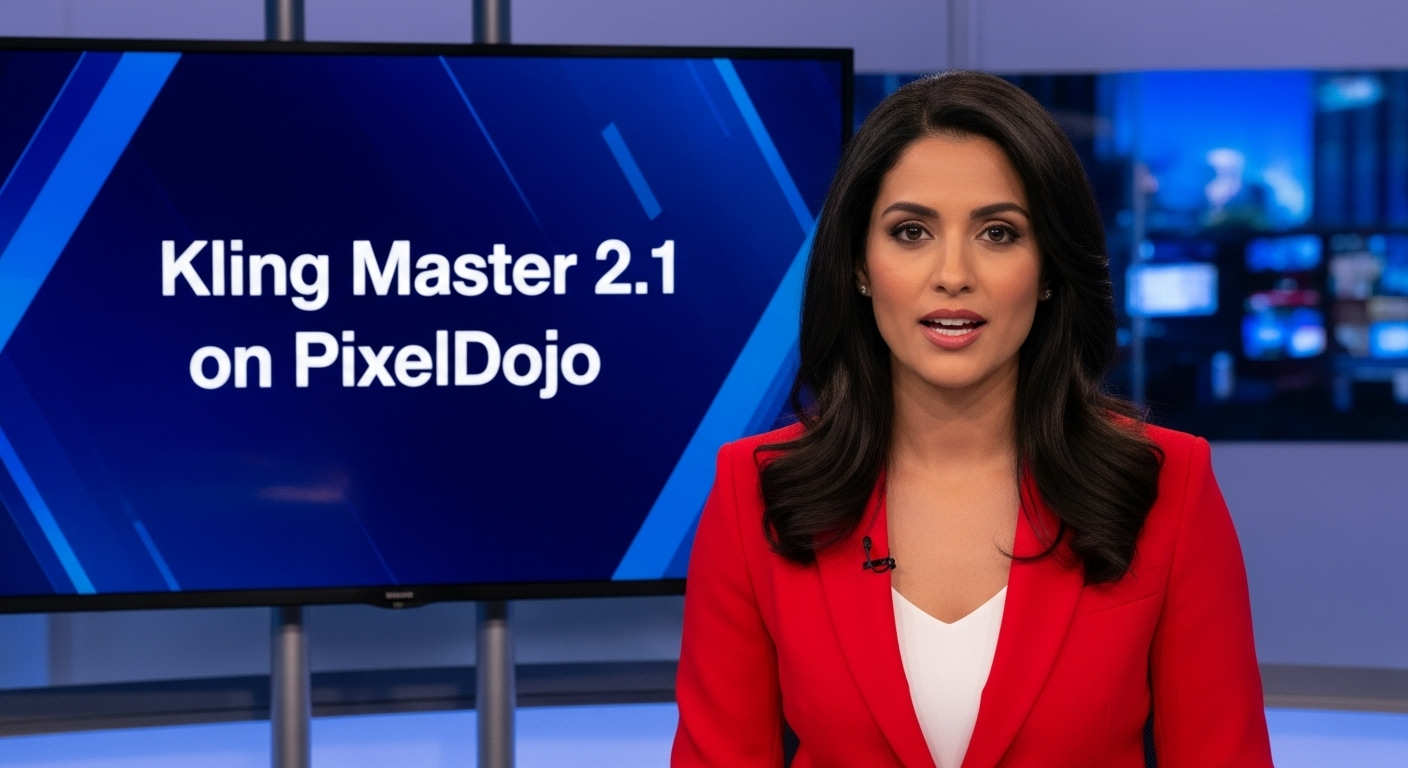
A photo of a beautiful news anchor
imagen
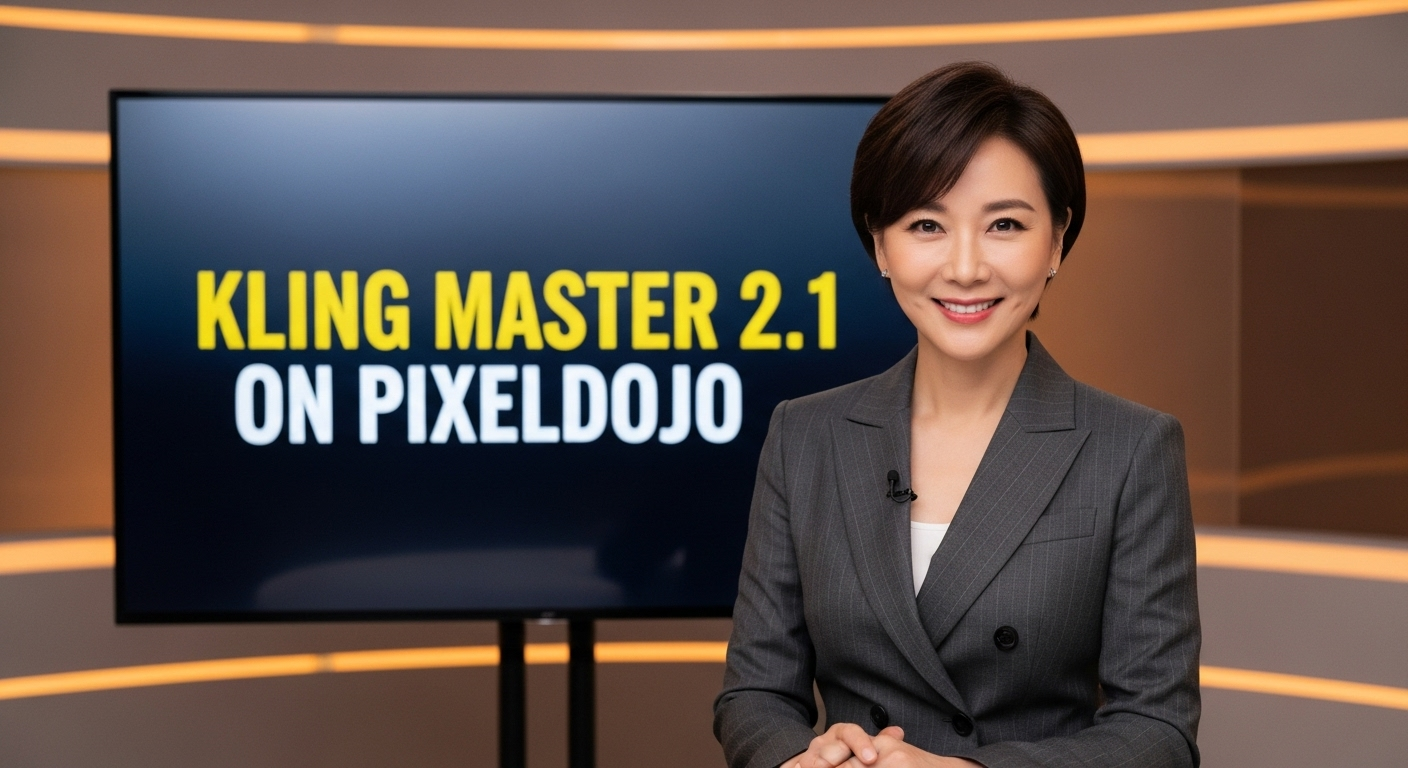
A photo of a beautiful news anchor
imagen
Models you can run on PixelDojo for pixeldojo veo 3.1
Switch models without switching tools. Each one runs in the same PixelDojo studio.
What you can do with pixeldojo veo 3.1 on PixelDojo
Veo 3.1 text to video
We give you access to Veo 3.1 so you can turn written prompts into short videos without leaving PixelDojo. You can iterate on shots, pacing, and subject details in one workspace.
Image to video clips
Start from a still you already have and extend it into motion with Veo 3.1. We keep the original look while you specify camera move, action, and duration.
Dialogue and sound in clips
Veo 3.1 can generate speech, ambience, and effects that match the picture. We surface those options so you can preview audio together with the video.
Prompt control for shots
We support detailed direction for framing, lighting, and character consistency so each generation stays closer to your brief. You can refine prompts and regenerate until the cut is usable.
Join over 50,000 creators who have generated more than 100,000 videos on PixelDojo. Users praise VEO 3.1 for realism, audio sync, and ease. 40+ cutting edge AI tools, loved by thousands of creators worldwide, cancel anytime.
Why Choose Pixel Dojo for pixeldojo veo 3.1
Professional-quality results with cutting-edge AI technology
Produce Cinematic Videos in Minutes
You generate professional clips with realistic physics, smooth camera movements, and stunning visuals that rival studio productions. Turn a simple idea into marketing videos, social stories, or product showcases that engage audiences immediately.
Keep Characters and Brands Consistent
You upload up to three reference images to lock identity, products, and environments so every clip matches your vision. Create cohesive campaigns and stories without recasting or reshooting.
Deliver Complete Videos with Native Audio
You receive perfectly synced sound, dialogue, and effects generated alongside the visuals. Publish ready-to-use content for ads, education, or entertainment without extra audio work.
How It Works
You create professional VEO 3.1 videos on PixelDojo in three straightforward steps. Start from text, an image, or references and finish with polished, downloadable clips ready for any platform.
Step 1: Choose Your Tool
Log in and select VEO 3.1 from Generate Videos. You can begin with a still from Nano Banana 2, GPT Image 2, Flux.2 Studio, or Seedream 5, then animate it. Pair with Marketing Studio or Consistent Characters for branded or repeating talent. All 40+ tools including Kling Video and WAN 2.6 Video are available in the same workspace.
Step 2: Enter Your Prompt
Write a cinematic prompt that names shot composition (wide establishing, over-the-shoulder), lens (shallow focus, wide-angle), camera movement (dolly in, pan left, tracking shot), subject action, and style. Upload a starting image for image-to-video, up to three reference images for character or product lock, or first and last frames for controlled transitions. Include audio cues such as dialogue or ambient sound. Use Fast mode for drafts and Standard for final quality.
Step 3: Customize & Download
Pick duration (4, 6 or 8 seconds), aspect ratio 16:9 or 9:16, and resolution up to 1080p. Generate, preview, then refine with Video Autocaption, Video Reframe, Merge Videos, Extract Frame, or FLUX Video Upscale. Download commercial-ready files. Iterate quickly and cancel anytime.
The Pixel Dojo Advantage
Why PixelDojo outperforms other options for VEO 3.1 video generation
| Others | Pixel Dojo |
|---|---|
| Traditional video production | You eliminate cameras, lighting, locations, talent, and post-production. Generate cinematic clips with audio in minutes instead of days or weeks, at a fraction of the cost. |
| Generic AI tools | You gain reference-image consistency, first-and-last-frame control, native audio, and cinematic prompting plus seamless access to 40+ specialized tools for editing, characters, and upscaling. |
| Manual photo editing and animation | You describe motion once and receive physics-accurate, fully animated videos with sound instead of frame-by-frame work. Then polish with PixelDojo’s dedicated video editors. |
Loved by creators on PixelDojo
Real feedback from people using PixelDojo, pulled from our in-product surveys.
The amazing tools
Top notch quality and strong prompt adherence.
A well resourced sunscription with attention to updates.
Easy to use and there's lots of options.
super lora download
Great variety of tools to create and modify images and video.
Explore more AI tools on PixelDojo
AI Tools
Compare & Switch
- Best AI Image Generators
- Best AI Video Generators
- Midjourney Alternatives
- Civitai Alternatives
- Runway Alternatives
- Leonardo Alternatives
- Pika Alternatives
- Luma Alternatives
- Magnific Alternatives
- Veo Alternatives
- Flux Alternatives
- Freepik Alternatives
- Seedance Alternatives
- Seedream Alternatives
- Pixverse Alternatives
- GPT Image Alternatives
- Synthesia Alternatives
- Playground Alternatives
- NightCafe Alternatives
- Canva AI Alternatives
- ElevenLabs Alternatives
- ComfyUI Alternatives
- Fal Alternatives
- Replicate Alternatives
Common Questions
Everything you need to know about pixeldojo veo 3.1
How do I generate cinematic videos with PixelDojo VEO 3.1?
Select VEO 3.1 in Generate Videos, enter a prompt that specifies framing, lens, camera move, and action, optionally add a starting image or up to three references, choose duration and aspect ratio, then generate. Refine with Video Autocaption or FLUX Video Upscale. You get professional results in minutes using the same 40+ tools loved by thousands of creators.
What are the best prompting techniques for VEO 3.1 on PixelDojo?
Name shot composition first (single shot, wide establishing), add lens language (shallow focus, macro), direct camera movement with film terms (dolly in, tracking shot, crane up), describe subject action and environment motion, and state style. For consistency name each reference’s role. Start with Fast mode drafts then switch to Standard. PixelDojo’s prompting guide and Prompt Builder make this easy.
Can I use reference images for consistent characters in VEO 3.1 videos?
Yes. Upload up to three reference images and tell VEO 3.1 which is the character, product, or environment. Combined with Consistent Characters, Ideogram Character, or WAN Video Character Swap you keep faces, outfits, and objects identical across multiple clips for campaigns and stories.
Does PixelDojo VEO 3.1 generate videos with audio?
Yes. Native audio including dialogue, sound effects, and ambient sound is generated in sync with the visuals. You can also add captions later with Video Autocaption or extend with Grok Imagine Video Extend. Complete videos leave PixelDojo ready to publish.
How long can videos be with PixelDojo VEO 3.1 and can I make them longer?
VEO 3.1 produces 4, 6 or 8 second clips. You combine clips with Merge Videos, extend selected shots with other tools such as WAN 2.7 Video or Seedance 2.5, or storyboard longer pieces in Film Studio and Marketing Studio. All commercial-use files download instantly.
Is PixelDojo VEO 3.1 suitable for commercial video creation?
Yes. All outputs are licensed for commercial use. Pair VEO 3.1 with Marketing Studio, Virtual Try-On, Background Remover, and Video Reframe to produce ads, product videos, and social content. Thousands of creators already publish PixelDojo videos; you can cancel anytime.