product photography ai
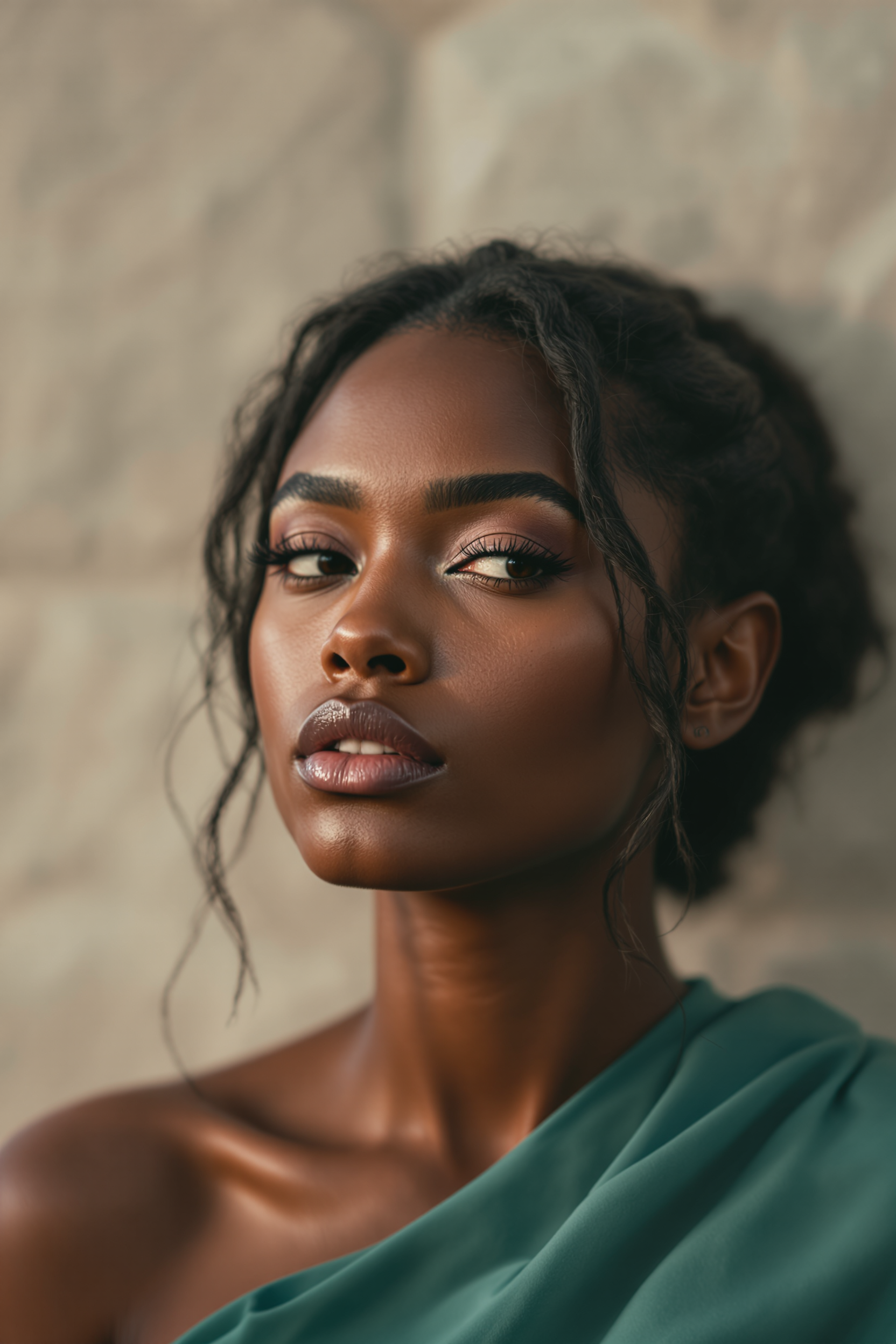
Generated on PixelDojo. Produced by PixelDojo's generation pipeline.
You can now produce professional product photography that drives sales without booking a studio, hiring a photographer, or waiting weeks for results. PixelDojo's product photography AI lets you start with a simple photo of your actual item and generate studio-perfect catalog shots, immersive lifestyle scenes, and campaign visuals that look indistinguishable from traditional photography. Ecommerce sellers, DTC brands, and marketers use these images to launch products faster, maintain visual consistency across hundreds of SKUs, and increase conversions on Amazon, Shopify, and social platforms. Whether you need clean white-background packshots that meet marketplace rules or aspirational context images that tell your brand story, you achieve commercial-quality outcomes in minutes instead of days. Thousands of creators already rely on PixelDojo to replace costly photoshoots while keeping every image true to the real product your customers will receive.
Real image examples generated on PixelDojo
Every example below was produced on PixelDojo. Hover to see the prompt.
Midjourney ai art specializes in creating stunning portraits of beautiful men
flux
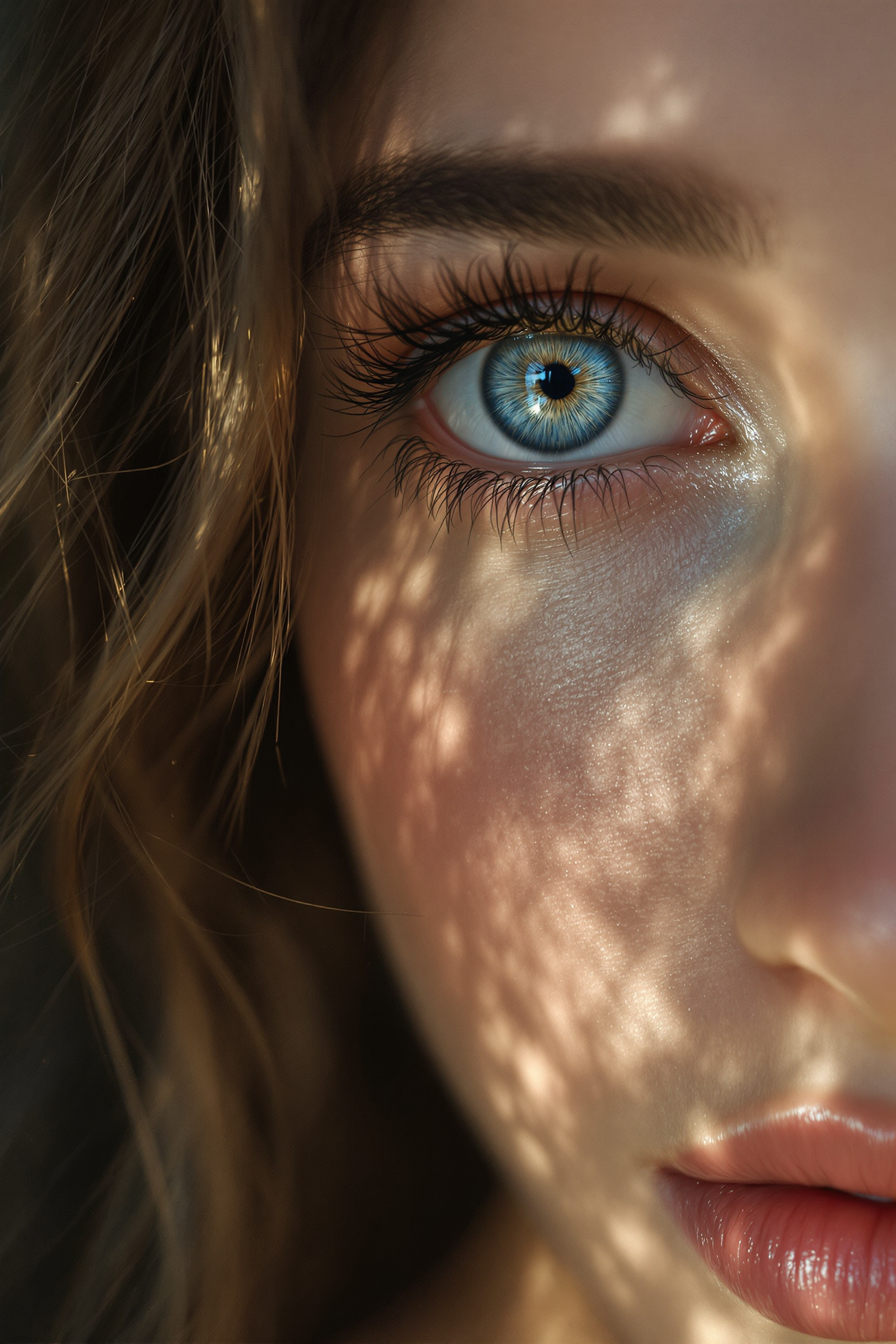
Midjourney ai art specializes in creating stunning zoom out portraits of beautiful woman
flux
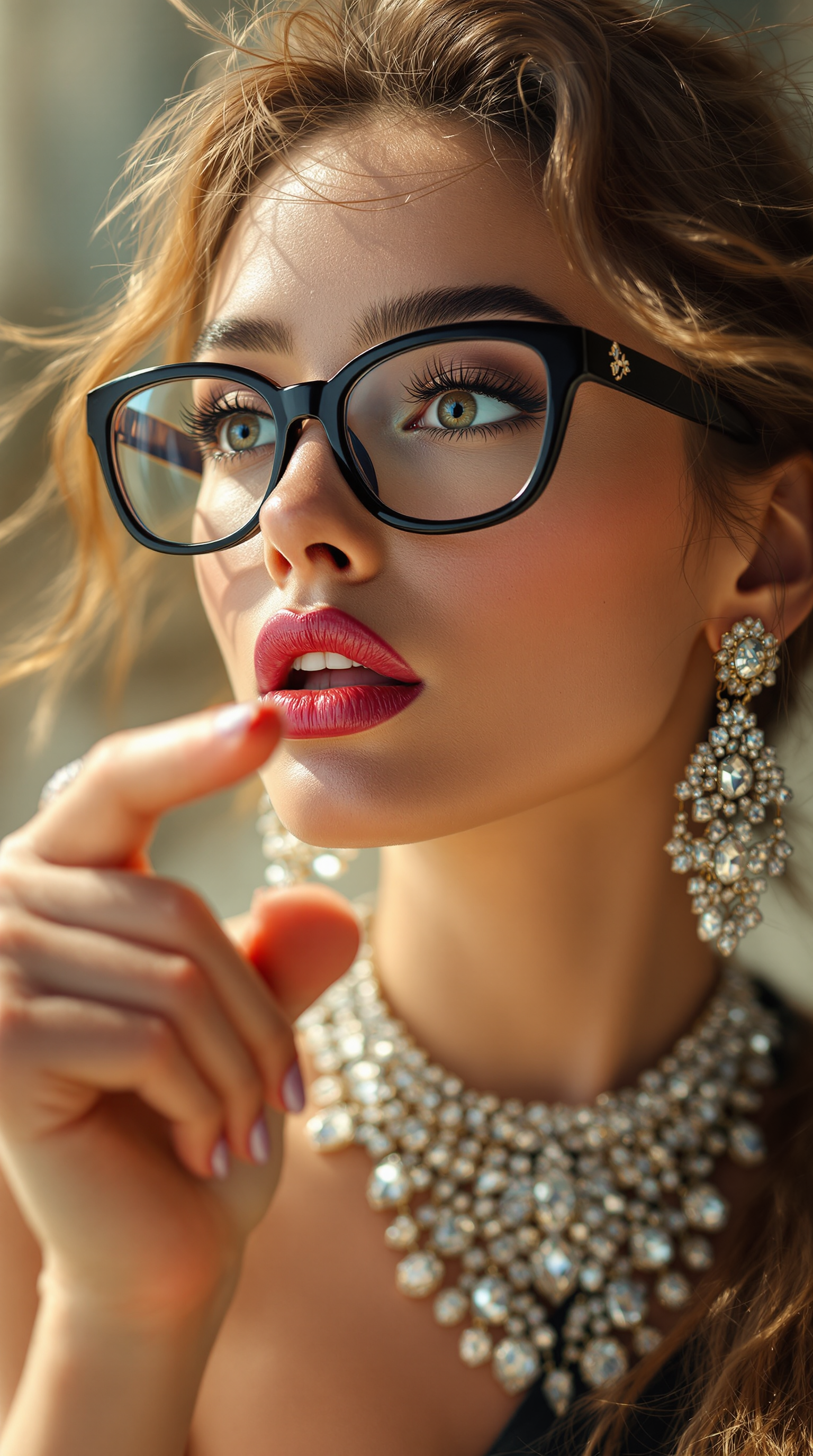
Generate a hyper-realistic beauty portrait of a glamorous fashion model
stable-diffusion
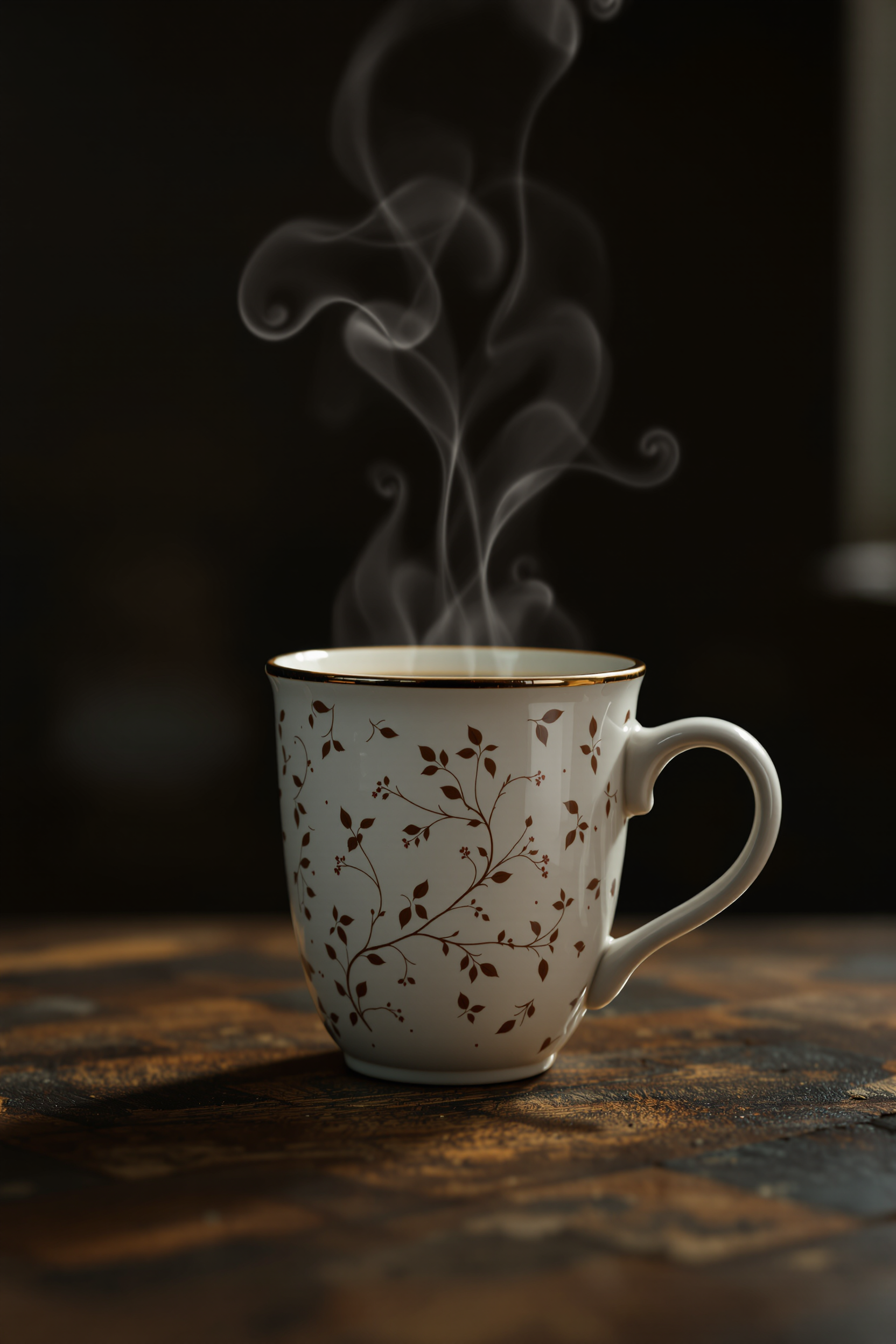
Photoshoot in a studio of a standing beautiful coffee mug
flux
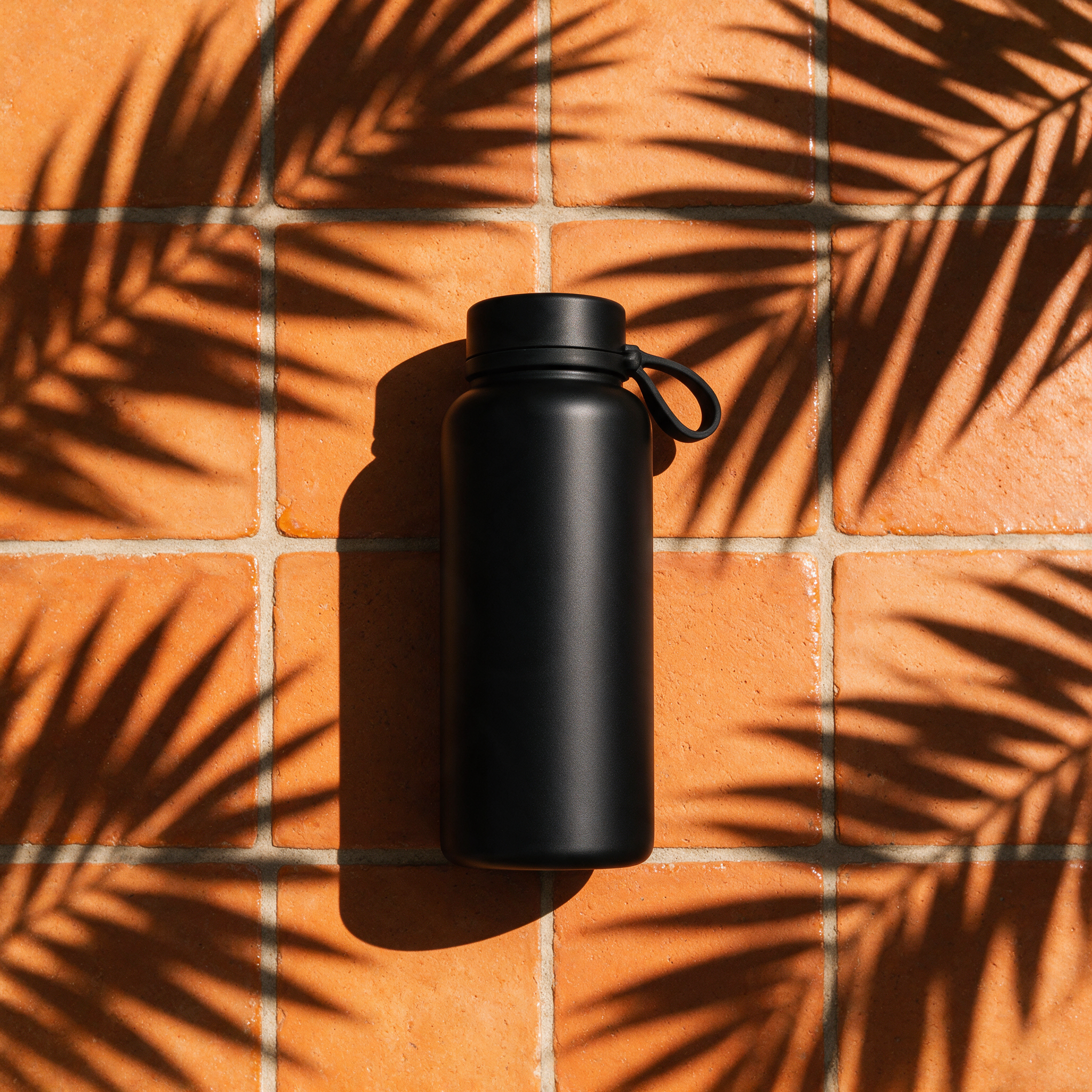
A flat-lay product hero shot of a matte black water bottle on terracotta tiles with sharp…
seedream-5
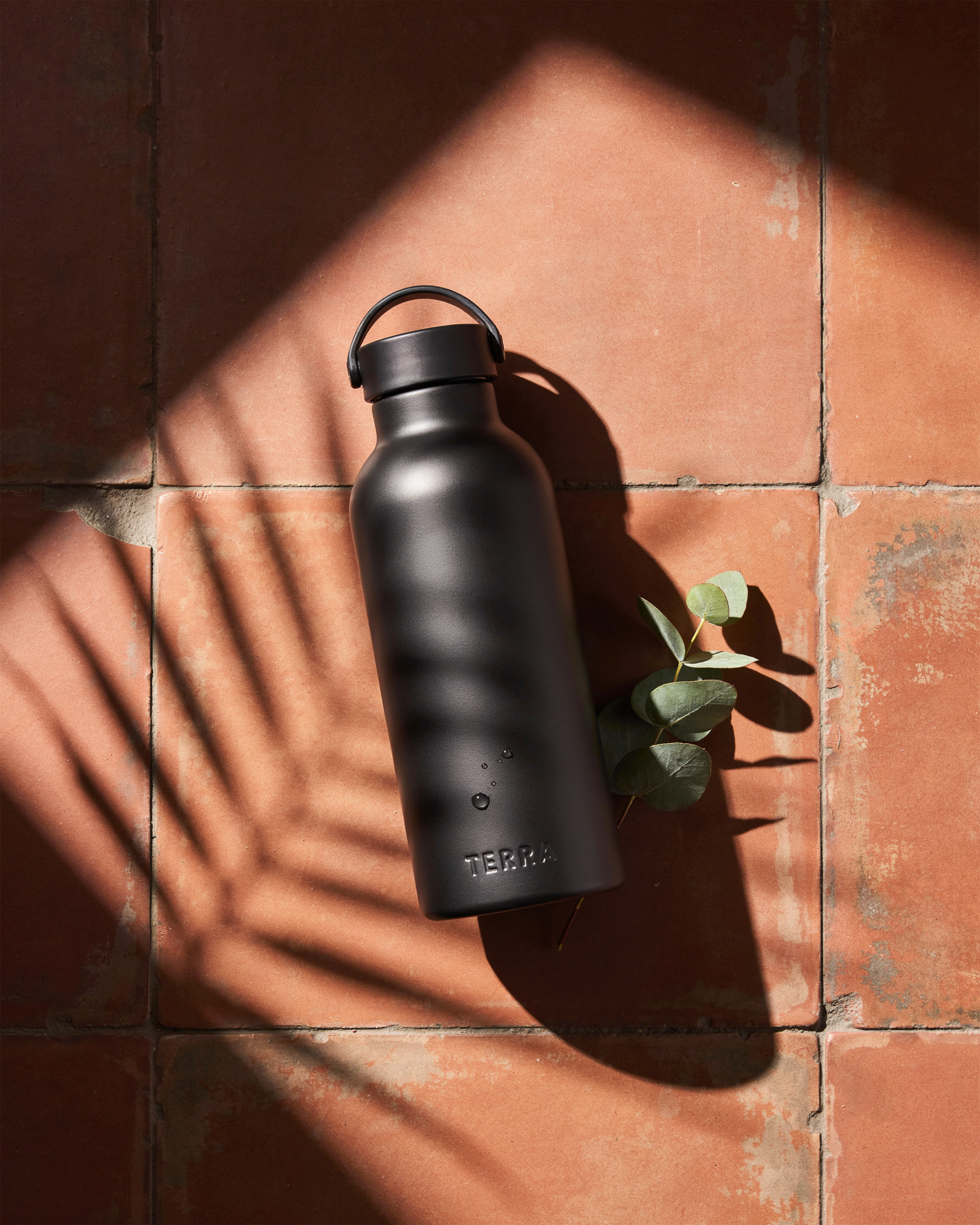
A flat-lay product hero shot of a matte black water bottle on terracotta tiles with sharp…
ideogram-v4-quality
Models you can run on PixelDojo for product photography ai
Switch models without switching tools. Each one runs in the same PixelDojo studio.
What you can do with product photography ai on PixelDojo
Studio Product Shots
We generate clean product images from a photo or prompt so you can show items on white, marble, or custom surfaces with controlled lighting.
Angles And Lifestyle Scenes
You can produce front, three-quarter, and overhead views, plus simple in-use scenes that keep the product readable for listings and ads.
Background And Light Control
We let you swap backdrops, shadows, and color temperature so the same SKU looks consistent across a catalog without a reshoot.
Listing-Ready Image Sets
You can create matching variants for hero shots, thumbnails, and marketplace crops, then export stills suited to ecommerce layouts.
Loved by thousands of ecommerce creators and brands worldwide. 40+ cutting-edge AI tools delivering studio-quality product photography. Cancel anytime with no long-term commitment.
Why Choose Pixel Dojo for product photography ai
Professional-quality results with cutting-edge AI technology
Cut Photography Costs Dramatically While Scaling Faster
You replace expensive studio days and freelance fees with on-demand generations that produce marketplace-ready images at a fraction of traditional costs, letting you photograph every colorway, angle, and seasonal variant without budget constraints.
Launch New Products in Hours Instead of Weeks
You skip scheduling, travel, and post-production delays. Upload one clean product shot and generate a full set of hero, detail, and lifestyle images the same day so your listings go live while demand is highest.
Keep Every Image Perfectly Consistent Across Your Catalog
You lock in lighting, styling, and brand look once, then apply it to every SKU. Shoppers see a cohesive, professional store instead of mismatched photos from different shoots, building trust and reducing returns.
How It Works
You create professional product photography by starting with a real photo of your item and letting PixelDojo's specialized tools handle lighting, backgrounds, and scenes while preserving exact product details.
Step 1: Choose Your Tool and Upload Your Product
Select Flux.2 Studio for photorealistic studio packshots with accurate materials and reflections or Krea Image for lifestyle scenes. Use Image to Image to upload a clean photo of your actual product shot on a white or neutral background. This reference keeps shape, color, texture, and labels faithful in every generation.
Step 2: Enter Your Prompt for Lighting and Scene
Describe the photograph you want rather than just the product. Specify lighting (soft diffused daylight from the left, three-point studio setup), surface (marble countertop, oak table with visible grain), camera angle (45-degree hero shot, eye-level, shallow depth of field), and mood. Flux.2 Studio and Krea Image respond to these details to ground the product naturally with realistic shadows and reflections.
Step 3: Customize, Enhance, and Download
Refine with Magic Lighting to adjust highlights, Background Remover for perfect white or custom scenes, Reality Polisher for extra photorealism, and Inpainting for small corrections. Upscale the final image with Magnific Upscaler or Clarity Pro so it survives product-page zoom. Download high-resolution files ready for Amazon, Shopify, or ads. For apparel, add Virtual Try-On or Consistent Characters. Train a custom model with Flux Trainer for brand-wide consistency on future SKUs.
The Pixel Dojo Advantage
Why PixelDojo outperforms other options for product photography AI image generation
| Others | Pixel Dojo |
|---|---|
| Traditional product photography creation | You avoid weeks of scheduling, studio rental, and per-image costs of $50-200. Generate unlimited variations instantly from one product photo while keeping exact accuracy that traditional shoots cannot scale to every SKU and colorway. |
| Generic AI tools | You get specialized models like Flux.2 Studio built for material fidelity, reflections, and product proportions plus dedicated editors such as Magic Lighting and Reality Polisher. Generic generators often distort labels or float products; PixelDojo keeps your real item intact. |
| Manual photo editing | You skip hours of background isolation, lighting matching, and retouching. Background Remover, Image to Image, and Inpainting handle the heavy lifting in seconds so you focus on choosing the winning composition instead of technical cleanup. |
Loved by creators on PixelDojo
Real feedback from people using PixelDojo, pulled from our in-product surveys.
good tools in one place
Prompt updates, strong features, and a community that is always willing to help and hear/act on professional feedback. I've never had a better experience.
user friendly all in one thing
I really like the schedule of AI work performed!
The best tools for IA on the web !
The guy that operates the website is constantly updating it
Explore more AI tools on PixelDojo
AI Tools
Compare & Switch
- Best AI Image Generators
- Best AI Video Generators
- Midjourney Alternatives
- Civitai Alternatives
- Runway Alternatives
- Leonardo Alternatives
- Pika Alternatives
- Luma Alternatives
- Magnific Alternatives
- Veo Alternatives
- Flux Alternatives
- Freepik Alternatives
- Seedance Alternatives
- Seedream Alternatives
- Pixverse Alternatives
- GPT Image Alternatives
- Synthesia Alternatives
- Playground Alternatives
- NightCafe Alternatives
- Canva AI Alternatives
- ElevenLabs Alternatives
- ComfyUI Alternatives
- Fal Alternatives
- Replicate Alternatives
Common Questions
Everything you need to know about product photography ai
How does product photography AI work for ecommerce listings on Amazon and Shopify?
You start with a real photo of your product. PixelDojo's Flux.2 Studio and Krea Image generate new lighting, backgrounds, and lifestyle contexts while preserving the exact item. Use Background Remover to meet Amazon's pure white main-image requirement, then create secondary lifestyle shots that boost conversions. Shopify listings benefit from consistent hero and detail images. All outputs stay true to the physical product so they comply with marketplace accuracy rules.
What is the best PixelDojo tool for creating realistic AI product photography?
Flux.2 Studio excels at photorealistic studio shots with accurate surfaces, reflections, and materials. Pair it with Image to Image using your product as reference. For lifestyle and context scenes, Krea Image delivers natural environments. Follow up with Magic Lighting for perfect illumination, Reality Polisher for extra realism, and Magnific Upscaler for zoom-ready resolution. For clothing, Virtual Try-On and Consistent Characters keep models and garments matching across shots.
Can I create consistent product photos across my entire catalog with AI?
Yes. Upload one high-quality product photo, generate an approved studio look with Flux.2 Studio, then reuse the same prompt structure and lighting description for every SKU. Train a custom model with Flux Trainer so future products automatically match your brand style. This eliminates the visual drift that happens when different photographers or generic tools are used, giving shoppers a professional, unified catalog experience.
Do AI-generated product photos look real enough to convert customers?
In 2026, leading models like those in PixelDojo produce images most shoppers cannot distinguish from traditional photography. Flux.2 Studio renders materials, shadows, and reflections with physical accuracy. Start from a real product photo rather than generating the item from scratch, describe specific lighting and surfaces, and finish with Reality Polisher. The result is commercial-quality imagery that builds trust and drives sales.
How much time and money can I save using PixelDojo for product photography AI?
Traditional studio shoots cost hundreds per product and take days or weeks. With PixelDojo you generate a complete set of images in minutes using Flux.2 Studio, Krea Image, and editing tools like Background Remover. Brands report the ability to produce hundreds of SKU images for a tiny fraction of previous budgets while launching faster. You also gain unlimited variations for A/B testing without extra photoshoots.
Can I use PixelDojo product photography AI for apparel and on-model shots?
Absolutely. Combine Image to Image with your garment photo and Virtual Try-On or Consistent Characters to place clothing on models in any scene. Flux.2 Studio handles fabric texture and drape. For flat lays or styled still-life, use Krea Image. Magic Lighting and Inpainting let you refine fit and details. This replaces expensive model shoots while keeping the actual product accurate for customers.