Prompt engineering Stable Diffusion AI Generator
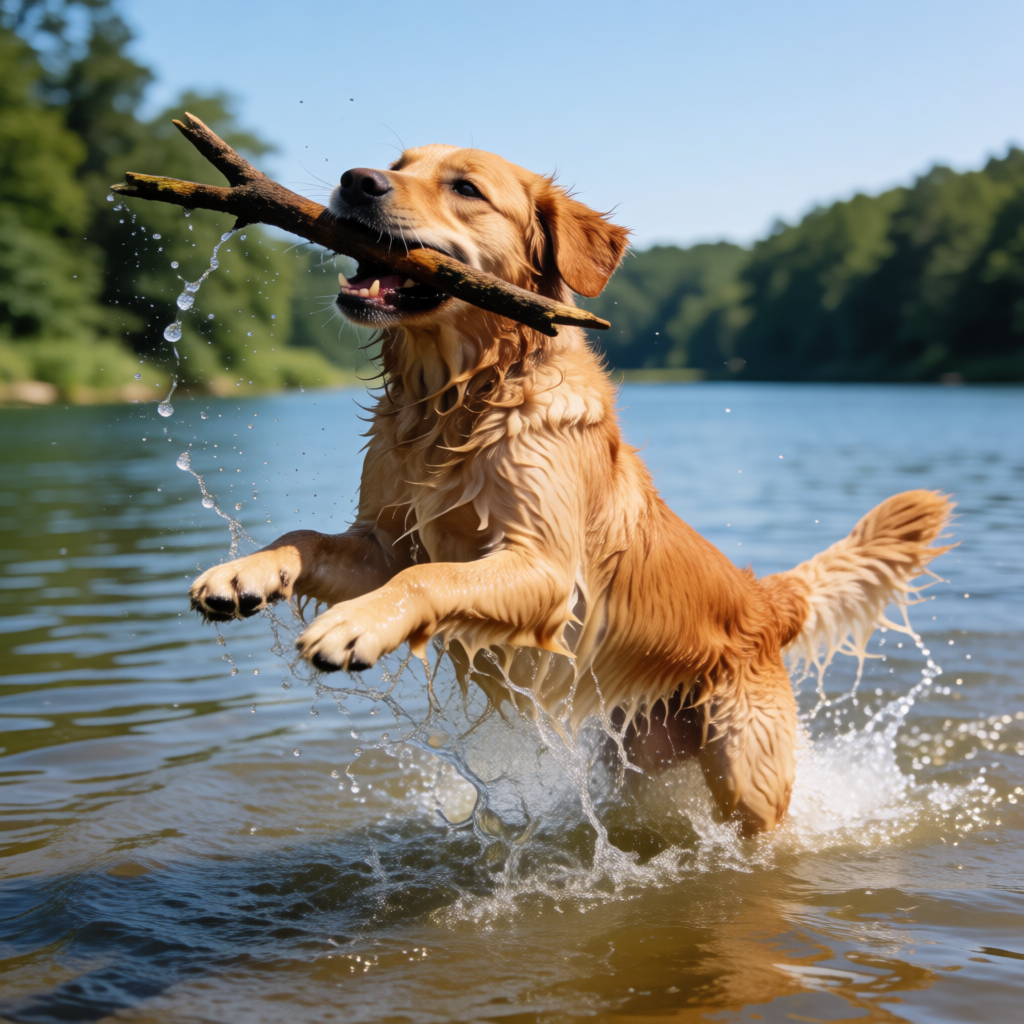
Unlock the full potential of AI image generation with PixelDojo's advanced tools. By mastering prompt engineering in Stable Diffusion, you can create stunning, customized images that bring your unique visions to life. Whether you're an artist, designer, or content creator, our platform empowers you to produce high-quality visuals effortlessly.
Join over 10,000 creators who have generated more than 1 million images using PixelDojo's AI tools. Rated 4.8/5 by our satisfied users.
Why Choose Pixel Dojo for Prompt engineering Stable Diffusion
Professional-quality results with cutting-edge AI technology
Create Custom AI-Generated Images
Craft personalized visuals that align perfectly with your creative vision using precise prompt engineering.
Enhance Creative Workflow
Streamline your design process by generating high-quality images quickly, reducing the need for manual editing.
Access Advanced AI Tools
Utilize cutting-edge AI models like SD3.5 Creator and SDXL Image Creator to produce diverse and detailed images.
How It Works
Creating stunning AI-generated images with PixelDojo is simple. Follow these steps to bring your ideas to life:
Step 1: Choose Your Tool
Select the appropriate AI model for your project. For detailed and high-resolution images, use the SDXL Image Creator.
Step 2: Enter Your Prompt
Craft a detailed prompt describing the image you want to generate. Include specific elements like subject, style, and mood.
Step 3: Customize & Download
Review the generated image, make any necessary adjustments, and download the final version for your use.
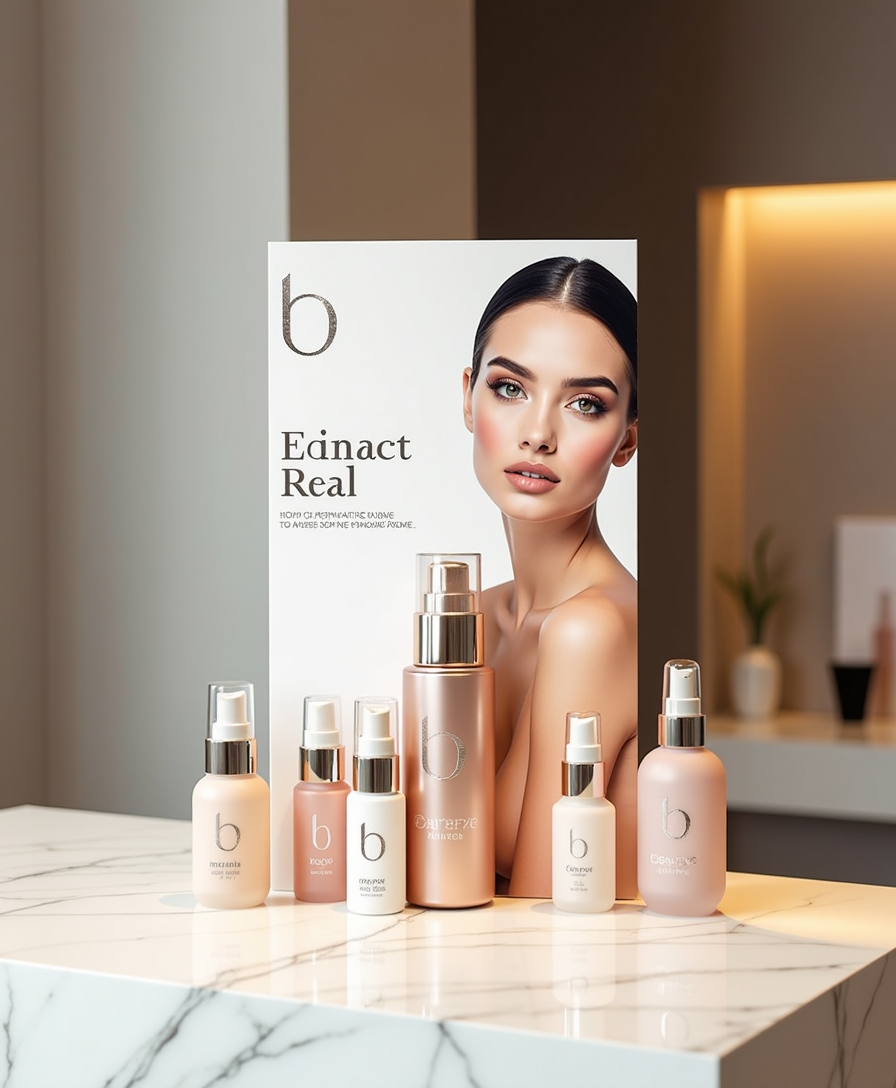
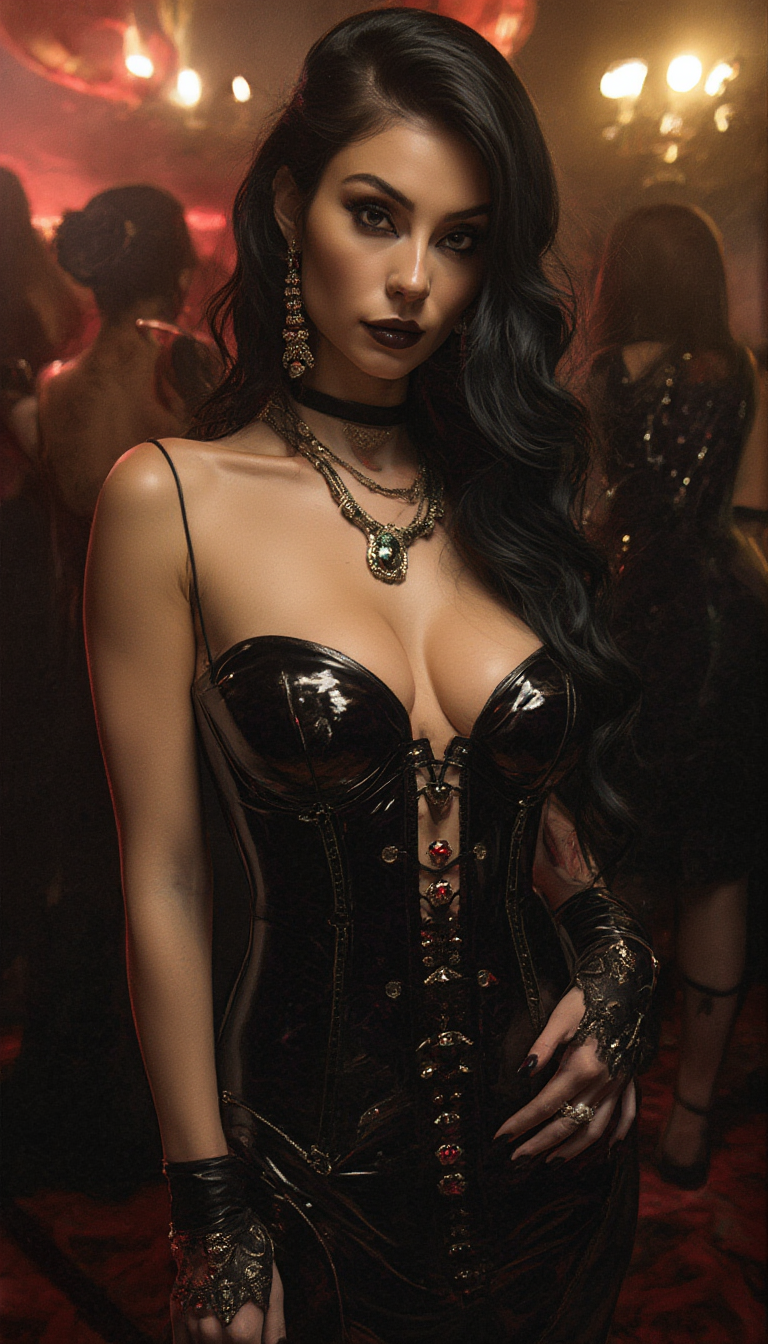
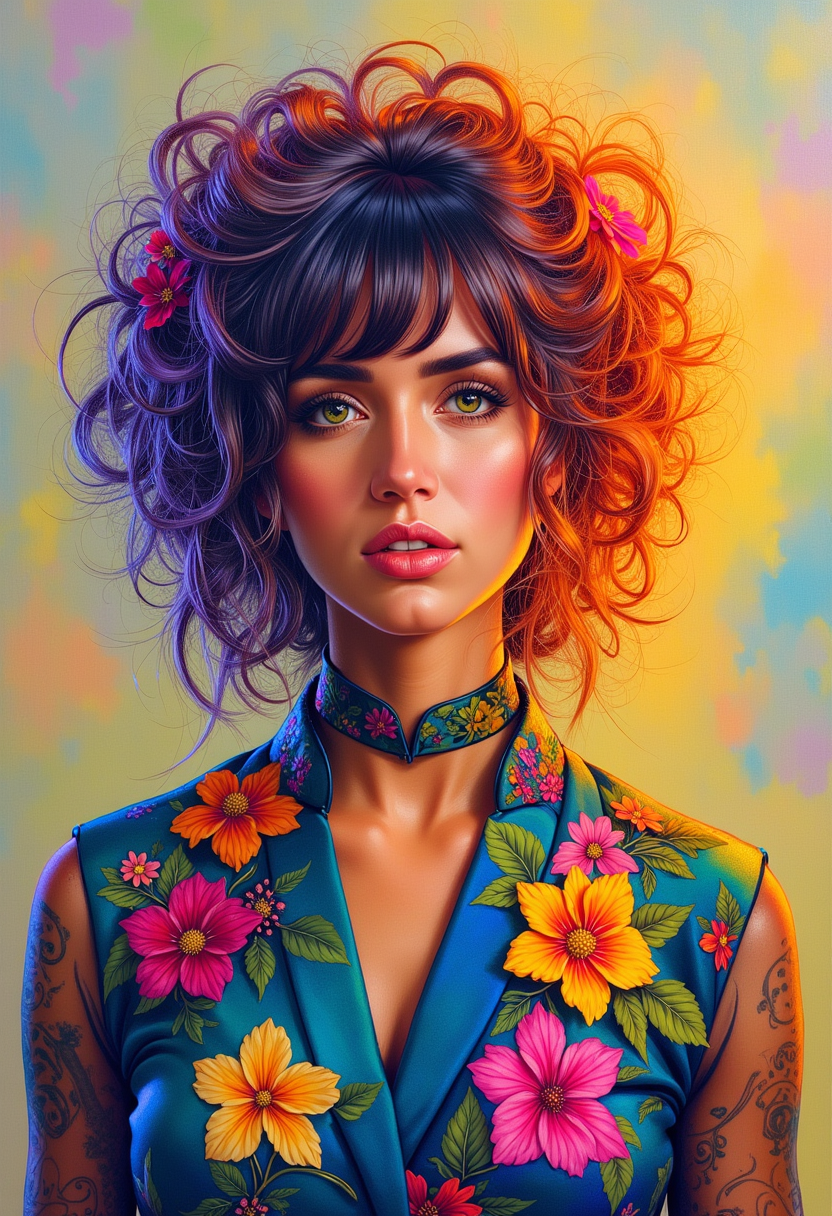
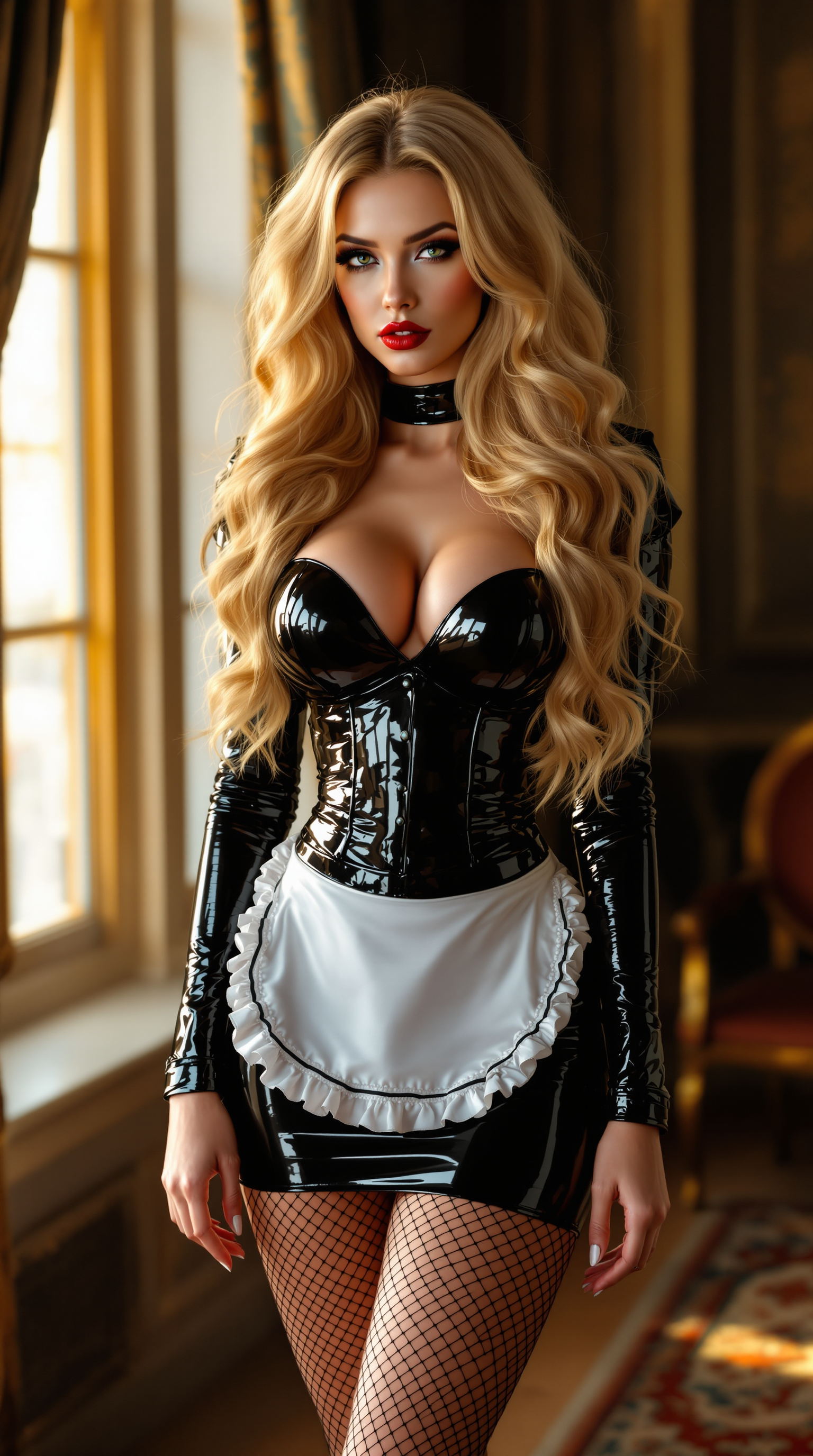
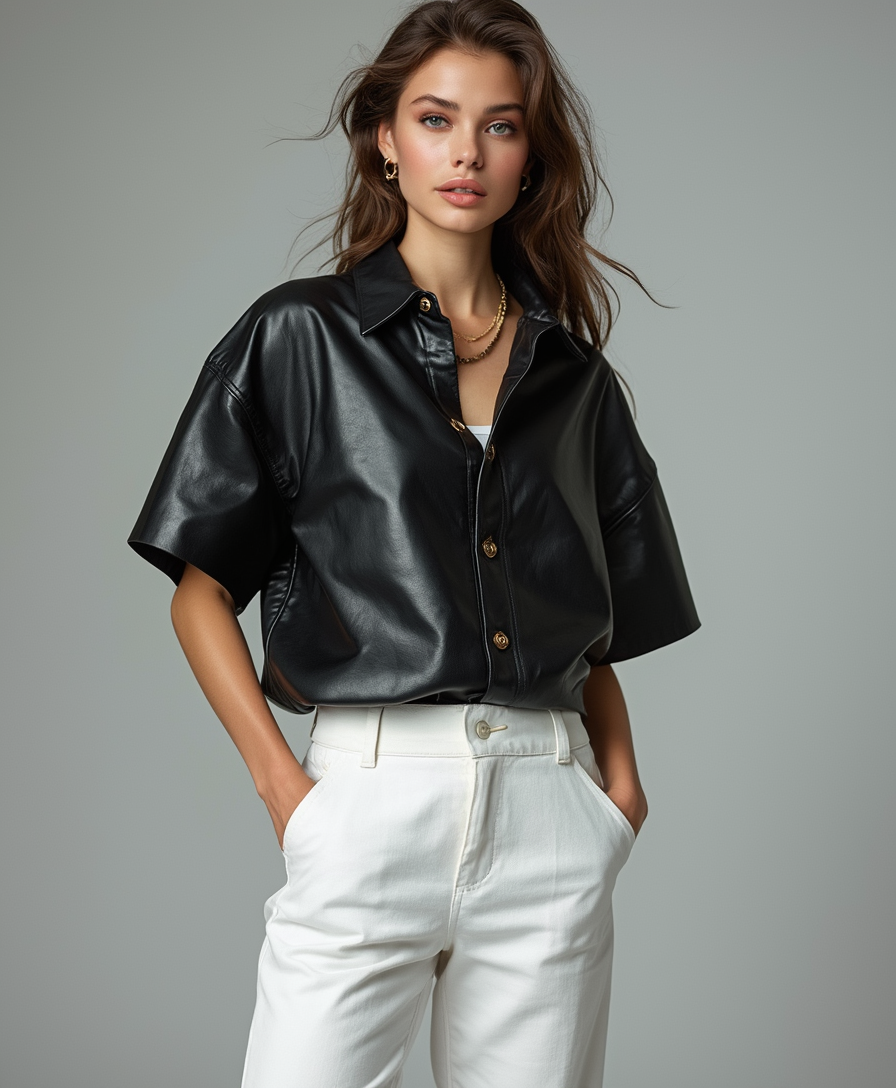
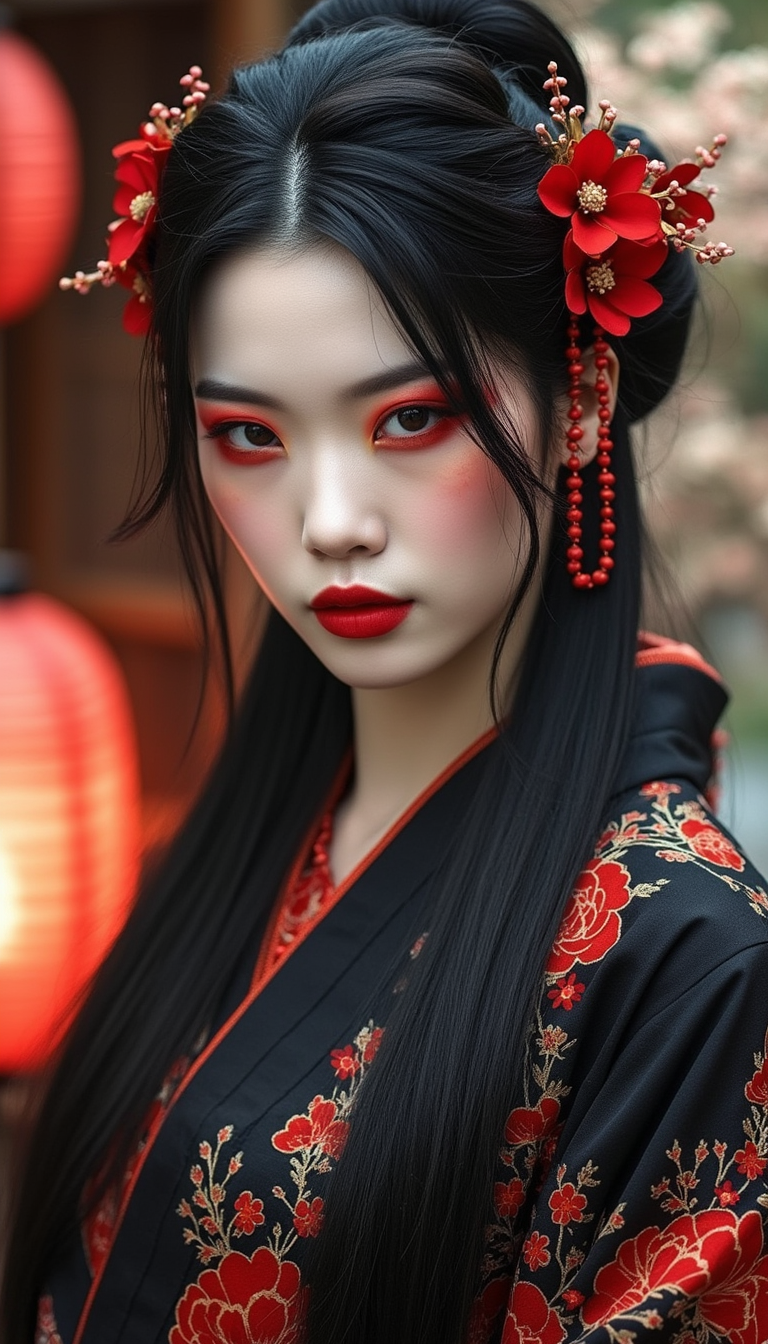
The Pixel Dojo Advantage
Why PixelDojo outperforms other options for AI image generation:
| Others | Pixel Dojo |
|---|---|
| Traditional Image Creation | Eliminate the need for manual drawing or photography; generate images instantly with AI. |
| Generic AI Tools | Access specialized models like SD3.5 Creator for more accurate and detailed outputs. |
| Manual Photo Editing | Save time and effort by generating images that require minimal post-processing. |
Loved by creators on PixelDojo
Real feedback from people using PixelDojo, pulled from our in-product surveys.
Lots of Tools, and the one time I needed support I got help right away
Easy to use once you get the hang of it
Love it make anything I can think of so far
Great for all your ideas use it encourage more people to use it
Because it is awesome
exceptional quality and great overall design of platform and interface. very intuative. love the creative freedom.
Explore more AI tools on PixelDojo
AI Tools
Compare & Switch
- Best AI Image Generators
- Best AI Video Generators
- Midjourney Alternatives
- Civitai Alternatives
- Runway Alternatives
- Leonardo Alternatives
- Pika Alternatives
- Luma Alternatives
- Magnific Alternatives
- Veo Alternatives
- Flux Alternatives
- Freepik Alternatives
- Seedance Alternatives
- Seedream Alternatives
- Pixverse Alternatives
- GPT Image Alternatives
- Synthesia Alternatives
- Playground Alternatives
- NightCafe Alternatives
- Canva AI Alternatives
- ElevenLabs Alternatives
- ComfyUI Alternatives
- Fal Alternatives
- Replicate Alternatives
Common Questions
Everything you need to know about Prompt engineering Stable Diffusion
How can I improve my prompt engineering skills in Stable Diffusion?
To enhance your prompt engineering skills, focus on crafting detailed and specific prompts. Include elements like subject, style, and mood. Experiment with different keywords and styles to see how they affect the output. Utilizing tools like PixelDojo's SD3.5 Creator can also provide more control over the generated images.
What are negative prompts, and how do they work in Stable Diffusion?
Negative prompts specify what you don't want in the generated image. By including negative prompts, you can guide the AI to avoid certain elements, leading to more accurate results. For example, adding 'no people' to your prompt can help generate landscapes without human figures.
Can I generate images in specific artistic styles using PixelDojo?
Yes, PixelDojo allows you to generate images in various artistic styles. By mentioning specific artists or styles in your prompt, such as 'in the style of Van Gogh,' the AI can produce images that mimic that particular aesthetic.
Is there a way to emphasize certain elements in my AI-generated images?
Absolutely. You can use prompt weighting to emphasize specific elements. By assigning higher weights to certain parts of your prompt, you can guide the AI to focus more on those aspects, resulting in images that align closely with your vision.
How does PixelDojo ensure the quality of generated images?
PixelDojo utilizes advanced AI models like SD3.5 Creator and SDXL Image Creator, which are designed to produce high-quality, detailed images. Additionally, our platform offers customization options, allowing you to refine and adjust outputs to meet your standards.
Can I use PixelDojo for commercial projects?
Yes, PixelDojo's generated images can be used for commercial projects. However, it's important to review our licensing terms to ensure compliance with any usage restrictions.