qwen image text rendering
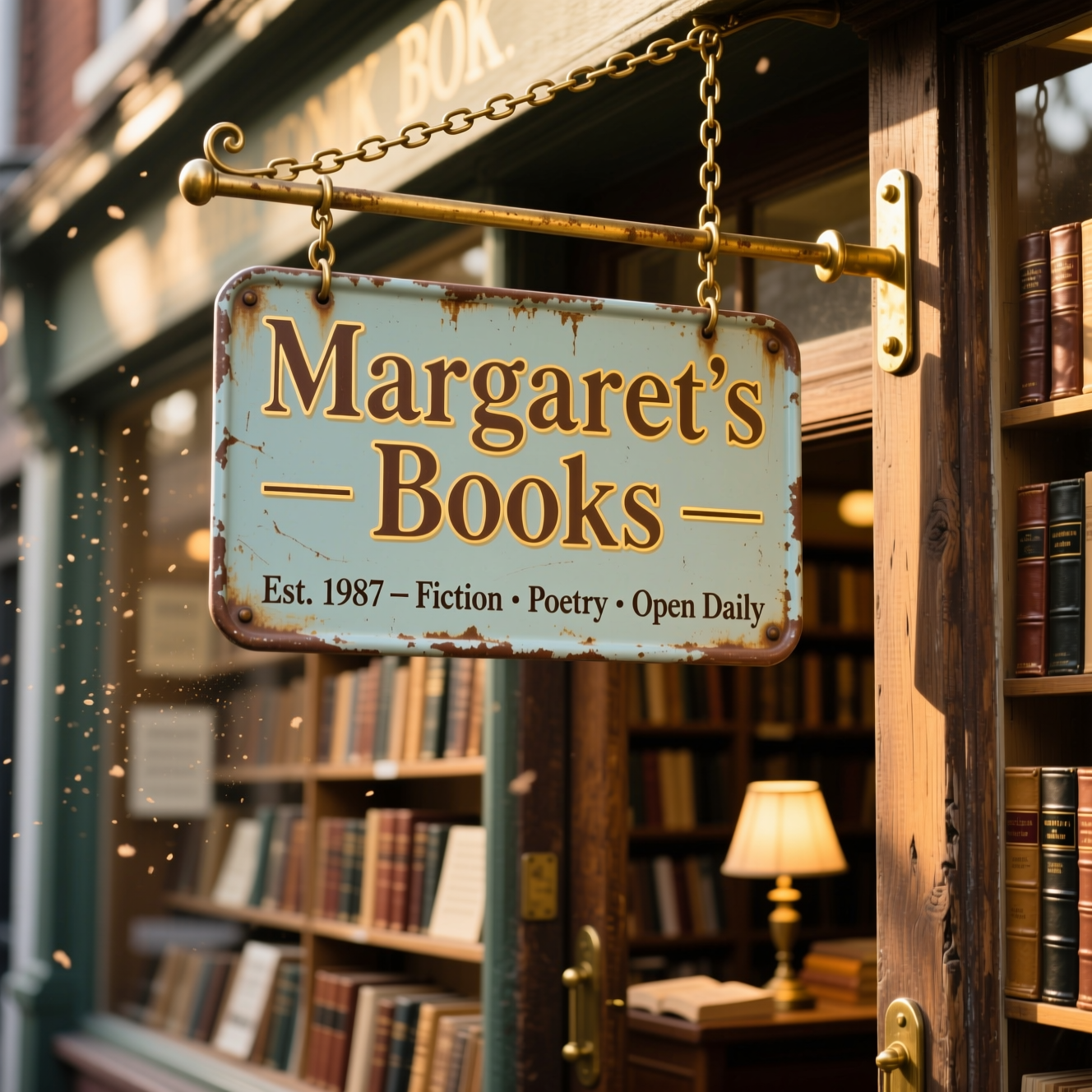
Generated on PixelDojo. Produced by PixelDojo's generation pipeline.
You can finally design posters, product mockups, infographics, storefront signs and social graphics where every word appears exactly as you wrote it—crisp, correctly spelled and beautifully integrated into the scene. PixelDojo puts QWEN Image 2, Qwen 3 Pro and QWEN Image at your fingertips so you generate professional Qwen image text rendering without hiring a designer or spending hours in layout software. Marketers launch bilingual campaigns overnight. E-commerce sellers produce packaging mockups that look print-ready. Educators and content creators build infographics packed with real paragraphs instead of decorative squiggles. You get commercial-grade typography in English and Chinese, multi-line headlines, body copy and even comic speech bubbles that stay readable at any size. With 40+ cutting-edge AI tools loved by thousands of creators worldwide and the freedom to cancel anytime, you start creating converting visuals today instead of fighting broken text tomorrow.
Real image examples generated on PixelDojo
Every example below was produced on PixelDojo. Hover to see the prompt.
Qwen-text
image-to-image
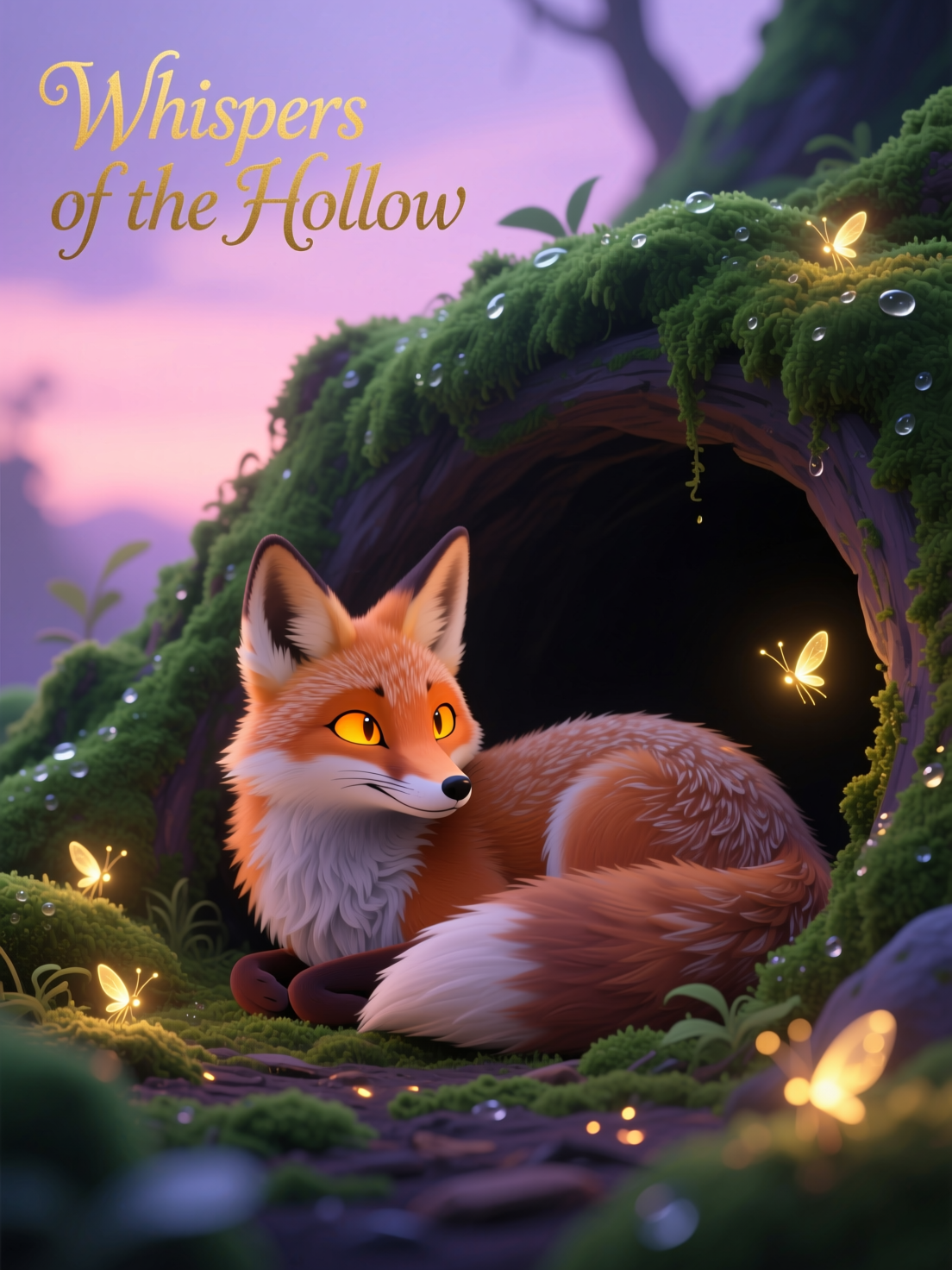
Qwen-stylized
image-to-image

Qwen-cinematic
image-to-image

Canvas generate — From qwen-image
canvas-generate
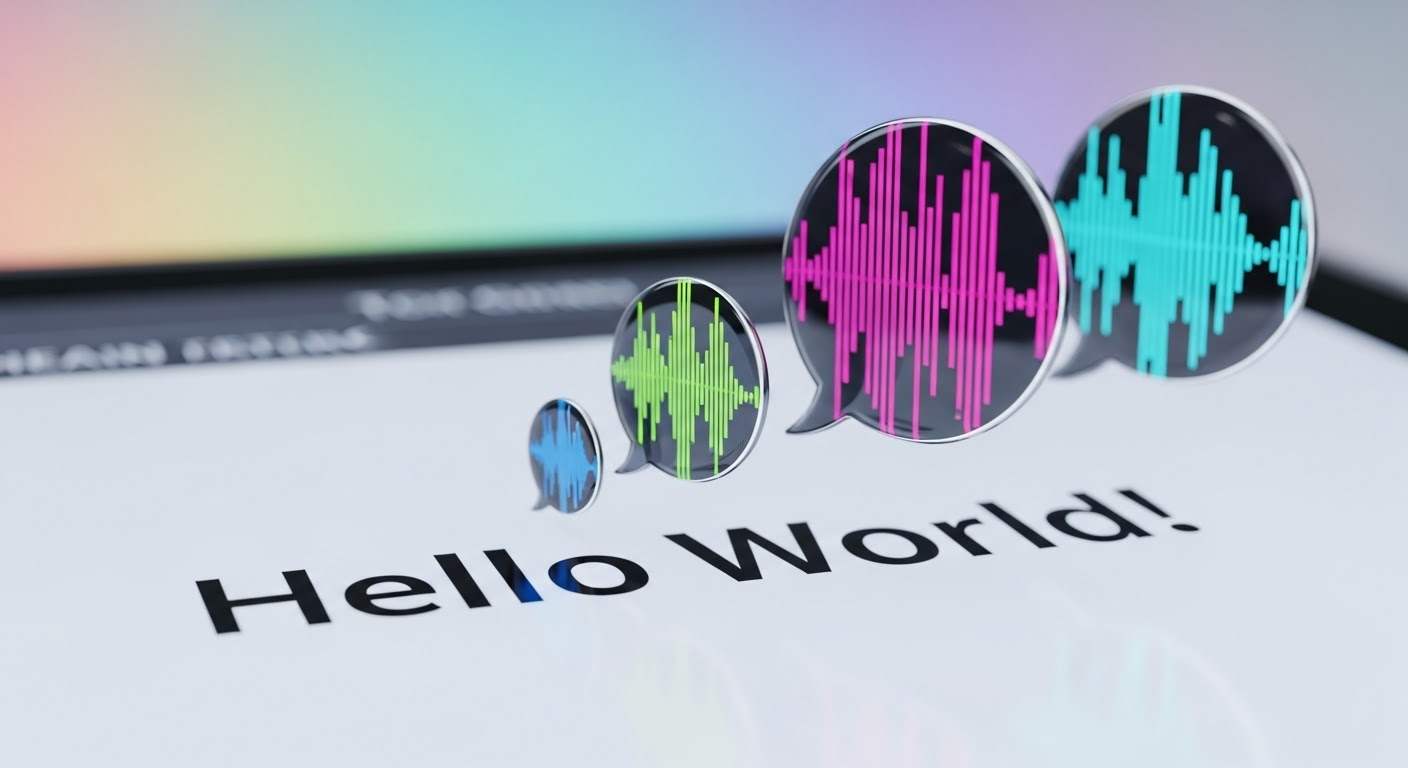
Text turning into speech
imagen
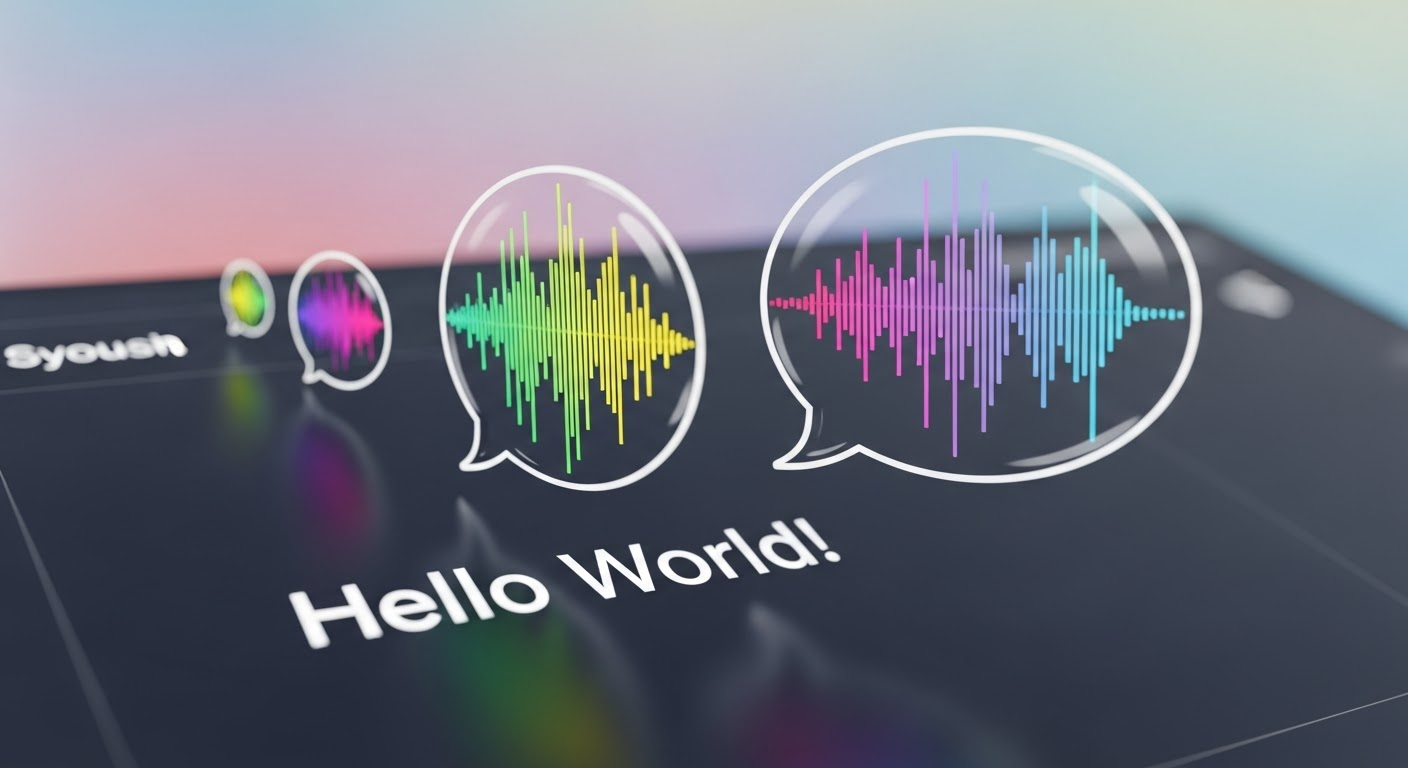
Text turning into speech
imagen
Models you can run on PixelDojo for qwen image text rendering
Switch models without switching tools. Each one runs in the same PixelDojo studio.
What you can do with qwen image text rendering on PixelDojo
Readable on-image type
We run Qwen image models so generated scenes can include signs, labels, and headlines that stay legible instead of melting into noise.
Posters and product mockups
You can prompt for packaging, flyers, and UI frames where titles and body copy sit in the composition with clearer letterforms.
Multilingual text in scene
We support prompts that mix languages so menus, storefronts, and captions can appear in the image without dropping the rest of the shot.
Typography-aware layouts
You get generations that treat text as part of the design: placement, contrast, and scale that match posters, slides, and branded stills.
Thousands of marketers, designers and agencies already rely on PixelDojo’s Qwen tools for production work. Users report 4.8-star results on posters and packaging that previously required expensive retouching. Join creators who generate client-ready assets daily with QWEN Image 2 and Qwen 3 Pro.
Why Choose Pixel Dojo for qwen image text rendering
Professional-quality results with cutting-edge AI technology
Typography That Actually Converts
You produce ads, posters and product labels with 100 percent accurate spelling and professional spacing. Viewers read your headline, trust your brand and click through instead of bouncing from unreadable AI gibberish. QWEN Image 2 delivers commercial-grade English and Chinese text that looks typeset by a human designer.
Complex Layouts Without the Wait
You generate multi-column infographics, PPT-style slides, multi-panel comics and paragraph-heavy posters in one pass. Long 1000-token prompts on Qwen 3 Pro let you specify exact hierarchy, alignment and supporting visuals so the finished image is ready to publish, not a starting sketch.
Bilingual Campaigns in Minutes
You create mixed English-Chinese storefronts, packaging and social posts that speak to global audiences instantly. No extra translation step, no separate design files—just one prompt on PixelDojo that renders both scripts with perfect character fidelity and natural placement.
How It Works
Creating images with flawless Qwen image text rendering takes three straightforward steps on PixelDojo. Pick a specialized Qwen model, describe your layout and quote the exact copy, then refine and download print-ready files.
Step 1: Choose Your Tool
Sign in and go to Generate Images. Select QWEN Image 2 when you need professional infographics, posters or comics with native 2K resolution. Choose Qwen 3 Pro for the most consistent editing and long-prompt control, or QWEN Image for fast high-quality drafts. These models were built specifically for complex text rendering so your words stay sharp.
Step 2: Enter Your Prompt
Describe the overall scene first, then wrap every string you want rendered in double quotes. Add layout instructions such as “large centered headline ‘SUMMER SALE’ in bold sans-serif, two-line subhead below ‘Up to 50 percent off all styles’ in elegant script, left-aligned body copy in the lower third.” Specify font feel, color, surface (painted wood, neon, chalkboard) and exact placement. QWEN Image 2 handles up to 1000 tokens so you can include charts, icons and bilingual blocks in a single generation.
Step 3: Customize & Download
Review variations, then jump to Edit Images for Inpainting, Style Transfer or Background Remover if a small tweak is needed. Upscale with P-Image Upscale or Magnific Upscaler for print. Download high-resolution files ready for social, web or packaging. Iterate in seconds and keep full commercial rights. PixelDojo’s 40-plus tools stay available whenever you want to expand the project into video or 3D.
The Pixel Dojo Advantage
Why PixelDojo outperforms other options for Qwen image text rendering
| Others | Pixel Dojo |
|---|---|
| Traditional graphic design software | You skip days of typesetting, font hunting and layout revisions. Generate a complete professional poster or infographic with accurate text in under a minute instead of starting from a blank canvas. |
| Generic AI image tools | You receive native, high-fidelity text that actually spells correctly—especially dense Chinese characters, multi-line paragraphs and mixed-language layouts—rather than letter-shaped noise that needs hours of fixing. |
| Manual photo editing and text overlays | You create original scenes where text is baked into lighting, perspective and materials instead of floating on top of stock photos. The result looks cohesive, unique and ready for clients without extra compositing. |
Loved by creators on PixelDojo
Real feedback from people using PixelDojo, pulled from our in-product surveys.
The best tools for IA on the web !
The guy that operates the website is constantly updating it
I’ve been using PixelDojo for around 8 months now and it’s always worked wonderfully while constantly adding features.
The site is easy to navigate and use.
All the tools, readily available and easy to understand
You guys, the LORA training is the BEST in the space right now, great job with that!
Explore more AI tools on PixelDojo
AI Tools
Compare & Switch
- Best AI Image Generators
- Best AI Video Generators
- Midjourney Alternatives
- Civitai Alternatives
- Runway Alternatives
- Leonardo Alternatives
- Pika Alternatives
- Luma Alternatives
- Magnific Alternatives
- Veo Alternatives
- Flux Alternatives
- Freepik Alternatives
- Seedance Alternatives
- Seedream Alternatives
- Pixverse Alternatives
- GPT Image Alternatives
- Synthesia Alternatives
- Playground Alternatives
- NightCafe Alternatives
- Canva AI Alternatives
- ElevenLabs Alternatives
- ComfyUI Alternatives
- Fal Alternatives
- Replicate Alternatives
Common Questions
Everything you need to know about qwen image text rendering
What is Qwen image text rendering and why does it outperform other AI for images that contain text?
Qwen image text rendering is the native ability of models like QWEN Image 2 and Qwen 3 Pro to generate readable, correctly spelled English and Chinese characters that follow complex layouts. PixelDojo gives you direct access so you produce posters, packaging and infographics that look professionally typeset. Other generators still turn words into decorative blobs; Qwen was trained with progressive curriculum learning on millions of real layouts, giving you commercial-grade results you can actually publish.
How do I write the best prompts for accurate Qwen image text rendering on PixelDojo?
Always place the exact copy inside double quotes and tell the model where it sits, what it is written on and how it should look. Start with overall composition, then add quoted headlines, subheads and body copy with alignment notes such as “centered, large, high-contrast white on dark navy.” QWEN Image 2 accepts 1000-token prompts so you can describe entire infographics including charts and icons. Keep lines short, use sans-serif for small text, and generate a few variations to pick the sharpest rendering.
Can Qwen generate bilingual English and Chinese text in a single image on PixelDojo?
Yes. QWEN Image 2 and Qwen 3 Pro were specifically optimized for mixed-script rendering. You can request a storefront sign that reads “OPEN 24/7 全天营业” with both languages perfectly formed and naturally placed. This lets you launch global campaigns, restaurant menus or product packaging without separate files or extra translation steps.
Which PixelDojo tools should I use for Qwen image text rendering of posters, infographics and comics?
Start with QWEN Image 2 for native 2K professional typography, multi-panel comics with character consistency and dense infographics. Switch to Qwen 3 Pro when you need the most precise follow-up edits. After generation, use Image Outpainting, Reality Polisher or P-Image Upscale to finish. For moving versions, feed the still into WAN 2.7 Video or Kling Video while keeping the text intact.
Does Qwen image text rendering handle long paragraphs and complicated multi-line layouts?
It does. The models progressed from simple words to full paragraph-level semantics during training. You can specify three-column layouts, headlines plus body copy, labels on charts and even handwritten notes on a whiteboard. Quote each text block separately, describe spacing and alignment, and QWEN Image 2 will keep characters sharp and correctly ordered even in dense compositions.
Can I use Qwen-generated images with text commercially through PixelDojo?
Yes. All images you create on PixelDojo, including those from QWEN Image 2 and Qwen 3 Pro, come with commercial rights. Thousands of agencies and independent creators already deliver client work this way. You can also train custom versions with QWEN Trainer for brand-specific fonts or styles. There is no lock-in—cancel anytime after you have the files you need.