realistic ai image generator
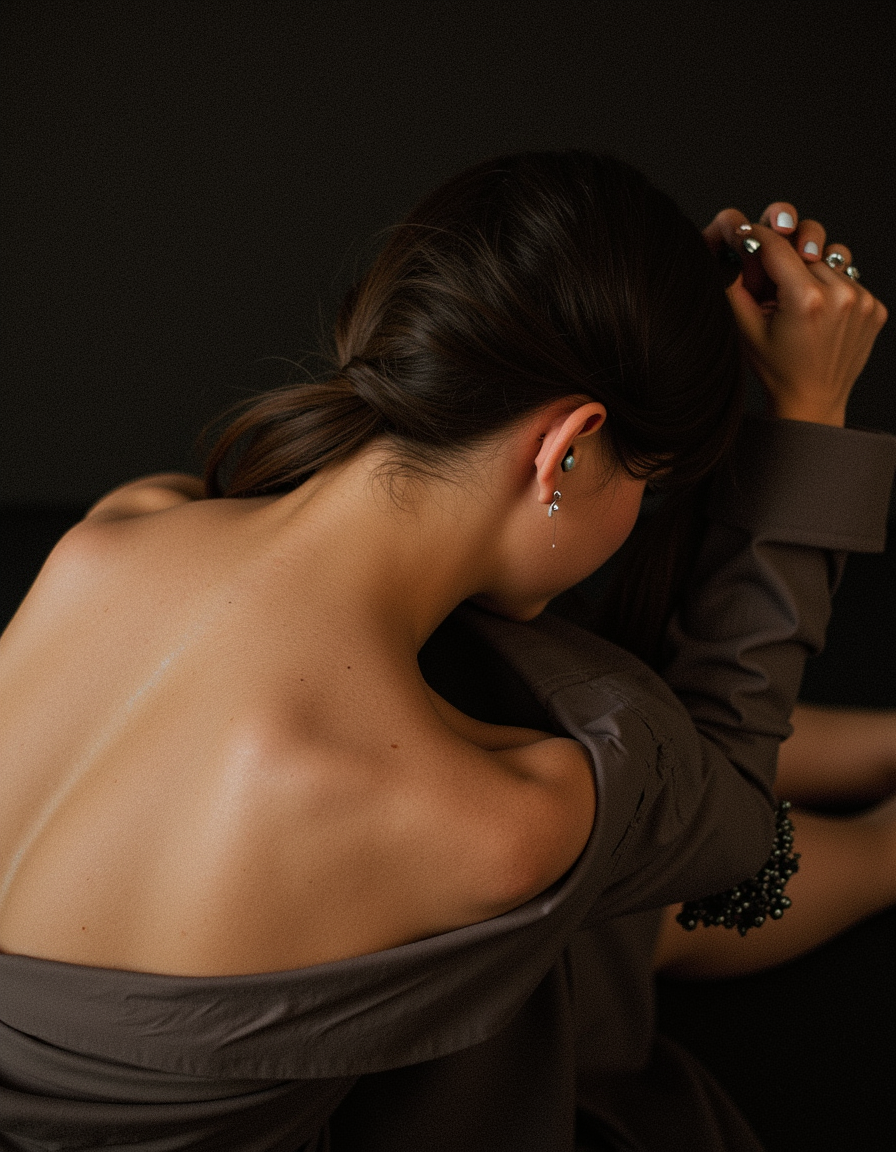
Generated on PixelDojo. Produced by PixelDojo's generation pipeline.
With PixelDojo’s realistic AI image generator, you can instantly create photorealistic portraits, product shots, and cinematic scenes that look like high-end photography. No more expensive cameras or lengthy editing—just sharp lighting, lifelike textures, and depth in every pixel. Whether you’re a marketer, designer, or creator, you’ll be able to produce visuals so realistic people will do a double-take.
Real image examples generated on PixelDojo
Every example below was produced on PixelDojo. Hover to see the prompt.
Photorealistic
flux
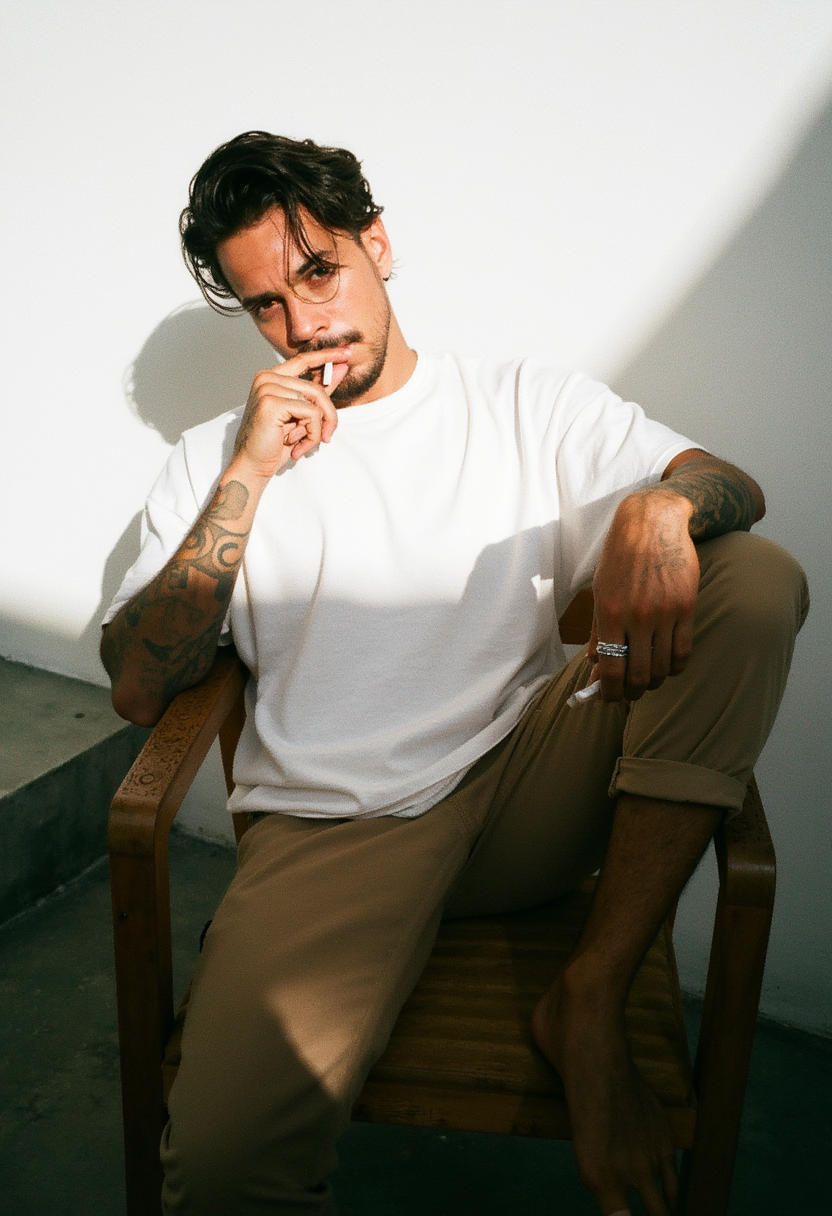
Photorealistic
flux
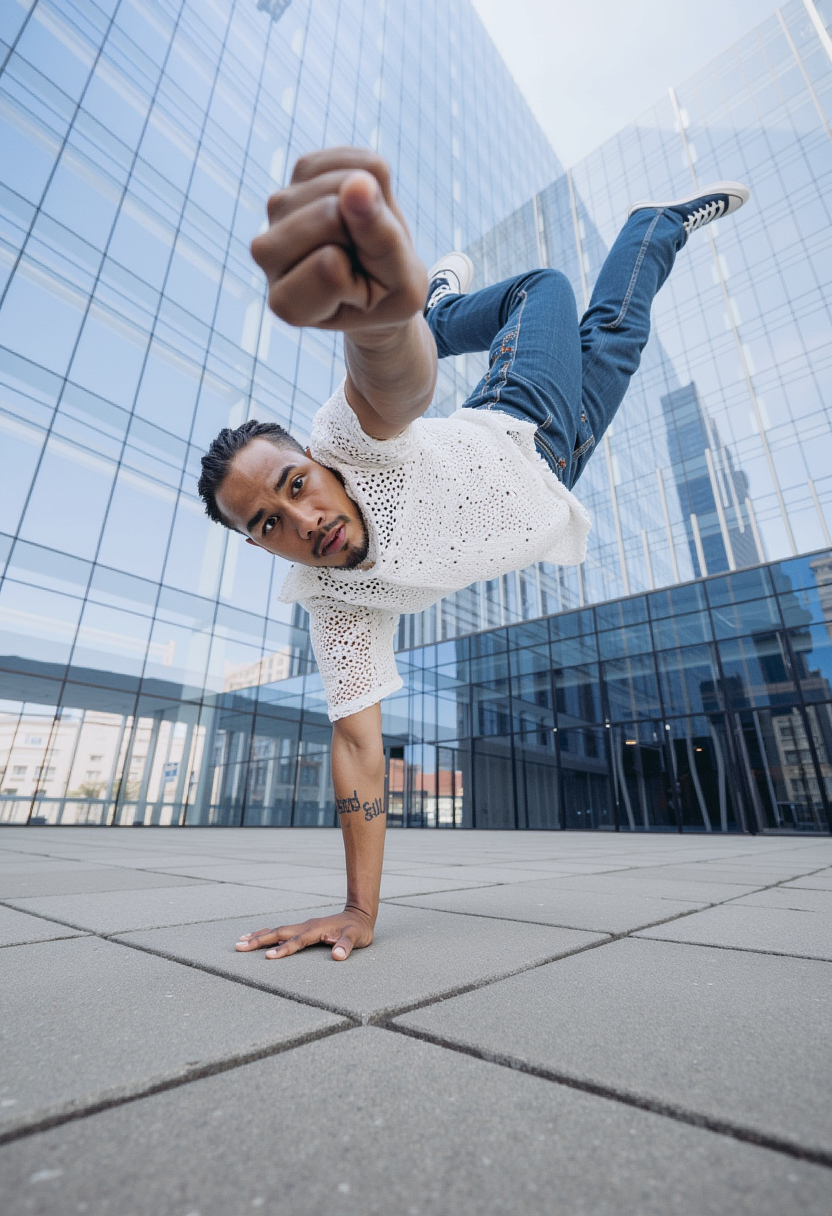
Photorealistic
flux
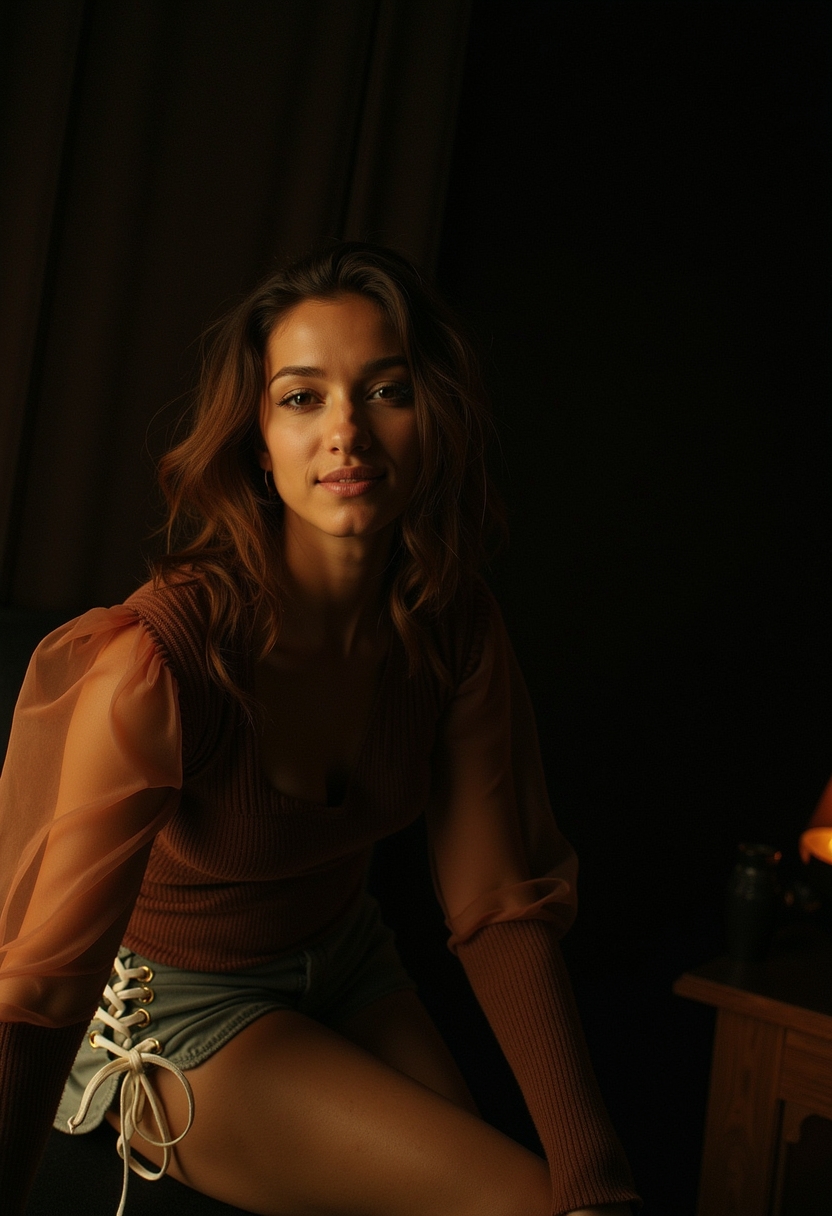
Photorealistic
flux
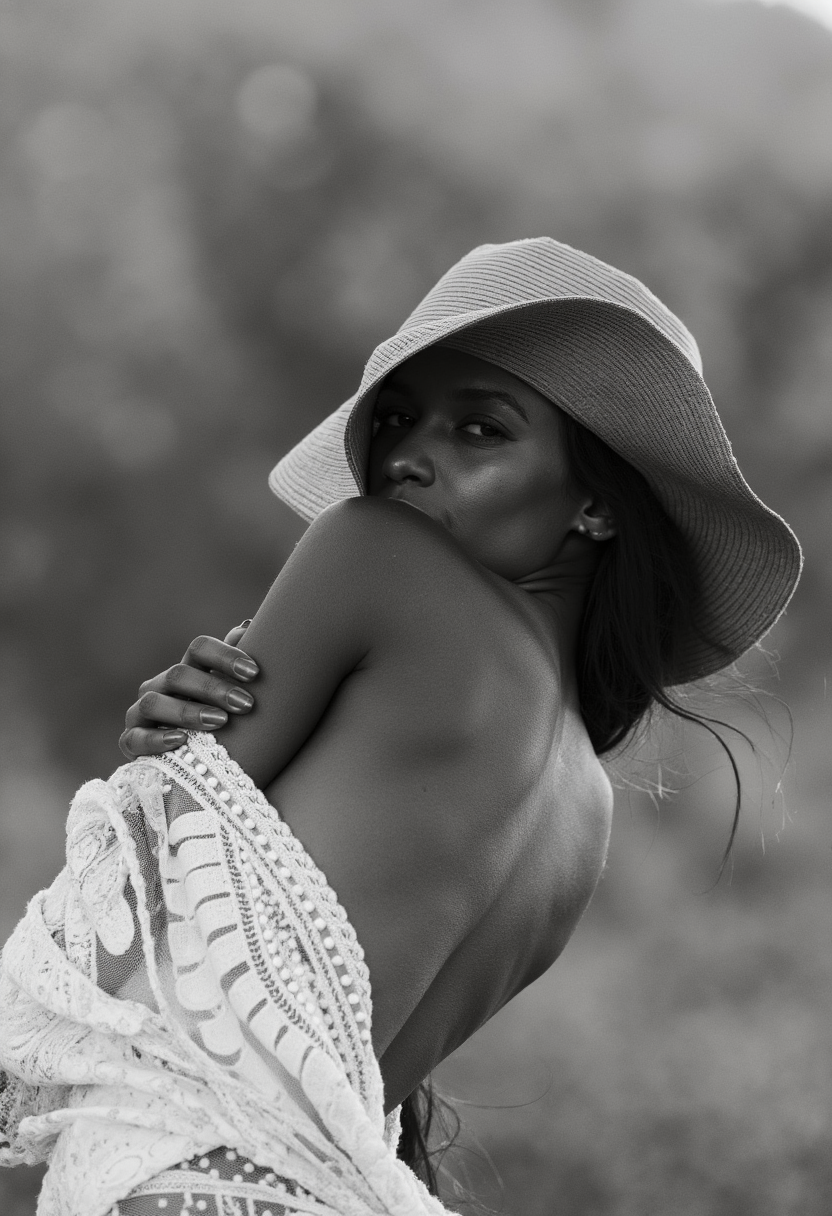
Photorealistic
flux
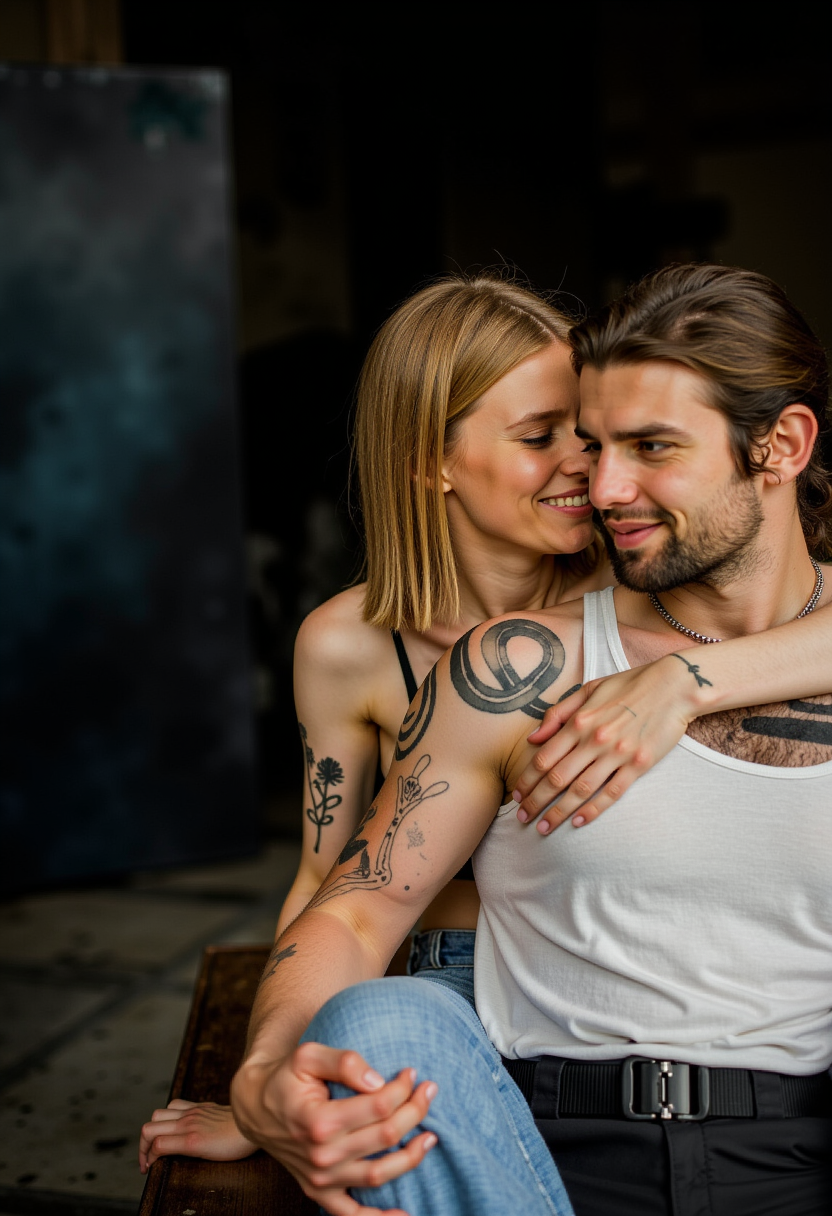
Photorealistic
flux
Models you can run on PixelDojo for realistic ai image generator
Switch models without switching tools. Each one runs in the same PixelDojo studio.
What you can do with realistic ai image generator on PixelDojo
Photorealistic Image Creation
We produce images with natural lighting and accurate textures from text prompts.
Detailed Scene Composition
Creators specify multiple elements to form coherent scenes with correct spatial relationships.
Style Consistency Control
We maintain matching visual characteristics across batches of generated images.
Iterative Prompt Refinement
Users update prompts to adjust and improve specific aspects of each output.
Join 50,000+ creators who trust PixelDojo. Rated 4.8★ by professionals. Used in 120+ ad campaigns. Featured in design awards, magazines, and storefronts.
Why Choose Pixel Dojo for realistic ai image generator
Professional-quality results with cutting-edge AI technology
Photo-Real Results Instantly
Use tools like Imagen 4, Seedream 4, Google Nano Banana, and SDXL to produce images with convincing light, texture, and realism—you’ll get results that look like they were shot on a DSLR.
Custom Inputs for Your Style
Want consistent characters, specific lighting, or material detail? With tools like REVE Image and Hunyuan Image 3 you can control style, lighting, camera angle, and more for works that match your vision.
Save Time, Cut Costs
No studio. No long retouching. Use PixelDojo’s image editing tools—Inpainting, Outpainting, Magic Lighting—to polish your photos in minutes instead of hours, keeping your budget efficient.
How It Works
Creating realistic images with PixelDojo happens in three simple steps. You don’t need technical experience—just an idea, and we’ll help you bring it to life with powerful models.
Step 1: Choose Your Tool
Select the AI “Create Image” model that fits your desired realism—for ultra-fine sights pick Imagen 4, SDXL or Google Nano Banana; for cinematic or stylized realism try Flame-flux style using Flux or Seedream 4.
Step 2: Enter Your Prompt
Define what you want: subject, lighting, angle, material. Example prompt: “studio lit portrait of a woman with freckles, soft rim lighting, shallow depth of field, 85mm lens,” then feed that into REVE Image or ChatGPT Image 1 for refinement.
Step 3: Customize & Download
Use edit tools like Inpainting, Outpainting, Magic Lighting, or Style Transfer to adjust color, fill missing detail, or change backgrounds. When you love what you see, download in high resolution—you retain full commercial rights.
The Pixel Dojo Advantage
Why PixelDojo outperforms other options for realistic image generation
| Others | Pixel Dojo |
|---|---|
| Traditional photo-shoots & studios | No rentals, lighting setup, or travel—create a shoot in minutes and iterate instantly. |
| Generic AI image tools | Many tools produce unrealistic lighting, poorly rendered features. PixelDojo uses state-of-the-art models like SDXL, Imagen 4, Nano Banana for unmatched realism. |
| Manual photo editing software | You avoid hours of tweaking in Photoshop—automatic tools like Magic Lighting, Material Transfer give you lifelike touch-ups with a few clicks. |
Loved by creators on PixelDojo
Real feedback from people using PixelDojo, pulled from our in-product surveys.
versatile menu of tools
Best AI tool availble the suite is rad
Versatility quality, value, ROI, innovation
variety of tools available and prompt tools
A "one-stop-shop" for creators! Thanks!!
Lots of different tools. It's easy to purchase more credits.
Explore more AI tools on PixelDojo
AI Tools
Compare & Switch
- Best AI Image Generators
- Best AI Video Generators
- Midjourney Alternatives
- Civitai Alternatives
- Runway Alternatives
- Leonardo Alternatives
- Pika Alternatives
- Luma Alternatives
- Magnific Alternatives
- Veo Alternatives
- Flux Alternatives
- Freepik Alternatives
- Seedance Alternatives
- Seedream Alternatives
- Pixverse Alternatives
- GPT Image Alternatives
- Synthesia Alternatives
- Playground Alternatives
- NightCafe Alternatives
- Canva AI Alternatives
- ElevenLabs Alternatives
- ComfyUI Alternatives
- Fal Alternatives
- Replicate Alternatives
Common Questions
Everything you need to know about realistic ai image generator
What is a realistic AI image generator and how does PixelDojo deliver realism?
A _realistic AI image generator_ produces pictures so detailed that textures, lighting, shadows, depth, color tones, and subject detail look like real photography. PixelDojo delivers this through its advanced models such as Imagen 4, SDXL, Google Nano Banana, Seedream 4, and REVE Image. These tools are trained on diverse real-world data so that when you enter prompts about skin texture, lighting angle, material reflectivity or camera lens, the results feel believable.
Can I use realistic AI images for commercial use at PixelDojo?
Yes—images you create with PixelDojo for realistic generation are cleared for commercial rights. When you use tools like GAN-based Imagen 4, SDXL, or tools in the “Edit Images” toolbox—such as Background Remover or Creative Upscaler—you retain rights to use and sell the visuals. Always review the license per subscription, but our standard plan covers full commercial usage.
How do I ensure consistent characters or themes in my realistic AI images?
To maintain consistency, start with models designed for character control like HiDream, QWEN Image, WAN Image or Consistent Characters. Use the same prompts and seed settings. You can also train custom likeness using “Train Models” tools like QWEN Model Trainer or SDXL Model Trainer so future images look uniform. Editing tools like Inpainting help correct mismatches in later images.
What are best prompt techniques for high-quality realistic AI image output?
Focus on subject, lighting, atmosphere, lens, camera angle and material. For example: “Golden hour outdoor scene, close-up portrait, natural skin texture, 85mm lens, wide aperture, soft backlight.” Include details about environment and mood. Use tools like Image Analyzer to extract styles, then apply Style Transfer. Review latest trends: clarity about prompts drives realism, as seen in Google’s Nano Banana which users praise for prompt-adaptive edits in photorealistic scenes. ([blog.segmind.com](https://blog.segmind.com/ai-image-generation-guide/?utm_source=openai))
How fast are the realistic image generators at PixelDojo?
You’ll generate high-resolution realistic images in seconds—depending on complexity, often under one minute. Models like SDXL or Google Nano Banana style are optimized for speed + fidelity. Editing is instant: tools like Outpainting, Background Remover finish in just a few clicks.
What if the image doesn’t look real—can I fix faults easily?
Absolutely. Use Edit tools like Outpainting to expand scenes, Inpainting to fix small areas, Material Transfer for textures (skin, fabric), Magic Lighting for shadow & highlight balance, and Style Transfer to shift the overall look. You also can use Image Analyzer to understand what’s off (color, contrast, skin tone) and adjust accordingly—PixelDojo makes fixing realism approachable.