flux 2 pro vs grok imagine
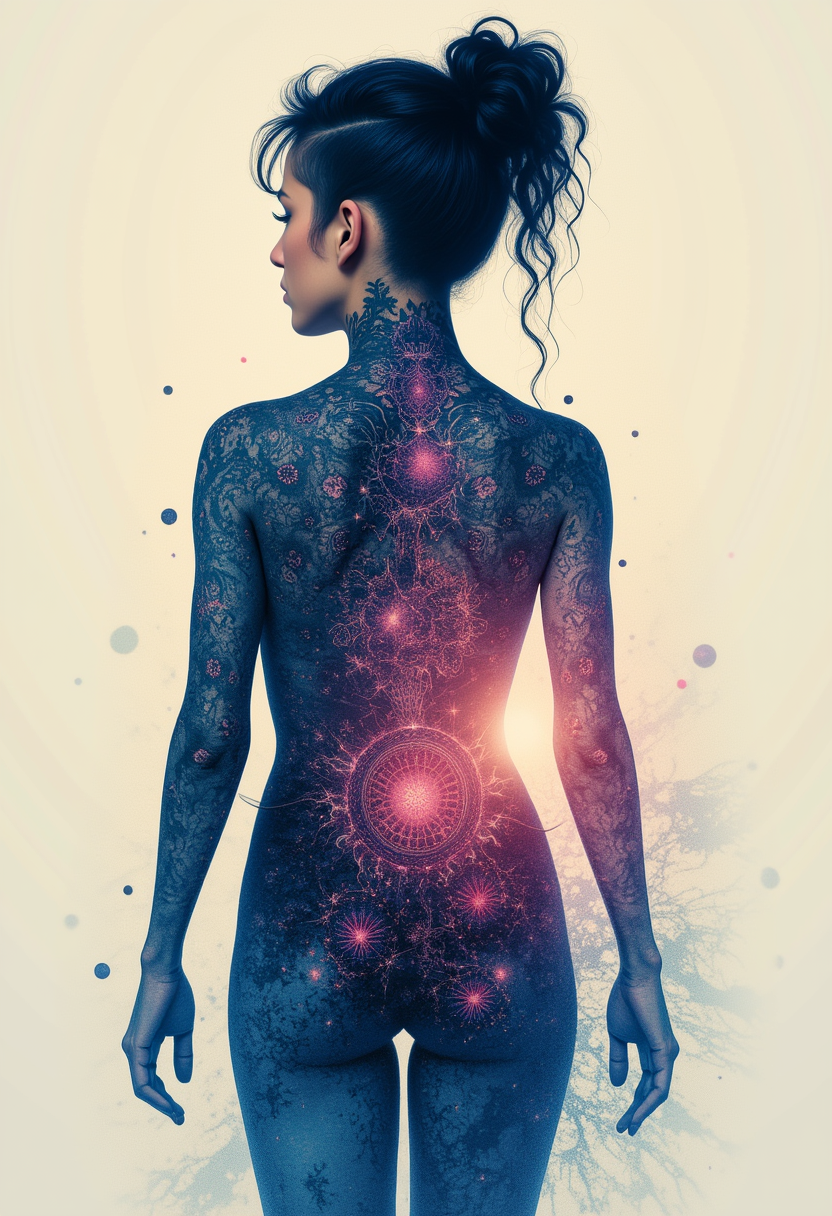
Generated on PixelDojo. Produced by PixelDojo's generation pipeline.
You need images that look like they came from a professional studio, not a computer. Whether you are launching a product, building a brand campaign, or creating consistent characters for your content, the right AI image generation approach delivers results that convert visitors into customers. PixelDojo puts Flux.2 Studio and Grok Image at your fingertips so you can produce photorealistic visuals, marketing assets, and editorial-quality shots in minutes. You no longer wait for photographers or spend hours in editing software. Instead, you describe what you want and watch high-converting images appear, ready for social posts, websites, ads, and print. Thousands of creators already use PixelDojo’s 40+ cutting-edge AI tools to generate millions of images every month. You can switch between models, refine with editing features, upscale for any size, and maintain perfect consistency across an entire campaign. Cancel anytime and start creating the visuals that grow your business today.
Real image examples generated on PixelDojo
Every example below was produced on PixelDojo. Hover to see the prompt.
Kira-Lux-Flux
flux
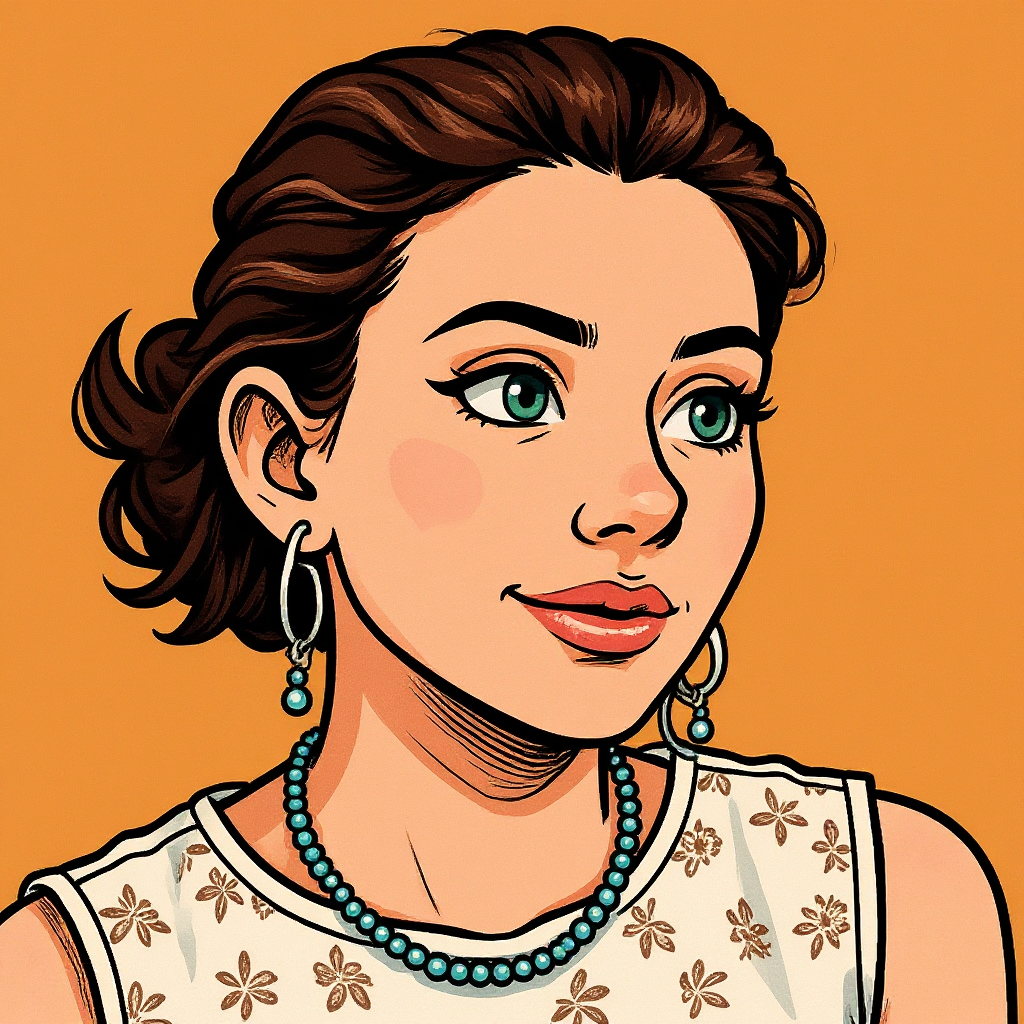
Turn your image into a cartoon with FLUX
stable-diffusion
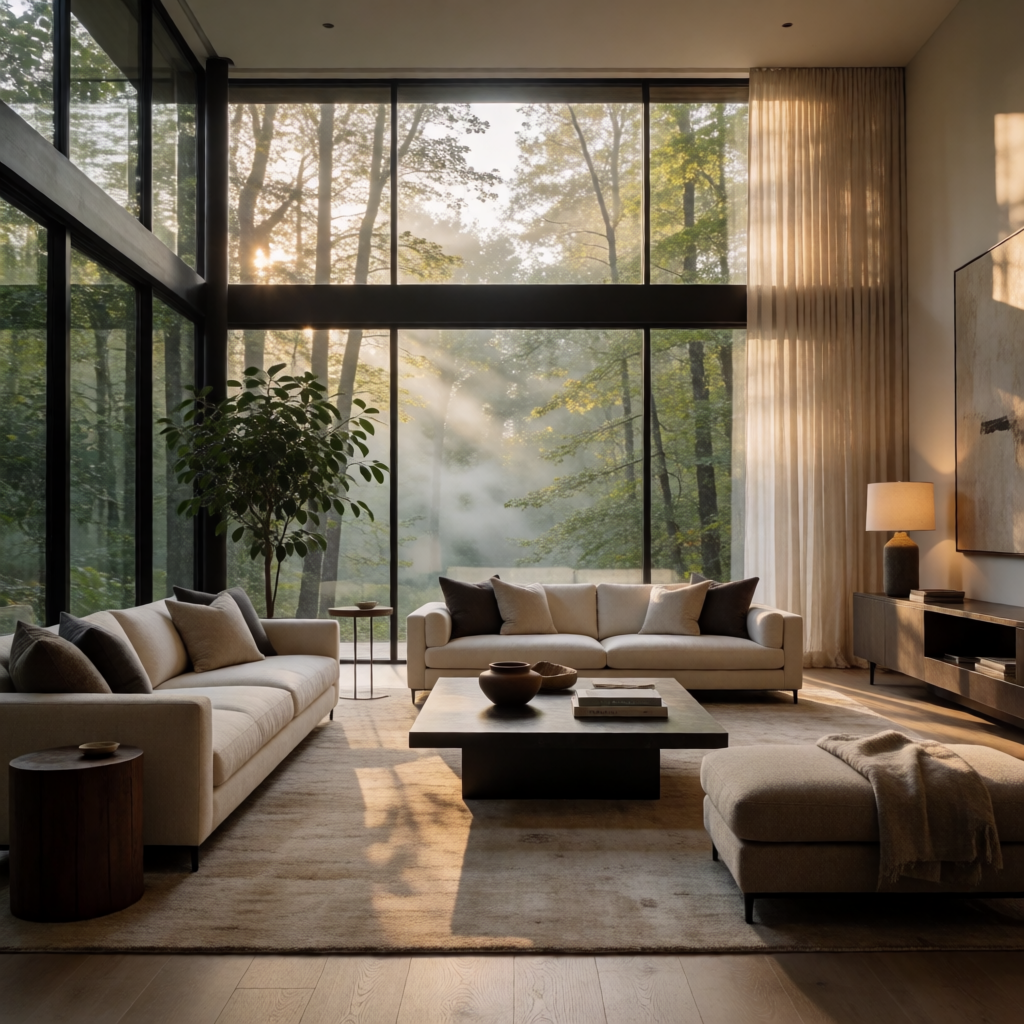
An elegant modern living room with floor-to-ceiling windows overlooking a misty forest
krea-v2
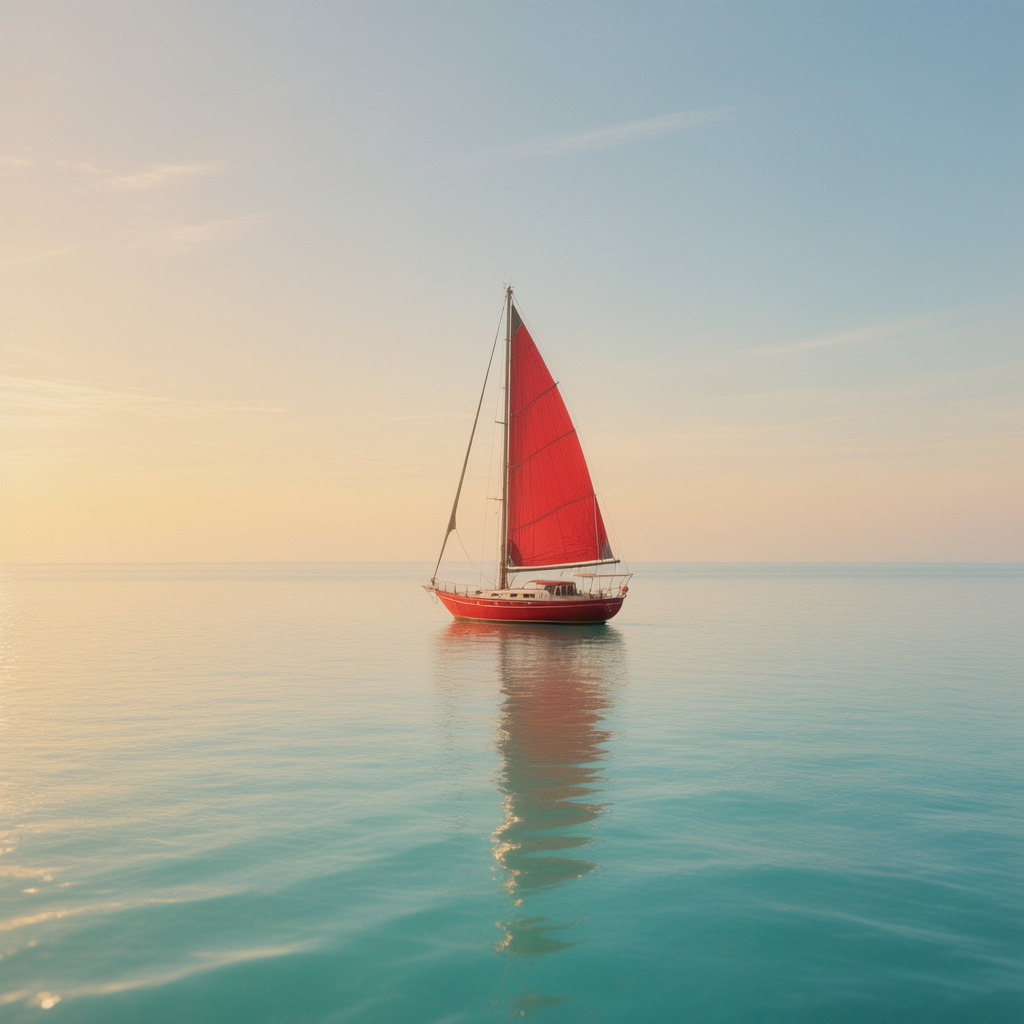
A lone red sailboat on a calm turquoise sea at golden hour
hunyuan-image-3
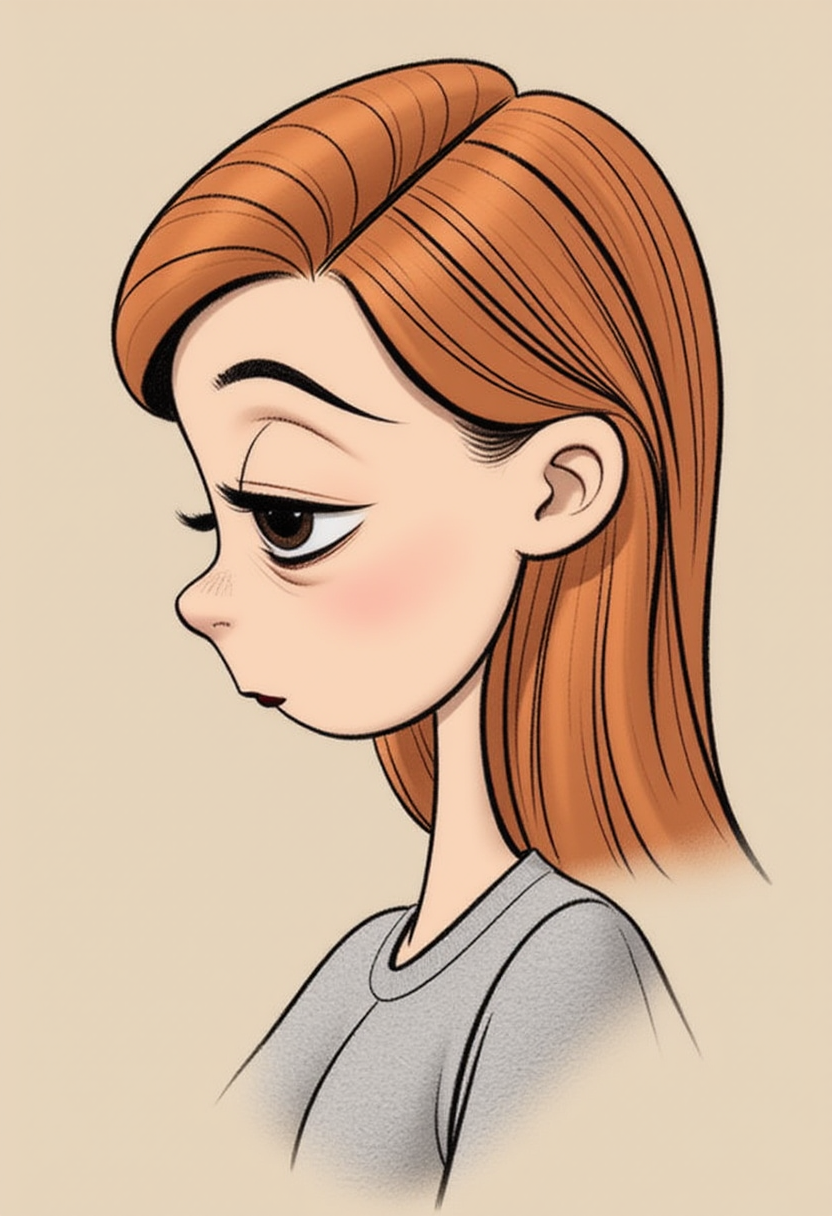
Cartoon girl
flux

"SHOT COMPOSITION": "Wide shot captured with a 24mm wide-angle lens on a Sony A7S III came…
dreamina
Models you can run on PixelDojo for flux 2 pro vs grok imagine
Switch models without switching tools. Each one runs in the same PixelDojo studio.
What you can do with flux 2 pro vs grok imagine on PixelDojo
Side by Side Model Tests
Run the same prompt on Flux 2 Pro and Grok Imagine in one workspace so you can compare style, detail, and prompt adherence before you choose an output.
Flux 2 Pro Access
Generate images with Flux 2 Pro from PixelDojo using the same prompt, seed, and export tools you use for other models.
Grok Imagine Generation
Create images with Grok Imagine without leaving PixelDojo, then save, iterate, and download alongside your other generations.
Shared Prompt History
Keep prompts, settings, and outputs together so you can refine a concept across both models without rebuilding the request from scratch.
Loved by thousands of creators worldwide who generate professional images daily with PixelDojo’s 40+ AI tools. High ratings for quality, speed, and ease of use. Cancel anytime with no risk.
Why Choose Pixel Dojo for flux 2 pro vs grok imagine
Professional-quality results with cutting-edge AI technology
Produce Photorealistic Marketing Assets Instantly
You create product shots, lifestyle scenes, and campaign visuals that look indistinguishable from real photography, helping your ads and landing pages convert at higher rates without hiring a studio.
Iterate and Refine Ideas at Lightning Speed
You generate multiple variations, edit specific areas, and test compositions in seconds so you can lock in the perfect image for your brand before your competitors even start.
Maintain Perfect Character and Brand Consistency
You keep the same faces, products, and style across dozens of images, building recognizable campaigns that strengthen your brand identity and save hours of matching work.
How It Works
PixelDojo makes Flux 2 Pro vs Grok Imagine image generation simple so you can focus on results. Choose the model that matches your goal, describe your vision, and download ready-to-use files.
Step 1: Choose Your Tool
Log into PixelDojo and select Flux.2 Studio when you need maximum photorealistic detail and production quality, or choose Grok Image when you want fast generation plus built-in editing. Both sit alongside Nano Banana 2, GPT Image 2, Krea Image, and dozens of other tools so you always have the right option.
Step 2: Enter Your Prompt
Type a natural-language description of the scene, product, or character you want. Include lighting, camera angle, mood, and any text that should appear. PixelDojo’s models follow detailed instructions closely, so you get images that match your exact vision on the first try or with quick refinements.
Step 3: Customize & Download
Use PixelDojo’s editing suite—Image to Image, Inpainting, Style Transfer, Background Remover, Reality Polisher, and upscalers like P-Image Upscale or Magnific Upscaler—to perfect every detail. Then download high-resolution files ready for any platform. You can also train custom models with Flux Trainer for even more control.
The Pixel Dojo Advantage
Why PixelDojo outperforms other options for Flux 2 Pro vs Grok Imagine image generation
| Others | Pixel Dojo |
|---|---|
| Traditional photography and studio shoots | You skip expensive location fees, models, and retouching time. Generate photorealistic variations in minutes and iterate until the image converts perfectly. |
| Generic AI tools | You access both Flux.2 Studio and Grok Image plus 40+ specialized tools, character consistency features, and professional editing in one place instead of juggling multiple platforms. |
| Manual photo editing | You replace hours of masking, lighting adjustments, and compositing with simple prompts and one-click edits, producing print-ready files faster than any traditional workflow. |
Loved by creators on PixelDojo
Real feedback from people using PixelDojo, pulled from our in-product surveys.
the amount you can do on this site
all in one place
It is a lot of fun to uae and easy too.
So many different models to try out
You keep adding to it to stay up to date and that is GOLD.
very easy to use and good support
Explore more AI tools on PixelDojo
Popular AI Models
AI Tools
Compare & Switch
- Best AI Image Generators
- Best AI Video Generators
- Midjourney Alternatives
- Civitai Alternatives
- Runway Alternatives
- Leonardo Alternatives
- Pika Alternatives
- Luma Alternatives
- Magnific Alternatives
- Veo Alternatives
- Flux Alternatives
- Freepik Alternatives
- Seedance Alternatives
- Seedream Alternatives
- Pixverse Alternatives
- GPT Image Alternatives
- Synthesia Alternatives
- Playground Alternatives
- NightCafe Alternatives
- Canva AI Alternatives
- ElevenLabs Alternatives
- ComfyUI Alternatives
- Fal Alternatives
- Replicate Alternatives
Common Questions
Everything you need to know about flux 2 pro vs grok imagine
What is the difference between Flux 2 Pro and Grok Imagine for AI image generation?
On PixelDojo you use Flux.2 Studio for the highest photorealistic fidelity, precise lighting, and production-ready output that works beautifully for product photography and architectural scenes. Grok Image delivers faster generation plus powerful built-in editing so you can iterate quickly and refine specific areas. Many creators start with Grok Image for ideas then finish with Flux.2 Studio for final quality. Both are available alongside your other favorite tools.
Which model is better for photorealistic product photography, Flux 2 Pro or Grok Imagine?
Flux.2 Studio on PixelDojo typically produces the most convincing material textures, accurate lighting, and studio-quality product shots that look like they were captured by a professional photographer. Grok Image is excellent when you need many variations fast or want to edit an existing photo. You can generate with one and polish with the other, then upscale using Magnific Upscaler or P-Image Upscale for any size you need.
How do I generate images with Flux 2 Pro on PixelDojo?
Simply open Flux.2 Studio, type a detailed prompt describing your subject, setting, lighting, and style, then generate. PixelDojo handles the rest. You can add reference images for consistency, use Image to Image for variations, and finish with Reality Polisher or Background Remover. Thousands of creators use this exact workflow every day to produce campaign-ready visuals.
Can I edit images generated with Grok Imagine on PixelDojo?
Yes. Grok Image includes strong editing capabilities, and PixelDojo adds even more with Inpainting, Change Camera Angle, Style Transfer, Magic Lighting, and Video tools if you want to animate. You can also send any image to other models or upscalers. Everything stays in one account so you never lose your work.
Is PixelDojo good for consistent character generation using Flux 2 Pro vs Grok Imagine?
Absolutely. Combine Flux.2 Studio or Grok Image with PixelDojo’s Consistent Characters, Character Sheets, Ideogram Character, Face Swap, and LoRA Face Swap tools. You keep the same person or product looking identical across poses, outfits, and scenes. This is one of the most popular workflows for brands and content creators who need a recognizable look.
How much does it cost to use Flux.2 Studio and Grok Image on PixelDojo?
PixelDojo offers flexible access to 40+ cutting-edge AI tools including both models. You can start creating immediately, and you can cancel anytime. Many users find they produce more images at higher quality for less than traditional photography or multiple separate subscriptions. Check current plans inside your account—there is no long-term commitment.