recraft v4.1 pro online AI Generator
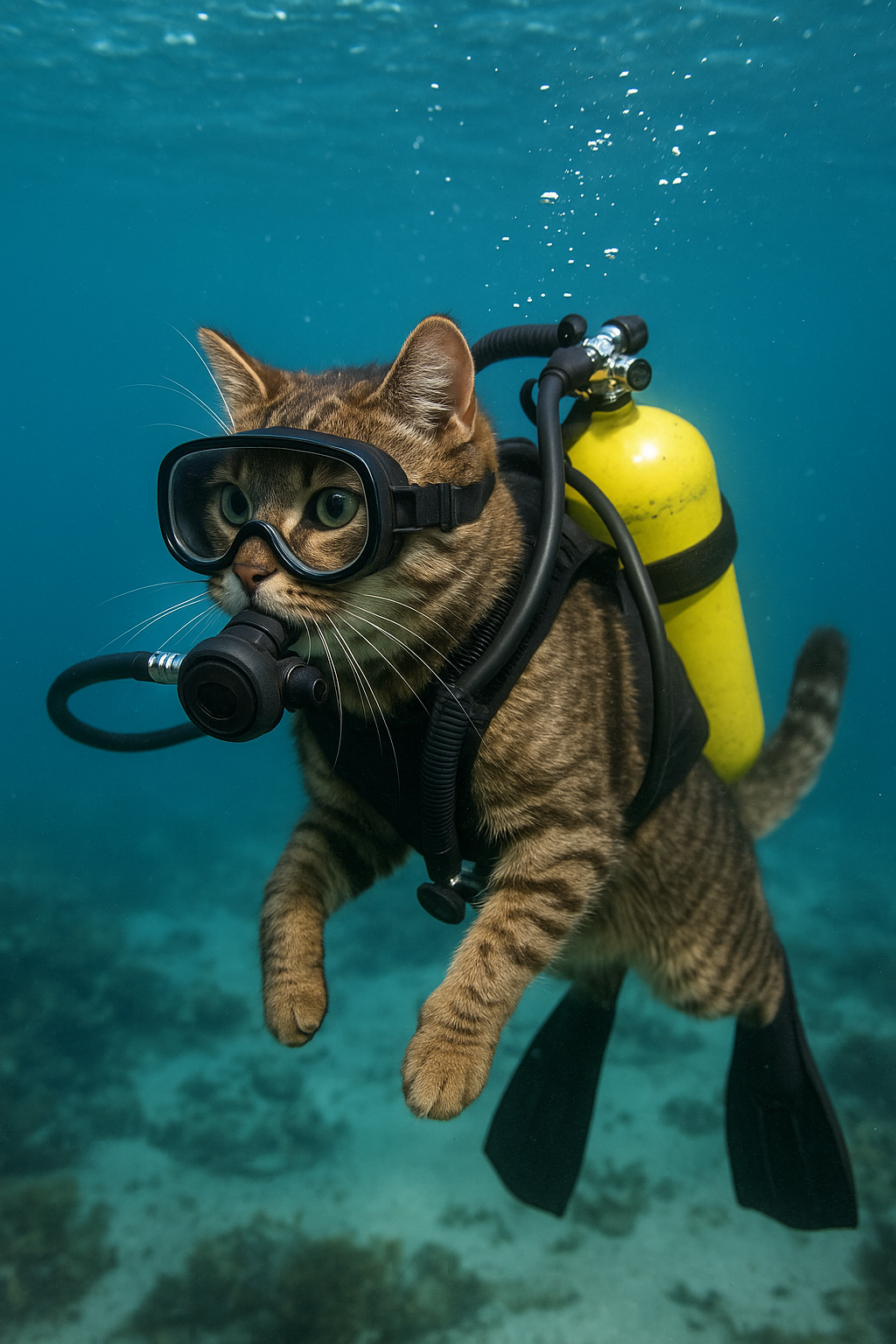
Generated on PixelDojo. Produced by PixelDojo's generation pipeline.
You deserve images that look like they came from a top design studio, not a generic generator. With Recraft V4.1 Pro online on PixelDojo, you create print-ready photographs, brand packaging, editorial illustrations and product mockups that carry real design taste—intentional composition, natural lighting, harmonious colors and material realism that hold up at large scale. Whether you need a magazine-quality portrait, a hero product shot for e-commerce or scalable artwork for campaigns, Recraft V4.1 Pro delivers 2048px+ resolution so your work is ready for print, packaging or large displays without extra steps. PixelDojo puts this powerful model at your fingertips alongside 40+ other cutting-edge tools, so you skip the learning curve and go straight to results you can actually use. Thousands of creators already turn short ideas into polished assets every day. Start generating Recraft V4.1 Pro images that elevate your brand, save hours of production time and impress clients instantly.
Real image examples generated on PixelDojo
Every example below was produced on PixelDojo. Hover to see the prompt.
Realistic cat scuba diving
stable-diffusion
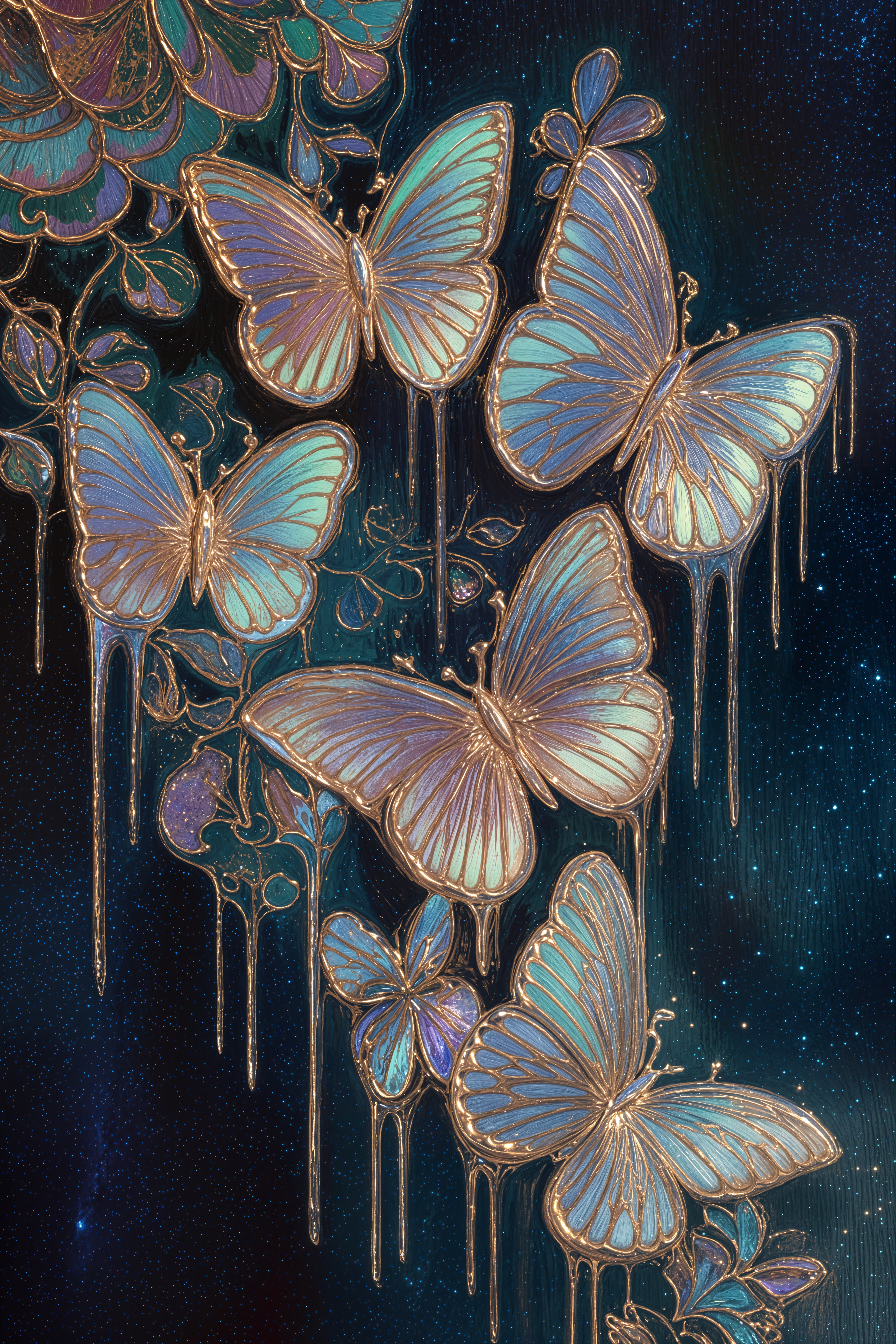
recraft v4.1 pro online on PixelDojo
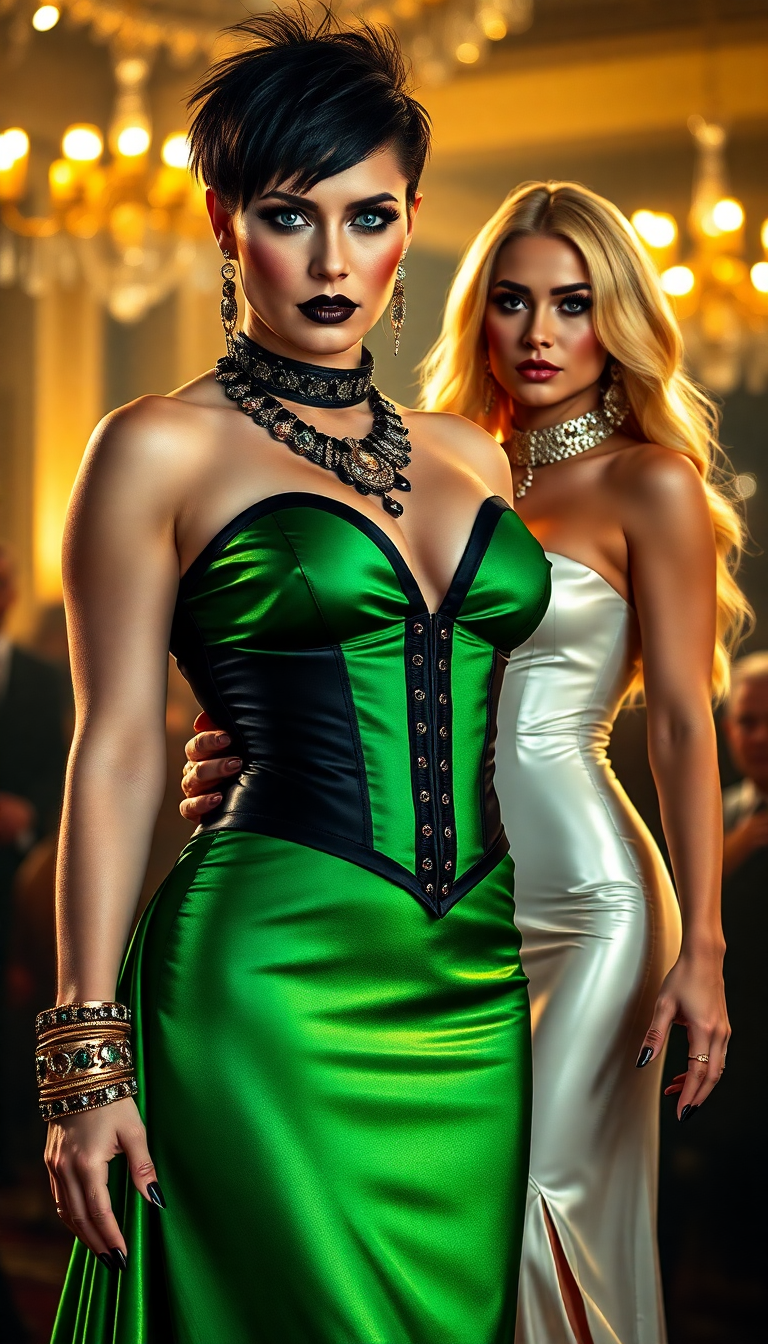
A striking portrait of wrestler Becky Lynch
flux

Masterpiece
creative-upscaler
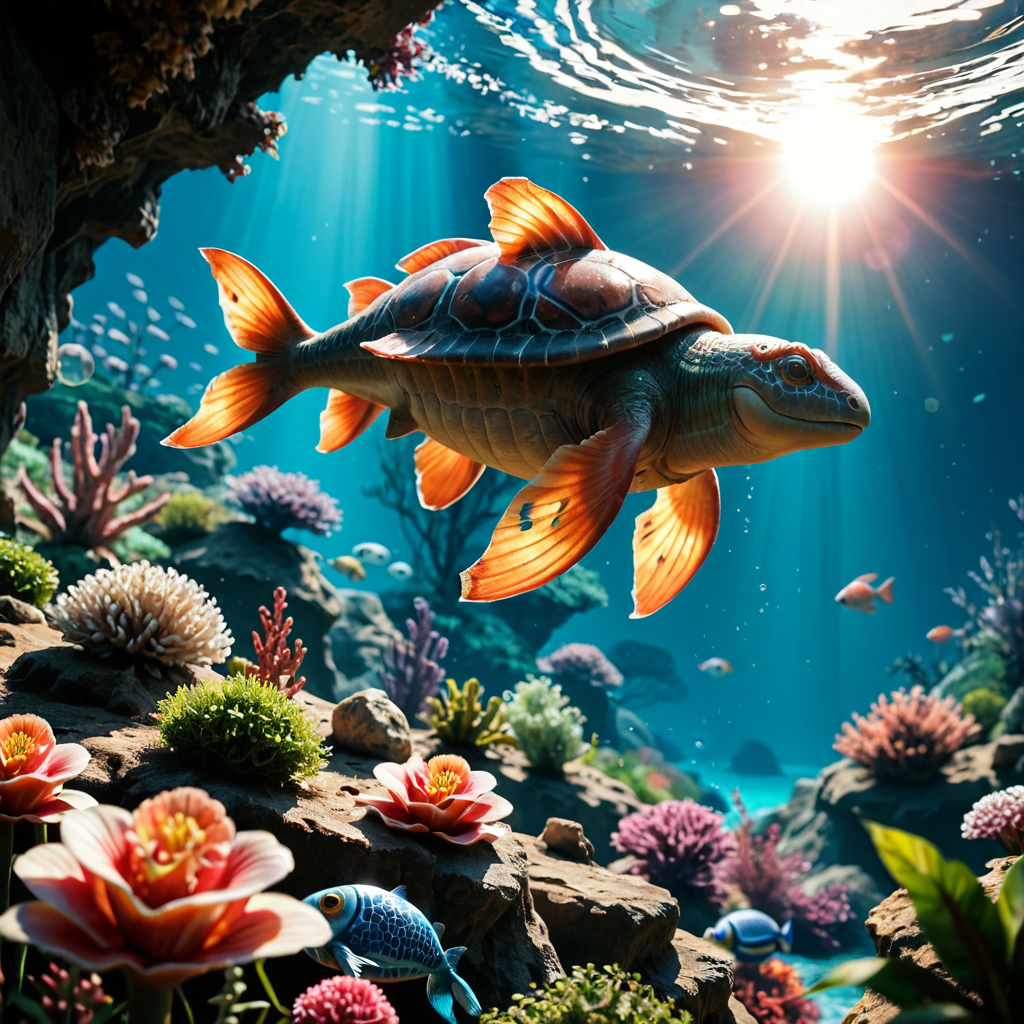
A vibrant coral reef alive with tropical fish and a sea turtle
ponyxl
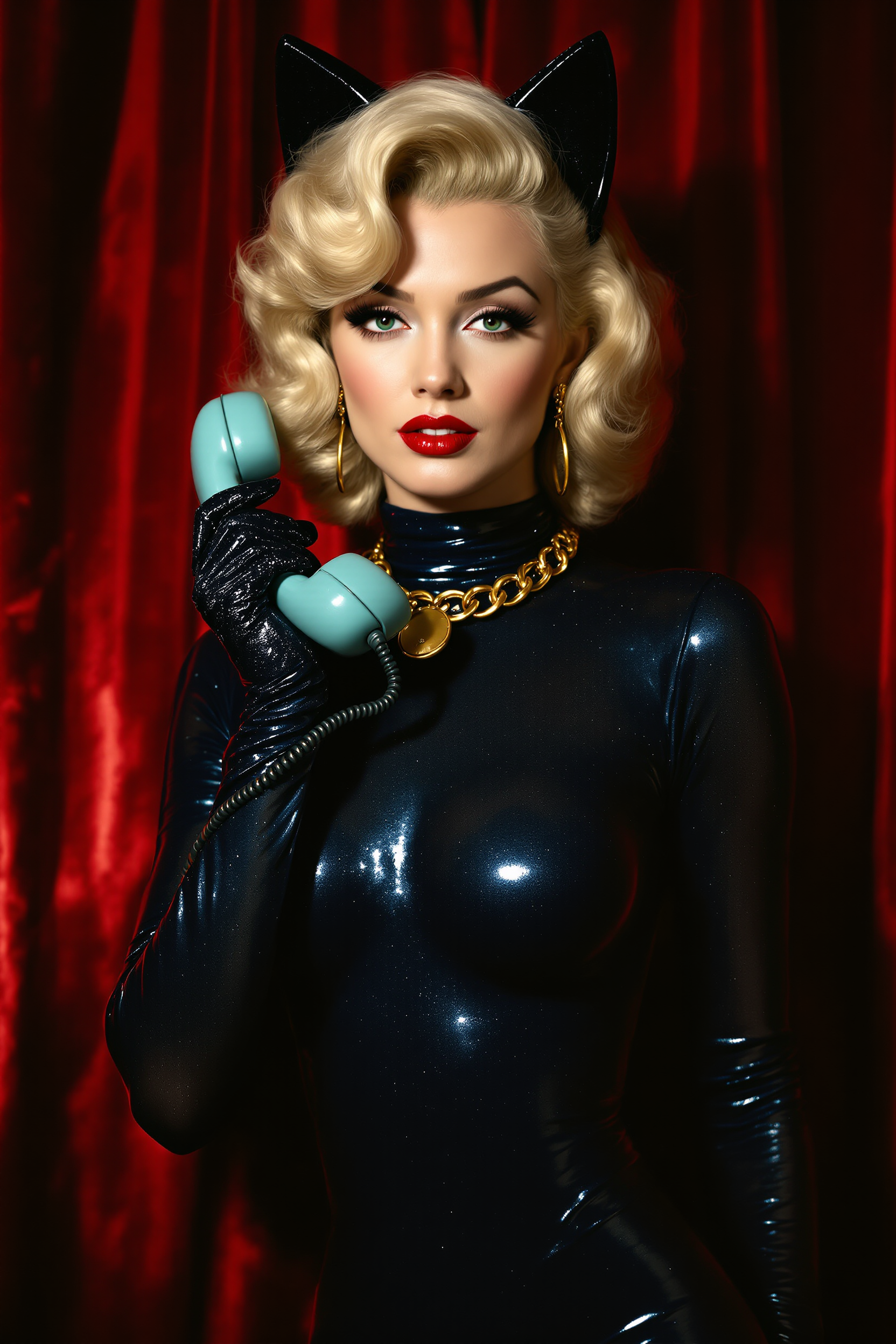
Marilyn Monroe
flux
Models you can run on PixelDojo for recraft v4.1 pro online
Switch models without switching tools. Each one runs in the same PixelDojo studio.
What you can do with recraft v4.1 pro online on PixelDojo
Recraft V4.1 Pro Access
We host Recraft V4.1 Pro in the browser so you can generate images without installing desktop software. You pick a prompt, style, and size, then download the result.
Design Oriented Image Output
Use Recraft for product shots, posters, icons, and layout-style art with clearer shapes and cleaner type than typical photo models. You can iterate until the composition fits your brief.
Prompt Control And Variants
We let you refine prompts, aspect ratios, and style settings, then generate multiple variants in one session. Keep what works and discard the rest without leaving PixelDojo.
Ready Files For Creators
Export generations as standard image files you can drop into editors, social posts, or client decks. Your Recraft runs stay in your PixelDojo workspace so you can revisit and regenerate later.
Loved by thousands of designers, marketers and brands worldwide. PixelDojo users generate millions of Recraft V4.1 Pro images with 4.9/5 satisfaction. Access 40+ cutting-edge AI tools, cancel anytime.
Why Choose Pixel Dojo for recraft v4.1 pro online
Professional-quality results with cutting-edge AI technology
Print-Ready High-Resolution Assets
You produce 2048px+ Recraft V4.1 Pro images that survive close inspection and physical reproduction. Perfect for packaging, posters, editorial spreads and large-format displays without quality loss.
Built-In Professional Design Taste
Every Recraft V4.1 Pro generation on PixelDojo arrives with art-directed composition, lived-in lighting and color harmony. You skip endless tweaks and get images that feel commissioned, not generated.
Faster Path From Idea to Finished Work
You turn a simple sentence or detailed brief into coherent, beautiful Recraft V4.1 Pro images in seconds. Iterate freely, then enhance with PixelDojo editing and upscaling tools for campaign-ready files.
How It Works
Creating Recraft V4.1 Pro images online with PixelDojo takes minutes. Select the model, describe what you want and download production-quality files you can use immediately.
Step 1: Choose Recraft V4.1 Pro
Log into PixelDojo and go to Generate Images. Select Recraft V4.1 for high-resolution output with design taste. Combine it with Flux.2 Studio or Ideogram 4 when you need extra style exploration or character consistency.
Step 2: Enter Your Prompt
Type a short or detailed description. Recraft V4.1 Pro understands intent naturally, so even a sentence like 'artisan coffee bag on dark slate, warm top light, earth palette' produces a polished hero shot. Add color palettes or aspect ratios for brand control.
Step 3: Customize, Enhance & Download
Generate variants, then refine with Image to Image, Inpainting or Style Transfer. Upscale further using Magnific Upscaler or P-Image Upscale. Download print-ready files or continue into Video tools like Kling Video for motion.
The Pixel Dojo Advantage
Why PixelDojo outperforms other options for Recraft V4.1 Pro online image generation
| Others | Pixel Dojo |
|---|---|
| Traditional design and photography | You skip days of shoots, retouching and designer fees. Recraft V4.1 Pro on PixelDojo delivers art-directed, high-res results in seconds you can use for print and web immediately. |
| Generic AI tools | Generic generators lack Recraft V4.1 Pro's design taste and native high resolution. PixelDojo gives you professional composition, accurate text and print-ready files plus 40+ complementary tools in one place. |
| Manual photo editing | Hours in editing software become minutes. Generate, then polish with PixelDojo's Inpainting, Background Remover, Reality Polisher and Magnific Upscaler for campaign assets without the labor. |
Loved by creators on PixelDojo
Real feedback from people using PixelDojo, pulled from our in-product surveys.
The Flux Pro Ultra is just amazing!
Very easy to use, and they have fast wan 2.2 video generation with custom loras available.
The overall quality of the site and it's amazing variety of tools. The continued updates of the UI. The unbelievable level of tech support.
THIS IS SO DOPE !
I have already recommended it to friends
All the tools, plus the guidance
Explore more AI tools on PixelDojo
AI Tools
Compare & Switch
- Best AI Image Generators
- Best AI Video Generators
- Midjourney Alternatives
- Civitai Alternatives
- Runway Alternatives
- Leonardo Alternatives
- Pika Alternatives
- Luma Alternatives
- Magnific Alternatives
- Veo Alternatives
- Flux Alternatives
- Freepik Alternatives
- Seedance Alternatives
- Seedream Alternatives
- Pixverse Alternatives
- GPT Image Alternatives
- Synthesia Alternatives
- Playground Alternatives
- NightCafe Alternatives
- Canva AI Alternatives
- ElevenLabs Alternatives
- ComfyUI Alternatives
- Fal Alternatives
- Replicate Alternatives
Common Questions
Everything you need to know about recraft v4.1 pro online
How do I generate Recraft V4.1 Pro images online with PixelDojo?
Sign up on PixelDojo, choose Recraft V4.1 from Generate Images, enter your prompt and select high-resolution settings. You get print-ready files in seconds. Pair with Flux.2 Studio or Seedream 5 for extra variations, then enhance using Image Outpainting or Portrait Upscaler.
What makes Recraft V4.1 Pro better for print-ready work?
Recraft V4.1 Pro on PixelDojo outputs native 2048px+ images with natural photorealism, smooth gradients and strong material detail that survive printing and large displays. You avoid upscaling artifacts common in lower-res models and get assets ready for packaging, posters and editorial use.
Can I create logos and illustrations with Recraft V4.1 Pro online?
Yes. Recraft V4.1 Pro excels at design-quality illustrations, product mockups and typography. For true vector output use the Recraft family tools on PixelDojo, then refine with Style Transfer or Character Sheets. Thousands of users produce brand assets this way daily.
Is Recraft V4.1 Pro available without expensive subscriptions?
PixelDojo lets you try Recraft V4.1 Pro and 40+ other tools with flexible credits. Cancel anytime. You get professional results without locking into a single expensive platform, plus editing, video and 3D tools like Rodin and Hunyuan 3D in the same account.
How does Recraft V4.1 Pro handle short prompts for professional images?
Recraft V4.1 Pro on PixelDojo reads short prompts with creative-director-level understanding, filling in lighting, composition and taste automatically. You still get full control with longer briefs. Combine with Grok Image or QWEN Image 2 when you want complementary styles.
Can I edit Recraft V4.1 Pro images after generation on PixelDojo?
Absolutely. Use Image to Image, Inpainting, Change Camera Angle, Magic Lighting, Background Remover and Reality Polisher. Then upscale with Magnific Upscaler or Clarity Pro. You can even turn stills into video with Kling Video or WAN 2.7 Video for complete campaigns.