replicate face to many AI Generator
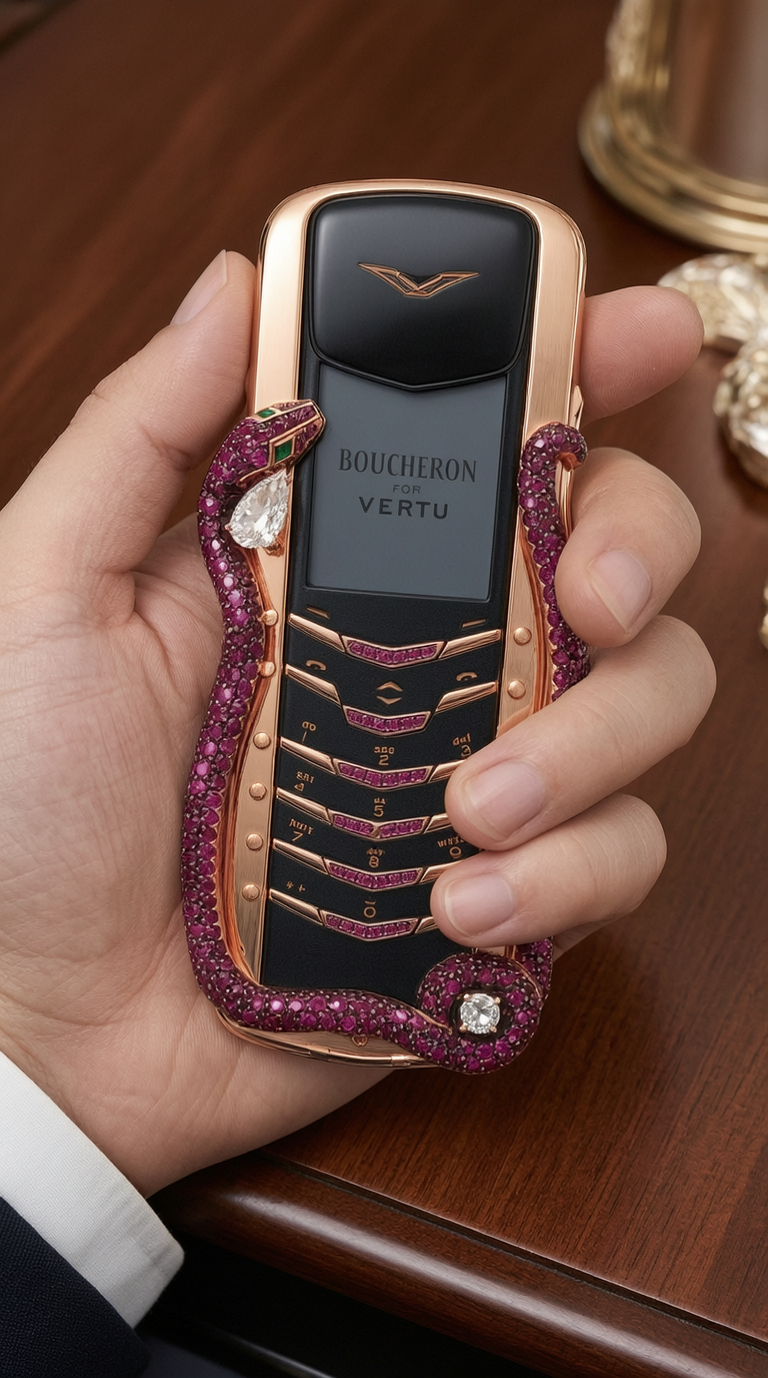
Generated on PixelDojo. Produced by PixelDojo's generation pipeline.
Imagine taking a single face – yours, a celebrity's, or a custom creation – and seamlessly replicating it across countless images, scenes, and styles. With PixelDojo's AI-powered tools, you can achieve professional-grade face replication that brings your ideas to life without hours of manual editing. Whether you're building consistent characters for stories, trying on virtual outfits, or generating personalized content for social media, PixelDojo makes it simple to replicate faces to many images, delivering stunning, high-quality results that captivate your audience and save you time. Unlock endless creative possibilities and turn your visions into reality today.
Real image examples generated on PixelDojo
Every example below was produced on PixelDojo. Hover to see the prompt.
مار روی گوشی واقعی باشد edited
wan-2.7-image

Masterpiece
creative-upscaler
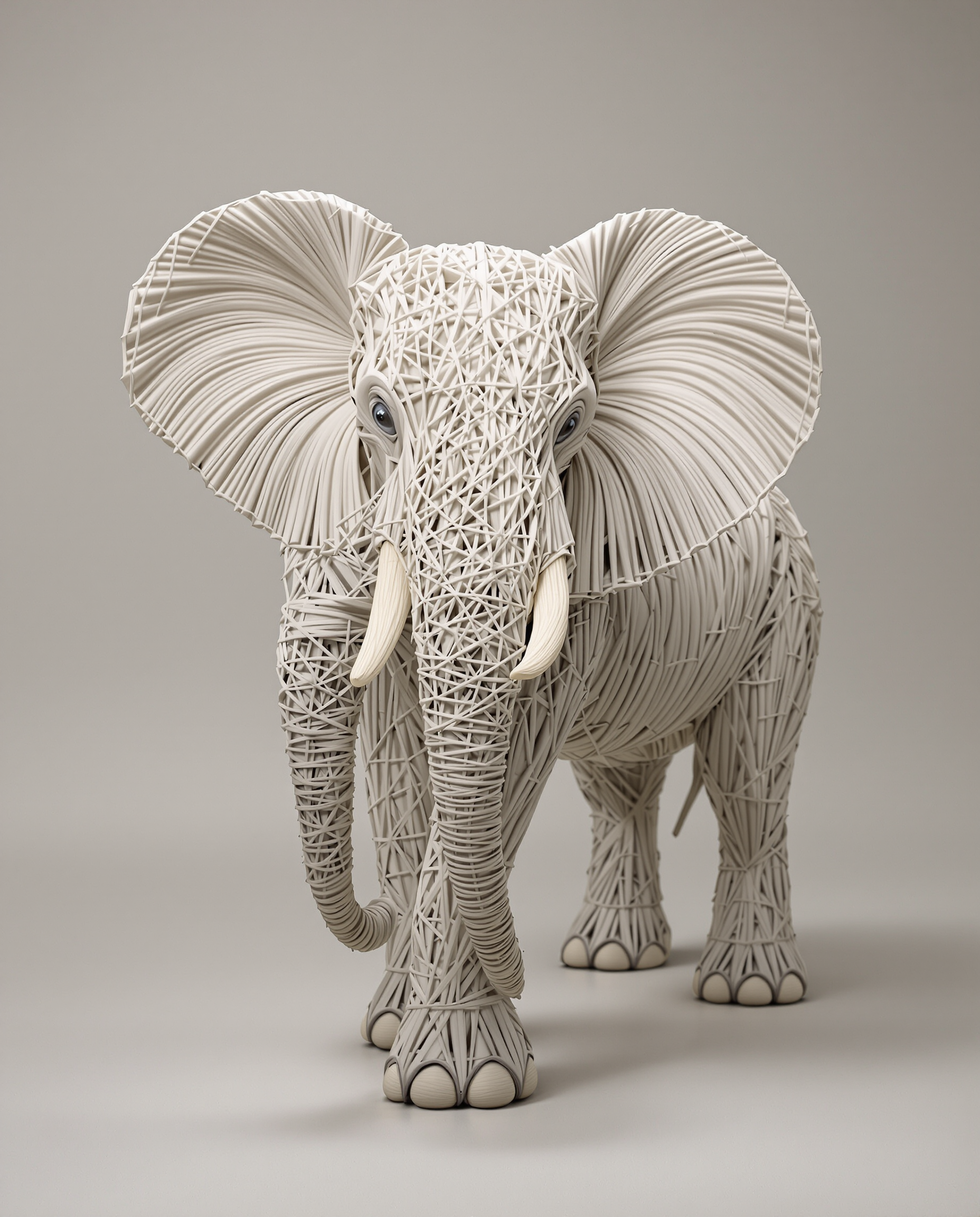
Una figura de elefante creada completamente con hilos de lana
flux
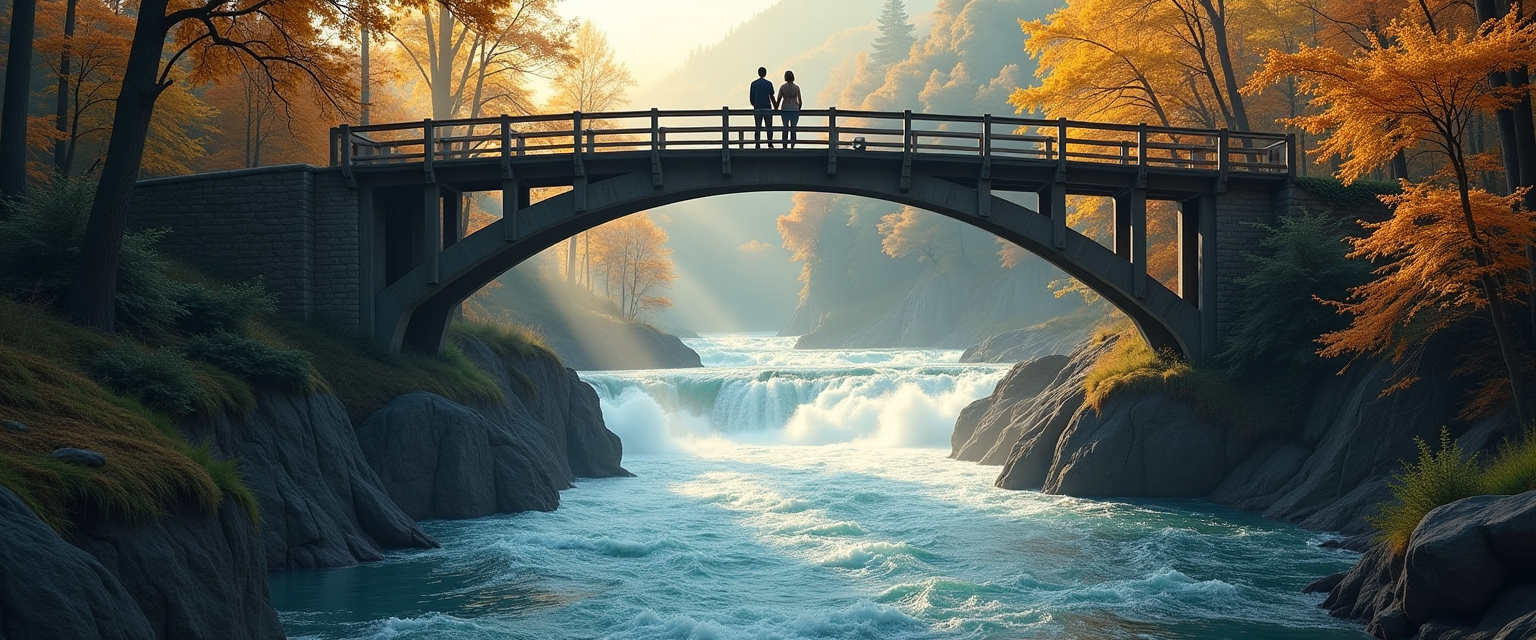
View from a lower position
flux
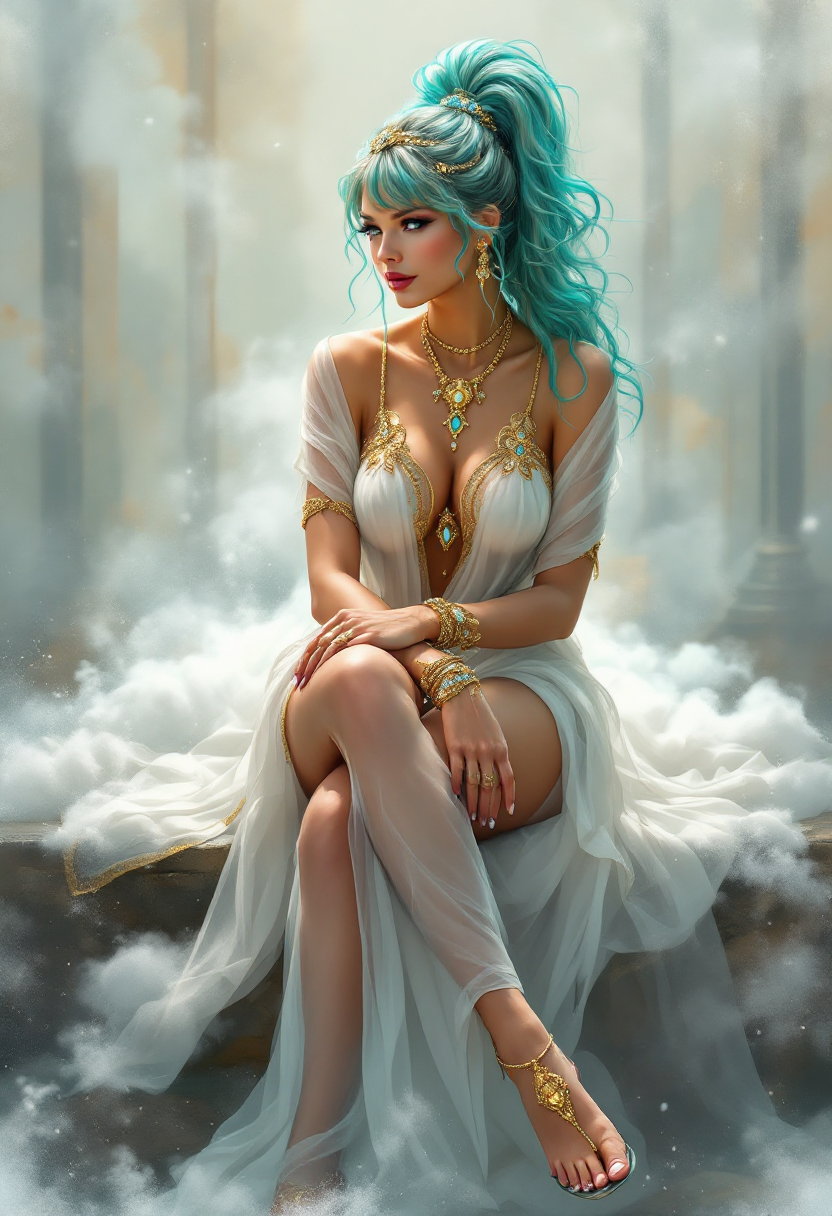
TOKSWIFTIE
flux
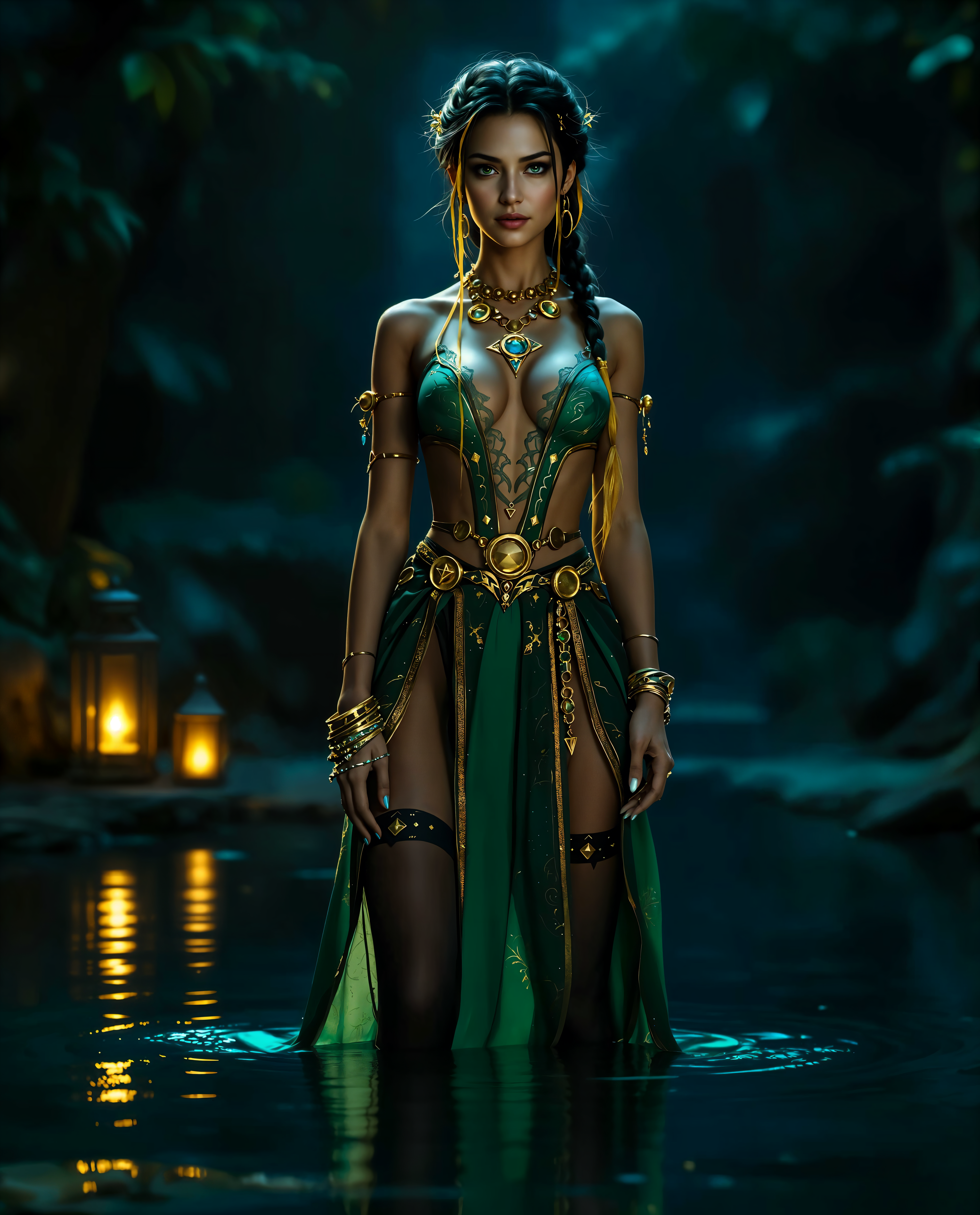
replicate face to many on PixelDojo
Models you can run on PixelDojo for replicate face to many
Switch models without switching tools. Each one runs in the same PixelDojo studio.
What you can do with replicate face to many on PixelDojo
Upload Face Reference Photo
Creators upload one face image. We apply that face to new image generations.
Create Multiple Face Outputs
We generate several images from a single face reference. Each output places the face in different scenes.
Control Face Placement Settings
Creators adjust pose and expression options. We produce consistent results across the set.
Export Face Replicated Images
We deliver the generated images in standard formats. Creators download batches for further use.
Join over 50,000 creators who have generated millions of images with PixelDojo. Rated 4.9/5 stars on Trustpilot from 2,500+ reviews. Featured in top creative blogs for innovative AI tools.
Why Choose Pixel Dojo for replicate face to many
Professional-quality results with cutting-edge AI technology
Achieve Perfect Consistency Across Images
Replicate a single face flawlessly in various poses, lighting, and environments, ensuring your characters or models look identical in every scene for professional storytelling or branding.
Save Time on Complex Edits
Instantly apply face replication to multiple images, eliminating the need for tedious manual adjustments and allowing you to focus on creativity rather than technical hurdles.
Enhance Personalization and Engagement
Create customized content like virtual try-ons or personalized avatars that boost audience interaction, perfect for e-commerce, social media, or entertainment projects.
How It Works
Creating replicate face to many images with PixelDojo is straightforward and user-friendly. Use our specialized tools like Consistent Characters, Virtual Try On, and Inpainting with LoRAs to generate consistent faces across multiple outputs effortlessly.
Step 1: Choose Your Tool
Start by selecting from PixelDojo's face replication tools such as Consistent Characters or Virtual Try On. Upload your source face image or generate one using Flux or SDXL to set the foundation for replication.
Step 2: Enter Your Prompt
Describe the scenes or styles where you want to replicate the face. For example, input prompts like 'replicate this face on a beach vacation photo' and let tools like Inpainting with LoRAs or Pose Control handle the seamless integration across multiple images.
Step 3: Customize & Download
Refine the outputs with edits using Background Remover or Style Transfer, then generate variations. Download your replicated face images in high resolution, ready for your projects.
The Pixel Dojo Advantage
Why PixelDojo outperforms other options for replicate face to many image generation
| Others | Pixel Dojo |
|---|---|
| Traditional face editing software | PixelDojo automates replication across many images in seconds, delivering consistent results without needing advanced skills or expensive software licenses. |
| Generic AI tools | Our specialized tools like Consistent Characters ensure precise face matching and style adaptability, far superior to basic generators that often produce inconsistent or low-quality outputs. |
| Manual photo editing | Skip the hours of painstaking work; PixelDojo replicates faces intelligently across batches, maintaining quality and saving you time for more creative pursuits. |
Loved by creators on PixelDojo
Real feedback from people using PixelDojo, pulled from our in-product surveys.
Very easy to use
super easy to use
it's very easy to use
Practically every Ai suite in one place? Who wouldn't?
versatile menu of tools
Best AI tool availble the suite is rad
Explore more AI tools on PixelDojo
AI Tools
Compare & Switch
- Best AI Image Generators
- Best AI Video Generators
- Midjourney Alternatives
- Civitai Alternatives
- Runway Alternatives
- Leonardo Alternatives
- Pika Alternatives
- Luma Alternatives
- Magnific Alternatives
- Veo Alternatives
- Flux Alternatives
- Freepik Alternatives
- Seedance Alternatives
- Seedream Alternatives
- Pixverse Alternatives
- GPT Image Alternatives
- Synthesia Alternatives
- Playground Alternatives
- NightCafe Alternatives
- Canva AI Alternatives
- ElevenLabs Alternatives
- ComfyUI Alternatives
- Fal Alternatives
- Replicate Alternatives
Common Questions
Everything you need to know about replicate face to many
How can I replicate a face to many images using AI on PixelDojo?
PixelDojo simplifies replicating a face to many images with tools like Consistent Characters and Inpainting with LoRAs. Upload your source face, input prompts for various scenes, and generate consistent replications. This allows you to create personalized content quickly, ideal for marketing or creative projects, with high-resolution outputs ready for download.
What are the best techniques for consistent face replication in multiple AI-generated images?
Leverage PixelDojo's Pose Control and Character Stylist for consistent face replication. These tools ensure the face maintains details like expressions and lighting across images. Recent trends show using LoRAs for fine-tuning, which PixelDojo supports, helping you achieve photorealistic results without inconsistencies.
Can PixelDojo help with virtual try-on by replicating my face to many outfit images?
Yes, PixelDojo's Virtual Try On tool excels at replicating your face to many outfit images. Upload your face, select outfits via prompts, and generate variations. This creates engaging, personalized visuals that can increase user interaction on your site or social media, all with easy customization options.
What trends in AI face replication should I know for generating multiple images?
Current trends include using advanced models for hyper-realistic replication, as seen in tools like Flux and SDXL on PixelDojo. Focus on consistency with features like Infinite You, which replicates faces across endless variations. This helps in trending applications like social media avatars or game character design, ensuring your outputs stay ahead of the curve.
How to use PixelDojo for replicating celebrity faces to many custom scenarios?
With PixelDojo's Ideogram Character and Style Transfer, replicate celebrity faces to many custom scenarios by inputting descriptive prompts. Generate scenes like 'celebrity face in a fantasy world' and refine with editing tools. This empowers you to create fun, shareable content while maintaining ethical use and high quality.
Is there a way to train models for better face replication on PixelDojo?
Absolutely, use PixelDojo's FLUX Model Trainer or SDXL Model Trainer to fine-tune models for superior face replication. Train on your datasets for personalized consistency across many images. This advanced capability lets you achieve custom outcomes, like branded characters, with results that outperform standard tools.