runware alternative
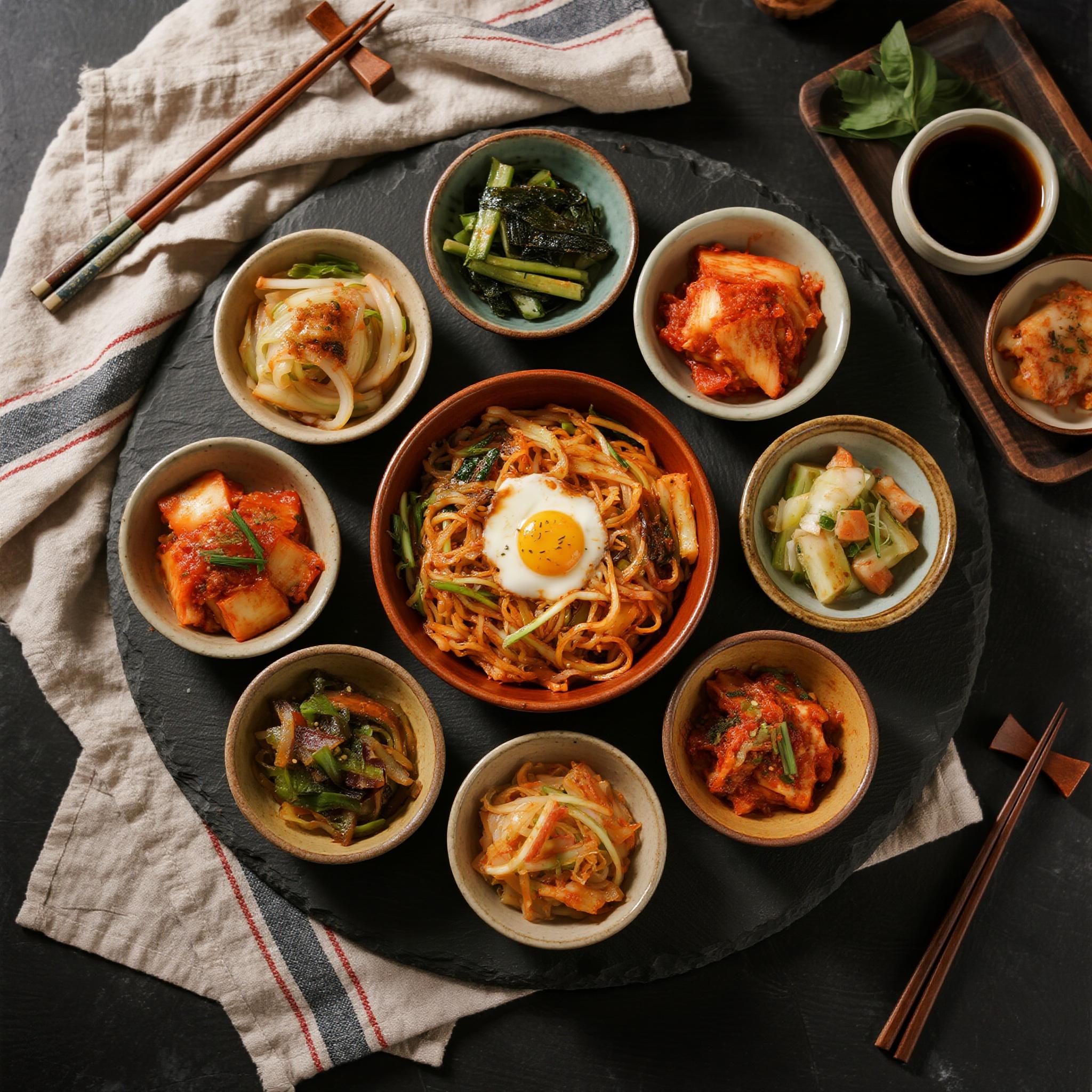
Generated on PixelDojo. Produced by PixelDojo's generation pipeline.
You deserve a runware alternative that puts professional results in your hands without complexity. With PixelDojo you transform ideas into campaign-ready images, cinematic videos, consistent characters and polished edits in moments. Generate photorealistic product shots, social content, storyboards or branded visuals that capture attention and drive action. Access specialized engines like Nano Banana 2 for rapid concepts, GPT Image 2 and Flux.2 Studio for detailed scenes, Krea Image, Riverflow, Luma UNI 1, QWEN Image 2, Seedream 5, Recraft V4.1, Ideogram 4 and Hunyuan Image 3. Then bring them to life with Marketing Studio, VEO 3.1, Kling Video, WAN 3.0, Seedance 2.5 or PixVerse V6. Maintain identity across every frame using Consistent Characters, Character Sheets, Ideogram Character, WAN Video Character Swap and Kling Avatar. Edit with Image to Image, Inpainting, Style Transfer, Magic Lighting, Background Remover and Reality Polisher. Upscale via P-Image Upscale, Magnific Upscaler or Clarity Pro. Add 3D with Rodin and Hunyuan 3D, audio via Text to Music, or train custom models with Flux Trainer and QWEN Trainer. Developers integrate everything through the Developer API. You launch faster, stay on brand and scale output while thousands of creators already trust the platform. Enjoy 40+ cutting-edge AI tools, loved by thousands of creators worldwide, cancel anytime.
Real image examples generated on PixelDojo
Every example below was produced on PixelDojo. Hover to see the prompt.
Drm-food
image-to-image

Wan-food
image-to-image
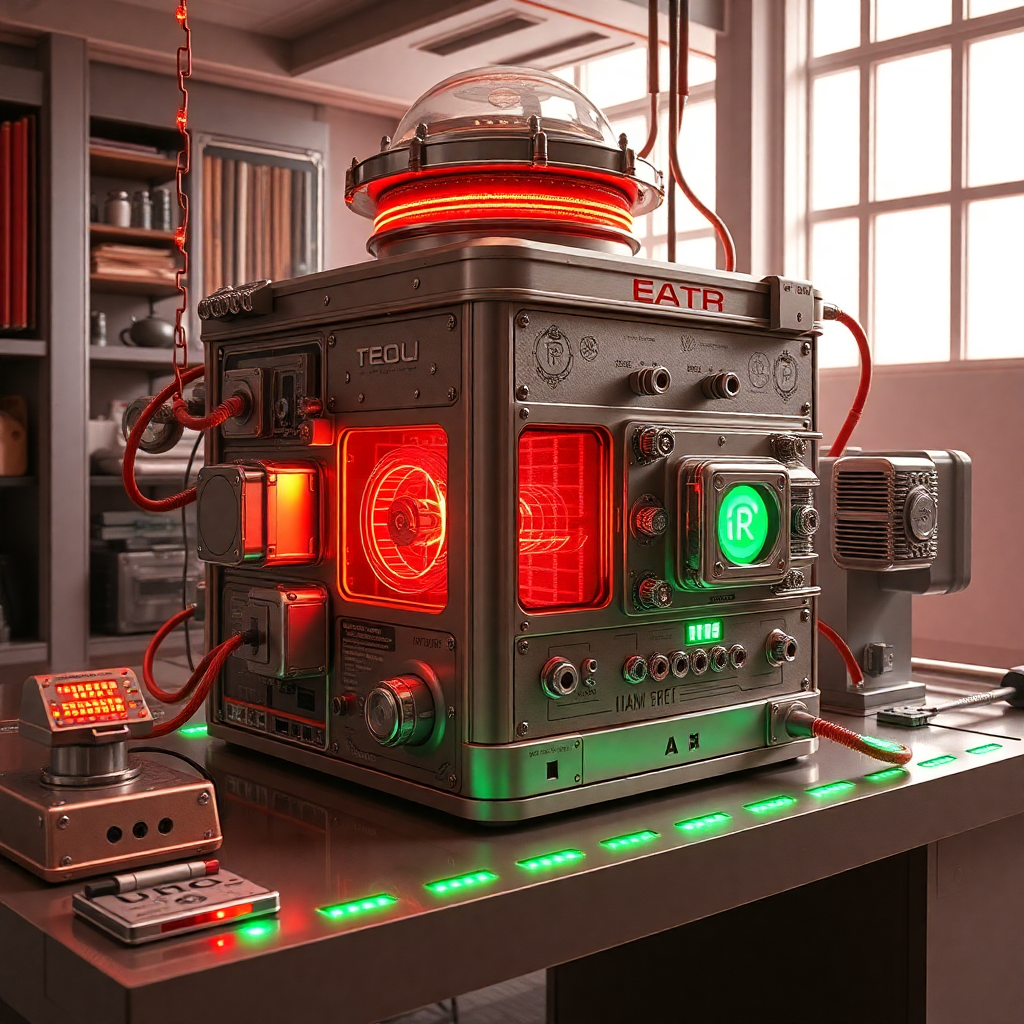
An atomic replicator
flux
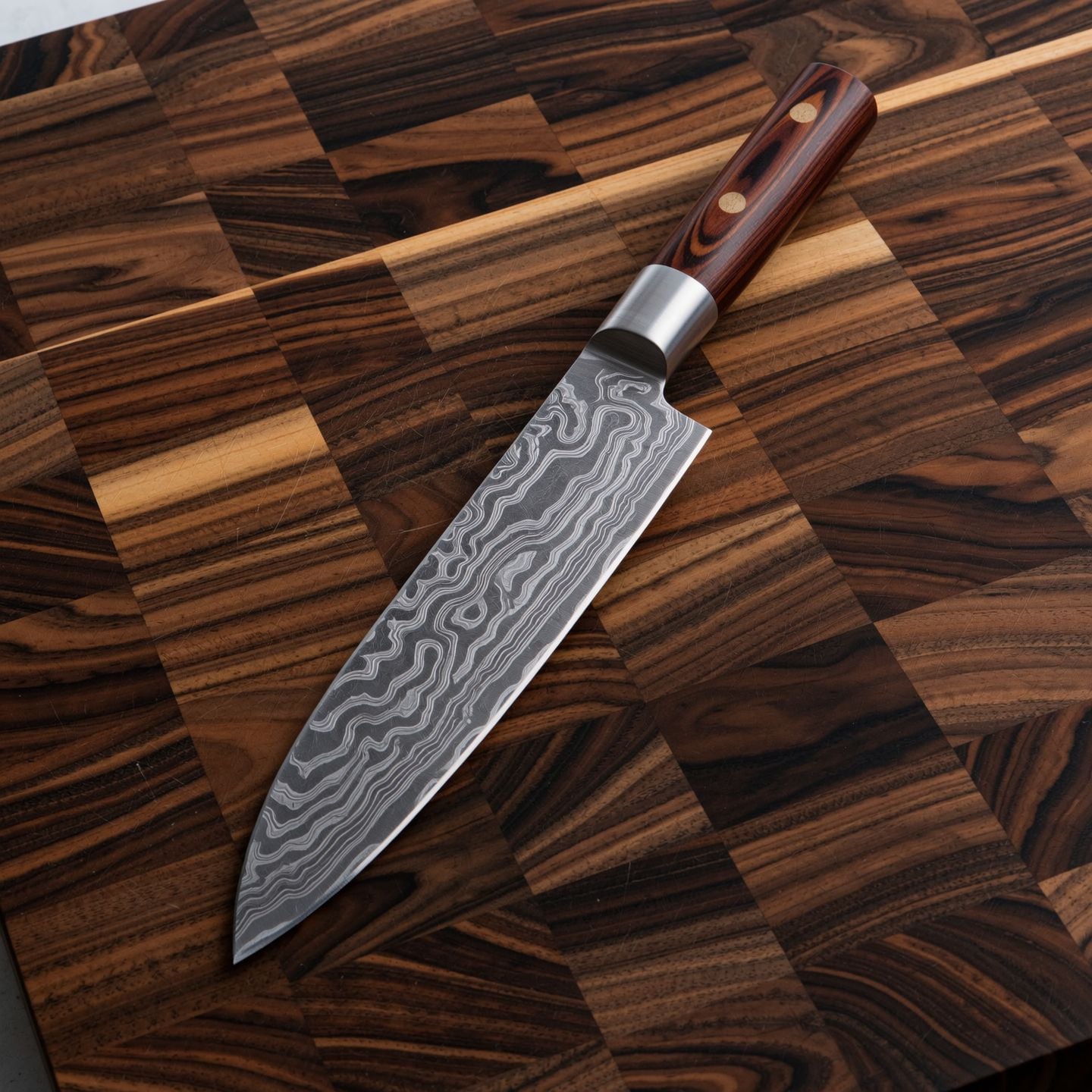
Wi-product
image-to-image

Wan-cinematic
image-to-image
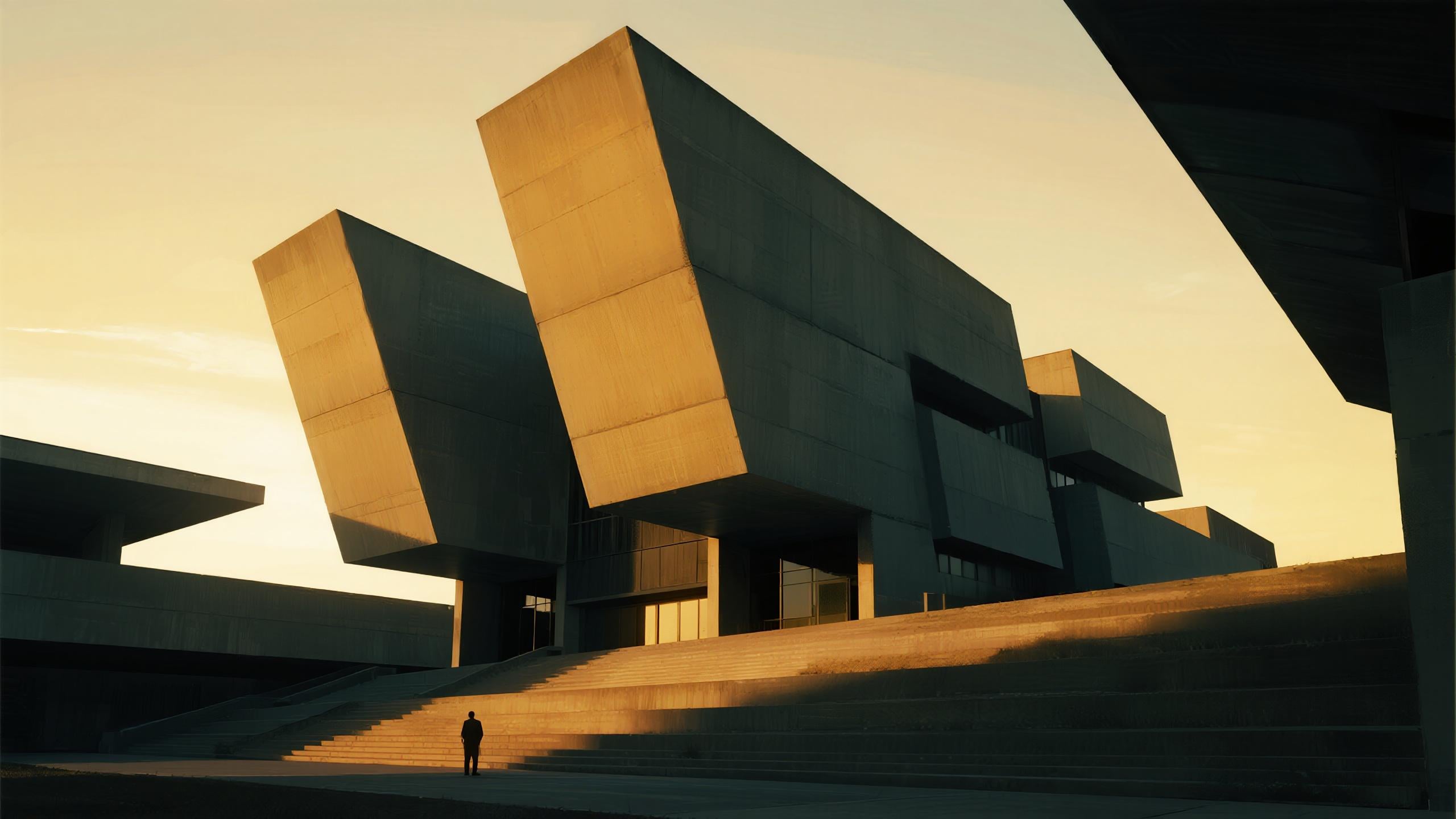
Drm-architecture
image-to-image
Models you can run on PixelDojo for runware alternative
Switch models without switching tools. Each one runs in the same PixelDojo studio.
What you can do with runware alternative on PixelDojo
Many Image Models
We give you access to several image generation models in one workspace so you can pick the look that fits each project. Switch models without leaving PixelDojo.
Prompt And Control Tools
You can refine prompts, generate variations, and steer composition with the controls we provide. Iterate until the still matches what you need.
Batches And Fast Renders
We support batch jobs and quick single images so you can explore ideas without waiting on a long queue. Keep generating while you review results.
Download Ready Assets
We let you export images at usable resolutions for mockups, posts, and production. Organize outputs in your PixelDojo library for later reuse.
Loved by thousands of creators worldwide. Access 40+ cutting-edge AI tools that deliver professional results every time. Cancel anytime and keep creating without risk.
Why Choose Pixel Dojo for runware alternative
Professional-quality results with cutting-edge AI technology
Launch Campaigns with Instant Professional Visuals
You produce high-converting product photos, ads and social graphics using Flux.2 Studio, GPT Image 2, Seedream 5 and Recraft V4.1. Skip costly shoots and receive ready-to-publish assets that look studio-crafted from a simple description.
Keep Characters and Stories Perfectly Consistent
You build recognizable faces and worlds that stay identical across images and videos with Consistent Characters, Character Sheets, Kling Avatar and WAN Video Character Swap. Create series, mascots and narratives that feel cohesive and professional.
Refine, Enhance and Deploy Without Extra Software
You polish every piece using Inpainting, Change Camera Angle, Video Autocaption, Merge Videos and FLUX Video Upscale. Train branded models or connect via API Keys so your workflow stays fast, flexible and entirely inside one platform.
How It Works
You create stunning results as your runware alternative in three straightforward steps using PixelDojo’s dedicated tools.
Step 1: Choose Your Tool
Pick the right engine for your goal. Select Nano Banana 2 or Z Image Turbo for speed, Flux.2 Studio or Qwen 3 Pro for quality, Kling Image or WAN Image for style, then move to video with VEO 3.1, Grok Video or Seedance 2. You match the tool to the exact outcome you want.
Step 2: Enter Your Prompt
Describe the scene, upload a reference for Image to Image or Inpainting, or start from an existing frame. Add lighting, camera angle or style notes. Tools like QWEN Image, ImagineArt and P-Image Ideogram follow your words closely so you stay in control of every detail.
Step 3: Customize & Download
Apply Style Transfer, Magic Lighting, Background Remover or Video Reframe. Upscale with Portrait Upscaler or Creative Upscaler, add captions, then download or send through the Developer API. You finish with print-ready, web-ready files in minutes.
The Pixel Dojo Advantage
Why PixelDojo outperforms other options for AI image and video generation as a complete runware alternative.
| Others | Pixel Dojo |
|---|---|
| Traditional photography and video production | You eliminate location scouting, talent fees and long edit timelines. Generate unlimited on-brand variations with P-Image, Film Studio and Happy Horse in the time it used to take to set up a single shot. |
| Generic single-model platforms | You access 40+ specialized tools including Recraft V4.1 for vectors, Hunyuan 3D, OmniHuman and full suites for characters, audio and custom training instead of being locked into one aesthetic or capability. |
| Manual photo and video editing software | You replace hours of masking and color work with one-click Reality Polisher, Image Outpainting, Video Analyzer and Extract Frame. Results stay consistent and you move from concept to finished asset in a fraction of the time. |
Loved by creators on PixelDojo
Real feedback from people using PixelDojo, pulled from our in-product surveys.
Best AI tool availble the suite is rad
Versatility quality, value, ROI, innovation
variety of tools available and prompt tools
A "one-stop-shop" for creators! Thanks!!
Lots of different tools. It's easy to purchase more credits.
Amazing performance!
Explore more AI tools on PixelDojo
AI Tools
Compare & Switch
- Best AI Image Generators
- Best AI Video Generators
- Midjourney Alternatives
- Civitai Alternatives
- Runway Alternatives
- Leonardo Alternatives
- Pika Alternatives
- Luma Alternatives
- Magnific Alternatives
- Veo Alternatives
- Flux Alternatives
- Freepik Alternatives
- Seedance Alternatives
- Seedream Alternatives
- Pixverse Alternatives
- GPT Image Alternatives
- Synthesia Alternatives
- Playground Alternatives
- NightCafe Alternatives
- Canva AI Alternatives
- ElevenLabs Alternatives
- ComfyUI Alternatives
- Fal Alternatives
- Replicate Alternatives
Common Questions
Everything you need to know about runware alternative
What is the best runware alternative for AI image generation in 2025?
PixelDojo stands out because you get 40+ dedicated tools in one place. Generate with Flux.2 Studio, GPT Image 2, Seedream 5 and Ideogram 4, then edit, upscale and animate without switching apps. Thousands of creators already produce professional work here and you can cancel anytime.
How do I create videos using a runware alternative like PixelDojo?
You start in Marketing Studio or choose VEO 3.1, Kling Video, WAN 3.0, Seedance 2.5 or PixVerse V6. Describe the motion or upload a still, then refine with Grok Video Edit or Video Autocaption. You walk away with social-ready clips that match your brand perfectly.
Can I edit existing images as part of this runware alternative?
Yes. You use Image to Image, Inpainting, Change Camera Angle, Style Transfer, Magic Lighting and Background Remover to transform any photo. Reality Polisher and Image Analyzer give you extra control so every edit looks natural and on-brief.
Does PixelDojo let me train custom models like other advanced platforms?
You train your own styles and characters with Flux Trainer, QWEN Trainer, SDXL Trainer, Z-Image Trainer and WAN 2.2 Image Trainer. Once trained, those models appear alongside the rest of the 40+ tools so your unique look stays consistent across every project.
Is there a developer API available with this runware alternative?
Absolutely. You generate API Keys, monitor API Usage and buy credits directly. The Developer API plus ComfyUI support lets you embed Nano Banana 2, Flux.2, Kling Video and every other tool into your own products while keeping costs predictable.
How does PixelDojo handle character consistency better than typical generators?
You lock identity with Consistent Characters, Character Sheets, Ideogram Character, Face Swap, LoRA Face Swap and Flux Pro Virtual Try-On. Then extend the same face into video using WAN Video Character Swap or Kling Avatar so every scene feels like the same person.