runway gen 4 alternative
Generated on PixelDojo. Produced by PixelDojo's generation pipeline.
Unlock professional-grade visuals that stay true to your vision every time. PixelDojo serves as your complete runway gen 4 alternative, letting you generate stunning photorealistic images, illustrated concepts, and stylized art with unmatched consistency. You create a character or product once and see it appear perfectly in new scenes, lighting, and poses without drifting or starting over. Marketers produce campaign-ready shots that convert, storytellers build cohesive visual narratives, and designers iterate concepts at lightning speed. With tools like Flux.2 Studio, Nano Banana 2, GPT Image 2, Kling Image, Seedream 5, and Ideogram 4, you achieve cinematic quality in minutes. Built-in editing such as Inpainting, Style Transfer, Change Camera Angle, and Magic Lighting lets you refine every detail on the spot. Join thousands of creators worldwide who rely on our 40+ cutting-edge AI tools for reliable results. Start today with no risk—cancel anytime—and transform how you produce content that captivates audiences and drives results.
Real video examples generated on PixelDojo
Every example below was produced on PixelDojo. Hover to see the prompt.
Gv-product
image-to-video
A futuristic cityscape with flying cars and neon lights
image-to-video
A futuristic cityscape with flying cars and neon lights
image-to-video
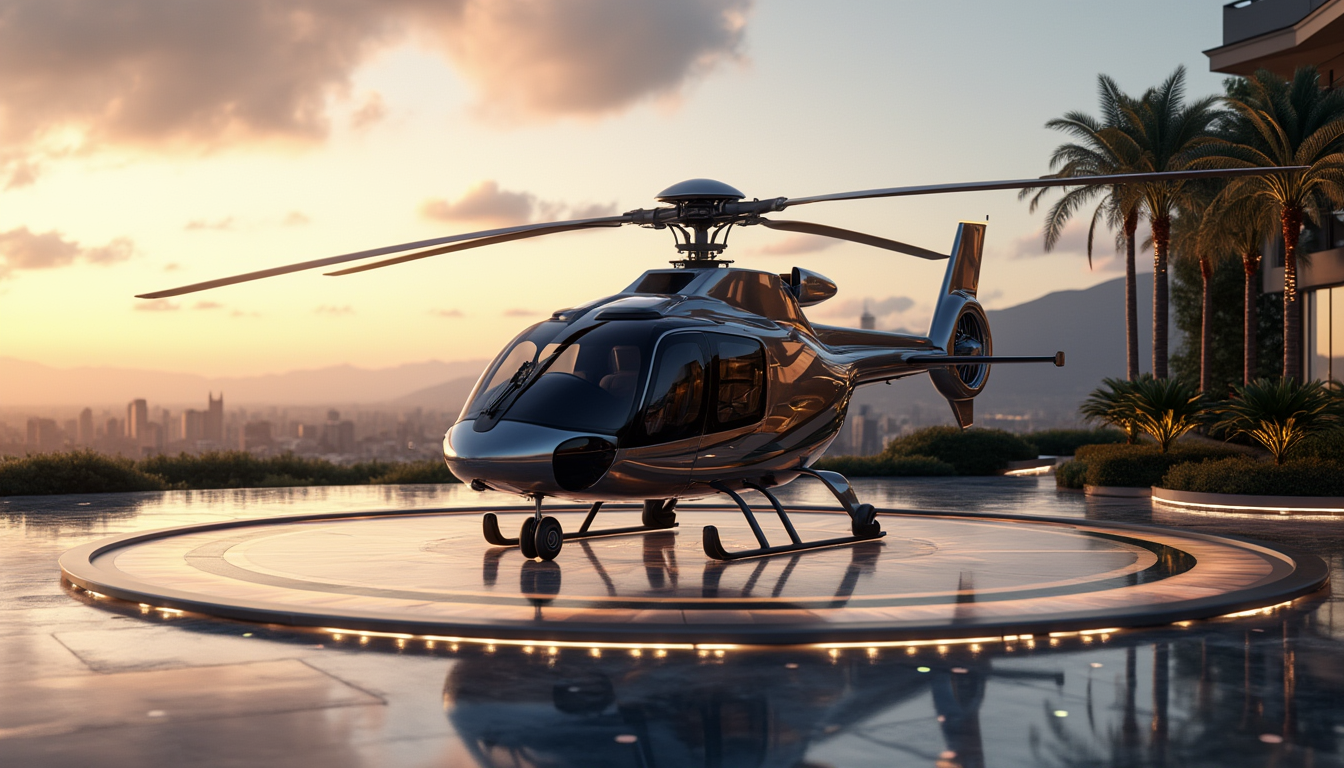
A luxurious helicopter parked on a private landing pad
stable-diffusion

Wi-landscape
image-to-image
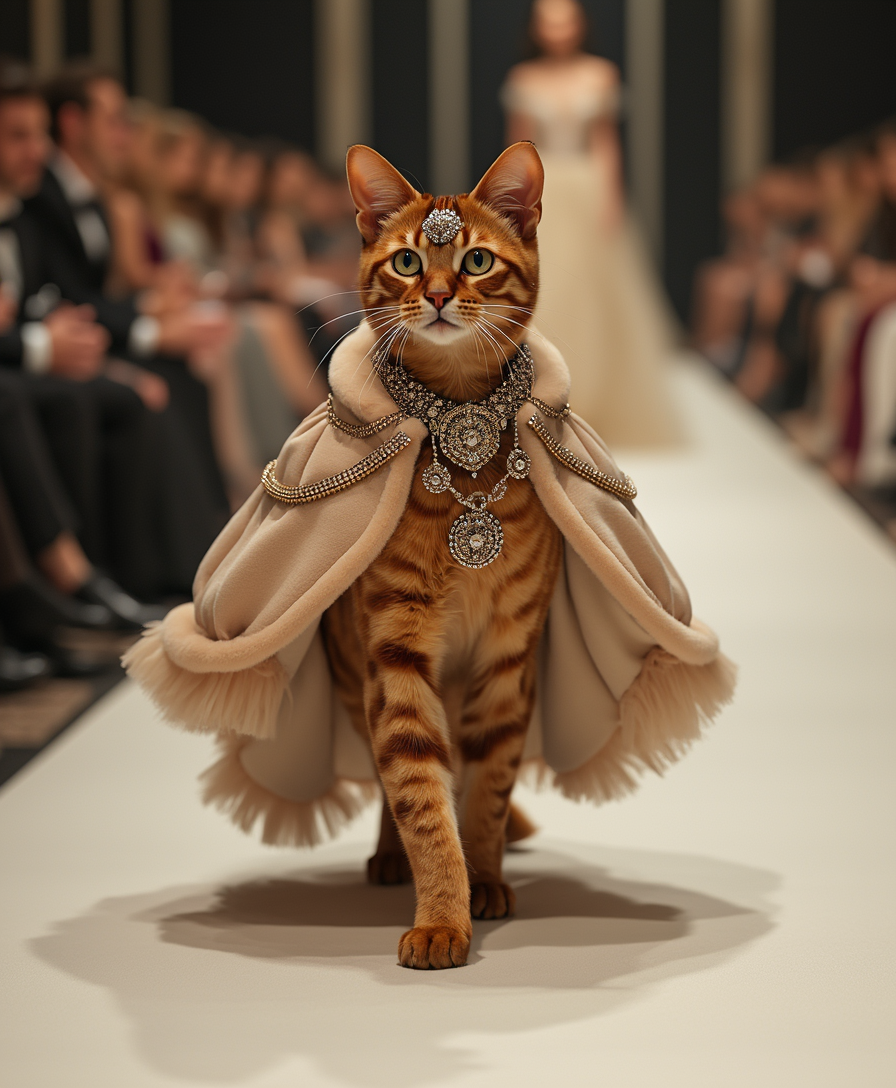
On a high-end T-shaped runway
flux
Models you can run on PixelDojo for runway gen 4 alternative
Switch models without switching tools. Each one runs in the same PixelDojo studio.
What you can do with runway gen 4 alternative on PixelDojo
Text and image to video
We generate short clips from prompts or stills so you can storyboard and iterate without leaving PixelDojo. Output is meant for drafts, ads, and social cuts you can refine further.
Multiple video model options
We give you access to several video generators in one place, including paths that sit beside Runway Gen-4 style workflows. You pick the model that fits length, motion, and look for each shot.
Iterate clips in one workspace
We keep prompts, source frames, and takes together so you can restyle, extend, or re-run a scene without rebuilding the brief. Creators compare versions and export the cut they want.
Control motion and framing
We support image-led starts, prompt edits, and basic camera or motion cues so characters and products stay closer to your reference. Use that control to match brand shots and narrative beats.
Loved by thousands of creators worldwide for delivering consistent, high-quality images and videos. Access 40+ specialized AI tools in one platform with flexible plans you can cancel anytime. Professionals praise the production-ready output and seamless workflow that saves hours on every project.
Why Choose Pixel Dojo for runway gen 4 alternative
Professional-quality results with cutting-edge AI technology
Lock Characters Perfectly Across Scenes
You generate a character or object once and reuse it identically in unlimited new environments, outfits, and lighting setups. PixelDojo's Consistent Characters, Character Sheets, Ideogram Character, Face Swap, and LoRA Face Swap keep identities locked in, so your stories, ads, and campaigns remain cohesive and professional without extra work.
Deliver Photorealistic Campaign Images Fast
You produce hyper-realistic product shots, portraits, and cinematic stills that look like high-end photography. Flux.2 Studio, Nano Banana 2, GPT Image 2, Seedream 5, and QWEN Image 2 capture fine details, accurate lighting, and textures that convert viewers into customers, all without expensive shoots or delays.
Refine Visuals Instantly Without Regenerating
You tweak lighting, backgrounds, angles, and styles in seconds using Image to Image, Inpainting, Style Transfer, Magic Lighting, Change Camera Angle, Background Remover, and Reality Polisher. This means polished, client-ready work faster, with the freedom to experiment until every image hits the mark.
How It Works
Creating consistent, high-quality images as your runway gen 4 alternative takes just minutes on PixelDojo. Follow these straightforward steps using our specialized generators and editors to go from prompt to polished download.
Step 1: Choose Your Tool
Sign in and pick the ideal generator for your project. Select Flux.2 Studio or Nano Banana 2 for photorealistic consistency, GPT Image 2 or Ideogram 4 for detailed scenes with text, Kling Image or Seedream 5 for cinematic looks, or Recraft V4.1 and Krea Image for illustrated styles. Upload reference images right away to lock in characters or products from the start.
Step 2: Enter Your Prompt
Describe your scene in everyday language covering subject, composition, lighting, mood, and style. Add reference images through Image to Image or Consistent Characters for perfect identity matching. Tools like QWEN Image 2, WAN Image, and P-Image Ideogram follow complex instructions closely, giving you precise control over every element before generation begins.
Step 3: Customize & Download
Review results then enhance using Inpainting for targeted fixes, Style Transfer for new looks, Change Camera Angle for fresh perspectives, Magic Lighting for atmosphere, and upscalers like P-Image Upscale or Magnific Upscaler for print quality. Extend stills into video with Kling Video or VEO 3.1 if needed. Download high-resolution files ready for any use and iterate freely.
The Pixel Dojo Advantage
PixelDojo outperforms other options for runway gen 4 alternative image generation by combining generation, consistency, editing, and video in one intuitive platform. You get superior results, more control, and faster workflows that actually match professional needs.
| Others | Pixel Dojo |
|---|---|
| Traditional image creation | You skip costly photoshoots, talent, locations, and post-production entirely. Generate unlimited consistent variations in seconds and scale content production dramatically while keeping quality high and budgets low. |
| Generic AI tools | You access 40+ specialized options including Flux.2 Studio, GPT Image 2, Seedream 5, Kling Image, and dedicated consistency features like Character Sheets and Face Swap instead of a single generic model, delivering better fidelity, control, and versatility for real projects. |
| Manual photo editing | You replace hours of complex software work with instant Inpainting, Style Transfer, Magic Lighting, Image Outpainting, and Reality Polisher. Achieve precise, polished results in moments so you spend time creating instead of laboring over technical adjustments. |
Loved by creators on PixelDojo
Real feedback from people using PixelDojo, pulled from our in-product surveys.
THIS IS SO DOPE !
I have already recommended it to friends
All the tools, plus the guidance
Excellent tools. Ease of use. Well thought out interface. Wide variety of AI tools and features which are up to date with more added each month
I really like how the site is kept up to date, and the leaderboard (where I'm currently #11 most popular artist)
This is the best image generator I've used so far. Well done!
Explore more AI tools on PixelDojo
AI Tools
Compare & Switch
- Best AI Image Generators
- Best AI Video Generators
- Midjourney Alternatives
- Civitai Alternatives
- Runway Alternatives
- Leonardo Alternatives
- Pika Alternatives
- Luma Alternatives
- Magnific Alternatives
- Veo Alternatives
- Flux Alternatives
- Freepik Alternatives
- Seedance Alternatives
- Seedream Alternatives
- Pixverse Alternatives
- GPT Image Alternatives
- Synthesia Alternatives
- Playground Alternatives
- NightCafe Alternatives
- Canva AI Alternatives
- ElevenLabs Alternatives
- ComfyUI Alternatives
- Fal Alternatives
- Replicate Alternatives
Common Questions
Everything you need to know about runway gen 4 alternative
What makes PixelDojo the best runway gen 4 alternative for consistent image generation?
You get dedicated consistency tools like Consistent Characters, Character Sheets, Ideogram Character, Face Swap, and multi-reference support in Flux.2 Studio and GPT Image 2 that keep identities locked across scenes. Combined with full editing and 40+ generators, you produce cohesive professional work faster than scattered alternatives, all while enjoying flexible access loved by thousands of creators.
How do I generate photorealistic images using a runway gen 4 alternative like PixelDojo?
Choose Flux.2 Studio, Nano Banana 2, Seedream 5, or GPT Image 2, describe lighting, details, and composition in your prompt, and add references via Image to Image. Generate then polish with Reality Polisher or upscale using P-Image Upscale. You receive campaign-quality shots that look professionally photographed, ready to use immediately.
Can I create illustrated and stylized images as a runway gen 4 alternative?
Yes, Recraft V4.1, Krea Image, PonyXL, Ideogram 4, and Hunyuan Image 3 handle illustrated, artistic, and stylized looks beautifully from the same prompt. Apply Style Transfer to experiment while keeping consistency, giving you unique visuals for concepts, editorials, and branding that stand out.
Is there a way to edit AI images without regenerating everything in this runway gen 4 alternative?
Absolutely. PixelDojo's Image to Image, Inpainting, Change Camera Angle, Magic Lighting, Background Remover, Image Outpainting, and Image Analyzer let you adjust specific elements instantly while preserving the rest. You save time and get exactly the result you want without wasting generations.
How does PixelDojo handle character consistency better as a runway gen 4 alternative?
Tools including Consistent Characters, Character Sheets, Ideogram Character, Face Swap, LoRA Face Swap, Flux Pro Virtual Try-On, and Kling Video Character Swap maintain exact appearances across images and videos. Multi-reference generation in GPT Image 2 and WAN Image ensures your visual narratives stay coherent from first frame to last.
What video options come with PixelDojo as a runway gen 4 alternative?
Turn your images into motion using VEO 3.1, Kling Video, WAN 3.0, Seedance 2.5, Hailuo 2.3, PixVerse V6, and WAN Reference to Video. Edit further with Grok Video Edit, Kling Video Edit, or Seedance 2.5 Video Edit. Everything stays consistent and integrated so stills become dynamic content effortlessly.