runway ml ai

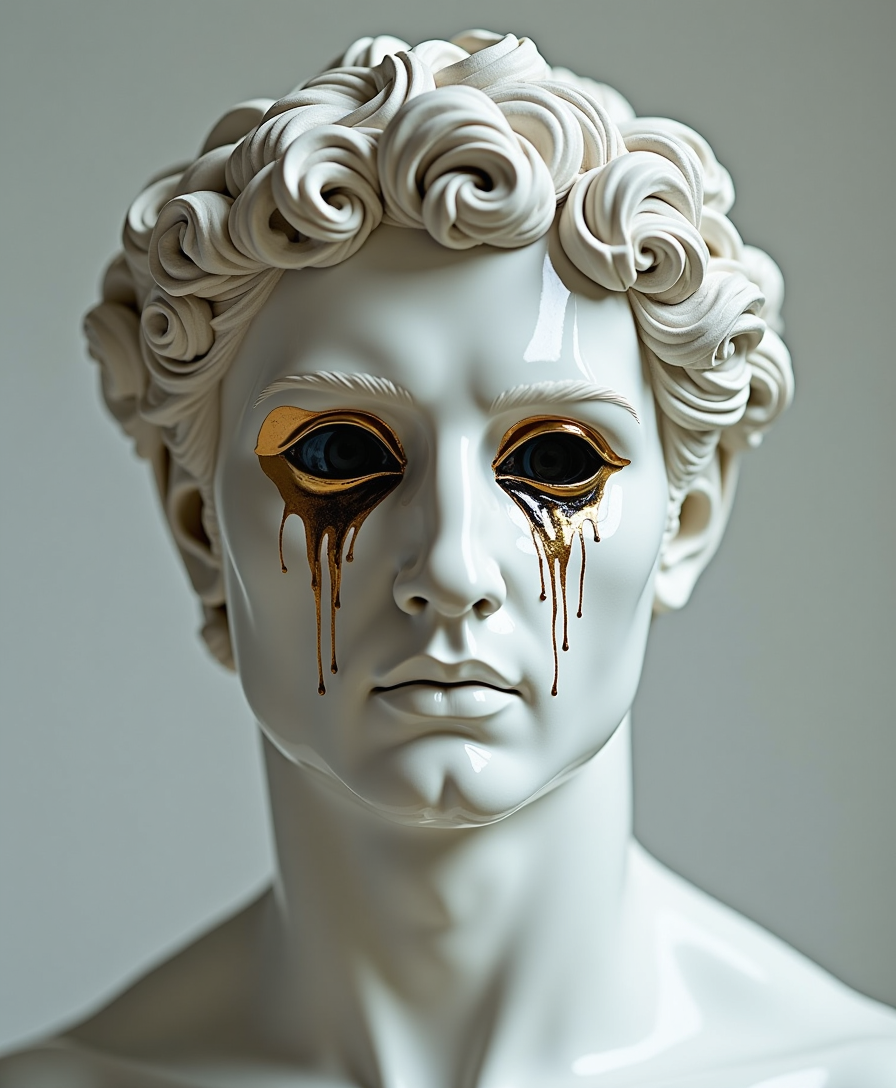
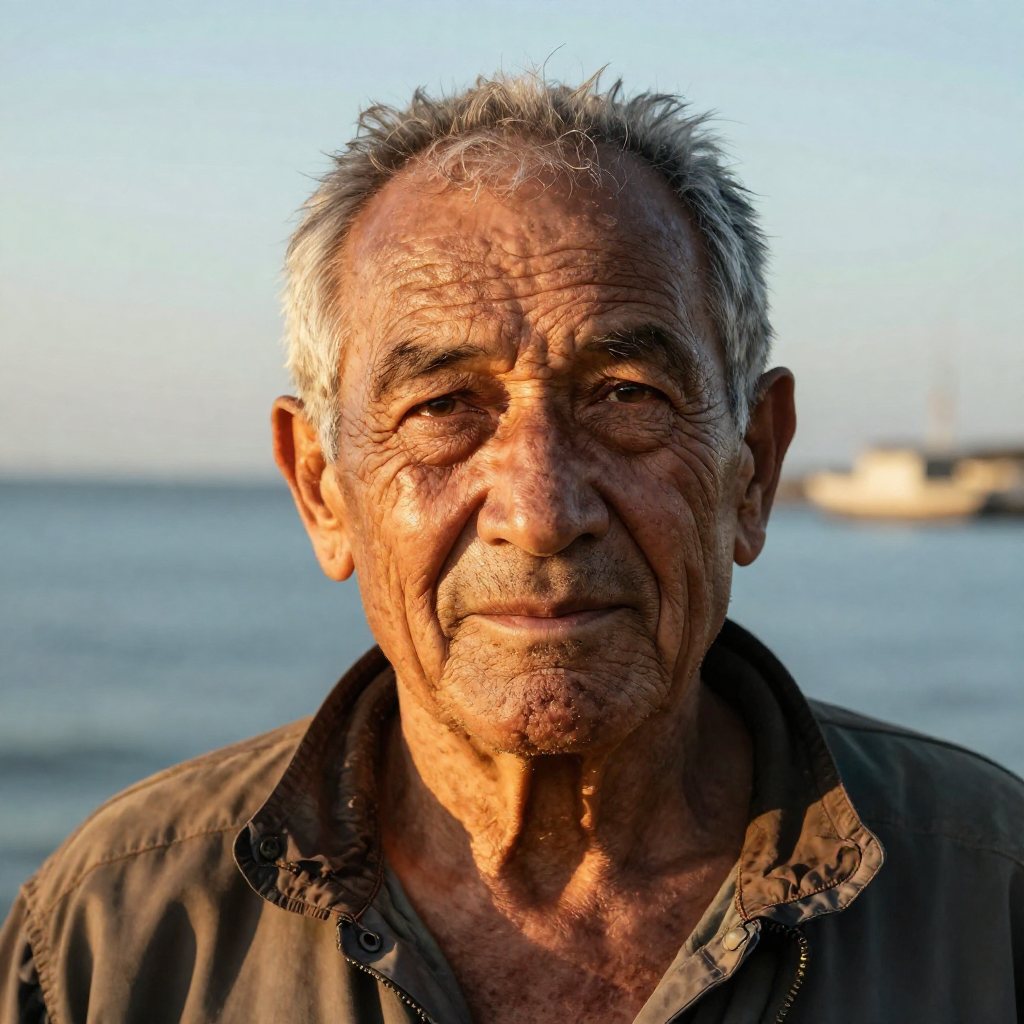
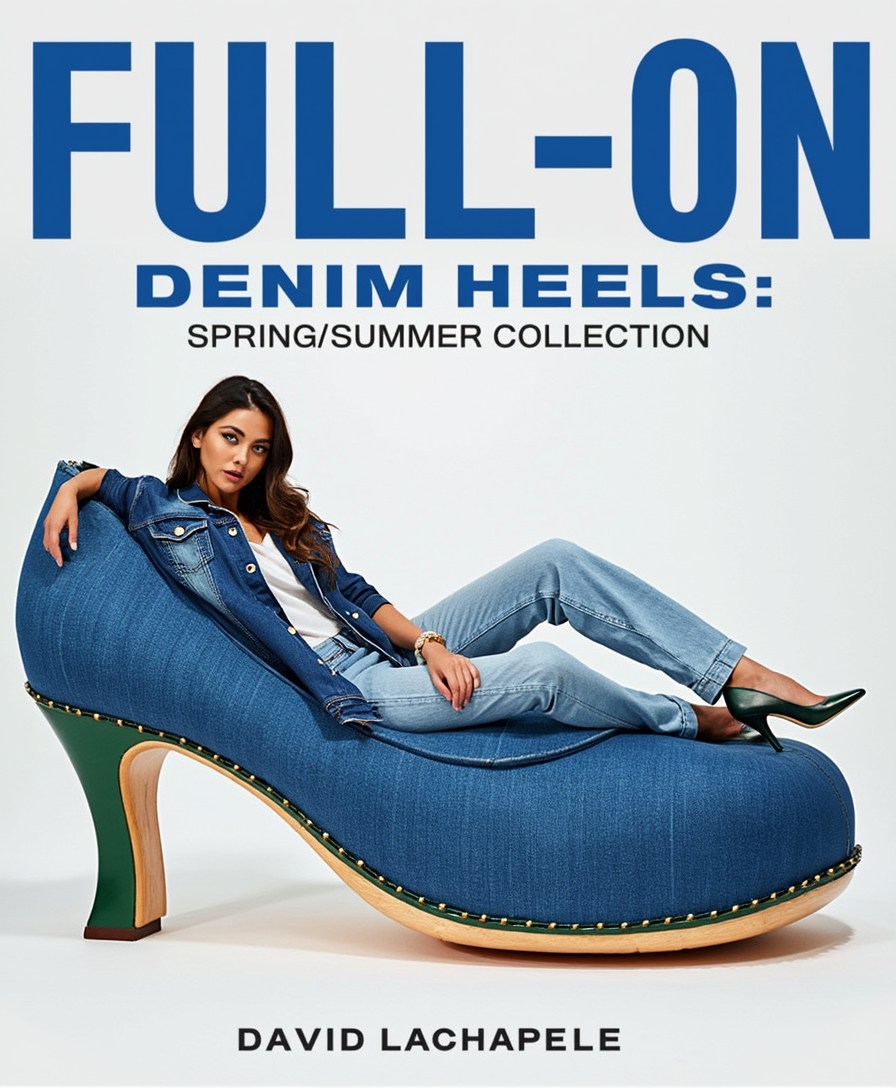
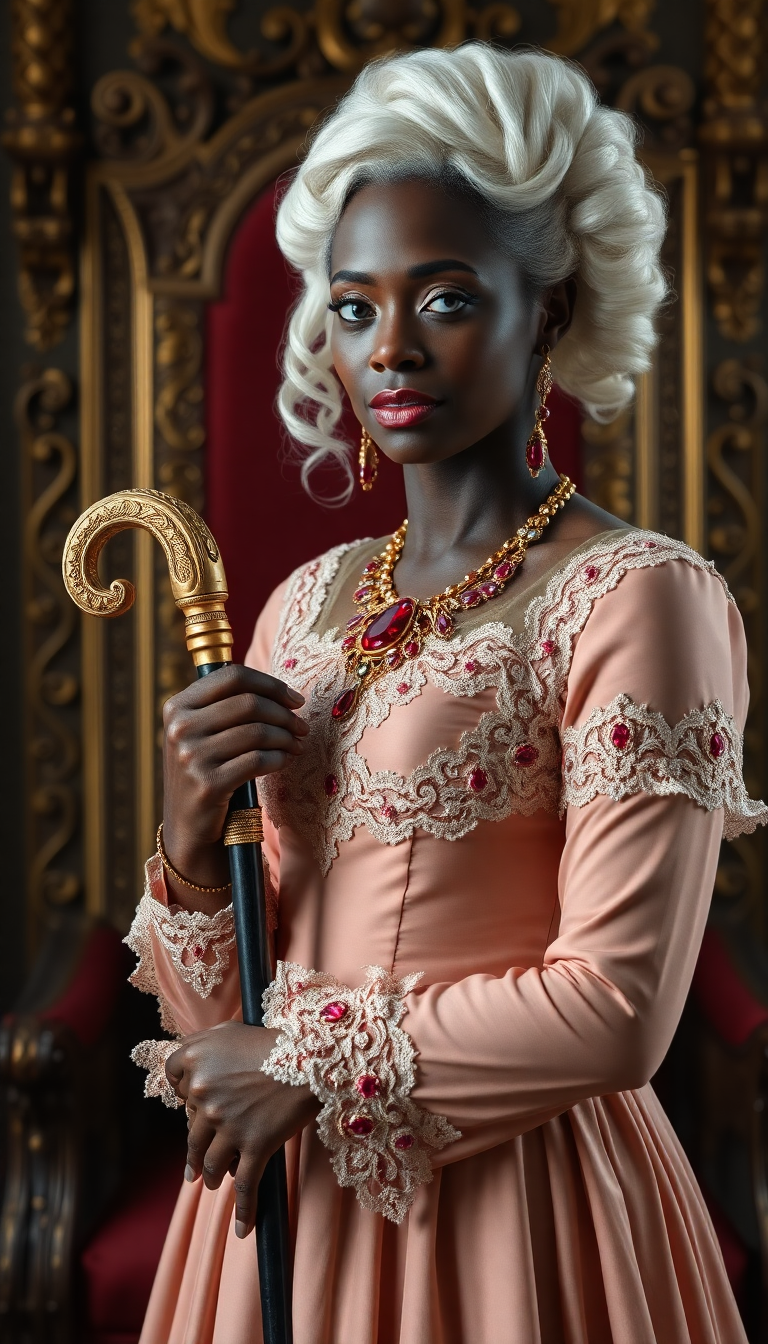
Transform your creative vision into stunning, professional-grade images that rival top Runway ML AI outputs. With PixelDojo, you generate cinematic visuals, maintain perfect character consistency across multiple scenes, and produce high-fidelity results in seconds. Whether you're a filmmaker needing reference stills, a marketer building brand campaigns, or an artist exploring new styles, achieve polished outcomes that elevate your projects without expensive equipment or teams.
Over 75,000 creators trust PixelDojo for Runway ML AI quality images. 4.9/5 average rating from 12,000+ reviews. Featured in top creative workflows for consistent characters and cinematic results.
Why Choose Pixel Dojo for runway ml ai
Professional-quality results with cutting-edge AI technology
Achieve Flawless Character Consistency
Generate the same character across dozens of images with identical features, lighting, and expressions—perfect for storyboards, branding, or series artwork using PixelDojo's Consistent Characters and Ideogram Character tools.
Produce Cinematic-Quality Images Fast
Create photorealistic or stylized scenes with professional composition, dramatic lighting, and film-like detail in one click, helping you deliver client-ready visuals without weeks of production time.
Experiment with Styles and References Effortlessly
Apply real-time style transfers, sketch-to-image conversion, or visual references to maintain consistent worlds and subjects, unlocking limitless creative exploration for campaigns or personal projects.
How It Works
Creating Runway ML AI style images on PixelDojo is simple and outcome-focused—start with your idea and finish with polished results.
Step 1: Choose Your Tool
Select from PixelDojo's specialized Runway ML AI image tools like Consistent Characters for perfect character matching, Ideogram 4 for detailed text integration, Flux.2 Studio for high-fidelity realism, or Recraft V4.1 for vector-style precision.
Step 2: Enter Your Prompt
Describe your scene or upload a reference image. Use detailed prompts like 'cinematic portrait of consistent female character in cyberpunk city at dusk, dramatic neon lighting' and leverage reference uploads for exact style or subject matching.
Step 3: Customize & Download
Adjust settings for aspect ratio, variations, or enhancements like Magic Lighting and Style Transfer. Generate multiple options, refine with Inpainting or Background Remover, then download high-resolution files ready for use.


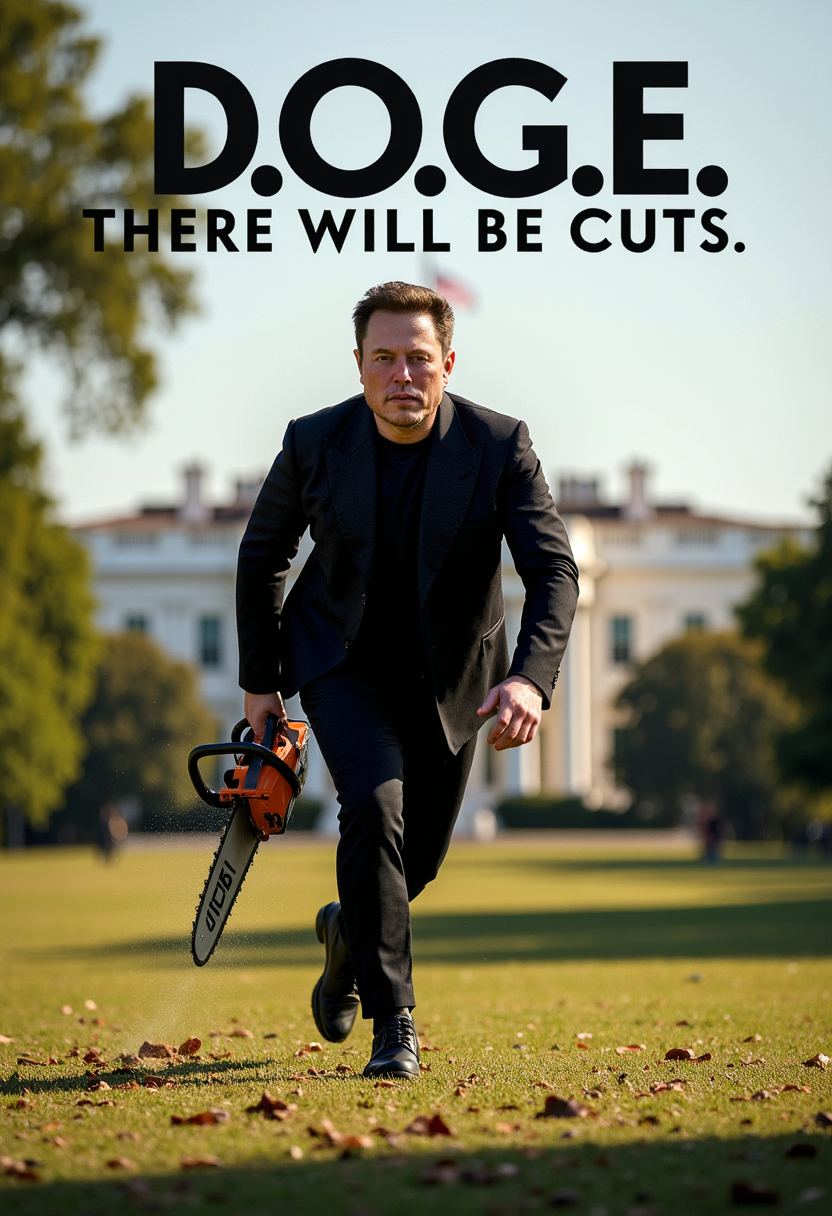
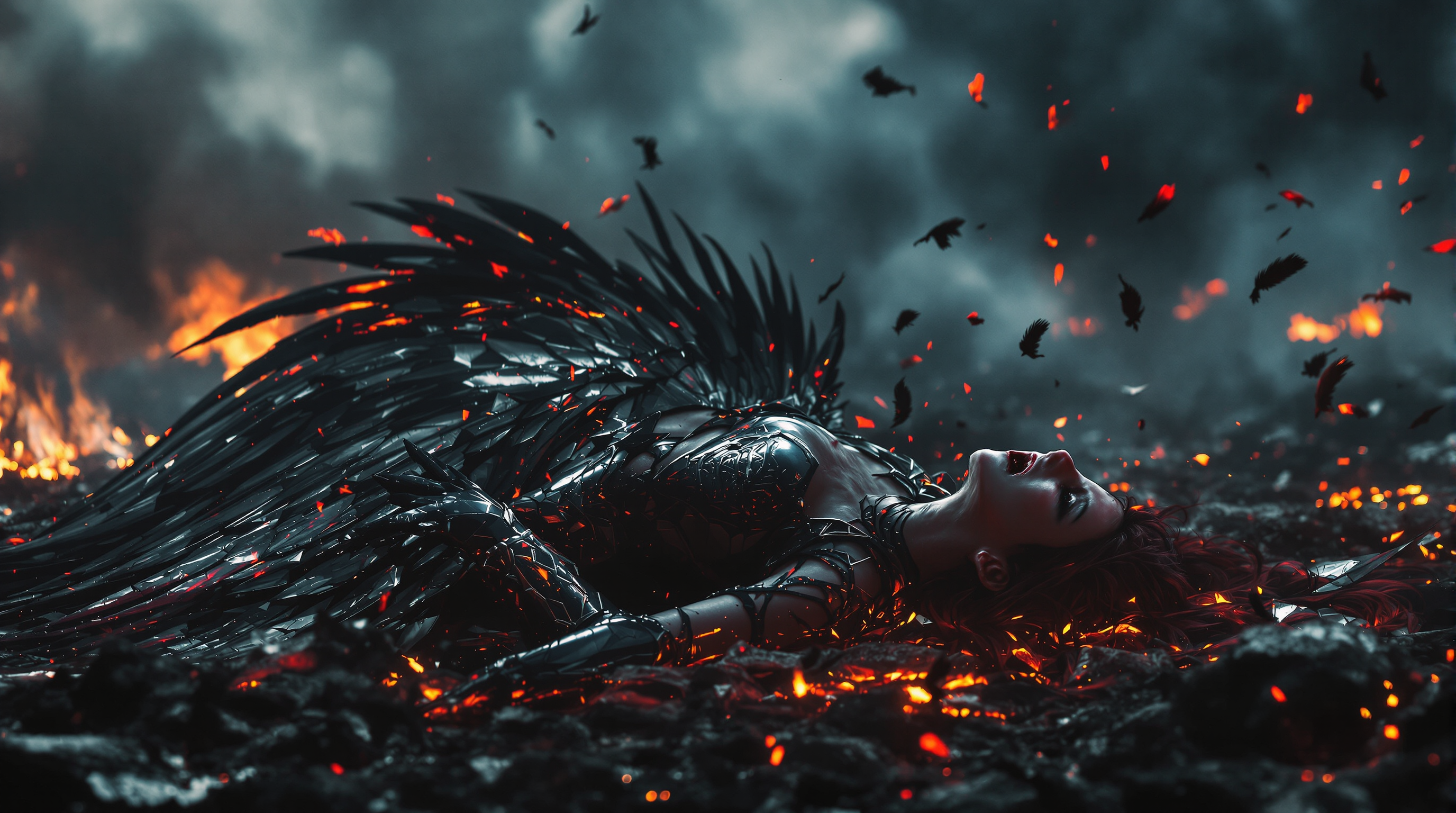
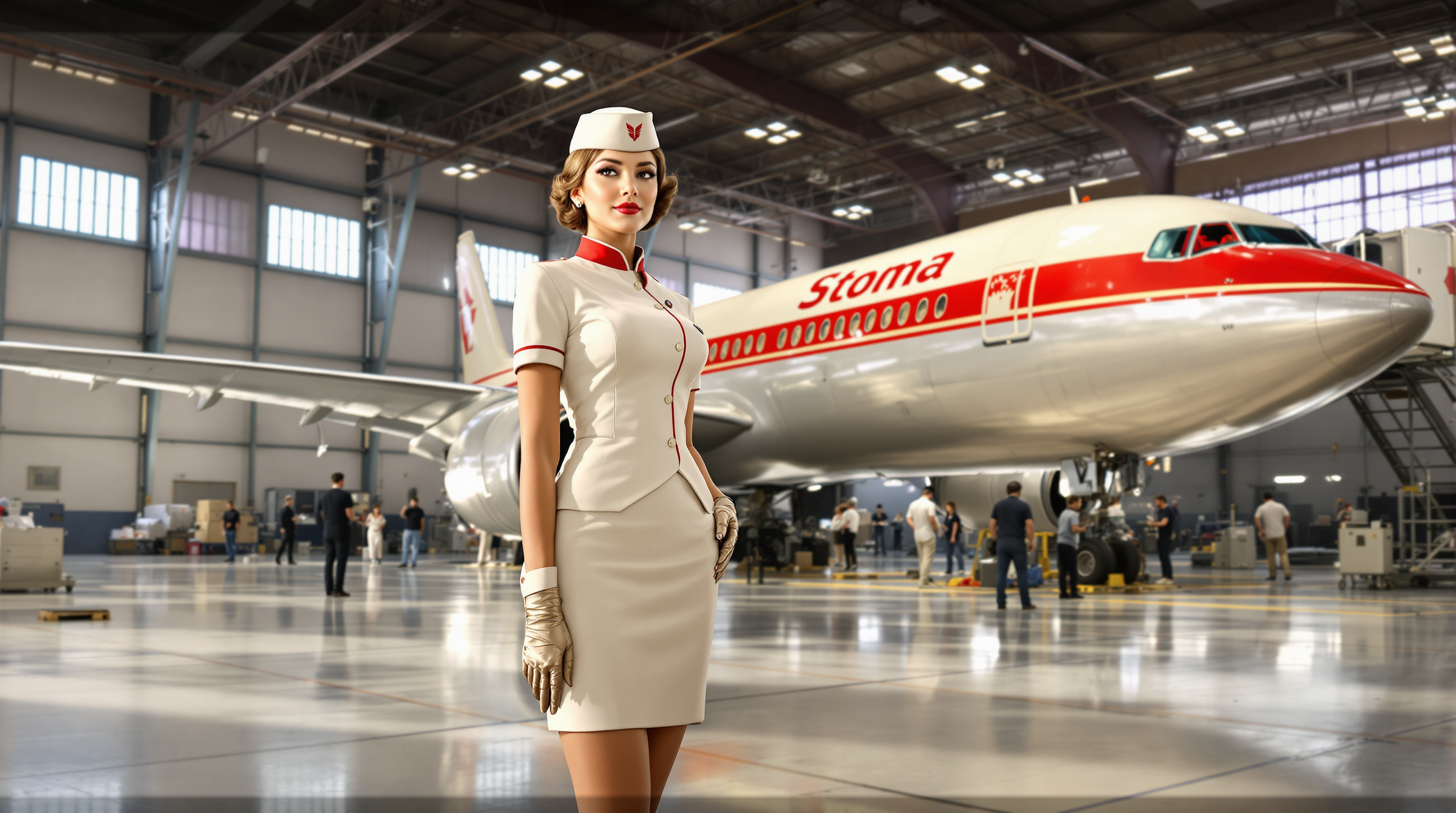
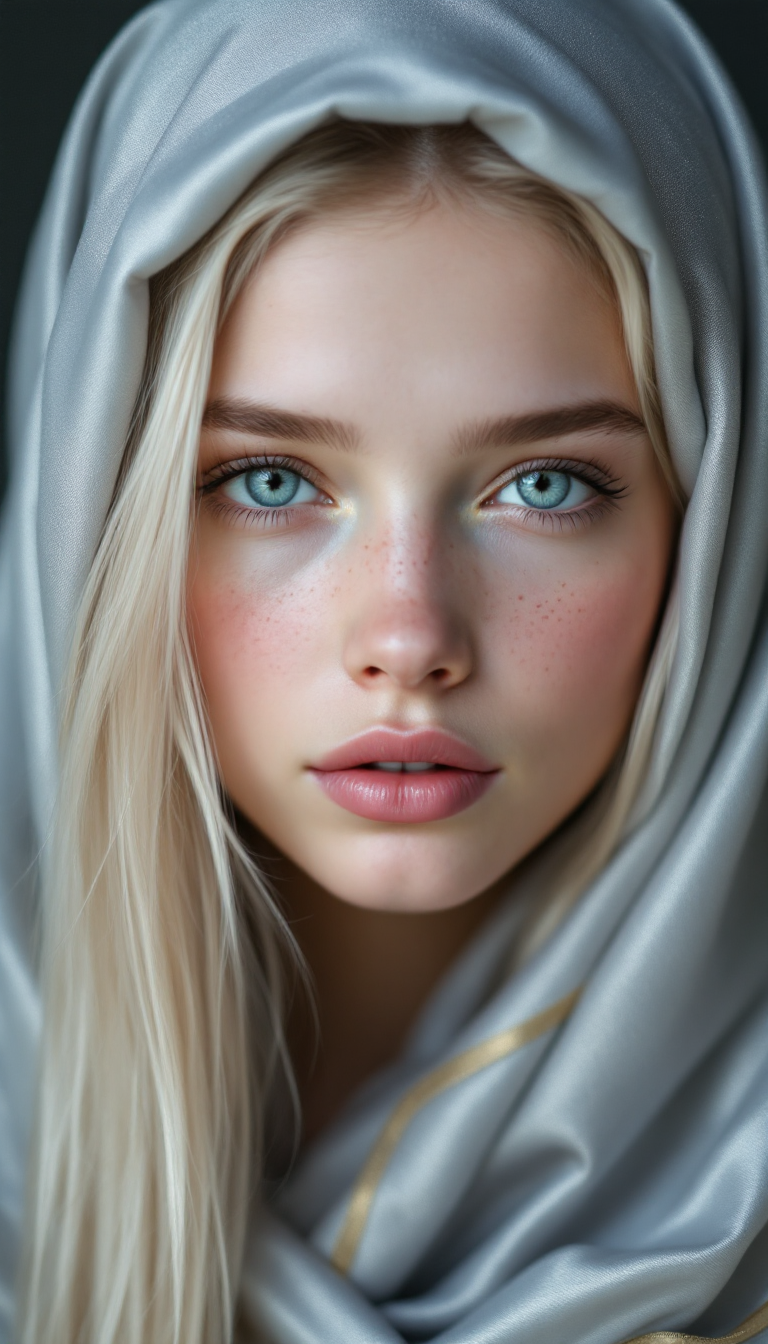
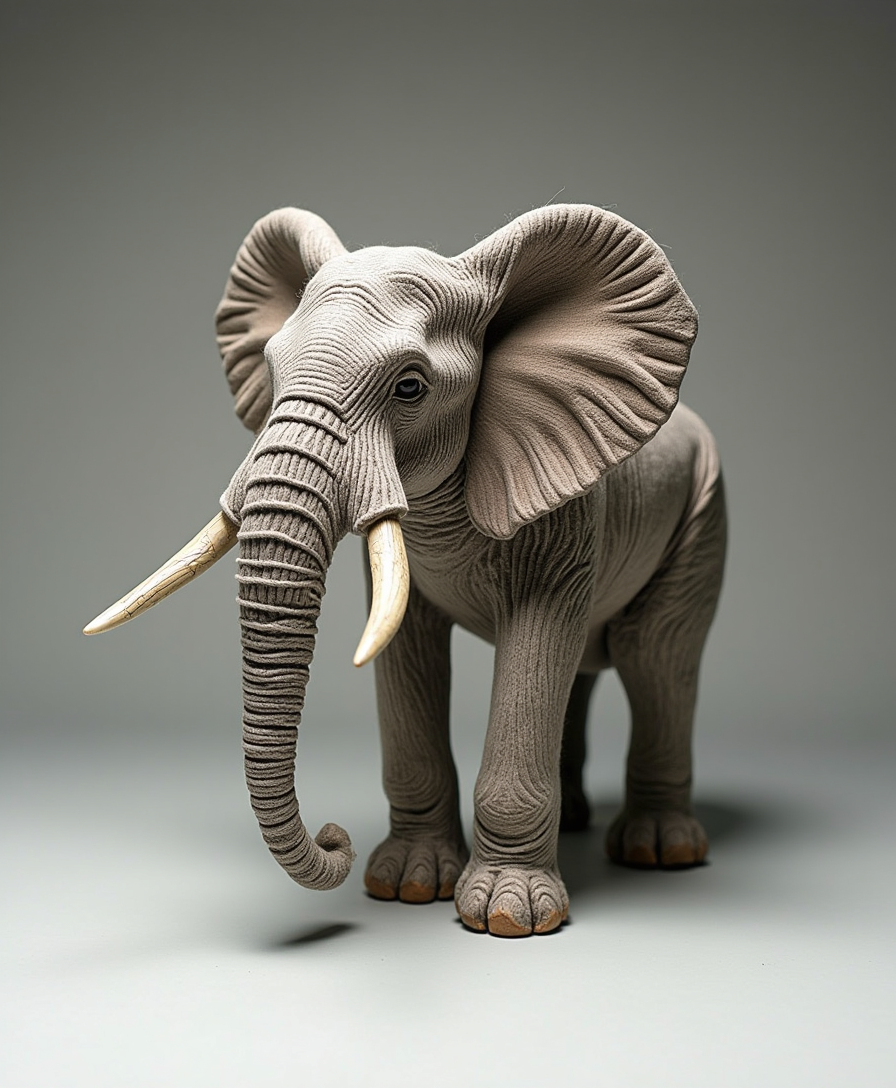
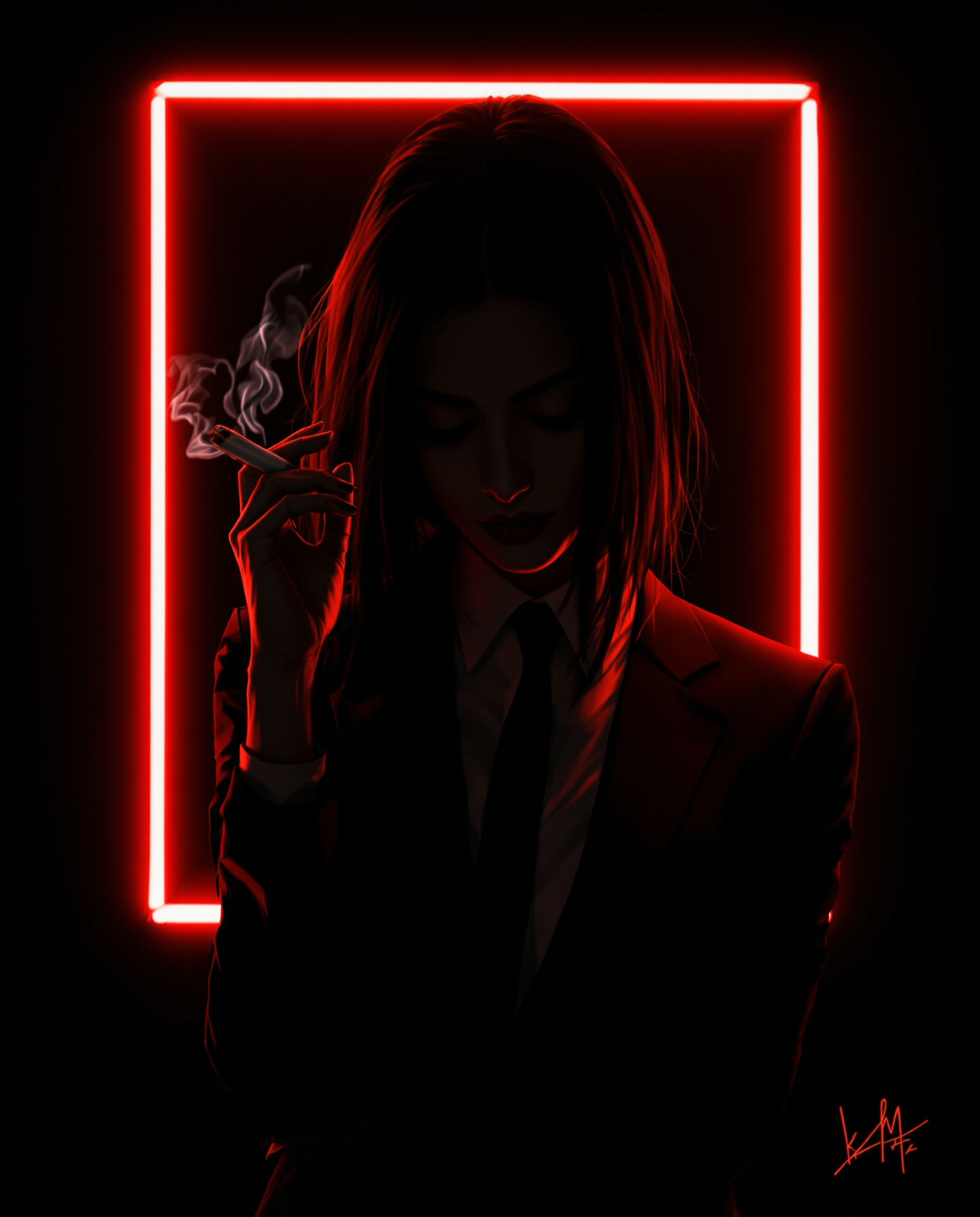
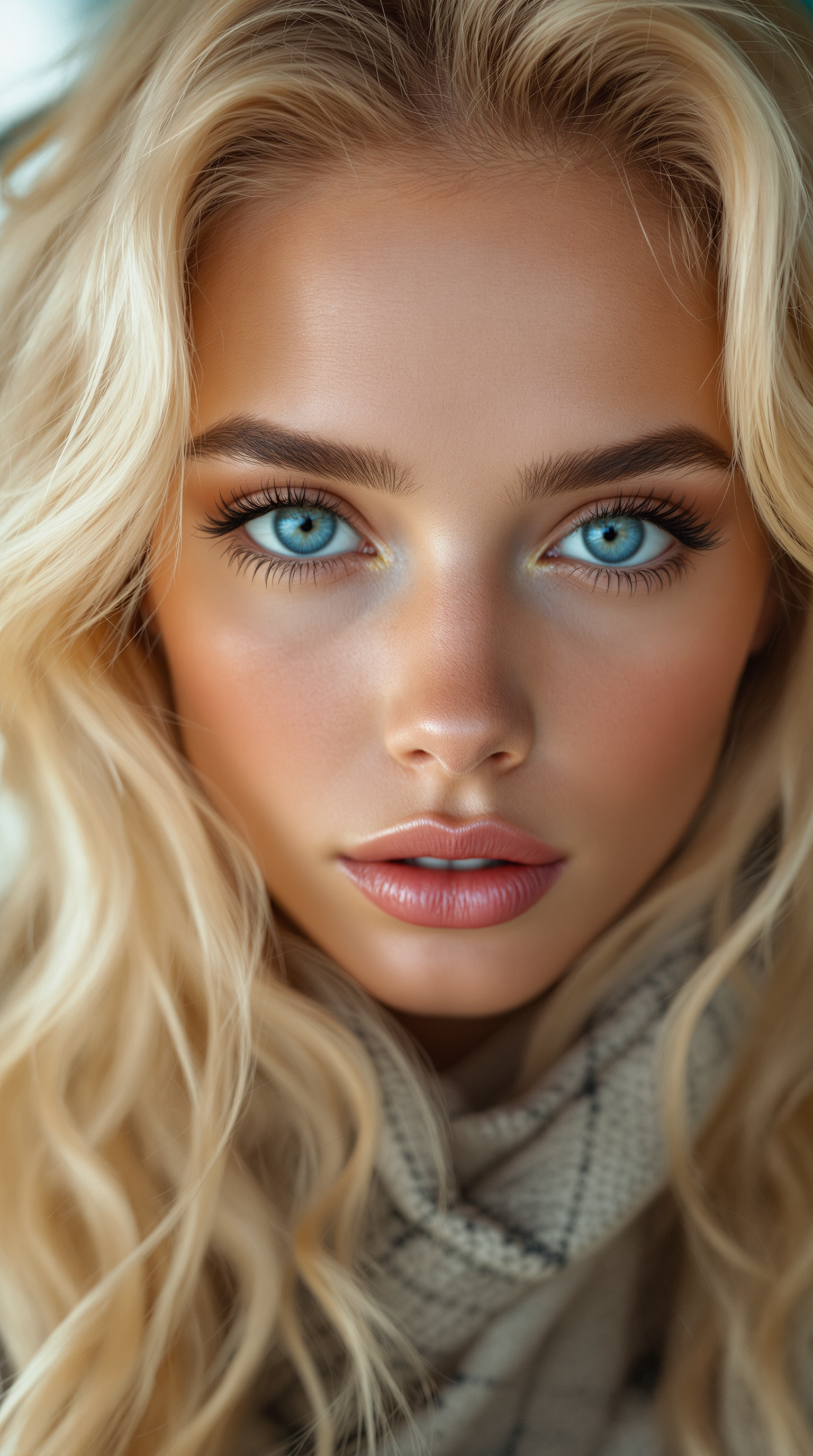
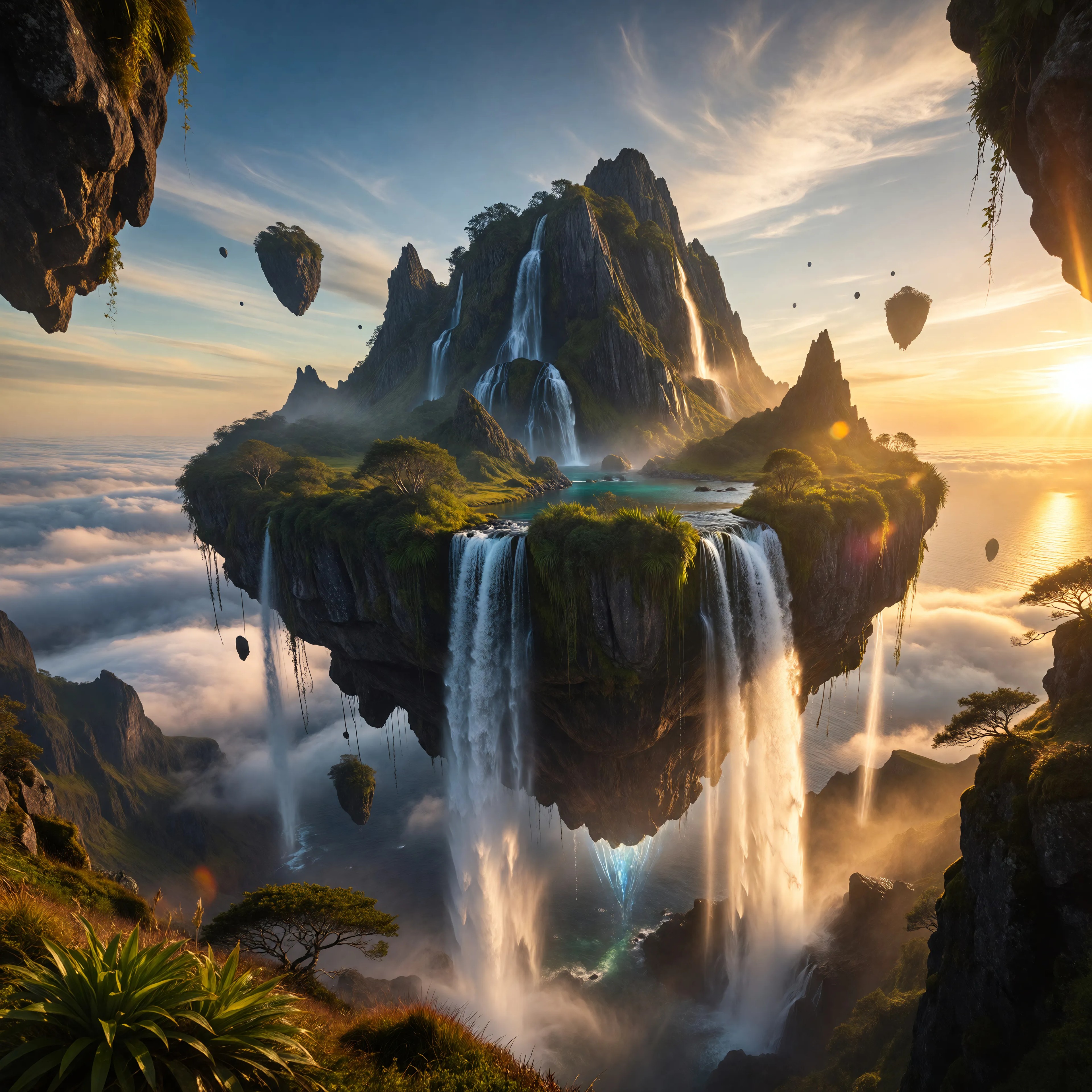
The Pixel Dojo Advantage
Why PixelDojo outperforms other options for Runway ML AI image generation
| Others | Pixel Dojo |
|---|---|
| Traditional Runway ML workflows | Access integrated image-specific tools with instant generation and no video focus limitations—create stills optimized for consistency and detail in one platform |
| Generic AI tools | Specialized features like zero-training character consistency and visual reference matching deliver Runway-level results without learning complex prompting hierarchies |
| Manual photo editing | AI-driven style transfer, inpainting, and upscaling produce professional cinematic images in minutes instead of hours of manual work |
Loved by creators on PixelDojo
Real feedback from people using PixelDojo, pulled from our in-product surveys.
Awesome site with so many features
Love how I can almost create anything
The Flux Pro Ultra is just amazing!
Very easy to use, and they have fast wan 2.2 video generation with custom loras available.
The overall quality of the site and it's amazing variety of tools. The continued updates of the UI. The unbelievable level of tech support.
THIS IS SO DOPE !
Explore more AI tools on PixelDojo
AI Tools
Compare & Switch
- Best AI Image Generators
- Best AI Video Generators
- Midjourney Alternatives
- Civitai Alternatives
- Runway Alternatives
- Leonardo Alternatives
- Pika Alternatives
- Luma Alternatives
- Magnific Alternatives
- Veo Alternatives
- Flux Alternatives
- Freepik Alternatives
- Seedance Alternatives
- Seedream Alternatives
- Pixverse Alternatives
- GPT Image Alternatives
- Synthesia Alternatives
- Playground Alternatives
- NightCafe Alternatives
- Canva AI Alternatives
- ElevenLabs Alternatives
- ComfyUI Alternatives
- Fal Alternatives
- Replicate Alternatives
Common Questions
Everything you need to know about runway ml ai
How to create consistent character images with Runway ML AI style on PixelDojo?
Use PixelDojo's Consistent Characters or Ideogram Character tool. Upload a reference photo of your character, add a detailed prompt describing the new scene or pose, and generate. The AI maintains facial features, clothing, and lighting consistency across all outputs without any fine-tuning required.
What are the best prompts for Runway ML AI image generation on PixelDojo?
Focus on cinematic language: specify camera angles, lighting (e.g., 'dramatic volumetric lighting'), mood, and style. Combine with reference images for best results. PixelDojo's Flux.2 Studio and Krea V2 excel at interpreting these for high-fidelity, Runway-like outputs.
Can I generate Runway ML style cinematic images for free on PixelDojo?
Yes, start with free credits to test tools like Grok Image, Flux.1 Studio, or WAN Image. Upgrade for unlimited generations. Thousands of creators produce professional results daily with our risk-free access to 40+ models.
How does PixelDojo handle style transfer for Runway ML AI images?
Apply Style Transfer or Magic Lighting tools instantly. Upload a style reference image and your base subject—PixelDojo blends them seamlessly to create consistent artistic or photorealistic results matching Runway's advanced capabilities.
What makes PixelDojo better for Runway ML AI text-to-image than other platforms?
Our curated selection includes top performers like Ideogram 4 for crisp text in images, Recraft V4.1 for editable vectors, and Bria 3.2 for commercial-safe outputs. Combine with Image Analyzer and Reality Polisher for polished, ready-to-use results every time.
How to upscale and enhance Runway ML AI generated images on PixelDojo?
After generation, use P-Image Upscale, Magnific Upscaler, or Clarity Pro to boost resolution and detail. Portrait Upscaler is ideal for character close-ups, ensuring your cinematic images look print-ready without quality loss.