seedance 2.0 playground AI Generator
Generated on PixelDojo. Produced by PixelDojo's generation pipeline.
You can now turn a single photo into an epic cinematic sequence that looks like it was filmed by a professional crew. PixelDojo's Seedance 2.0 Playground puts director-level control in your hands so you produce viral henshin transformations, product showcases that convert, and multi-shot stories with characters that stay perfectly consistent from beginning to end. Upload your images, reference clips, and audio tracks, then watch the AI combine them into seamless 4-to-15-second videos complete with native sound, realistic physics, and camera work that feels alive. No locations, no talent fees, no waiting weeks for edits. Your ideas become share-ready content in minutes, helping you capture attention on social platforms and grow your brand faster than ever. Thousands of creators already rely on this playground every day because the results look expensive yet cost almost nothing to make. Start creating the videos your audience actually wants to watch and share.
Real video examples generated on PixelDojo
Every example below was produced on PixelDojo. Hover to see the prompt.
A di is spinning a crazy edm dance beat in a club
image-to-video
H3 vs Seedance 2
seedance-2-5
Integrated_multimodal_description: Shot 1 A young male dancer in streetwear executes sharp…
minimax-h3
Ibiza deep house music
image-to-video
Brazilian trance and drums music
image-to-video
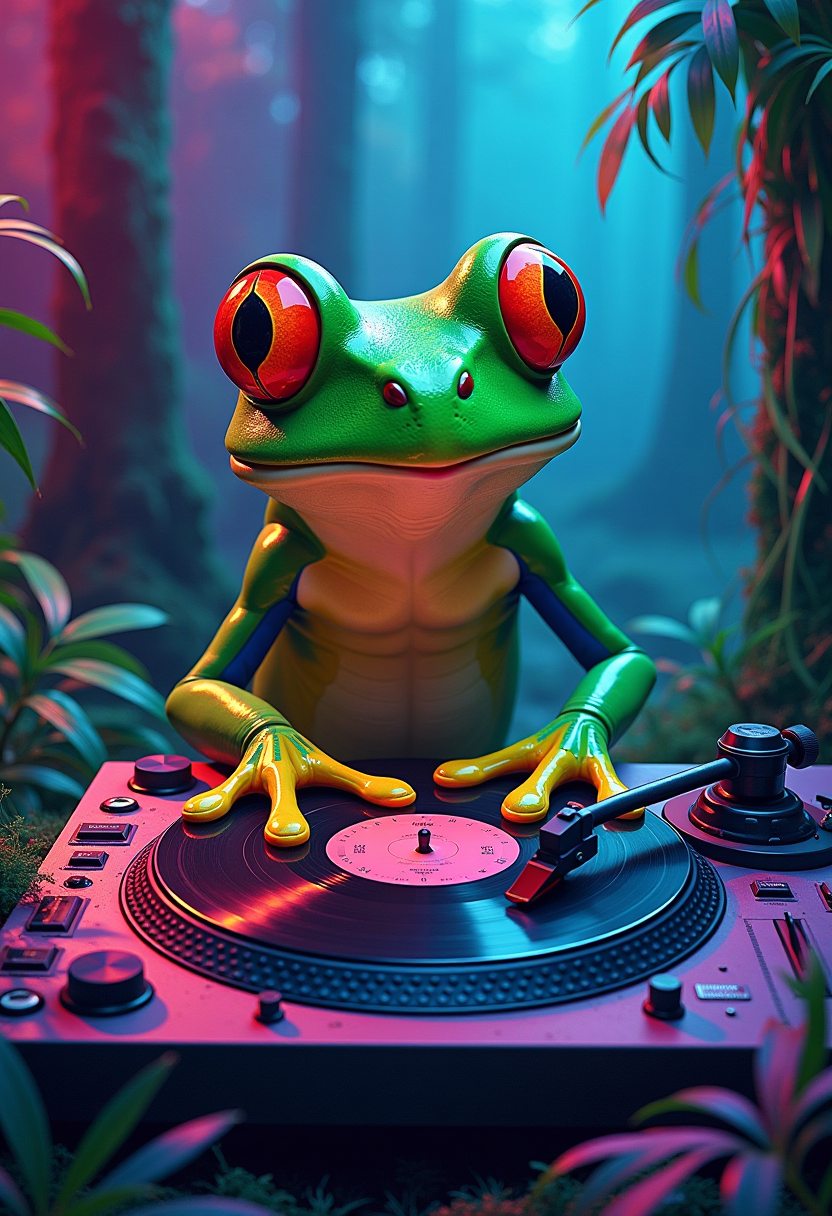
A neon-colored frog DJ with oversized caricatured features
flux
Models you can run on PixelDojo for seedance 2.0 playground
Switch models without switching tools. Each one runs in the same PixelDojo studio.
What you can do with seedance 2.0 playground on PixelDojo
Prompt and Iterate Videos
We give you a playground to write prompts, generate clips with Seedance 2.0, and refine them without leaving the page.
Text and Image Inputs
You can start from a written brief or a still frame and produce short videos you can review and re-run.
Side by Side Takes
We keep your recent generations in view so you can compare motion, framing, and timing before you pick a cut.
Download Ready Clips
You can export finished videos from the playground to use in your own edits and posts.
Thousands of marketers, influencers, and storytellers trust PixelDojo to generate millions of views with Seedance 2.0 videos. Our 40+ cutting-edge AI tools earn consistent 4.8-star feedback from users worldwide who love the quality and the freedom to cancel anytime.
Why Choose Pixel Dojo for seedance 2.0 playground
Professional-quality results with cutting-edge AI technology
Produce Viral Social Media Hits Overnight
You transform a casual selfie into a dramatic warrior reveal or turn a simple product photo into a mesmerizing unboxing sequence that people replay. Seedance 2.0 delivers fluid motion, perfectly timed audio, and multi-shot storytelling that performs exceptionally well on short-form platforms, giving you the kind of engagement that used to require entire production teams.
Lock in Unbreakable Character Consistency
You generate one high-quality reference photo and then create entire campaigns where your character looks identical across different scenes, lighting conditions, and actions. This continuity makes your series, ads, and stories feel professionally produced and instantly recognizable, saving you hours of matching work while building stronger audience connection.
Direct Cinematic Masterpieces from Your Desk
You specify camera movements by referencing a clip, match the rhythm of a song, and set the exact lighting mood with image uploads. The playground gives you multi-shot narratives, in-video text, and physics-accurate motion all generated together, so you walk away with finished clips that look like they came from a real film set.
How It Works
PixelDojo turns Seedance 2.0 into an effortless playground anyone can master. You follow three straightforward steps that combine our image tools with the video generator to produce results that match the latest cinematic trends.
Step 1: Choose Your Tool
Open Generate Images and pick Seedream 5 or Flux.2 Studio to create a clean, well-lit reference photo of your character or product. A frontal view with neutral expression works best for maximum consistency later. Save the image because it becomes the visual anchor for everything that follows. This quick start takes less than a minute and dramatically improves your final video quality.
Step 2: Enter Your Prompt
Switch to Generate Videos and select Seedance 2 or Seedance 2 Reference. Upload your new image plus any motion video or audio files. Write a detailed prompt that tags @Image1 as the character, describes the exact action, camera movement, lighting, and style. The playground understands multimodal instructions so you can say things like use the camera from @Video1 and the beat from @Audio1 while keeping the face from @Image1 identical throughout.
Step 3: Customize & Download
After the clip appears, jump into Edit Videos and use Seedance 2 Video Edit or Video Autocaption to add finishing touches. Upscale with FLUX Video Upscale if you want extra sharpness, then download in the exact aspect ratio you need. You can iterate instantly by adding more references or tweaking the prompt until the video matches your vision perfectly.
The Pixel Dojo Advantage
Why PixelDojo outperforms other options for Seedance 2.0 video generation
| Others | Pixel Dojo |
|---|---|
| Traditional video production | You skip expensive crews, location scouting, and weeks of shooting. Generate complete cinematic clips with native audio and multiple camera angles in minutes instead of days, at a tiny fraction of the usual cost. |
| Generic AI tools | PixelDojo combines Seedance 2 with 40+ specialized tools including Seedream 5 for perfect references and dedicated video editors. You get true character consistency and multimodal control that standalone generators simply cannot match. |
| Manual photo editing | You no longer stitch clips together or add sound in separate software. Seedance 2 creates everything already synchronized, then PixelDojo's built-in editors let you refine and export without ever leaving the platform. |
Loved by creators on PixelDojo
Real feedback from people using PixelDojo, pulled from our in-product surveys.
Very easy to use
super easy to use
it's very easy to use
Practically every Ai suite in one place? Who wouldn't?
versatile menu of tools
Best AI tool availble the suite is rad
Explore more AI tools on PixelDojo
AI Tools
Compare & Switch
- Best AI Image Generators
- Best AI Video Generators
- Midjourney Alternatives
- Civitai Alternatives
- Runway Alternatives
- Leonardo Alternatives
- Pika Alternatives
- Luma Alternatives
- Magnific Alternatives
- Veo Alternatives
- Flux Alternatives
- Freepik Alternatives
- Seedance Alternatives
- Seedream Alternatives
- Pixverse Alternatives
- GPT Image Alternatives
- Synthesia Alternatives
- Playground Alternatives
- NightCafe Alternatives
- Canva AI Alternatives
- ElevenLabs Alternatives
- ComfyUI Alternatives
- Fal Alternatives
- Replicate Alternatives
Common Questions
Everything you need to know about seedance 2.0 playground
How do I use Seedance 2.0 playground for character consistent videos?
On PixelDojo you first create a detailed reference image with Seedream 5 or Ideogram 4. Upload that photo to the Seedance 2 playground, tag it as @Image1 in your prompt, and clearly instruct the model to keep the exact facial features, hair, and clothing identical across every shot. The result is a full sequence where your character looks like the same person no matter the lighting or action, making it ideal for series and branded content.
What are the best Seedance 2.0 playground techniques for viral henshin videos?
Upload your own photo as the main reference, then write a prompt that describes a slow camera push-in followed by a burst of light and a complete outfit transformation. Specify cinematic lighting, falling petals or energy effects, and a circling camera move. PixelDojo's Seedance 2 handles the fluid motion and native audio so the finished clip feels like a movie trailer ready for immediate posting.
Can I add custom audio and motion references in Seedance 2.0 on PixelDojo?
Yes. You upload an audio file and tag it @Audio1 to drive lip-sync, background music, or beat-matched cuts. You can also upload a short video clip as @Video1 to copy its camera movement or action style. Combine these with your character image and a text description inside the Seedance 2 playground for complete director-level control over the final result.
How long are the videos I can create in the Seedance 2.0 playground?
You generate clips ranging from 4 to 15 seconds at 720p with multiple aspect ratios including 9:16 for vertical social content and 16:9 for widescreen. PixelDojo also lets you extend or merge clips using the dedicated video editing tools so longer stories are easy to assemble after the initial generation.
Is Seedance 2.0 playground suitable for marketing product videos?
Absolutely. Upload a clean product photo, describe an elegant reveal such as emerging from crystals or rotating under dramatic lighting, and add matching audio. The playground produces professional-looking showcases that you can further polish with Background Remover or Video Autocaption, giving you ad-ready footage without any traditional production costs.
Do I need technical skills to use PixelDojo's Seedance 2.0 tools?
No. The playground is designed for anyone. You start with simple prompts and the interface guides you through uploading references and generating results. Thousands of non-experts already create studio-quality videos daily. If it is not the right fit you can cancel anytime with no hassle.