seedream 5 pro AI Generator
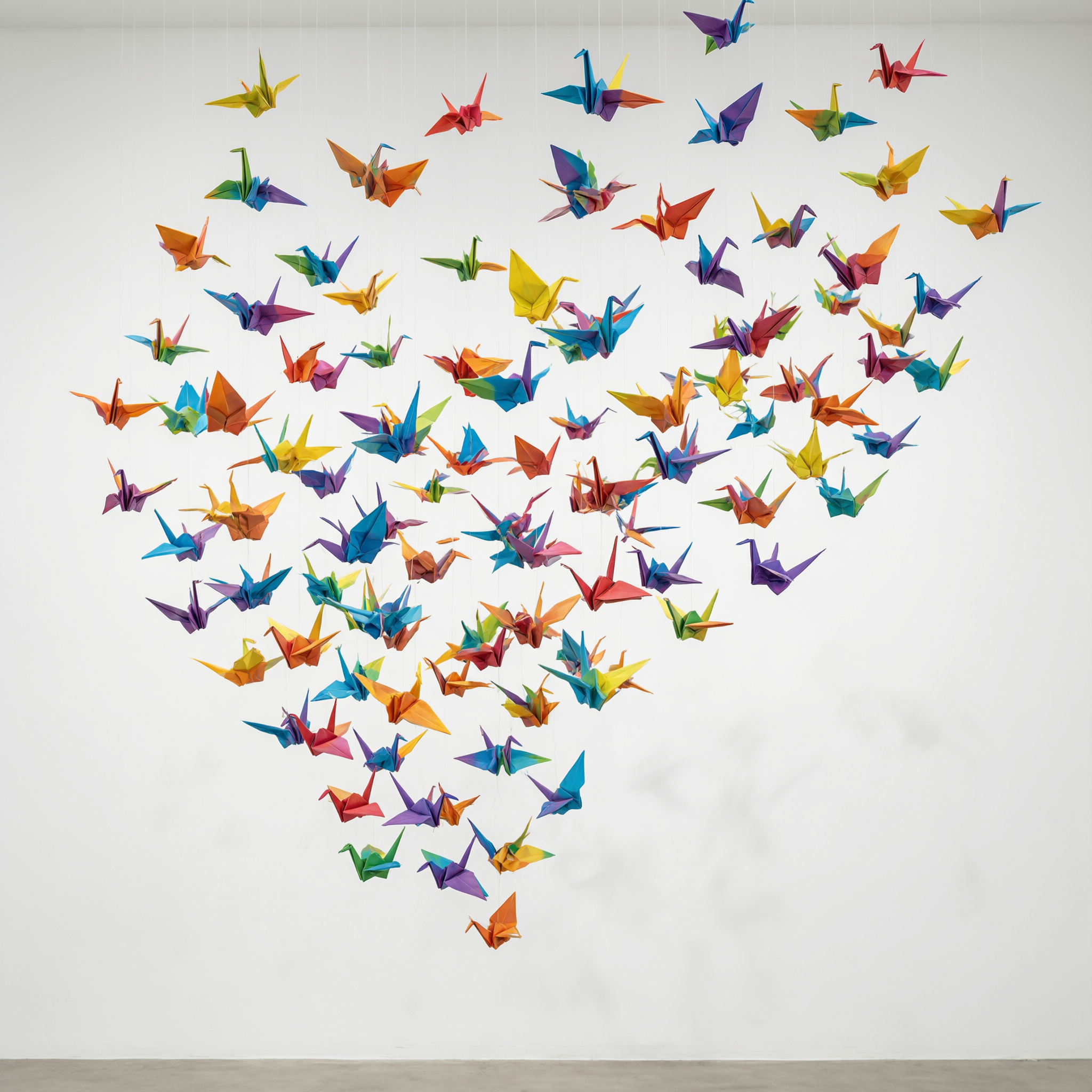
Generated on PixelDojo. Produced by PixelDojo's generation pipeline.
You turn simple ideas into stunning professional images that look like they came from a high-end studio photoshoot. With Seedream 5 Pro on PixelDojo you create photorealistic product shots, portraits, infographics packed with readable text, and entire campaign series featuring the same consistent characters or products. Upload up to ten reference images to lock in faces, objects, or styles so every asset matches perfectly. Generate native text in fourteen languages that stays crisp even at small sizes, then request layer separation so you receive transparent PNGs of individual elements ready for your design software. Precise regional edits let you change one object, swap a color, or refine lighting while everything else stays untouched. You skip expensive photoshoots, stock photo searches, and hours of manual work. PixelDojo places Seedream 5 right inside Generate Images alongside forty-plus other cutting-edge tools so you move from concept to downloadable files in minutes. Thousands of creators already rely on this workflow every day and you can cancel anytime.
Real image examples generated on PixelDojo
Every example below was produced on PixelDojo. Hover to see the prompt.
Origami paper crane flock suspended mid-flight in a white gallery space
qwen-3-pro
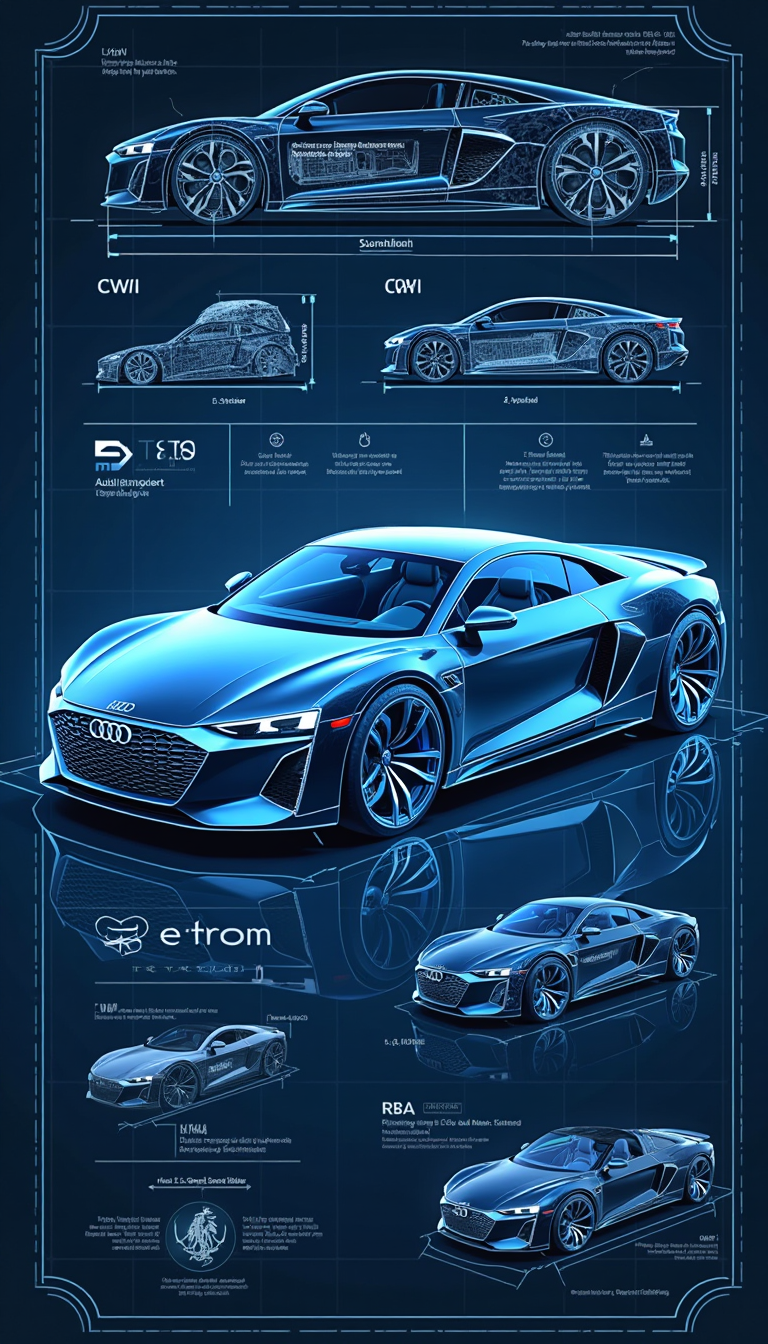
Create a highly detailed
flux

Navy SEALs in water with helicopter in background
seedream-4
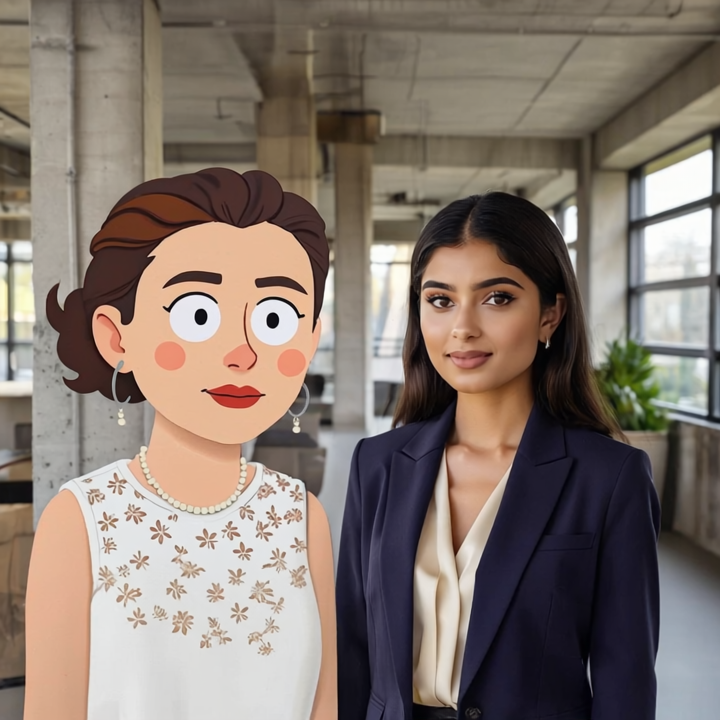
seedream 5 pro on PixelDojo
runway-gen4

Masterpiece
creative-upscaler
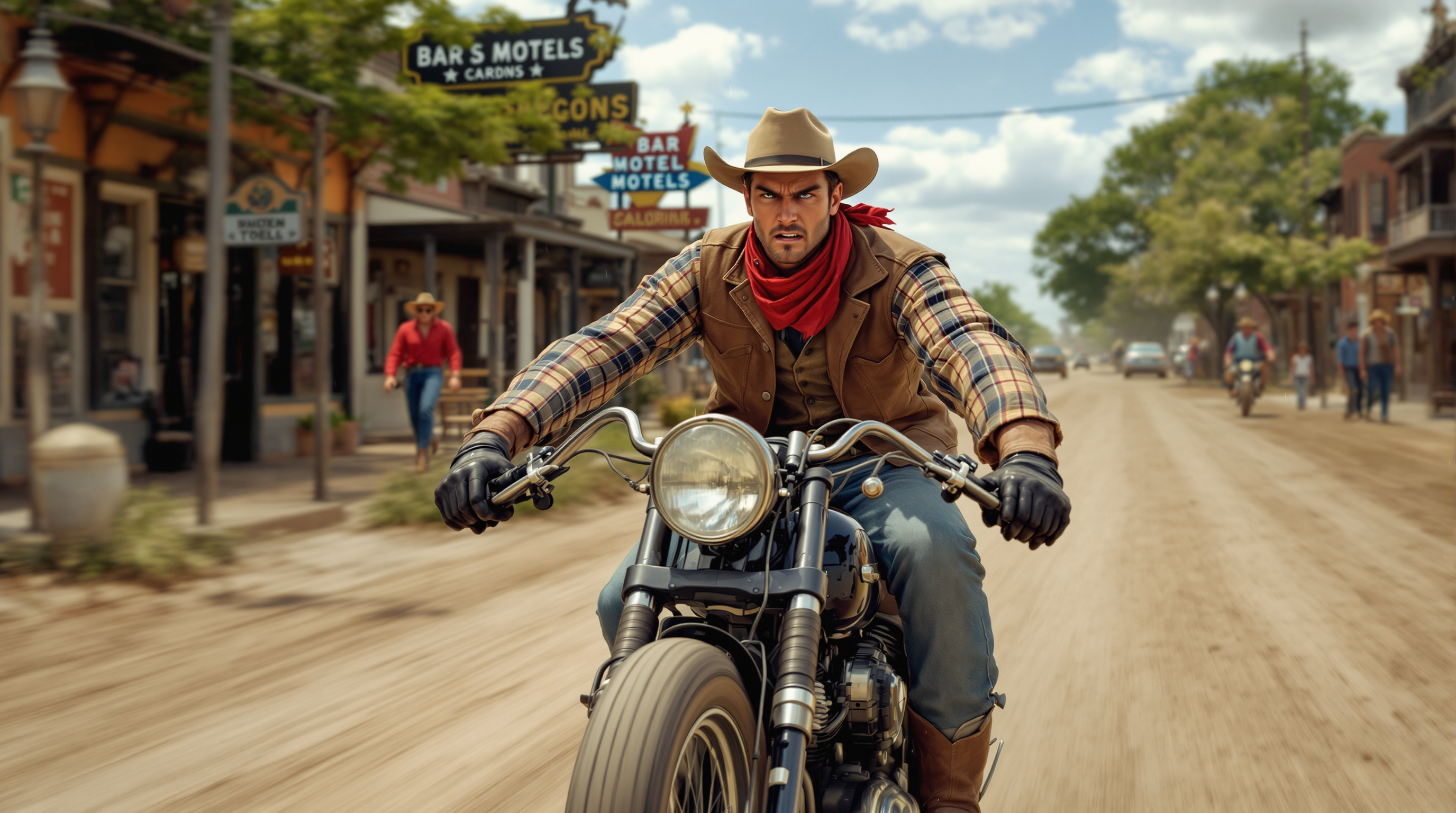
Very realistic side view photo of a young cowboy in his 27s wearing a flannel shirt
stable-diffusion
Models you can run on PixelDojo for seedream 5 pro
Switch models without switching tools. Each one runs in the same PixelDojo studio.
What you can do with seedream 5 pro on PixelDojo
Seedream 5 Pro Access
We run Seedream 5 Pro on PixelDojo so you can turn text prompts into still images with the model’s current detail and composition behavior.
Natural Language Control
You describe subject, setting, lighting, and style in plain language, then generate images that follow those instructions without extra tooling.
Studio Ready Resolutions
Create large stills for concept art, mockups, and social crops, then download them from your workspace for further editing.
Fast Prompt Iteration
We keep generations, seeds, and prompt history together so you can tweak wording, compare variants, and lock a direction in one place.
Loved by thousands of creators worldwide who generate professional assets daily. Forty-plus cutting-edge AI tools including Seedream 5 Pro deliver sharper realism and the best in-image text rendering available. Cancel anytime with zero risk.
Why Choose Pixel Dojo for seedream 5 pro
Professional-quality results with cutting-edge AI technology
Studio-Quality Visuals Ready for Campaigns
You produce photorealistic product renders, lifestyle scenes, and portraits with authentic lighting, materials, and skin texture that convert viewers into customers. Launch ads, websites, and social posts without waiting for photographers or paying for licenses.
Infographics and Posters That Actually Communicate
You design dense layouts, charts, and multilingual posters where every label, headline, and data point stays perfectly readable. Native support for fourteen languages means your message reaches global audiences without extra design work.
Consistent Characters Plus Surgical Edits
You keep the exact same face or product across dozens of images by feeding reference photos. Then point to any region and describe the change—Seedream 5 Pro updates only that area. Export separated layers for effortless compositing later.
How It Works
You create professional Seedream 5 Pro images on PixelDojo in three straightforward steps. Start generating, add references for consistency, then refine and enhance with the rest of the platform’s tools.
Step 1: Choose Your Tool
Open PixelDojo and head to Generate Images. Select Seedream 5 from the model list—it is the flagship choice for photorealism, text accuracy, and control. Upload as many as ten reference images of people, products, or styles so the output stays consistent. You can later jump to Character Sheets or Consistent Characters if you need even tighter identity lock.
Step 2: Enter Your Prompt
Describe exactly what you want in natural language: the subject, lighting, camera angle, mood, and any on-image text inside quotes. Choose 1K for fast drafts or 2K for final quality and pick the aspect ratio that fits your use. Seedream 5 Pro understands complex layouts so you can request infographics, posters, or multi-element scenes in one pass. Generate a few variations to pick your favorite.
Step 3: Customize & Download
Move to Edit Images and use Inpainting or Image to Image for pinpoint changes—select a region or describe the tweak and the rest of the picture stays perfect. Ask for layer separation to receive transparent PNGs of background, subject, and text. Upscale with P-Image Upscale or Magnific Upscaler for print-ready files, then download PNG or JPEG. Send the stills straight into Seedance video tools if you want motion.
The Pixel Dojo Advantage
Why PixelDojo with Seedream 5 Pro outperforms other options for professional image generation
| Others | Pixel Dojo |
|---|---|
| Traditional photography and stock libraries | You eliminate location fees, model bookings, and licensing costs. Generate the exact scene, lighting, and product you need in minutes instead of days, then iterate freely until it is perfect. |
| Generic AI image tools | You receive superior photorealism, crisp multilingual text, region-specific edits, and true layer exports that generic platforms simply cannot deliver. One subscription also unlocks forty-plus specialized models. |
| Manual photo editing and design software | You skip hours of masking, compositing, and retouching. Seedream 5 Pro builds complex, consistent, text-rich images automatically; you only make the final precise tweaks with PixelDojo’s editors. |
Loved by creators on PixelDojo
Real feedback from people using PixelDojo, pulled from our in-product surveys.
Qwen image 2 is amazing!!
Creative freedom, range of tools and options.
I love the training feature
the quality is the best
All the tools needed in one dashboard
Very fair and very broad in tools.
Explore more AI tools on PixelDojo
AI Tools
Compare & Switch
- Best AI Image Generators
- Best AI Video Generators
- Midjourney Alternatives
- Civitai Alternatives
- Runway Alternatives
- Leonardo Alternatives
- Pika Alternatives
- Luma Alternatives
- Magnific Alternatives
- Veo Alternatives
- Flux Alternatives
- Freepik Alternatives
- Seedance Alternatives
- Seedream Alternatives
- Pixverse Alternatives
- GPT Image Alternatives
- Synthesia Alternatives
- Playground Alternatives
- NightCafe Alternatives
- Canva AI Alternatives
- ElevenLabs Alternatives
- ComfyUI Alternatives
- Fal Alternatives
- Replicate Alternatives
Common Questions
Everything you need to know about seedream 5 pro
How do I generate photorealistic images with Seedream 5 Pro on PixelDojo?
You open Generate Images, pick Seedream 5, and describe your scene in everyday language including lighting, materials, and camera details. Add reference photos if you want a specific person or product. The model produces studio-quality results with authentic textures and composition. You then refine with Inpainting or upscale for even higher detail. Thousands of marketers already use this exact flow to replace expensive photoshoots.
What are the best techniques for using reference images in Seedream 5 Pro?
You upload up to ten clear photos of the face, product, or style you want to keep. Place the most important reference first. Combine a character shot with a product shot and a lighting example so Seedream 5 Pro fuses them into one coherent scene. After generation you can still edit individual regions without losing the locked identity. This workflow lets you build entire campaign series that look like they were shot on the same day.
Can Seedream 5 Pro create infographics with accurate text and data visualization?
Yes. You simply describe the layout, the data points, and the exact wording you need. Seedream 5 Pro renders small, readable text in fourteen languages and arranges charts, timelines, and photos into a professional one-page design. Request layer separation afterward so each label and graphic element arrives as its own transparent PNG. Designers love this because they can drop the layers straight into their existing files.
How do I create multilingual posters with Seedream 5 Pro?
You write the prompt in any of the fourteen supported languages or mix them. Put the headline and body copy inside quotation marks so the model treats it as exact text. Seedream 5 Pro handles right-to-left scripts like Arabic and complex characters in Japanese or Korean with native accuracy. Generate at 2K, then use Background Remover or Style Transfer if you want extra polish. Your global campaign assets are ready in minutes.
Is Seedream 5 Pro good for consistent character generation across multiple images?
It is one of the strongest options available. You feed several angles of the same person or product as references and Seedream 5 Pro maintains identity, clothing, and lighting across new poses and scenes. Pair it with PixelDojo’s Consistent Characters or Character Sheets tools for even tighter control. You end up with a full set of matching images that look like a professional photoshoot instead of random AI outputs.
What editing capabilities does Seedream 5 Pro offer inside PixelDojo?
After generation you stay inside PixelDojo’s Edit Images section. Use Inpainting to change only the area you point to, Image to Image for style or lighting shifts, or request full layer separation. Magic Lighting and Reality Polisher add extra polish. Because Seedream 5 Pro already understands spatial layout, these edits stay natural and the rest of the image remains untouched. You never have to start over.