sora 2 online AI Generator

Generated on PixelDojo. Produced by PixelDojo's generation pipeline.
You can now turn your most ambitious cinematic ideas into breathtaking still images that capture the same hyper-realistic physics, dramatic lighting, and immersive atmosphere once reserved for high-end video productions. PixelDojo's sora 2 online image generation lets you produce professional-grade visuals in seconds—no cameras, crews, or waiting lists required. Whether you need scroll-stopping social content, campaign-ready product shots, or artistic frames that feel like they belong in a feature film, you get complete creative control. Describe a misty forest at golden hour with a lone traveler, a rain-slicked Tokyo alley under neon lights, or a product floating in perfect studio lighting, and watch PixelDojo's tools like Flux.2 Studio, GPT Image 2, and Seedream 5 deliver photorealistic results packed with depth, accurate shadows, and lifelike detail. Thousands of creators already use these capabilities to skip expensive photoshoots and generate unlimited custom images that look and feel premium. Start today and see how quickly your vision becomes a high-converting visual asset.
Real image examples generated on PixelDojo
Every example below was produced on PixelDojo. Hover to see the prompt.
sora 2 online on PixelDojo
creative-upscaler
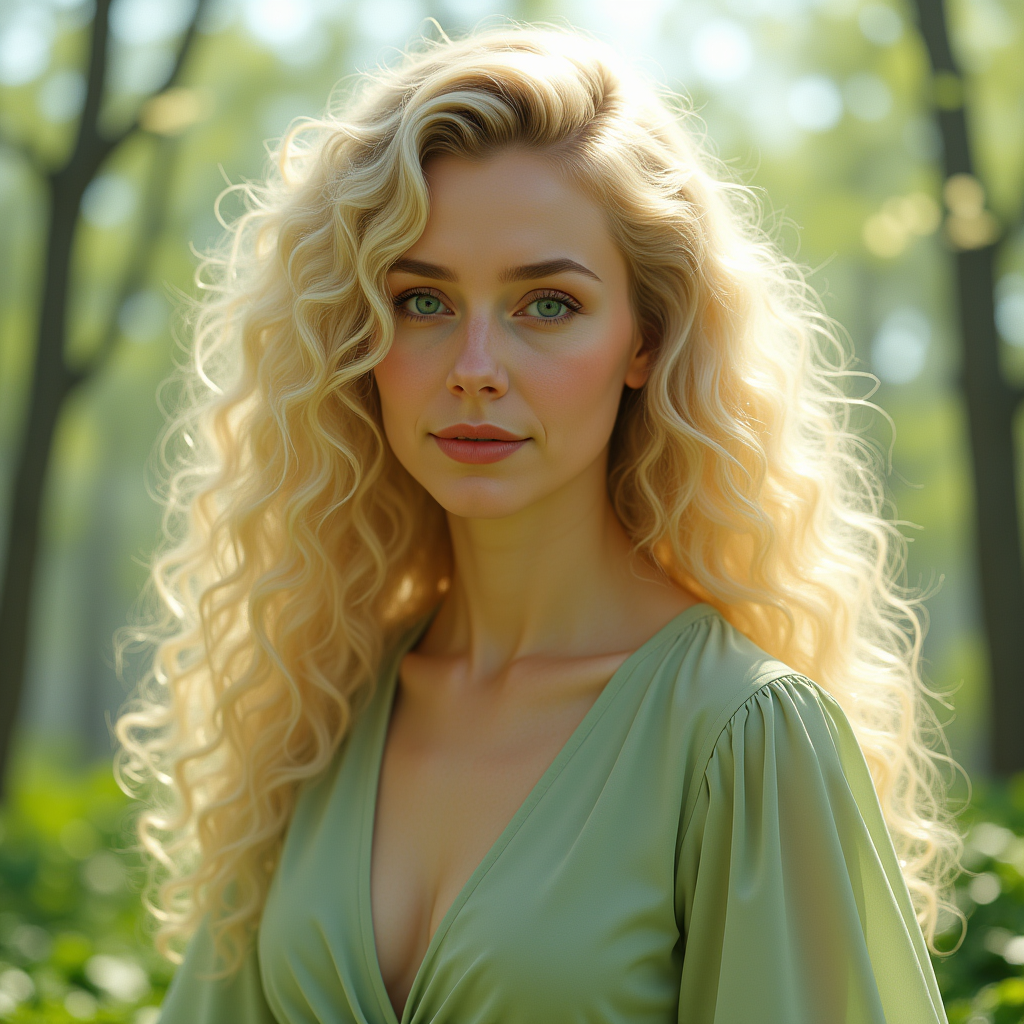
Kira-Original-Zip
stable-diffusion
Character3 is talking to character2 using the voice of character1 in a cozy cafe in Lisbon
image-to-video
Character3 is talking to character2 using the voice of character1 in a cozy cafe in Lisbon
image-to-video
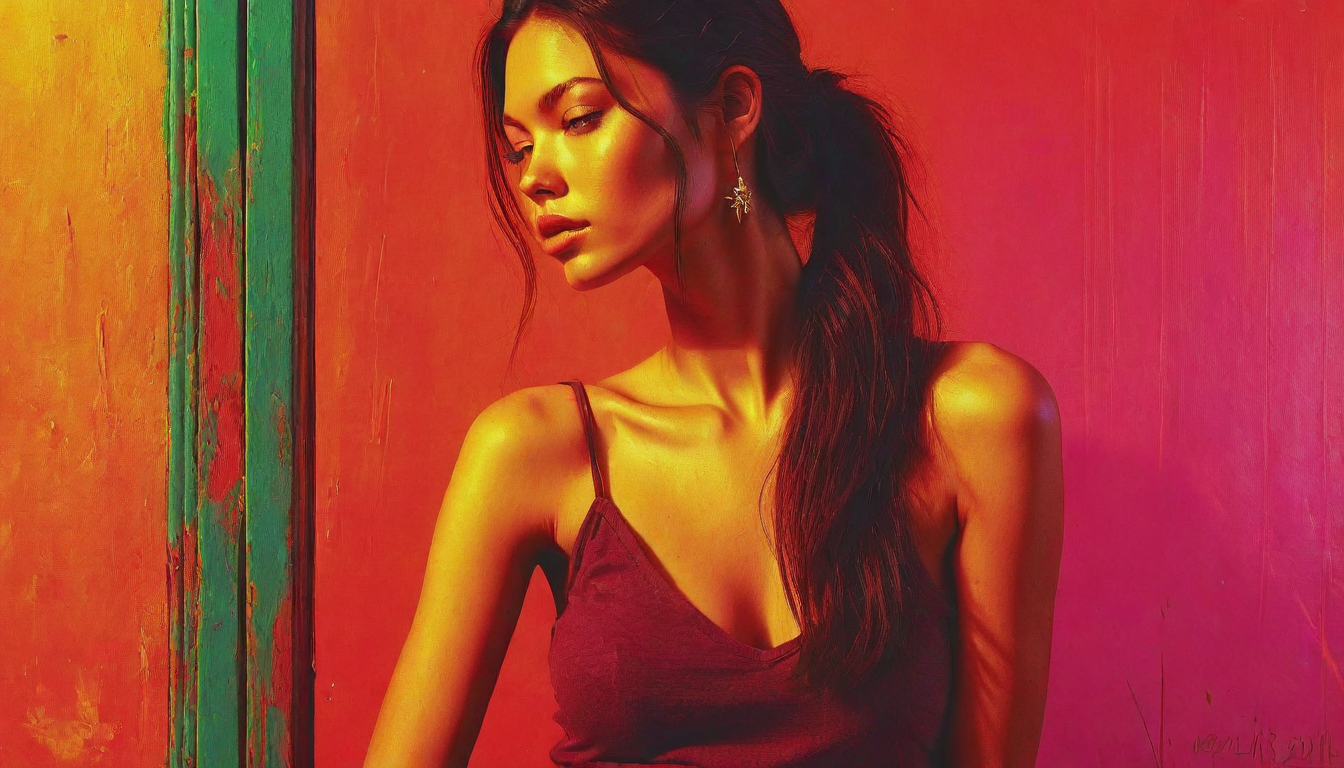
Colorshift style woman
stable-diffusion
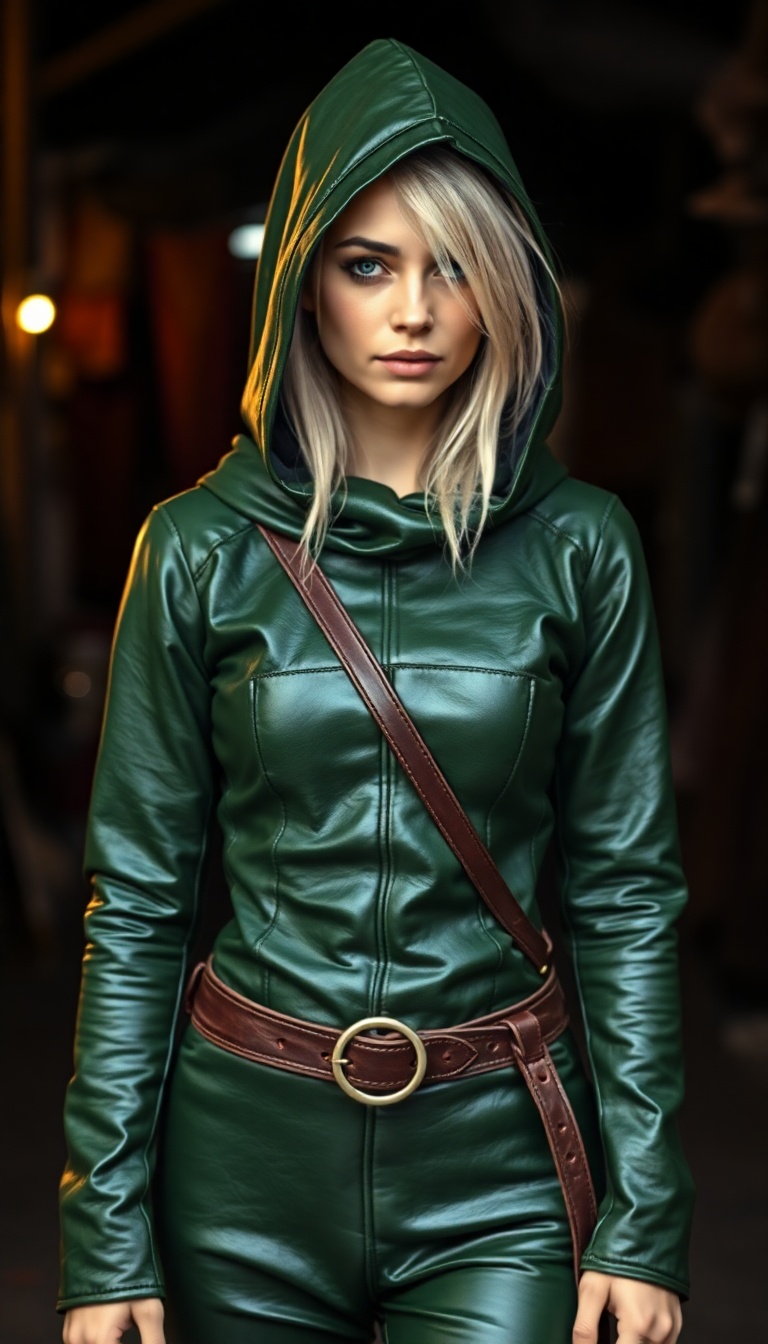
Shiny Green tight leather medieval tunic with hood
flux
Models you can run on PixelDojo for sora 2 online
Switch models without switching tools. Each one runs in the same PixelDojo studio.
What you can do with sora 2 online on PixelDojo
Sora 2 Image Studio
We give you an online workspace to generate stills with Sora 2 style prompts, so you can iterate on composition, lighting, and subject without leaving the browser.
Prompt Control And Variants
We let you refine prompts, lock a look, and produce multiple variants of the same idea so you can pick the frame that fits your project.
Export Ready Assets
We provide downloads of your generations in common image formats so you can drop them into edits, decks, or social posts.
History And Reuse
We keep your recent runs and settings so you can reopen a prompt, tweak it, and generate again without starting from scratch.
Loved by thousands of creators worldwide who have generated millions of images using PixelDojo's 40+ cutting-edge AI tools. Join marketers, artists, and storytellers who rate us highly for speed, quality, and reliability—cancel anytime.
Why Choose Pixel Dojo for sora 2 online
Professional-quality results with cutting-edge AI technology
Hollywood-Quality Stills Without the Budget
You produce images with cinematic lighting, accurate physics, and film-like depth that make your social posts, ads, and websites look professionally shot—saving you thousands on photography and post-production.
Instant Custom Visuals for Any Campaign
You generate unique, on-brand images tailored to your exact story in minutes instead of days, letting you test more ideas, launch faster, and keep your content fresh without stock photo limitations.
Unlimited Creative Experiments Risk-Free
You iterate on lighting, composition, and style as much as you want using tools like Flux.2 Studio and Seedream 5, then download high-res files ready for print or digital use—all with the freedom to cancel anytime.
How It Works
Creating sora 2 online images on PixelDojo takes just three simple steps. You use our specialized generators to craft detailed cinematic scenes that look like frames from the most advanced video models.
Step 1: Choose Your Tool
Log in and select a powerhouse image generator such as Flux.2 Studio for ultra-detailed photorealism, GPT Image 2 for creative control, or Seedream 5 for stunning cinematic lighting. These tools are built to handle complex scenes with accurate physics and atmosphere.
Step 2: Enter Your Prompt
Write a rich description using cinematic language: specify shot type, lens, lighting, subject, and mood. Example: 'Cinematic wide shot, 35mm lens, golden hour backlight, a hiker standing on a misty ridge, shallow depth of field, hyper-realistic textures, warm color palette.' Add reference images if you have them for even tighter control.
Step 3: Customize & Download
Review your generations, refine with Image to Image or Style Transfer if needed, then upscale using P-Image Upscale or Magnific Upscaler for print-ready quality. Download instantly in high resolution and use anywhere.
The Pixel Dojo Advantage
Why PixelDojo outperforms other options for sora 2 online image generation
| Others | Pixel Dojo |
|---|---|
| Traditional photography and stock libraries | You get fully custom, unique images matching your exact vision in seconds instead of paying for shoots, licenses, or settling for generic stock that everyone else uses. |
| Generic AI image tools | You access specialized high-end models like Flux.2 Studio, GPT Image 2, and Seedream 5 that deliver superior realism, lighting accuracy, and cinematic detail far beyond basic generators. |
| Manual photo editing and compositing | You skip hours of layering, lighting tweaks, and retouching—generate complete, physics-accurate scenes from a simple prompt and download ready-to-use files immediately. |
Loved by creators on PixelDojo
Real feedback from people using PixelDojo, pulled from our in-product surveys.
variety of tools available and prompt tools
A "one-stop-shop" for creators! Thanks!!
Lots of different tools. It's easy to purchase more credits.
Amazing performance!
Excellent website for creating all types of media
Very eay to use, works well to train SDXL loras.
Explore more AI tools on PixelDojo
AI Tools
Compare & Switch
- Best AI Image Generators
- Best AI Video Generators
- Midjourney Alternatives
- Civitai Alternatives
- Runway Alternatives
- Leonardo Alternatives
- Pika Alternatives
- Luma Alternatives
- Magnific Alternatives
- Veo Alternatives
- Flux Alternatives
- Freepik Alternatives
- Seedance Alternatives
- Seedream Alternatives
- Pixverse Alternatives
- GPT Image Alternatives
- Synthesia Alternatives
- Playground Alternatives
- NightCafe Alternatives
- Canva AI Alternatives
- ElevenLabs Alternatives
- ComfyUI Alternatives
- Fal Alternatives
- Replicate Alternatives
Common Questions
Everything you need to know about sora 2 online
How do I generate sora 2 style images online without a waitlist?
PixelDojo gives you instant access to 40+ cutting-edge tools including Flux.2 Studio and Seedream 5. Simply sign up, choose your generator, enter a cinematic prompt, and start creating photorealistic images right away. Thousands of creators already do this daily with no invitations required, and you can cancel anytime.
What is the best tool for sora 2 online image generation on PixelDojo?
Flux.2 Studio and Seedream 5 excel at producing the hyper-realistic, cinematic stills people search for with sora 2 online. Pair them with GPT Image 2 for extra creative flexibility or Ideogram 4 for text-heavy designs. You get professional results that capture lighting, depth, and atmosphere in every frame.
Can I create photorealistic cinematic images like sora 2 with PixelDojo?
Yes. Use detailed prompts that include shot type, lighting, and physics cues just like advanced video techniques. PixelDojo's models understand cinematic language, so your images emerge with accurate shadows, realistic materials, and film-like quality—perfect for marketing, art, or social content.
How can I make my sora 2 online images look more cinematic?
Include specific details in your prompt: camera lens, lighting direction, time of day, and mood. For example, mention 'golden hour backlight, 50mm lens, shallow depth of field.' Then refine with PixelDojo's Style Transfer or Magic Lighting tools and upscale with Clarity Pro for maximum impact.
Is PixelDojo a good sora 2 online image generator for commercial use?
Absolutely. You own the images you create and can use them commercially. Generate product shots, ad creatives, or website visuals that look professionally produced. With 40+ tools and the ability to cancel anytime, it is a low-risk way to produce unlimited high-converting assets.
What prompting techniques work best for sora 2 style images on PixelDojo?
Structure your prompt with shot type, lens, lighting, subject action, and atmosphere. Keep it detailed yet focused. Tools like Flux.2 Studio respond exceptionally well to this approach, delivering consistent, high-quality cinematic results you can iterate on instantly.