grok xai video generation

Imagine turning any idea into a polished, cinematic video in seconds – complete with smooth motion, synchronized audio, and lifelike characters. With Grok xAI video generation on PixelDojo, you can create professional-grade content for marketing, storytelling, social media, or personal projects without expensive equipment, editing software, or years of experience. Whether you're a creator building viral clips, a business owner producing ads, or a storyteller bringing scripts to life, PixelDojo's integrated Grok Video and Grok R2V tools deliver stunning results that captivate audiences and drive engagement.
Over 65,000 creators have generated more than 8 million videos using Grok xAI tools on PixelDojo. Rated 4.9/5 by thousands of users worldwide. Trusted by marketers, filmmakers, and brands for fast, high-quality AI video production.
Why Choose Pixel Dojo for grok xai video generation
Professional-quality results with cutting-edge AI technology
Produce Cinematic Videos Instantly
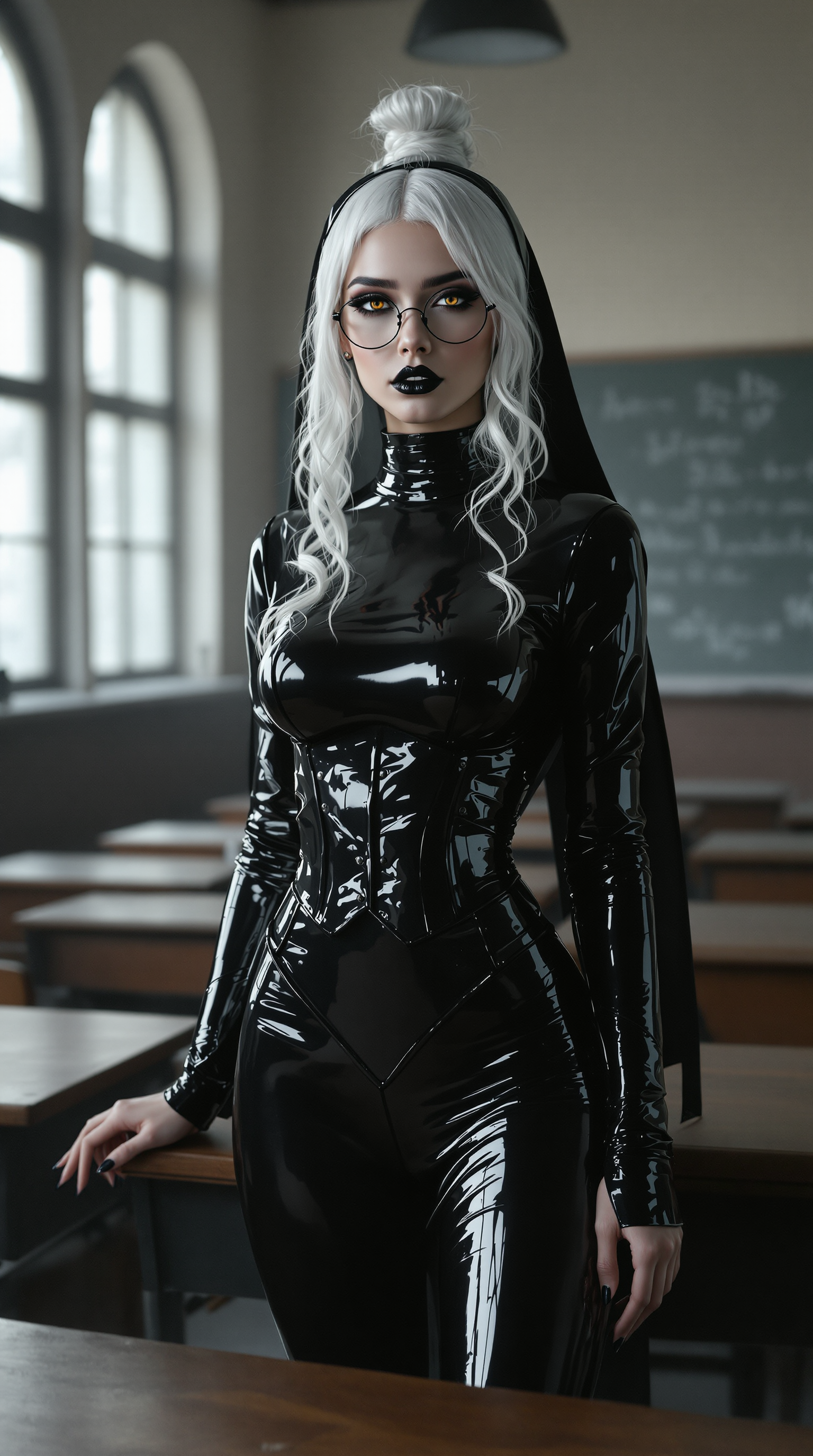
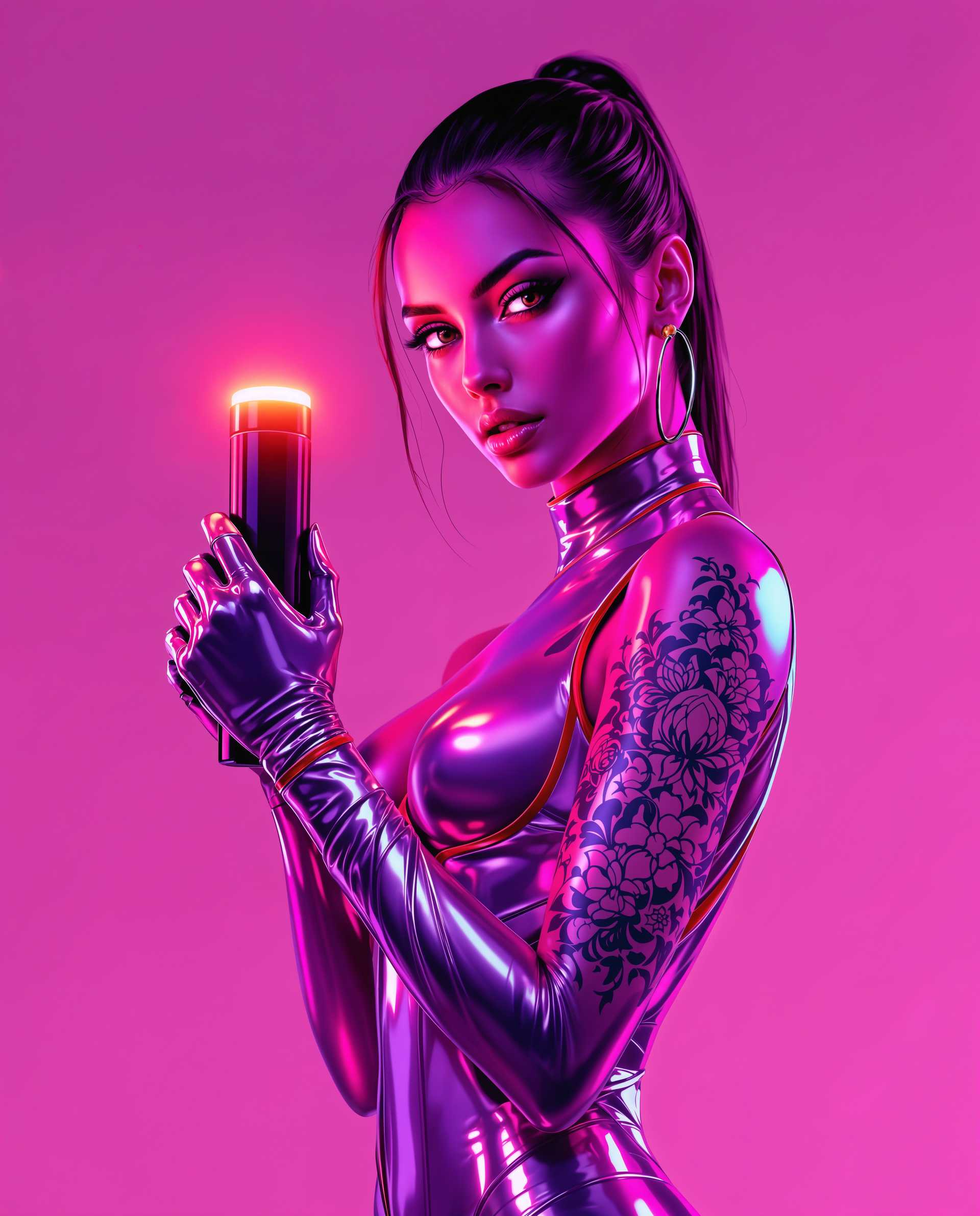
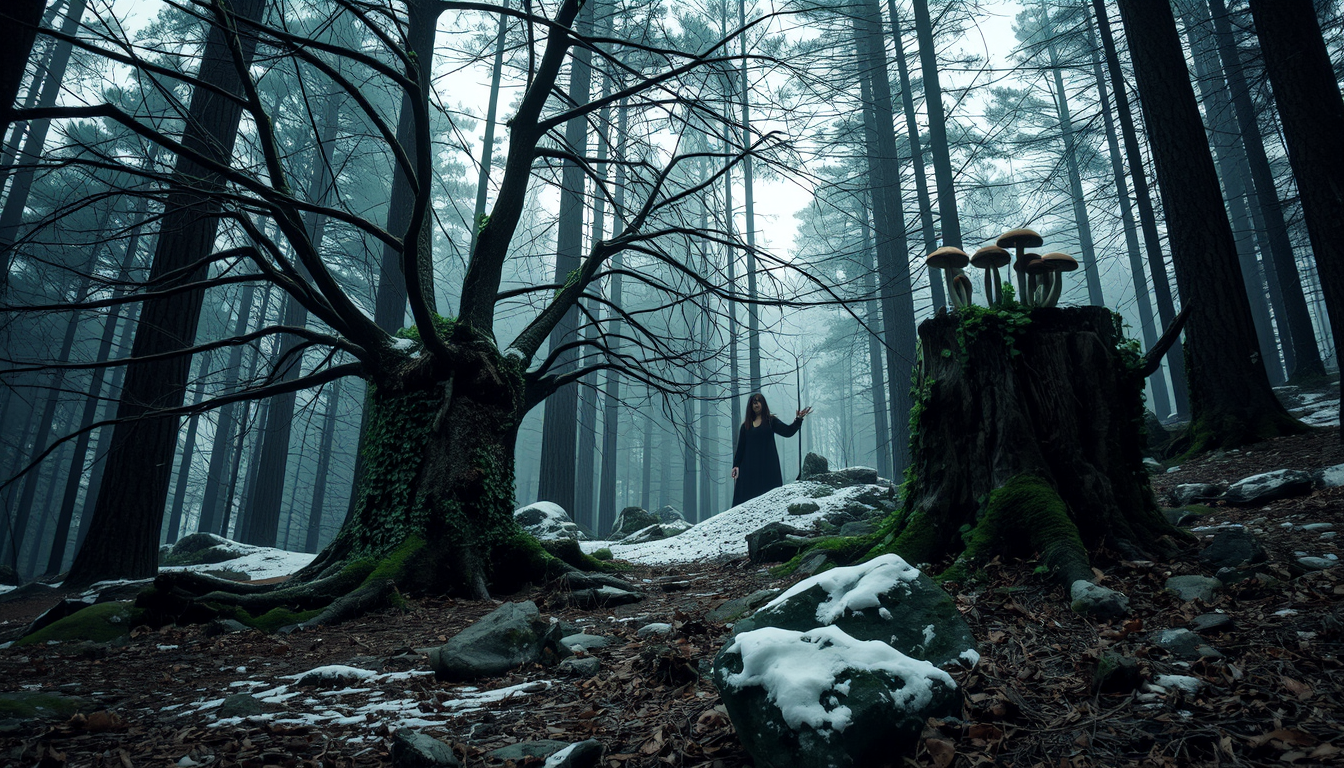
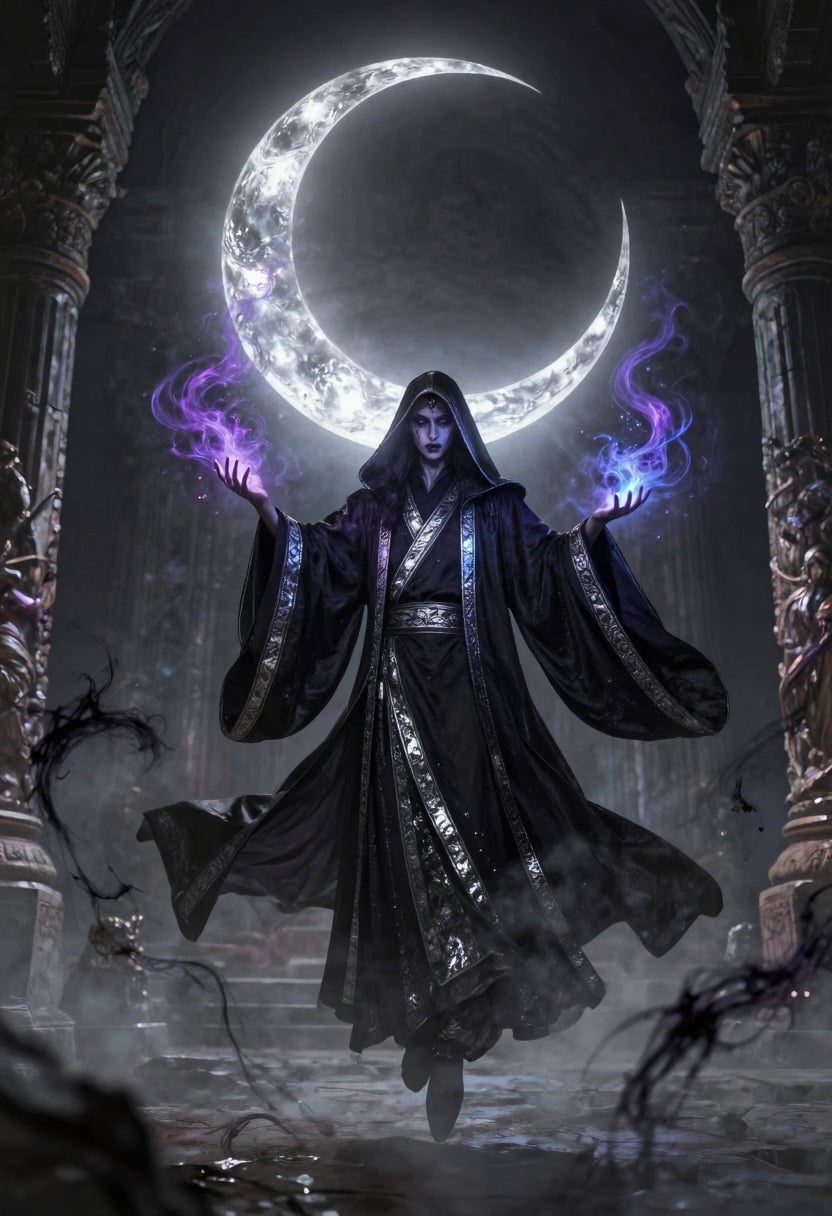
Bring your scripts or concepts to life as 10-15 second HD clips with realistic motion, dynamic camera moves, and native audio that syncs perfectly with dialogue or sound effects. Ideal for ads, trailers, or short films that look professionally made.
Maintain Perfect Character Consistency
Create series of videos featuring the same characters across multiple scenes using Grok R2V reference tools. Keep faces, outfits, and styles identical for cohesive storytelling or branded content campaigns.
Edit and Extend Videos Effortlessly
Refine existing clips with Grok Video Edit for object changes, style shifts, or scene extensions. Build longer videos by chaining short generations while preserving quality and flow – perfect for full stories or product demos.
How It Works
Creating professional Grok xAI videos on PixelDojo takes just three simple steps. No technical expertise required – our platform handles the complexity so you focus on creativity.
Step 1: Choose Your Grok Tool
Select from Grok Video for text-to-video magic or Grok R2V for reference-to-video animation. Browse our full library including Grok Imagine integrations and start with a free trial.
Step 2: Enter Your Prompt or Upload Reference
Describe your scene in natural language or upload an image/character reference. Add details like camera angles, emotions, or audio cues for best results with Grok's advanced prompt understanding.
Step 3: Customize, Preview & Download
Adjust duration, resolution, or aspect ratio. Preview the generated video with native audio, then use Grok Video Edit or extend features for refinements before downloading in high quality.






The Pixel Dojo Advantage
Why PixelDojo outperforms other options for Grok xAI video generation
| Others | Pixel Dojo |
|---|---|
| Traditional video production | Skip costly crews, equipment, and weeks of filming – generate broadcast-quality clips in minutes with Grok's intelligent motion and audio |
| Generic AI video tools | Access dedicated Grok models with superior prompt following, native audio sync, and seamless reference consistency unavailable elsewhere |
| Manual photo editing or basic animation | Achieve realistic movement, emotional expressions, and professional audio without frame-by-frame work or learning complex software |
Loved by creators on PixelDojo
Real feedback from people using PixelDojo, pulled from our in-product surveys.
Great site and so much fun to use!
very useful set of tools for image creation, upscaling and enhancement
ease of use, variety of tools, high quality trainings, and a well-maintained discord channel
Ease of use, friendliness and support of the owner, continued innovation.
it is an amazing site to create a pics and vids for those who don't have the hardware themselves
good tools in one place
Explore more AI tools on PixelDojo
Popular AI Models
AI Tools
Compare & Switch
- Best AI Image Generators
- Best AI Video Generators
- Midjourney Alternatives
- Civitai Alternatives
- Runway Alternatives
- Leonardo Alternatives
- Pika Alternatives
- Luma Alternatives
- Magnific Alternatives
- Veo Alternatives
- Flux Alternatives
- Freepik Alternatives
- Seedance Alternatives
- Seedream Alternatives
- Pixverse Alternatives
- GPT Image Alternatives
- Synthesia Alternatives
- Playground Alternatives
- NightCafe Alternatives
- Canva AI Alternatives
- ElevenLabs Alternatives
- ComfyUI Alternatives
- Fal Alternatives
- Replicate Alternatives
Common Questions
Everything you need to know about grok xai video generation
How does Grok xAI video generation work on PixelDojo?
PixelDojo integrates Grok Video and Grok R2V directly, allowing text prompts or image references to generate 10-15 second cinematic clips with native audio. Simply choose the tool, input your idea, and customize for professional results in seconds.
Can I create consistent characters across multiple Grok videos?
Yes! Use Grok R2V reference-to-video and Consistent Characters features on PixelDojo. Upload a reference image once and generate matching characters in new scenes for series, ads, or storytelling with perfect visual continuity.
What kind of videos can I make with Grok xAI on PixelDojo?
Anything from marketing ads and social media clips to animated stories, product demos, and trailers. Grok excels at realistic motion, emotional expressions, dynamic camera work, and synchronized dialogue or sound effects.
Is Grok video generation free to try on PixelDojo?
Absolutely – start with free credits to generate your first Grok xAI videos. Enjoy full access to Grok Video, editing tools like Grok Video Edit, and extensions without commitment. Cancel anytime.
How long are the videos and what's the quality like?
Generate up to 15-second clips at 720p HD with native audio. Extend clips seamlessly using Grok's extend features or chain generations for longer professional videos while maintaining high motion quality and detail.
Do I need editing skills for Grok xAI videos on PixelDojo?
No experience needed. Built-in tools like Grok Video Edit, Lip Sync, Video Reframe, and Autocaption handle refinements automatically. Focus on your creative vision while PixelDojo manages the technical side.