tattoo generator free
Picture your dream tattoo coming to life in seconds – no waiting for appointments, no expensive consultations, just pure creative freedom. PixelDojo's free tattoo generator empowers you to design custom, high-detail artwork that matches your exact vision, preview it on realistic body placements, and export stencil-ready files ready for your artist. Whether you're planning a delicate wrist piece, a bold sleeve, or meaningful symbolism, you achieve personalized results that feel truly yours, saving time and money while sparking endless inspiration.
Join 82,000+ creators who designed their perfect tattoos • 4.9/5 average rating from real users • Over 3.2 million designs generated this year • Featured in top tattoo artist communities worldwide
Why Choose Pixel Dojo for tattoo generator free
Professional-quality results with cutting-edge AI technology
Instant Personalized Designs
Turn any idea into a unique tattoo that perfectly captures your story, style, and placement preferences without hiring a designer or waiting weeks.
Realistic Body Previews
See exactly how your tattoo will look on your skin with AI-powered placement tools, helping you make confident decisions before any ink touches your body.
Stencel-Ready Professional Quality
Generate crisp, high-resolution designs optimized for tattoo artists – clean lines, perfect shading, and customizable details that translate flawlessly to skin.
How It Works
Creating stunning free tattoo designs with PixelDojo takes just three easy steps using our powerful AI tools tailored for tattoo artists and enthusiasts alike.
Step 1: Choose Your Tool
Head to the Generate Images section and select a specialized model like Flux.2 Studio for ultra-detailed linework or SDXL for vibrant color realism. These tools excel at producing tattoo-ready artwork with precise shading and composition.
Step 2: Enter Your Prompt
Describe your tattoo idea in natural language – include subject, style (like neo-traditional or geometric), colors, size, and body placement. Add details like 'minimalist wolf head on inner wrist in fine line style' for best results.
Step 3: Customize & Download
Refine your design instantly with Edit Images tools like Style Transfer to switch between blackwork and realism, Inpainting to perfect details, or Image to Image for uploading your own sketch. Then download high-res files optimized for printing as stencils.



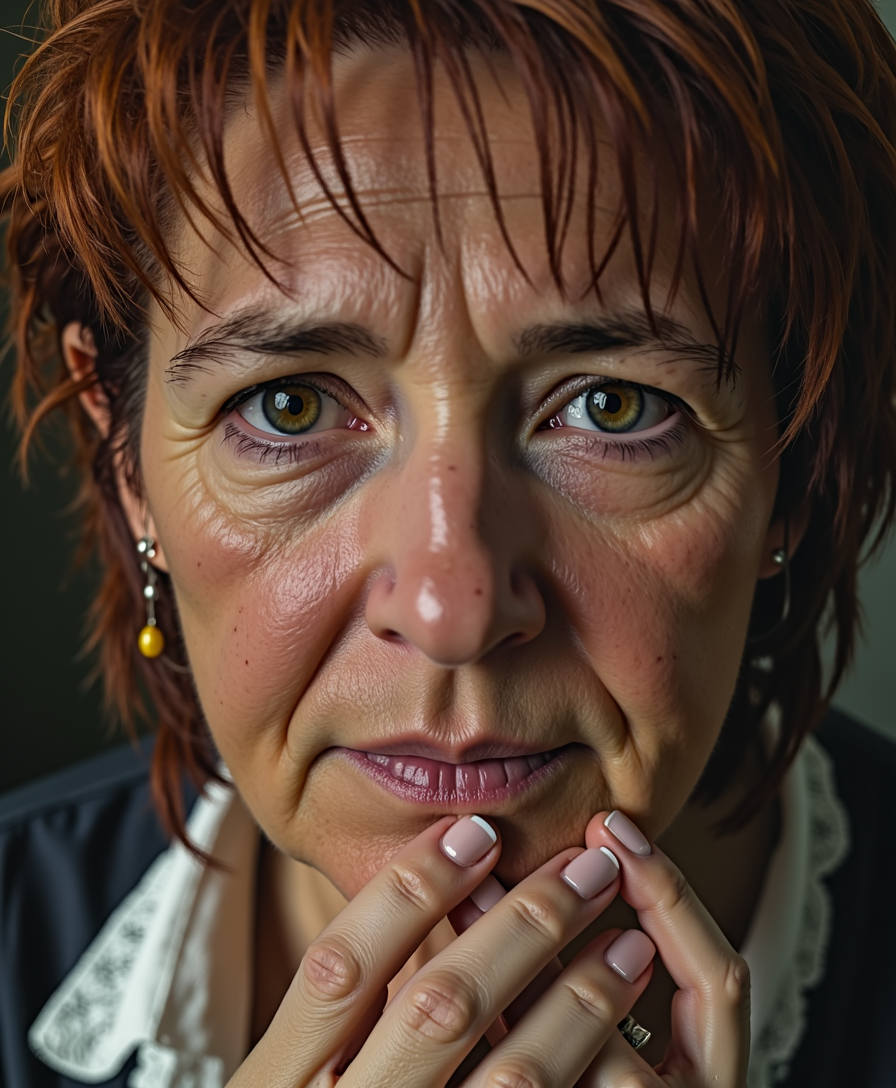
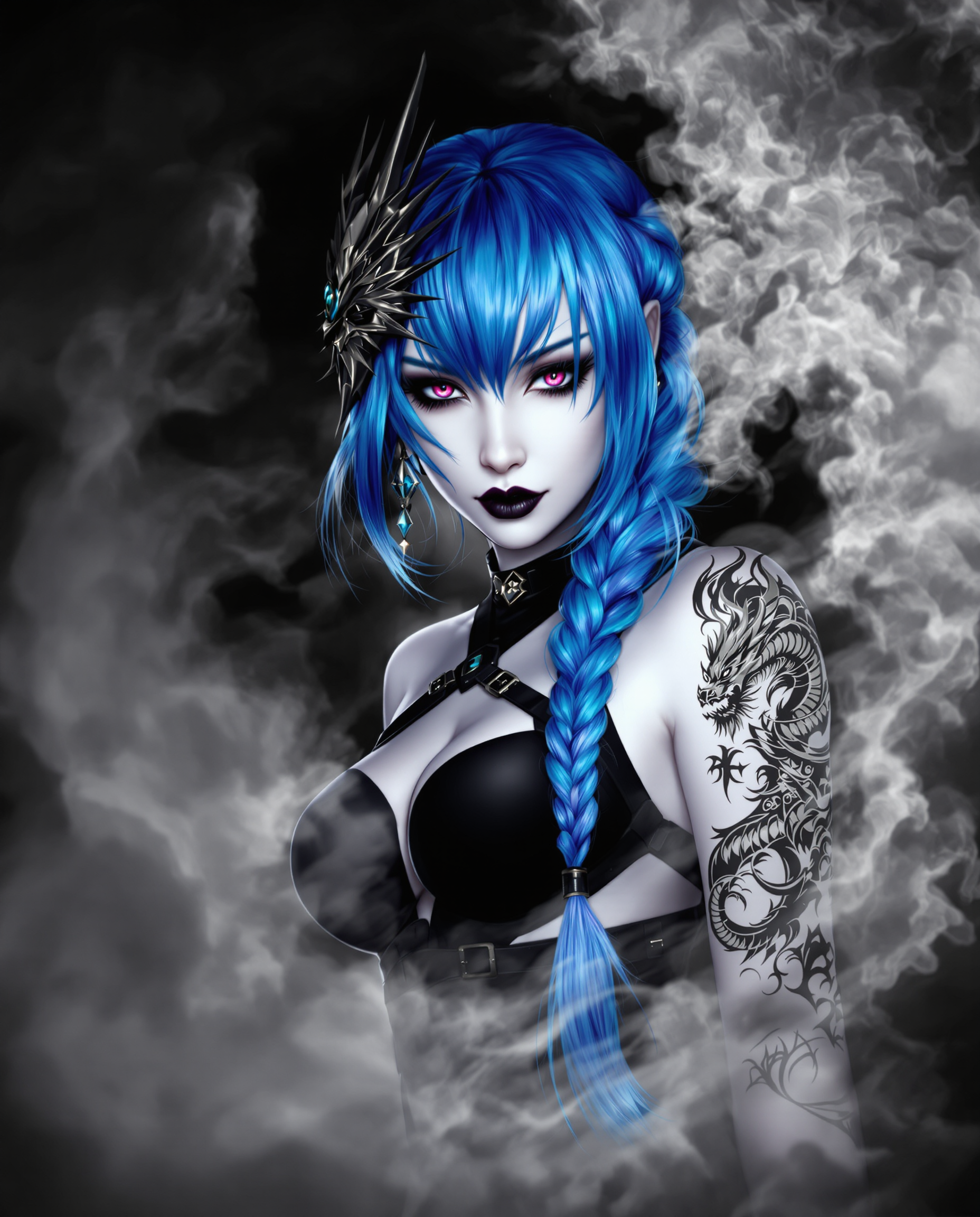
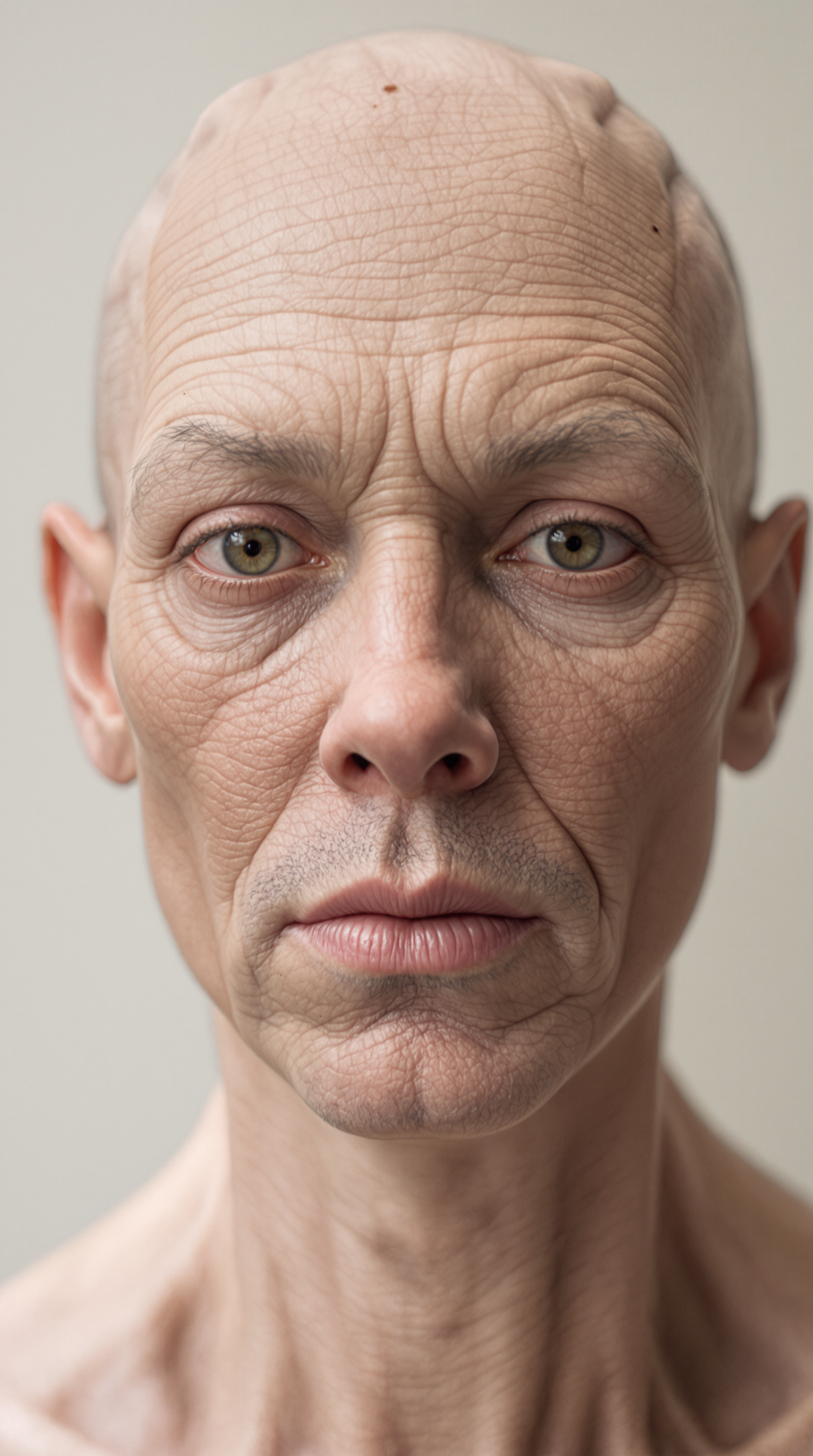
The Pixel Dojo Advantage
Why PixelDojo outperforms other options for free tattoo image generation
| Others | Pixel Dojo |
|---|---|
| Traditional tattoo creation | Skip months of back-and-forth with artists – generate dozens of custom concepts in minutes and arrive at your appointment with perfect references ready |
| Generic AI tools | Access tattoo-specialized models like PonyXL and Grok Image plus dedicated editing features such as Magic Lighting and Background Remover for flawless, skin-optimized results |
| Manual photo editing | Achieve professional stencil quality without Photoshop expertise – AI handles complex shading, symmetry, and body curvature automatically in a single click |
Loved by creators on PixelDojo
Real feedback from people using PixelDojo, pulled from our in-product surveys.
It has all the tools I can think of...
deployment rate of splendid features is incredible. Legend
large selection of tools on one platform
the amount you can do on this site
all in one place
It is a lot of fun to uae and easy too.
Explore more AI tools on PixelDojo
AI Tools
Compare & Switch
- Best AI Image Generators
- Best AI Video Generators
- Midjourney Alternatives
- Civitai Alternatives
- Runway Alternatives
- Leonardo Alternatives
- Pika Alternatives
- Luma Alternatives
- Magnific Alternatives
- Veo Alternatives
- Flux Alternatives
- Freepik Alternatives
- Seedance Alternatives
- Seedream Alternatives
- Pixverse Alternatives
- GPT Image Alternatives
- Synthesia Alternatives
- Playground Alternatives
- NightCafe Alternatives
- Canva AI Alternatives
- ElevenLabs Alternatives
- ComfyUI Alternatives
- Fal Alternatives
- Replicate Alternatives
Common Questions
Everything you need to know about tattoo generator free
How to create custom tattoo designs for free with AI in 2026?
Simply visit PixelDojo, choose a Generate Images tool like Flux.2 Studio or Grok Image, enter a detailed prompt about your tattoo idea, and generate unlimited options. Use free editing tools like Style Transfer and Inpainting to perfect every detail before downloading stencil-ready files.
What are the best free AI techniques for realistic tattoo previews?
Combine text prompts with body placement references in PixelDojo's Image to Image tool, then apply Style Transfer for skin texture simulation. Tools like WAN Image and Recraft V4.1 deliver hyper-realistic results that show exactly how your tattoo will heal and age on skin.
Can I generate stencil-ready tattoo designs without paying anything?
Yes – PixelDojo offers free access to 40+ models including SDXL, QWEN Image, and Bria 3.2. Generate, edit with Inpainting or Magic Lighting, and download high-resolution files perfect for your tattoo artist at no cost.
How do I preview tattoos on different body parts using free AI?
Use PixelDojo's Consistent Characters and Pose Control features alongside Generate Images. Upload a body reference photo and apply your design with Image to Image – instantly see realistic placements on arms, back, chest, or anywhere else.
What tattoo styles work best with free AI generators like PixelDojo?
All major styles shine: blackwork with Flux.1 Studio, watercolor via Dreamina 3.1, geometric with Recraft V4.1, and realism using Hunyuan Image 3. The AI handles fine lines, shading, and color gradients perfectly for any style you describe.
Is it possible to edit and refine AI tattoo designs for free after generation?
Absolutely. After generating with tools like Kling Image or Seedream 5 Lite, use Edit Images features including Background Remover, Smart Resize, and Reality Polisher to tweak shading, fix symmetry, and prepare flawless stencil files – all included free.