AI Sticker Generator

Generated on PixelDojo. Produced by PixelDojo's generation pipeline.
PixelDojo is an AI sticker generator for creating die-cut, kawaii, logo, and merch-ready sticker art from a simple prompt. The example shown was generated live on PixelDojo for this exact brief: "a cute kawaii die-cut sticker of a smiling avocado with a thick white border, vibrant flat colors". For most sticker workflows, Flux 2 Pro is the best starting model because it produced a strong result in 10.4 seconds, making it ideal for fast concepting and prompt iteration. GPT Image 2 is useful when detail and careful prompt interpretation matter more than speed, while Google Nano Banana Pro and Seedream 4.5 offer strong alternate looks for comparison.
Real image examples generated on PixelDojo
Every example below was produced on PixelDojo. Hover to see the prompt.
Create a YouTube Header for "FLUXPRO" AI image generation
flux

Create image of very beautiful AI robot woman in bed a happy man under the covers
flux
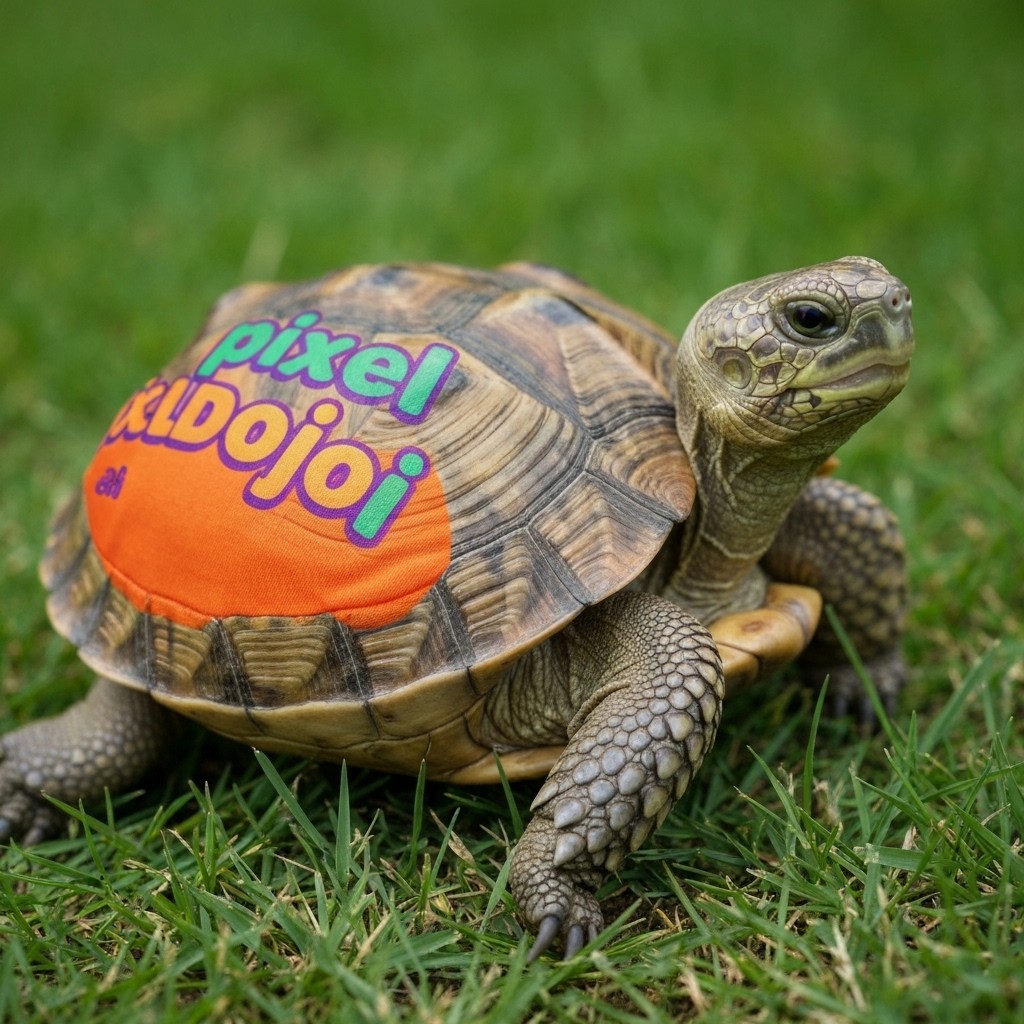
A turtle that is wearing a shirt that says pixeldojo
imagen
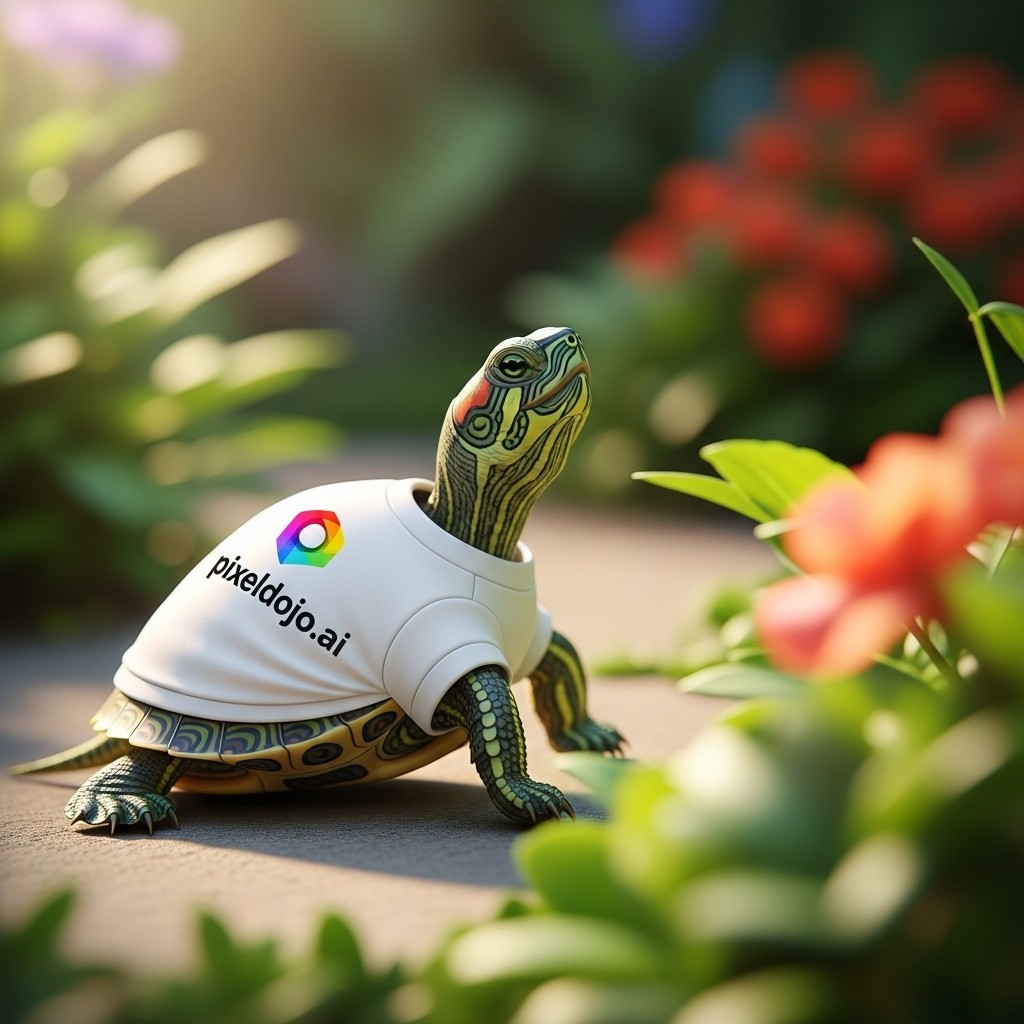
A turtle that is wearing a shirt that says pixeldojo
imagen
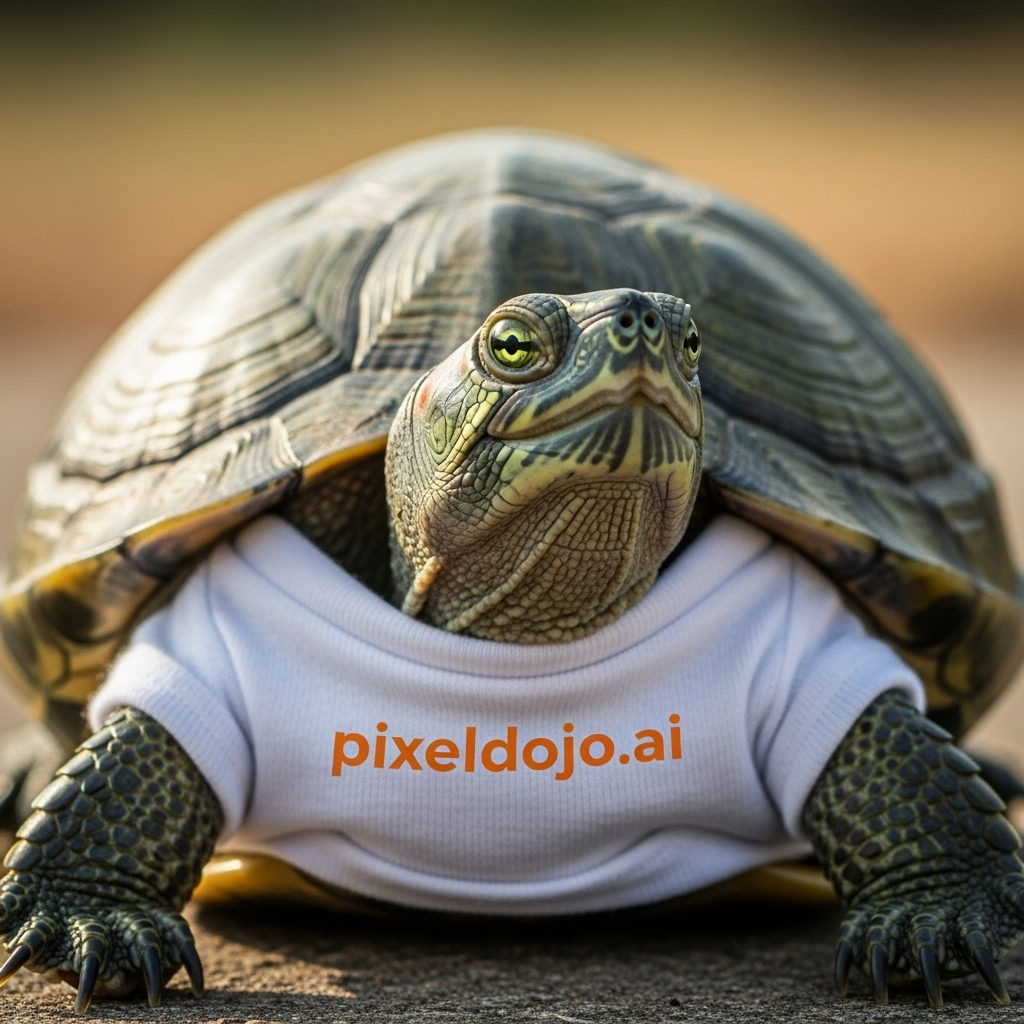
A turtle that is wearing a shirt that says pixeldojo
imagen
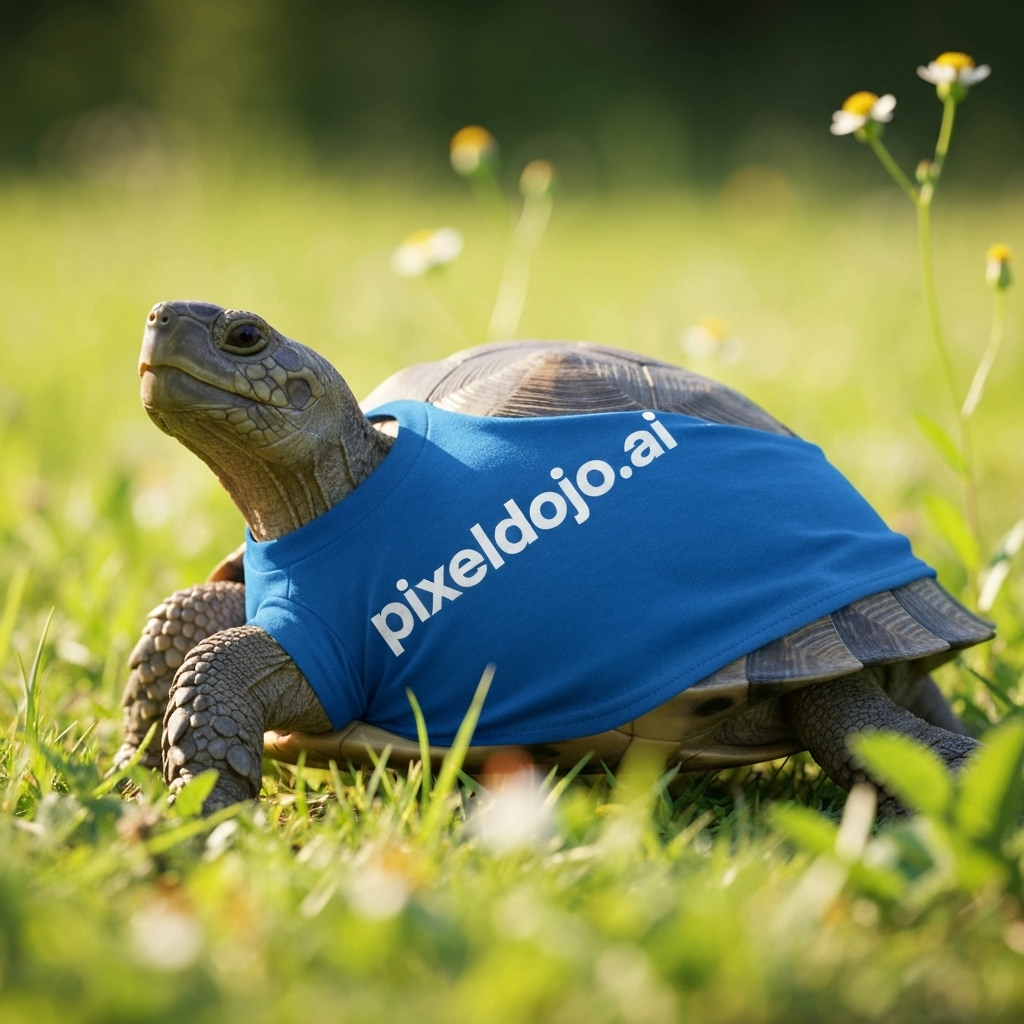
A turtle that is wearing a shirt that says pixeldojo
imagen
Models you can run on PixelDojo for AI Sticker Generator
Switch models without switching tools. Each one runs in the same PixelDojo studio.
What you can do with AI Sticker Generator on PixelDojo
Prompt Based Sticker Creation
We convert text prompts into sticker images using our AI models.
Multiple Design Variations
We produce several sticker options from one prompt for creators to review.
Style and Theme Selection
We support choices in artistic styles to fit different sticker projects.
Transparent Background Export
We output stickers with transparent backgrounds ready for use in other designs.
Why Choose Pixel Dojo for AI Sticker Generator
Professional-quality results with cutting-edge AI technology
Generate sticker concepts fast
Turn a short idea into polished sticker art without starting from a blank canvas. Use prompts for animals, food characters, mascots, icons, reaction stickers, product labels, and social packs.
Compare leading image models in one place
Run the same sticker prompt across GPT Image 2, Flux 2 Pro, Google Nano Banana Pro, and Seedream 4.5 to compare speed, border quality, character style, color handling, and overall print appeal.
Design for real sticker use
Prompt for thick white borders, flat colors, simple silhouettes, clean backgrounds, centered composition, and high contrast so outputs are easier to cut, share, or refine for printing.
How It Works
Write a sticker-ready prompt
Describe the subject, mood, style, border, colors, and layout. For example: "a cute kawaii die-cut sticker of a smiling avocado with a thick white border, vibrant flat colors".
Choose the right model
Start with Flux 2 Pro for quick sticker ideation. Use GPT Image 2 for more deliberate detail, Google Nano Banana Pro for polished graphic alternatives, and Seedream 4.5 for balanced speed and style exploration.
Refine and export
Adjust the prompt to improve the outline, simplify the shape, brighten the palette, or change the expression. Save the best version for sticker sheets, social posts, merch mockups, or further editing.
Loved by creators on PixelDojo
Real feedback from people using PixelDojo, pulled from our in-product surveys.
Love it make anything I can think of so far
Great for all your ideas use it encourage more people to use it
Because it is awesome
exceptional quality and great overall design of platform and interface. very intuative. love the creative freedom.
Qwen image 2 is amazing!!
Creative freedom, range of tools and options.
Explore more AI tools on PixelDojo
AI Tools
Compare & Switch
- Best AI Image Generators
- Best AI Video Generators
- Midjourney Alternatives
- Civitai Alternatives
- Runway Alternatives
- Leonardo Alternatives
- Pika Alternatives
- Luma Alternatives
- Magnific Alternatives
- Veo Alternatives
- Flux Alternatives
- Freepik Alternatives
- Seedance Alternatives
- Seedream Alternatives
- Pixverse Alternatives
- GPT Image Alternatives
- Synthesia Alternatives
- Playground Alternatives
- NightCafe Alternatives
- Canva AI Alternatives
- ElevenLabs Alternatives
- ComfyUI Alternatives
- Fal Alternatives
- Replicate Alternatives
Common Questions
Everything you need to know about AI Sticker Generator
What is the best model for AI sticker generation in PixelDojo?
Flux 2 Pro is the best default choice for most AI sticker generator workflows because it delivered the avocado sticker prompt in 10.4 seconds while keeping a strong kawaii look, clear subject, and usable die-cut style. GPT Image 2 is better when you want more careful prompt handling and can wait longer.
How should I prompt for die-cut stickers?
Use direct phrases such as "die-cut sticker", "thick white border", "centered subject", "clean silhouette", "flat vector style", "vibrant colors", and "simple background". These cues help the model create sticker art that reads clearly and is easier to cut or place on a sheet.
Which model was fastest in the avocado sticker test?
Flux 2 Pro was fastest at 10.4 seconds. Seedream 4.5 followed at 16.6 seconds, Google Nano Banana Pro took 25.0 seconds, and GPT Image 2 took 190.3 seconds.
Can PixelDojo make kawaii stickers?
Yes. PixelDojo works well for kawaii sticker prompts when you specify cute facial features, rounded shapes, soft expressions, vibrant flat colors, and a thick white outline. Food characters, pets, plants, icons, and mascots are especially suitable.
What practical tips improve AI sticker results?
Keep the subject simple, ask for one main character, use a centered composition, avoid tiny details, request a bold outline or thick white border, and test several models before choosing the final. If the border is uneven, regenerate with stronger wording such as "clean uniform white die-cut border".