text to image ai

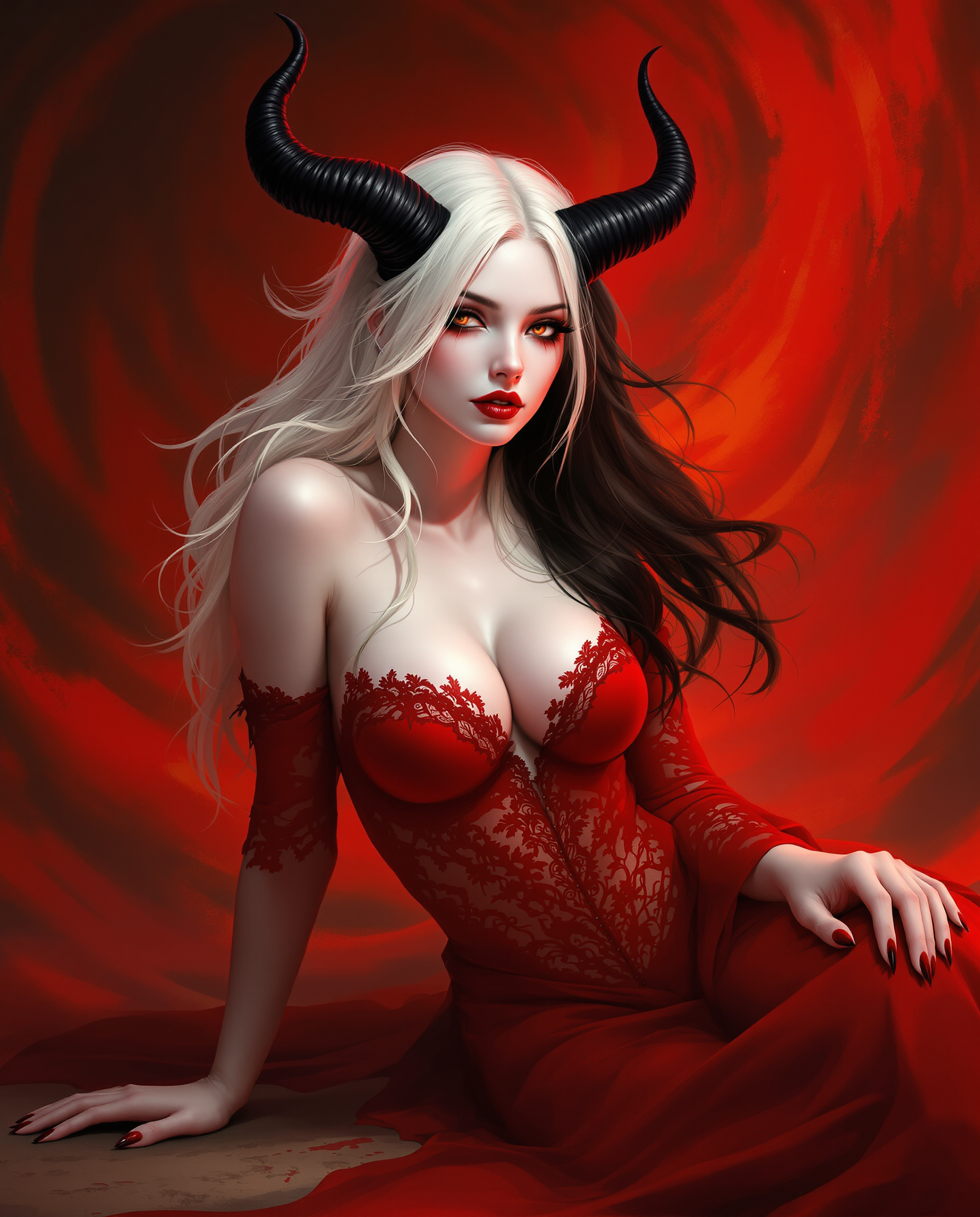
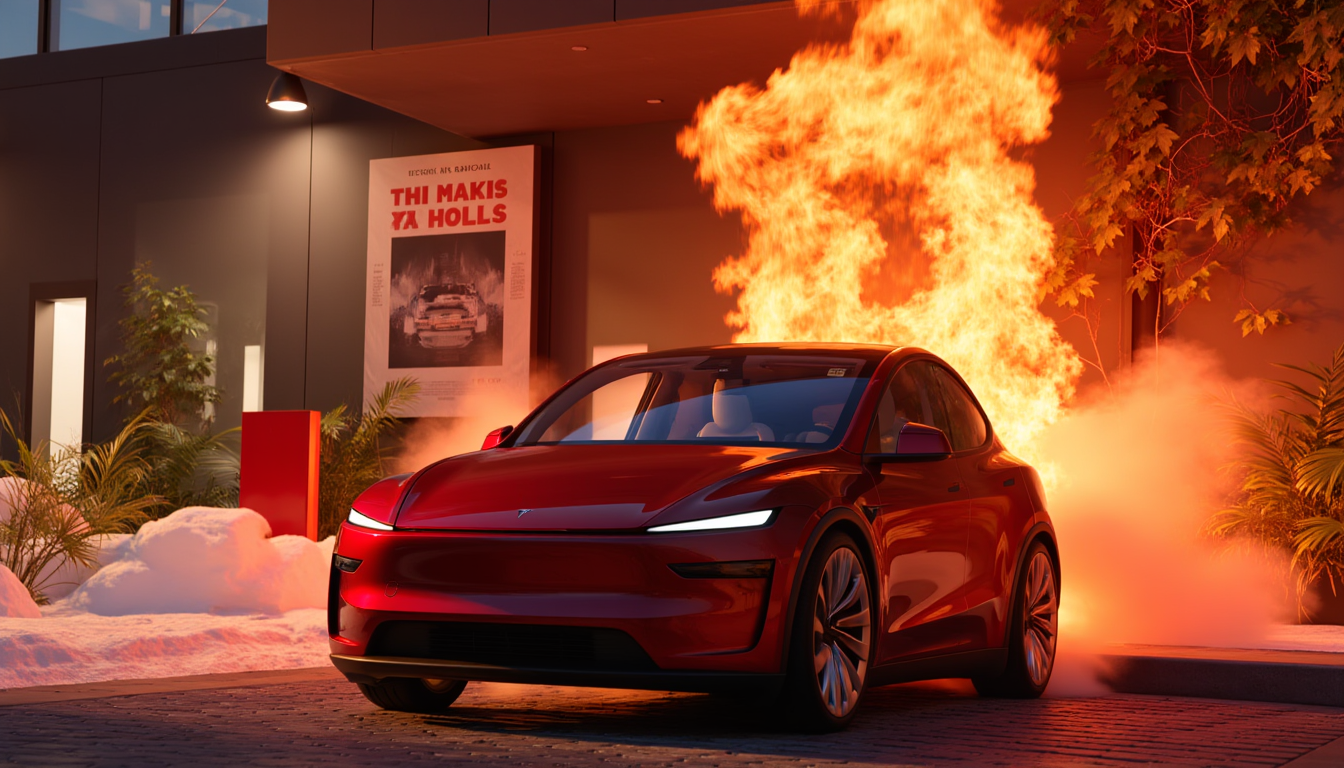
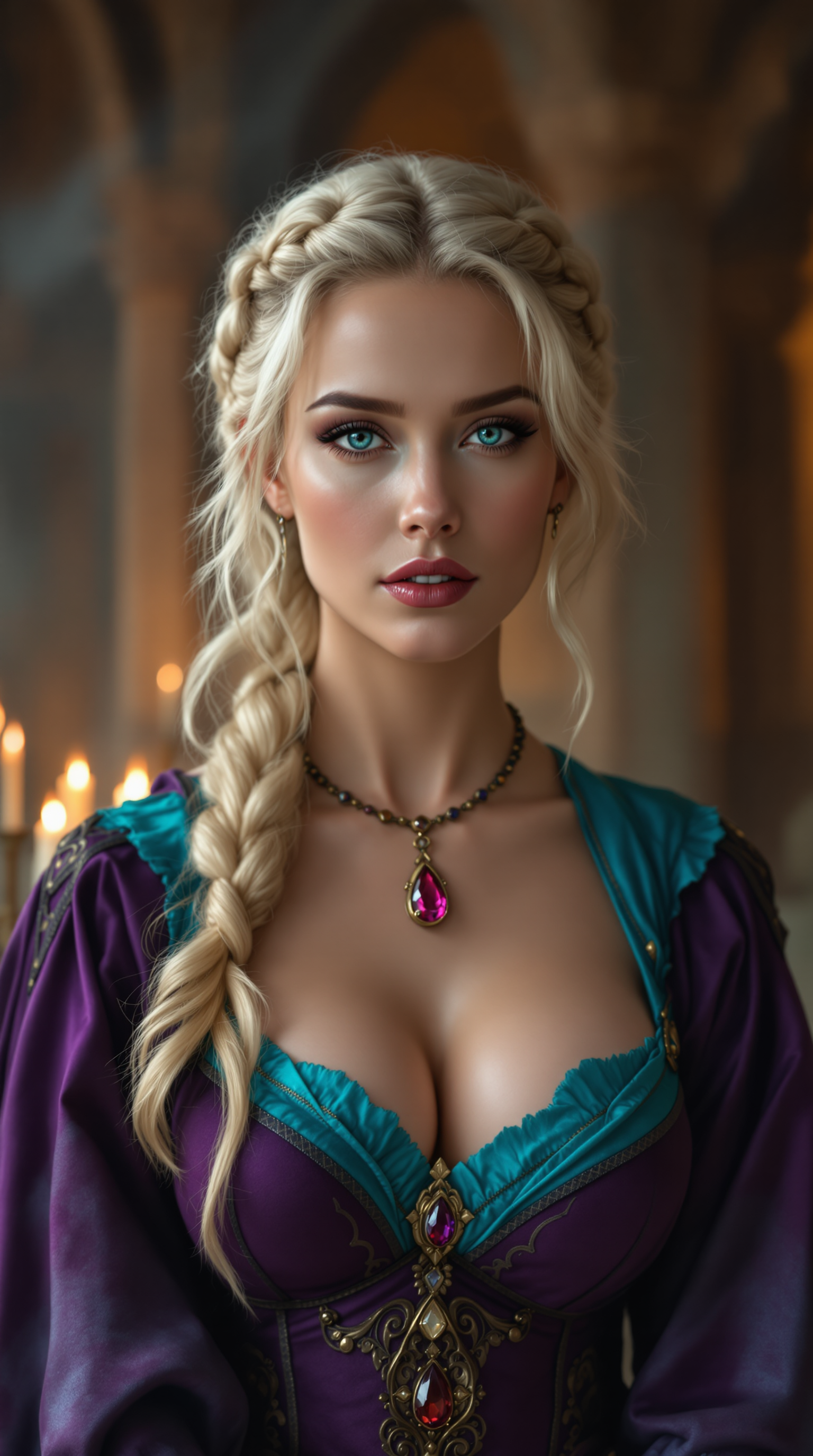
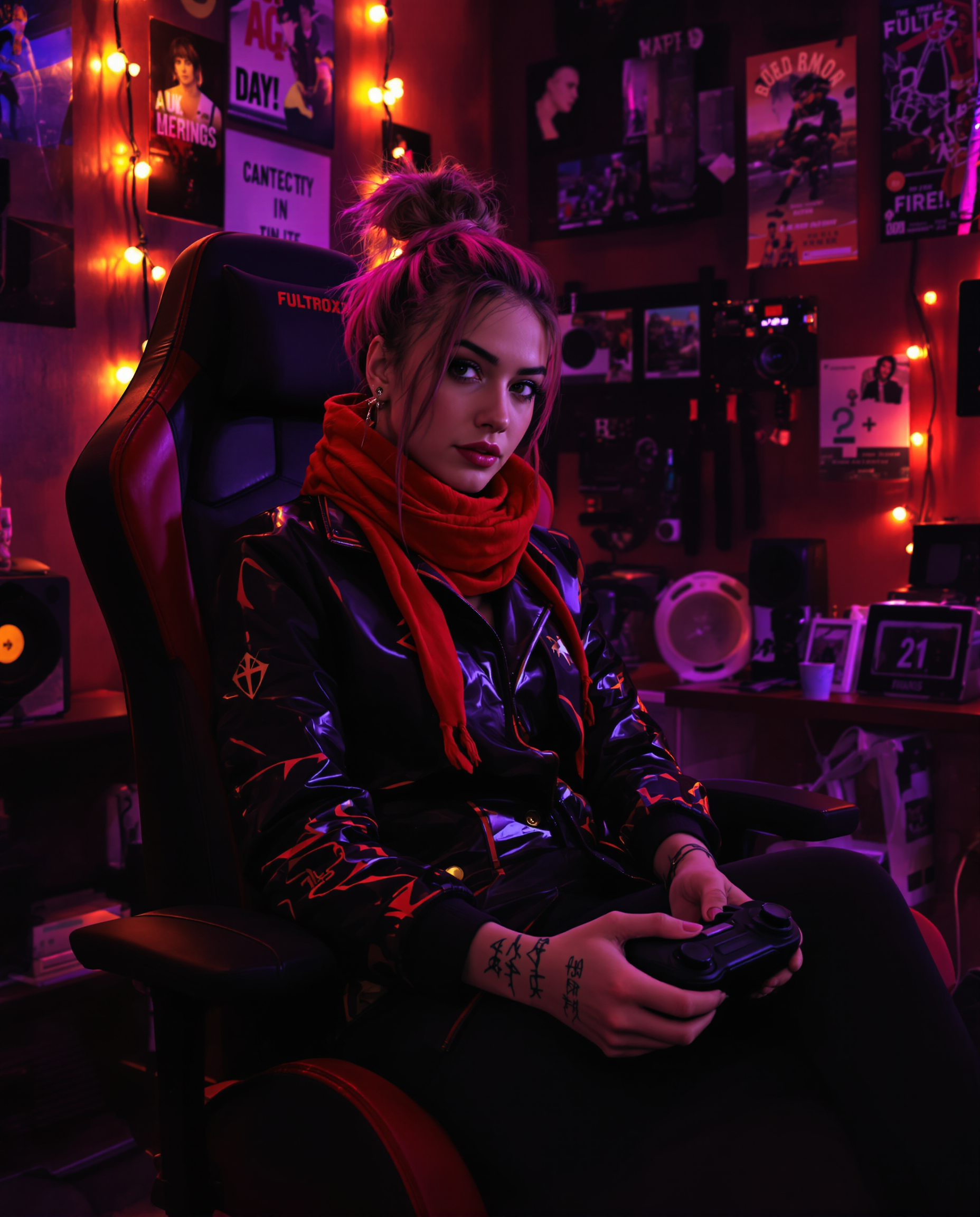
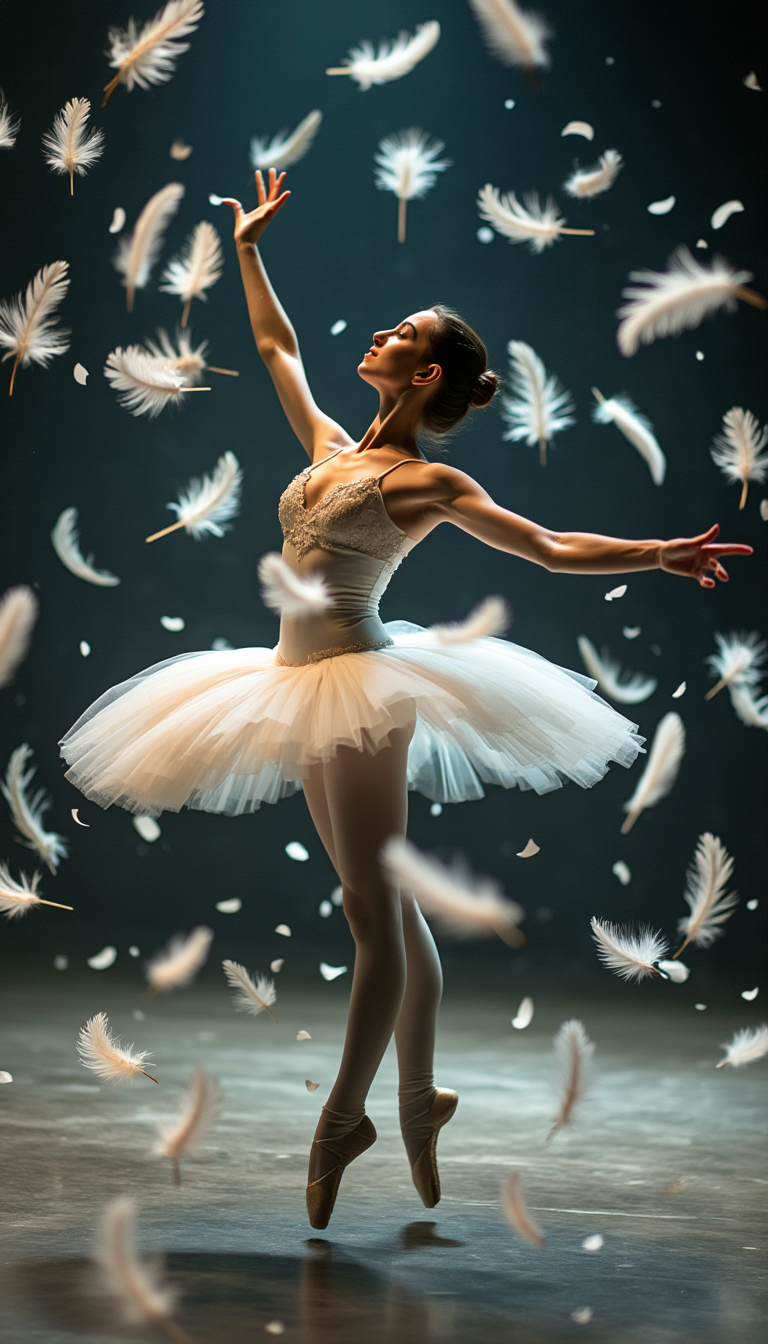
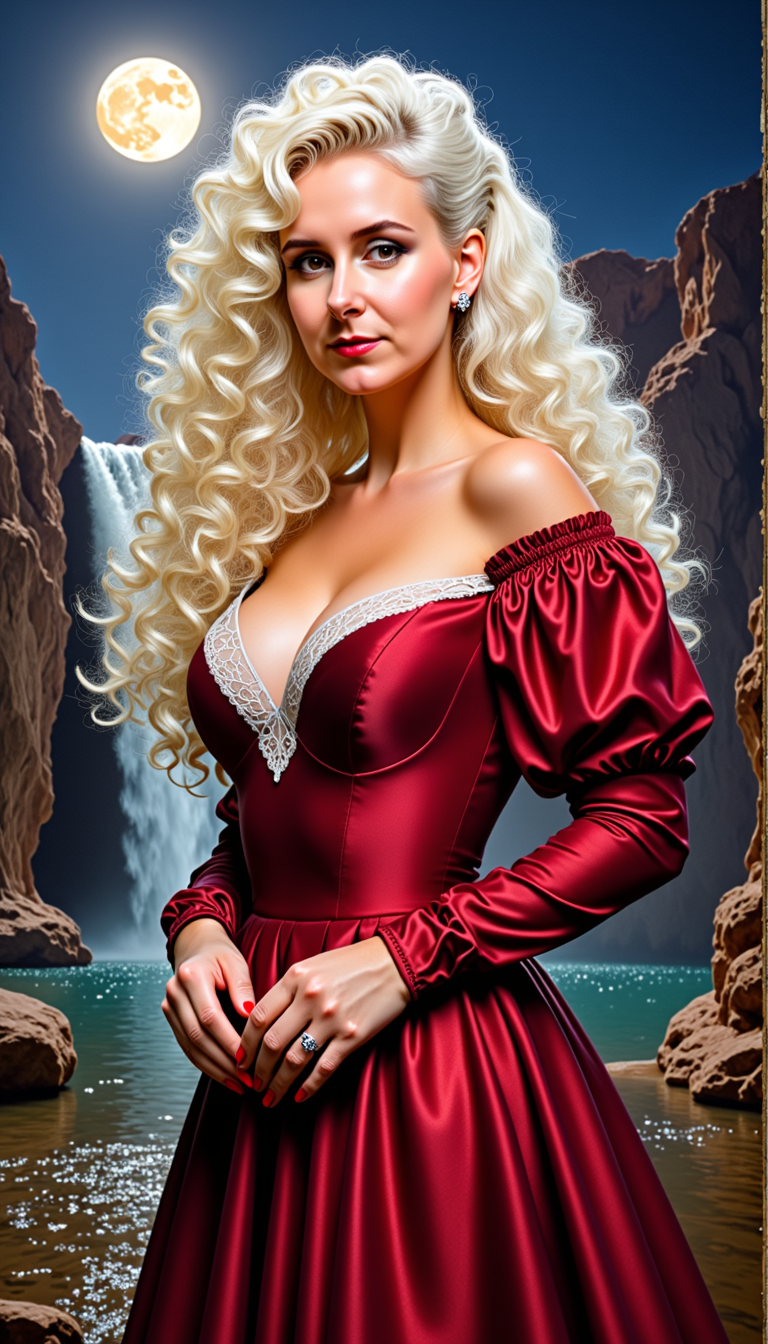
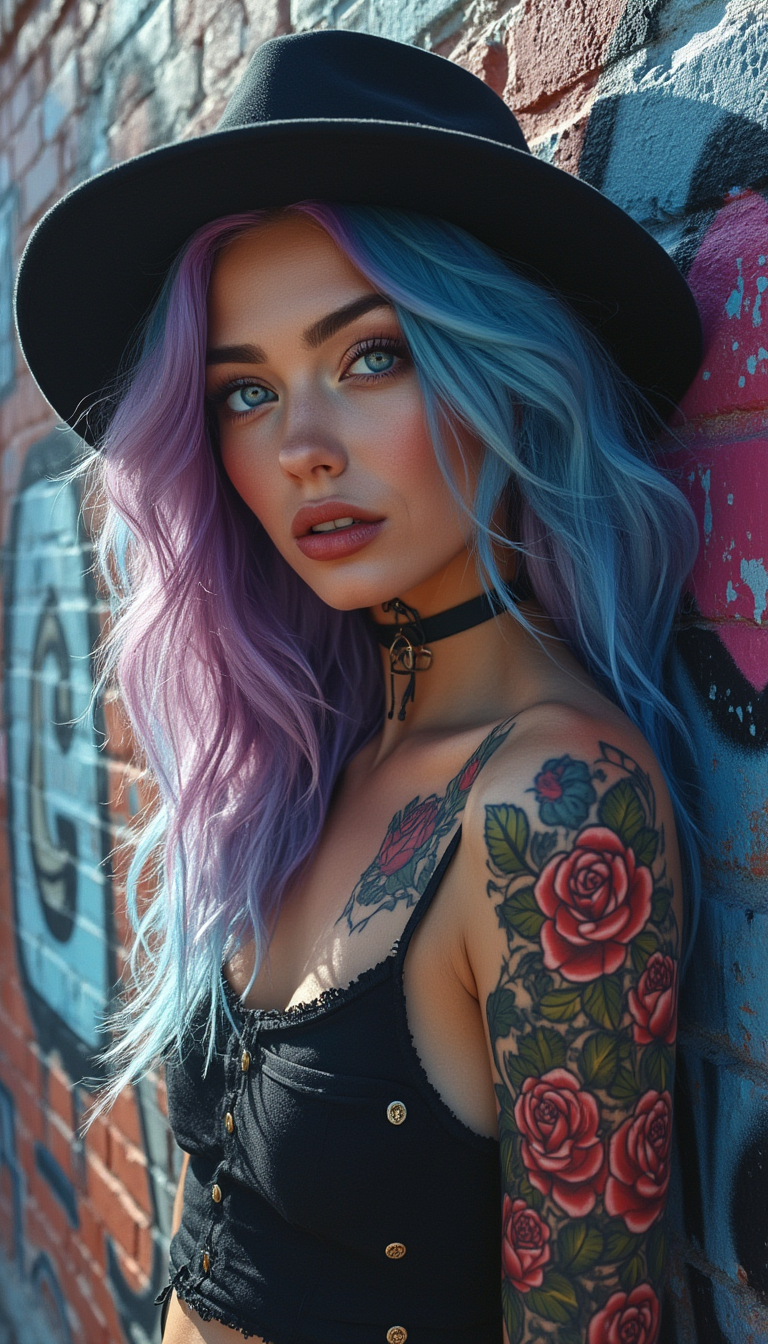
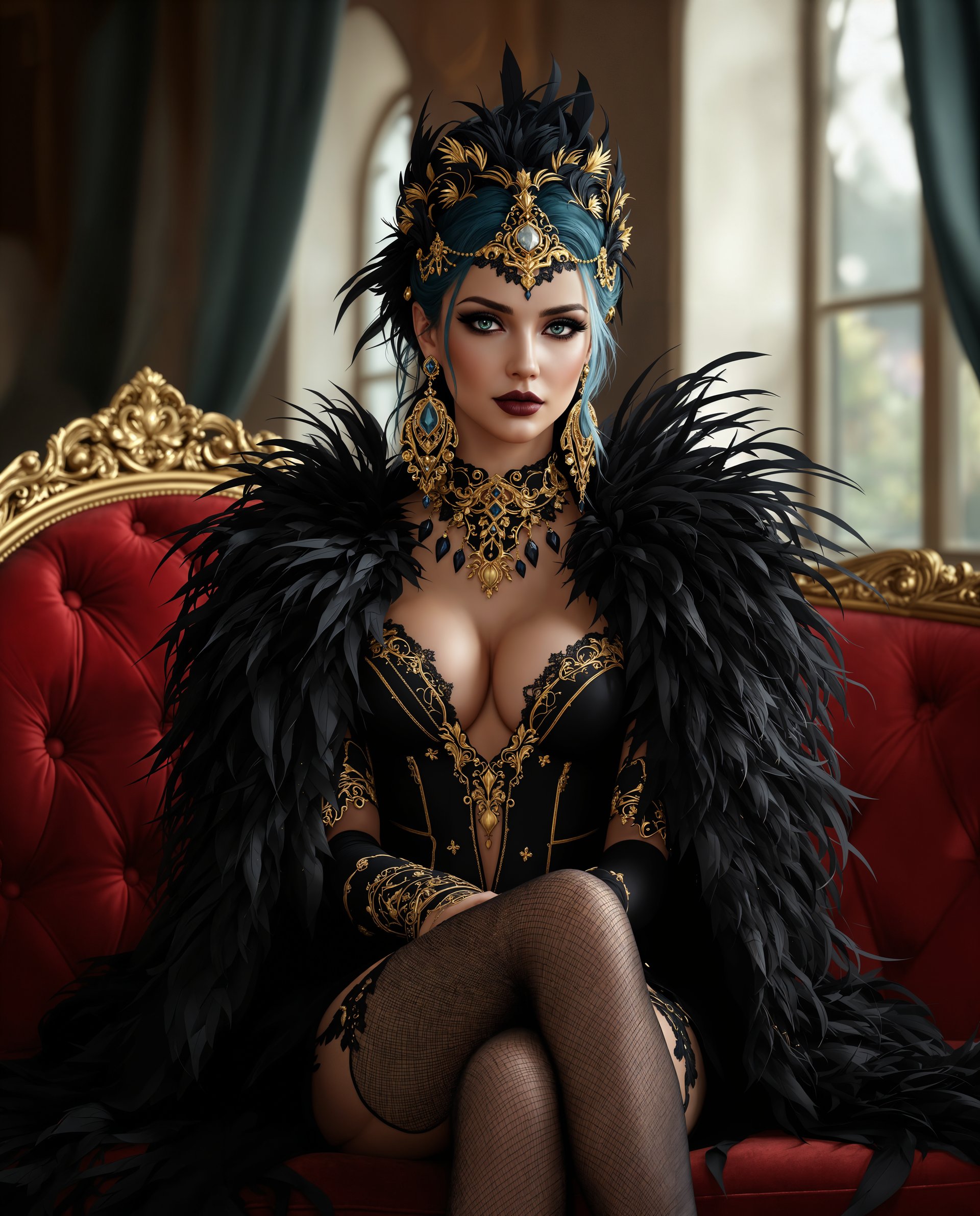
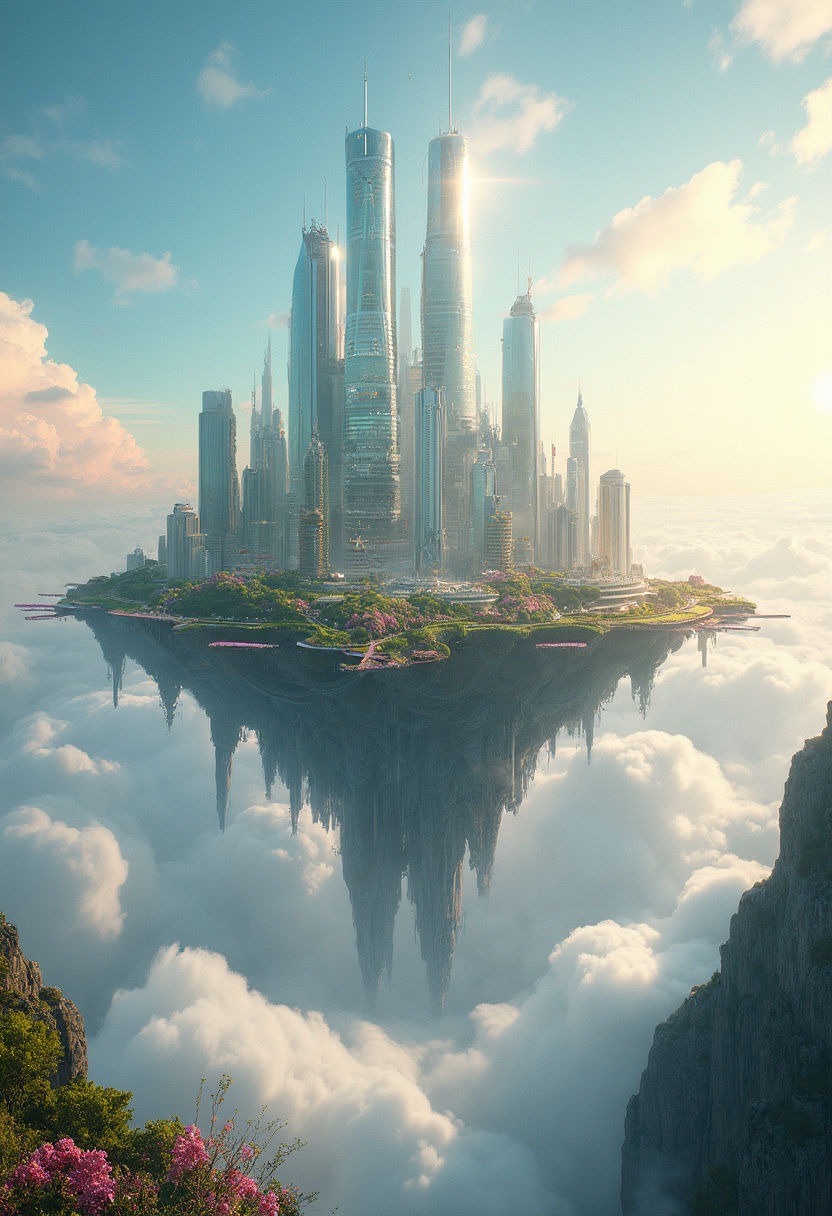
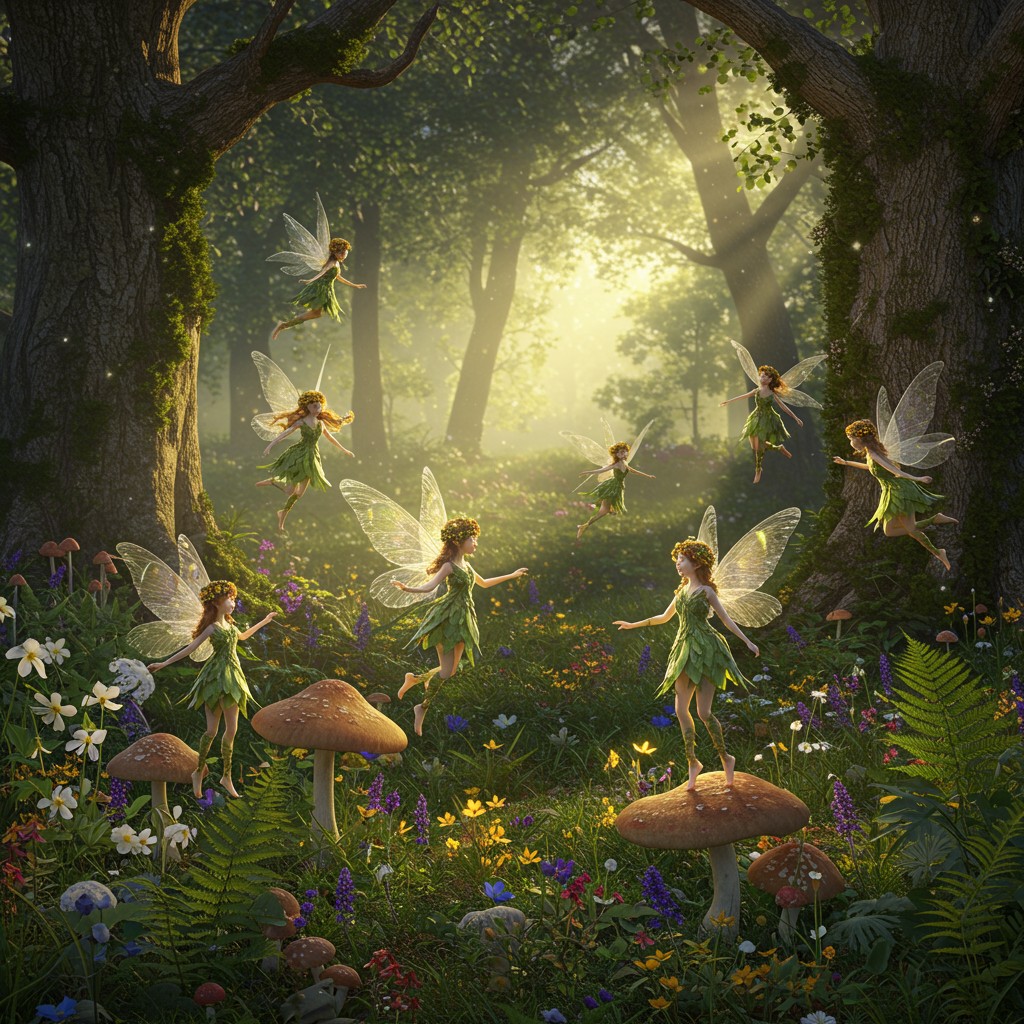
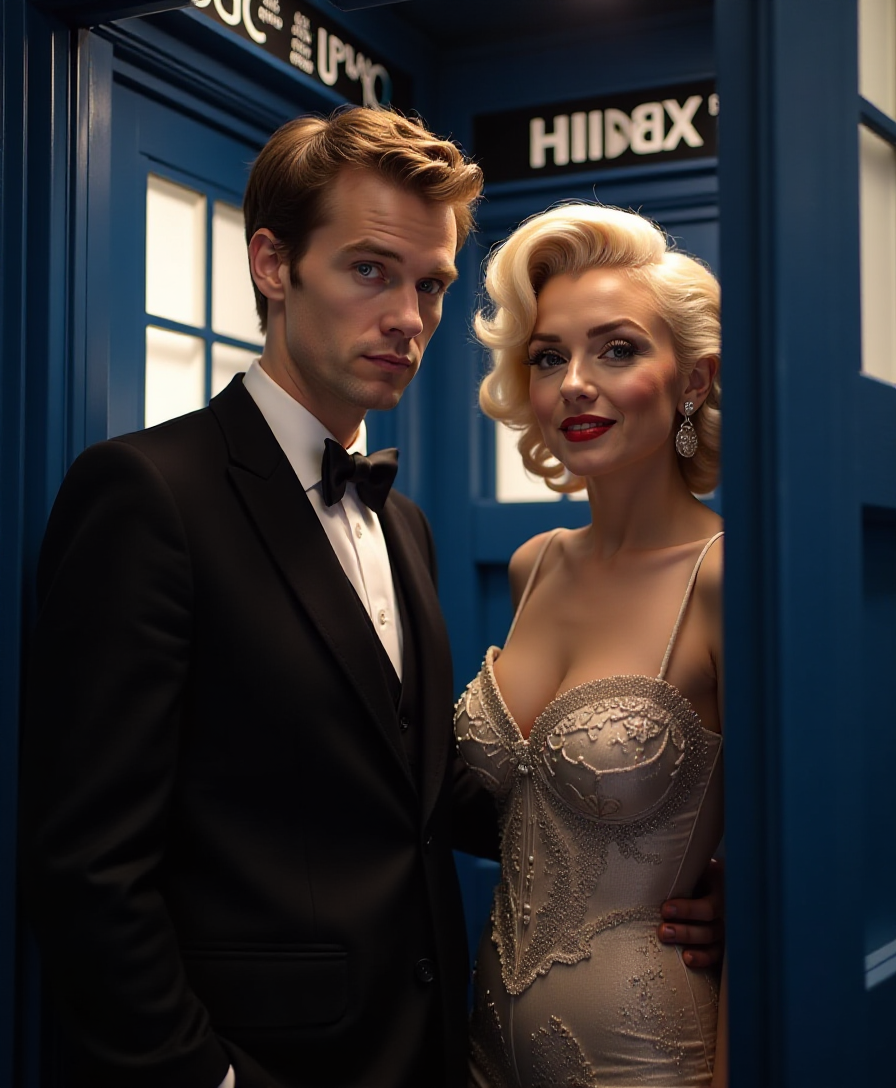
Imagine describing the exact image you need and watching it appear in seconds. With PixelDojo's text to image AI, that's your new reality. Whether you're a marketer needing campaign visuals, a creator building storyboards, or a business owner refreshing your website, you can generate photorealistic product shots, artistic concepts, social media graphics, and more—without hiring designers or learning complex software. Your words become professional-grade images that captivate audiences and drive results.
Loved by 50,000+ creators worldwide. 4.9/5 average rating from 12,000 reviews. Over 2 million images generated this month alone. Cancel anytime—no contracts, no hidden fees.
Why Choose Pixel Dojo for text to image ai
Professional-quality results with cutting-edge AI technology
Launch Marketing Campaigns in Minutes
Describe your product or message and instantly generate on-brand visuals for ads, emails, and social posts that convert viewers into customers.
Visualize Ideas Without Design Skills
Bring concepts to life for pitches, prototypes, or personal projects. Text to image AI handles composition, lighting, and style so you focus on the vision.
Iterate and Refine Until Perfect
Start with a prompt, then use built-in editing tools to tweak details, change angles, or enhance quality—delivering exactly what you imagined every time.
How It Works
Creating images from text is simple with PixelDojo. Choose from specialized models, write a clear description, and generate. Refine as needed and download in high resolution.
Step 1: Choose Your Tool
Select from top text to image AI tools like Flux.2 Studio for photorealism, Ideogram 4 for perfect text in images, or Nano Banana 2 for intelligent, detailed scenes. Browse 40+ options tailored to styles from cinematic to abstract.
Step 2: Enter Your Prompt
Type a detailed description such as 'modern minimalist living room with natural light, wooden accents, and a large window overlooking mountains at golden hour'. Add specifics like style, mood, or composition for best results.
Step 3: Customize & Download
Review the generated image, then use PixelDojo's editing suite—Image to Image, Magic Lighting, or Style Transfer—to refine. Upscale with P-Image Upscale or Creative Upscaler before downloading in multiple formats.

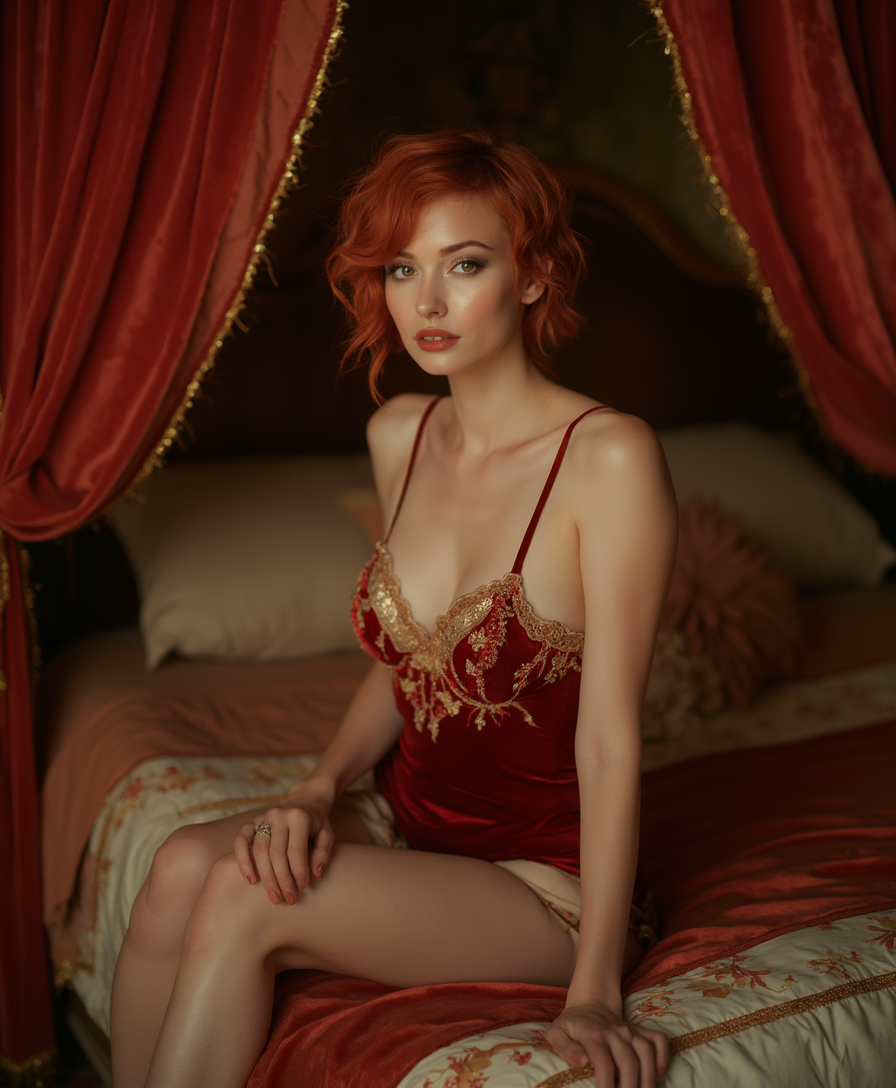
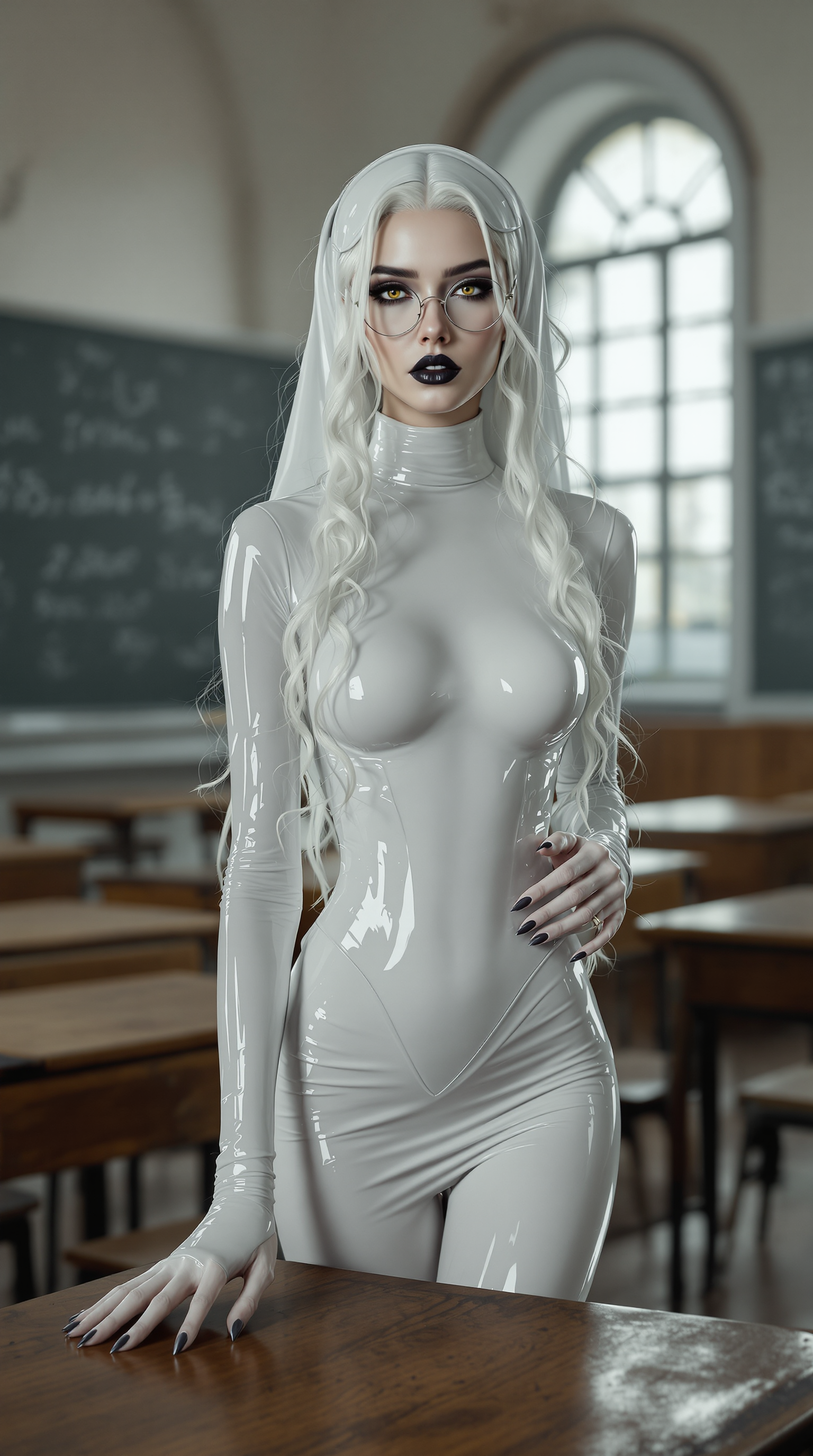
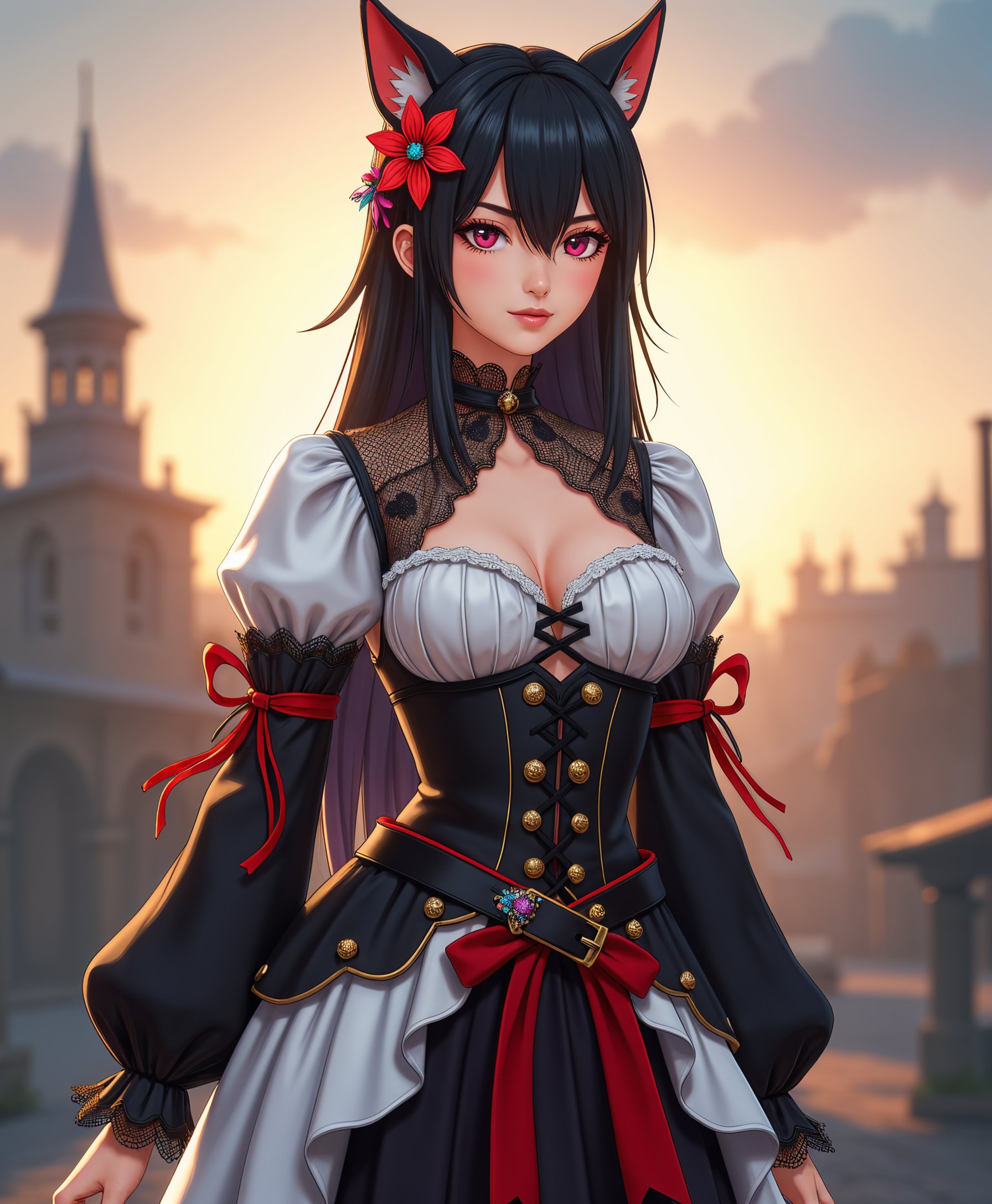
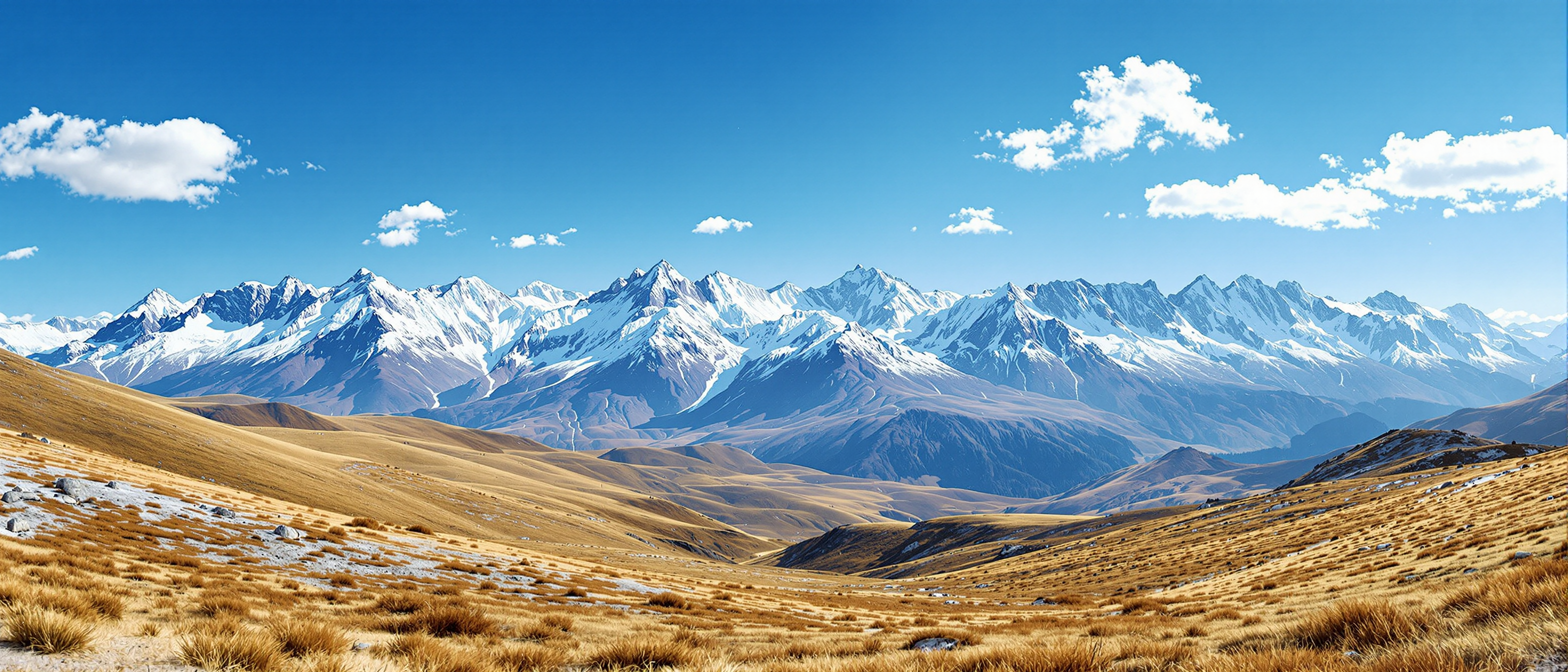
The Pixel Dojo Advantage
Why PixelDojo outperforms other options for text to image AI generation
| Others | Pixel Dojo |
|---|---|
| Traditional stock photo libraries | Unlimited custom images tailored exactly to your brief instead of settling for generic stock that looks like everyone else's |
| Generic AI tools with limited models | Access to 40+ specialized models including Flux.2 Studio and Ideogram 4 so you always pick the best engine for photorealism, text, or artistic styles |
| Manual photo editing or hiring designers | Generate and refine in one workspace without expensive software subscriptions or waiting days for revisions |
Loved by creators on PixelDojo
Real feedback from people using PixelDojo, pulled from our in-product surveys.
Best AI tool availble the suite is rad
Versatility quality, value, ROI, innovation
variety of tools available and prompt tools
A "one-stop-shop" for creators! Thanks!!
Lots of different tools. It's easy to purchase more credits.
Amazing performance!
Explore more AI tools on PixelDojo
AI Tools
Compare & Switch
- Best AI Image Generators
- Best AI Video Generators
- Midjourney Alternatives
- Civitai Alternatives
- Runway Alternatives
- Leonardo Alternatives
- Pika Alternatives
- Luma Alternatives
- Magnific Alternatives
- Veo Alternatives
- Flux Alternatives
- Freepik Alternatives
- Seedance Alternatives
- Seedream Alternatives
- Pixverse Alternatives
- GPT Image Alternatives
- Synthesia Alternatives
- Playground Alternatives
- NightCafe Alternatives
- Canva AI Alternatives
- ElevenLabs Alternatives
- ComfyUI Alternatives
- Fal Alternatives
- Replicate Alternatives
Common Questions
Everything you need to know about text to image ai
How does text to image AI work on PixelDojo for beginners?
Simply type a description of what you want. PixelDojo's tools like Flux.2 Studio or GPT Image 2 interpret your words using advanced models to produce high-quality images. No technical knowledge required—our intuitive interface guides you from prompt to polished result.
What are the best prompts for realistic text to image AI results?
Include details on subject, environment, lighting, style, and mood. Example: 'Photorealistic portrait of a smiling woman in a bustling Tokyo street at night, neon reflections, cinematic lighting, shot on 85mm lens'. Tools like Ideogram 4 excel at adding readable text elements to your scenes.
Can I create commercial text to image AI content without restrictions?
Yes. PixelDojo supports commercial use across all plans. Generate marketing visuals, product mockups, or client deliverables with confidence using models like Recraft V4.1 and Bria 3.2 that prioritize high-quality, rights-cleared outputs.
How accurate is text rendering in text to image AI with PixelDojo?
Exceptional with Ideogram 4 and Nano Banana 2, which specialize in legible text within images. Perfect for posters, book covers, infographics, or branded graphics where words must be crisp and correctly spelled.
What if my first text to image AI generation isn't perfect?
Use PixelDojo's built-in tools like Inpainting, Change Camera Angle, or Style Transfer to edit specific areas. Or regenerate with refined prompts. The platform makes iteration fast and frustration-free.
Is PixelDojo's text to image AI better than free online generators?
Absolutely. You get access to premium models like Flux.2 Studio and Krea Image, advanced editing features, consistent character tools, and priority generation speeds—all in one secure workspace with no watermarks on paid plans.