GPT Image 2 vs Flux 2
Generated on PixelDojo. Produced by PixelDojo's generation pipeline.
Flux 2 Pro wins on speed in this PixelDojo head-to-head, generating the same tropical waterfall scene in 10.5 seconds versus 174.5 seconds for GPT Image 2. PixelDojo ran both models on the same scene: a tropical waterfall into a turquoise lagoon, lush jungle, sun rays. Because the prompt, subject, and timing method matched, the comparison gives a clear view of turnaround time and a practical starting point for choosing a model.
Real image examples generated on PixelDojo
Every example below was produced on PixelDojo. Hover to see the prompt.
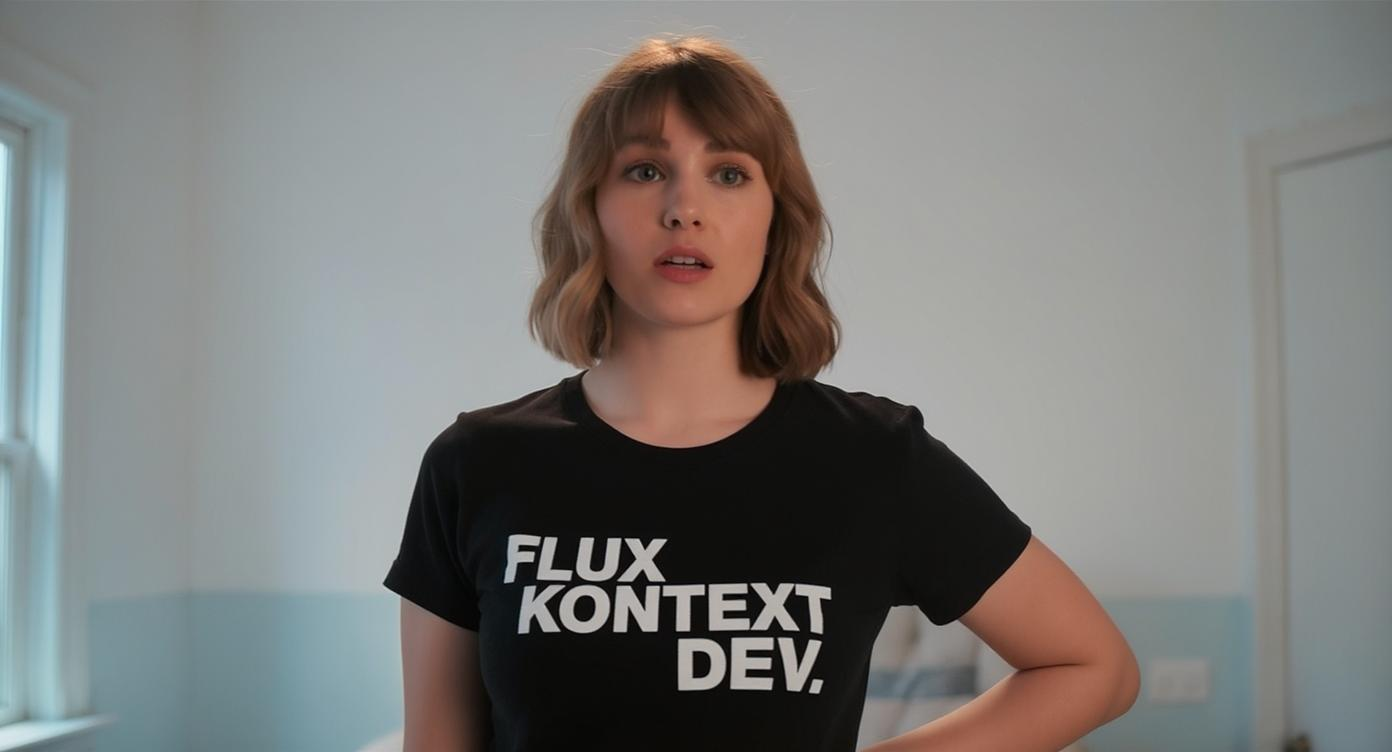
An image of a woman wearing a shirt that says FLUX KONTEXT DEV
flux-studio
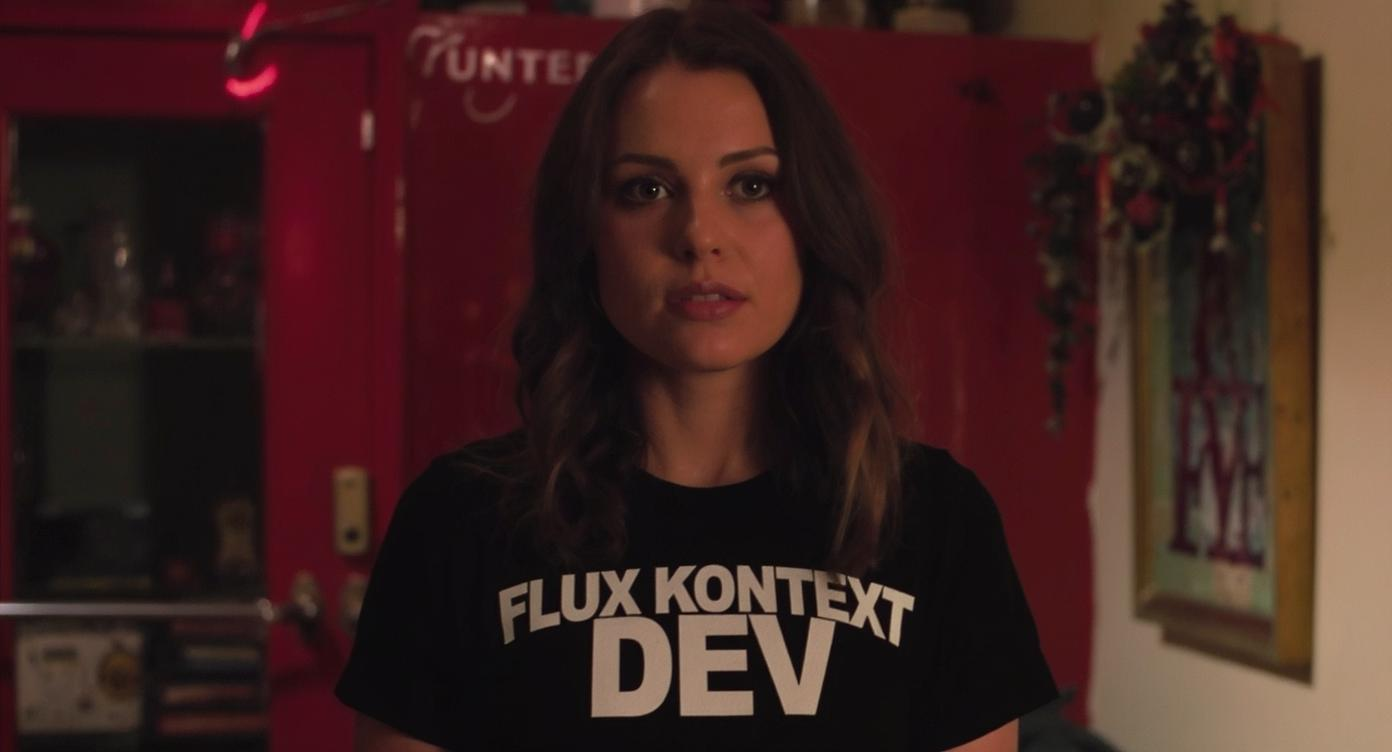
An image of a woman wearing a shirt that says FLUX KONTEXT DEV
flux-studio

An image of a woman wearing a shirt that says FLUX KONTEXT DEV
flux-studio
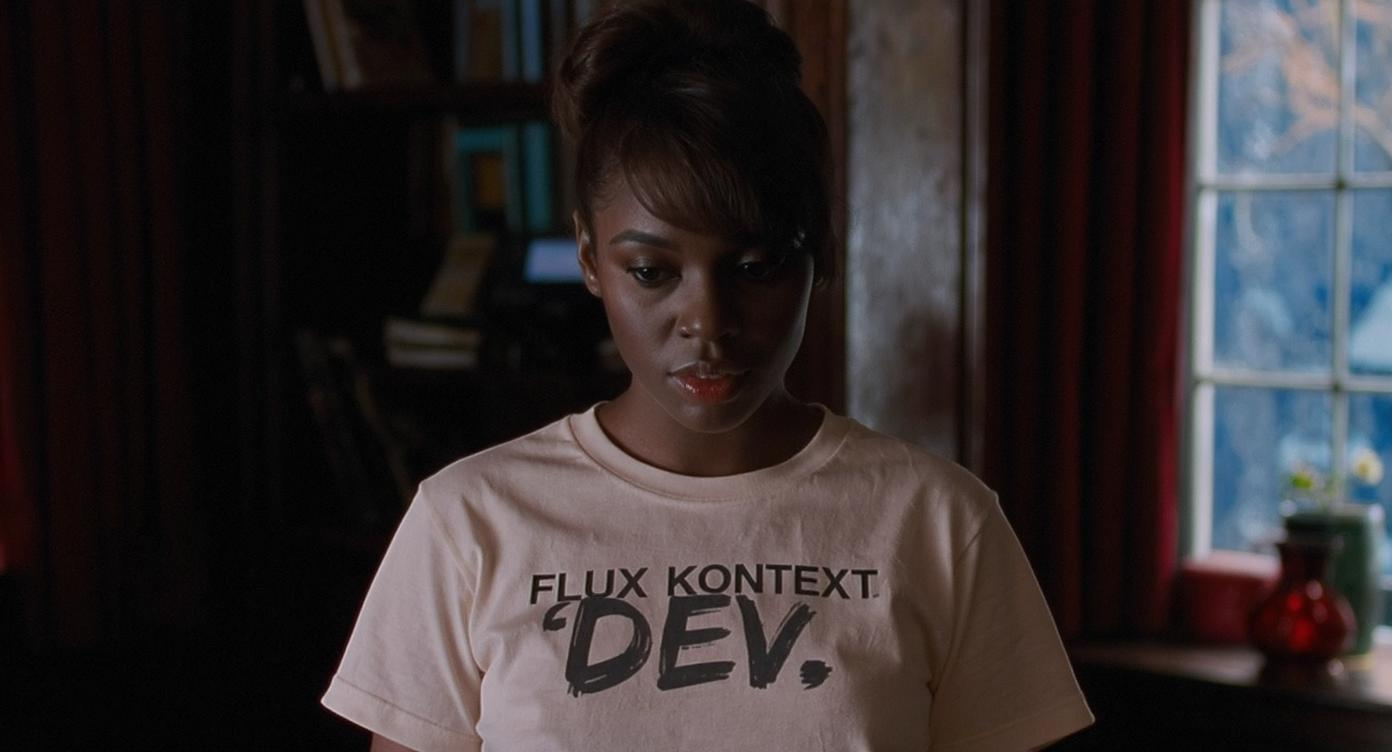
An image of a woman wearing a shirt that says FLUX KONTEXT DEV
flux-studio
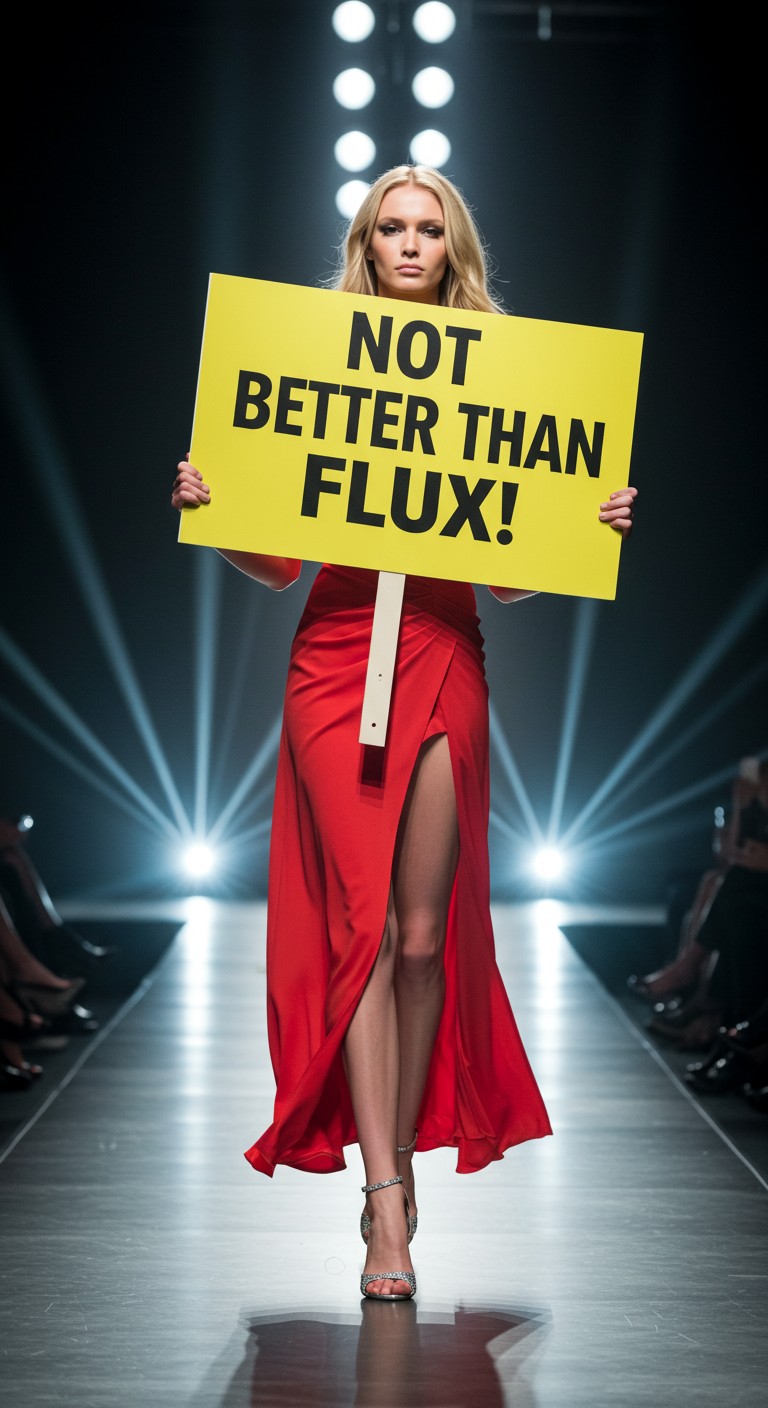
A very attractive European model catwalking holding a sign with the words: "not better tha…
imagen

Holding a red shampoo bottle that reads "Pixel Dojo" edited with Flux Kontext Max
flux-studio
Models you can run on PixelDojo for GPT Image 2 vs Flux 2
Switch models without switching tools. Each one runs in the same PixelDojo studio.
What you can do with GPT Image 2 vs Flux 2 on PixelDojo
Access GPT Image 2 and Flux 2
We give creators direct access to both models from a single workspace.
Run the Same Prompt on Both
You enter one prompt and receive separate outputs from GPT Image 2 and Flux 2.
Compare Results Side by Side
We display the two outputs together so differences in style and detail are easy to review.
Download Images From Either Model
Creators can save any generated image directly to their device in standard formats.
Why Choose Pixel Dojo for GPT Image 2 vs Flux 2
Professional-quality results with cutting-edge AI technology
Clear speed comparison
Flux 2 Pro completed the shared prompt in 10.5 seconds, while GPT Image 2 took 174.5 seconds, making the speed gap easy to understand.
Same prompt, cleaner benchmark
Both models used the same tropical waterfall scene, so the comparison avoids mixing different subjects, styles, or prompt difficulty.
Better model selection
Use the timing data and side-by-side outputs to choose based on deadline, iteration needs, and the visual result that fits the project.
How It Works
Use one fixed scene
PixelDojo used the prompt: a tropical waterfall into a turquoise lagoon, lush jungle, sun rays.
Run each model
The same scene was generated with GPT Image 2 and Flux 2 Pro, with generation time recorded for each run.
Compare speed and fit
Review the time results, then compare the images in PixelDojo to decide which model fits the task.
Loved by creators on PixelDojo
Real feedback from people using PixelDojo, pulled from our in-product surveys.
Very eay to use, works well to train SDXL loras.
The amazing tools
Top notch quality and strong prompt adherence.
A well resourced sunscription with attention to updates.
Easy to use and there's lots of options.
super lora download
Explore more AI tools on PixelDojo
AI Tools
Compare & Switch
- Best AI Image Generators
- Best AI Video Generators
- Midjourney Alternatives
- Civitai Alternatives
- Runway Alternatives
- Leonardo Alternatives
- Pika Alternatives
- Luma Alternatives
- Magnific Alternatives
- Veo Alternatives
- Flux Alternatives
- Freepik Alternatives
- Seedance Alternatives
- Seedream Alternatives
- Pixverse Alternatives
- GPT Image Alternatives
- Synthesia Alternatives
- Playground Alternatives
- NightCafe Alternatives
- Canva AI Alternatives
- ElevenLabs Alternatives
- ComfyUI Alternatives
- Fal Alternatives
- Replicate Alternatives
Common Questions
Everything you need to know about GPT Image 2 vs Flux 2
Which model was faster in this test?
Flux 2 Pro was faster. It generated the shared tropical waterfall prompt in 10.5 seconds, compared with 174.5 seconds for GPT Image 2.
What exact scene was used?
The shared scene was: a tropical waterfall into a turquoise lagoon, lush jungle, sun rays.
Does the faster model always create the better image?
No. Speed is one part of the decision. Image quality, prompt interpretation, composition, and project requirements should also be compared in PixelDojo.
When should GPT Image 2 be considered?
Choose GPT Image 2 when its output style, prompt behavior, or fit with a specific creative workflow matters more than generation speed.
When should Flux 2 Pro be considered?
Choose Flux 2 Pro when fast previews, rapid iteration, or high-volume image creation are priorities.