tongyi wanxiang 3.0 AI Generator

Generated on PixelDojo. Produced by PixelDojo's generation pipeline.
Imagine producing photorealistic portraits with one-of-a-kind facial details, brand-perfect product shots that match your exact color palette, and infographics packed with crisp multilingual text—all in minutes instead of days. That's the outcome you get when you harness Tongyi Wanxiang 3.0 image generation techniques on PixelDojo. You skip the guesswork of traditional shoots or endless revisions and go straight to visuals that convert customers, tell compelling stories, and stay consistent across entire campaigns. Whether you need cinematic marketing assets, sequential character sheets that never drift, or layout-heavy posters that actually look professional, PixelDojo puts the latest Wanxiang-level control in your hands through tools like WAN Image, QWEN Image 2, Qwen 3 Pro, and WAN 2.7. You describe what you want, refine it with one-click edits, and walk away with production-ready files that look like they came from a high-end studio. Thousands of creators already use this workflow to launch faster, look sharper, and keep full creative ownership without hiring extra teams.
Real image examples generated on PixelDojo
Every example below was produced on PixelDojo. Hover to see the prompt.
Wan-food
image-to-image
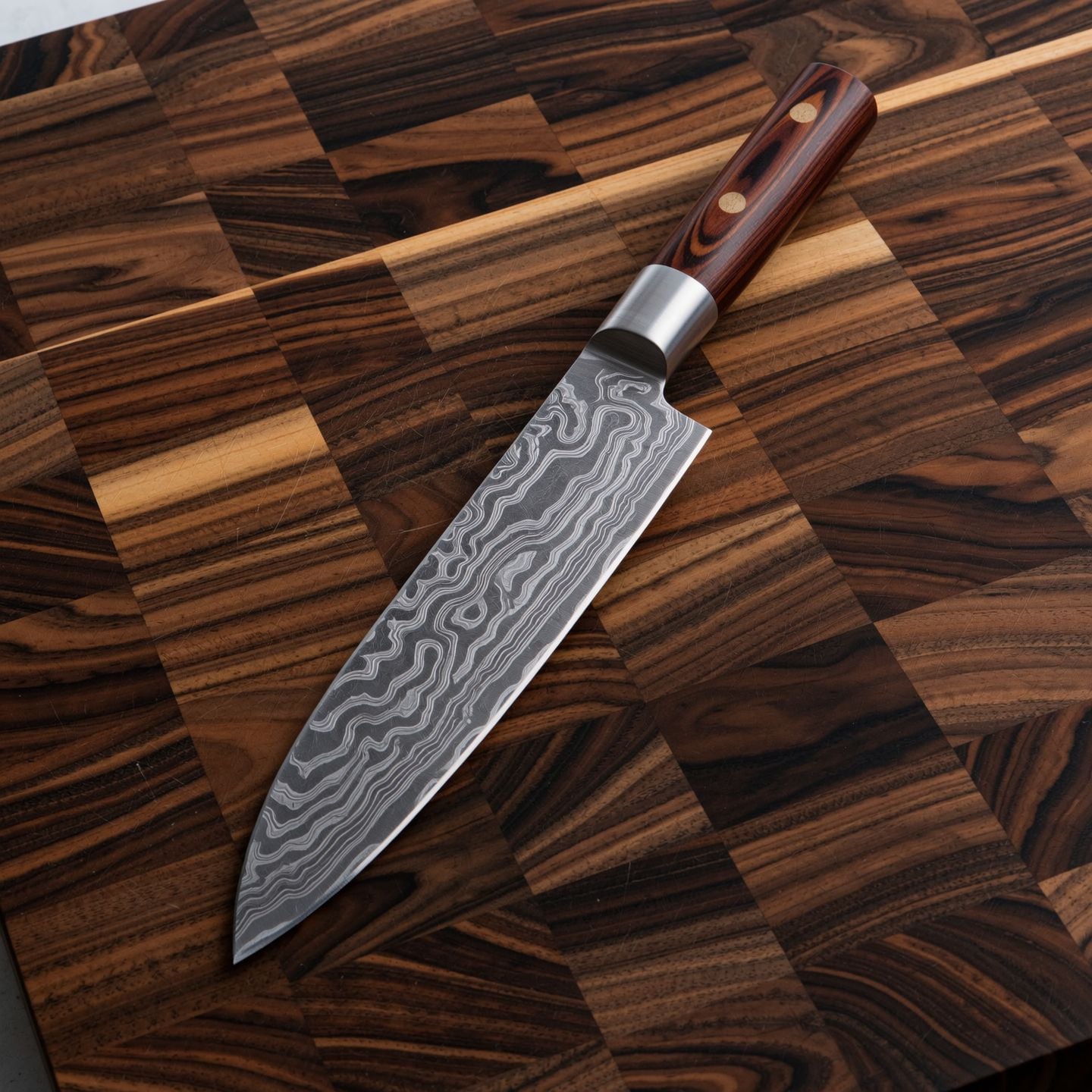
Wi-product
image-to-image
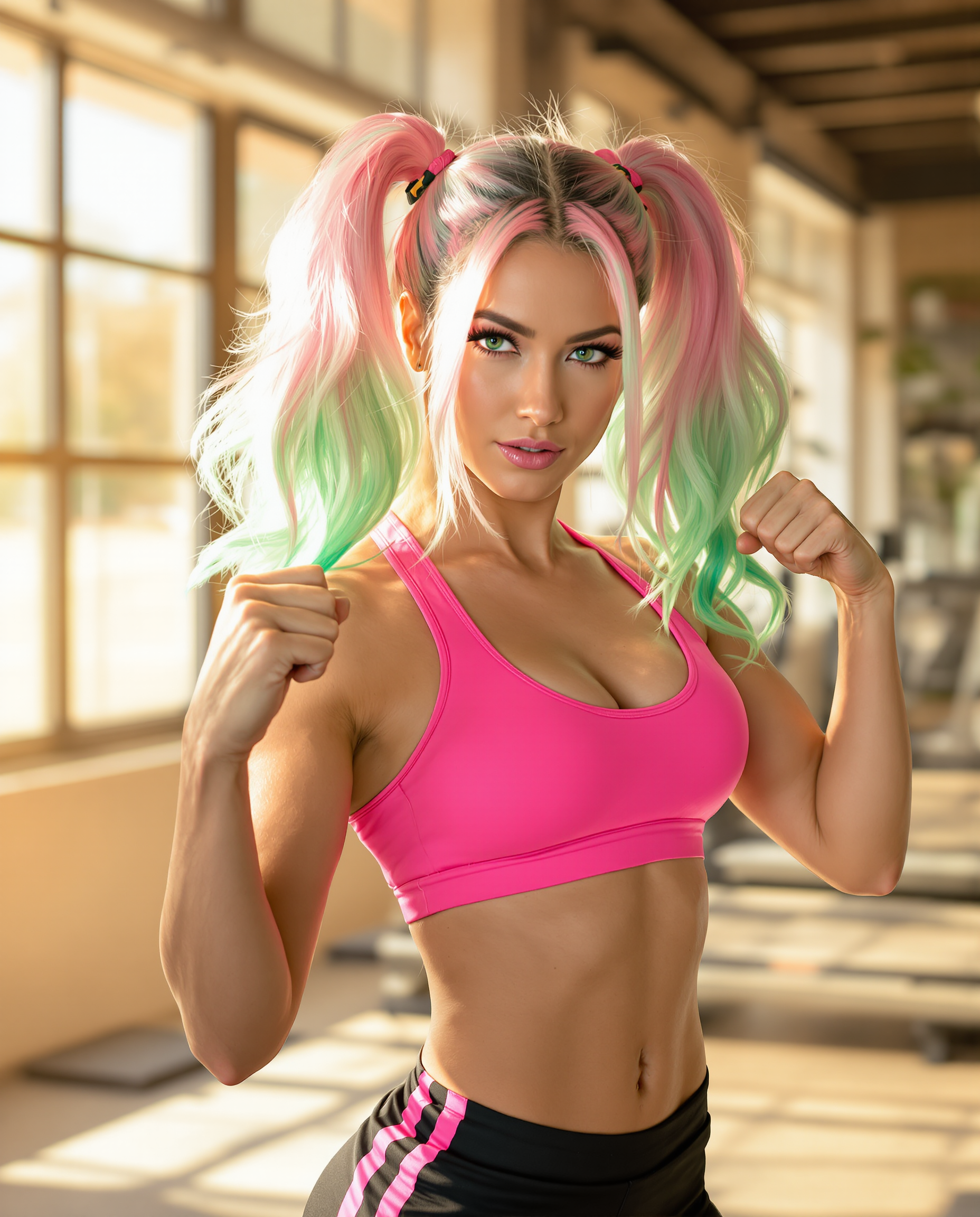
A highly detailed realistic photo photograph of a female real person in the style of moder…
flux
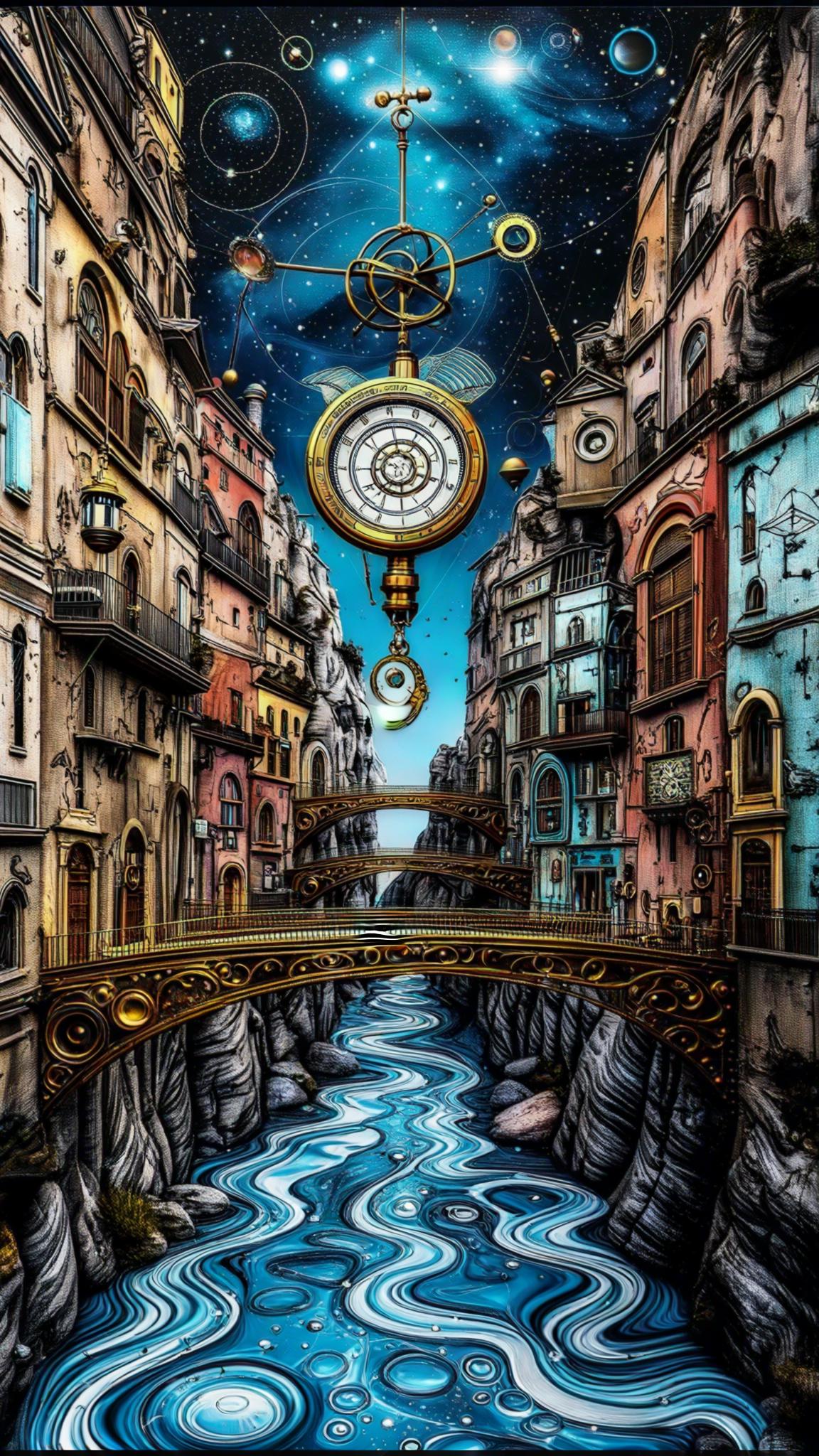
Clockwork orrery canyon where rivers of liquid mercury mirror constellations
stable-diffusion

=== Scene === Tone: generate an 8-second
dreamina
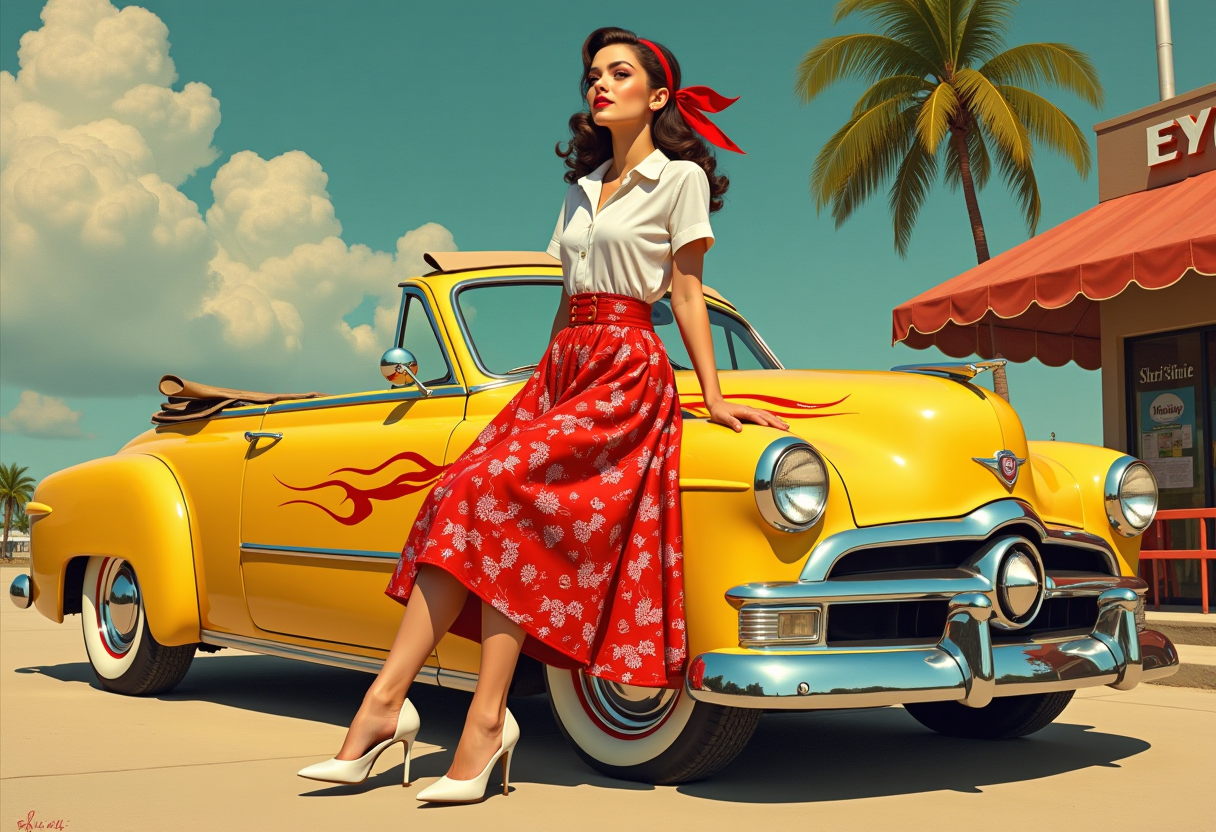
Boris Vallejo pin up art style a beautiful woman in Rockabilly
flux
Models you can run on PixelDojo for tongyi wanxiang 3.0
Switch models without switching tools. Each one runs in the same PixelDojo studio.
What you can do with tongyi wanxiang 3.0 on PixelDojo
Tongyi Wanxiang 3.0 Access
Generate images with Tongyi Wanxiang 3.0 directly on PixelDojo. Enter a prompt and we run the model so you can iterate without a separate setup.
Prompt Driven Image Creation
Describe subject, setting, lighting, and style in plain language. We return still images you can refine with follow-up prompts.
Style And Composition Control
Steer look and framing through wording such as medium, camera angle, and color mood. Keep outputs consistent across a series by reusing the same prompt structure.
Save And Export Results
Keep generations in your PixelDojo workspace for later review. Download the images you want to use in design, story, or product work.
Loved by thousands of creators worldwide who rely on PixelDojo's 40+ cutting-edge AI tools every day. Instant generations, professional results, and the freedom to cancel anytime.
Why Choose Pixel Dojo for tongyi wanxiang 3.0
Professional-quality results with cutting-edge AI technology
Lock In Brand-Perfect Consistency Every Time
You generate matching character sheets, product series, and campaign visuals that stay true to your references from the first image to the last. WAN Image and Consistent Characters keep faces, outfits, and colors identical so your entire story or catalog feels cohesive and professional.
Deliver Readable Text and Complex Layouts Instantly
You create posters, infographics, menus, and packaging with sharp small text in multiple languages and perfectly balanced compositions. Qwen 3 Pro and WAN 2.7 handle long, detailed instructions so every word and chart looks printed, not generated.
Produce Cinematic, Photoreal Results in Seconds
You walk away with studio-quality lighting, textures, and atmosphere that make portraits and scenes feel alive. Flux.2 Studio plus Magic Lighting and Reality Polisher give you the high-end look without the high-end budget or wait time.
How It Works
You create Tongyi Wanxiang 3.0 inspired images on PixelDojo in three straightforward steps that put professional control in your hands immediately.
Step 1: Choose Your Tool
Open Generate Images and pick WAN Image for fast cinematic results, Qwen 3 Pro for complex layouts and text, or WAN 2.7 for maximum detail and color precision. These tools are built to deliver the control and quality Tongyi Wanxiang 3.0 is known for, so you start with the right engine for your goal.
Step 2: Enter Your Prompt
Describe your vision in natural language the way a director would: subject details, lighting direction, exact colors or hex values, camera angle, mood, and any text that must appear. The more specific you are about relationships and atmosphere, the closer the first result matches what you imagined.
Step 3: Customize & Download
Refine with Edit Images tools such as Inpainting, Style Transfer, Change Camera Angle, or Background Remover. Then upscale with P-Image Upscale or Magnific Upscaler for print-ready resolution. Download your finished Tongyi Wanxiang 3.0 image and use it anywhere.
The Pixel Dojo Advantage
Why PixelDojo outperforms other options for Tongyi Wanxiang 3.0 image generation
| Others | Pixel Dojo |
|---|---|
| Traditional photography and illustration | You get studio-quality Tongyi Wanxiang 3.0 images in minutes instead of scheduling shoots, hiring talent, or waiting weeks for revisions, while still keeping full creative control and unlimited variations. |
| Generic AI tools | You access specialized WAN Image, Qwen 3 Pro, and WAN 2.7 models plus a complete editing and upscaling suite in one place, so you achieve the precise color, text, and consistency that generic single-model tools simply cannot match. |
| Manual photo editing software | You generate original concepts from scratch or transform existing photos with Reality Polisher, Smart Resize, and Image Outpainting, finishing projects faster and exploring far more creative directions than traditional layer-by-layer work allows. |
Loved by creators on PixelDojo
Real feedback from people using PixelDojo, pulled from our in-product surveys.
super easy to use
it's very easy to use
Practically every Ai suite in one place? Who wouldn't?
versatile menu of tools
Best AI tool availble the suite is rad
Versatility quality, value, ROI, innovation
Explore more AI tools on PixelDojo
AI Tools
Compare & Switch
- Best AI Image Generators
- Best AI Video Generators
- Midjourney Alternatives
- Civitai Alternatives
- Runway Alternatives
- Leonardo Alternatives
- Pika Alternatives
- Luma Alternatives
- Magnific Alternatives
- Veo Alternatives
- Flux Alternatives
- Freepik Alternatives
- Seedance Alternatives
- Seedream Alternatives
- Pixverse Alternatives
- GPT Image Alternatives
- Synthesia Alternatives
- Playground Alternatives
- NightCafe Alternatives
- Canva AI Alternatives
- ElevenLabs Alternatives
- ComfyUI Alternatives
- Fal Alternatives
- Replicate Alternatives
Common Questions
Everything you need to know about tongyi wanxiang 3.0
What is Tongyi Wanxiang 3.0 image generation and how does PixelDojo make it easy for you?
Tongyi Wanxiang 3.0 image generation delivers photorealistic details, precise color control, excellent text rendering, and strong consistency across multiple images. On PixelDojo you simply choose WAN Image, Qwen 3 Pro, or WAN 2.7, type a detailed prompt, and receive professional results in seconds. You then polish with built-in editors and upscalers. Thousands of creators use this exact workflow daily because it removes technical barriers and lets you focus on the outcome you need.
How can you create photorealistic portraits using Tongyi Wanxiang 3.0 techniques on PixelDojo?
Select WAN Image or Flux.2 Studio, then describe bone structure, skin texture, lighting direction, lens type, and expression in your prompt. The models excel at unique, natural faces rather than generic looks. After generation you can refine lighting with Magic Lighting or polish realism with Reality Polisher. You end up with portraits that feel photographed, ready for campaigns or character work, all without a studio.
Does PixelDojo support the precise color control and long-text rendering of Tongyi Wanxiang 3.0?
Yes. Qwen 3 Pro and WAN 2.7 let you specify hex colors or palettes so your brand hues stay exact. They also render small, readable text in many languages inside complex layouts such as posters and infographics. You simply include the text and color instructions in your prompt, generate, and optionally fine-tune with Style Transfer. The result looks printed, not artificial.
How do you keep characters consistent across a series of Tongyi Wanxiang 3.0 images?
Upload a reference photo or generate a base image with WAN Image, then use Consistent Characters or Character Sheets to lock identity, clothing, and style. Subsequent generations stay faithful even when you change poses or scenes. You can also apply Face Swap or LoRA Face Swap for extra control. This is how you build entire visual stories or product lines that feel like they belong together.
Which PixelDojo tools work best for Tongyi Wanxiang 3.0 inspired product and marketing images?
WAN Image and Qwen 3 Pro handle product shots with accurate materials and lighting. Pair them with Background Remover, Smart Resize, and Image to Image for quick variations. For campaigns you can generate matching sets, then upscale with P-Image Upscale. You get e-commerce and ad-ready files that look professionally photographed while staying fully on-brand.
Can you easily edit and upscale Tongyi Wanxiang 3.0 images after they are generated?
Absolutely. PixelDojo’s Edit Images suite includes Inpainting, Change Camera Angle, Style Transfer, and Image Outpainting so you can fix or expand any area. Then send the result to Magnific Upscaler, Clarity Pro, or Portrait Upscaler for crisp high-resolution output. Everything happens in the same workspace, so you go from first draft to final file without leaving the platform.