try gpt image 2

Generated on PixelDojo. Produced by PixelDojo's generation pipeline.
You can transform simple ideas into photorealistic photographs, professional infographics packed with perfectly readable text, and fully consistent marketing campaigns in just seconds. PixelDojo puts GPT Image 2 at your fingertips so you achieve studio-quality results without any design skills, expensive software, or lengthy photoshoots. Marketers produce ad creatives and social series that convert. Content creators build visual stories that captivate audiences. Designers iterate concepts at lightning speed. GPT Image 2 on PixelDojo delivers unmatched prompt following, multilingual text accuracy across Latin, Chinese, Japanese, Korean, Hindi, Bengali and Arabic scripts, and reasoning-powered compositions that match your vision exactly. Pair it with Nano Banana 2, Flux.2 Studio, Krea Image, Riverflow, Luma UNI 1, QWEN Image 2 and more from our Generate Images suite. Then refine everything using Image to Image, Inpainting, Style Transfer, Magic Lighting and Background Remover. The outcome is publication-ready visuals you own completely with commercial rights included.
Real image examples generated on PixelDojo
Every example below was produced on PixelDojo. Hover to see the prompt.
Masterpiece
creative-upscaler
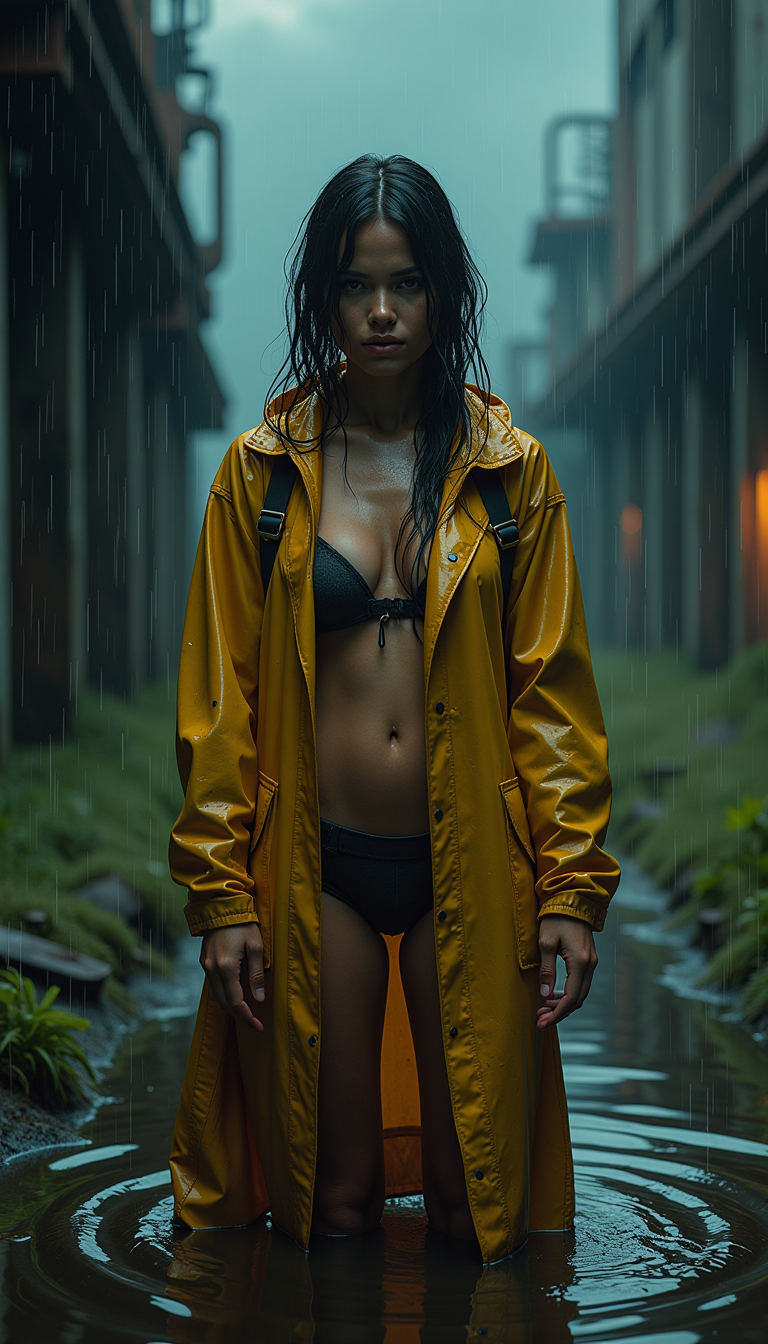
A powerful cinematic still of a striking female survivor in a post-apocalyptic industrial…
flux
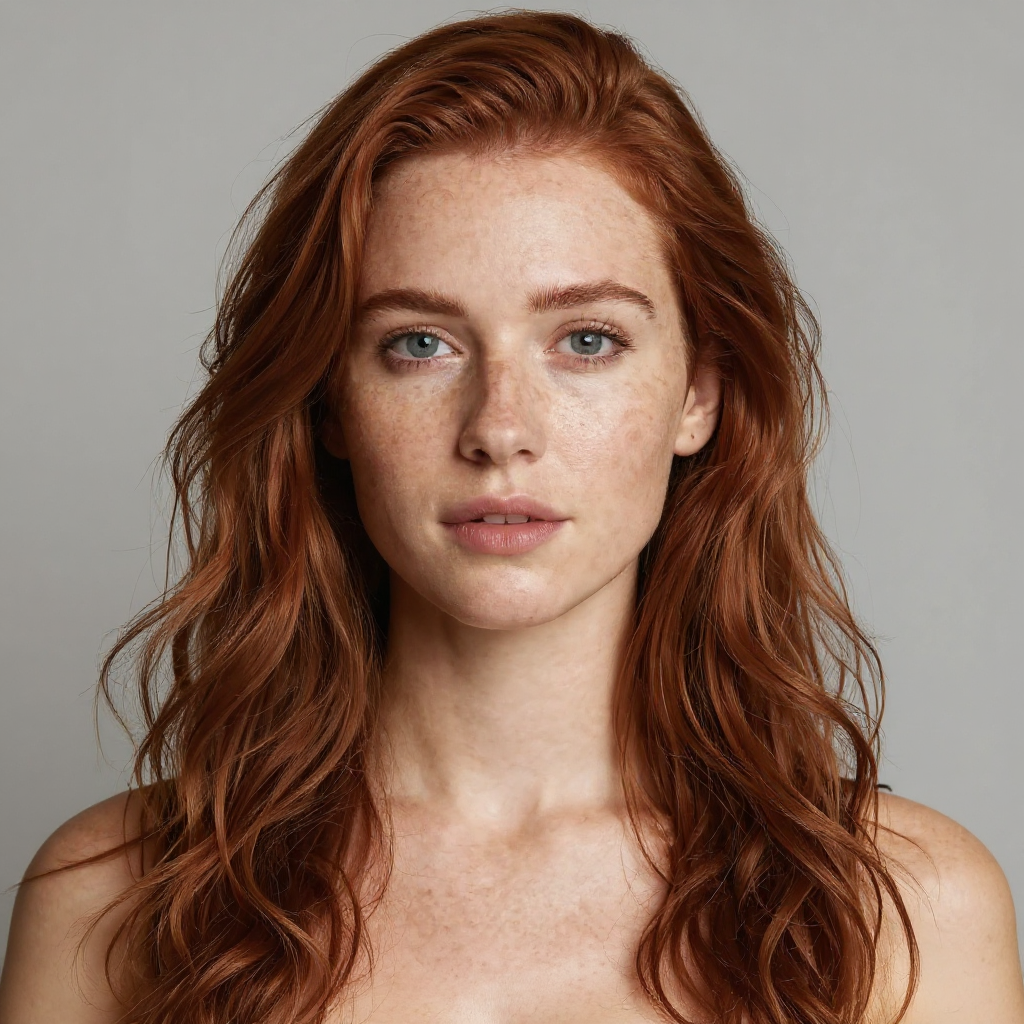
The same person on a beach at sunset in a light summer dress
consistent-characters
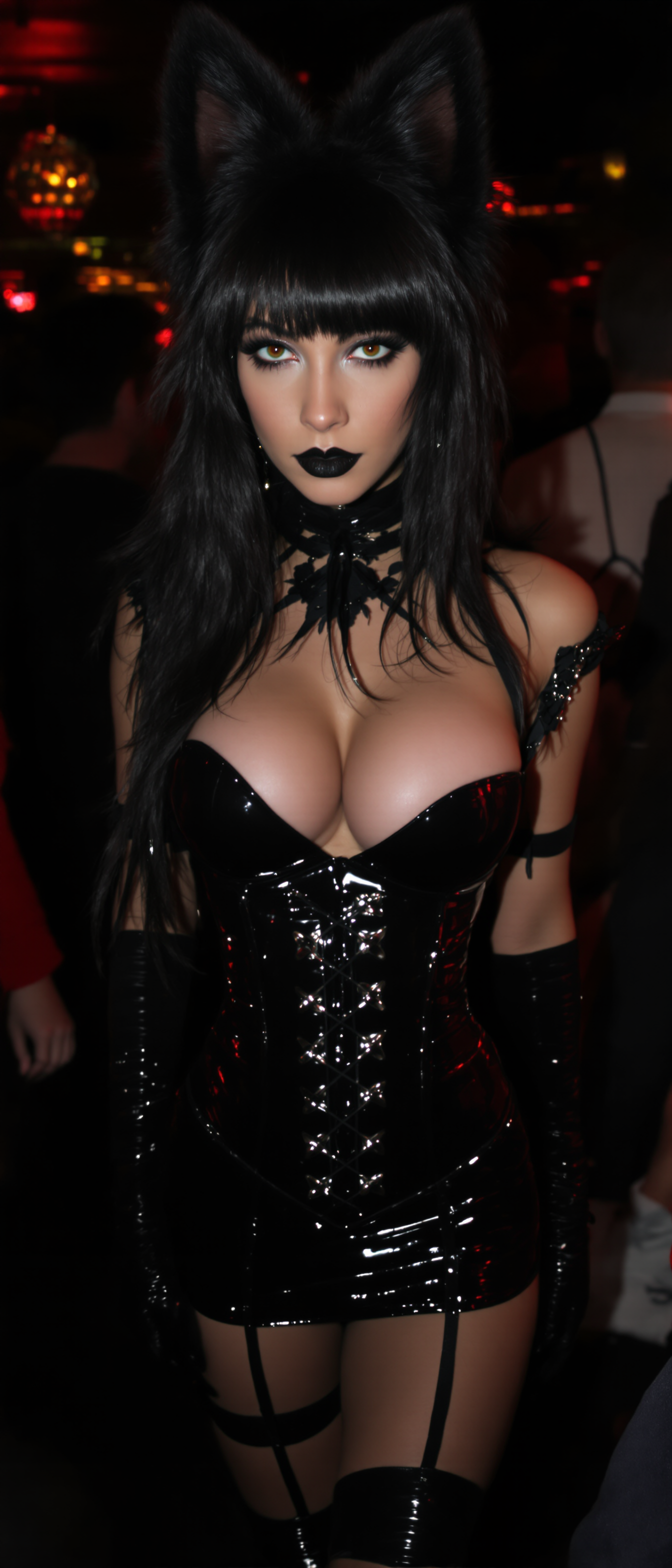
N the background
stable-diffusion
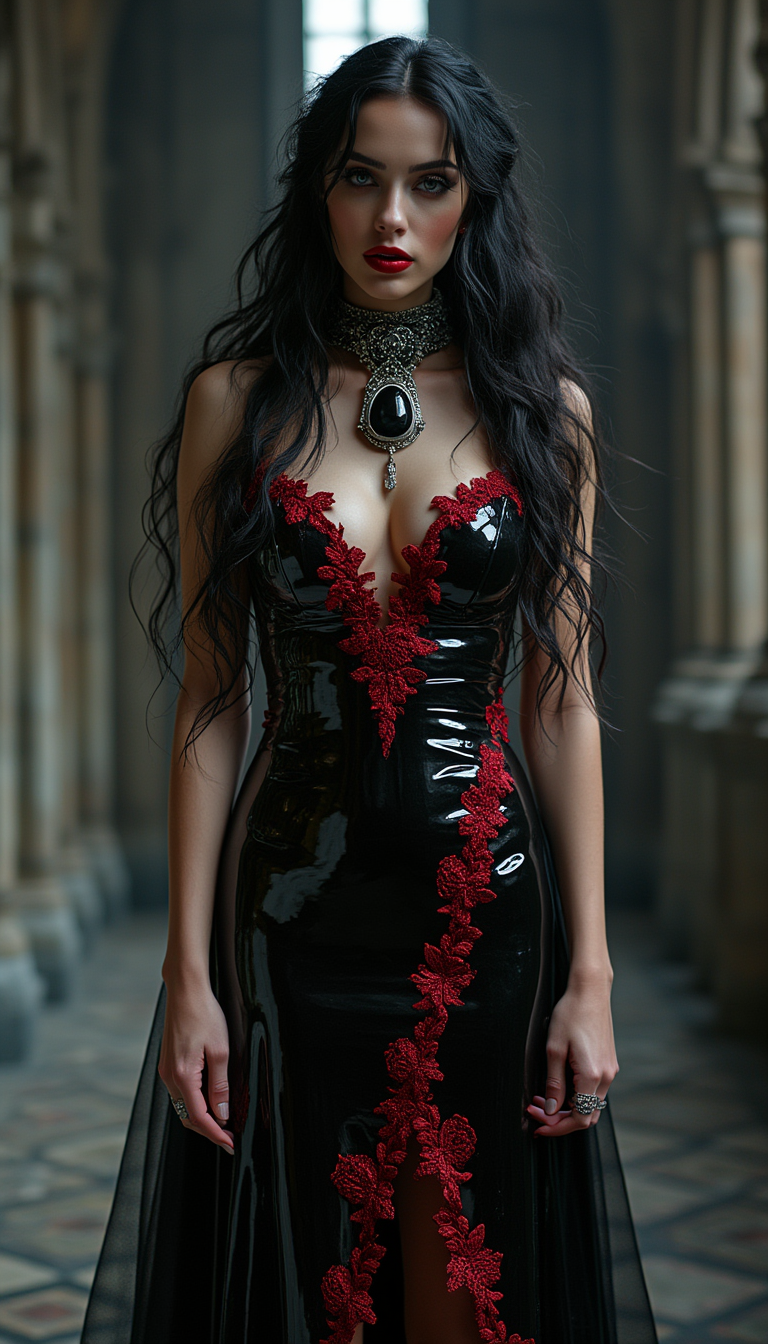
A stunningly seductive
flux
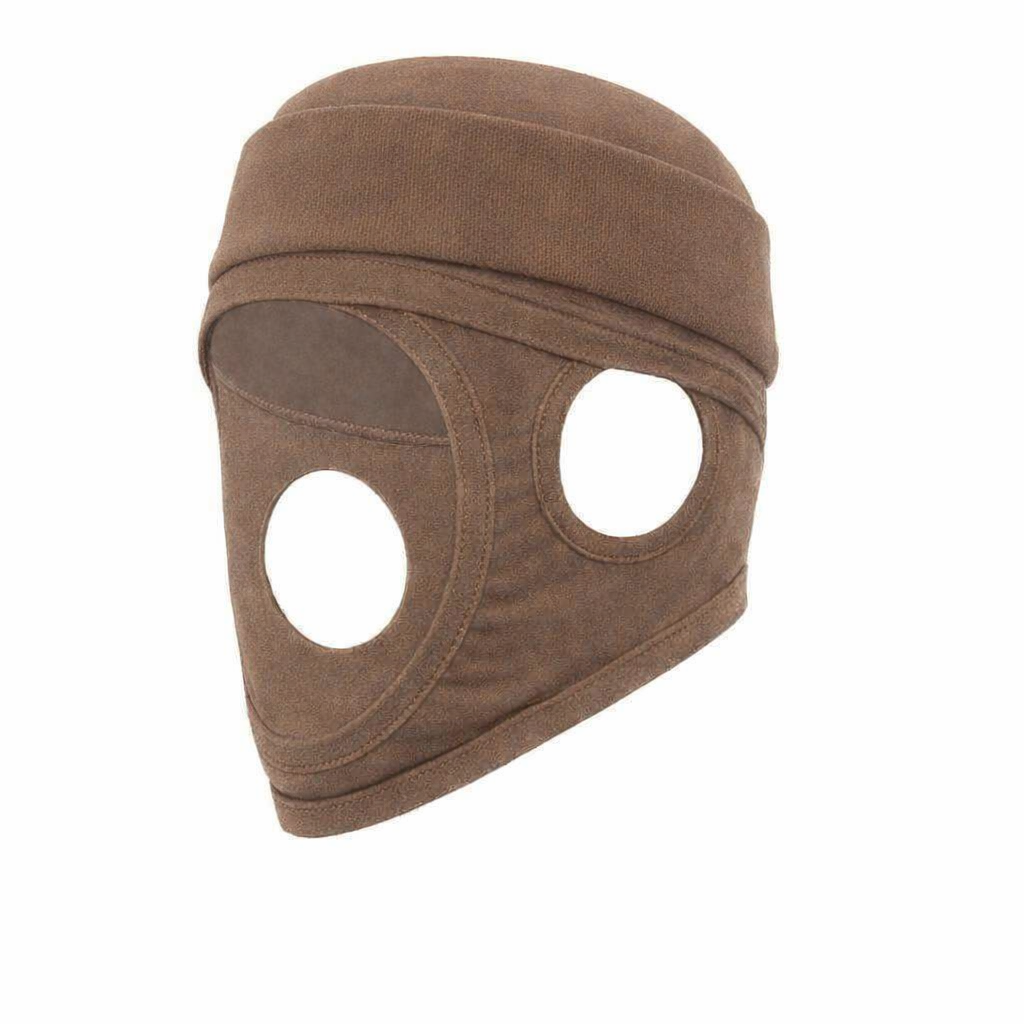
Make a cuff at top of cap edited
gpt-image-1-5
Models you can run on PixelDojo for try gpt image 2
Switch models without switching tools. Each one runs in the same PixelDojo studio.
What you can do with try gpt image 2 on PixelDojo
Try GPT Image 2
We give you access to GPT Image 2 so you can generate stills from text prompts without leaving PixelDojo.
Prompt Driven Image Drafts
Describe the scene, style, and subject. We run the model and return images you can review, keep, or discard.
Iterate On Your Generations
Adjust prompts and generate again from the same workspace so you can refine composition and details across versions.
Export For Creator Work
Download the images you choose and use them in boards, posts, and other production files you already work in.
Join thousands of creators worldwide who have generated over 5 million images on PixelDojo. Users rate us 4.8 out of 5. Enjoy 100% commercial rights on every creation and cancel anytime with 40+ cutting-edge AI tools at your command.
Why Choose Pixel Dojo for try gpt image 2
Professional-quality results with cutting-edge AI technology
Crystal-Clear Text That Actually Reads
You produce posters, product packaging, UI mockups, infographics and signage where every letter, headline and multilingual string appears sharp, correctly spelled and professionally laid out. GPT Image 2 eliminates garbled text so your marketing materials look polished and trustworthy from the first generation.
Photorealistic Quality That Fools the Eye
You generate lifelike portraits, product shots, environments and cinematic scenes featuring accurate lighting, believable materials, rich textures and natural skin tones. The results rival professional photography, giving your brand, social content or client work an authentic, high-end appearance instantly.
Campaign-Ready Consistency Across Every Frame
You create multiple matching images from a single prompt while keeping characters, objects, styles and lighting identical. Build storyboards, social media series, manga pages or complete brand kits without drift, then enhance further with Consistent Characters, Character Sheets and Face Swap tools.
How It Works
Creating professional GPT Image 2 visuals on PixelDojo takes only three straightforward steps. You move from idea to downloadable, high-resolution masterpiece while combining GPT Image 2 with our full ecosystem of Generate Images, Edit Images, Upscale & Enhance and Characters & Faces tools.
Step 1: Choose Your Tool
Log into PixelDojo and select GPT Image 2 from the Generate Images collection. You can immediately combine it with Nano Banana 2 for multi-image fusion, Flux.2 Studio or Krea Image for complementary styles, QWEN Image 2, Seedream 5 or Ideogram 4. For even more control open Image to Image, Inpainting or Change Camera Angle from the Edit Images section so refinements happen in the same workflow.
Step 2: Enter Your Prompt
Describe your vision using a clear structure: start with the overall scene and environment, then the main subject, followed by important details such as lighting, camera angle, lens feel, mood, materials and any exact text you need rendered. GPT Image 2’s built-in reasoning plans complex compositions automatically. Upload up to multiple reference images for character consistency or style matching. Specify aspect ratios from ultra-wide 3:1 banners to tall 1:3 mobile formats and choose quality tiers up to 4K.
Step 3: Customize & Download
Generate your images, then instantly enhance them. Use P-Image Upscale, Magnific Upscaler, Creative Upscaler, Clarity Pro or Portrait Upscaler to reach print-ready 4K. Apply Style Transfer, Magic Lighting, Reality Polisher or Background Remover. For characters lock identity with Consistent Characters, Character Sheets, Ideogram Character or Face Swap. When ready, download in PNG, JPEG or WebP with full commercial rights. You can even send stills into Generate Videos tools such as VEO 3.1, Kling Video or WAN 3.0 to create motion.
The Pixel Dojo Advantage
Why PixelDojo outperforms other options for GPT Image 2 image generation
| Others | Pixel Dojo |
|---|---|
| Traditional photography and graphic design | You eliminate expensive photoshoots, stock licenses and hours of manual layout work. Generate unlimited photoreal variations, text-perfect infographics and consistent campaign sets in seconds at a tiny fraction of the cost while keeping full commercial ownership. |
| Generic AI image tools | PixelDojo unites GPT Image 2 with 40+ specialized models including Nano Banana 2, Flux.2 Studio, Seedream 5, Ideogram 4, Recraft V4.1 plus complete Edit Images, Upscale & Enhance and Characters & Faces suites. You get commercial licenses, one-click refinements and cancel-anytime flexibility instead of isolated, limited generators. |
| Manual photo editing software | Achieve in minutes the precise text rendering, character consistency and photoreal lighting that normally take hours. Combine GPT Image 2 output with Inpainting, Style Transfer, Reality Polisher and P-Image Upscale so every asset ships polished without steep learning curves or extra subscriptions. |
Loved by creators on PixelDojo
Real feedback from people using PixelDojo, pulled from our in-product surveys.
Excellent website for creating all types of media
Very eay to use, works well to train SDXL loras.
The amazing tools
Top notch quality and strong prompt adherence.
A well resourced sunscription with attention to updates.
Easy to use and there's lots of options.
Explore more AI tools on PixelDojo
AI Tools
Compare & Switch
- Best AI Image Generators
- Best AI Video Generators
- Midjourney Alternatives
- Civitai Alternatives
- Runway Alternatives
- Leonardo Alternatives
- Pika Alternatives
- Luma Alternatives
- Magnific Alternatives
- Veo Alternatives
- Flux Alternatives
- Freepik Alternatives
- Seedance Alternatives
- Seedream Alternatives
- Pixverse Alternatives
- GPT Image Alternatives
- Synthesia Alternatives
- Playground Alternatives
- NightCafe Alternatives
- Canva AI Alternatives
- ElevenLabs Alternatives
- ComfyUI Alternatives
- Fal Alternatives
- Replicate Alternatives
Common Questions
Everything you need to know about try gpt image 2
How can I try GPT Image 2 for free and start generating photorealistic images on PixelDojo?
Create a free PixelDojo account, navigate to Generate Images and select GPT Image 2. You receive starter credits to produce photoreal portraits, product shots and infographics immediately. Thousands of creators already use this exact workflow daily. When you need more volume simply upgrade; you can cancel anytime and still keep 40+ tools including video generators such as VEO 3.1 and Kling Video.
What are the best GPT Image 2 prompting techniques for photorealistic results and accurate text?
Structure every prompt as scene + subject + important details (lighting, camera, materials, mood) plus the exact wording you want rendered. GPT Image 2’s reasoning engine plans complex layouts automatically so long, detailed descriptions stay coherent. On PixelDojo you can also upload reference images, choose 1K to 4K output and then polish with Magic Lighting or Reality Polisher for even more realism.
Can I generate infographics, posters and UI mockups with perfectly readable multilingual text using GPT Image 2?
Yes. GPT Image 2 delivers above 95 percent text accuracy across English, Chinese, Japanese, Korean, Hindi, Bengali and Arabic. You create marketing posters, packaging, slides and interfaces that look professionally typeset. After generation use PixelDojo’s Image Analyzer, Background Remover or Video Autocaption if you later turn stills into motion content.
Does PixelDojo give me commercial rights and high-resolution output when I try GPT Image 2?
Every image you create with GPT Image 2 on PixelDojo includes 100 percent commercial rights. Native output reaches 2K with optional 4K via P-Image Upscale, Magnific Upscaler, Creative Upscaler or Clarity Pro. You can therefore use the files for ads, print, websites, social campaigns and client deliverables without extra licensing steps.
Which other PixelDojo tools work best together with GPT Image 2 for complete creative workflows?
After generating with GPT Image 2, refine using Image to Image, Inpainting, Change Camera Angle, Style Transfer and Magic Lighting. Upscale with Portrait Upscaler or FLUX Video Upscale. Lock characters via Consistent Characters, Character Sheets, Face Swap or Flux Pro Virtual Try-On. Extend into video with Marketing Studio, WAN 3.0, Seedance 2.5 or Kling Video. Developers can even access the same model through our Developer API.
How do I keep characters and styles consistent across multiple GPT Image 2 images for campaigns or storyboards?
GPT Image 2 natively supports generating several matching images from one prompt while preserving identity. On PixelDojo you strengthen this further with the Consistent Characters tool, Character Sheets, Ideogram Character, WAN Video Character Swap and LoRA Face Swap. The combination lets you produce entire social series, manga pages or product catalogs that look like they belong to the same professional shoot.