try wan 2.7 AI Generator
Generated on PixelDojo. Produced by PixelDojo's generation pipeline.
You can turn a simple idea into a cinematic, photoreal masterpiece that looks like it came from a professional photoshoot. Try WAN 2.7 on PixelDojo and you immediately get atmospheric lighting, painterly depth, and photographic realism that makes your landscapes, portraits, food editorials, and product shots stand out. No more waiting days for a photographer or fighting generic AI output. You achieve studio-quality results for marketing campaigns, social content, storyboards, and personal projects in minutes. Pair it with PixelDojo’s Image to Image, Inpainting, and Style Transfer tools and you iterate until every detail matches your vision. Thousands of creators already use WAN 2.7 alongside Flux.2 Studio, Kling Image, and Seedream 5 to ship work that converts. Start today, cancel anytime, and keep every image you generate.
Real video examples generated on PixelDojo
Every example below was produced on PixelDojo. Hover to see the prompt.
W-cinematic
image-to-video
W-vertical
image-to-video

Wan-cinematic
image-to-image

Wan-food
image-to-image
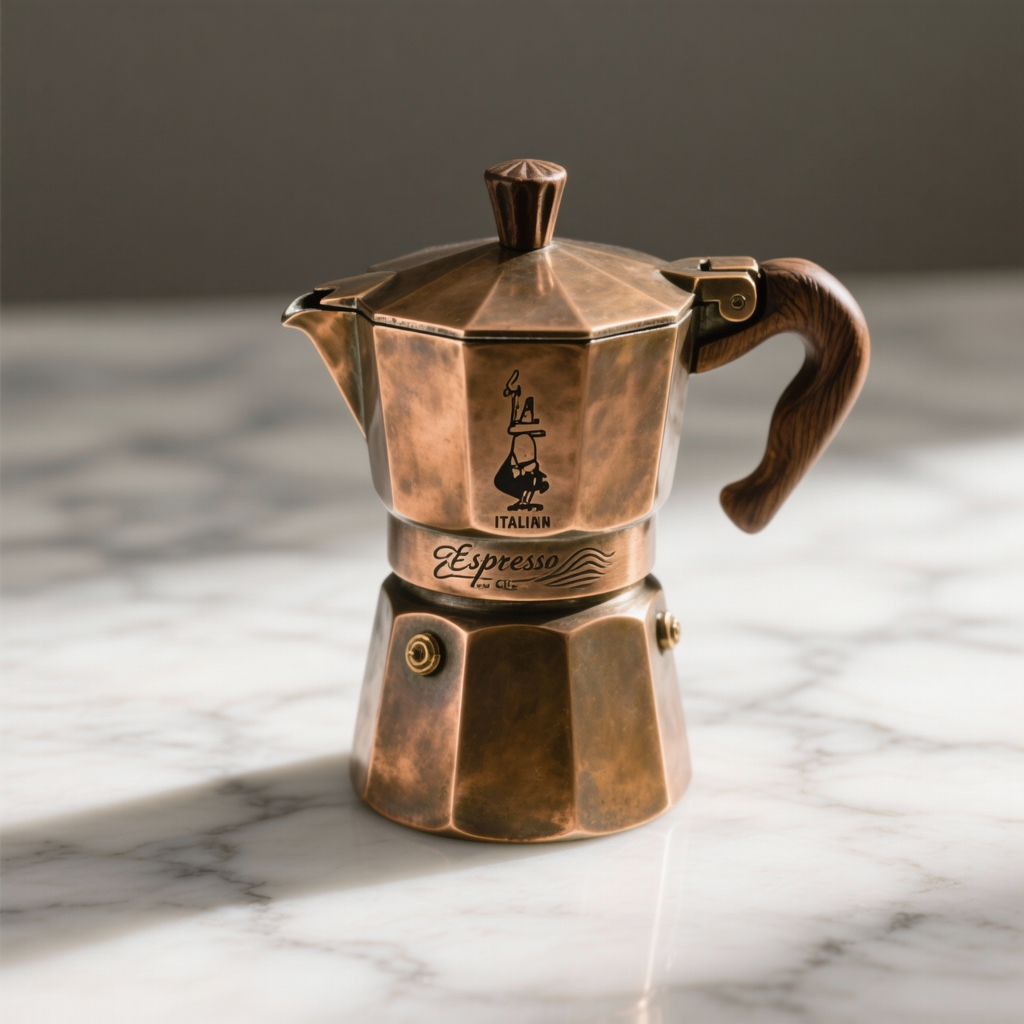
W26-product
image-to-image
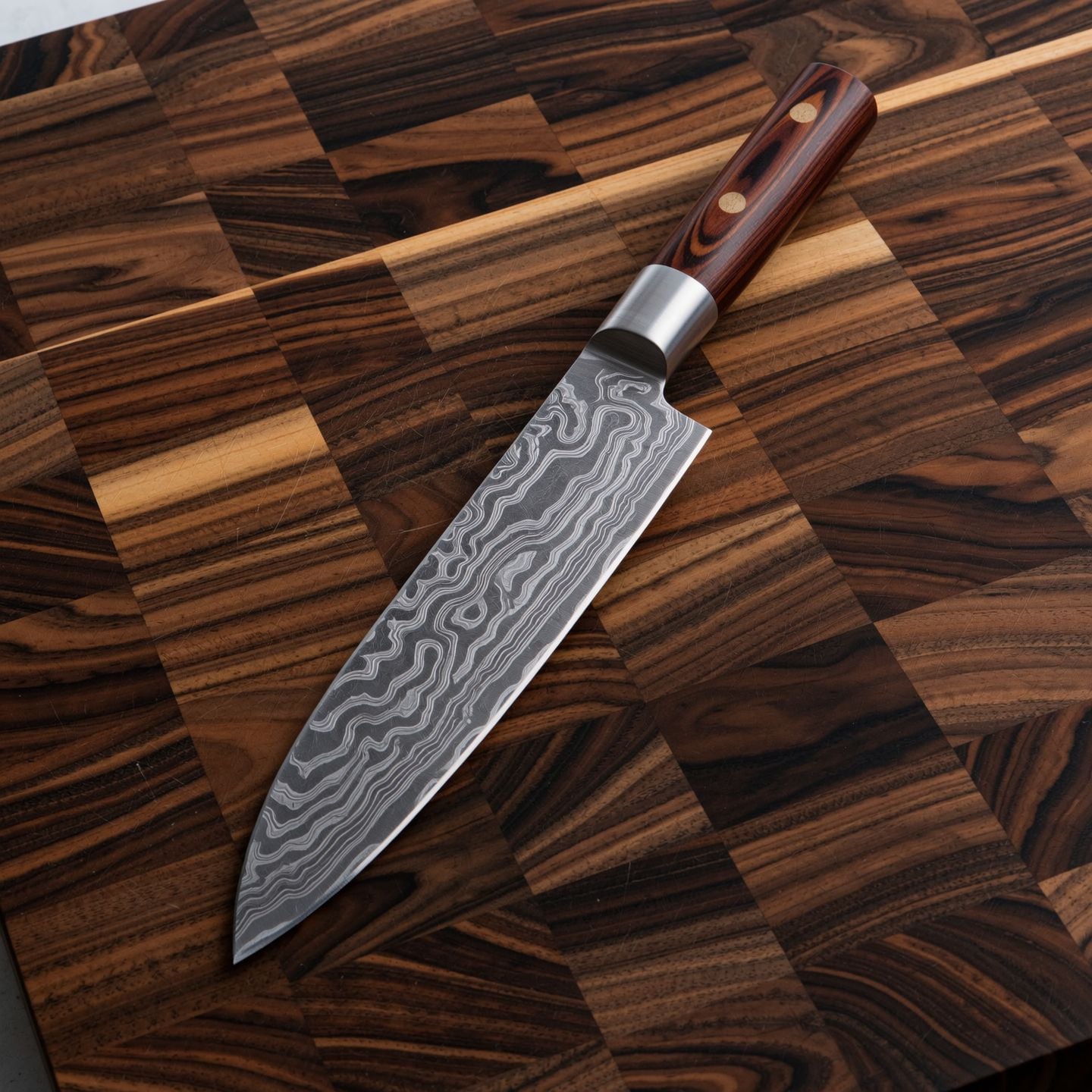
Wi-product
image-to-image
Models you can run on PixelDojo for try wan 2.7
Switch models without switching tools. Each one runs in the same PixelDojo studio.
What you can do with try wan 2.7 on PixelDojo
Try Wan 2.7 Video
We give you access to Wan 2.7 so you can generate short clips from text or stills in the browser. You run jobs on PixelDojo without installing the model locally.
Text And Image Prompts
Describe a scene in words or start from an image and we produce video with Wan 2.7. You iterate on prompts and regenerations in one workspace.
Motion And Shot Control
We support Wan 2.7 outputs that follow camera and subject motion described in your prompt. You can refine duration and framing across takes.
Download Ready Clips
We export finished generations so you can drop them into your editor. You keep versions of each run for comparison and reuse.
Loved by thousands of creators worldwide with a 4.9/5 rating. Over 50,000 images generated daily using WAN 2.7 and 40+ other cutting-edge tools. Commercial-use ready, cancel anytime.
Why Choose Pixel Dojo for try wan 2.7
Professional-quality results with cutting-edge AI technology
Deliver Cinematic Visuals That Stop Scrolls
You produce atmospheric landscapes, architectural twilight shots, and weather-driven scenes with layered lighting that feels like a movie still. Your audience stays engaged because every image has painterly composition and photographic depth from the first generation.
Lock Brand Colors and Readable Text Instantly
You generate posters, product labels, and infographics with print-quality text in 12 languages plus exact HEX color palettes. Your marketing assets match brand guidelines perfectly without extra editing rounds.
Build Consistent Character Series Without Extra Work
You create up to 12 matching images using nine reference photos so the same face, clothing, and lighting hold across storyboards, e-commerce sets, and social campaigns. Your workflow stays fast and professional.
How It Works
You go from idea to downloadable cinematic image in three straightforward steps using WAN 2.7 and PixelDojo’s editing suite.
Step 1: Choose Your Tool
Open PixelDojo, head to Generate Images, and select WAN 2.7. Pick Standard for fast everyday work or Pro for 4K hero shots with extra skin and fabric detail. Set your aspect ratio (16:9 cinematic, 3:4 portrait, 1:1 product) so the composition matches your final use.
Step 2: Enter Your Prompt
Describe the scene with atmospheric language: “cinematic wide shot of a midcentury house at twilight, warm interior lights, deep blue sky transitioning to orange.” Layer lighting, name specific items, and add “painterly photoreal, documentary photography style.” WAN 2.7’s thinking mode plans the composition before it paints, so complex instructions land exactly as you intended.
Step 3: Customize & Download
Generate 1–4 variations, then refine with Image to Image, Inpainting, or Change Camera Angle. Use Background Remover or Reality Polisher if needed. Download in full resolution, ready for commercial use. Repeat with Flux.2 Studio or Kling Image if you want a different aesthetic in the same project.
The Pixel Dojo Advantage
Why PixelDojo outperforms other options for WAN 2.7 image generation
| Others | Pixel Dojo |
|---|---|
| Traditional photography and illustration | You skip location scouting, models, and hours of post-production. WAN 2.7 plus PixelDojo’s Upscale & Enhance tools deliver cinematic results in seconds instead of days. |
| Generic AI tools | You get thinking-mode planning, 3K-token readable text, HEX color control, and nine-reference consistency that generic generators still struggle with. Pair WAN 2.7 with Consistent Characters and Character Sheets for production-ready series. |
| Manual photo editing | You avoid tedious retouching. Interactive box-selection editing and Magic Lighting let you change only what you want while preserving identity, lighting, and texture. |
Loved by creators on PixelDojo
Real feedback from people using PixelDojo, pulled from our in-product surveys.
A well resourced sunscription with attention to updates.
Easy to use and there's lots of options.
super lora download
Great variety of tools to create and modify images and video.
Lots of Tools, and the one time I needed support I got help right away
Easy to use once you get the hang of it
Explore more AI tools on PixelDojo
AI Tools
Compare & Switch
- Best AI Image Generators
- Best AI Video Generators
- Midjourney Alternatives
- Civitai Alternatives
- Runway Alternatives
- Leonardo Alternatives
- Pika Alternatives
- Luma Alternatives
- Magnific Alternatives
- Veo Alternatives
- Flux Alternatives
- Freepik Alternatives
- Seedance Alternatives
- Seedream Alternatives
- Pixverse Alternatives
- GPT Image Alternatives
- Synthesia Alternatives
- Playground Alternatives
- NightCafe Alternatives
- Canva AI Alternatives
- ElevenLabs Alternatives
- ComfyUI Alternatives
- Fal Alternatives
- Replicate Alternatives
Common Questions
Everything you need to know about try wan 2.7
How do I try WAN 2.7 image generation for free on PixelDojo?
Sign up, receive starter credits, open Generate Images, select WAN 2.7 Standard, enter a cinematic prompt, and generate. You can explore 40+ tools including Flux.2 Studio and Kling Image with the same credits. Cancel anytime if you decide not to continue.
What prompting techniques work best with WAN 2.7 for cinematic results?
Use atmospheric anchors like “painterly cinematic” and “documentary photography style.” Layer lighting sequences (“twilight, warm interior lights, deep blue sky transitioning to orange”) and name specific items. WAN 2.7’s thinking mode plans composition first, so detailed spatial and lighting language produces stronger results than generic camera terms.
Can I generate images with readable text using WAN 2.7?
Yes. WAN 2.7 handles up to 3,000 tokens across 12 languages with print-quality typography. You create posters, book covers, infographics, and product labels that actually spell correctly. Combine with Recraft V4.1 or Ideogram 4 if you need extra design polish.
How does WAN 2.7 keep characters consistent across multiple images?
Upload up to nine reference images and generate up to 12 matching outputs in one run. Facial structure, clothing, and lighting stay locked. Follow up with Consistent Characters, Character Sheets, or Face Swap tools on PixelDojo for even tighter control in campaigns and storyboards.
Should I use WAN 2.7 Standard or Pro for my project?
Standard is the production sweet spot—fast, high quality, low credit cost—for most social, web, and draft work. Switch to Pro when you need 4K output and extra fidelity on skin texture, fabric weave, or food surfaces for hero shots and print. Both share the same prompting language and aspect ratios.
Can I edit WAN 2.7 images after generation on PixelDojo?
Absolutely. Use Image to Image, Inpainting, Change Camera Angle, Style Transfer, Magic Lighting, and Background Remover without leaving the platform. You can also train custom models with Flux Trainer or QWEN Trainer if you need a unique look across an entire series.