uncensor photos
Generated on PixelDojo. Produced by PixelDojo's generation pipeline.
Have you ever encountered a photo marred by censorship, blurring, or pixelation, obscuring crucial details? With PixelDojo's advanced AI tools, you can effortlessly restore these images, bringing back their original clarity and detail. Whether it's a cherished memory, an important document, or a creative project, our platform empowers you to uncensor photos with precision and ease.
Real image examples generated on PixelDojo
Every example below was produced on PixelDojo. Hover to see the prompt.
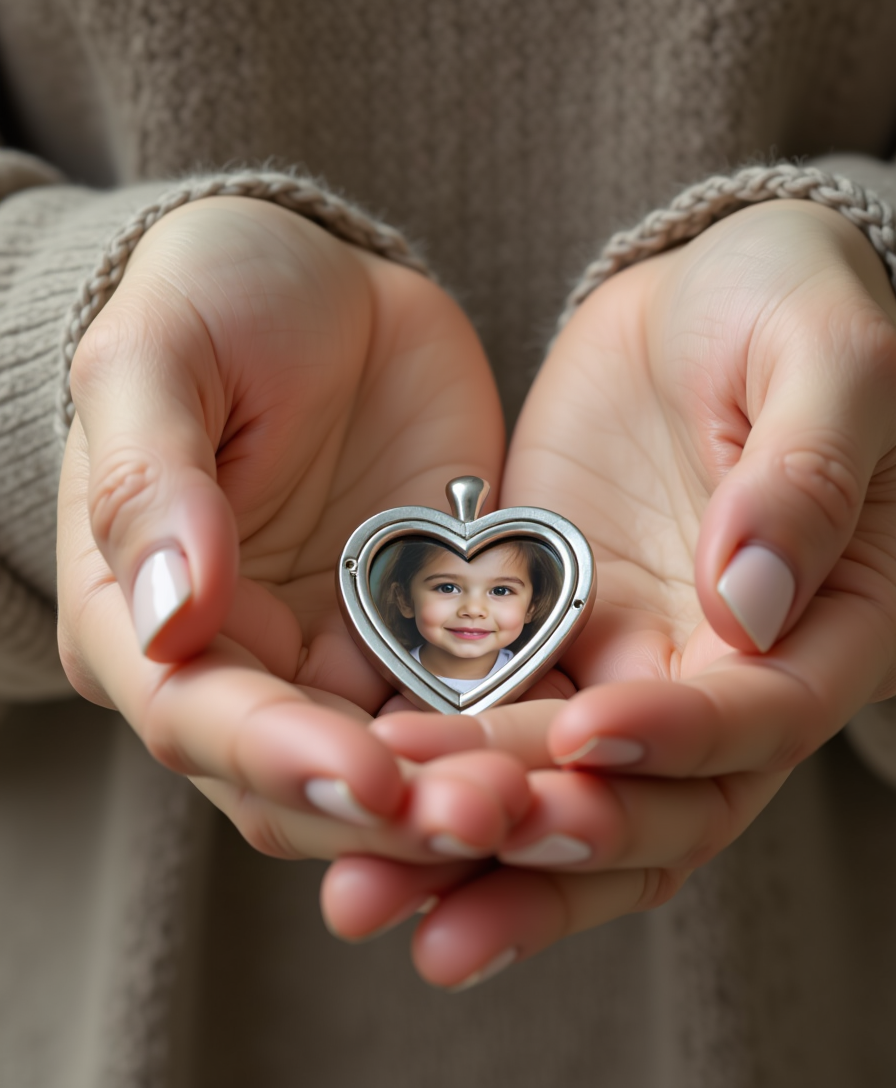
Ultra-realistic photo of woman's hands gently holding a modern small tiny silver locket
flux
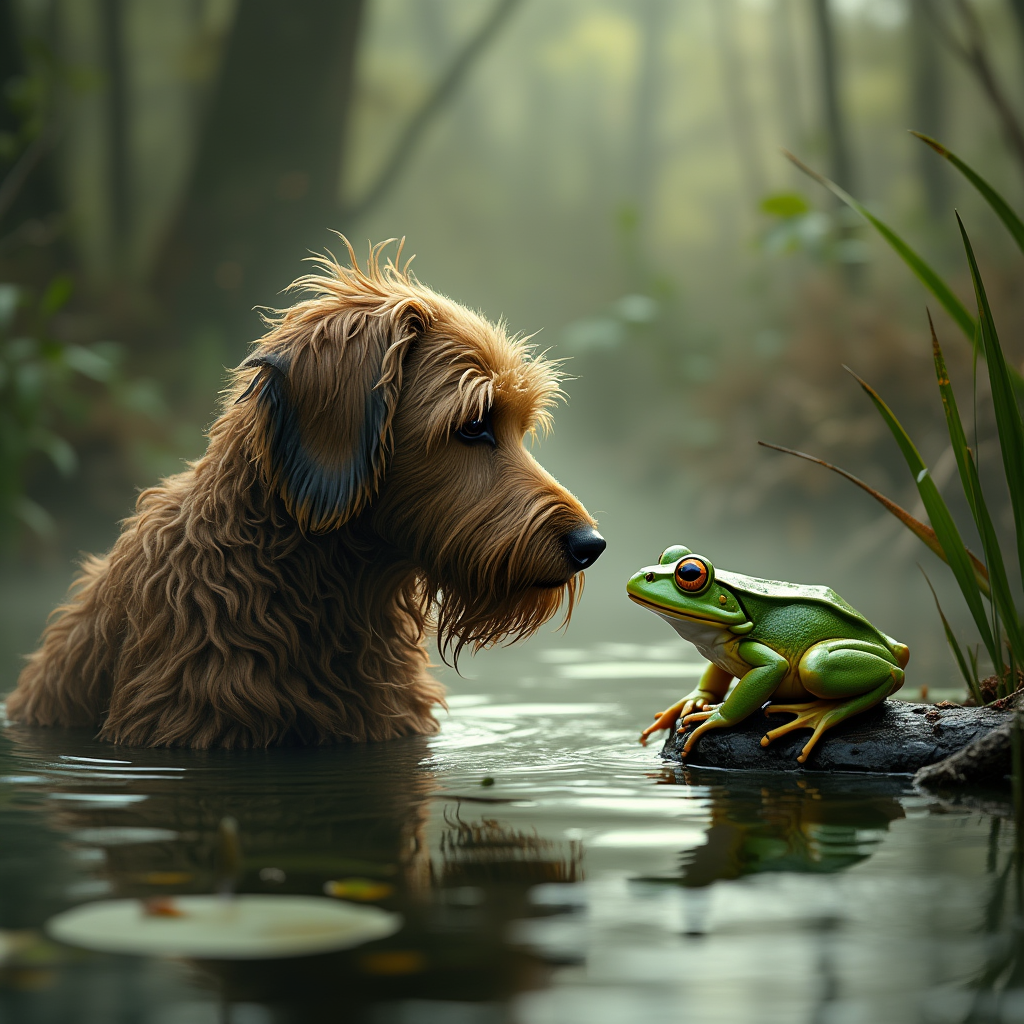
**Prompt:** Create an image of a **dog** with a **wet
flux
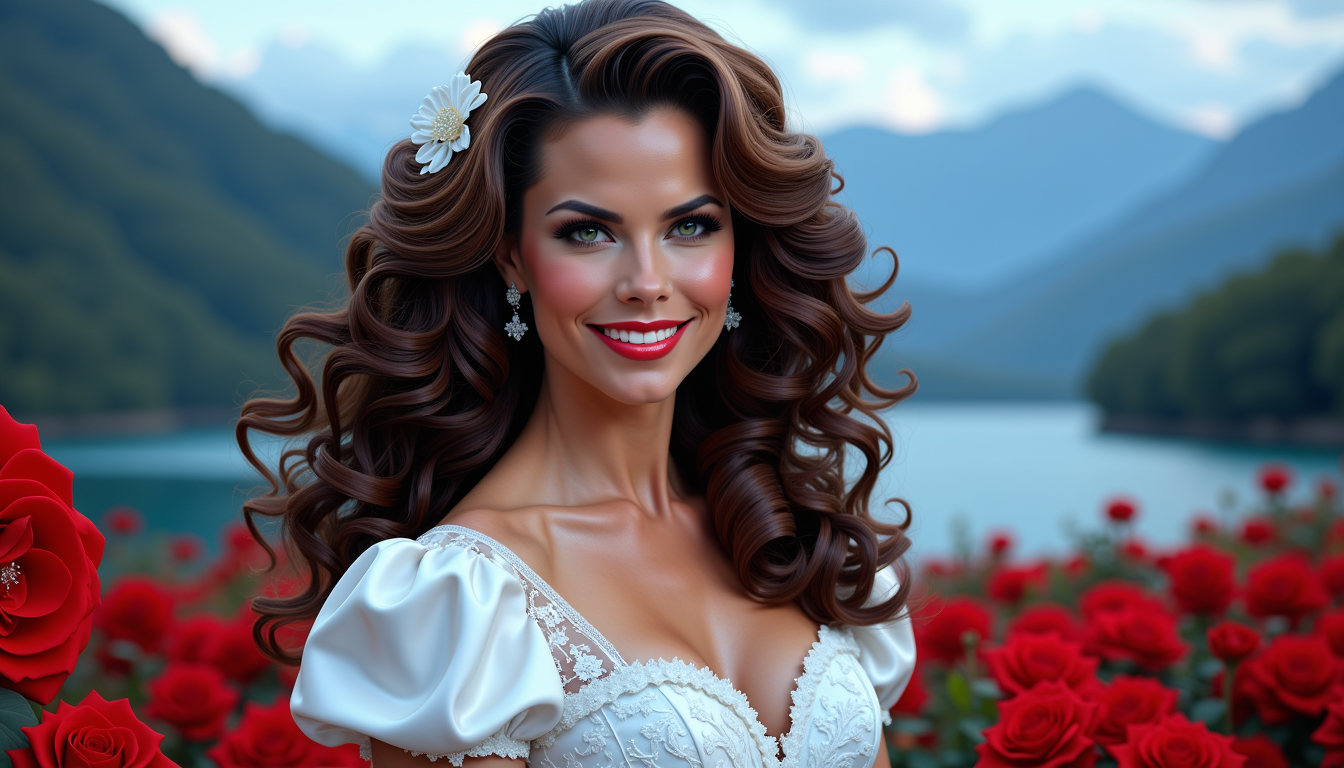
Brooke-LoRA-Zip
stable-diffusion
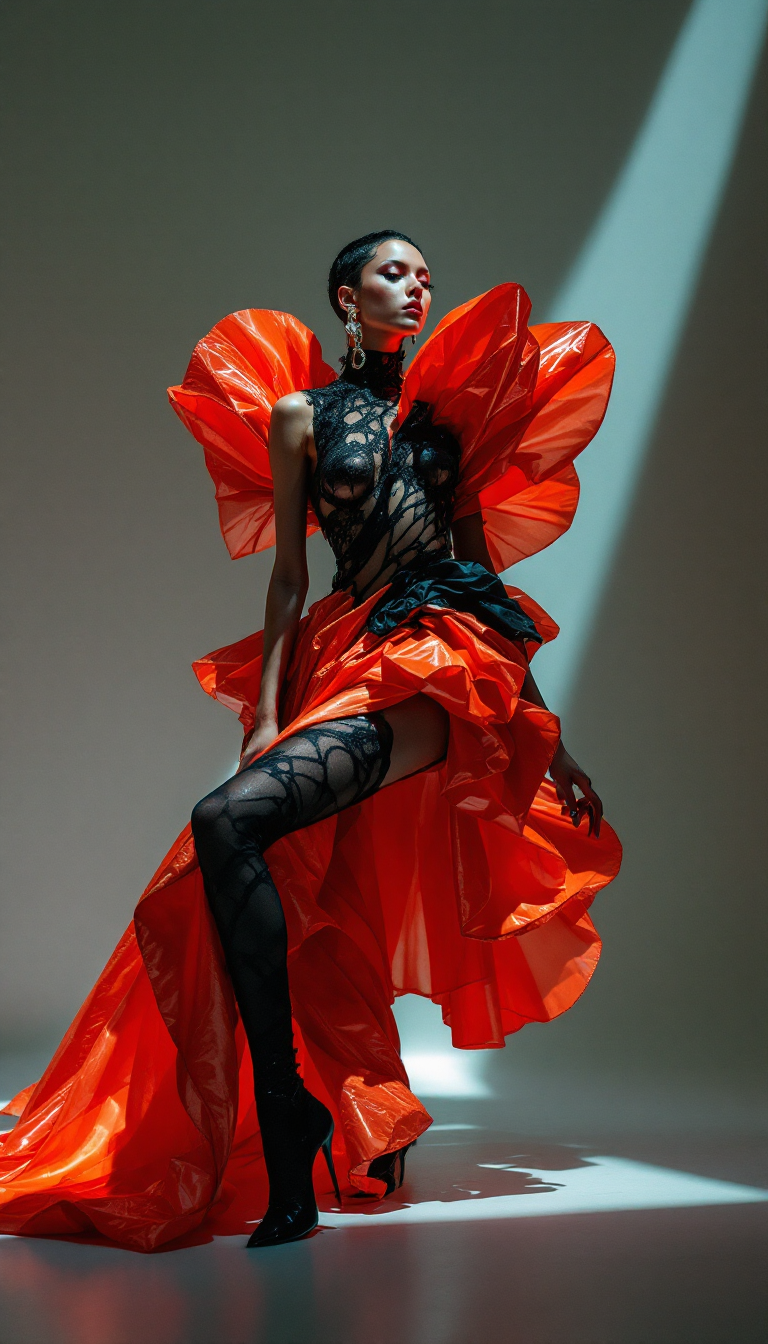
A striking top avant-garde fashion model captured in a high-fashion editorial for Vogue ma…
flux
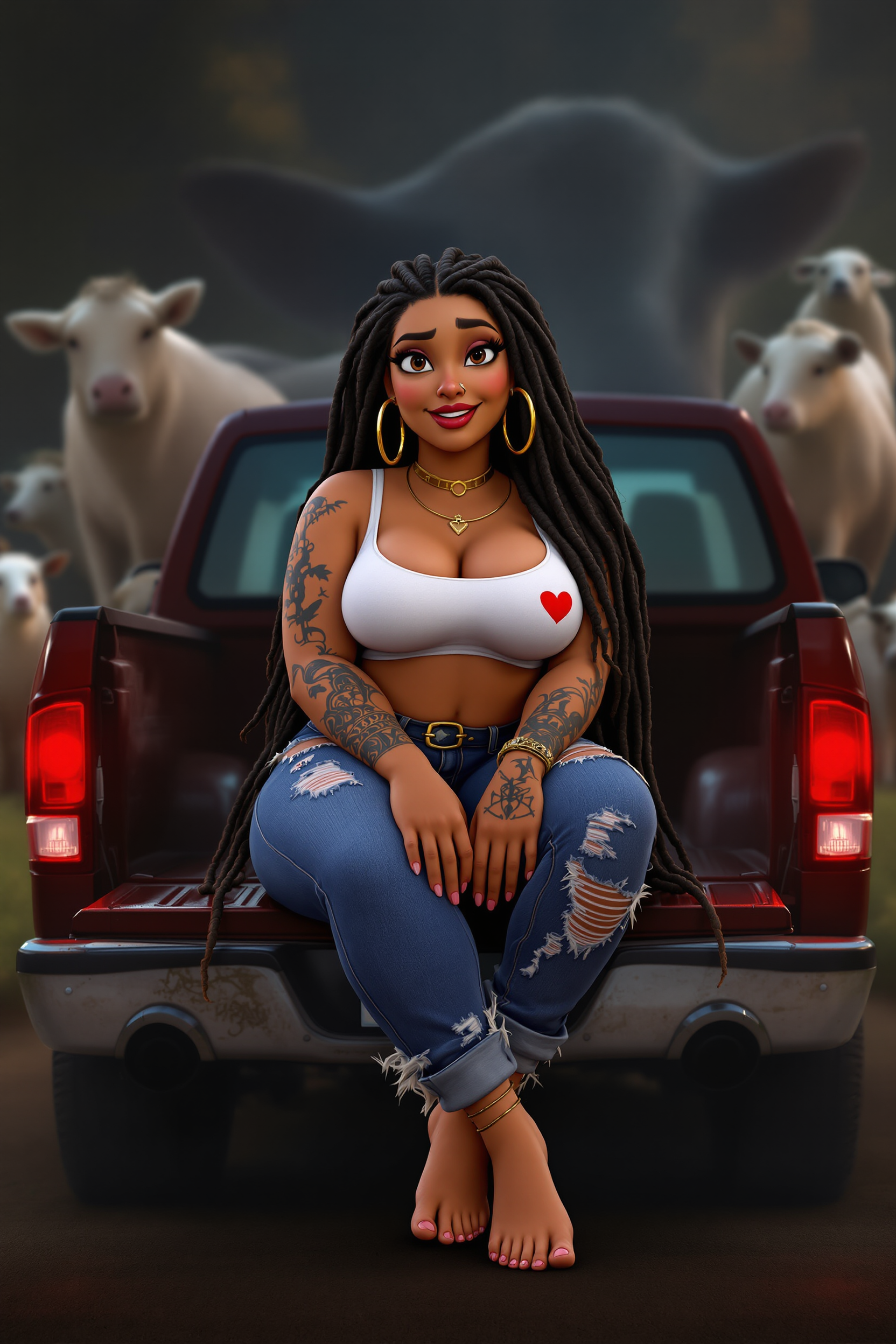
3D-HD animation a curvy female sitting on the back of a pickup truck with her legs crossed…
flux
uncensor photos on PixelDojo
flux
Models you can run on PixelDojo for uncensor photos
Switch models without switching tools. Each one runs in the same PixelDojo studio.
What you can do with uncensor photos on PixelDojo
Restore Hidden Photo Details
We use image generation to fill in obscured regions of source photos. Creators set parameters to control the output content.
Generate Uncensored Image Versions
Our models produce alternate versions of photos without applied restrictions. Users review and refine results before final export.
Modify Censored Photo Elements
We replace restricted areas through targeted generation while preserving overall composition. Creators adjust prompts to match specific needs.
Create Unrestricted Photo Outputs
We process input photos to generate new versions free of content blocks. Batch tools allow multiple variations in one session.
Join over 10,000 satisfied users who have restored more than 1 million images using PixelDojo's AI-powered tools. Rated 4.8/5 for exceptional quality and user experience.
Why Choose Pixel Dojo for uncensor photos
Professional-quality results with cutting-edge AI technology
Restore Image Clarity
Bring back the original details and sharpness to censored or blurred photos, making them look as intended.
User-Friendly Process
Achieve professional results without any technical expertise using our intuitive interface.
Time-Efficient Restoration
Save hours of manual editing with our AI-powered tools that deliver results in minutes.
How It Works
Restoring your censored photos is a straightforward process with PixelDojo's AI tools. Follow these simple steps to achieve clear and detailed images:
Step 1: Choose Your Tool
Select the 'Image to Image' tool from PixelDojo's suite of AI-powered features.
Step 2: Upload Your Photo
Click on the upload button and select the censored photo you wish to restore.
Step 3: Apply AI Restoration
Use the 'Inpainting' feature to intelligently reconstruct the obscured areas of your photo.
The Pixel Dojo Advantage
Why PixelDojo outperforms other options for uncensoring photos
| Others | Pixel Dojo |
|---|---|
| Traditional Photo Editing | Eliminates the need for manual editing skills, providing automated and precise restoration. |
| Generic AI Tools | Offers specialized features like 'Inpainting' tailored specifically for uncensoring photos. |
| Manual Restoration Services | Provides instant results without the high costs and time delays associated with professional services. |
Loved by creators on PixelDojo
Real feedback from people using PixelDojo, pulled from our in-product surveys.
Amazing features, easy to use, privacy
the number of options, and especially the quick response to questions on Discord
Love you guys!!
Trained my Lora super fast. Still working out how to creat content wit it, but I love it so far.
I love this app
It has all the tools I can think of...
Explore more AI tools on PixelDojo
AI Tools
Compare & Switch
- Best AI Image Generators
- Best AI Video Generators
- Midjourney Alternatives
- Civitai Alternatives
- Runway Alternatives
- Leonardo Alternatives
- Pika Alternatives
- Luma Alternatives
- Magnific Alternatives
- Veo Alternatives
- Flux Alternatives
- Freepik Alternatives
- Seedance Alternatives
- Seedream Alternatives
- Pixverse Alternatives
- GPT Image Alternatives
- Synthesia Alternatives
- Playground Alternatives
- NightCafe Alternatives
- Canva AI Alternatives
- ElevenLabs Alternatives
- ComfyUI Alternatives
- Fal Alternatives
- Replicate Alternatives
Common Questions
Everything you need to know about uncensor photos
How does PixelDojo's AI uncensor photos?
PixelDojo utilizes advanced AI algorithms to analyze and reconstruct censored areas in photos, restoring them to their original clarity without manual intervention.
Is it safe to use PixelDojo for uncensoring photos?
Yes, PixelDojo prioritizes user privacy and security. Your uploaded photos are processed securely and are not stored after the restoration process.
Do I need technical skills to use PixelDojo's uncensoring tools?
No, PixelDojo is designed with a user-friendly interface that allows anyone to restore photos effortlessly, regardless of technical expertise.
Can PixelDojo restore any type of censored photo?
While PixelDojo excels at restoring various types of censored images, the quality of the result may depend on the extent and type of censorship applied to the original photo.
Is there a cost associated with using PixelDojo's uncensoring tools?
PixelDojo offers a range of subscription plans to suit different needs, including options for free trials so you can experience the tools before committing.
How long does it take to uncensor a photo with PixelDojo?
The restoration process is typically completed within seconds, allowing you to quickly obtain uncensored versions of your photos.