uncensored ai art generator

Generated on PixelDojo. Produced by PixelDojo's generation pipeline.
Imagine bringing your most daring and imaginative ideas to life without constraints. With PixelDojo's advanced AI image generation tools, you can create uncensored AI art that truly reflects your unique vision. Whether you're an artist pushing creative boundaries, a marketer seeking bold visuals, or an enthusiast exploring new artistic realms, PixelDojo empowers you to generate unrestricted, high-quality images effortlessly.
Real image examples generated on PixelDojo
Every example below was produced on PixelDojo. Hover to see the prompt.
Image of an ai painting a human and a human painting an ai
flux

Create a YouTube Header for "FLUXPRO" AI image generation
flux
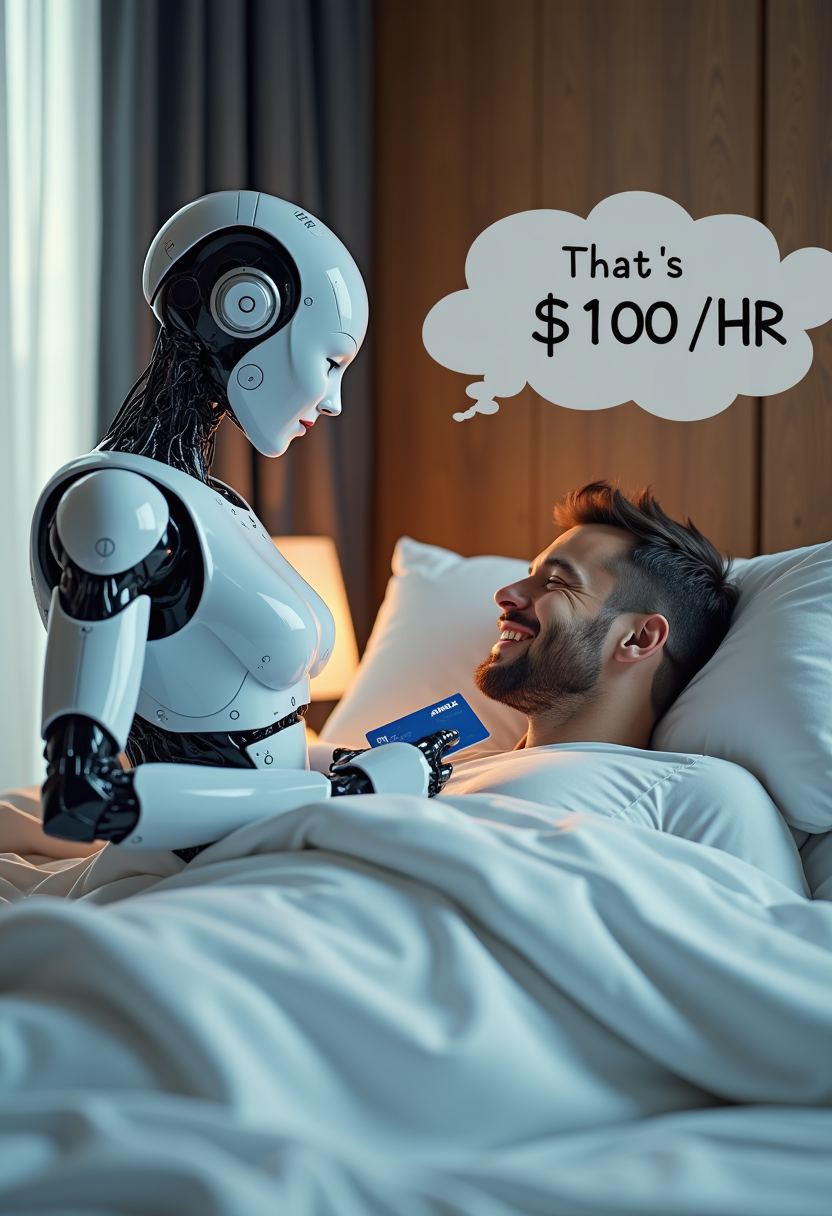
Create image of very beautiful AI robot woman in bed a happy man under the covers
flux
A man talking
image-to-video
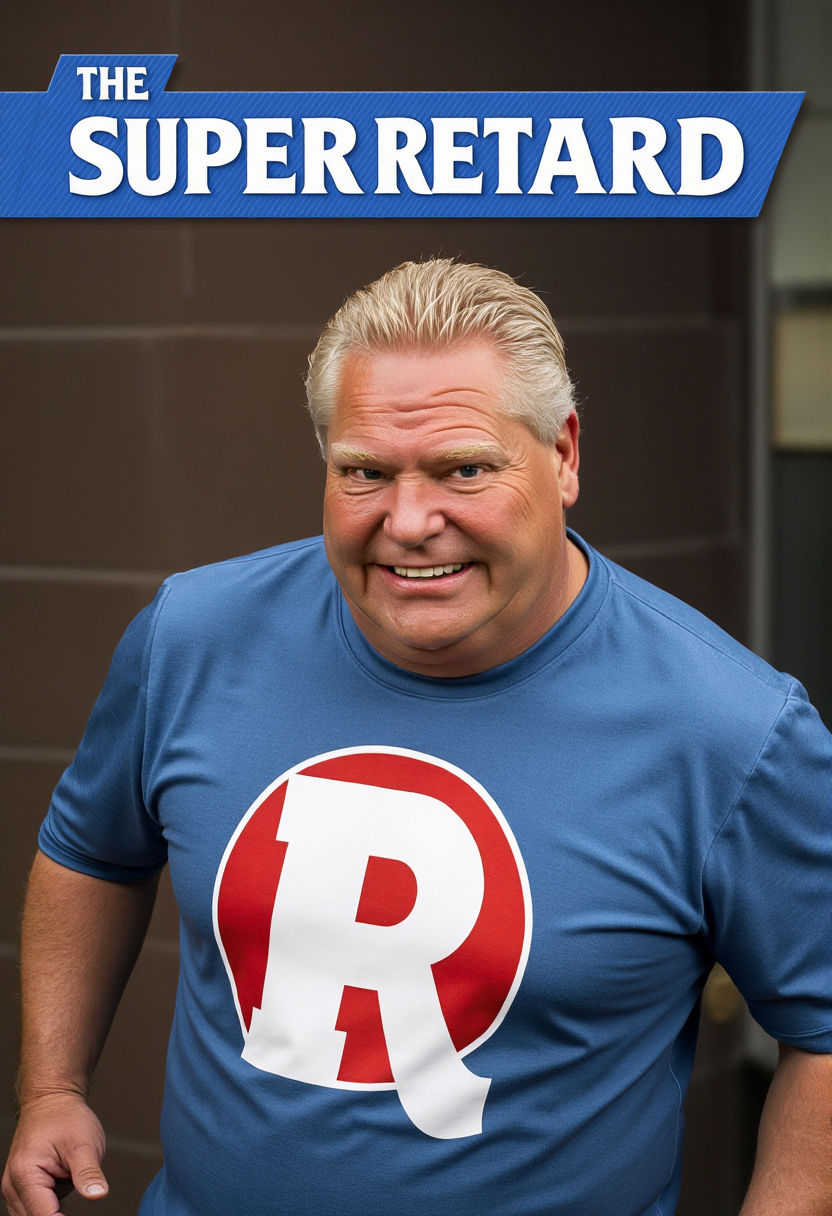
A photo of DFORD
flux
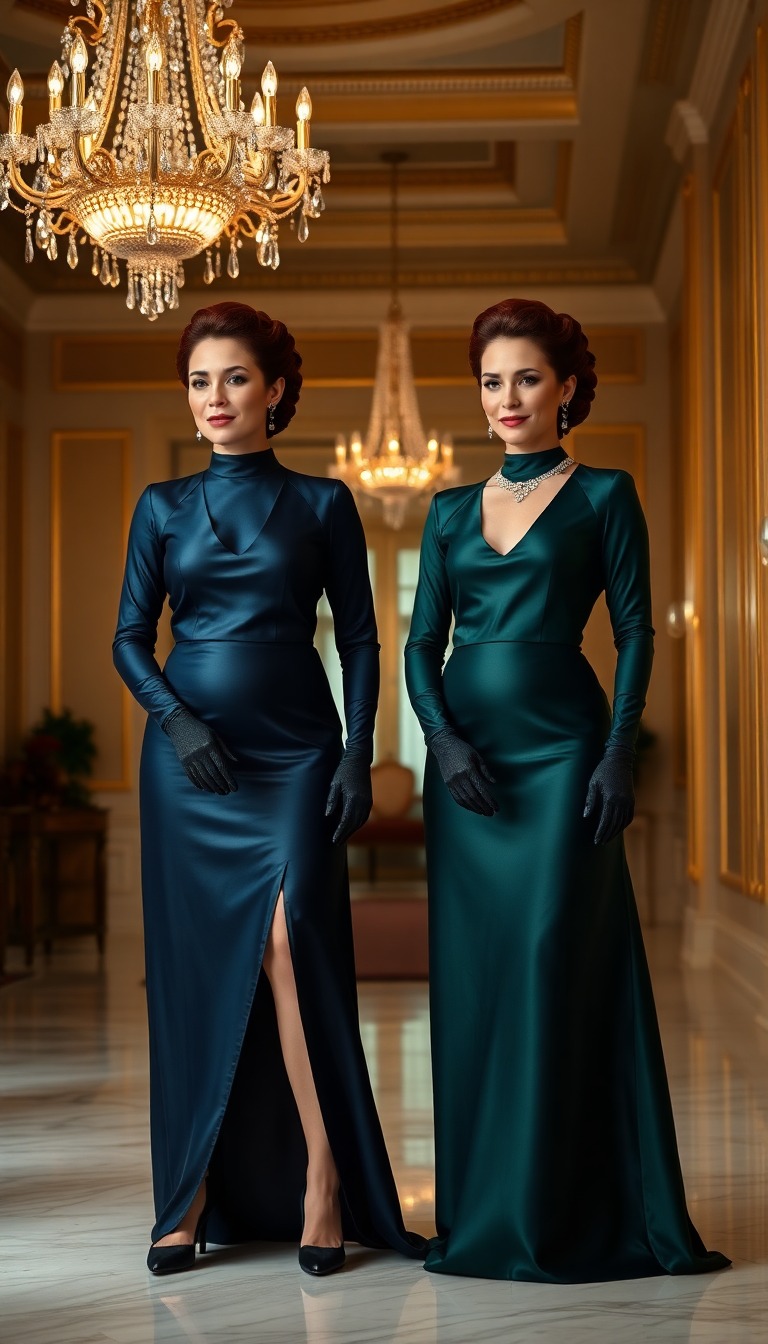
A stunning portrait of two 38-year-old identical twin women standing side by side
flux
Models you can run on PixelDojo for uncensored ai art generator
Switch models without switching tools. Each one runs in the same PixelDojo studio.
What you can do with uncensored ai art generator on PixelDojo
Prompts Without Filters
We process all user prompts to generate images regardless of subject matter.
Multiple AI Model Options
Creators select from various models suited for different artistic styles and details.
Direct Image Downloads
We deliver generated images in standard formats for immediate use in projects.
Custom Aspect Ratios
Users specify width and height parameters to match their exact needs.
Join over 10,000 creators who have generated more than 1 million images using PixelDojo's AI tools. Rated 4.8/5 by our satisfied users.
Why Choose Pixel Dojo for uncensored ai art generator
Professional-quality results with cutting-edge AI technology
Unrestricted Creativity
Generate images without content limitations, allowing your imagination to run wild.
Effortless Artistry
Transform simple text prompts into stunning visuals without the need for technical skills.
Versatile Applications
Create diverse content for art projects, marketing materials, or personal exploration.
How It Works
Creating uncensored AI art with PixelDojo is a straightforward process. Follow these steps to bring your boldest ideas to life:
Step 1: Choose Your Tool
Select from PixelDojo's suite of AI image generators, such as Flux Creator or SDXL Image Creator, to match your creative needs.
Step 2: Enter Your Prompt
Input a descriptive text prompt detailing the image you envision. For example, 'a surreal landscape with floating islands and neon skies.'
Step 3: Customize & Download
Review the generated image, make any desired adjustments using our customization options, and download the final high-resolution image.
The Pixel Dojo Advantage
Why PixelDojo outperforms other options for uncensored AI art generation
| Others | Pixel Dojo |
|---|---|
| Traditional Art Creation | Eliminate the need for manual skills and extensive time investment; generate complex images in seconds. |
| Generic AI Tools | Access specialized tools designed for uncensored content, ensuring your creative freedom without limitations. |
| Manual Photo Editing | Avoid the steep learning curve of photo editing software; achieve professional results effortlessly. |
Loved by creators on PixelDojo
Real feedback from people using PixelDojo, pulled from our in-product surveys.
Very eay to use, works well to train SDXL loras.
The amazing tools
Top notch quality and strong prompt adherence.
A well resourced sunscription with attention to updates.
Easy to use and there's lots of options.
super lora download
Explore more AI tools on PixelDojo
AI Tools
Compare & Switch
- Best AI Image Generators
- Best AI Video Generators
- Midjourney Alternatives
- Civitai Alternatives
- Runway Alternatives
- Leonardo Alternatives
- Pika Alternatives
- Luma Alternatives
- Magnific Alternatives
- Veo Alternatives
- Flux Alternatives
- Freepik Alternatives
- Seedance Alternatives
- Seedream Alternatives
- Pixverse Alternatives
- GPT Image Alternatives
- Synthesia Alternatives
- Playground Alternatives
- NightCafe Alternatives
- Canva AI Alternatives
- ElevenLabs Alternatives
- ComfyUI Alternatives
- Fal Alternatives
- Replicate Alternatives
Common Questions
Everything you need to know about uncensored ai art generator
How does PixelDojo's uncensored AI art generator work?
PixelDojo utilizes advanced AI models to interpret your text prompts and generate corresponding images, allowing for effortless creation of visuals.
Is PixelDojo suitable for beginners?
Absolutely! PixelDojo's intuitive interface and guided process make it accessible for users of all skill levels.
Can I customize the generated images?
Yes, after generating an image, you can make adjustments to fine-tune the result to your liking before downloading.
What types of images can I create with PixelDojo?
You can create a wide range of images, including digital art, product mockups, social media graphics, and more.
Are there any limitations on the number of images I can generate?
PixelDojo offers various subscription plans to suit different needs, with options for unlimited image generation.
How does PixelDojo ensure the quality of generated images?
PixelDojo employs state-of-the-art AI models and continuous optimization to deliver high-quality, realistic images.