uncensored ai image editor
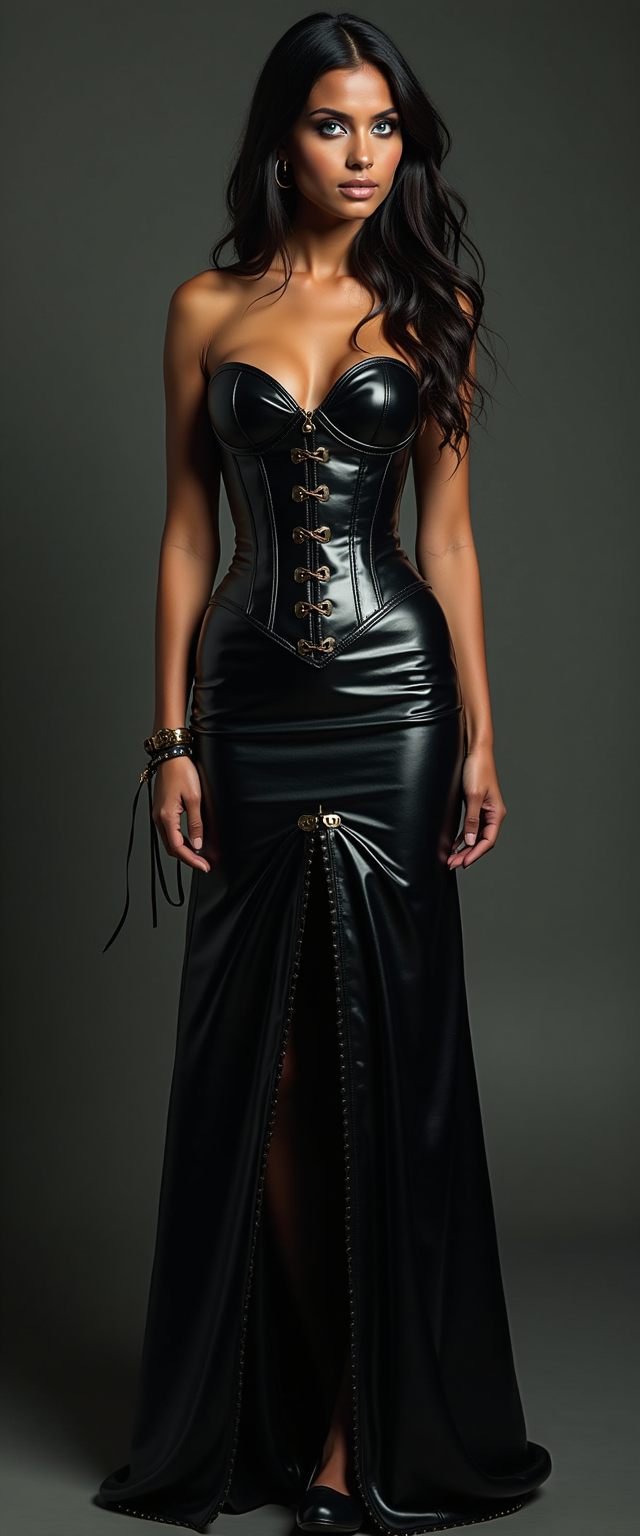
Generated on PixelDojo. Produced by PixelDojo's generation pipeline.
Experience the ultimate creative freedom with PixelDojo's Uncensored AI Image Editor. Our advanced AI tools empower you to generate high-quality images without content restrictions, allowing your imagination to flourish. Whether you're an artist, designer, or content creator, PixelDojo provides the platform to bring your most ambitious visions to life effortlessly.
Real image examples generated on PixelDojo
Every example below was produced on PixelDojo. Hover to see the prompt.
Tall hindu woman
flux
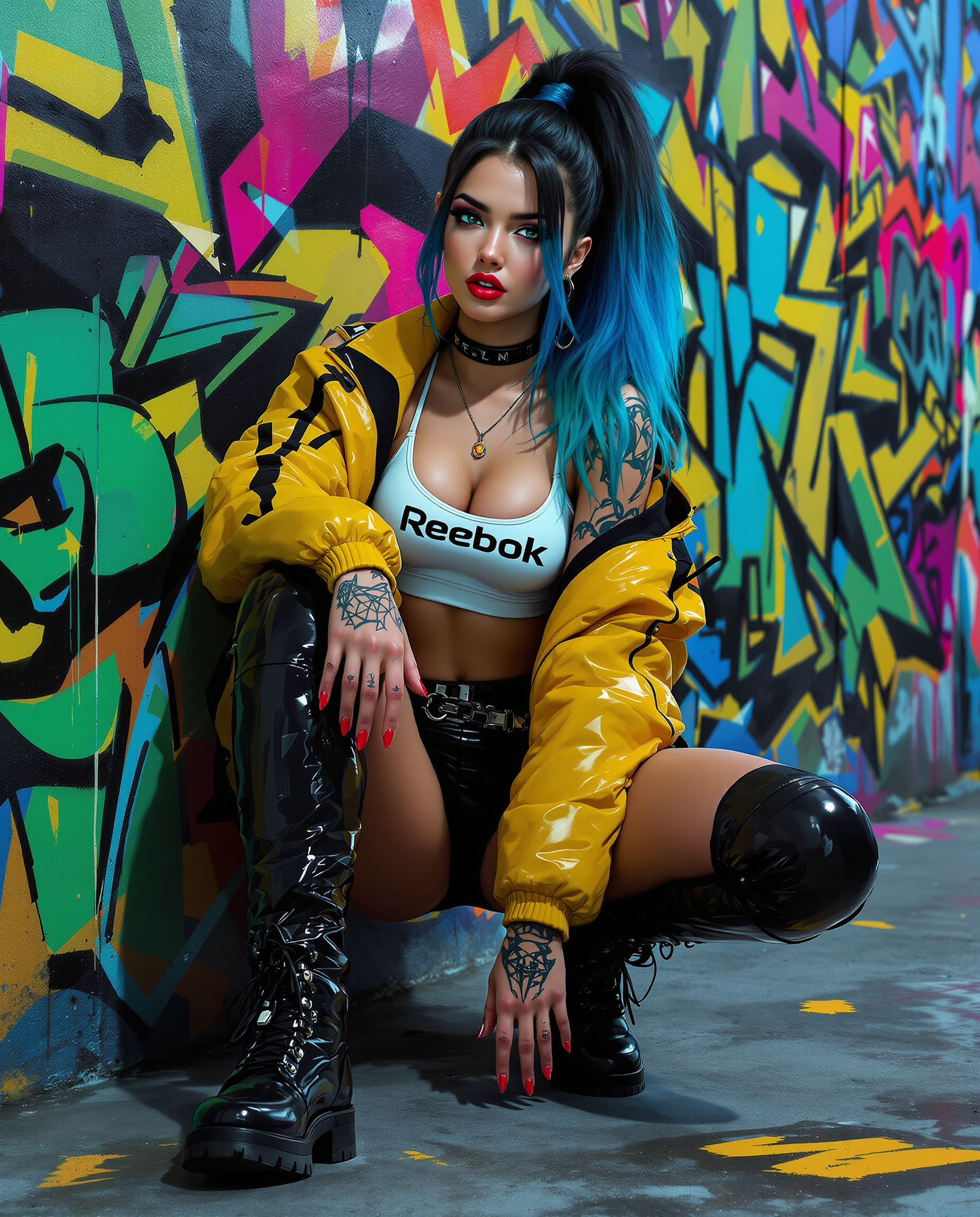
A stunning digital painting of a female figure with a bold cyberpunk aesthetic
flux
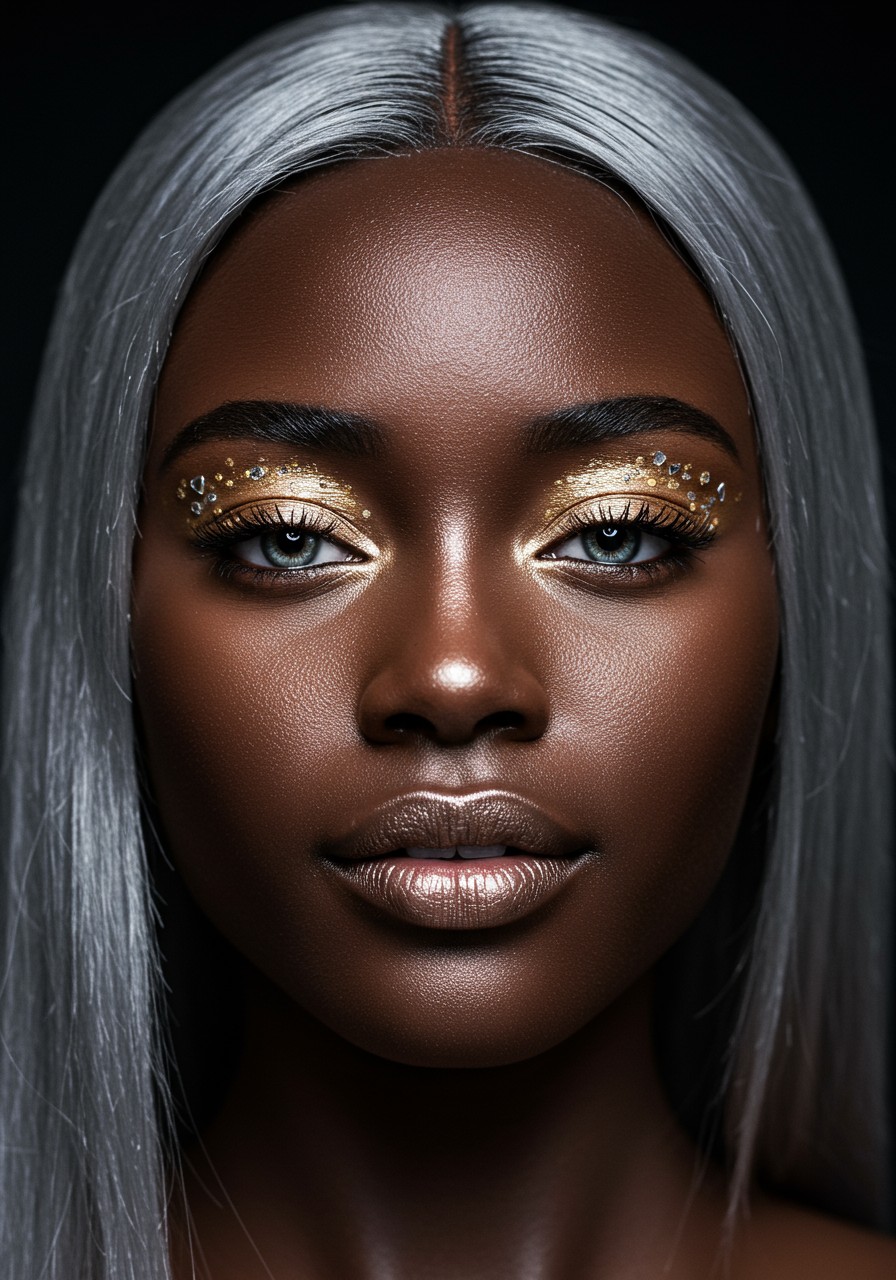
Hyper detailed
imagen
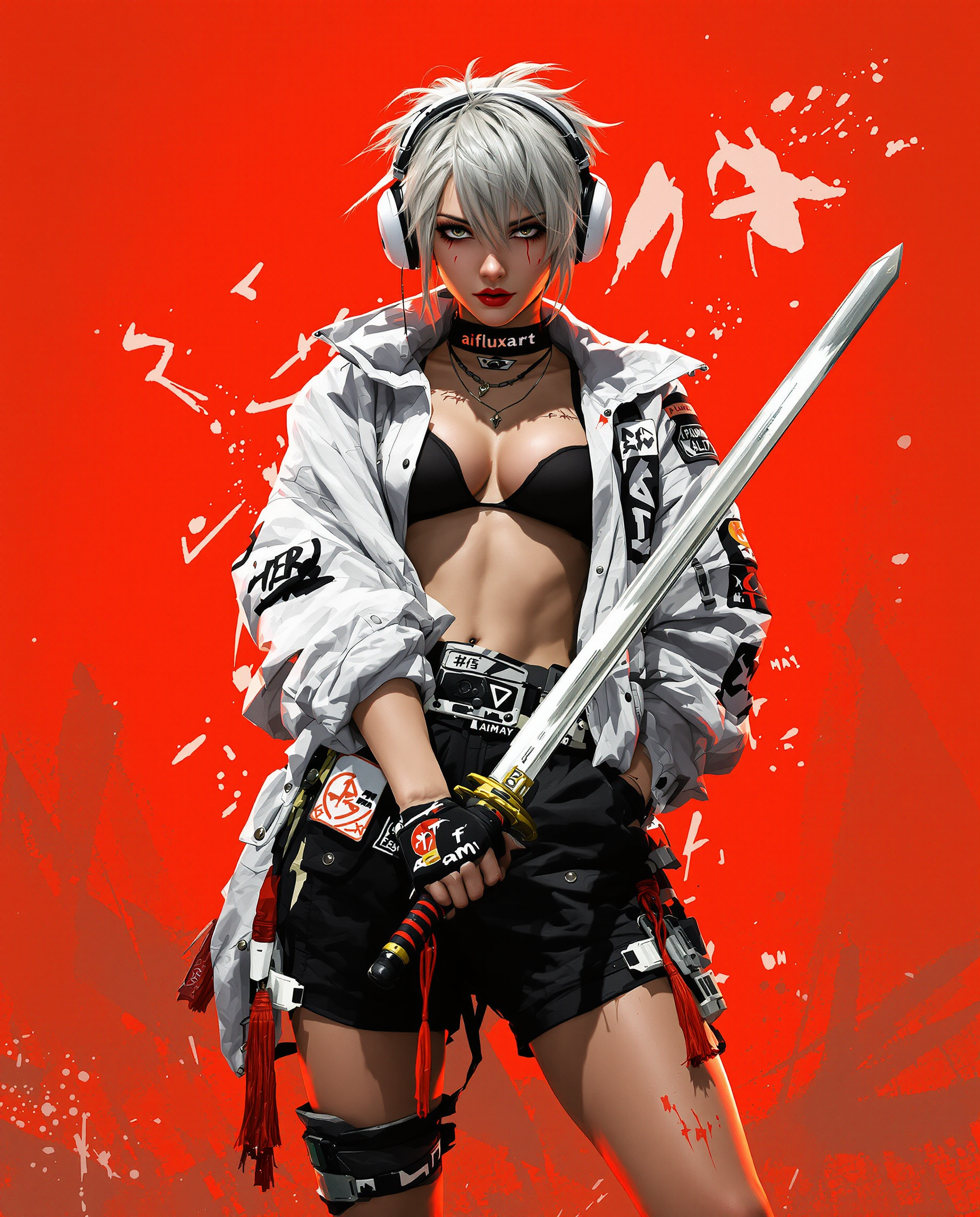
A highly detailed digital illustration in a dynamic realistic photo photograph of a female…
flux
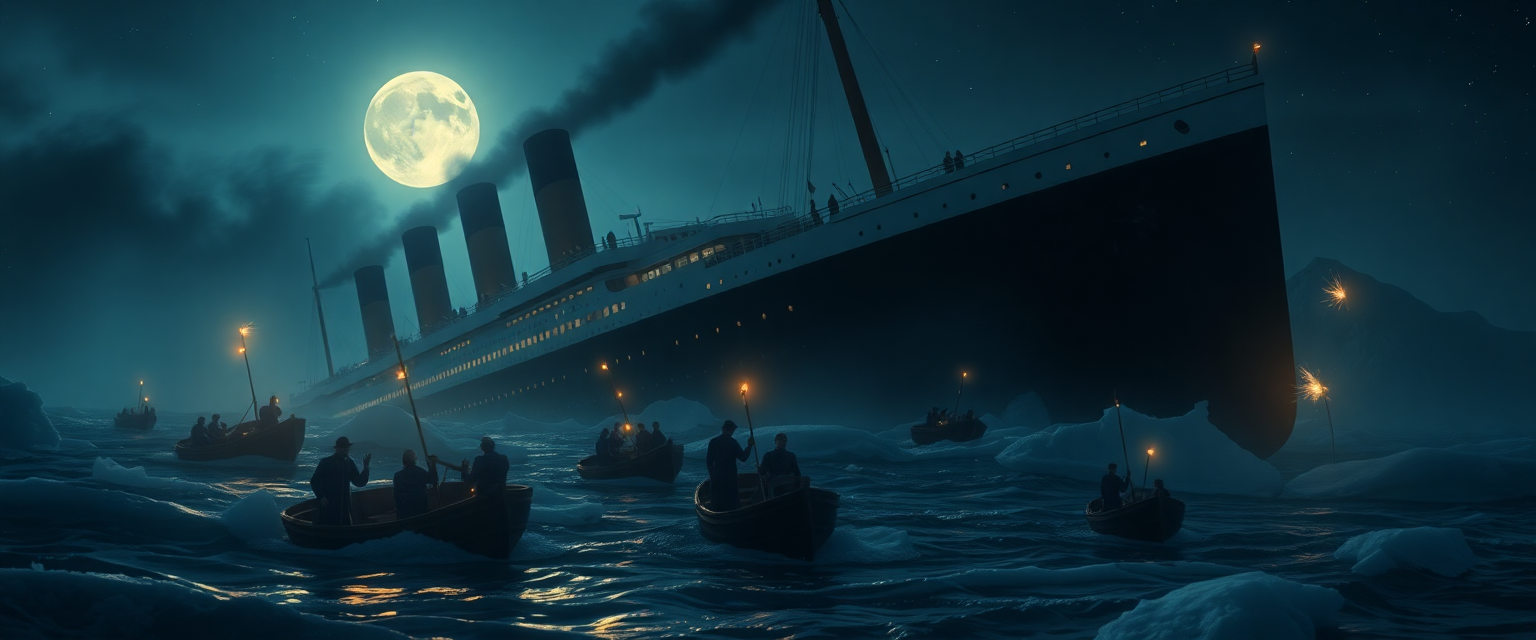
A dramatic and haunting scene of the RMS Titanic sinking in the frigid North Atlantic on a…
flux
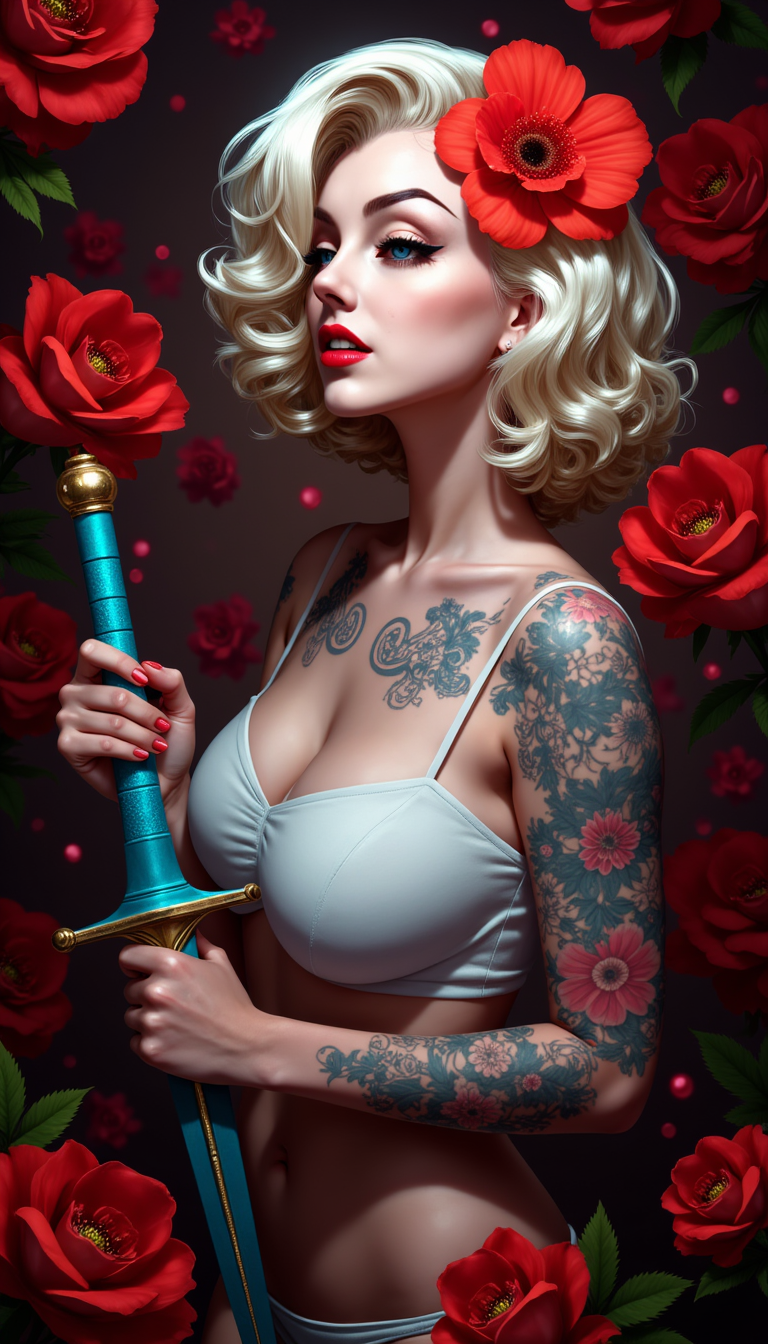
A portrait photo of a photo of Marilyn Monroe
flux
Models you can run on PixelDojo for uncensored ai image editor
Switch models without switching tools. Each one runs in the same PixelDojo studio.
What you can do with uncensored ai image editor on PixelDojo
Uncensored Image Generation
We allow creation of images on any subject without filters.
Natural Language Editing
Creators refine images by describing the changes they want.
Multiple Output Variations
We generate several versions from a single prompt for selection.
Direct Image Uploads
Users edit their own photos with AI assistance.
Join over 10,000 creators who have generated more than 1 million images using PixelDojo's cutting-edge AI tools. Rated 4.8/5 by our satisfied users.
Why Choose Pixel Dojo for uncensored ai image editor
Professional-quality results with cutting-edge AI technology
Unrestricted Creative Freedom
Generate images without content filters, allowing your artistic vision to manifest fully.
High-Quality Outputs
Produce professional-grade images suitable for various applications, from digital art to marketing materials.
User-Friendly Interface
Easily create and edit images with our intuitive platform, regardless of your technical expertise.
How It Works
Creating uncensored images with PixelDojo is a straightforward process. Follow these steps to bring your ideas to life:
Step 1: Choose Your Tool
Select from our suite of AI image generation tools, such as Flux, Seedream 4, or SDXL, to begin your creation.
Step 2: Enter Your Prompt
Describe the image you want to create in detail. The more specific your prompt, the better the AI can generate your desired outcome.
Step 3: Customize & Download
Use our editing tools like Style Transfer or Magic Lighting to refine your image. Once satisfied, download your high-resolution creation.
The Pixel Dojo Advantage
Why PixelDojo outperforms other options for uncensored image generation
| Others | Pixel Dojo |
|---|---|
| Traditional Image Editing Software | Eliminate manual editing constraints and achieve results faster with AI-powered automation. |
| Generic AI Tools | Enjoy unrestricted content generation without the limitations imposed by other platforms. |
| Stock Image Libraries | Create unique, tailor-made images that perfectly align with your vision, avoiding generic stock photos. |
Loved by creators on PixelDojo
Real feedback from people using PixelDojo, pulled from our in-product surveys.
it is an amazing site to create a pics and vids for those who don't have the hardware themselves
good tools in one place
Prompt updates, strong features, and a community that is always willing to help and hear/act on professional feedback. I've never had a better experience.
user friendly all in one thing
I really like the schedule of AI work performed!
The best tools for IA on the web !
Explore more AI tools on PixelDojo
AI Tools
Compare & Switch
- Best AI Image Generators
- Best AI Video Generators
- Midjourney Alternatives
- Civitai Alternatives
- Runway Alternatives
- Leonardo Alternatives
- Pika Alternatives
- Luma Alternatives
- Magnific Alternatives
- Veo Alternatives
- Flux Alternatives
- Freepik Alternatives
- Seedance Alternatives
- Seedream Alternatives
- Pixverse Alternatives
- GPT Image Alternatives
- Synthesia Alternatives
- Playground Alternatives
- NightCafe Alternatives
- Canva AI Alternatives
- ElevenLabs Alternatives
- ComfyUI Alternatives
- Fal Alternatives
- Replicate Alternatives
Common Questions
Everything you need to know about uncensored ai image editor
What is PixelDojo's Uncensored AI Image Editor?
PixelDojo's Uncensored AI Image Editor is a suite of advanced AI tools that allow users to generate and edit high-quality images without content restrictions, enabling complete creative freedom.
How do I create an image using PixelDojo's tools?
Simply select an AI image generation tool, enter a detailed prompt describing your desired image, and let the AI generate it. You can then use editing tools to refine and download your creation.
Are there any content restrictions on PixelDojo?
No, PixelDojo's Uncensored AI Image Editor allows you to create images without content filters, providing unrestricted creative freedom.
Can I use the images created with PixelDojo for commercial purposes?
Yes, images generated using PixelDojo can be used for both personal and commercial projects, subject to our terms of service.
Do I need technical expertise to use PixelDojo's tools?
No, PixelDojo is designed with a user-friendly interface that makes it accessible to users of all skill levels.
What AI tools are available on PixelDojo for image generation?
PixelDojo offers a variety of AI tools for image generation, including Flux, Seedream 4, Google Nano Banana, REVE Image, ChatGPT Image 1, ImagineArt 1.0, Hunyuan Image 3, WAN Image, Grok 2 Image, QWEN Image, Runway Gen-4 Image, Imagen 4, HiDream, Dreamina 3.1, PonyXL, and SDXL.