veo 3.1 without google lab AI Generator
Generated on PixelDojo. Produced by PixelDojo's generation pipeline.
You no longer need to wait for Google Labs access, fight quotas, or juggle subscriptions to create stunning Veo 3.1 videos. PixelDojo puts Google's most advanced cinematic video model at your fingertips instantly, complete with native audio, realistic physics, and character consistency. Transform a simple idea or still photo into an 8-second masterpiece featuring synchronized speech, sound effects, and professional camera movement. Marketers produce scroll-stopping vertical clips for social platforms, storytellers craft narrative scenes with locked character identity, and businesses generate product demos that look filmed on set. Pair VEO 3.1 with Marketing Studio for campaign-ready assets, Image to Image for custom starting frames, Consistent Characters for ongoing talent, and FLUX Video Upscale for 4K polish. Thousands of creators already skip the restrictions and deliver professional results every day. You get 40+ cutting-edge tools in one place, loved worldwide, with the freedom to cancel anytime. Start creating cinematic videos that convert viewers into customers right now.
Real video examples generated on PixelDojo
Every example below was produced on PixelDojo. Hover to see the prompt.
Gv-product
image-to-video
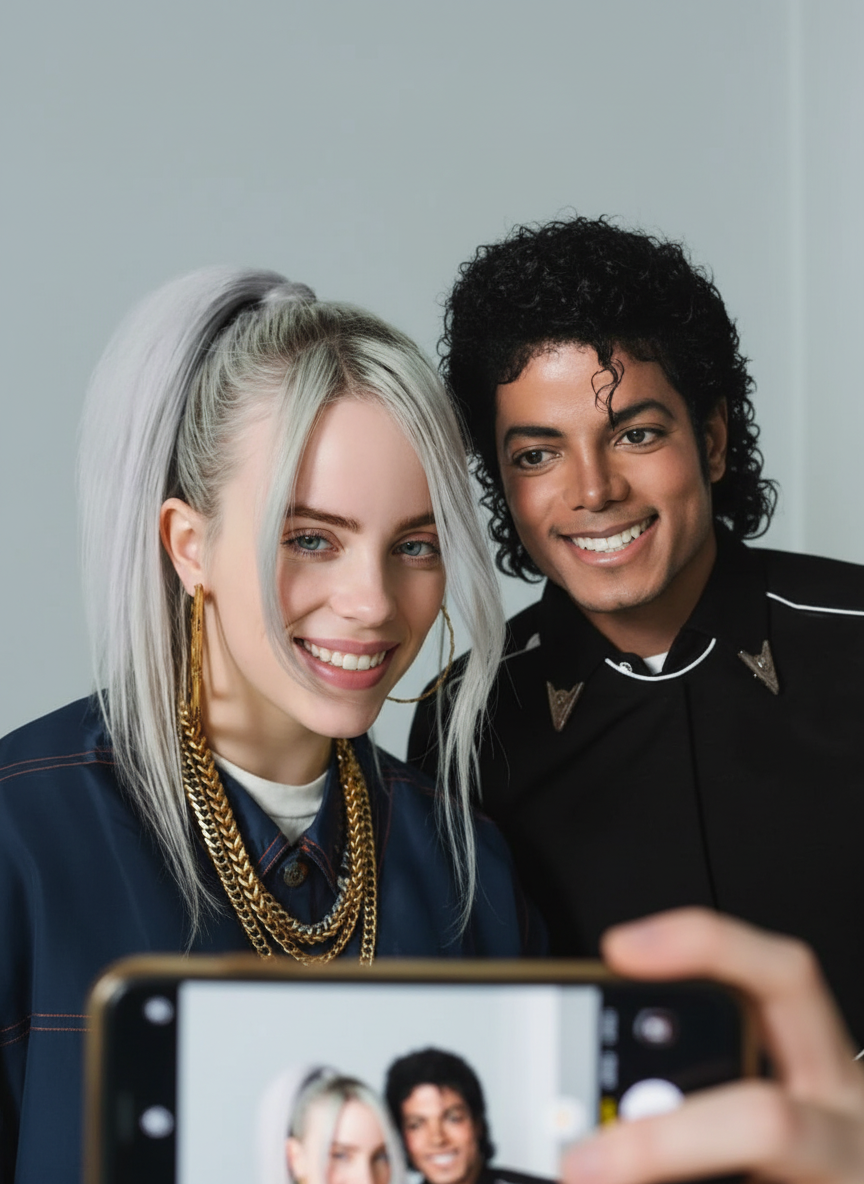
Have the people smile and take a selfie from a phone edited with Google Nano Banana
google-gemini-image
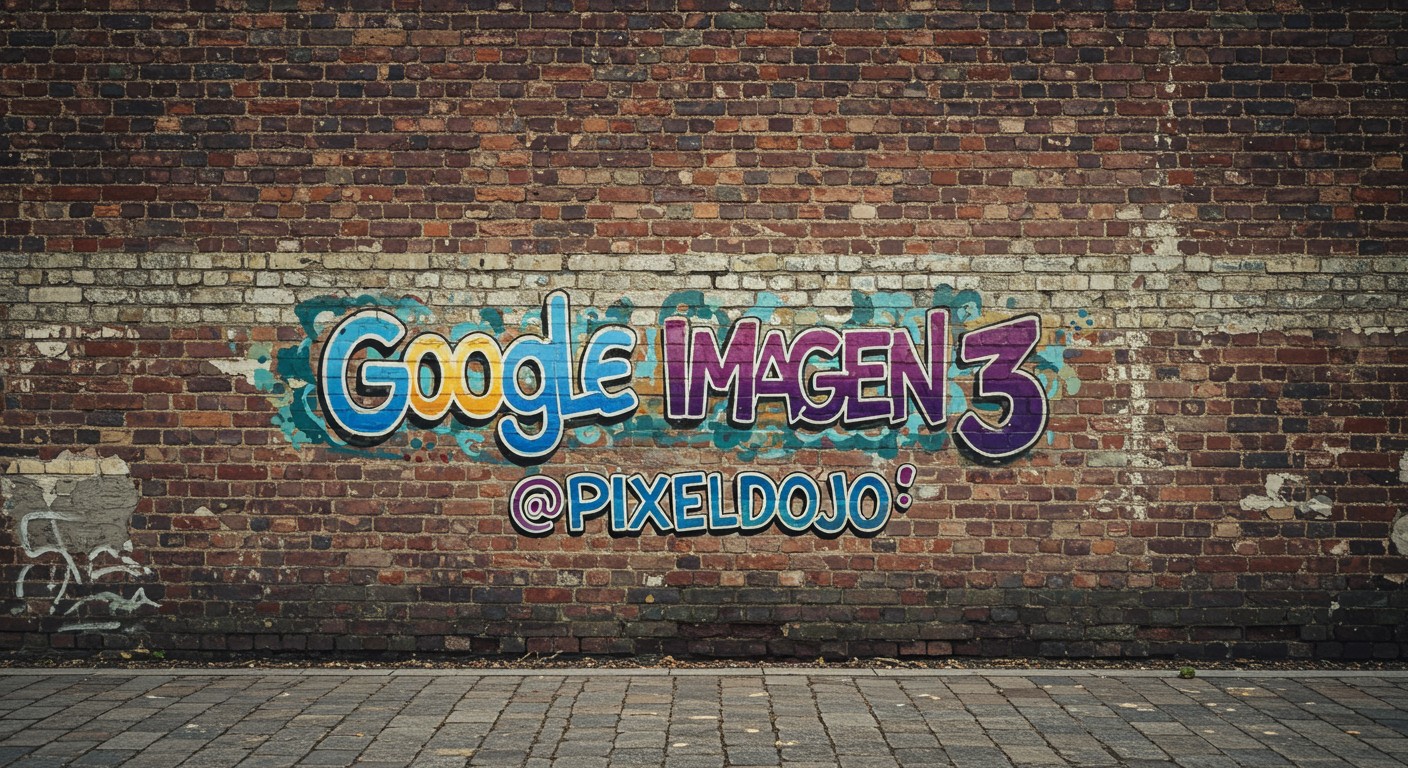
A brick wall weathered and tagged with graffiti
imagen
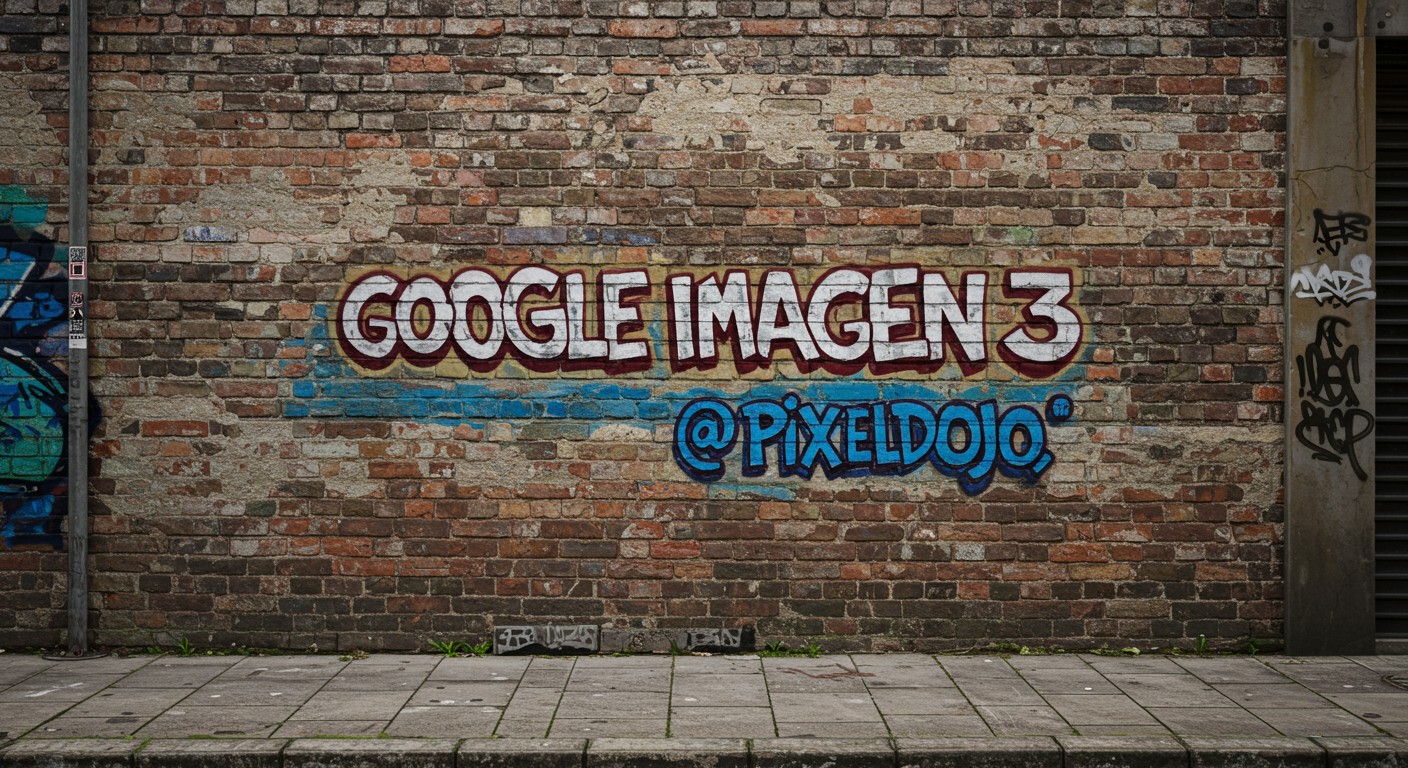
A brick wall weathered and tagged with graffiti
imagen
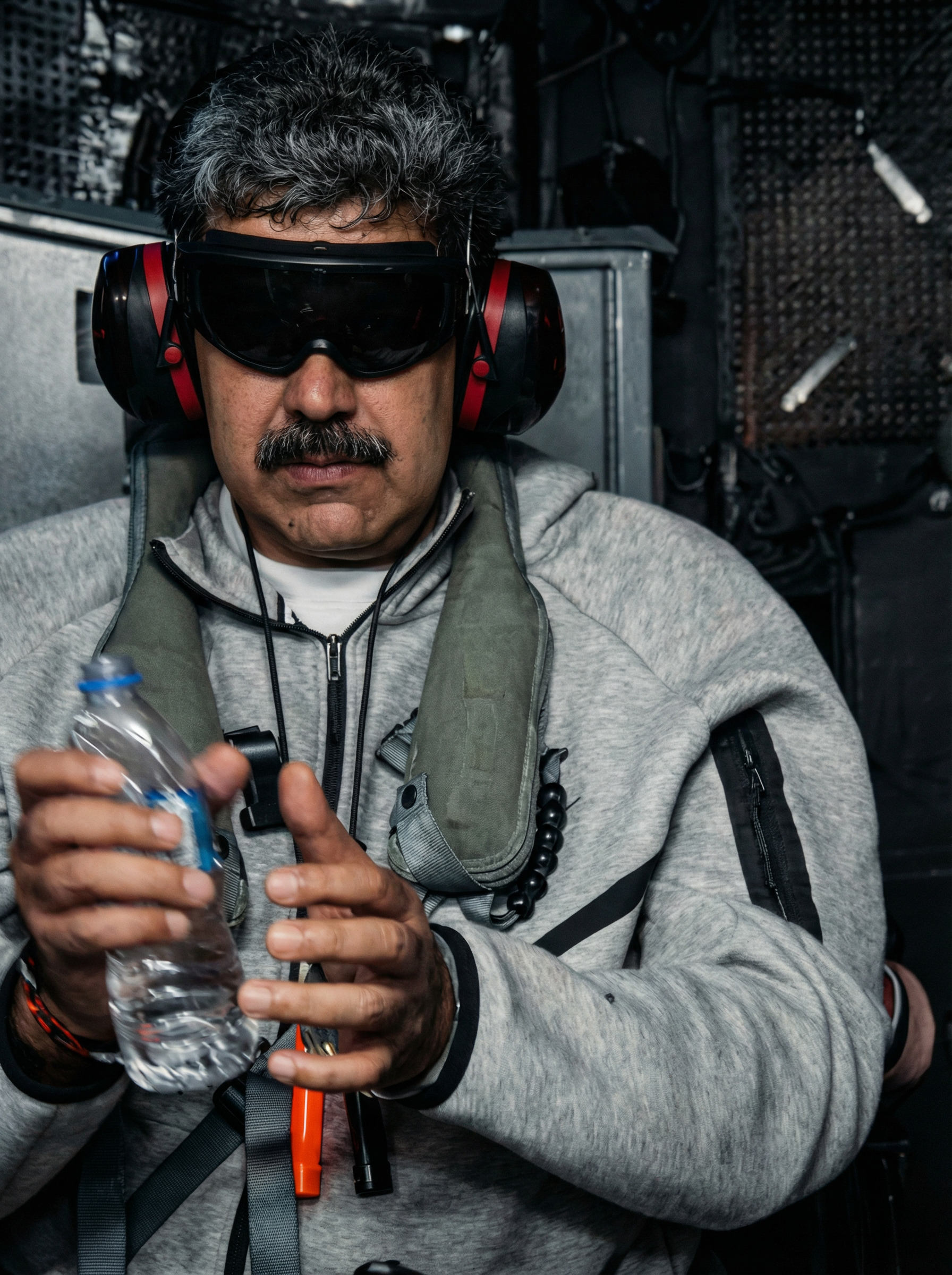
Enhance and restore this image to hd 8k quality edited with Google Nano Banana Pro
google-gemini-image
Cinematic shot gliding through a vibrant autumn forest
p-video
Models you can run on PixelDojo for veo 3.1 without google lab
Switch models without switching tools. Each one runs in the same PixelDojo studio.
What you can do with veo 3.1 without google lab on PixelDojo
Veo 3.1 Without Lab Access
We run Veo 3.1 video generation on PixelDojo so you do not need a Google Lab invite or separate lab workflow. You prompt, generate, and download from one creator dashboard.
Text And Image To Video
We accept text prompts and still frames as inputs for Veo 3.1 clips. You can iterate on motion, subject, and scene details without leaving the same project.
Creator Controls And Exports
We let you set aspect ratio, duration options, and seed-style retries where the model supports them. Finished clips export in common video formats for editing and posting.
Queue Multiple Video Jobs
We queue Veo 3.1 jobs so you can keep working while generations finish. History stays attached to your account so you can reuse prompts and compare takes.
Loved by thousands of creators worldwide who generate professional Veo 3.1 videos daily. 40+ cutting-edge AI tools, 4.8-star average from real users, cancel anytime with no risk.
Why Choose Pixel Dojo for veo 3.1 without google lab
Professional-quality results with cutting-edge AI technology
Instant Access Without Waitlists or Caps
You generate Veo 3.1 videos immediately on PixelDojo with no Google account, no Labs waitlist, no age gates, and no monthly generation limits. Create as many cinematic clips as your projects demand and keep momentum on campaigns or stories.
Lock Character and Style Consistency Across Every Scene
Upload up to three reference images with VEO 3.1 plus our Consistent Characters and Character Sheets tools so your talent, products, and environments stay identical from clip to clip. You tell complete stories without recasting or re-styling.
Ship Social-Ready Videos with Native Audio and 4K Quality
Produce native 9:16 vertical videos packed with synchronized dialogue, ambient sound, and effects, then upscale to 4K using FLUX Video Upscale or Clarity Pro. Your content is ready for Reels, Shorts, and ads without extra editing software.
How It Works
You create professional Veo 3.1 videos on PixelDojo in three simple steps that combine the model's cinematic power with our full editing suite. No technical setup required—just describe what you want and refine until it matches your vision.
Step 1: Choose Your Tool and Starting Point
Log in to PixelDojo and select VEO 3.1 from the Generate Videos section. Optionally begin with Image to Image or upload a still photo, then add reference images for ingredients-to-video control. Marketing Studio users can jump straight into campaign templates.
Step 2: Enter Your Cinematic Prompt and References
Write a structured prompt that starts with shot type and camera movement, then adds subject, action, context, and style. Upload up to three references (character, product, environment) or first and last frames. Example: 'Tracking shot, confident founder walking through sunlit loft office, golden hour rim light, shallow depth of field, native audio of footsteps and distant city hum.' Use VEO 3.1 Fast for quick drafts.
Step 3: Customize, Enhance, and Download
Pick 9:16 or 16:9, 4/6/8-second duration, and generate. Then polish with Video Autocaption, Merge Videos, Video Reframe, or FLUX Video Upscale for 4K. Download the finished clip ready for social, ads, or further edits with Kling Video Edit or Seedance 2.5 Video Edit.
The Pixel Dojo Advantage
Why PixelDojo outperforms other options for Veo 3.1 video generation
| Others | Pixel Dojo |
|---|---|
| Traditional video production | You skip days of filming, lighting, and editing. Generate studio-quality 8-second clips with native audio and consistent characters in minutes, then upscale and caption inside the same platform. |
| Generic AI tools | You get dedicated VEO 3.1 access plus 40+ specialized tools for references, character consistency, video editing, and 4K upscaling in one seamless workflow instead of jumping between disconnected apps. |
| Manual photo and video editing | Turn any still into a dynamic cinematic video with realistic motion and sound instantly. No animation software, no keyframing, no rendering farms—just prompt, generate, and polish. |
Loved by creators on PixelDojo
Real feedback from people using PixelDojo, pulled from our in-product surveys.
very easy to use and good support
Very easy to use
super easy to use
it's very easy to use
Practically every Ai suite in one place? Who wouldn't?
versatile menu of tools
Explore more AI tools on PixelDojo
AI Tools
Compare & Switch
- Best AI Image Generators
- Best AI Video Generators
- Midjourney Alternatives
- Civitai Alternatives
- Runway Alternatives
- Leonardo Alternatives
- Pika Alternatives
- Luma Alternatives
- Magnific Alternatives
- Veo Alternatives
- Flux Alternatives
- Freepik Alternatives
- Seedance Alternatives
- Seedream Alternatives
- Pixverse Alternatives
- GPT Image Alternatives
- Synthesia Alternatives
- Playground Alternatives
- NightCafe Alternatives
- Canva AI Alternatives
- ElevenLabs Alternatives
- ComfyUI Alternatives
- Fal Alternatives
- Replicate Alternatives
Common Questions
Everything you need to know about veo 3.1 without google lab
How do I use Veo 3.1 without Google Labs or a waitlist?
PixelDojo gives you instant VEO 3.1 access. Simply sign up, choose the tool from Generate Videos, and start creating cinematic clips with native audio and reference images. No Google account, no waitlist, no quotas. Thousands of creators already produce professional videos this way every day.
Does PixelDojo Veo 3.1 include native audio and vertical 9:16 videos?
Yes. You generate videos with synchronized speech, sound effects, and ambient audio. Native portrait 9:16 output is built in for social platforms, and you can upscale any clip to 4K with FLUX Video Upscale or Magnific Upscaler for broadcast-ready quality.
Can I keep the same character looking identical across multiple Veo 3.1 videos?
Absolutely. Upload up to three reference images with VEO 3.1 for ingredients-to-video consistency, then use our Consistent Characters, Character Sheets, and Face Swap tools to lock identity for entire campaigns or stories. Your talent stays recognizable from scene to scene.
What video lengths and resolutions can I create with Veo 3.1 on PixelDojo?
Generate 4, 6, or 8-second clips at 720p or 1080p, then extend scenes or merge clips with our video edit tools. Upscale finished videos to 4K using FLUX Video Upscale, Clarity Pro, or Portrait Upscaler so they look sharp on any screen.
Is there a risk-free way to try Veo 3.1 without Google restrictions?
Yes. PixelDojo lets you start with credits and access 40+ tools including VEO 3.1, Marketing Studio, and all editors. Loved by thousands of creators worldwide, you can cancel anytime with no long-term commitment. Professional results from your first generation.
What prompting techniques work best for Veo 3.1 videos on PixelDojo?
Start with cinematography (shot type and camera move), then subject, action, context, and style. Add reference images and first/last frames for extra control. Use VEO 3.1 Fast for drafts, iterate one variable at a time, then enhance with Video Analyzer or Reality Polisher. Our built-in examples and templates make it easy.