krea enhancer alternative

Generated on PixelDojo. Produced by PixelDojo's generation pipeline.
You deserve images that stop people in their tracks—crisp, detailed, and ready for any screen or print size. PixelDojo lets you take a simple snapshot, an old family photo, a product shot, or even a generated concept and transform it into a stunning high-resolution result packed with natural textures and clarity. Achieve professional-grade enhancement without hours of manual work. Restore lost details in portraits so skin looks real, fabric weaves appear authentic, and landscapes reveal every leaf. Your e-commerce photos convert better, your social posts pop, and your prints look gallery-ready. With specialized tools built for exactly this, you move from ordinary to extraordinary in moments. Thousands of creators already rely on this all-in-one platform to deliver consistent, high-impact visuals that elevate their brands and stories. Start now and experience the difference in your very first enhancement.
Real image examples generated on PixelDojo
Every example below was produced on PixelDojo. Hover to see the prompt.
krea enhancer alternative on PixelDojo
flux-redux
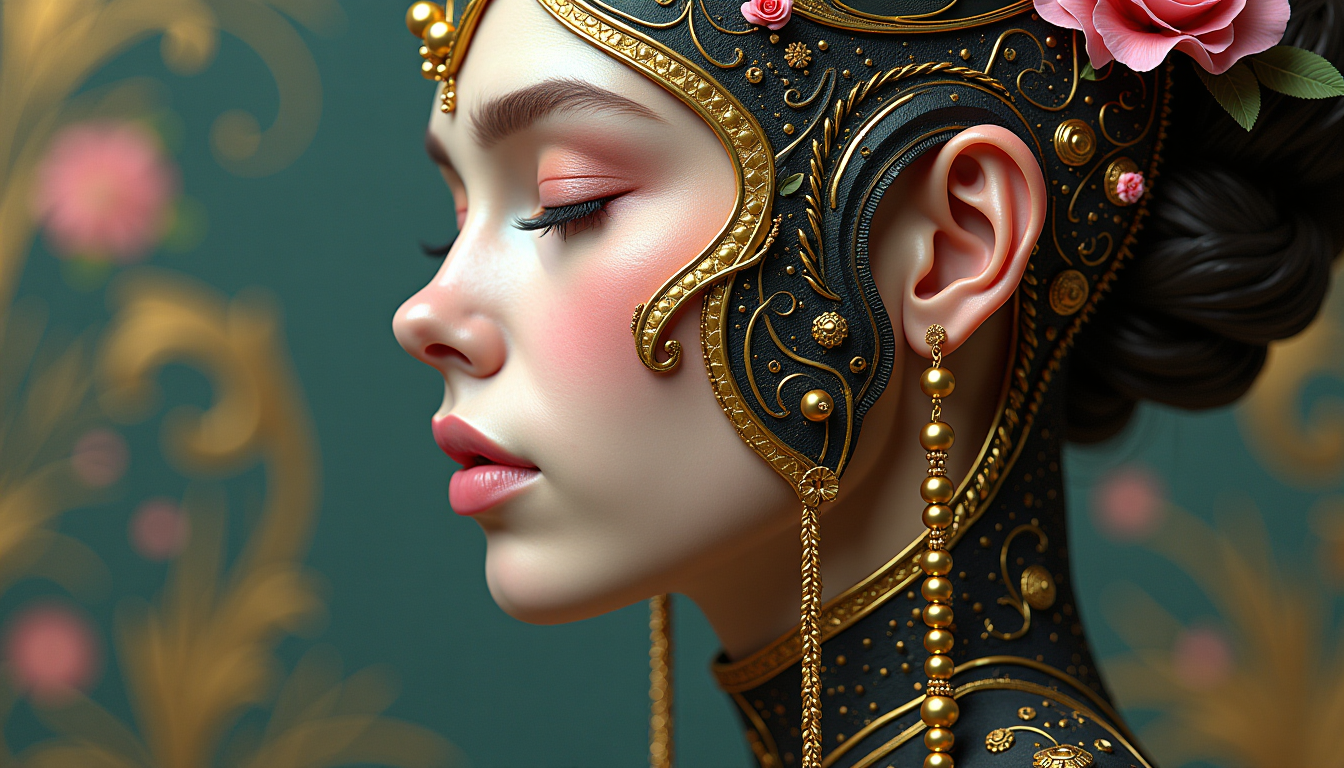
This image is a closeup and detailed depiction of a figures profile
flux

A cinematic close-up portrait of a striking young woman with pale porcelain skin
xai-image
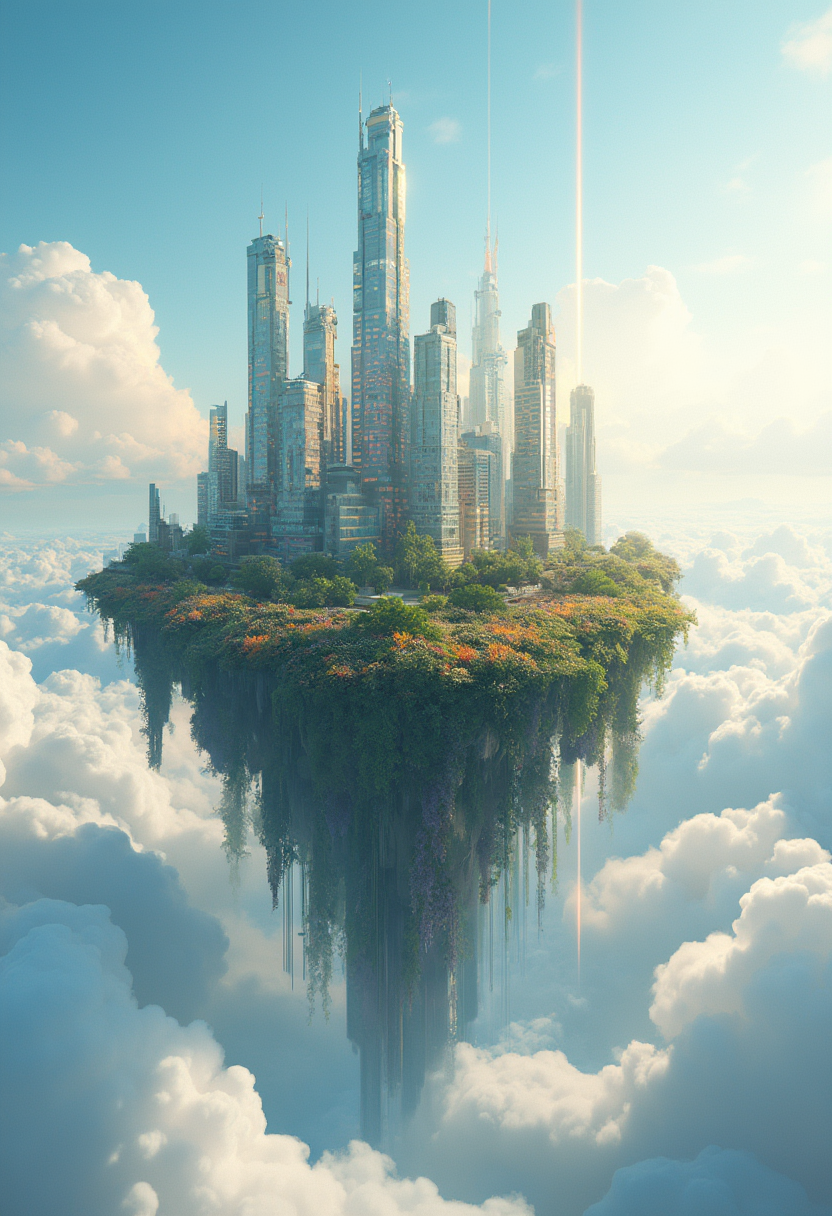
A 3D raised
flux
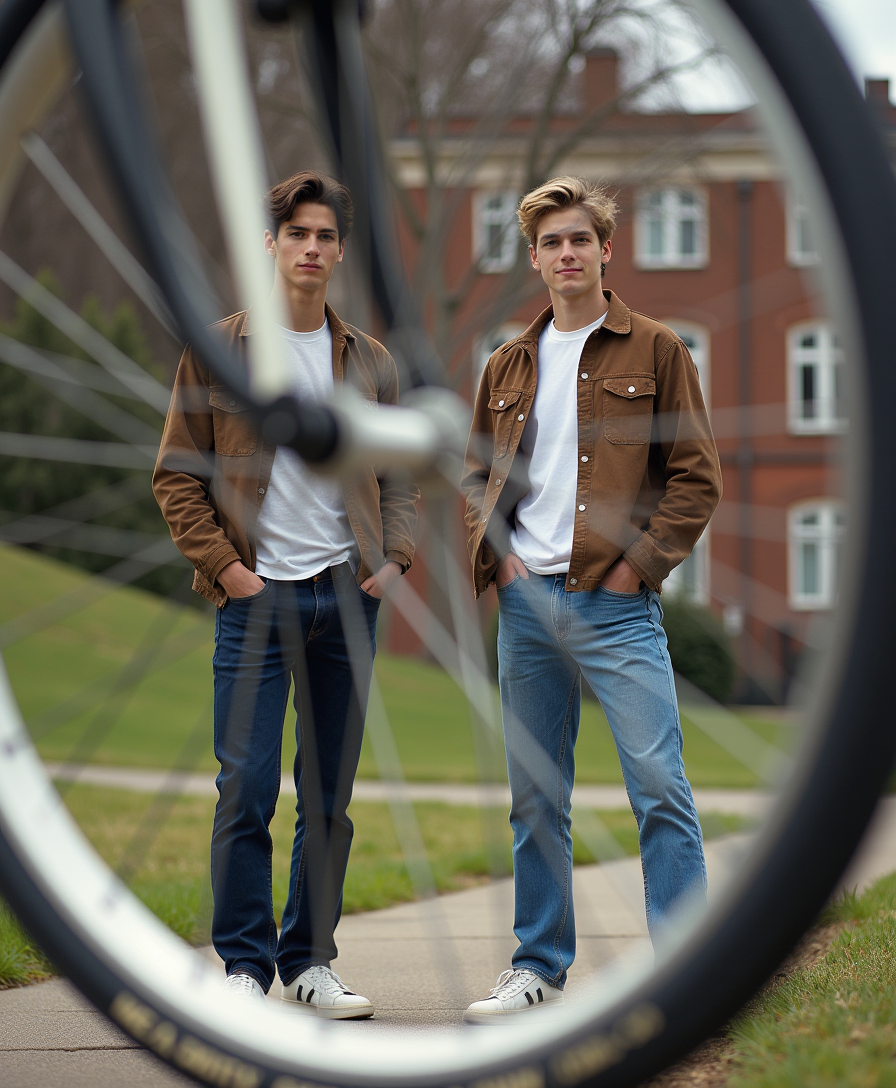
Photo of 2 male models from the 90s posting outside of a college campus
flux

GothicHorror style
stable-diffusion
Models you can run on PixelDojo for krea enhancer alternative
Switch models without switching tools. Each one runs in the same PixelDojo studio.
What you can do with krea enhancer alternative on PixelDojo
Detail-first image enhancement
We upscale and refine generations so textures, edges, and small features stay readable. You keep the same composition while we reduce noise and softness that often appear in first-pass AI images.
Prompt-guided restyling
We let you enhance an image while following a new prompt or reference look. You can push lighting, material, and mood without starting the whole generation over.
Iterate in one workspace
We keep generation, enhancement, and small edits in the same flow so you can compare versions quickly. You choose the pass that matches your brief and export from there.
Creator-ready exports
We output enhanced stills at sizes suited to social, web, and print layouts. You get files you can drop into existing design and posting workflows without extra mystery steps.
Loved by thousands of creators worldwide who produce print-ready 8K images daily. 40+ cutting-edge AI tools in one place. Cancel anytime with no hassle.
Why Choose Pixel Dojo for krea enhancer alternative
Professional-quality results with cutting-edge AI technology
Gallery-Quality 8K Prints From Any Source
You turn a low-res phone photo or scanned archive into a large-format print that looks shot on professional equipment, with every texture and highlight perfectly recovered.
Natural Portraits That Look Professionally Retouched
You restore authentic skin texture, sharp eyes, and flowing hair in headshots so they feel human and high-end, never over-smoothed or artificial.
One Platform From Idea to Finished Asset
You generate with Flux.2 Studio or Seedream 5, then enhance instantly using Magnific Upscaler or Clarity Pro—keeping your entire creative flow inside PixelDojo.
How It Works
You create breathtaking enhanced images in three straightforward steps using PixelDojo’s dedicated upscale and polish tools. No technical expertise required—just upload, refine, and download.
Step 1: Choose Your Tool
Pick Magnific Upscaler when you want rich new details added, Clarity Pro for clean fidelity sharpening, Portrait Upscaler for faces, Creative Upscaler for artistic textures, or P-Image Upscale for fast general work. Upload your photo or pull in a generation from another PixelDojo tool.
Step 2: Enter Your Prompt
Add a short description such as “restore natural skin pores and fabric weave” or “add crisp landscape details without changing composition.” Set your upscale factor from 2x to 8x, tweak strength sliders, and generate a few variations to compare.
Step 3: Customize & Download
Fine-tune with Reality Polisher or Image Analyzer, check the before-and-after side by side, then download in high-resolution PNG or JPEG. Continue the workflow into video using FLUX Video Upscale if needed.
The Pixel Dojo Advantage
Why PixelDojo outperforms other options for AI image enhancement and upscaling
| Others | Pixel Dojo |
|---|---|
| Traditional photo editing software | You skip tedious layer-by-layer sharpening and cloning. Intelligent tools recover and invent realistic details automatically so you finish in seconds instead of hours. |
| Generic AI tools | You get a complete creative suite with 40+ specialized generators, editors, and enhancers plus model training—everything stays in one workspace instead of jumping between limited single-purpose apps. |
| Manual photo editing | You process batches of images with consistent professional quality and no steep learning curve, freeing you to focus on creative decisions rather than pixel-level labor. |
Loved by creators on PixelDojo
Real feedback from people using PixelDojo, pulled from our in-product surveys.
the number of options, and especially the quick response to questions on Discord
Love you guys!!
Trained my Lora super fast. Still working out how to creat content wit it, but I love it so far.
I love this app
It has all the tools I can think of...
deployment rate of splendid features is incredible. Legend
Explore more AI tools on PixelDojo
AI Tools
Compare & Switch
- Best AI Image Generators
- Best AI Video Generators
- Midjourney Alternatives
- Civitai Alternatives
- Runway Alternatives
- Leonardo Alternatives
- Pika Alternatives
- Luma Alternatives
- Magnific Alternatives
- Veo Alternatives
- Flux Alternatives
- Freepik Alternatives
- Seedance Alternatives
- Seedream Alternatives
- Pixverse Alternatives
- GPT Image Alternatives
- Synthesia Alternatives
- Playground Alternatives
- NightCafe Alternatives
- Canva AI Alternatives
- ElevenLabs Alternatives
- ComfyUI Alternatives
- Fal Alternatives
- Replicate Alternatives
Common Questions
Everything you need to know about krea enhancer alternative
What is the best krea enhancer alternative for upscaling photos to 8K in 2026?
PixelDojo stands out because you combine Magnific Upscaler for creative detail addition with Clarity Pro for faithful sharpening and Portrait Upscaler for faces. You reach true 8K output while keeping identity and composition intact, then continue editing or generating without switching platforms. Thousands of creators choose it for the full 40+ tool ecosystem and the freedom to cancel anytime.
How do I upscale images to 8K without losing quality or adding artifacts using PixelDojo?
Start with Clarity Pro or P-Image Upscale on a clean source, keep strength moderate, and add a prompt that specifies “preserve original structure and natural textures.” Preview at 100 percent zoom, then apply a light Reality Polisher pass. This workflow recovers sharpness and adds only believable detail so your final 8K file looks like it was captured at that resolution.
Can I enhance both AI-generated images and old scanned photos with the same tools?
Yes. Magnific Upscaler and Creative Upscaler excel at inventing missing textures in generated art, while Portrait Upscaler and Clarity Pro restore faded family photos and product shots. You upload any source, choose the matching tool, and get consistent high-resolution results ready for print or web.
What’s the difference between fidelity and creative upscaling and which should I use?
Fidelity tools like Clarity Pro enlarge what already exists with minimal invention—ideal for real photographs. Creative tools like Magnific Upscaler and Creative Upscaler add rich new details that look natural at 8K. PixelDojo lets you pick or blend both in one session so you always match the look your project needs.
How much does PixelDojo cost as an image enhancer and can I try it first?
You can start immediately with no long-term commitment. The platform includes 40+ cutting-edge AI tools loved by thousands of creators worldwide, and you can cancel anytime. This removes all risk while you test Magnific Upscaler, Portrait Upscaler, and the rest of the enhancement suite on your own images.
Does PixelDojo also enhance videos or only still images?
You enhance both. After polishing stills you can take them into FLUX Video Upscale or other video tools such as WAN 2.7 Video Edit. The same high-quality detail recovery and 8K-class output carry over, keeping your entire visual pipeline inside one trusted platform.