WAN 2.6 multi-image reference
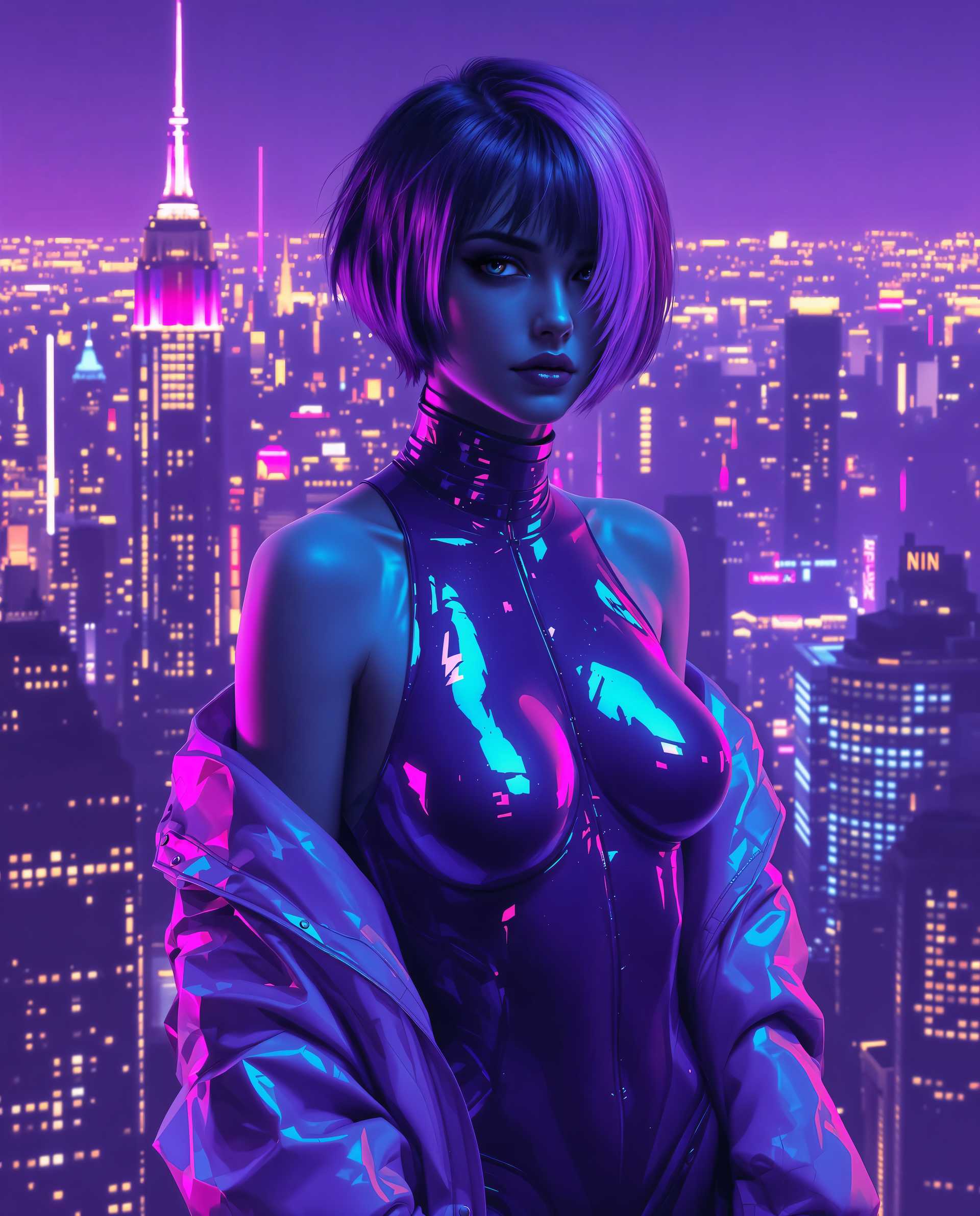
Unlock the power of AI-driven video creation with WAN 2.6's multi-image reference feature. This cutting-edge tool allows you to generate high-quality, consistent videos by leveraging multiple reference images, ensuring your content stands out with professional-grade visuals.
Join thousands of creators who have transformed their video production process with PixelDojo's AI tools. Rated 4.8/5 by our satisfied users.
Why Choose Pixel Dojo for WAN 2.6 multi-image reference
Professional-quality results with cutting-edge AI technology
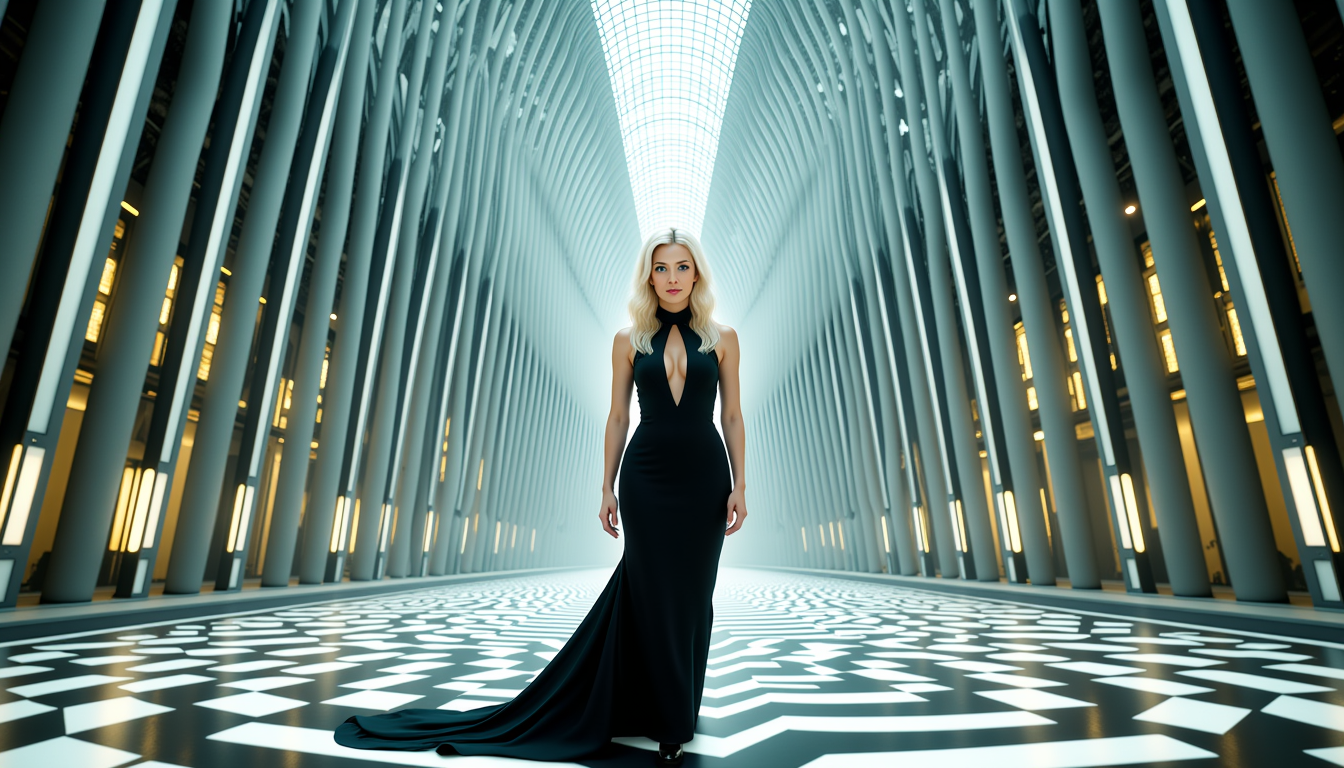
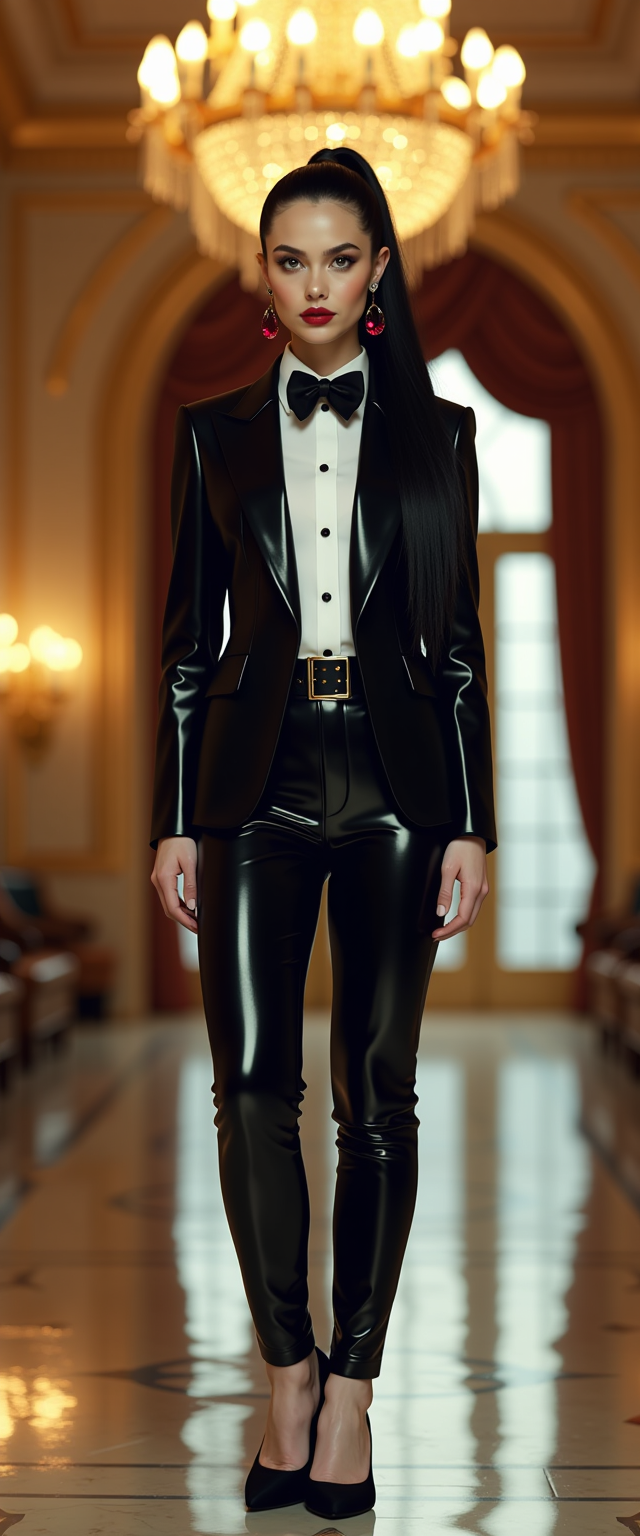
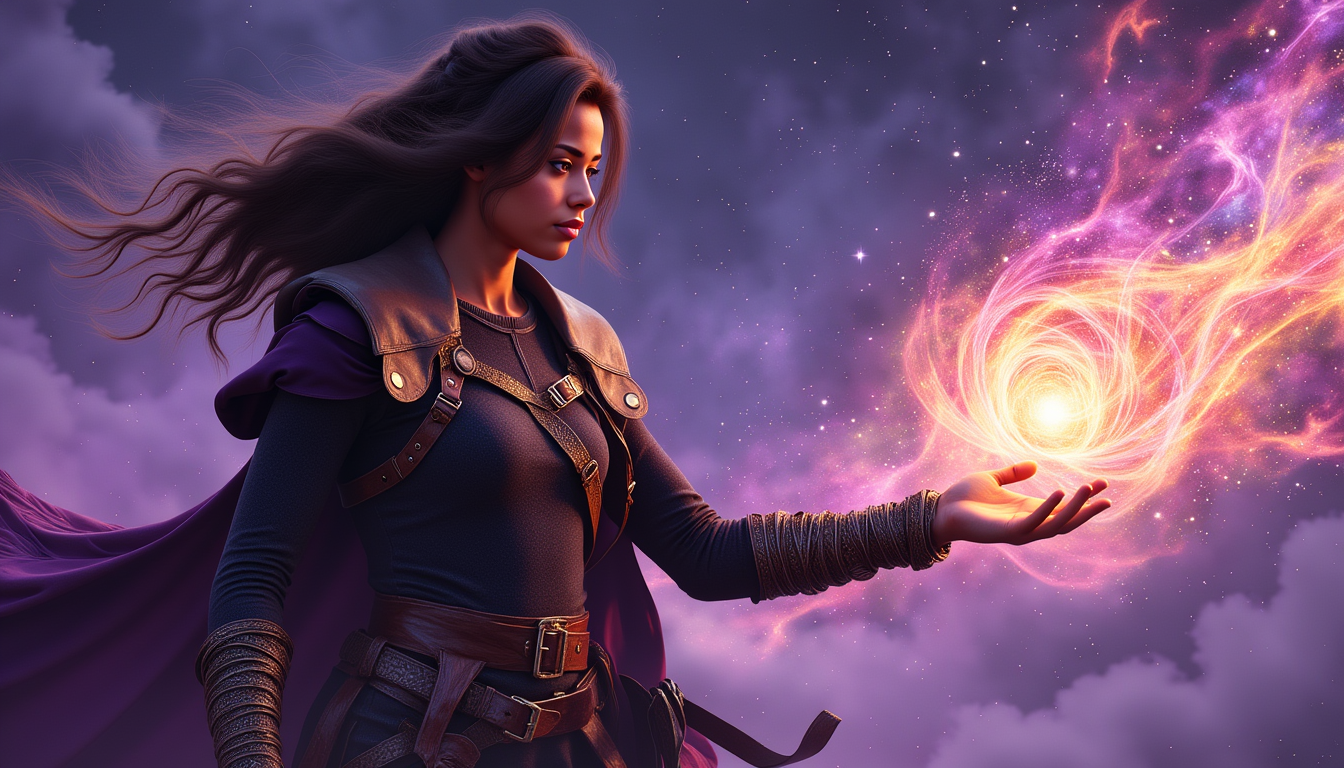
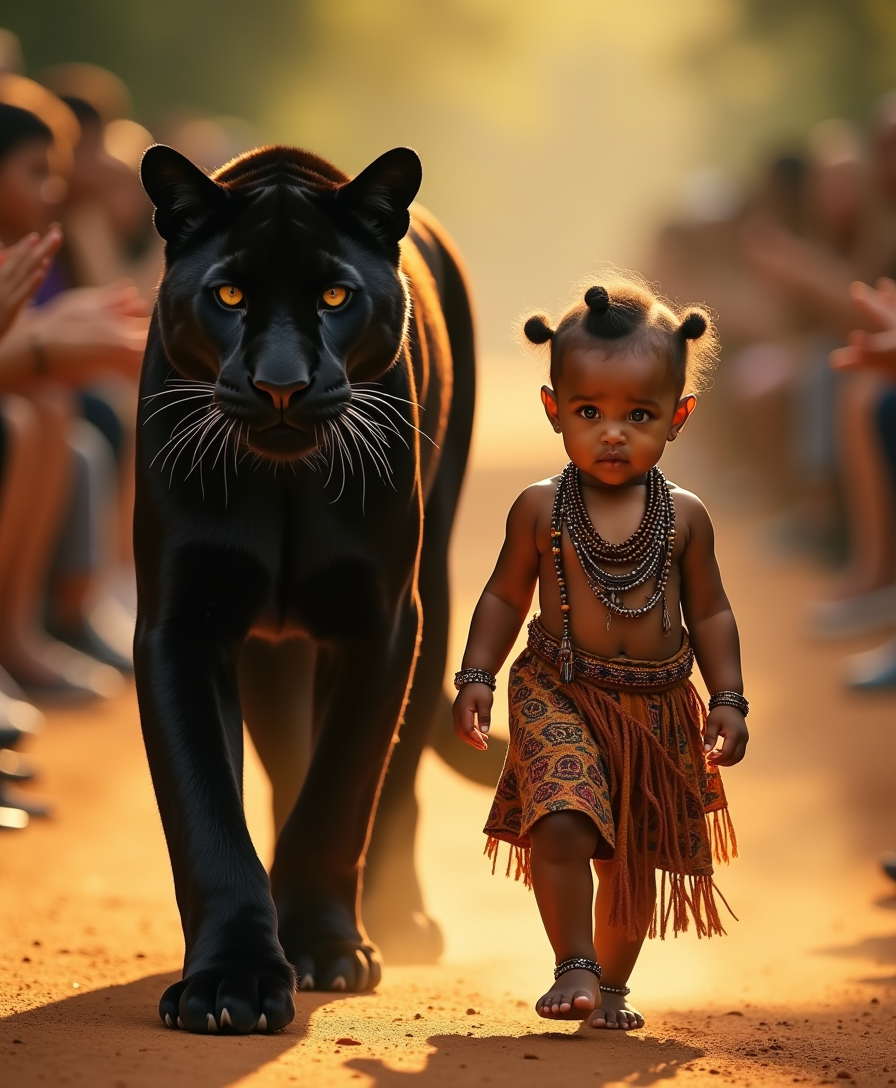
Consistent Character Representation
Maintain character consistency across multiple shots by using various reference images, ensuring a cohesive narrative throughout your video.
Enhanced Visual Quality
Generate 1080p videos at 24fps with precise lip-sync and native audio-visual synchronization, delivering professional-grade content effortlessly.
Efficient Multi-Shot Narratives
Create dynamic, multi-shot sequences that accurately express your story, with seamless transitions and consistent visual elements.
How It Works
Creating high-quality AI-generated videos with WAN 2.6's multi-image reference feature is straightforward. Follow these steps to bring your vision to life:
Step 1: Select Your Reference Images
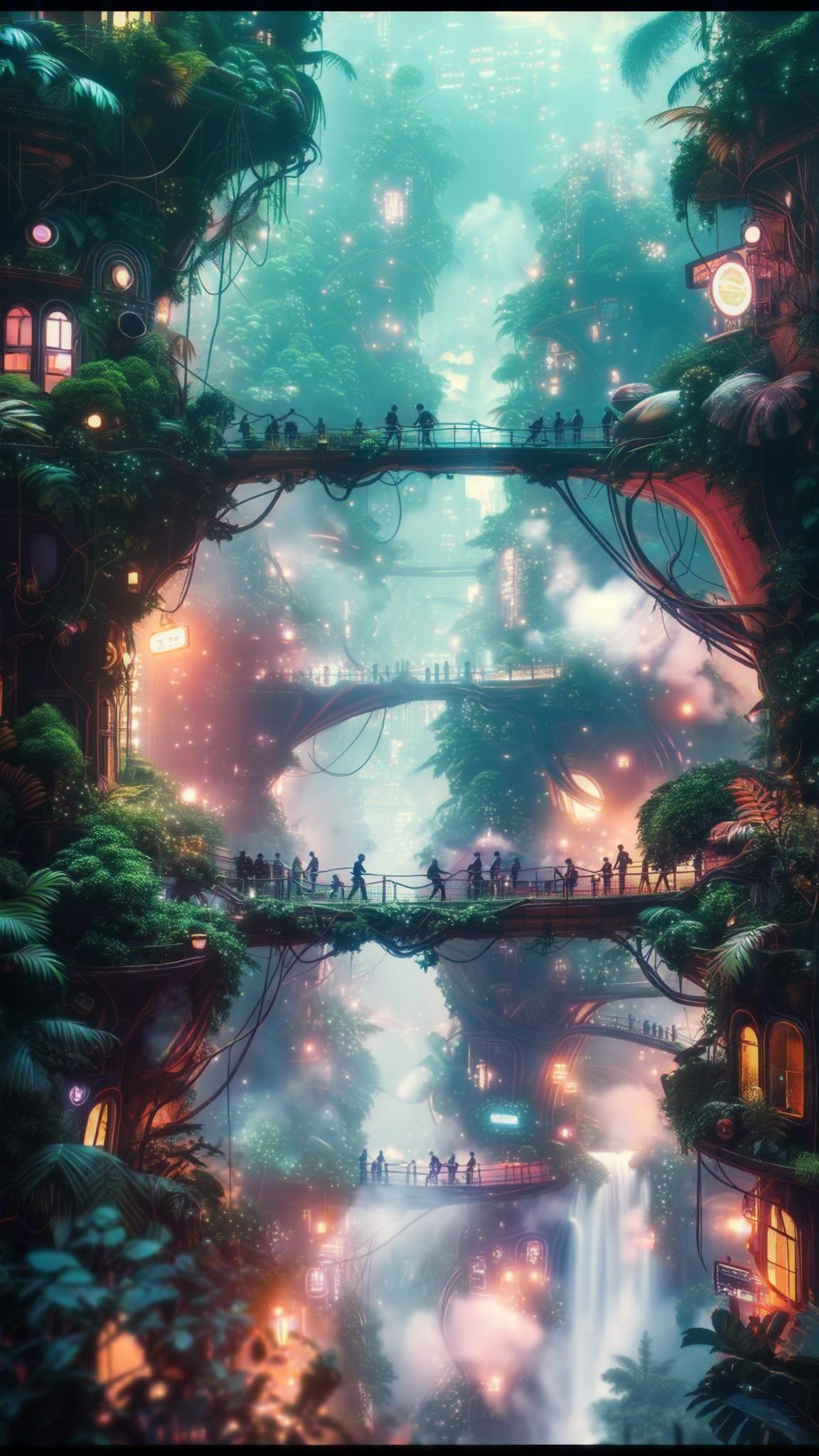
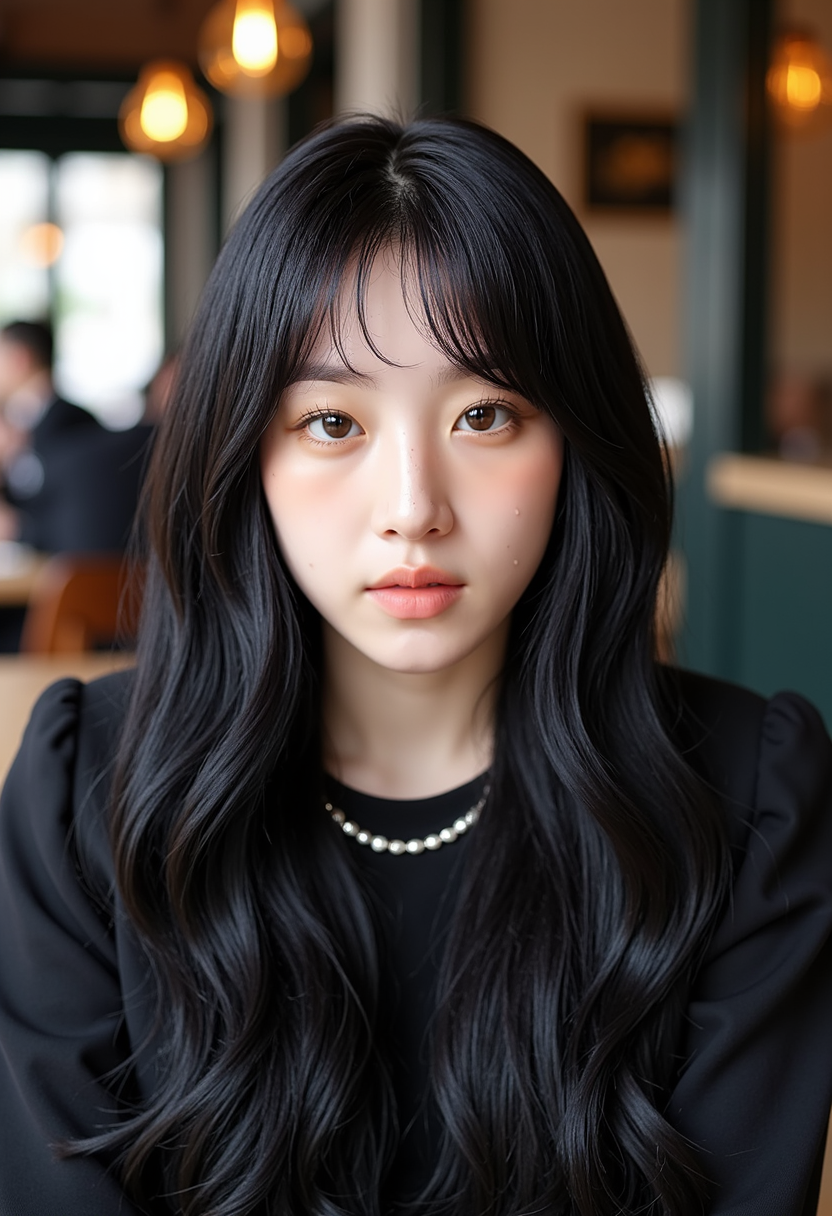
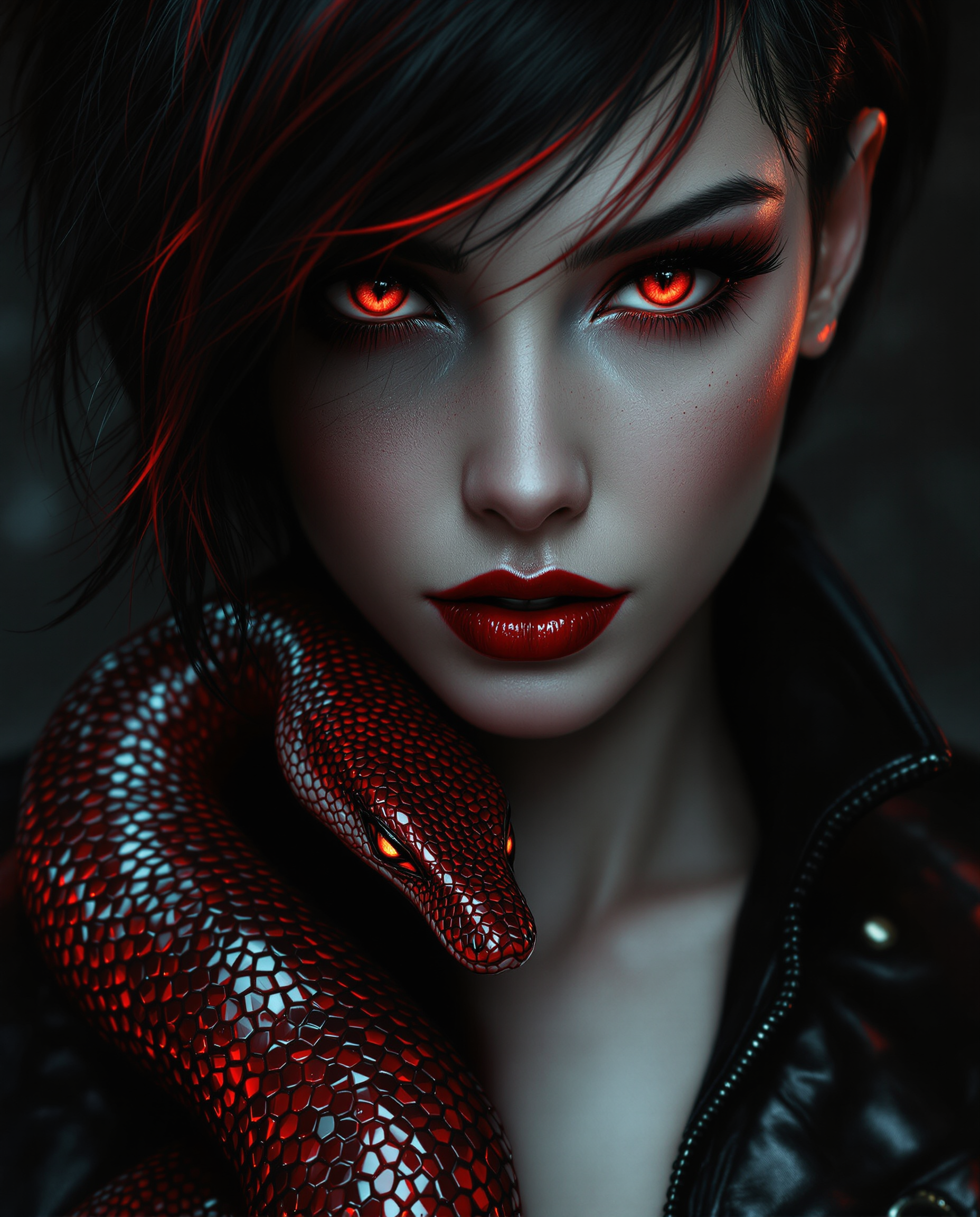
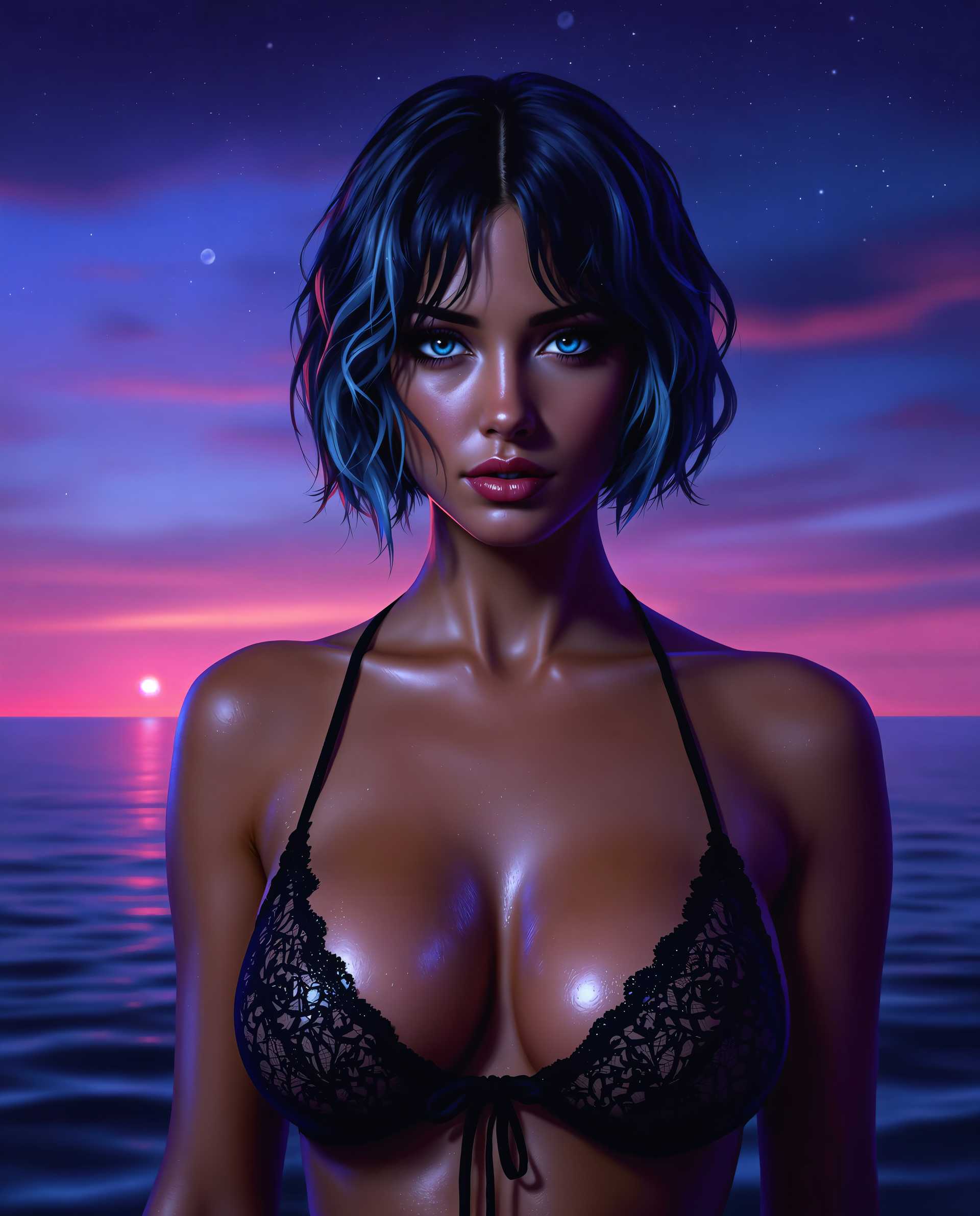
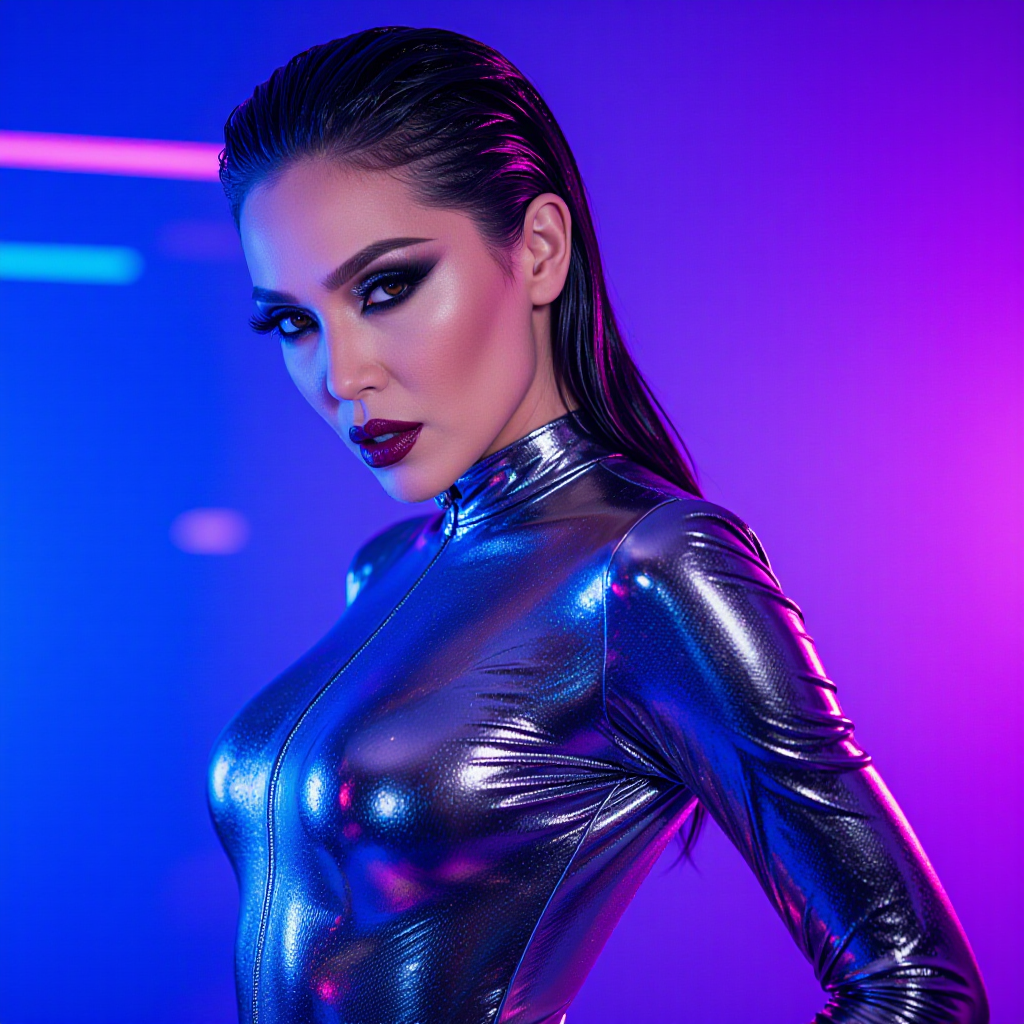
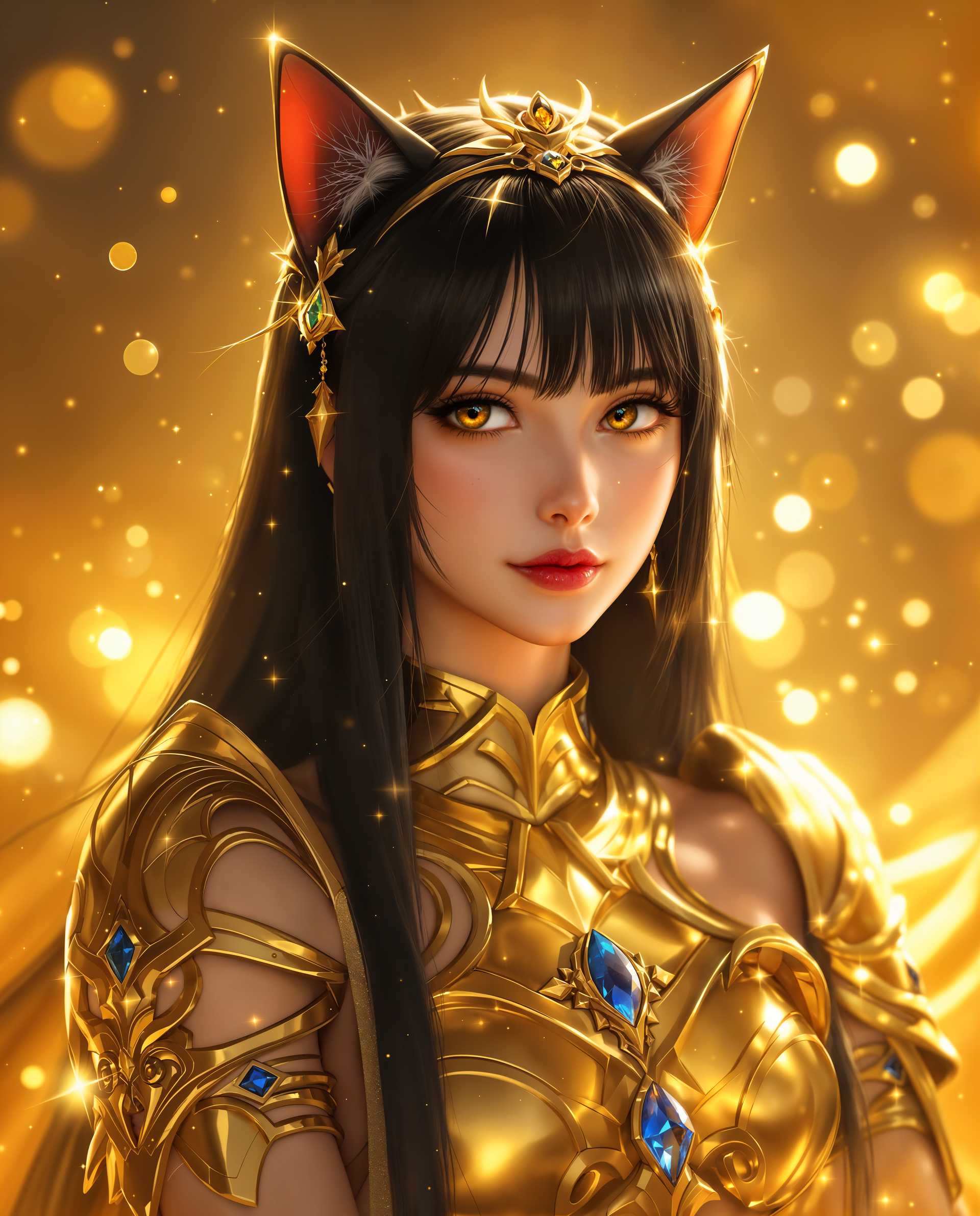
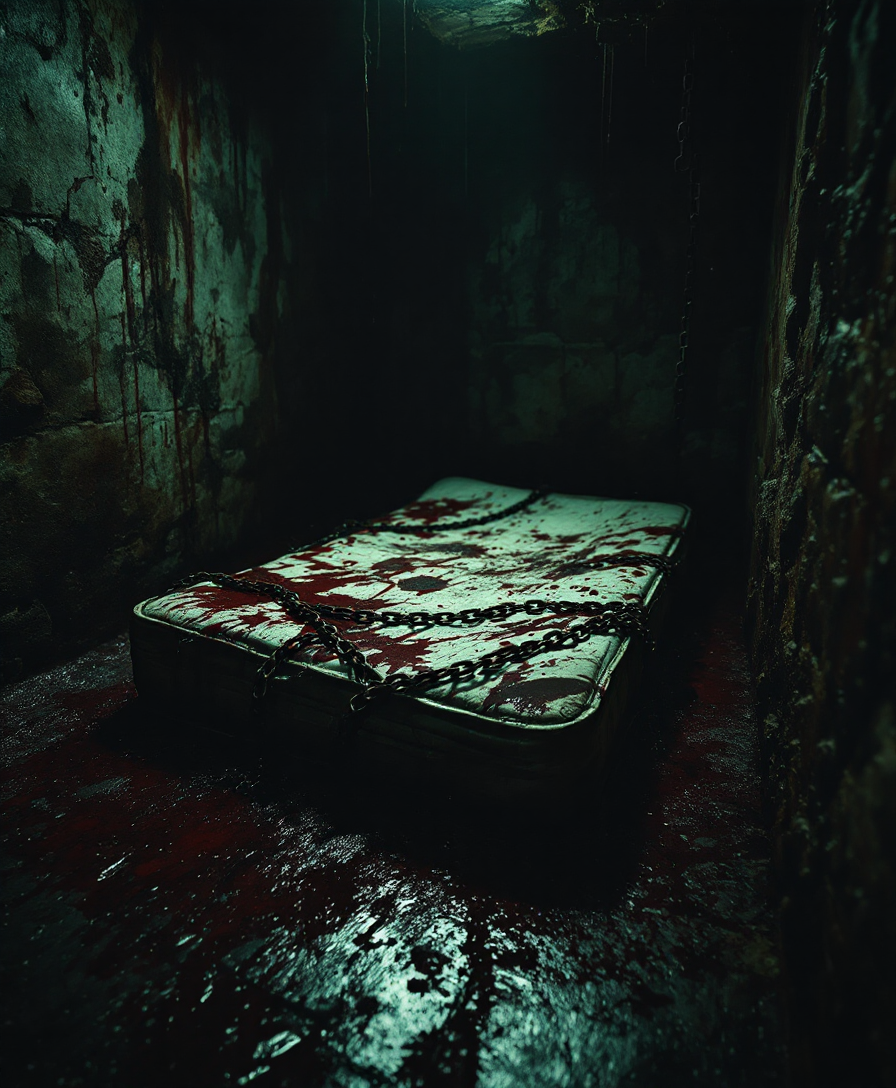
Choose multiple images that represent the characters, settings, or styles you want to incorporate into your video. These images will guide the AI in generating consistent and accurate visuals.
Step 2: Input Your Prompt
Craft a detailed prompt describing the scene, actions, and dialogue you want in your video. Be specific to ensure the AI captures your vision accurately.
Step 3: Configure Video Settings
Set the desired duration, resolution, and aspect ratio for your video. WAN 2.6 supports up to 15-second videos at 1080p resolution with a 24fps frame rate.




The Pixel Dojo Advantage
Why PixelDojo's WAN 2.6 outperforms other video creation methods:
| Others | Pixel Dojo |
|---|---|
| Traditional Video Production | Eliminate the need for costly equipment and extensive production time by generating high-quality videos directly from your prompts and reference images. |
| Generic AI Video Tools | Benefit from advanced multi-image reference capabilities that ensure character consistency and dynamic multi-shot narratives, setting your content apart. |
| Manual Video Editing | Save hours of editing by allowing WAN 2.6 to handle scene transitions, lip-sync, and audio-visual synchronization automatically. |
Loved by creators on PixelDojo
Real feedback from people using PixelDojo, pulled from our in-product surveys.
Awesome site with so many features
Love how I can almost create anything
The Flux Pro Ultra is just amazing!
Very easy to use, and they have fast wan 2.2 video generation with custom loras available.
The overall quality of the site and it's amazing variety of tools. The continued updates of the UI. The unbelievable level of tech support.
THIS IS SO DOPE !
Explore more AI tools on PixelDojo
AI Tools
Compare & Switch
- Best AI Image Generators
- Best AI Video Generators
- Midjourney Alternatives
- Civitai Alternatives
- Runway Alternatives
- Leonardo Alternatives
- Pika Alternatives
- Luma Alternatives
- Magnific Alternatives
- Veo Alternatives
- Flux Alternatives
- Freepik Alternatives
- Seedance Alternatives
- Seedream Alternatives
- Pixverse Alternatives
- GPT Image Alternatives
- Synthesia Alternatives
- Playground Alternatives
- NightCafe Alternatives
- Canva AI Alternatives
- ElevenLabs Alternatives
- ComfyUI Alternatives
- Fal Alternatives
- Replicate Alternatives
Common Questions
Everything you need to know about WAN 2.6 multi-image reference
How does WAN 2.6's multi-image reference feature enhance video consistency?
By utilizing multiple reference images, WAN 2.6 ensures that characters and settings remain consistent across different shots, resulting in a cohesive and professional video.
Can I use WAN 2.6 for commercial video production?
Yes, videos generated with WAN 2.6 are of commercial-grade quality, making them suitable for marketing, advertising, and other professional applications.
What is the maximum duration for videos created with WAN 2.6?
WAN 2.6 supports video generation up to 15 seconds in length, allowing for concise and impactful storytelling.
Does WAN 2.6 support audio synchronization?
Absolutely. WAN 2.6 features native audio-visual synchronization, ensuring precise lip-sync and alignment of dialogue, music, and sound effects with character movements.
Is WAN 2.6 suitable for beginners?
Yes, WAN 2.6 is designed with an intuitive interface that makes it accessible for users of all skill levels, from beginners to experienced professionals.
How can I access WAN 2.6?
WAN 2.6 is available through PixelDojo's platform. Simply sign up or log in to start creating your AI-generated videos today.