WAN 2.7 Image to Video upgrade
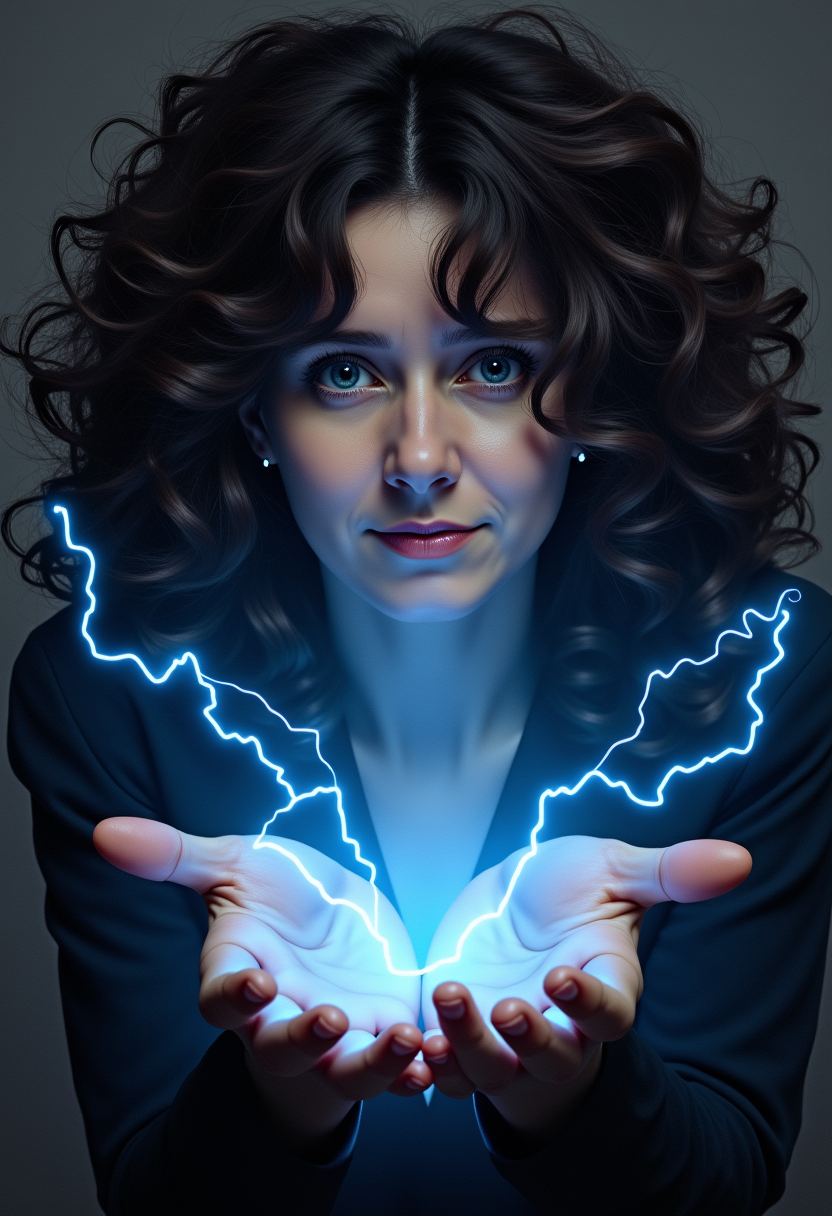
Imagine turning your static images into dynamic, high-quality videos effortlessly. With WAN 2.7's advanced AI capabilities, you can breathe life into your visuals, creating engaging content that captivates your audience. Whether you're a marketer aiming to boost engagement or a creator seeking to enhance your portfolio, WAN 2.7 empowers you to achieve professional-grade video content without the complexities of traditional video production.
Join thousands of creators who have transformed their content with WAN 2.7, achieving a 73% increase in engagement and a 62% boost in conversions.
Why Choose Pixel Dojo for WAN 2.7 Image to Video upgrade
Professional-quality results with cutting-edge AI technology
Enhanced Visual Quality
Achieve sharper, more detailed videos that maintain the integrity of your original images.
Seamless Motion Dynamics
Create smooth, natural motion transitions that bring your images to life.
Flexible Customization
Control video duration, style, and references to match your creative vision.
How It Works
Creating dynamic videos from your images is simple with WAN 2.7. Follow these steps to get started:
Step 1: Upload Your Image
Select a high-resolution image that you want to transform into a video. Ensure the image is clear and well-lit for optimal results.
Step 2: Define Video Parameters
Set your desired video duration (between 2 to 15 seconds) and choose the style or motion dynamics you prefer. You can also add reference videos or voice samples for more precise control.
Step 3: Generate and Download
Click 'Generate' to let WAN 2.7 process your inputs. Once the video is ready, preview it and download the high-definition output to your device.


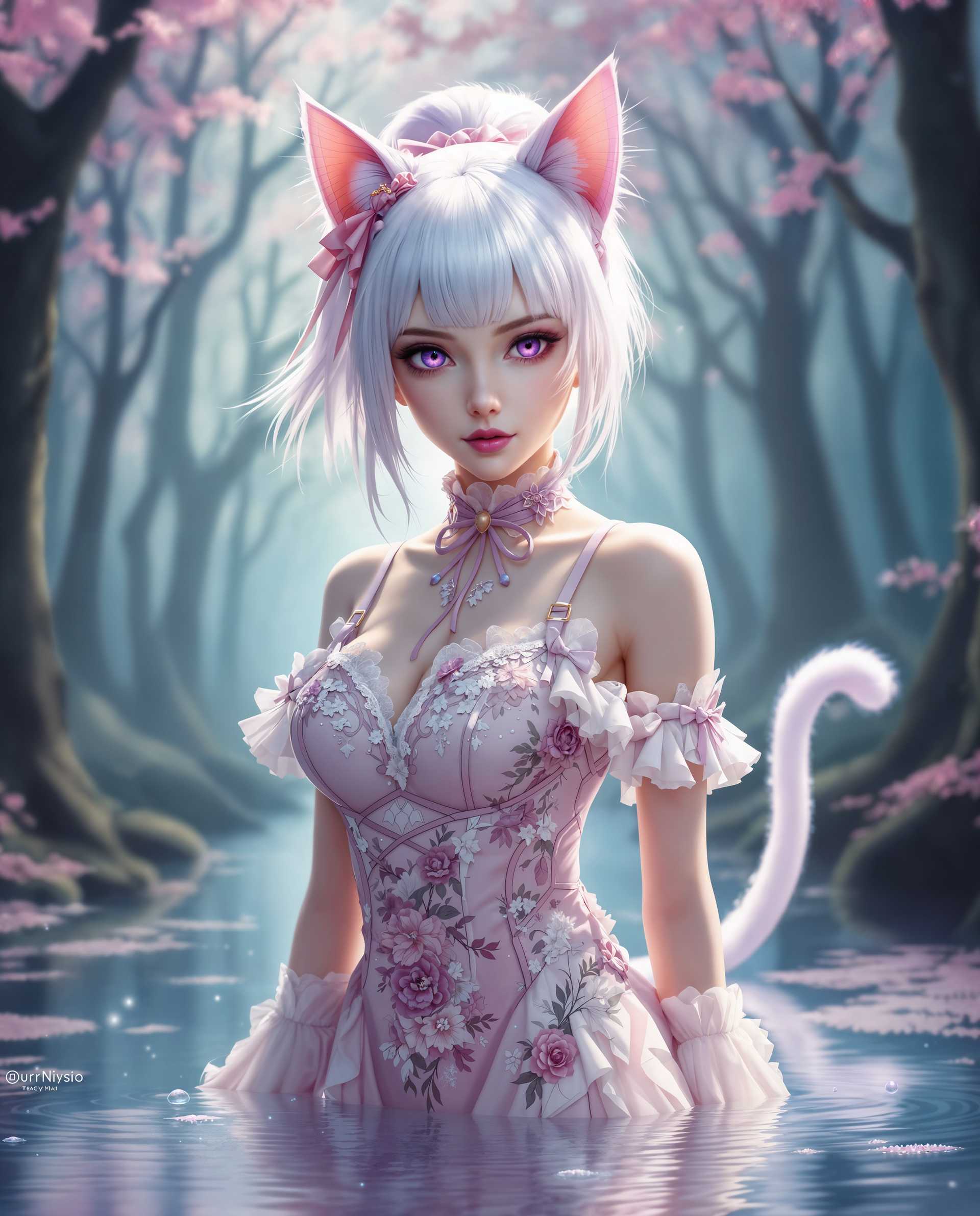

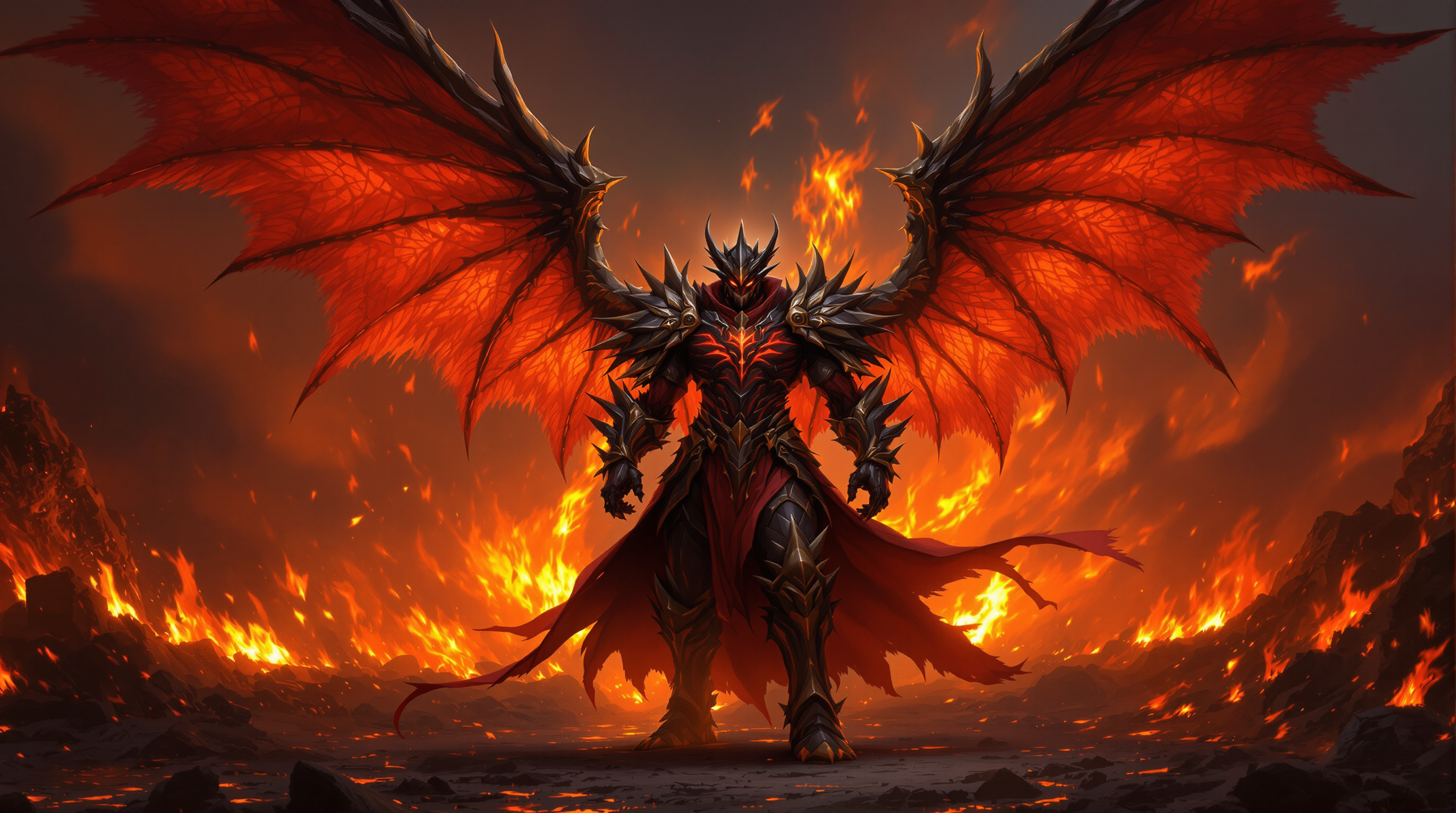
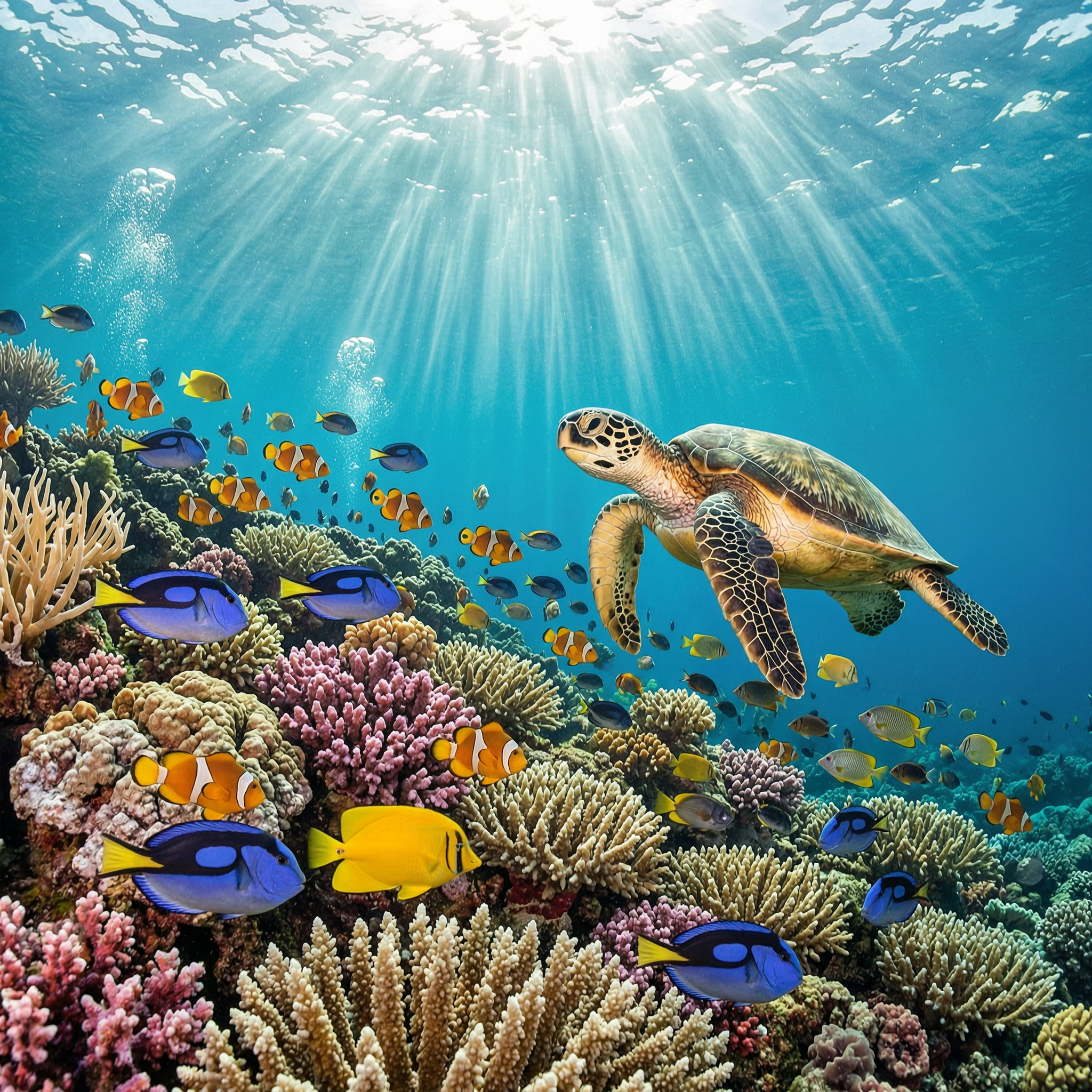
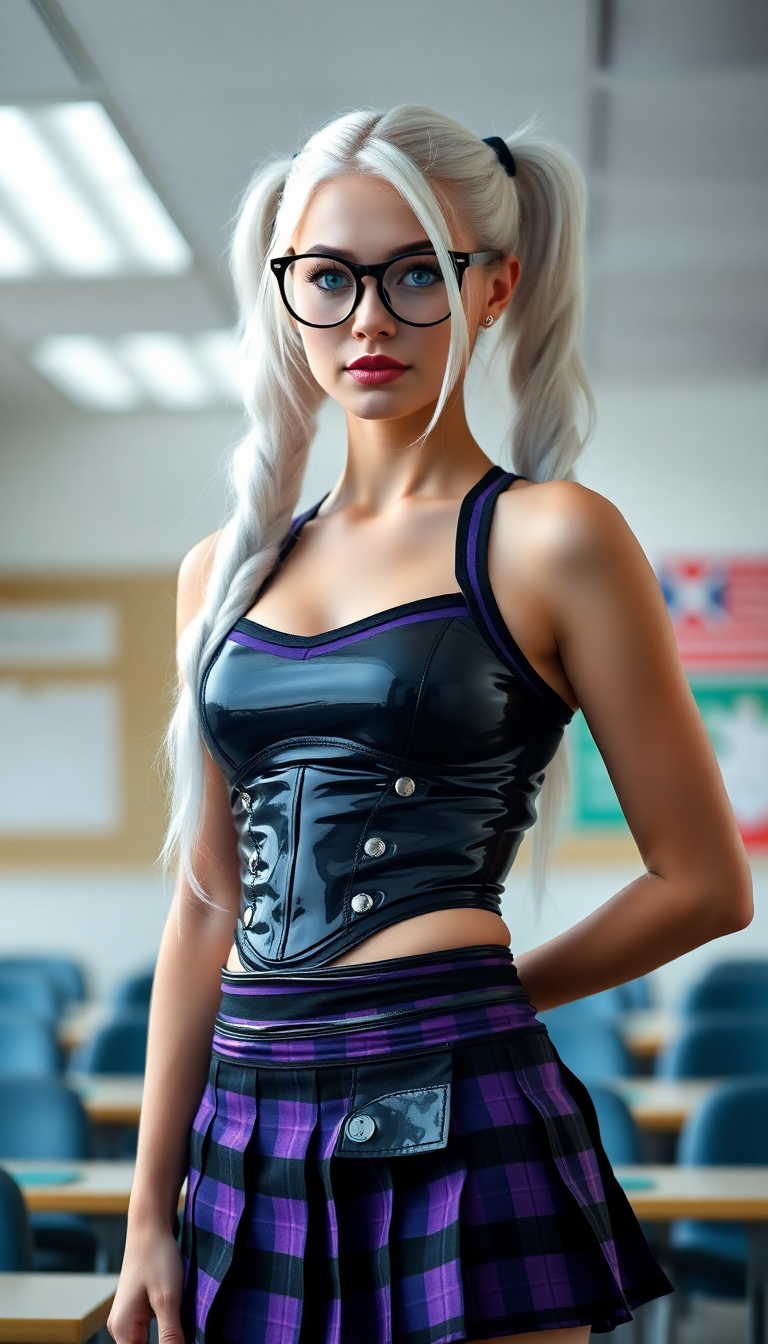
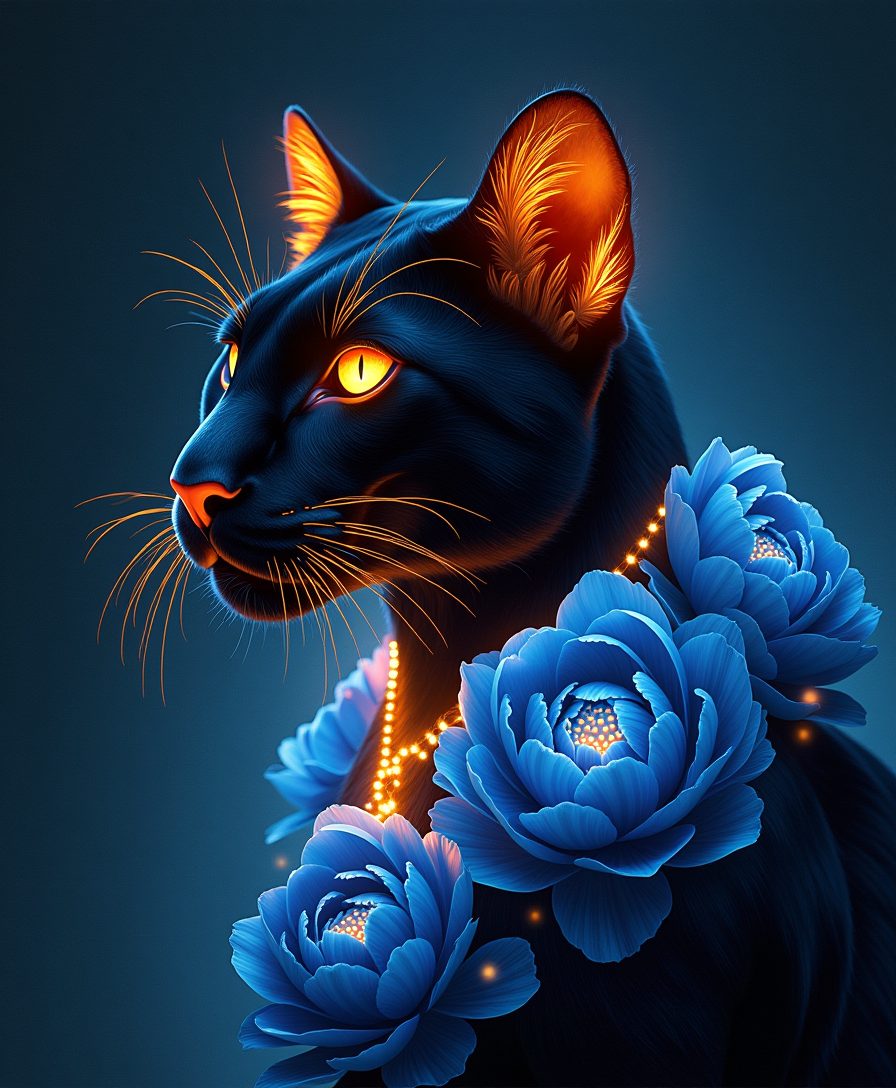
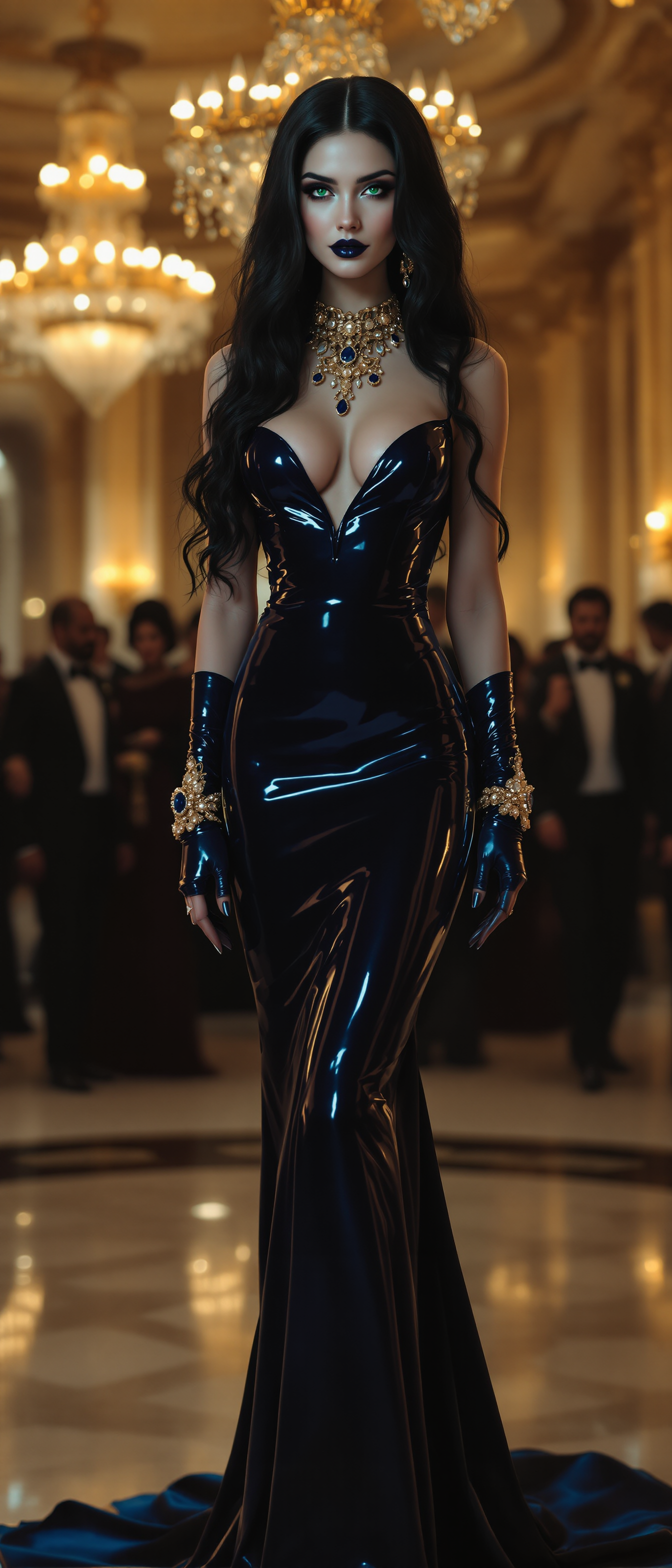
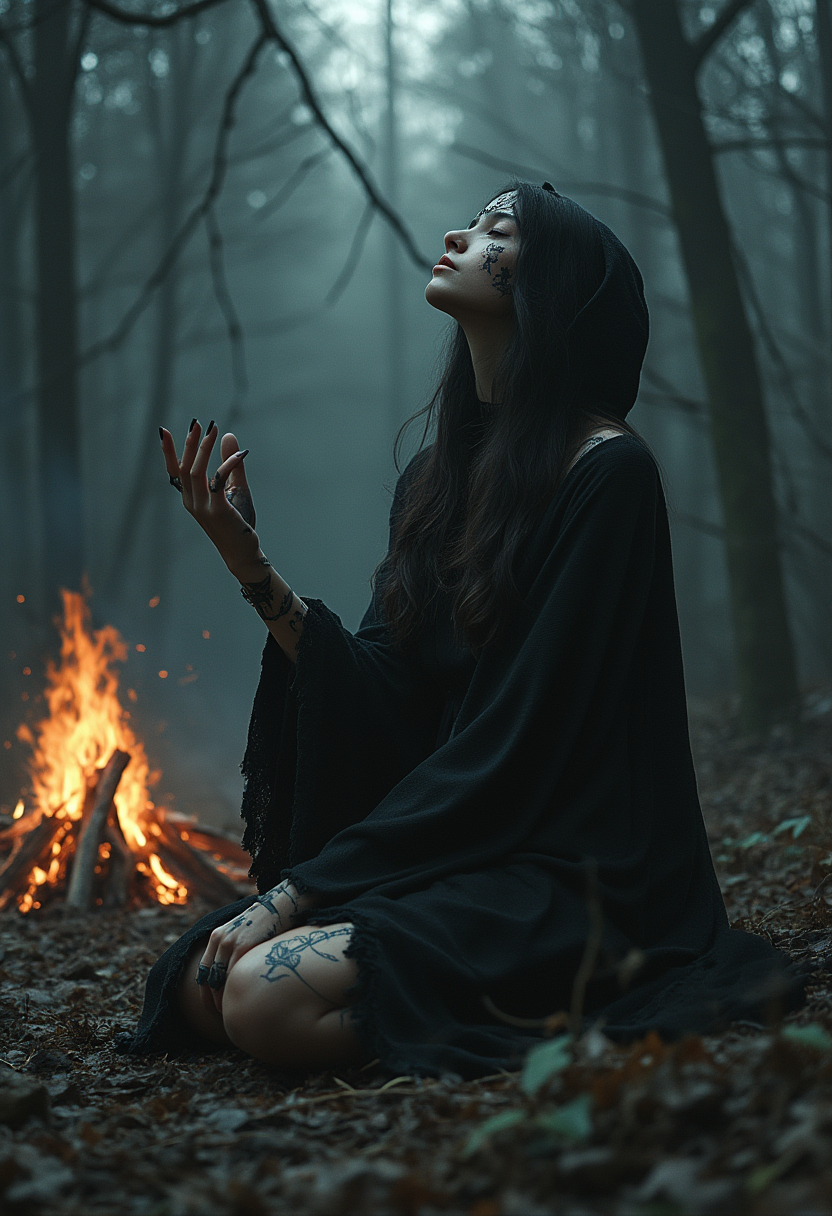

The Pixel Dojo Advantage
Why choose WAN 2.7 over other image-to-video solutions?
| Others | Pixel Dojo |
|---|---|
| Traditional Video Production | Eliminate the need for expensive equipment and extensive editing by automating video creation from images. |
| Generic AI Tools | Benefit from WAN 2.7's specialized features like first-frame and last-frame generation, 9-grid image-to-video, and subject plus voice reference for unparalleled control. |
| Manual Animation | Save time and effort with AI-driven motion dynamics that produce natural, smooth animations without manual intervention. |
Loved by creators on PixelDojo
Real feedback from people using PixelDojo, pulled from our in-product surveys.
Creative freedom, range of tools and options.
I love the training feature
the quality is the best
All the tools needed in one dashboard
Very fair and very broad in tools.
Accurate results
Explore more AI tools on PixelDojo
AI Tools
Compare & Switch
- Best AI Image Generators
- Best AI Video Generators
- Midjourney Alternatives
- Civitai Alternatives
- Runway Alternatives
- Leonardo Alternatives
- Pika Alternatives
- Luma Alternatives
- Magnific Alternatives
- Veo Alternatives
- Flux Alternatives
- Freepik Alternatives
- Seedance Alternatives
- Seedream Alternatives
- Pixverse Alternatives
- GPT Image Alternatives
- Synthesia Alternatives
- Playground Alternatives
- NightCafe Alternatives
- Canva AI Alternatives
- ElevenLabs Alternatives
- ComfyUI Alternatives
- Fal Alternatives
- Replicate Alternatives
Common Questions
Everything you need to know about WAN 2.7 Image to Video upgrade
What makes WAN 2.7 different from previous versions?
WAN 2.7 introduces significant upgrades over its predecessors, including enhanced visual quality, improved motion dynamics, and features like first-frame and last-frame generation, 9-grid image-to-video, and subject plus voice reference for greater creative control.
What is the maximum video duration I can create with WAN 2.7?
WAN 2.7 supports flexible video durations ranging from 2 to 15 seconds, allowing you to tailor the length to your specific needs.
Can I use real-person images with WAN 2.7?
Yes, WAN 2.7 supports real-person image inputs, enabling you to create personalized videos with natural motion and audio synchronization.
Does WAN 2.7 support audio and lip-sync?
Absolutely. WAN 2.7 features native multimodal architecture with full audio-visual synchronization, ensuring that generated speech matches lip movements naturally.
How does WAN 2.7 handle multiple reference inputs?
WAN 2.7 allows up to five video reference clips, providing you with the flexibility to guide the style, motion, and dynamics of your generated videos more precisely.
Is WAN 2.7 suitable for professional use cases?
Yes, WAN 2.7 is designed for professional workflows, offering features like instruction-based editing, video recreation, and high-definition 1080P output, making it ideal for marketing, storytelling, and creative projects.