WAN 2.7 video edit reference image
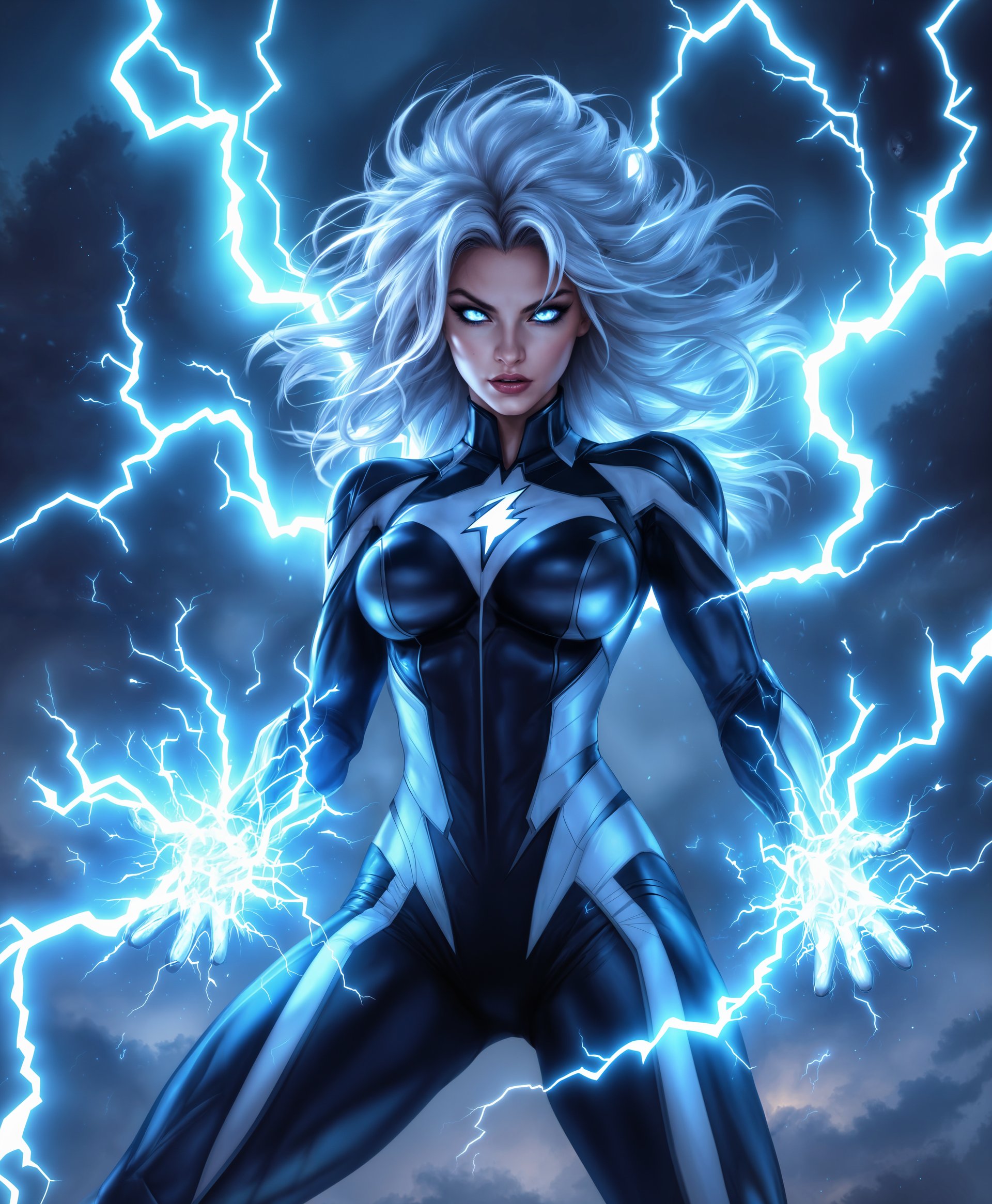
Transform your video content effortlessly with PixelDojo's WAN 2.7 Video Edit Reference Image tool. Achieve professional-grade enhancements by leveraging AI-driven reference image editing, allowing you to refine and elevate your videos without the need for complex software or extensive editing experience.
Join over 500,000 creators who have enhanced their videos using WAN 2.7, with a 4.9 user rating and over 10 million videos generated.
Why Choose Pixel Dojo for WAN 2.7 video edit reference image
Professional-quality results with cutting-edge AI technology
Achieve Professional-Quality Edits
Utilize AI-powered reference image editing to enhance your videos, ensuring high-quality results that meet professional standards.
Save Time with Efficient Editing
Streamline your editing process by applying changes directly through reference images, reducing the need for manual adjustments.
Maintain Consistency Across Projects
Ensure uniformity in your video content by using reference images to guide edits, preserving style and quality across multiple projects.
How It Works
Enhancing your videos with WAN 2.7's reference image editing is straightforward. Follow these steps to achieve optimal results:
Step 1: Select Your Video
Choose the video you wish to edit and upload it to the PixelDojo platform.
Step 2: Upload Reference Image
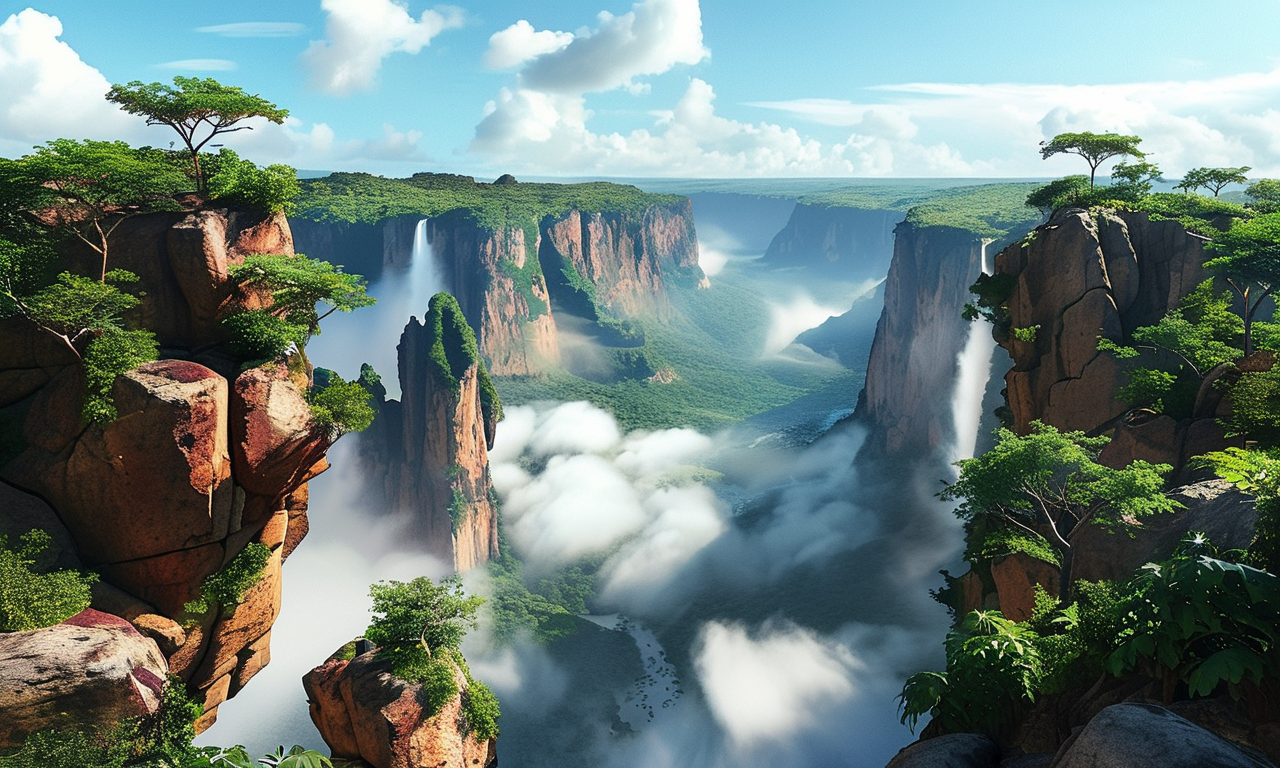
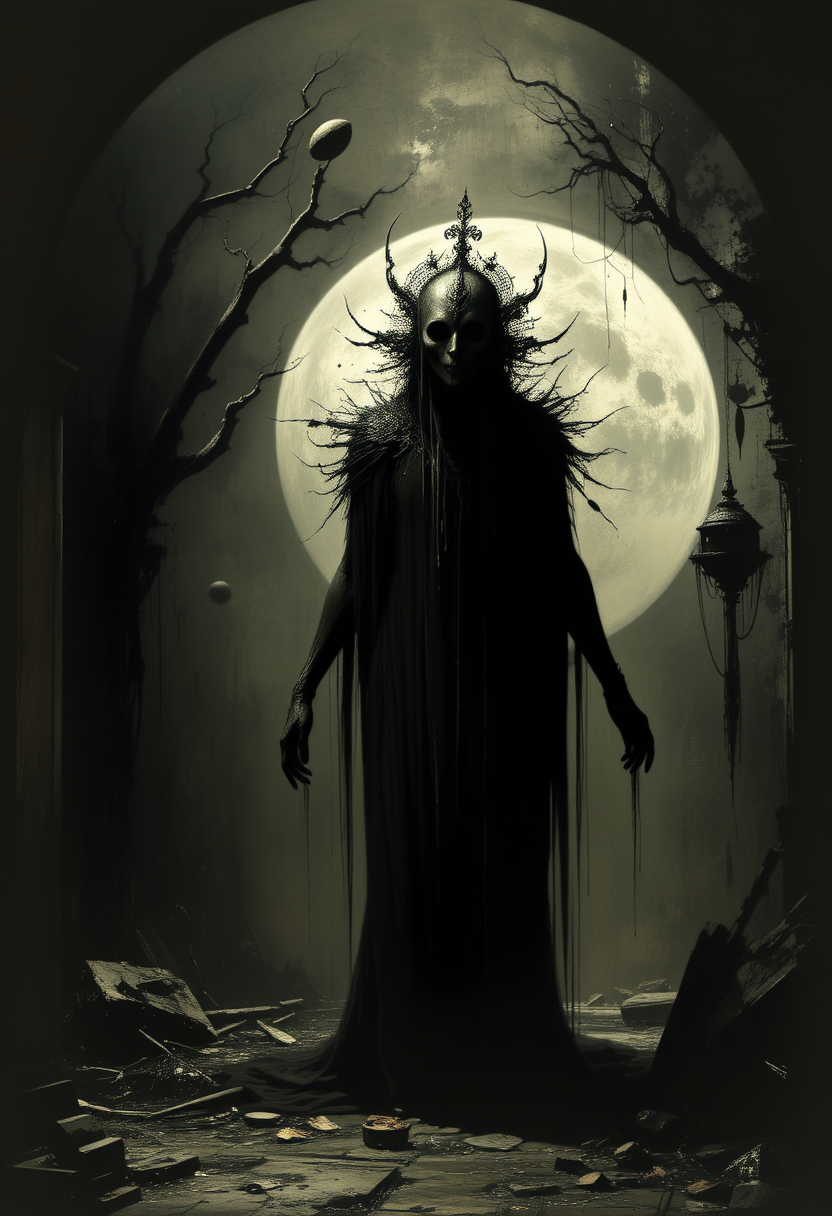
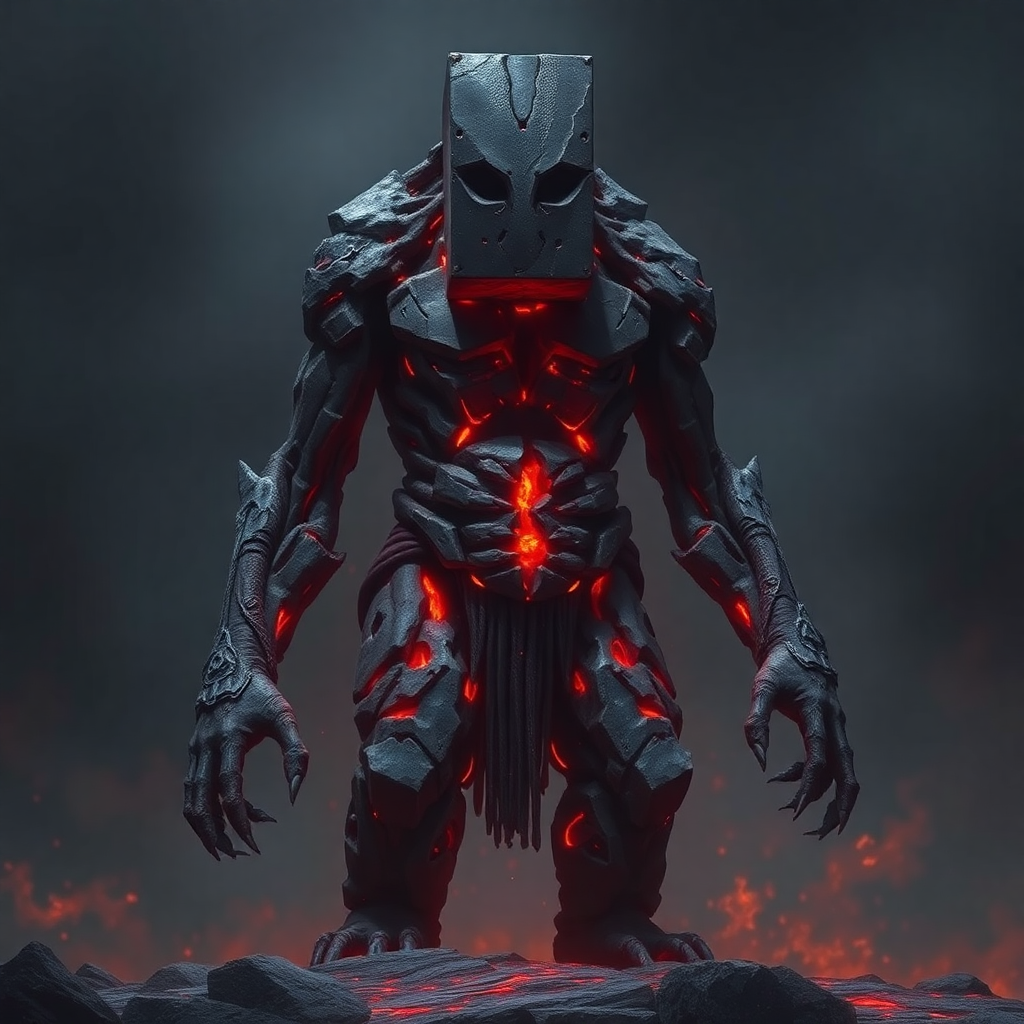
Provide a reference image that represents the desired style or elements you want to incorporate into your video.
Step 3: Apply AI Enhancements
Utilize WAN 2.7's AI capabilities to apply the reference image's attributes to your video, achieving the desired enhancements.

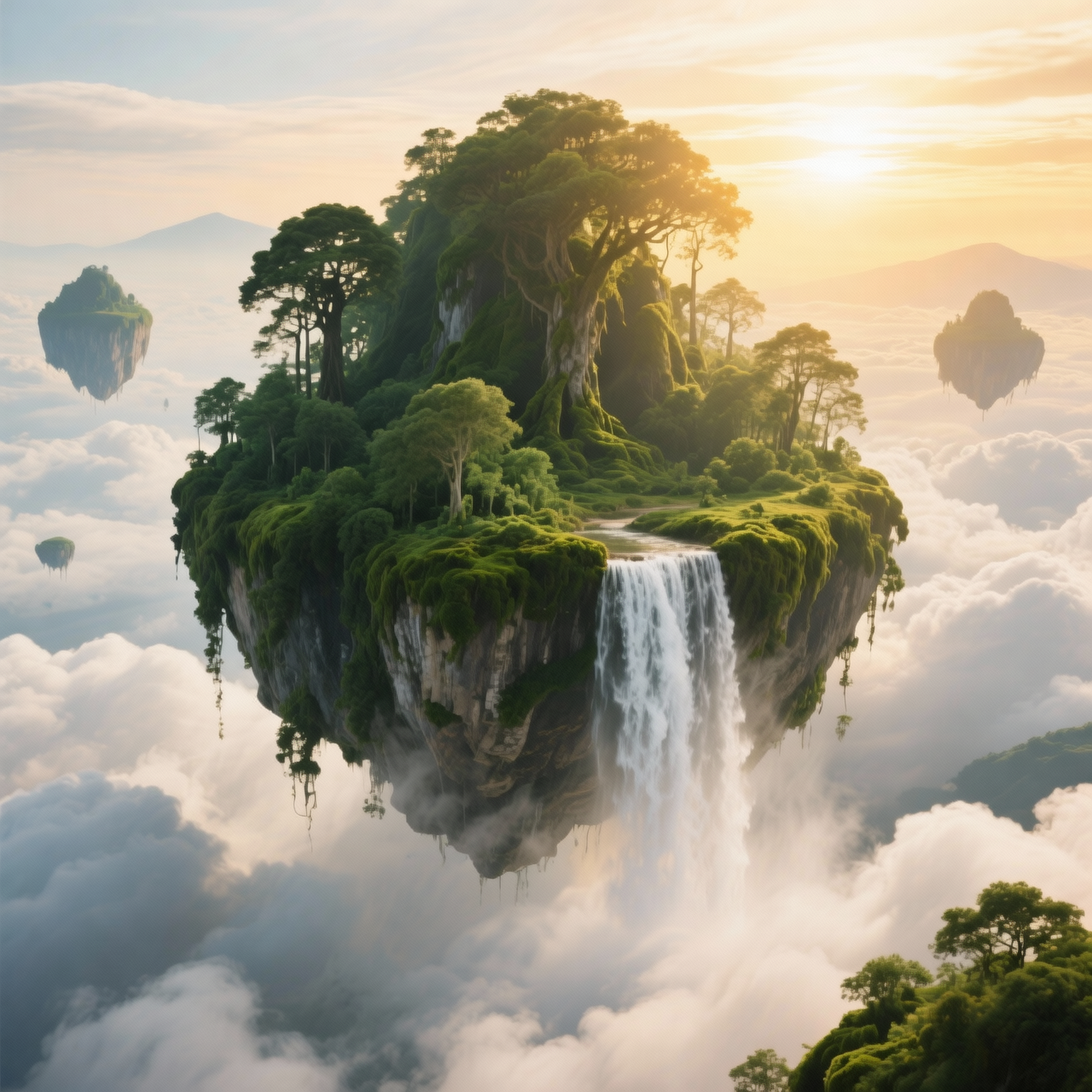



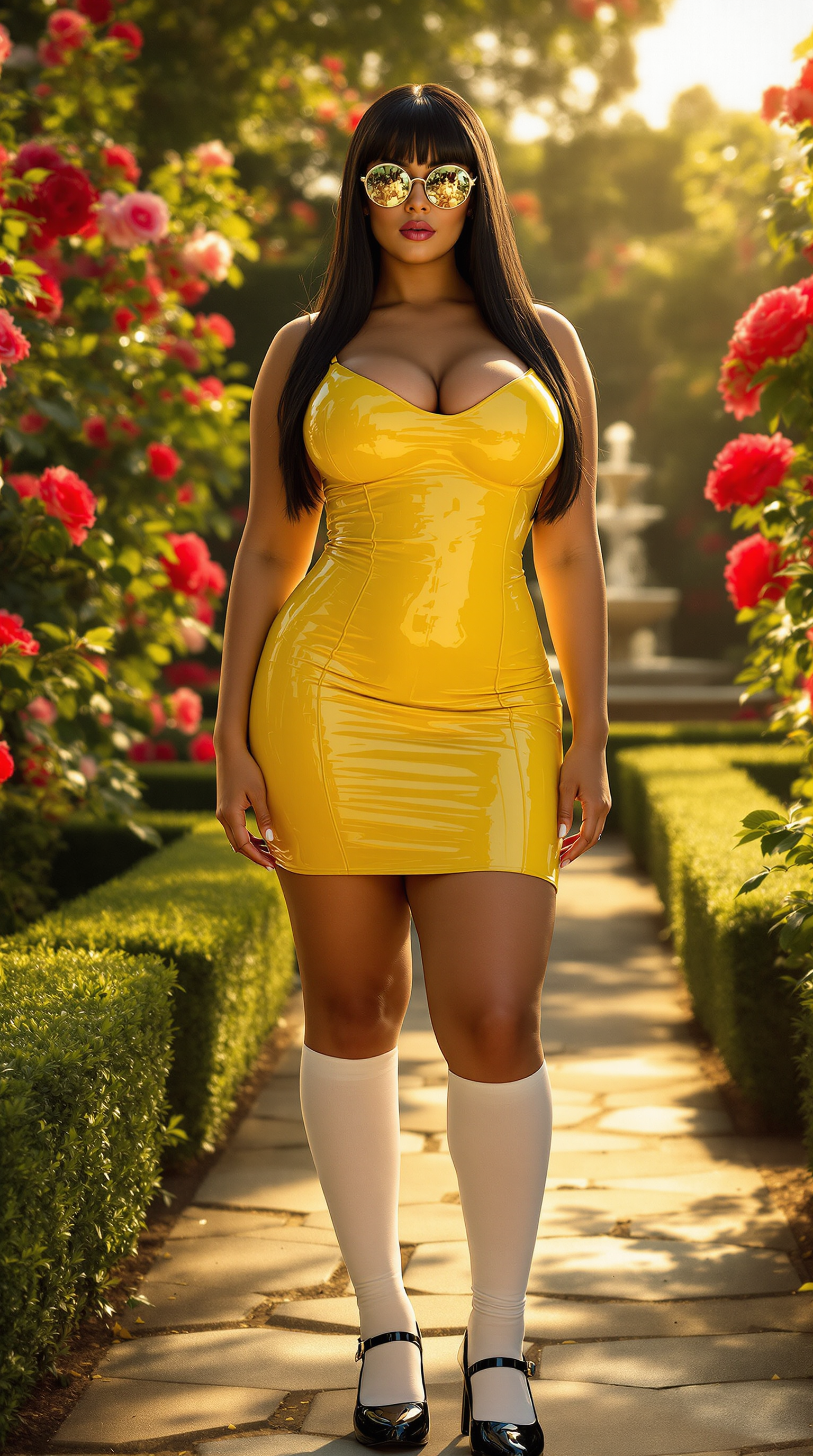
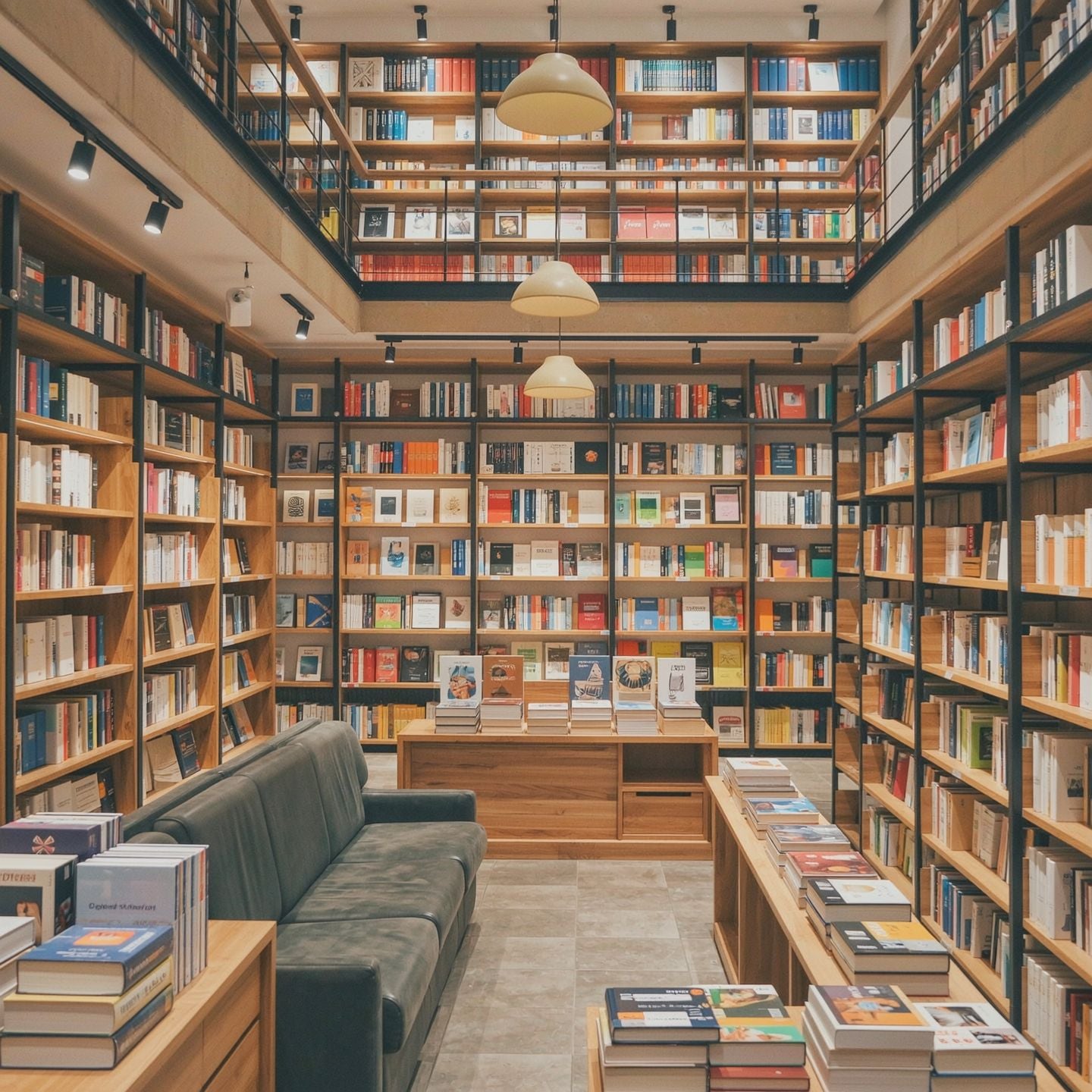





The Pixel Dojo Advantage
Why PixelDojo's WAN 2.7 outperforms other video editing options:
| Others | Pixel Dojo |
|---|---|
| Traditional Video Editing Software | Eliminates the need for complex software and extensive editing skills, making professional-quality edits accessible to all. |
| Generic AI Tools | Offers specialized reference image editing capabilities, providing more precise and consistent results tailored to your vision. |
| Manual Editing Processes | Significantly reduces editing time by automating enhancements through AI, allowing for faster project completion. |
Loved by creators on PixelDojo
Real feedback from people using PixelDojo, pulled from our in-product surveys.
Very fair and very broad in tools.
Accurate results
Great site and so much fun to use!
very useful set of tools for image creation, upscaling and enhancement
ease of use, variety of tools, high quality trainings, and a well-maintained discord channel
Ease of use, friendliness and support of the owner, continued innovation.
Explore more AI tools on PixelDojo
AI Tools
Compare & Switch
- Best AI Image Generators
- Best AI Video Generators
- Midjourney Alternatives
- Civitai Alternatives
- Runway Alternatives
- Leonardo Alternatives
- Pika Alternatives
- Luma Alternatives
- Magnific Alternatives
- Veo Alternatives
- Flux Alternatives
- Freepik Alternatives
- Seedance Alternatives
- Seedream Alternatives
- Pixverse Alternatives
- GPT Image Alternatives
- Synthesia Alternatives
- Playground Alternatives
- NightCafe Alternatives
- Canva AI Alternatives
- ElevenLabs Alternatives
- ComfyUI Alternatives
- Fal Alternatives
- Replicate Alternatives
Common Questions
Everything you need to know about WAN 2.7 video edit reference image
How does WAN 2.7's reference image editing enhance my videos?
WAN 2.7 utilizes AI to analyze your reference image and apply its attributes—such as color schemes, styles, and elements—to your video, resulting in a cohesive and enhanced final product.
Do I need prior editing experience to use this tool?
No, PixelDojo's WAN 2.7 is designed for users of all skill levels. The intuitive interface and AI-driven processes make video enhancement accessible without prior editing experience.
Can I use multiple reference images for a single video?
Yes, WAN 2.7 supports the use of multiple reference images, allowing you to blend various styles and elements to achieve your desired outcome.
Is there a limit to the video length I can edit?
WAN 2.7 supports video durations ranging from 2 to 15 seconds, making it ideal for short-form content and social media videos.
What file formats are supported for reference images?
WAN 2.7 accepts common image formats such as JPEG and PNG for reference images, ensuring compatibility with most files.
How long does the editing process take?
The editing time varies depending on the complexity of the enhancements, but WAN 2.7 is optimized for efficiency, typically processing videos within a few minutes.