AI Flyer Maker

Generated on PixelDojo. Produced by PixelDojo's generation pipeline.
PixelDojo is an AI flyer maker that lets you create polished event flyers by entering a clear brief, comparing leading image models, and refining the strongest result. For most flyer workflows, Flux 2 Pro is the best starting model because it produced a professional layout quickly at 12.8 seconds, while GPT Image 2 is the best choice when final text accuracy and polished design are worth the longer 206.6 second render time.
Real image examples generated on PixelDojo
Every example below was produced on PixelDojo. Hover to see the prompt.
An action-packed first-person shooter scene featuring a high-speed jet fighter in flight
stable-diffusion

Create a YouTube Header for "FLUXPRO" AI image generation
flux

This image features a person dressed in a blue and white militarystyle outfit with a peake…
flux
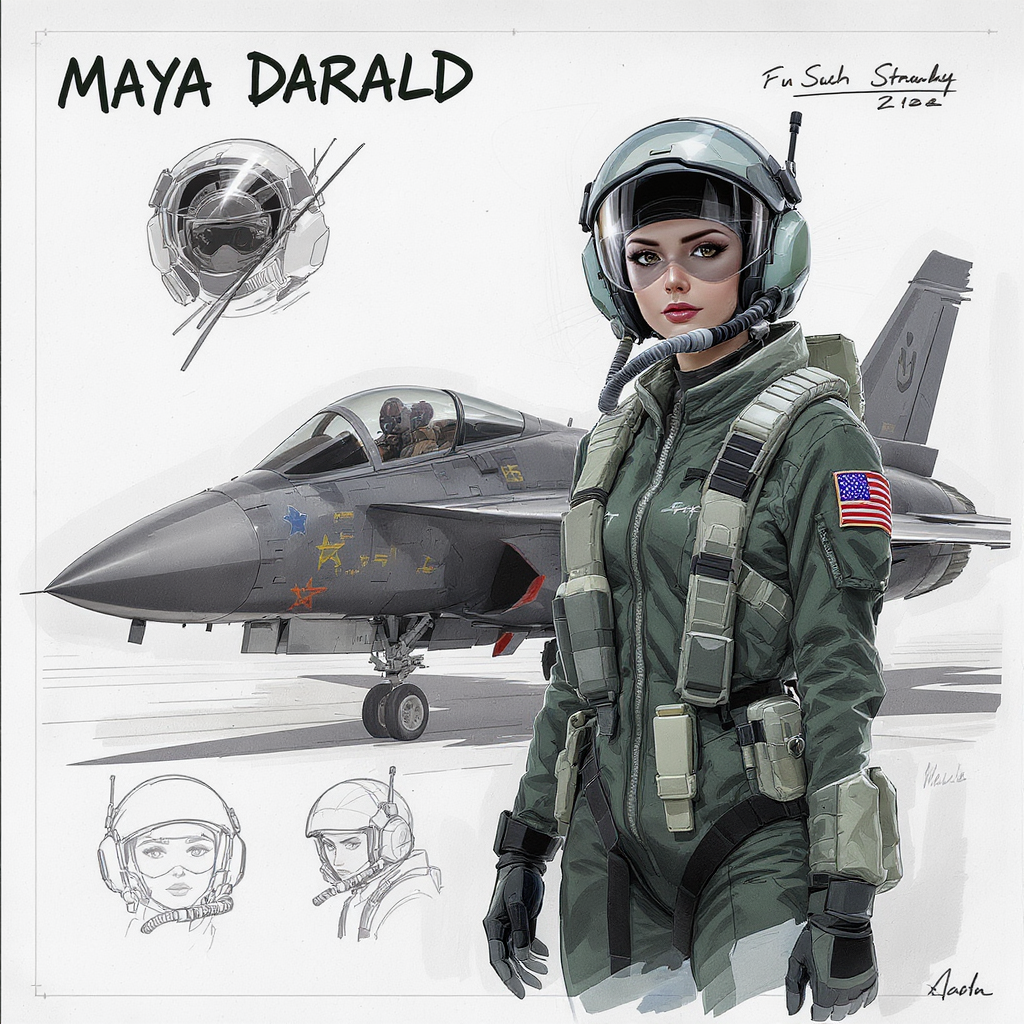
Character study sheet
flux-studio
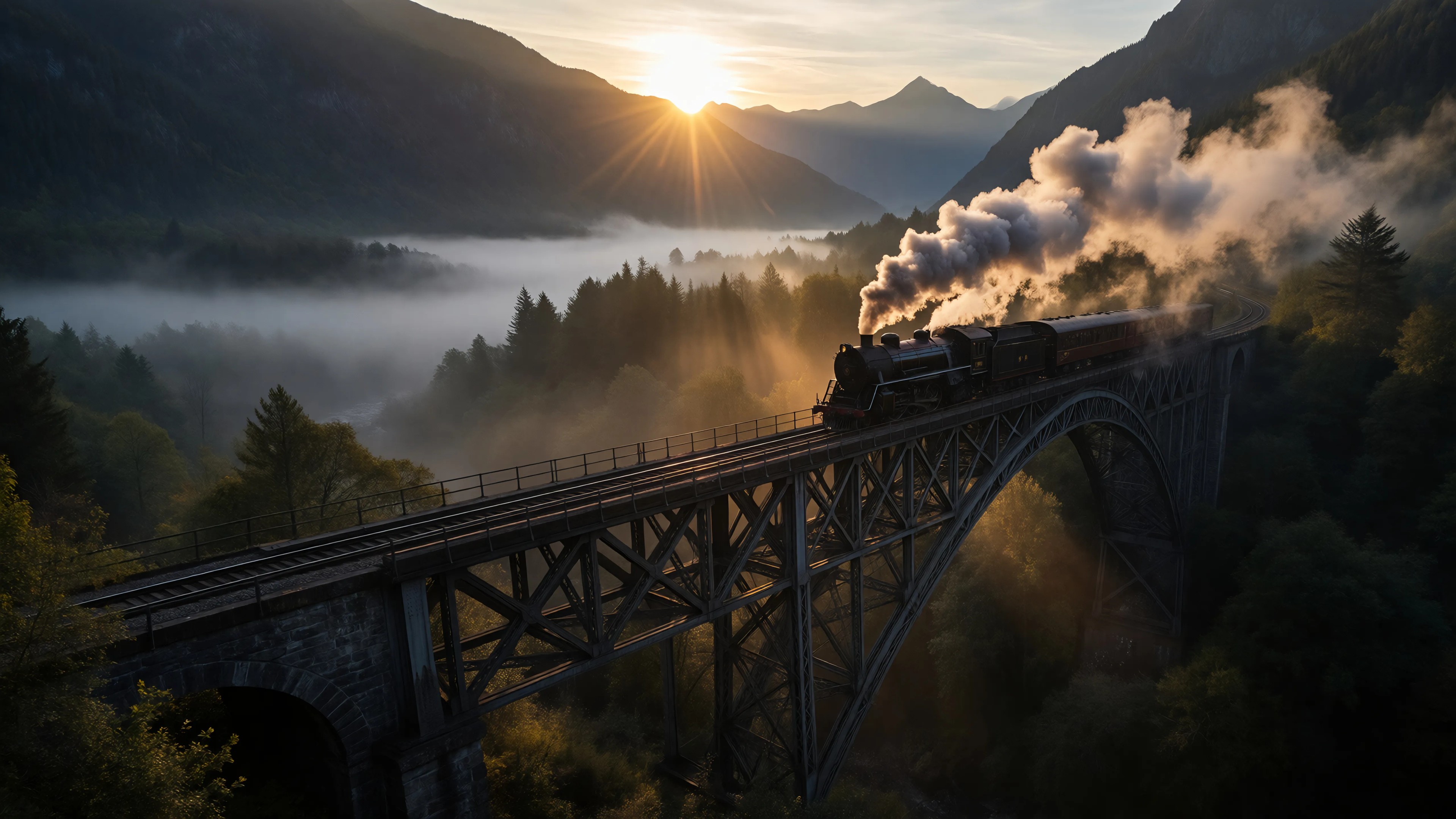
Ia-cinematic
image-to-image
A drone flying
image-to-video
Models you can run on PixelDojo for AI Flyer Maker
Switch models without switching tools. Each one runs in the same PixelDojo studio.
What you can do with AI Flyer Maker on PixelDojo
Text Prompt Flyer Creation
We turn your written ideas into visual flyers. Specify details like size and elements to match your needs.
Design Style Options
We provide various styles for generated flyers. Select options that fit your project requirements.
Iterative Design Refinement
We support adjustments to initial flyer outputs. Refine images through additional prompts or edits.
Print Ready File Export
We allow downloads in formats suitable for printing. Access high quality versions of your designs.
The example shown was generated live on PixelDojo for this exact brief: "a clean modern event flyer with the headline "GRAND OPENING" and tidy event details, bright colors, professional layout". The same brief was run across GPT Image 2, Flux 2 Pro, Google Nano Banana Pro, and Seedream 4.5 so the output could be judged by speed, readability, layout, and color control.
Why Choose Pixel Dojo for AI Flyer Maker
Professional-quality results with cutting-edge AI technology
Compare flyer models in one place
Run the same flyer prompt across multiple image models inside PixelDojo, then choose the version with the strongest typography, spacing, color, and visual hierarchy.
Move from idea to draft quickly
Use Flux 2 Pro when speed matters. It is a strong fit for clean event flyers, promotional graphics, social posts, club nights, launches, sales, and local announcements.
Improve text and layout with better prompts
Guide the model with exact headline text, event details, brand colors, format, and layout notes. Clear prompts help reduce messy text and produce more useful flyer drafts.
How It Works
Write a specific flyer brief
Include the event type, headline, date, time, location, color style, layout preference, and format. Example: clean modern event flyer, headline "GRAND OPENING", tidy event details, bright colors, professional layout.
Choose the right model
Start with Flux 2 Pro for fast, attractive flyer concepts. Choose GPT Image 2 when headline clarity, small text, and final polish are the priority. Try Google Nano Banana Pro and Seedream 4.5 for alternate color and style directions.
Refine and export
Regenerate with tighter instructions, ask for simpler text blocks, increase contrast, or specify poster, square, or story format. Once the best design is ready, export it for web, social, print prep, or further editing.
Loved by creators on PixelDojo
Real feedback from people using PixelDojo, pulled from our in-product surveys.
all in one place
It is a lot of fun to uae and easy too.
So many different models to try out
You keep adding to it to stay up to date and that is GOLD.
very easy to use and good support
Very easy to use
Explore more AI tools on PixelDojo
AI Tools
Compare & Switch
- Best AI Image Generators
- Best AI Video Generators
- Midjourney Alternatives
- Civitai Alternatives
- Runway Alternatives
- Leonardo Alternatives
- Pika Alternatives
- Luma Alternatives
- Magnific Alternatives
- Veo Alternatives
- Flux Alternatives
- Freepik Alternatives
- Seedance Alternatives
- Seedream Alternatives
- Pixverse Alternatives
- GPT Image Alternatives
- Synthesia Alternatives
- Playground Alternatives
- NightCafe Alternatives
- Canva AI Alternatives
- ElevenLabs Alternatives
- ComfyUI Alternatives
- Fal Alternatives
- Replicate Alternatives
Common Questions
Everything you need to know about AI Flyer Maker
What is the best PixelDojo model for an AI flyer maker?
Flux 2 Pro is the best starting point for most AI flyer maker tasks because it is fast and produces clean, modern layouts. GPT Image 2 is better when text fidelity and final polish matter more than speed.
How should a flyer prompt be written?
Use a direct prompt with the headline, event details, style, colors, and layout. For example: a clean modern event flyer with the headline "GRAND OPENING", tidy event details, bright colors, professional layout.
Can AI flyer makers handle event details?
Yes, but small text can vary by model. Keep details short, request tidy spacing, ask for readable typography, and review all dates, times, addresses, and prices before publishing.
Which model was fastest in the flyer example?
Flux 2 Pro was fastest at 12.8 seconds. Google Nano Banana Pro followed at 15.4 seconds, Seedream 4.5 at 20.8 seconds, and GPT Image 2 at 206.6 seconds.
What practical tips improve AI flyer results?
Use fewer words on the design, specify one clear headline, request high contrast, name the desired format, and generate multiple versions. If text looks crowded, ask for larger type and fewer detail lines.