wavespeed ai

Generated on PixelDojo. Produced by PixelDojo's generation pipeline.
You can transform your creative ideas into professional WaveSpeed AI images in seconds using PixelDojo.ai. This approach to AI image generation focuses on delivering high-quality, versatile visuals that look like they came from a full production studio, without the time or cost. Imagine producing photorealistic product photography for your online store, cinematic landscapes for storytelling, or branded graphics for social campaigns—all from a simple description you type. PixelDojo puts powerful options like Flux.2 Studio, Z Image Turbo, Seedream 5, Nano Banana 2, GPT Image 2, QWEN Image 2, and WAN Image at your fingertips so you achieve consistent, publication-ready results every time. You skip traditional photoshoots, lengthy design cycles, and limited single-model platforms. Instead, you iterate quickly, compare styles, and refine until the image matches your exact vision. Thousands of creators already rely on these tools to launch campaigns faster, fill content calendars effortlessly, and stand out in crowded feeds. Whether you are building a brand, pitching a concept, or exploring personal art, PixelDojo turns WaveSpeed AI image generation into an everyday superpower that saves you hours and unlocks new possibilities. Start today and see how quickly your next visual comes to life.
Real image examples generated on PixelDojo
Every example below was produced on PixelDojo. Hover to see the prompt.
Wi-product
image-to-image

Qwen-text
image-to-image

Hyper detailed
flux
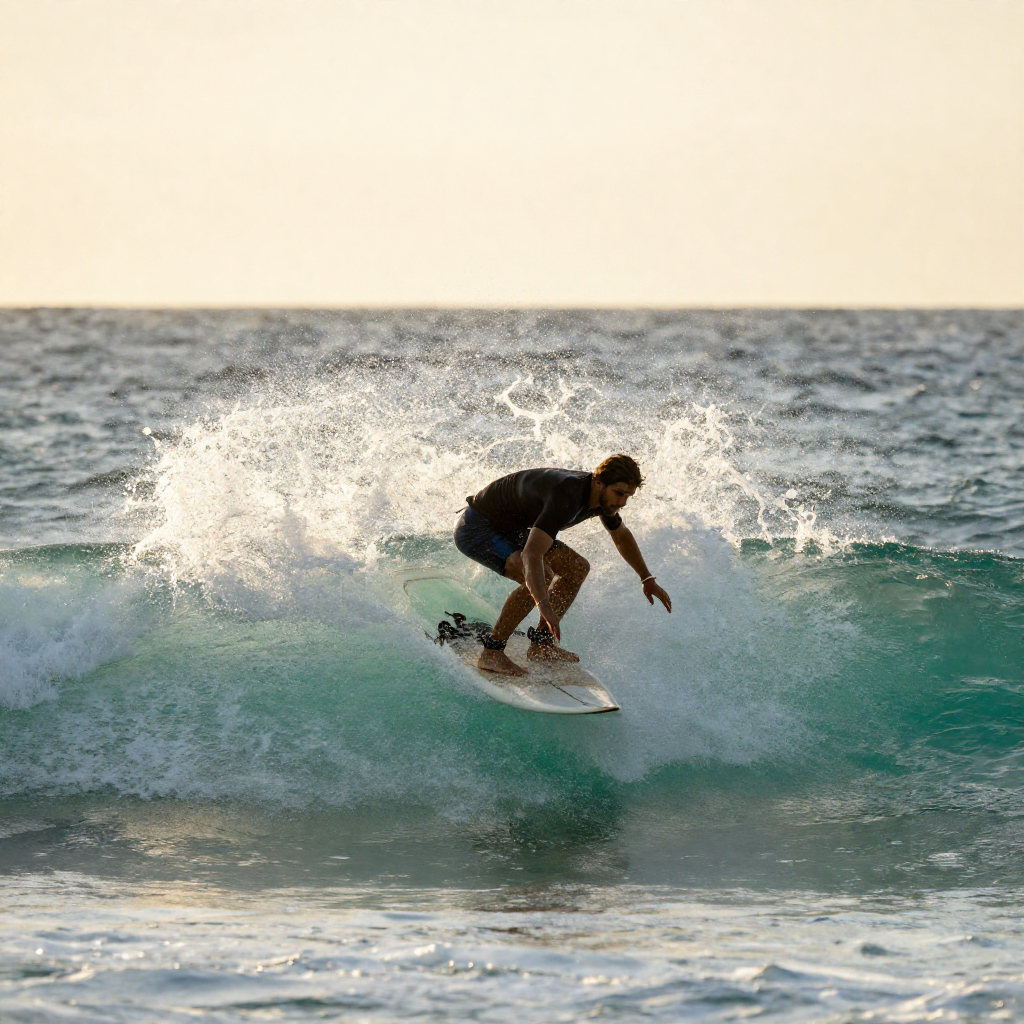
A surfer riding a turquoise wave at sunset
z-image-turbo

Abstract design
flux
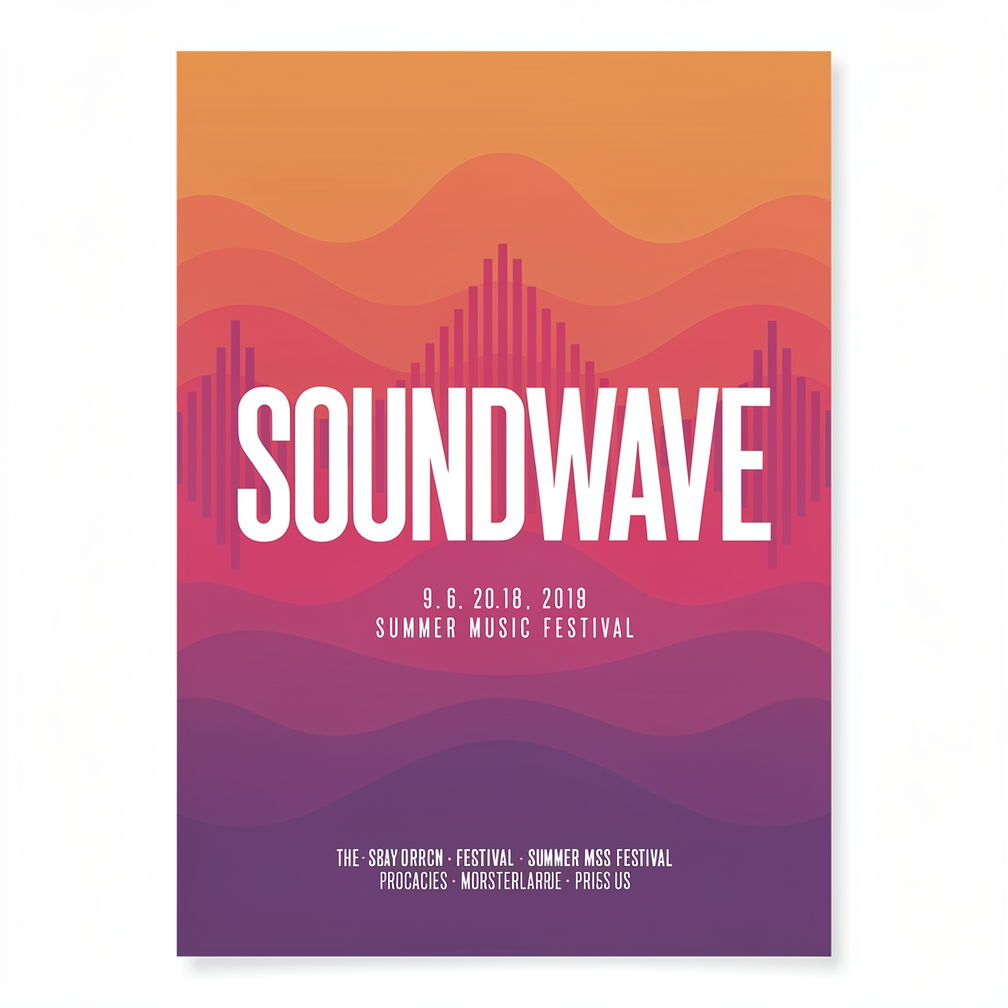
A bold minimalist poster for a summer music festival with the headline text SOUNDWAVE in l…
flux-2-pro
Models you can run on PixelDojo for wavespeed ai
Switch models without switching tools. Each one runs in the same PixelDojo studio.
What you can do with wavespeed ai on PixelDojo
Fast WaveSpeed Generation
We run WaveSpeed AI so you can turn prompts into still images with short wait times. Generate drafts and variants without leaving PixelDojo.
Prompt Driven Still Images
We support text prompts for WaveSpeed image generation, including subject, style, and composition details. Iterate on the same idea with new seeds and wording.
Studio Workflow Access
We place WaveSpeed beside your other PixelDojo tools so you can generate, compare, and keep outputs in one account. Download results and reuse them in later projects.
Creator Ready Outputs
We deliver WaveSpeed images in formats you can use for concepts, social posts, and production mockups. Adjust size and settings to match how you work.
Loved by thousands of creators worldwide who generate millions of WaveSpeed AI images. 40+ cutting-edge tools with consistent 4.8-star user feedback. Cancel anytime, no long-term commitment.
Why Choose Pixel Dojo for wavespeed ai
Professional-quality results with cutting-edge AI technology
Produce Professional Visuals in Seconds
You generate complete WaveSpeed AI images ready for ads, websites, or social posts almost instantly using Z Image Turbo and Flux.2 Studio. This speed lets you test multiple concepts in the time it used to take for one traditional render, keeping your projects moving and your inspiration flowing without delays.
Choose From Dozens of Specialized Models
You access Seedream 5 for rich detail, Nano Banana 2 for flexible editing, GPT Image 2 for precise text and composition, plus QWEN Image 2 and WAN Image all in one workspace. Comparing outputs side by side helps you pick the perfect look for portraits, products, or abstract art without leaving PixelDojo.
Deliver Commercial-Ready Files Every Time
You download high-resolution, watermark-free WaveSpeed AI images that work for print, web, and campaigns. Built-in enhancers like Reality Polisher, P-Image Upscale, and Background Remover ensure your files meet professional standards and can be used immediately in client work or personal brands.
How It Works
You create WaveSpeed AI images on PixelDojo through a straightforward three-step process that combines speed, choice, and refinement so anyone can achieve studio-quality results.
Step 1: Choose Your Tool
Log in and head to Generate Images. Select Flux.2 Studio when you need maximum photorealism and prompt accuracy, Z Image Turbo when speed matters most, Seedream 5 for high-fidelity scenes, or Nano Banana 2 and GPT Image 2 for versatile starting points. You can also explore QWEN Image 2 or WAN Image depending on the style you have in mind. This choice sets the foundation for your WaveSpeed AI image generation session.
Step 2: Enter Your Prompt
Type a clear, detailed description covering subject, lighting, mood, composition, and any specific elements you want. Include phrases like golden-hour lighting, cinematic depth, or clean product packaging to guide the model. You can add negative prompts to avoid unwanted details. PixelDojo’s interface makes it easy to experiment, so you quickly see how small wording changes produce better WaveSpeed AI images.
Step 3: Customize & Download
Review the generated image, then use Edit Images tools such as Image to Image, Inpainting, Style Transfer, Magic Lighting, or Change Camera Angle to perfect it. Apply Upscale & Enhance options like Magnific Upscaler or Portrait Upscaler if you need extra resolution. Once satisfied, download the file in your preferred format. You can also save characters with Consistent Characters or Character Sheets for future WaveSpeed AI projects.
The Pixel Dojo Advantage
Why PixelDojo outperforms other options for WaveSpeed AI image generation
| Others | Pixel Dojo |
|---|---|
| Traditional photography and illustration | You skip costly location scouting, model hiring, and post-production entirely. PixelDojo lets you generate any scene, lighting, or product variation on demand with Flux.2 Studio and Seedream 5, delivering finished WaveSpeed AI images in seconds instead of days. |
| Generic AI tools | You get 40+ dedicated models including Nano Banana 2, GPT Image 2, QWEN Image 2, WAN Image, Kling Image, and Ideogram 4 plus full editing and upscaling suites in one place. This variety and integrated workflow produce more consistent, higher-quality WaveSpeed AI results than limited single-model experiences. |
| Manual photo editing software | You replace hours of layering, masking, and retouching with AI-powered Image to Image, Inpainting, Background Remover, and Reality Polisher. PixelDojo handles the heavy lifting so your WaveSpeed AI images look polished and professional with minimal effort. |
Loved by creators on PixelDojo
Real feedback from people using PixelDojo, pulled from our in-product surveys.
It is a lot of fun to uae and easy too.
So many different models to try out
You keep adding to it to stay up to date and that is GOLD.
very easy to use and good support
Very easy to use
super easy to use
Explore more AI tools on PixelDojo
AI Tools
Compare & Switch
- Best AI Image Generators
- Best AI Video Generators
- Midjourney Alternatives
- Civitai Alternatives
- Runway Alternatives
- Leonardo Alternatives
- Pika Alternatives
- Luma Alternatives
- Magnific Alternatives
- Veo Alternatives
- Flux Alternatives
- Freepik Alternatives
- Seedance Alternatives
- Seedream Alternatives
- Pixverse Alternatives
- GPT Image Alternatives
- Synthesia Alternatives
- Playground Alternatives
- NightCafe Alternatives
- Canva AI Alternatives
- ElevenLabs Alternatives
- ComfyUI Alternatives
- Fal Alternatives
- Replicate Alternatives
Common Questions
Everything you need to know about wavespeed ai
What is WaveSpeed AI image generation and how do I start on PixelDojo?
WaveSpeed AI image generation describes the fast, high-quality creation of visuals from text using advanced models that prioritize speed and fidelity. On PixelDojo you simply choose a tool such as Z Image Turbo or Flux.2 Studio, enter a descriptive prompt, and receive a finished image in seconds. You can then refine it with built-in editors. This approach lets you produce marketing assets, concept art, and social content without technical expertise or long wait times.
Which PixelDojo tools work best for photorealistic WaveSpeed AI images?
Flux.2 Studio and Seedream 5 excel at photorealistic WaveSpeed AI images with accurate lighting, textures, and anatomy. Nano Banana 2 and GPT Image 2 also deliver strong realism while adding excellent editing capabilities. Combine them with Reality Polisher and P-Image Upscale to reach print-ready quality. You can generate multiple versions quickly and pick the one that matches your brand or campaign perfectly.
Can I use WaveSpeed AI images created on PixelDojo for commercial projects?
Yes. Most outputs from PixelDojo’s Generate Images tools, including Flux.2 Studio, Seedream 5, GPT Image 2, and QWEN Image 2, support commercial use. You receive high-resolution files without watermarks that are suitable for advertising, e-commerce, packaging, and client work. Always review the specific model terms inside your account, but the majority of creators use these images freely in professional settings.
How do I make consistent characters across multiple WaveSpeed AI images?
Use PixelDojo’s Characters & Faces tools such as Consistent Characters, Character Sheets, Ideogram Character, and Face Swap. Generate a base character once with Flux.2 Studio or Seedream 5, then reuse the reference in later prompts or apply LoRA Face Swap. This workflow keeps faces, outfits, and styles matching across an entire series of WaveSpeed AI images, which is ideal for storytelling, branding, or product lines.
What editing options are available after generating a WaveSpeed AI image?
PixelDojo offers a full Edit Images suite including Image to Image, Inpainting, Change Camera Angle, Style Transfer, Magic Lighting, Background Remover, Image Outpainting, and Reality Polisher. You can also upscale with Magnific Upscaler, Creative Upscaler, or Portrait Upscaler. These tools let you correct details, change lighting, extend scenes, or prepare files for different platforms without starting over, giving you complete control over your WaveSpeed AI results.
Is there a risk-free way to try WaveSpeed AI image generation on PixelDojo?
Absolutely. PixelDojo lets you try 40+ cutting-edge tools immediately. You can generate your first WaveSpeed AI images, explore Flux.2 Studio, Z Image Turbo, Seedream 5, and more, then decide. There is no long-term lock-in—you can cancel anytime. Thousands of creators worldwide already use the platform daily because it removes friction and delivers professional outcomes from the very first session.