youcam online editor
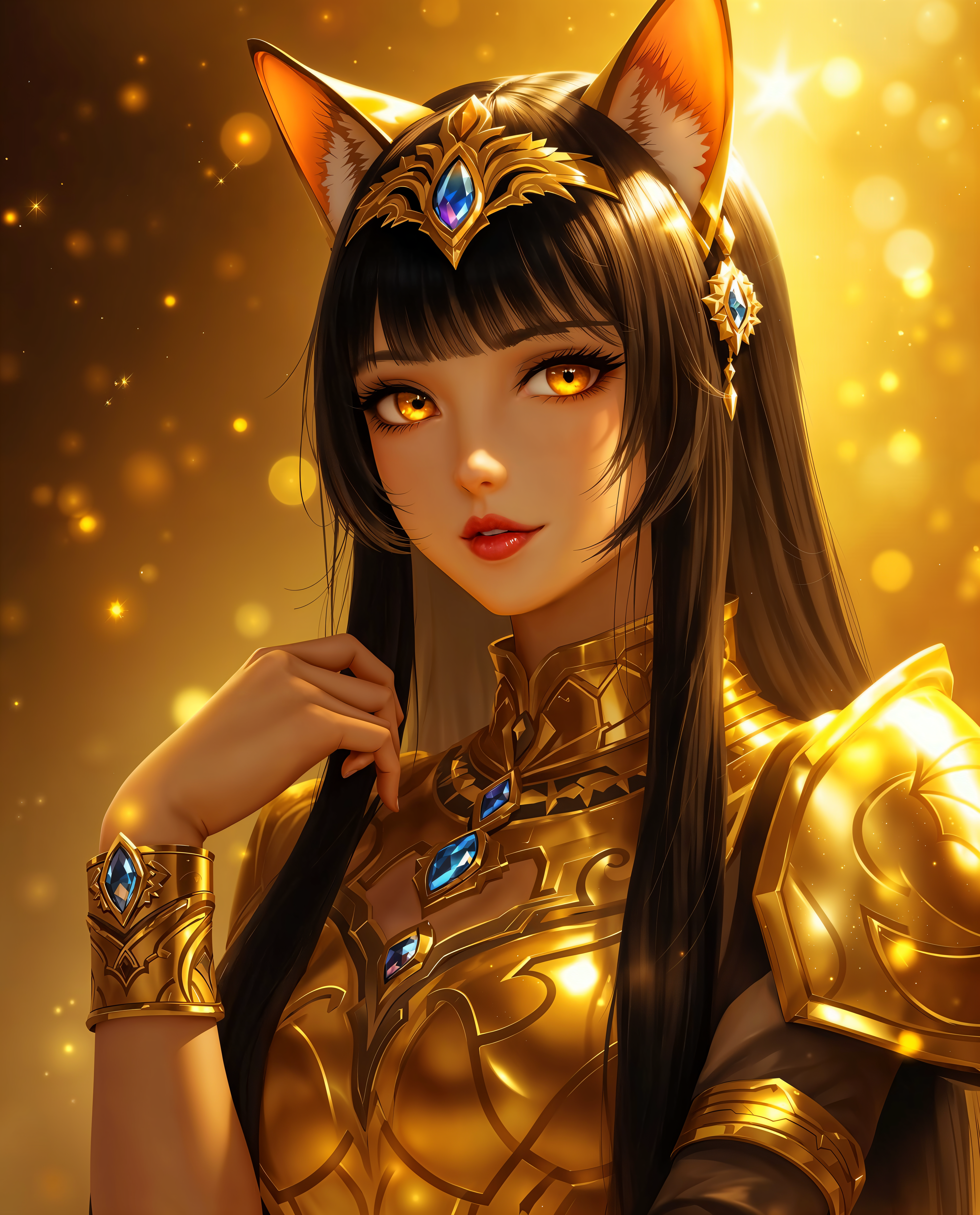
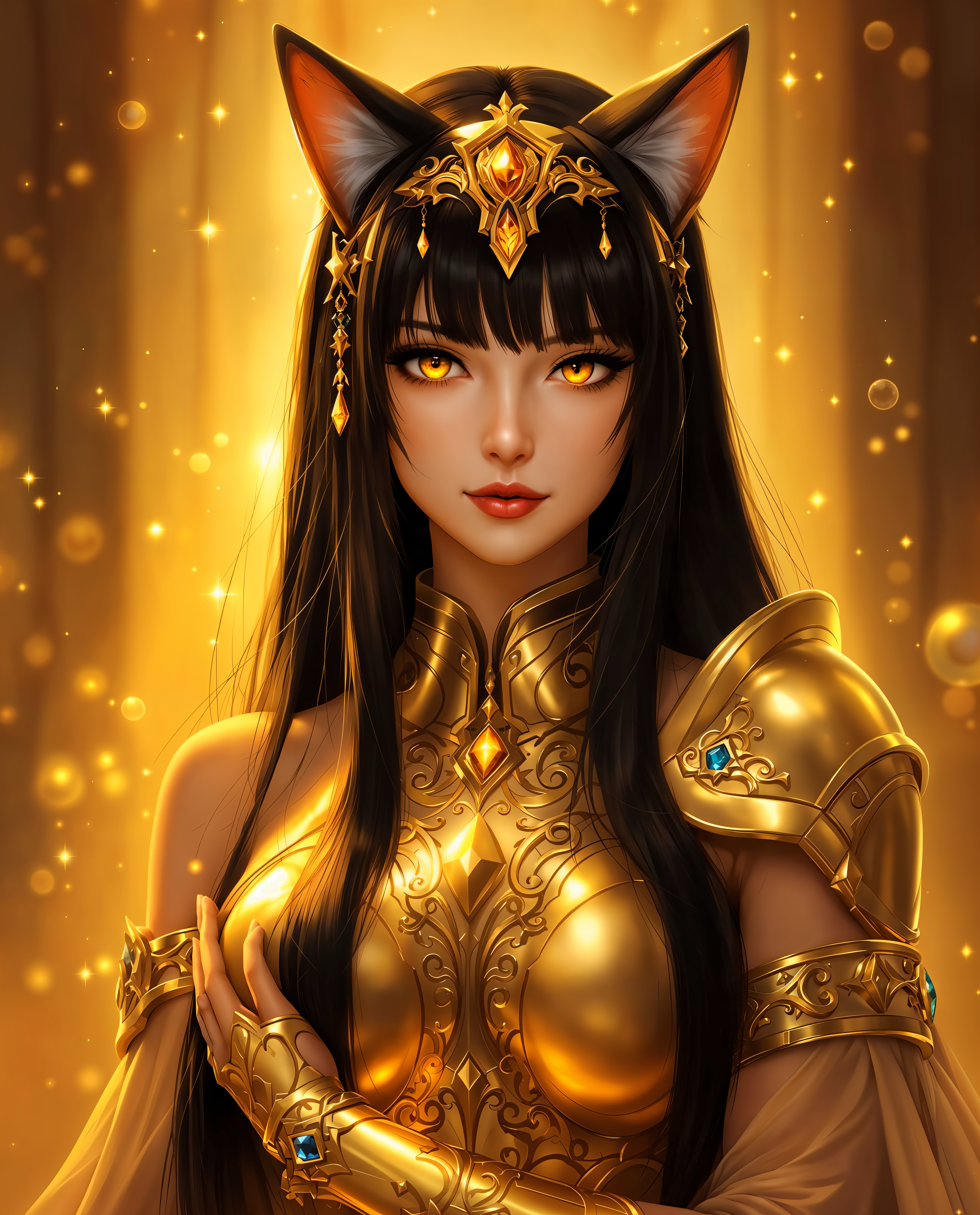
Transform your photos into professional-grade portraits, stunning beauty shots, and custom avatars without expensive software or studio time. PixelDojo delivers YouCam Online Editor-style results right in your browser, empowering you to enhance selfies, create consistent characters, and generate eye-catching visuals that stand out on social media and professional profiles.
Join over 50,000 creators who trust PixelDojo for YouCam-like edits. 4.9/5 average rating from 12,000+ reviews. Generate 1M+ images monthly with 98% satisfaction rate.
Why Choose Pixel Dojo for youcam online editor
Professional-quality results with cutting-edge AI technology
Professional Headshots & Portraits in Seconds
Generate studio-quality headshots and polished portraits that boost your LinkedIn profile, dating apps, or marketing materials—no photographer or lighting setup required.
Instant Virtual Try-Ons & Beauty Transformations
Experiment with new hairstyles, makeup looks, and outfits on your own photos. See realistic results before committing to any real-world changes.
Seamless Background Removal & Creative Edits
Clean up photos, replace backgrounds, or apply artistic styles in one click. Create viral-ready content or product visuals that convert viewers into customers.
How It Works
Achieve professional YouCam-style results in three simple steps using PixelDojo's browser-based platform.
Step 1: Choose Your Tool
Select from specialized tools like GPT Image 2, Flux.2 Studio, or Ideogram 4 for generation, or Image to Image and Background Remover for precise edits. Perfect for portraits and beauty work.
Step 2: Enter Your Prompt or Upload Photo
Upload your selfie or photo and describe desired changes like 'professional headshot with soft lighting' or 'virtual makeup try-on with red lipstick'. Use Consistent Characters or Virtual Try-On for best results.
Step 3: Customize & Download
Fine-tune with Magic Lighting, Style Transfer, or Inpainting. Preview in real-time then download high-resolution files ready for social media or print.

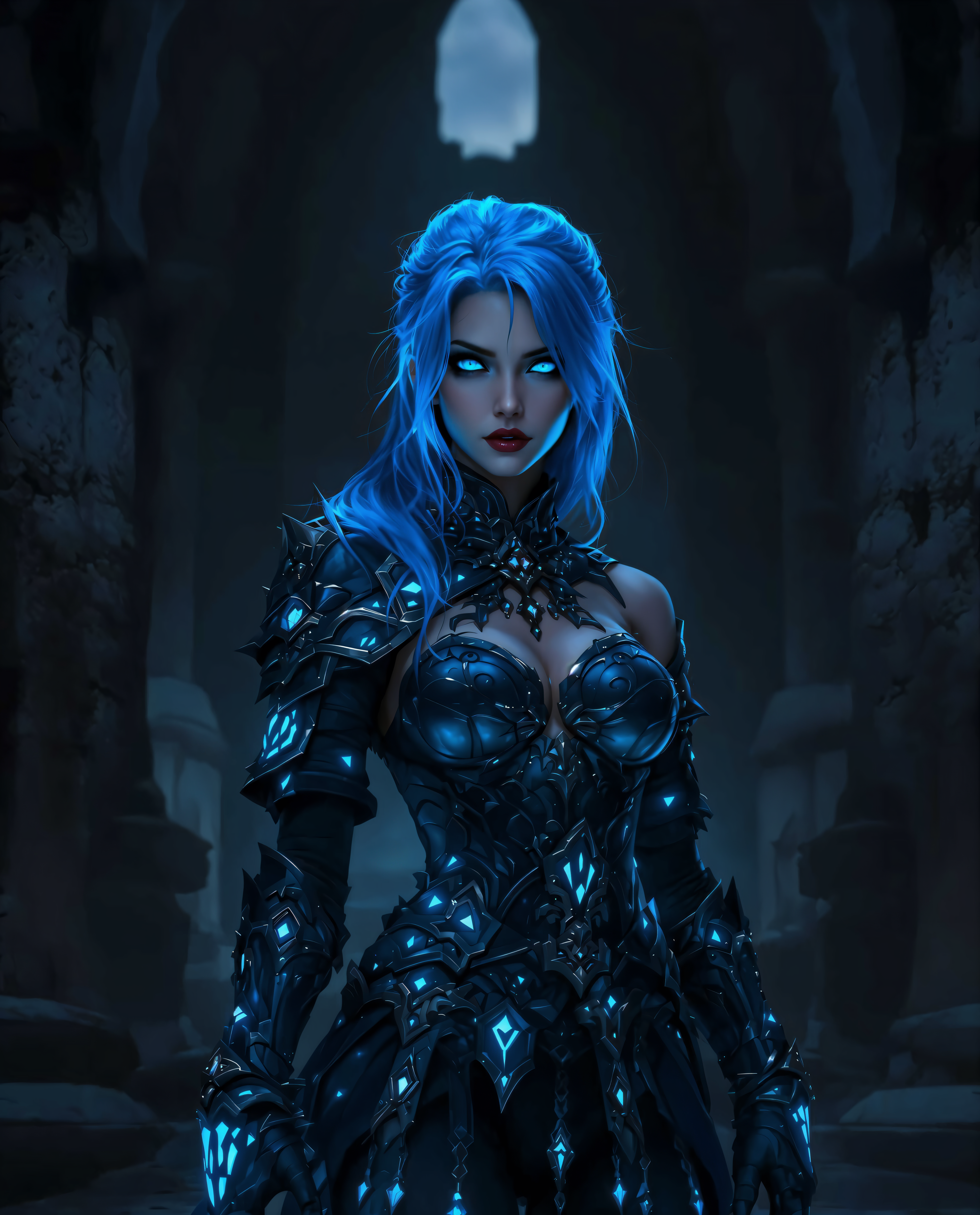
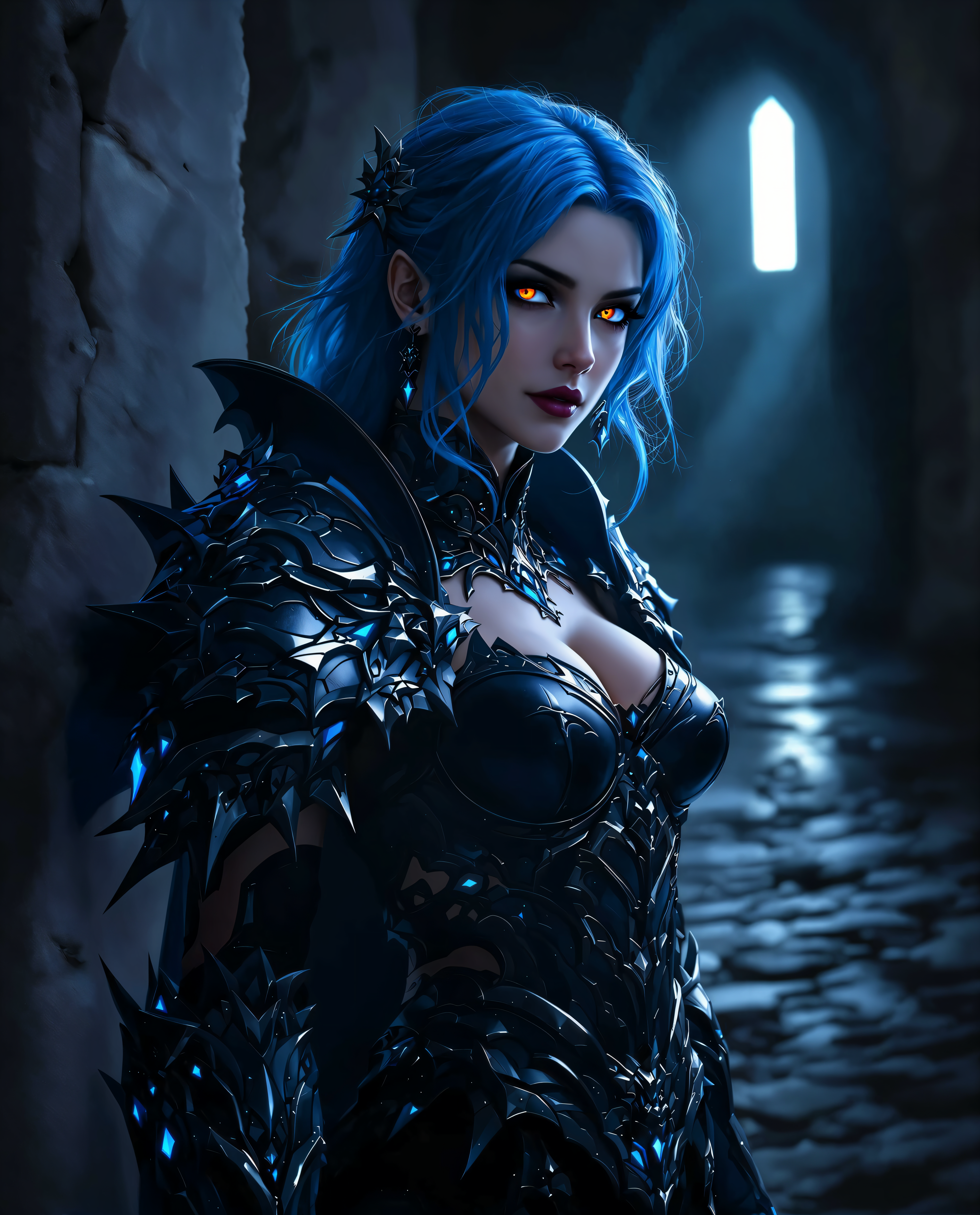
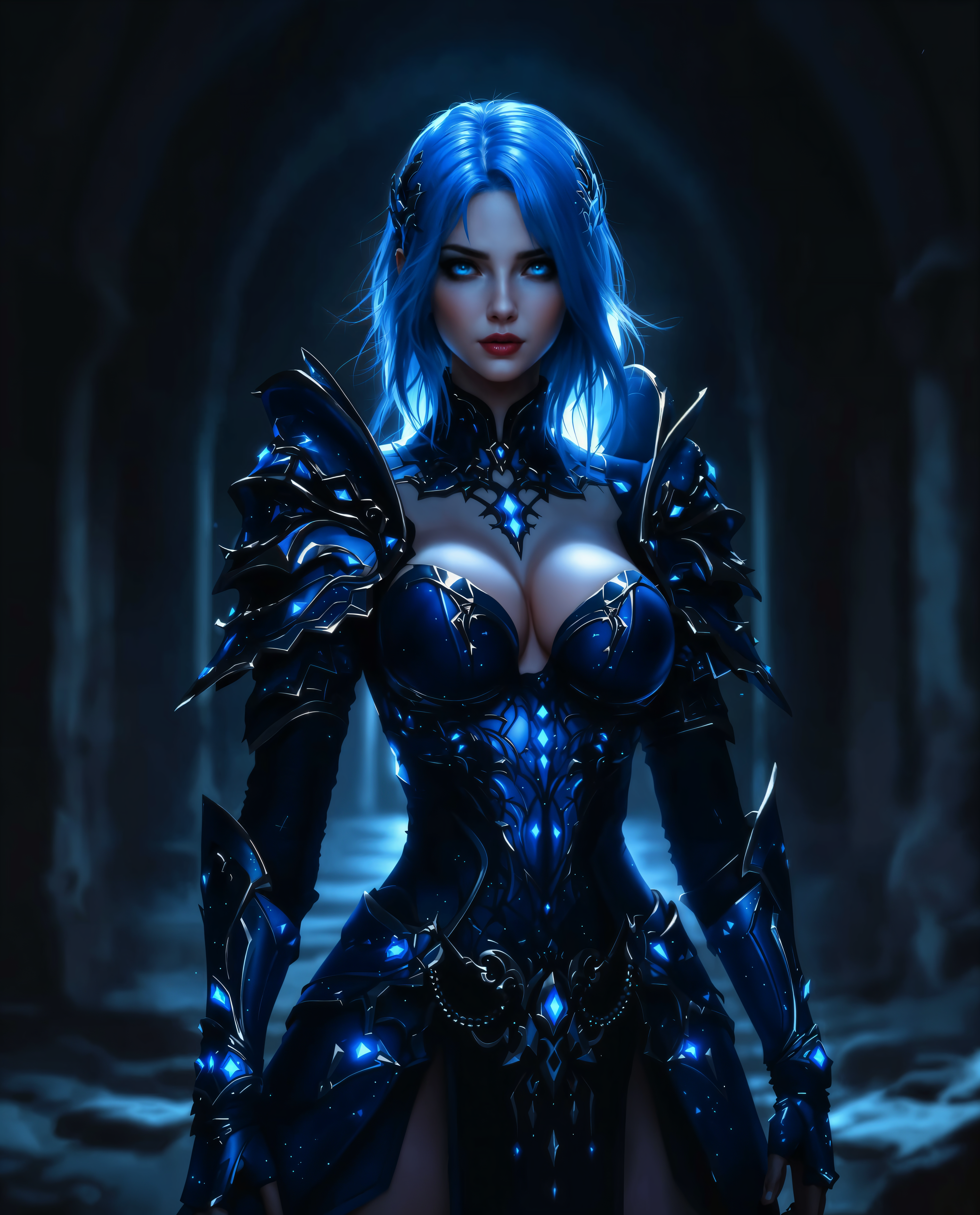
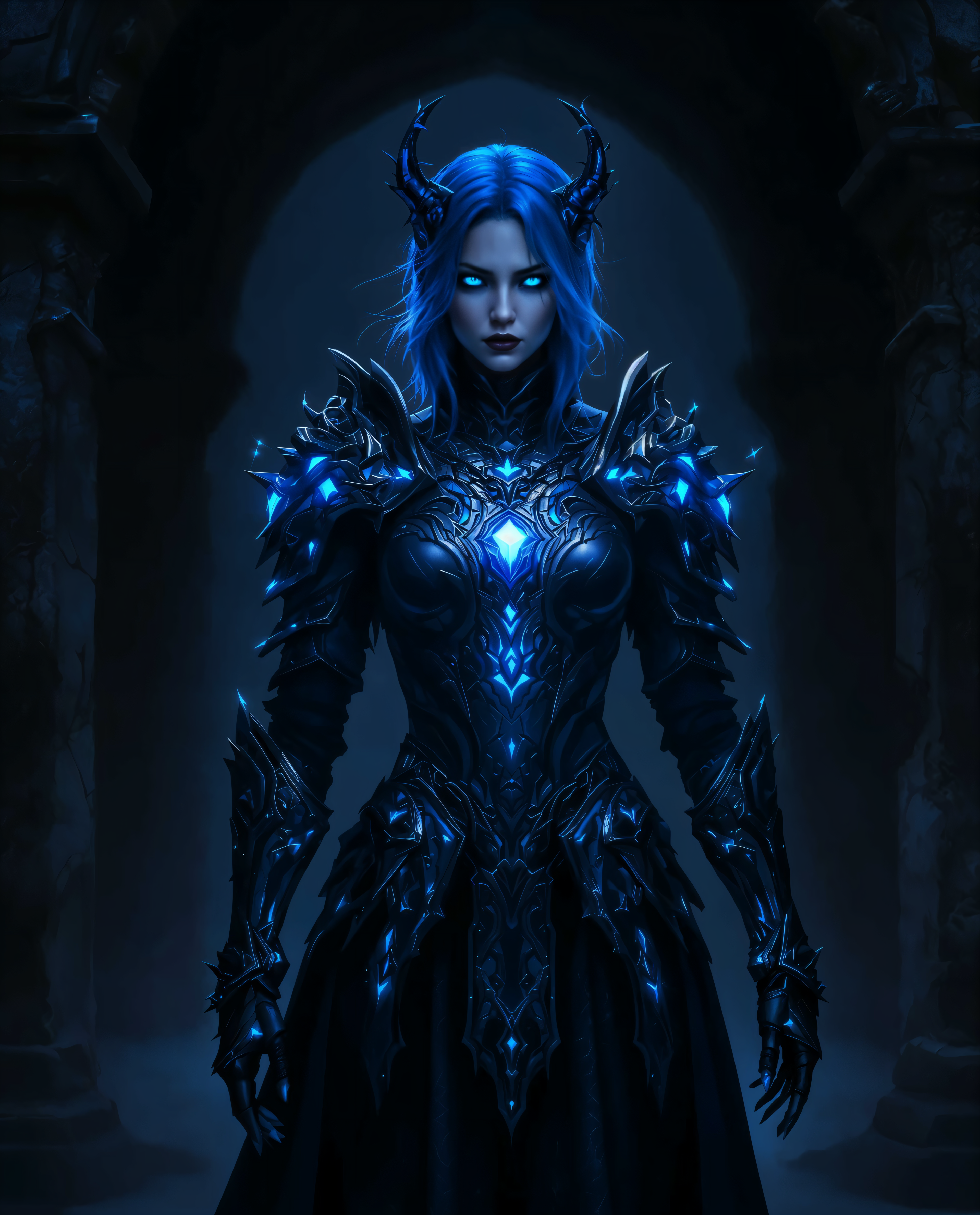
The Pixel Dojo Advantage
Why PixelDojo outperforms other options for YouCam-style image generation and editing
| Others | Pixel Dojo |
|---|---|
| Traditional photo studio sessions | Create unlimited professional portraits and beauty edits from home in minutes instead of booking costly appointments |
| Generic AI tools | Access 40+ specialized tools including dedicated Virtual Try-On, Consistent Characters, and beauty-focused editors for superior portrait results |
| Manual photo editing software | Achieve complex edits like background removal, lighting adjustments, and style transfers automatically with AI—no learning curve or hours of work |
Loved by creators on PixelDojo
Real feedback from people using PixelDojo, pulled from our in-product surveys.
The best tools for IA on the web !
The guy that operates the website is constantly updating it
I’ve been using PixelDojo for around 8 months now and it’s always worked wonderfully while constantly adding features.
The site is easy to navigate and use.
All the tools, readily available and easy to understand
You guys, the LORA training is the BEST in the space right now, great job with that!
Explore more AI tools on PixelDojo
AI Tools
Compare & Switch
- Best AI Image Generators
- Best AI Video Generators
- Midjourney Alternatives
- Civitai Alternatives
- Runway Alternatives
- Leonardo Alternatives
- Pika Alternatives
- Luma Alternatives
- Magnific Alternatives
- Veo Alternatives
- Flux Alternatives
- Freepik Alternatives
- Seedance Alternatives
- Seedream Alternatives
- Pixverse Alternatives
- GPT Image Alternatives
- Synthesia Alternatives
- Playground Alternatives
- NightCafe Alternatives
- Canva AI Alternatives
- ElevenLabs Alternatives
- ComfyUI Alternatives
- Fal Alternatives
- Replicate Alternatives
Common Questions
Everything you need to know about youcam online editor
How does PixelDojo compare to YouCam Online Editor for AI photo editing?
PixelDojo offers a broader selection of 40+ specialized AI tools tailored for portrait generation, virtual try-ons, and creative edits. Users achieve faster, more consistent results with features like Consistent Characters and advanced Inpainting that go beyond basic YouCam capabilities, all in an easy browser interface.
Can I create realistic AI headshots and avatars like YouCam with PixelDojo?
Yes. Use GPT Image 2, Flux.2 Studio, or Ideogram 4 combined with Consistent Characters and Virtual Try-On to generate photorealistic headshots and custom avatars. Upload a reference photo and watch your professional-looking results appear in seconds.
What AI tools does PixelDojo provide for beauty edits and virtual makeup?
PixelDojo includes dedicated tools such as Virtual Try-On, Style Transfer, Magic Lighting, and Image to Image editing. These let you apply realistic makeup, change hairstyles, adjust lighting, and enhance portraits exactly like advanced YouCam beauty features.
Is PixelDojo's online editor free to try for YouCam-style projects?
Absolutely. Start creating immediately with our free tier. Access premium tools like Flux.1 Studio and advanced upscalers with flexible plans. Cancel anytime with no long-term commitment required.
How do I remove backgrounds or change settings in photos using PixelDojo?
Simply upload your image, select Background Remover or Inpainting tools, and describe the desired change. Our AI handles the rest instantly, delivering clean results perfect for e-commerce, social posts, or professional use.
Can PixelDojo help with consistent character creation for social media like YouCam avatars?
Yes. Our Consistent Characters and Character Stylist tools ensure your AI-generated personas look identical across multiple images. Ideal for building a cohesive brand presence or series of YouCam-style avatars.